Inline & Contextual
Midjourney Web
Midjourney
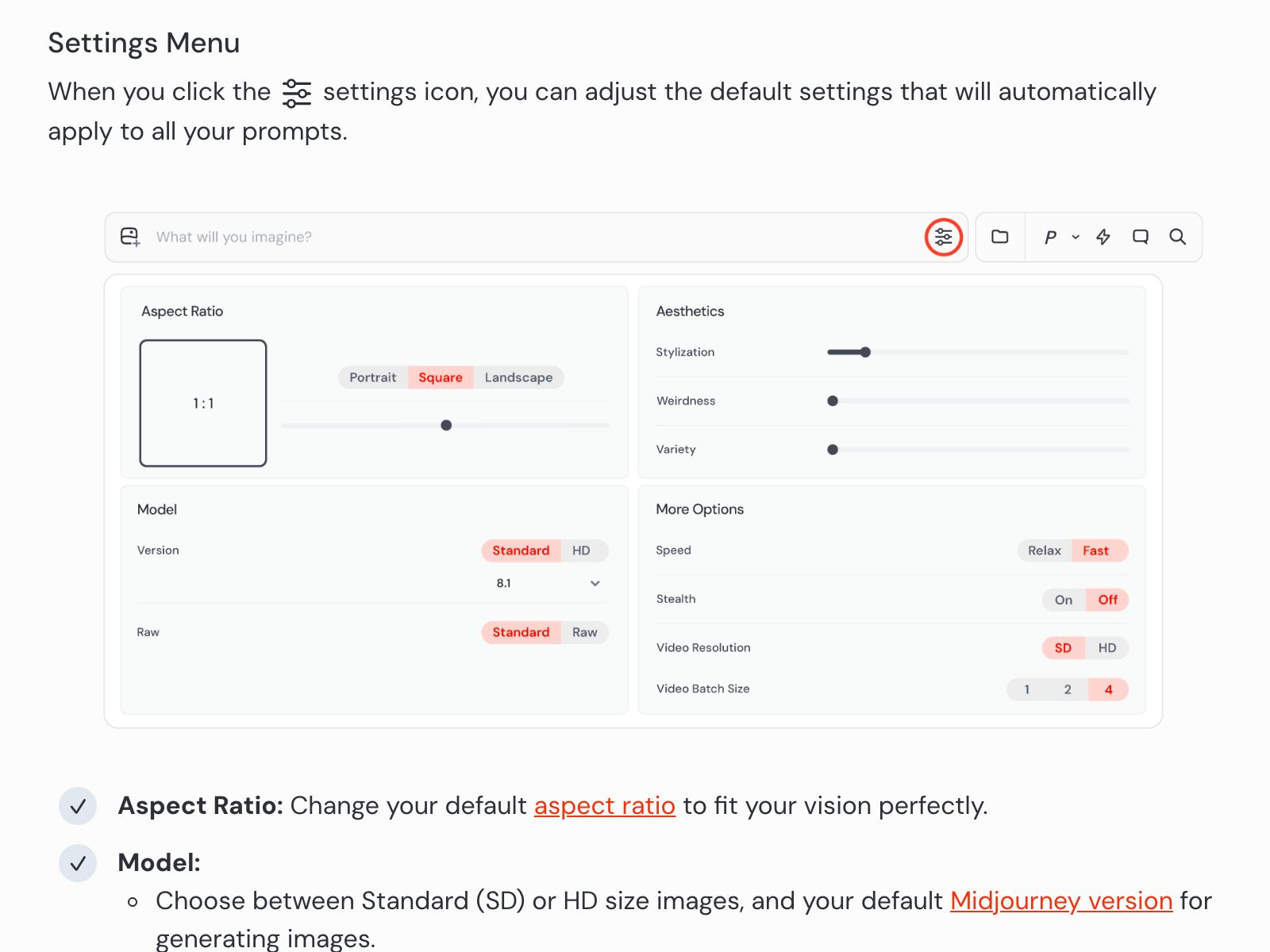
Aesthetics drawer beside the prompt — Stylization (0–1000), Weirdness, Variety as sliders. Every value visible, every value reproducible.
In the wild
Real implementations from real products. Each entry pairs a pattern with where it shipped, how it got applied, and what the team traded off. Filter by category or jump straight to the source.
Midjourney Web
Midjourney
Aesthetics drawer beside the prompt — Stylization (0–1000), Weirdness, Variety as sliders. Every value visible, every value reproducible.
Adobe Firefly
Adobe
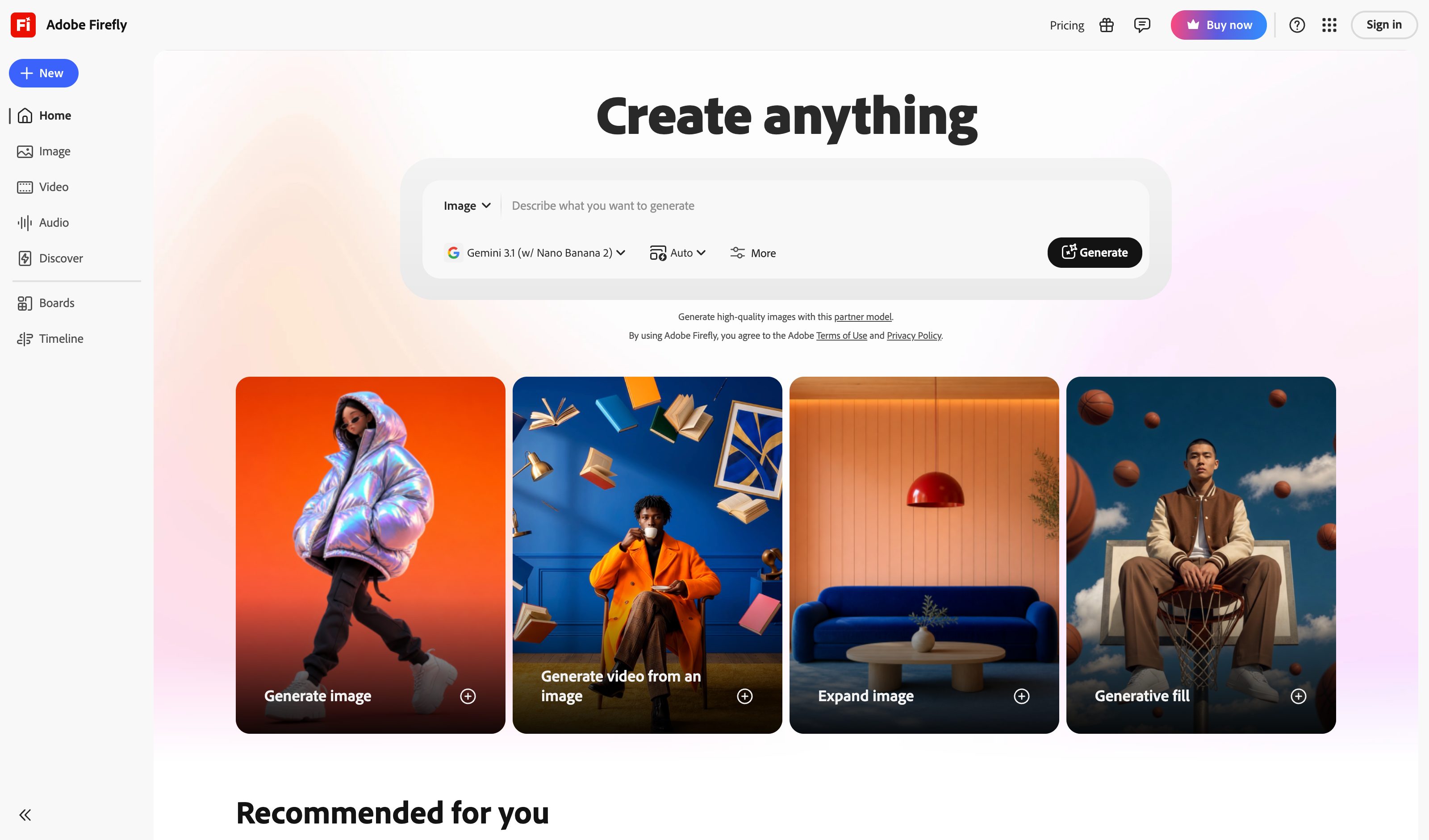
Right-rail panel with aspect ratio, content type, content class, style references, structure references, lighting, composition, color & tone — all GUI controls, prompt focuses on subject.
Runway ML
Runway
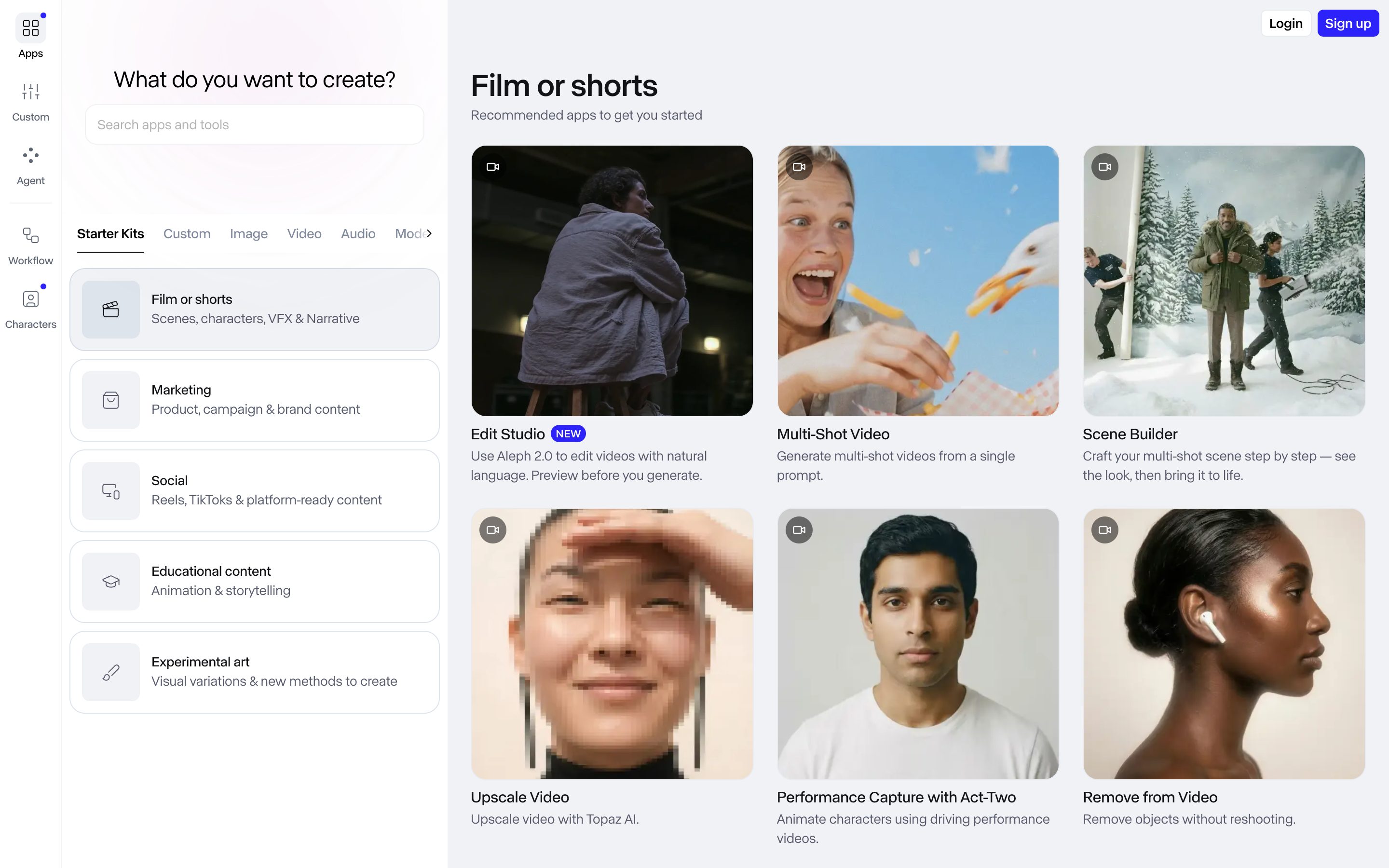
Gen-4 generation panel exposes Duration, Resolution, Fixed-Seed slider, Reference image controls — chat would need eight parameters on one line.
Todoist Quick Add
Doist
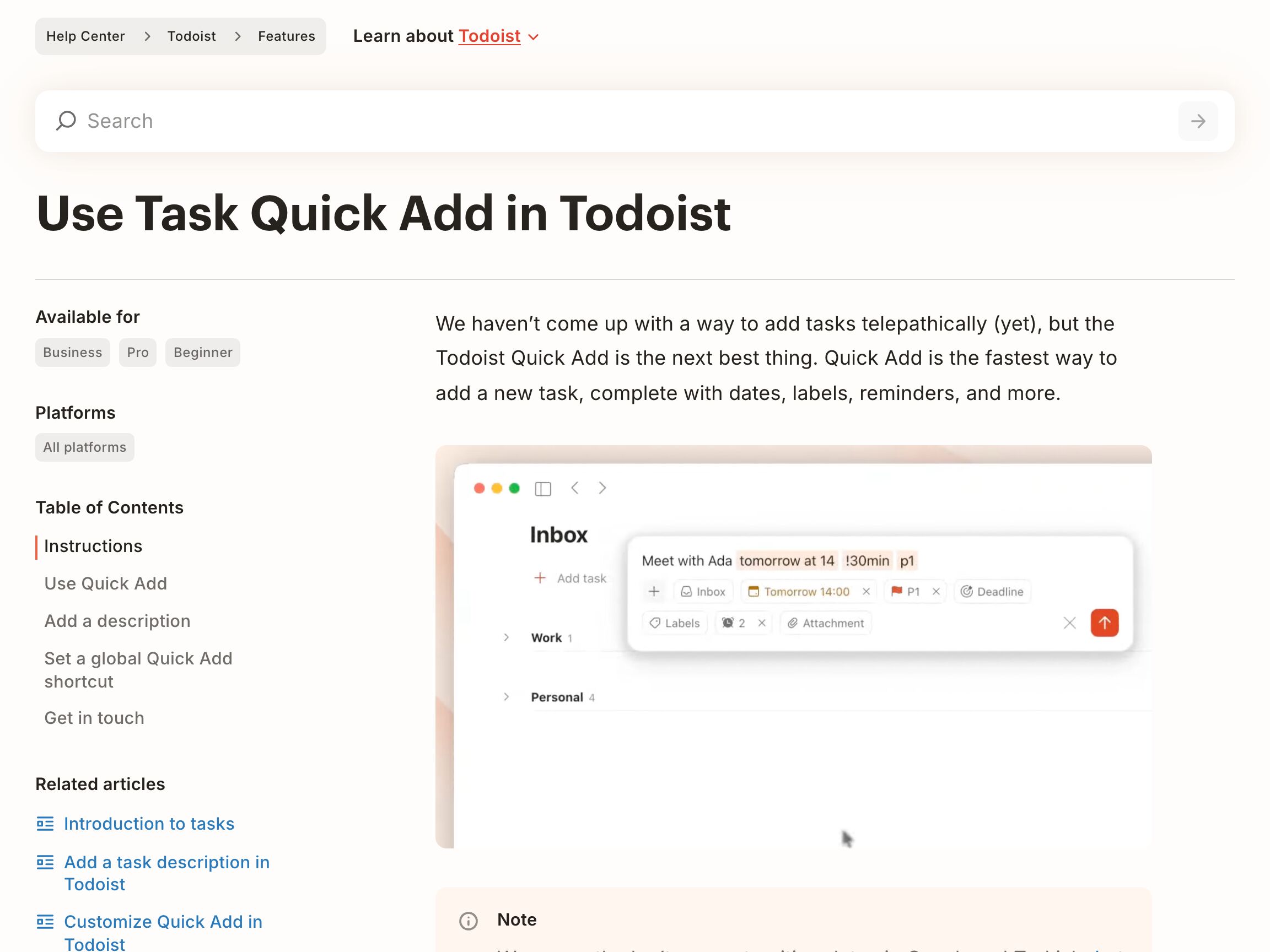
Adjacent — not generative AI, but the closest shipping parse. You type one line ("Meet with Ada tomorrow at 14 !30min p1"); Quick Add highlights the date, reminder and priority in place and mirrors each as a chip below, and the line stays the source of truth. Click a highlighted word to un-parse it. The parse covers a fixed grammar (dates, %labels, p1–p3, !reminders, +assignees), not free prose.
Runway Gen-4 Prompt + References
Runway
Adjacent — not exact. Runway pairs a free-text prompt with structured reference images and parameter controls rather than parsing typed syntax back into surfaced fields. Closer to slot-filling than to true parse-and-surface.
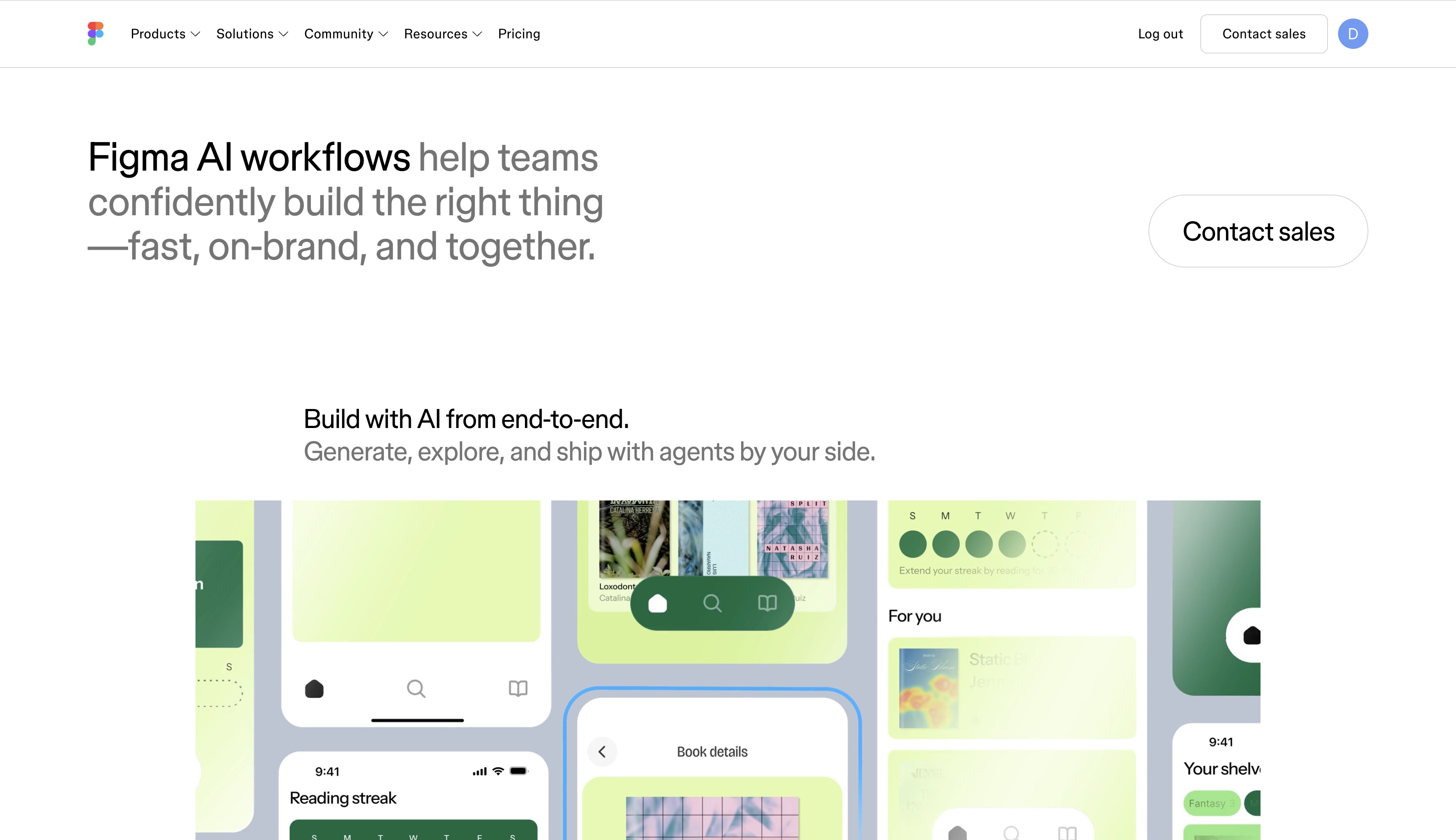
Figma AI Tone
Figma
Tone dial inside an axis with presets Executive / Technical / Basic / Educational. Direct-manipulation 2D pad — exactly the pattern.
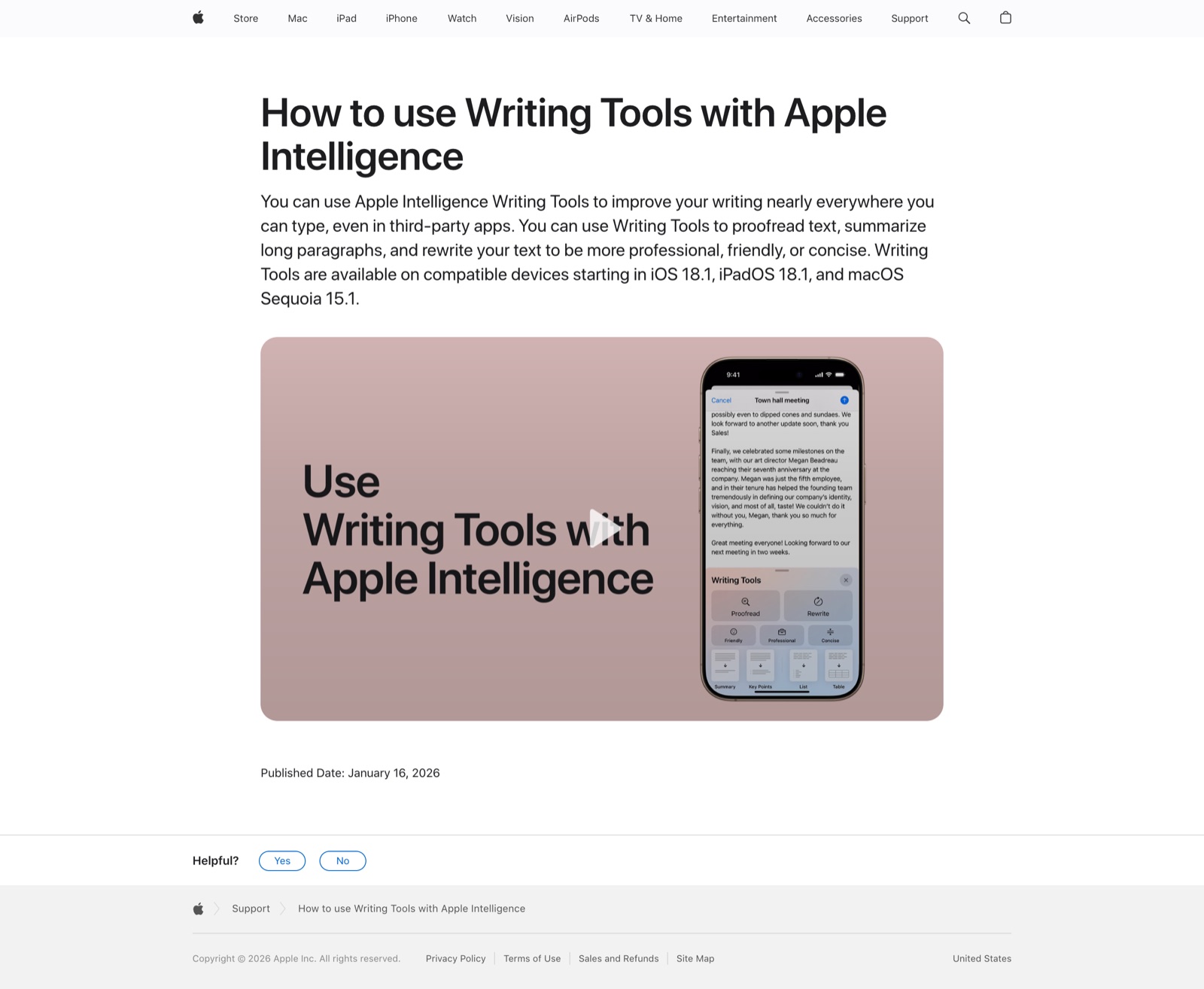
Apple Intelligence Writing Tools
Apple
Select text → Writing Tools → Friendly / Professional / Concise preset chips with one-tap rewrite. Not a 2D pad, but the closest preset-driven tone manipulation in a major OS.
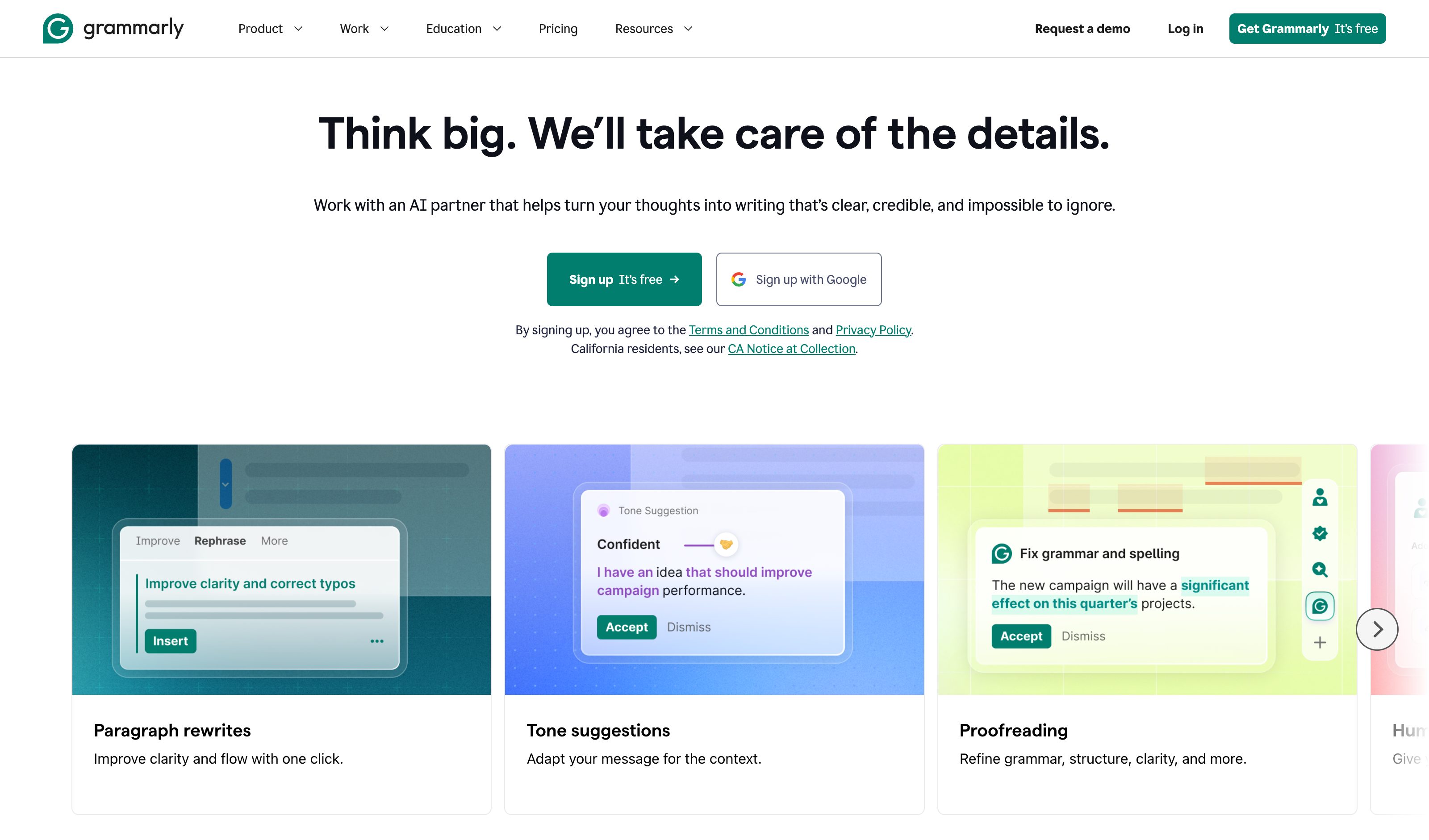
Grammarly Tone Setter
Grammarly
Tone detector + tone setter: the system reflects detected tone back to the user via emoji indicators before suggesting a target. Caveat — detection-plus-presets, not a continuous 2D surface.
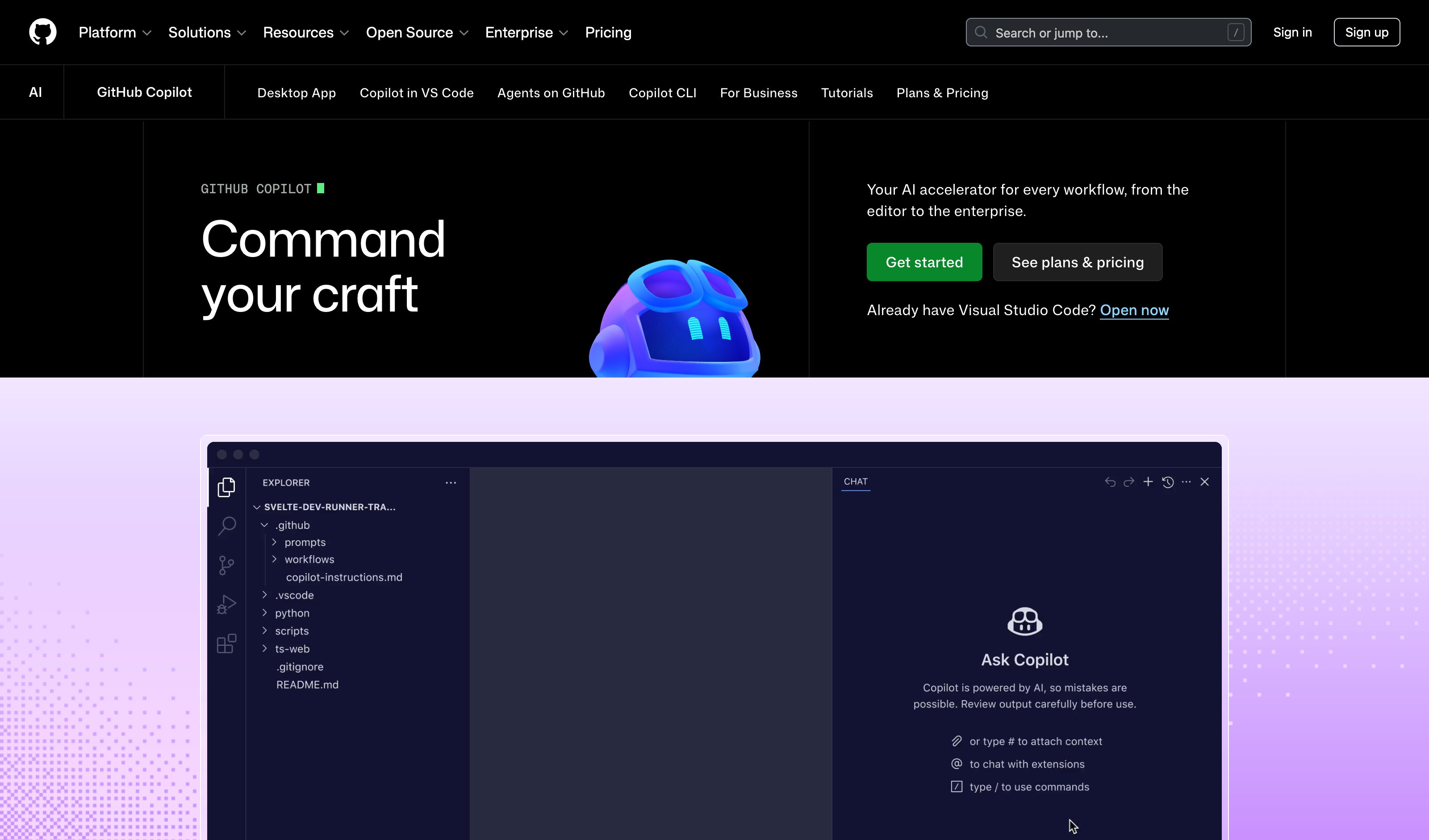
GitHub Copilot
GitHub
Multi-line ghost completions render directly at the cursor in VS Code; Tab accepts, Esc dismisses. The prompt is the surrounding code itself.
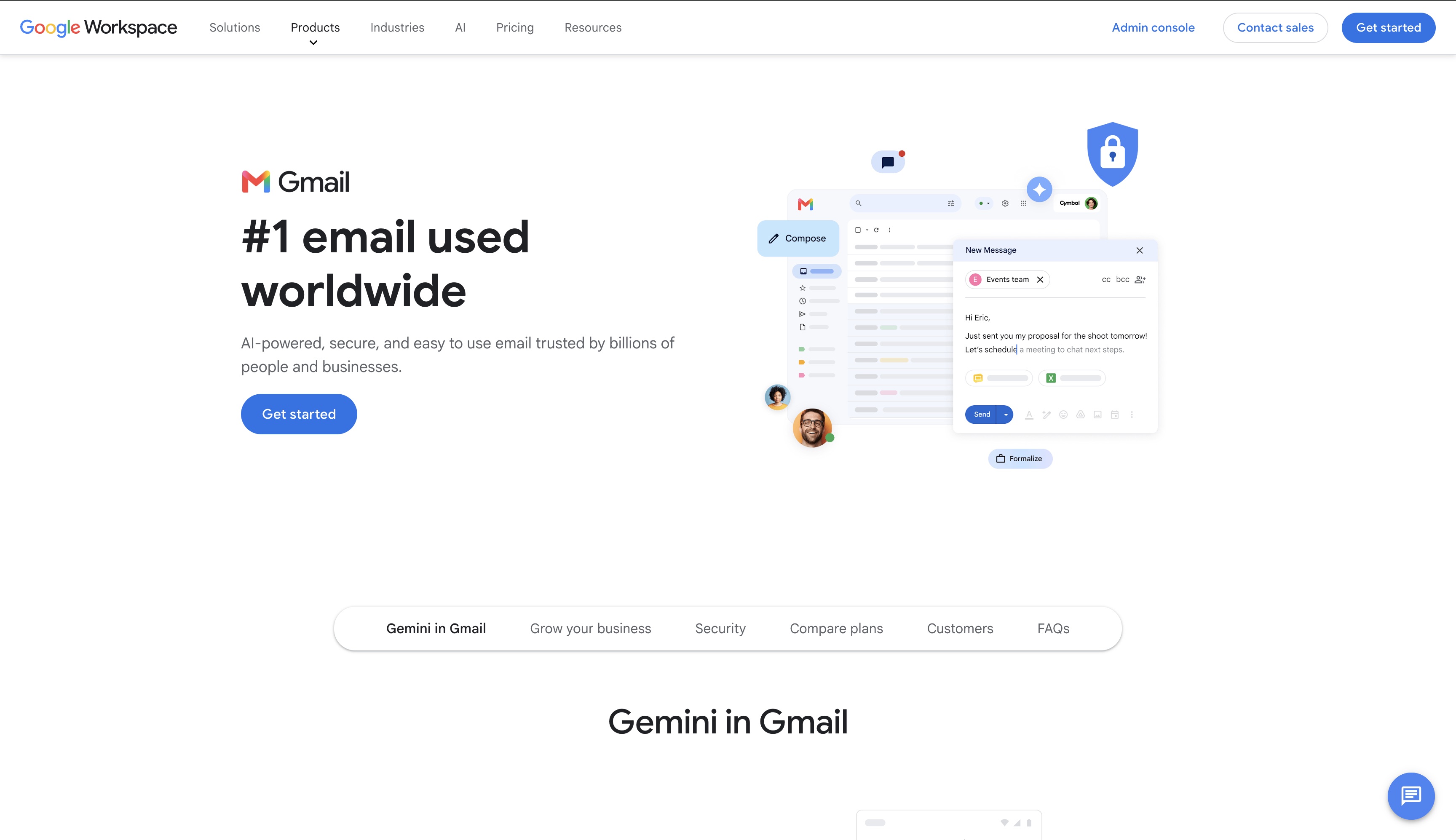
Gmail Smart Compose
Grayed-out predictive completions extend mid-sentence; one Tab keystroke completes the phrase, no separate panel involved.
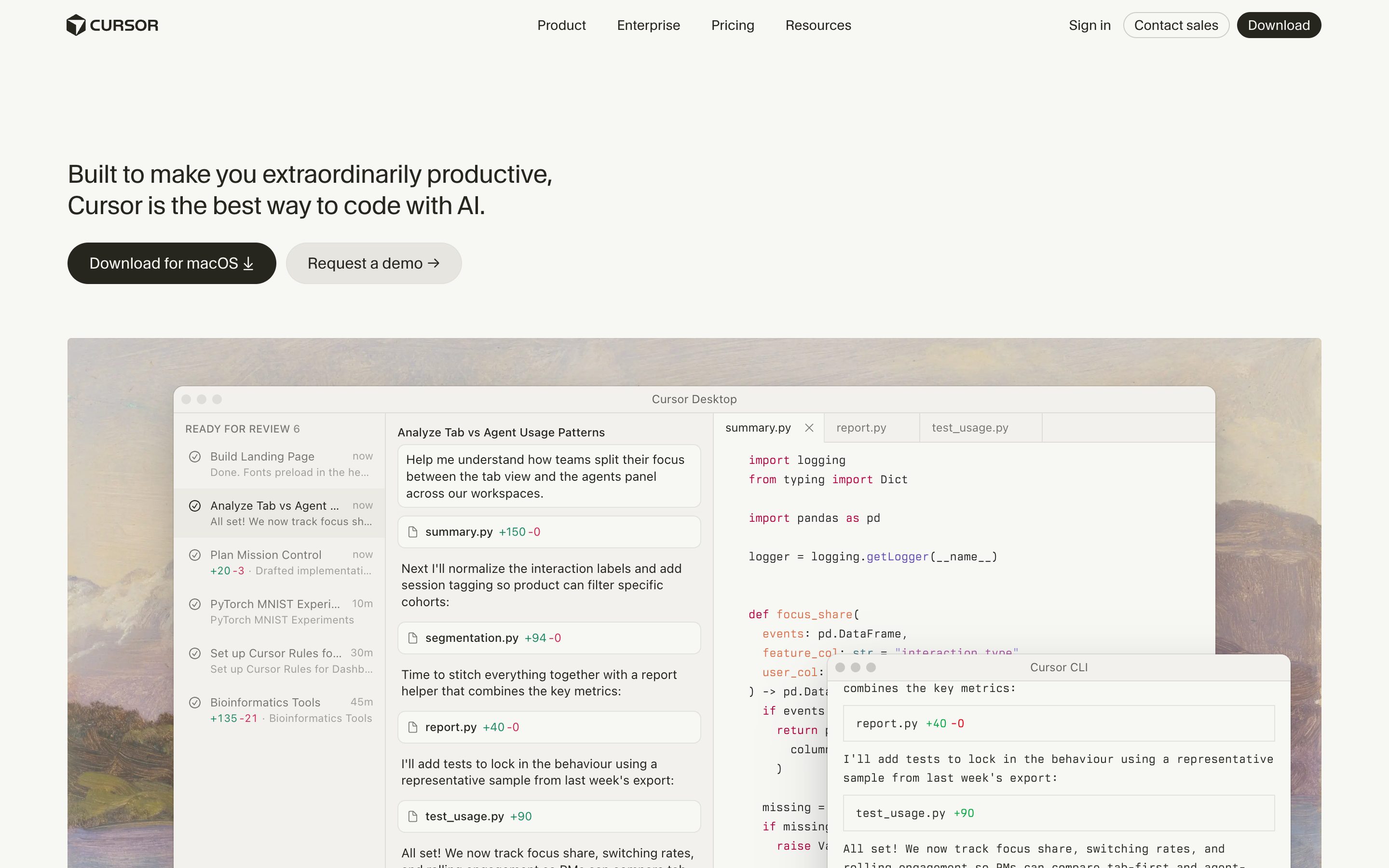
Cursor Tab
Cursor
Muted ghost text + multi-line + next-edit-prediction across files — the strongest current incarnation of the pattern.
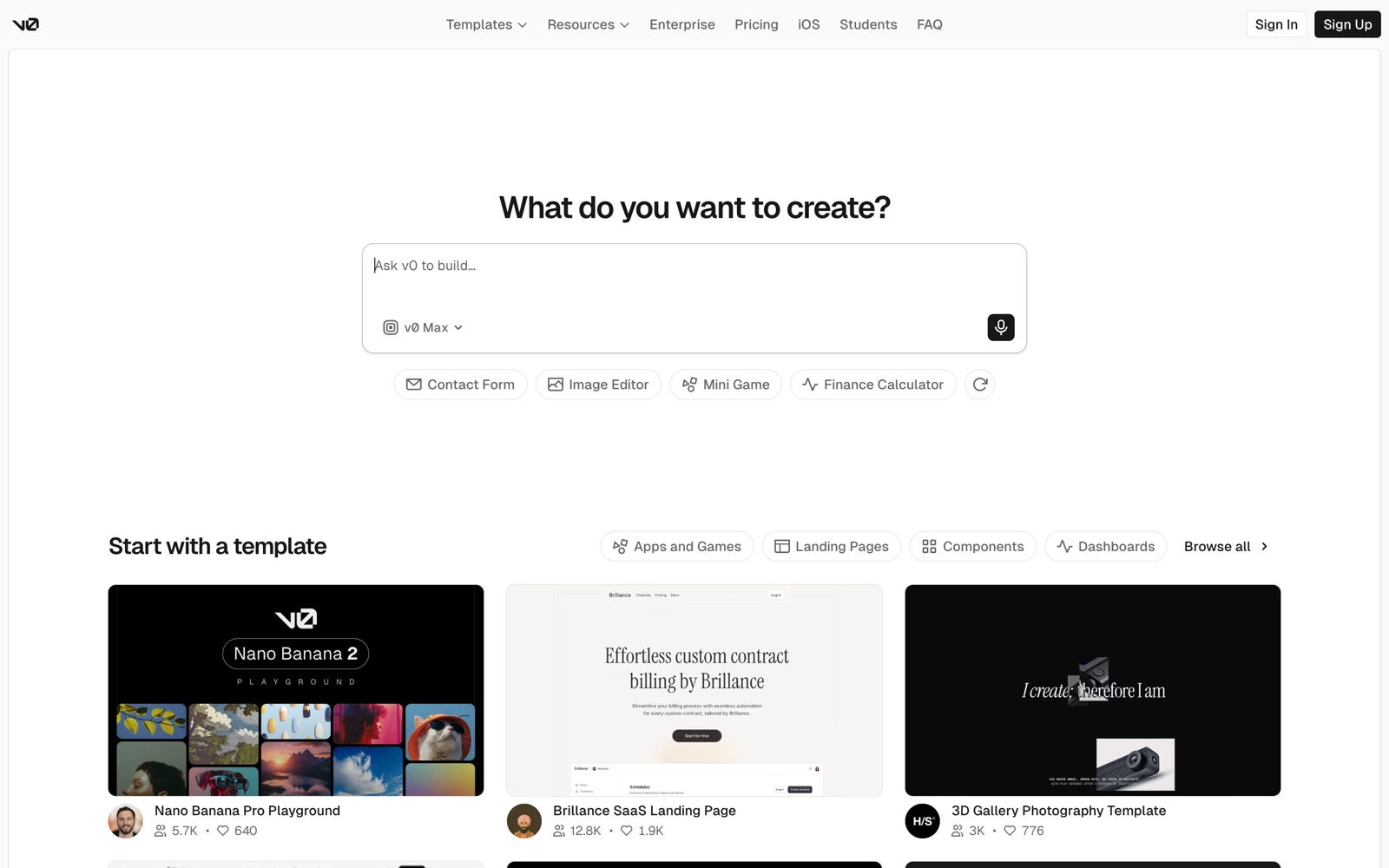
v0 by Vercel
Vercel
Prompt produces React/Tailwind components rendered live in a sandbox runtime — the answer IS the interface, not a description of one.
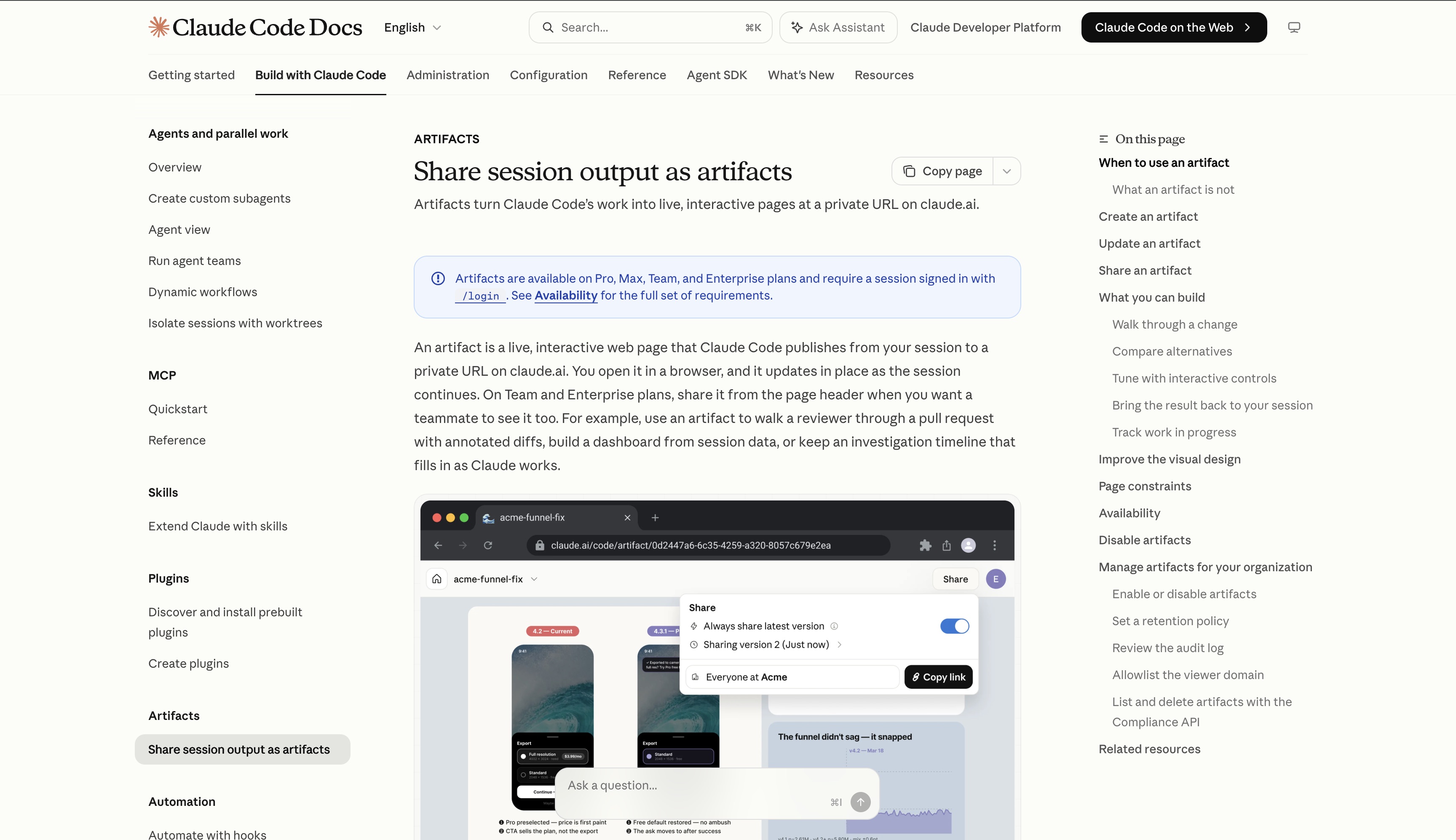
Claude Artifacts
Anthropic
Fully interactive React/Recharts components render live in a side panel. The cleanest hero — Anthropic explicitly framed this as on-demand generative UI.
Gemini Deep Research
Reports natively render charts, infographics, and HTML visualizations inline instead of describing data in prose. The Apr 2026 launch on Gemini 3.1 Pro made this the hero UX.
Claude Code Plan Mode
Anthropic
Plan mode (Shift+Tab, `/plan`, or `--permission-mode plan`) researches the repo and writes a plan while every edit stays blocked until you approve it; Ctrl+G opens that plan in your editor first. No risk levels — the approval dialog only asks how to proceed. The `/ultraplan` preview was removed in August 2026.
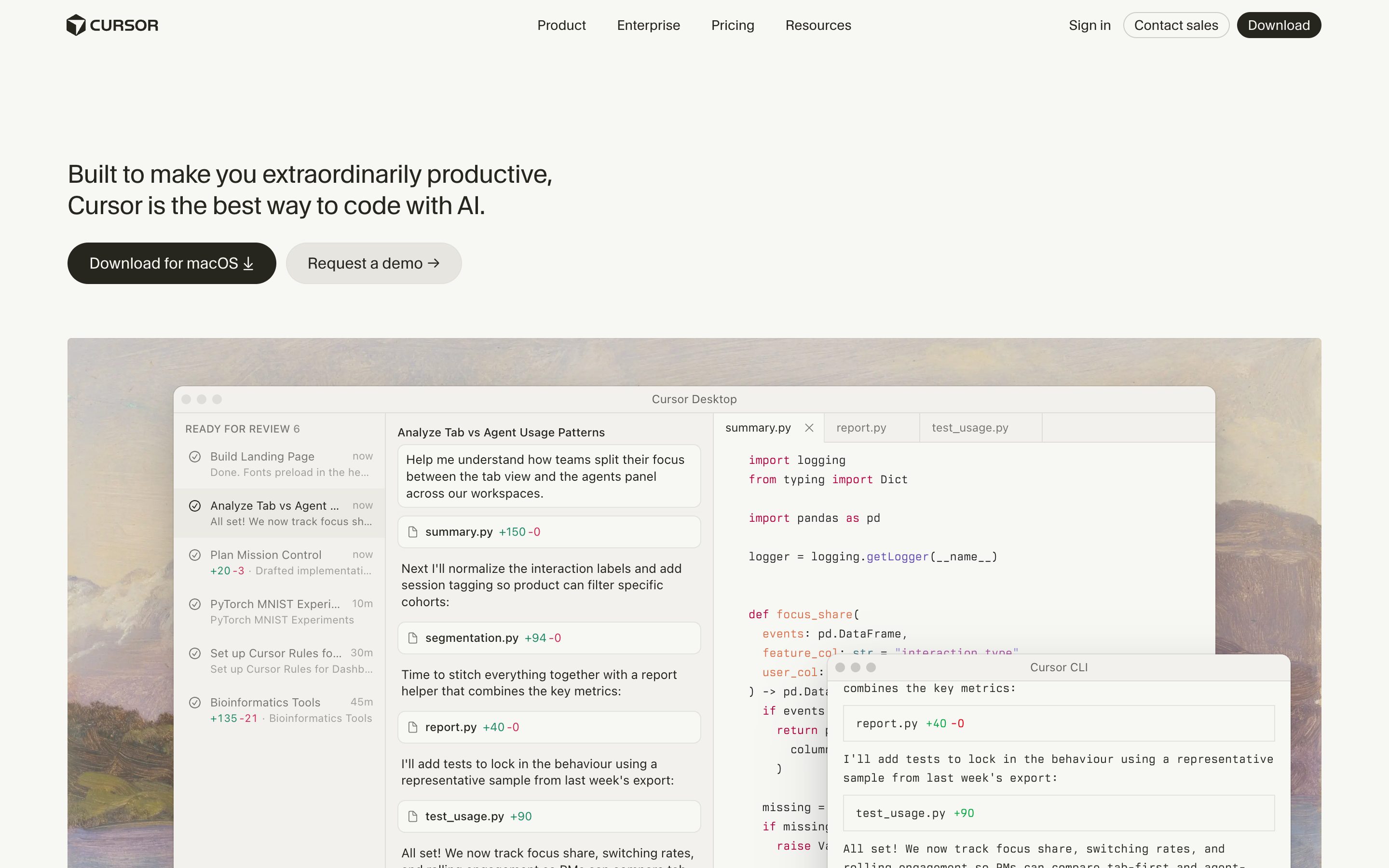
Cursor Plan Mode
Cursor
Plan Mode (Shift+Tab or the mode picker) asks clarifying questions, researches the codebase, then writes a Markdown plan with file paths and code references that you edit inline before building. Still no risk levels, and the run default is now the Auto-review classifier rather than ask-before-each-tool-call.
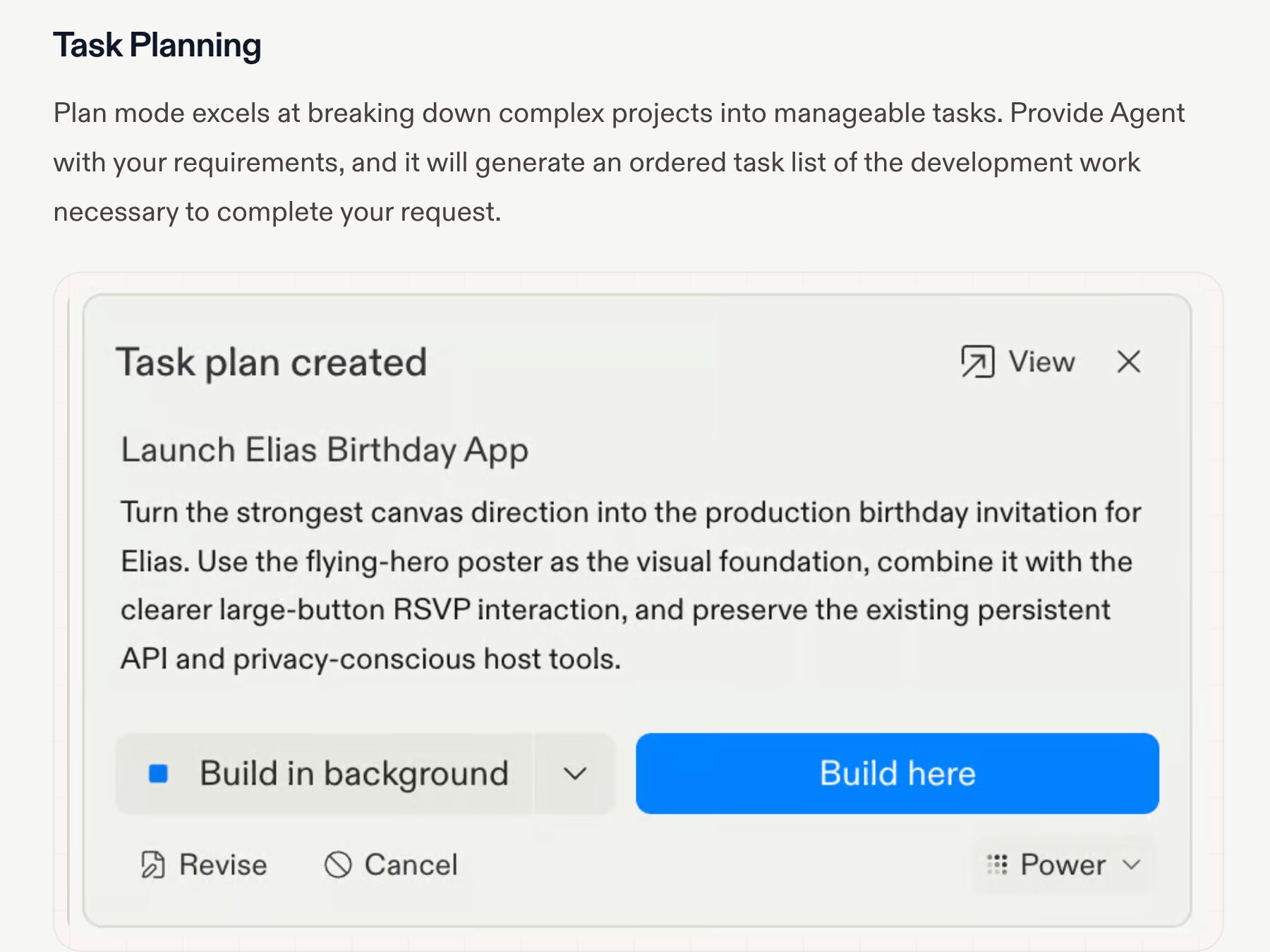
Replit Agent Plan Mode
Replit
Plan mode, switched on with the Plan toggle in the chat input, breaks the request into an ordered task list you review before anything runs: Revise, Cancel, Build here or Build in background (before the first checkpoint, a single Start building). The plan is a real artifact, not a paragraph — but you refine it by chatting, not by editing rows.
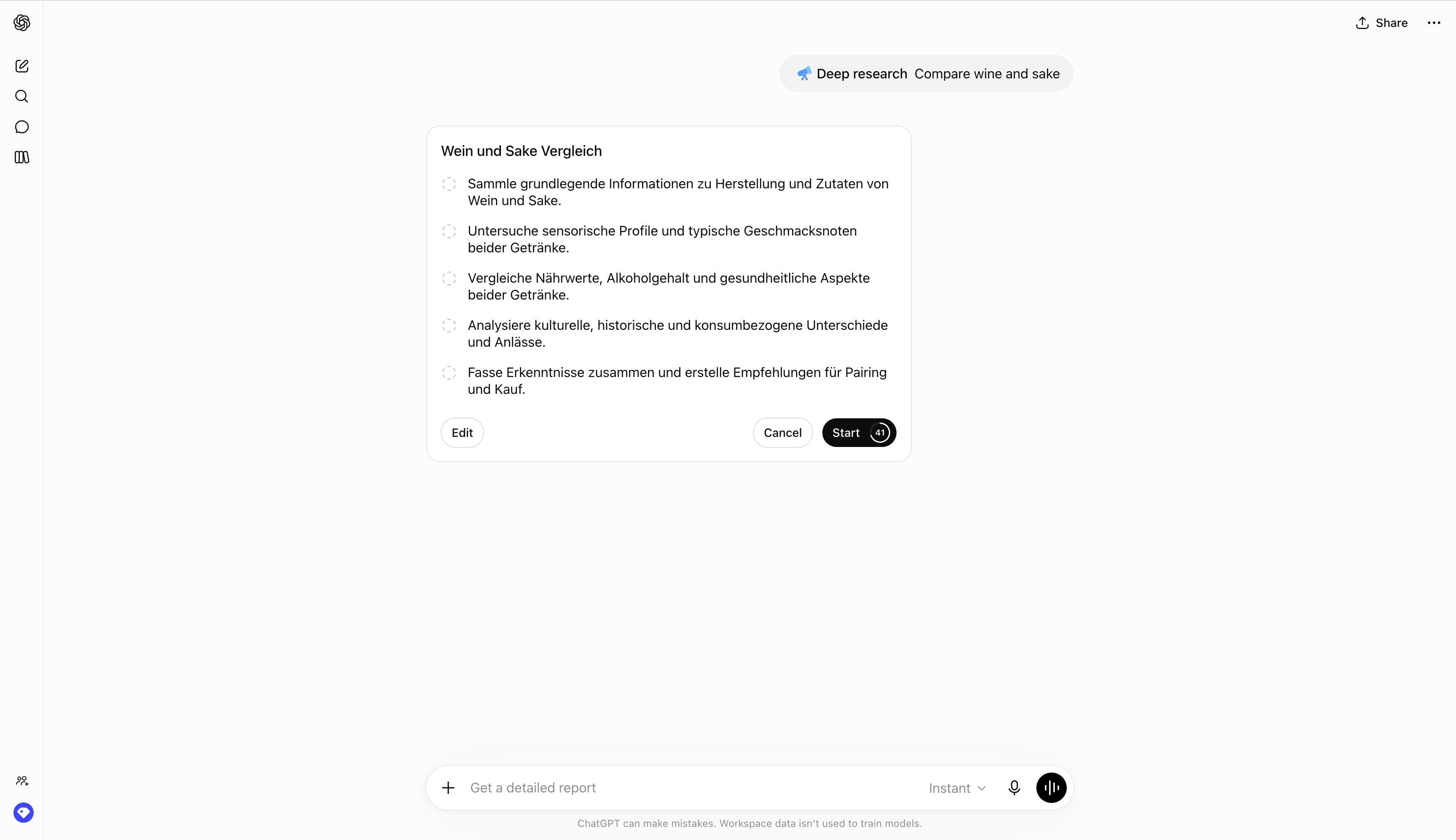
OpenAI Deep Research Plan
OpenAI
ChatGPT proposes a research plan you can review and modify before the run begins, after clarifying questions; you scope which sites and files it may use, and can interrupt mid-run to refocus. Started from /Deepresearch, the + tools menu, or the sidebar. The plan is the contract before tokens get spent.
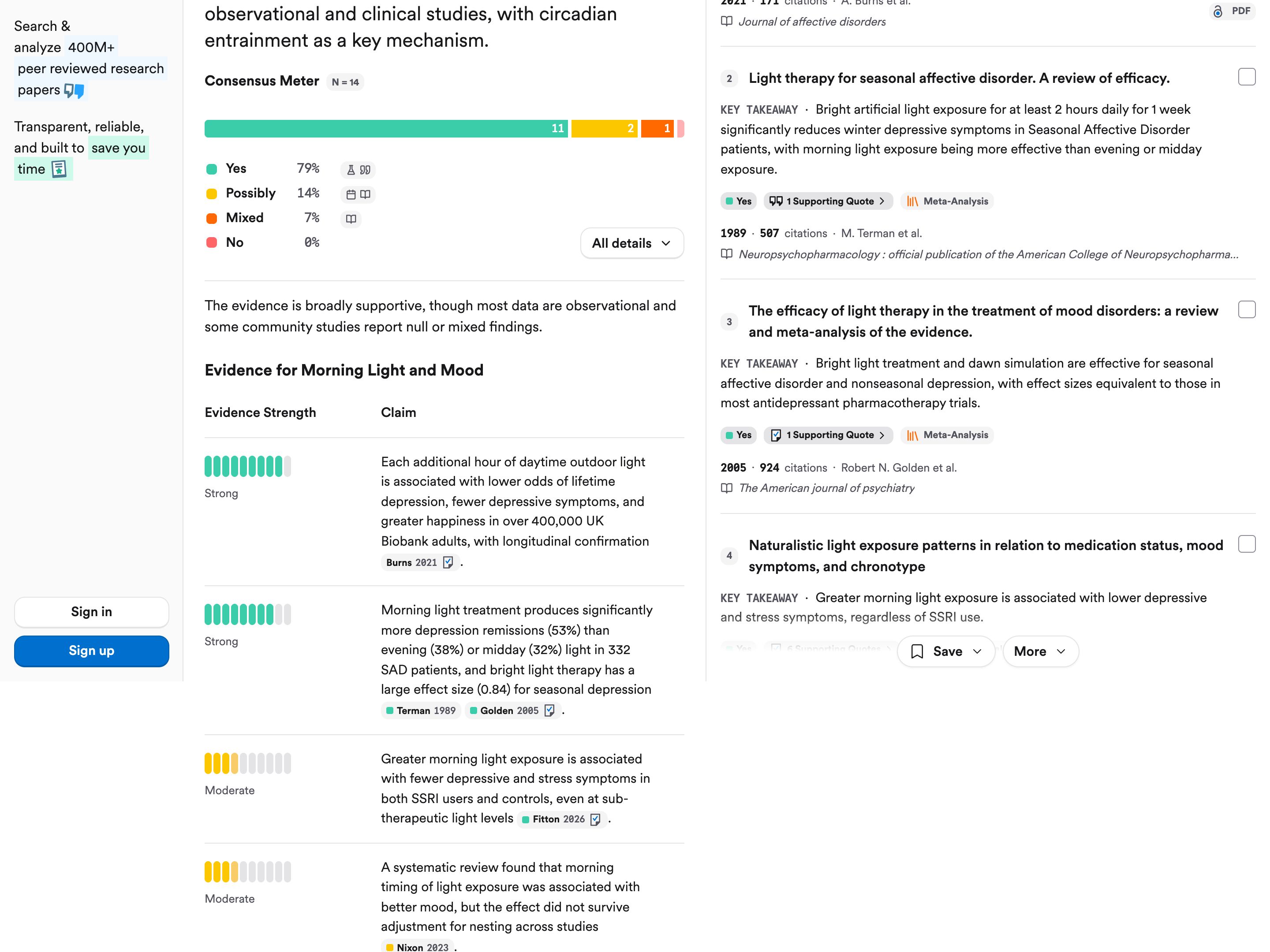
Consensus · Claims & Evidence Table
Consensus
The Claims & Evidence Table, added in August 2025, lists an answer's key claims, each with a color-coded strength bar labeled, for example, Strong or Moderate, and chips for the papers behind it; hovering a citation shows the exact quote it rests on. On yes/no questions the Consensus Meter adds a Yes / Possibly / Mixed / No split of the relevant papers among the top 20, with their count (N), and appears only when at least 5 qualify; each cited paper is colored by its stance. Both ship in Pro answers (10 a month on the free plan), and the table rates key claims when the question suits it or when asked, not every sentence of the prose.
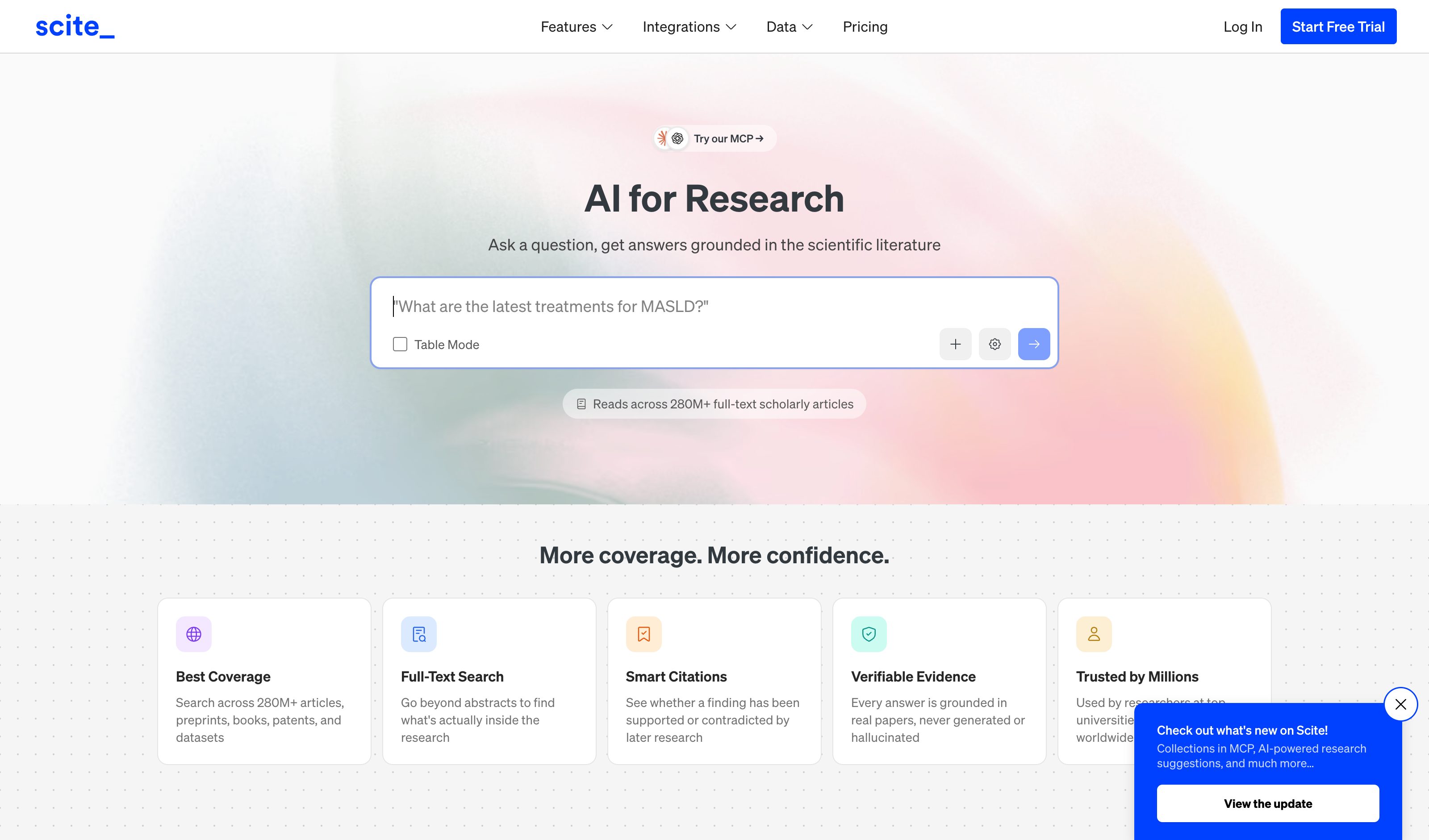
Scite · Smart Citations
Scite (Research Solutions)
A deep-learning model labels each citation statement Supporting, Contrasting or Mentioning, and a paper's Report counts each label, plus an Unclassified bucket, in its Citation Types filter. Each statement is quoted in its surrounding text with the section it sits in, the label and the model's confidence in that label (for example "confidence: 89%"). The Flag classification button lets a reader propose a different label; if two expert reviewers agree, it is accepted and marked "Expert classified". The signal grades how later papers cite a published study, not the claims in an AI-written answer.
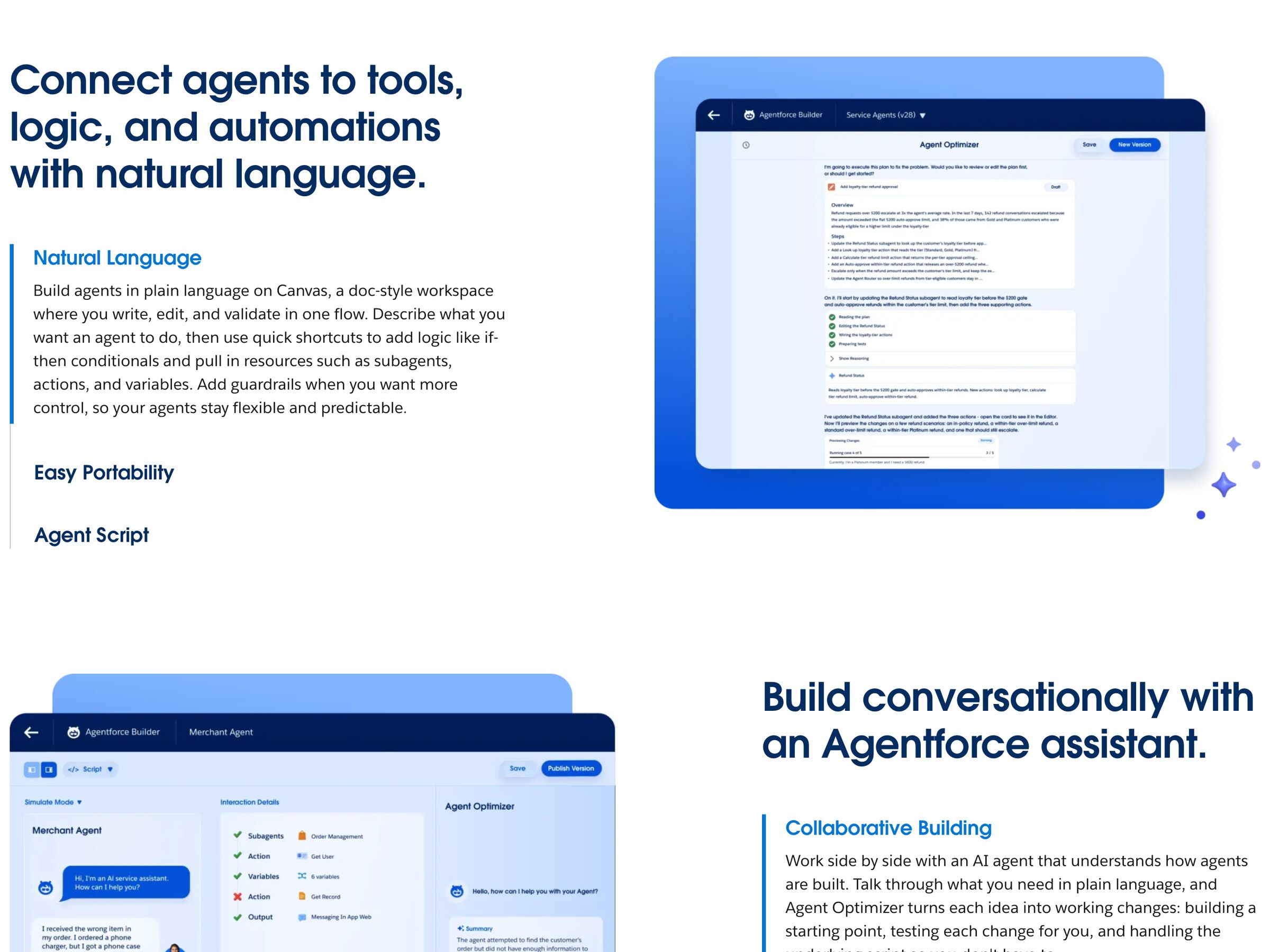
Salesforce Agentforce
Salesforce
Topics + Actions + escalation thresholds + per-agent permissions provide per-domain autonomy configuration. Service Agent escalates only on confidence threshold. The clearest enterprise example.
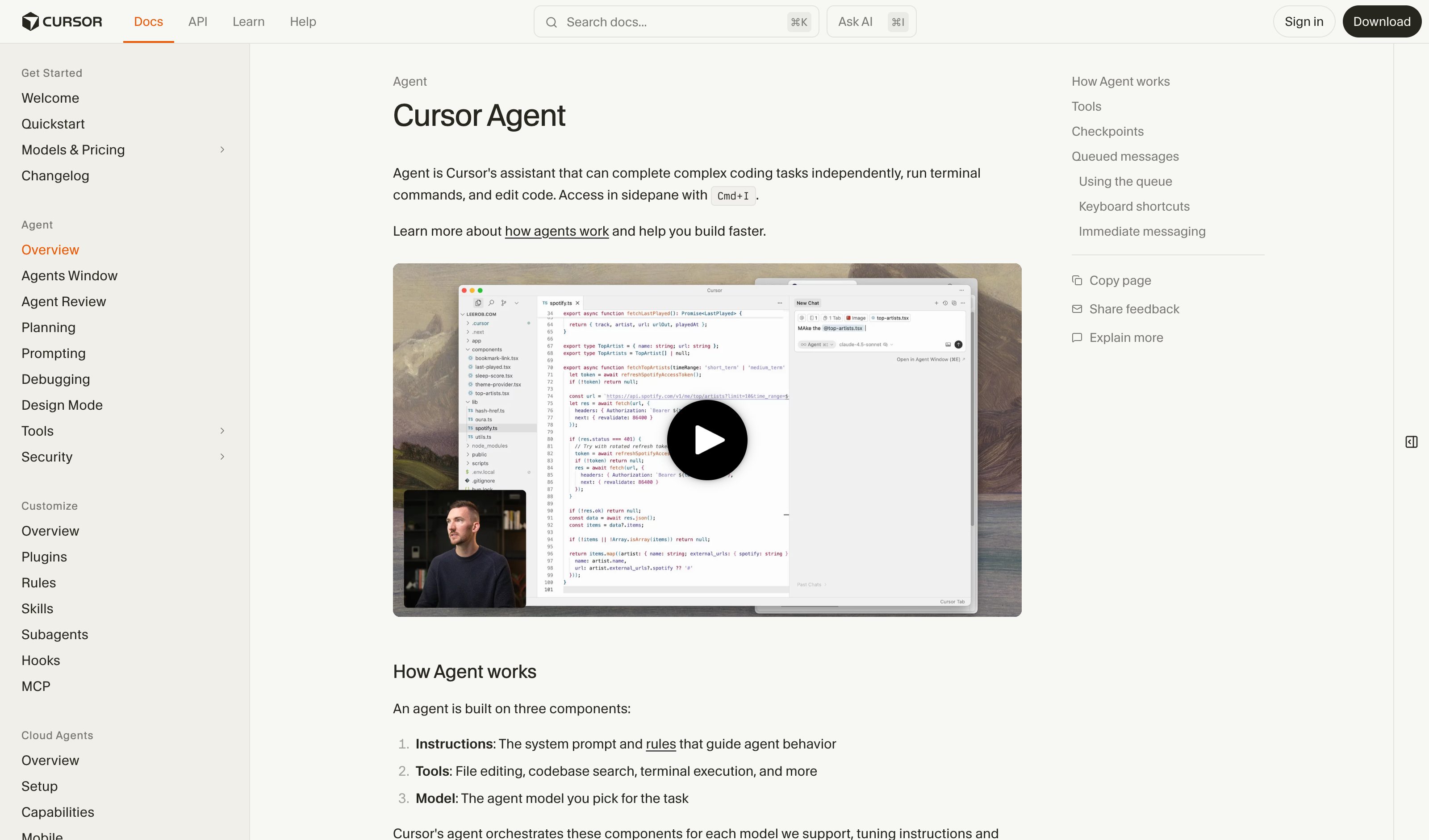
Cursor Agent Settings
Cursor
Settings → Features → Agent: ask-before-act vs auto-run, allow file deletion, command denylist, max-steps before re-prompt. Per-tool autonomy as explicit knobs.
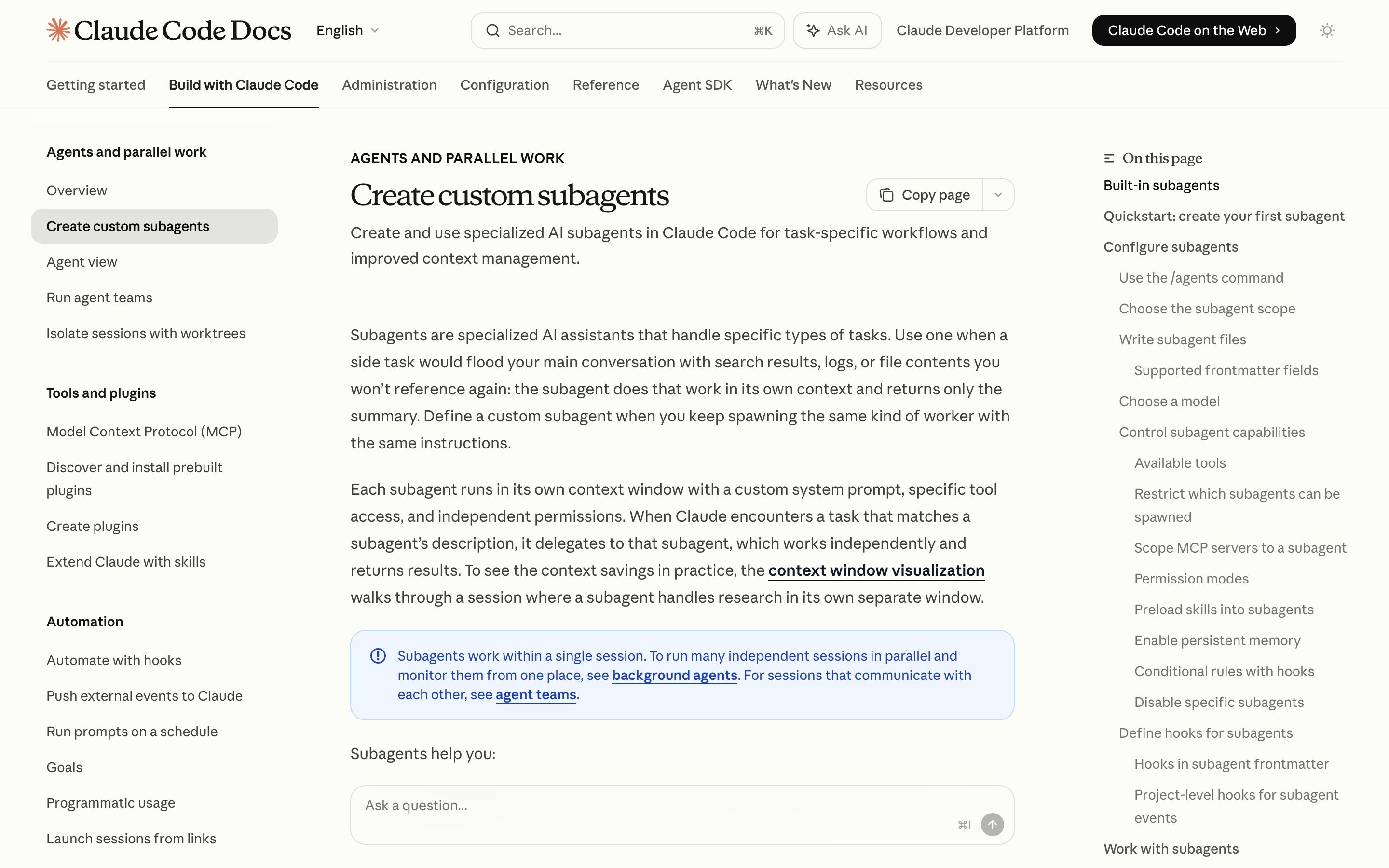
Claude Code Permission Modes
Anthropic
Each subagent gets its own tool allowlist + permission mode — effectively per-task-category autonomy stored in .claude/agents/<name>.md, version-controlled.
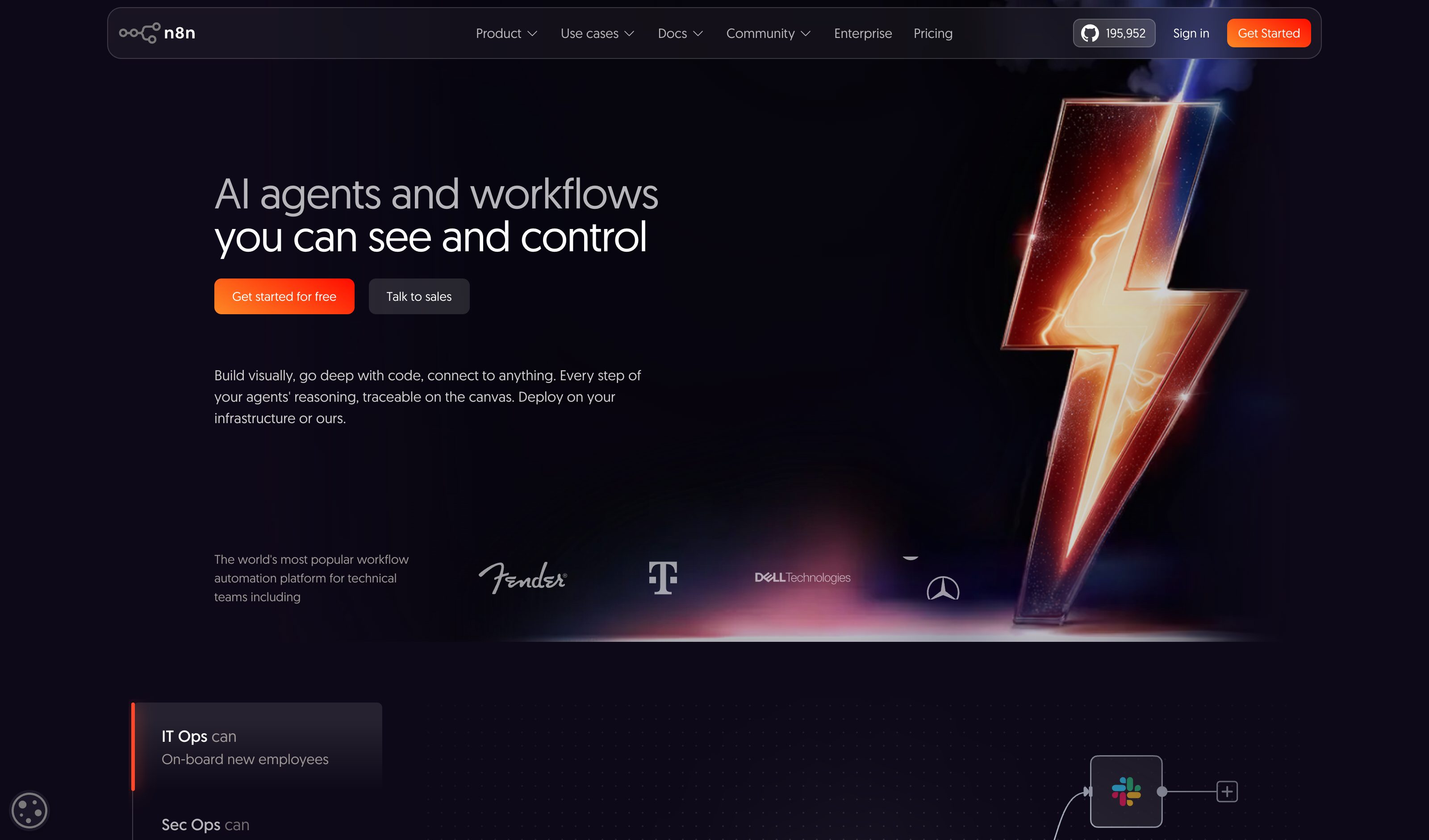
n8n HITL per-tool gating
n8n
Per-tool human-approval toggle gives a per-action autonomy dial — the dominant 2026 paradigm of HITL-by-tool rather than continuous sliders.
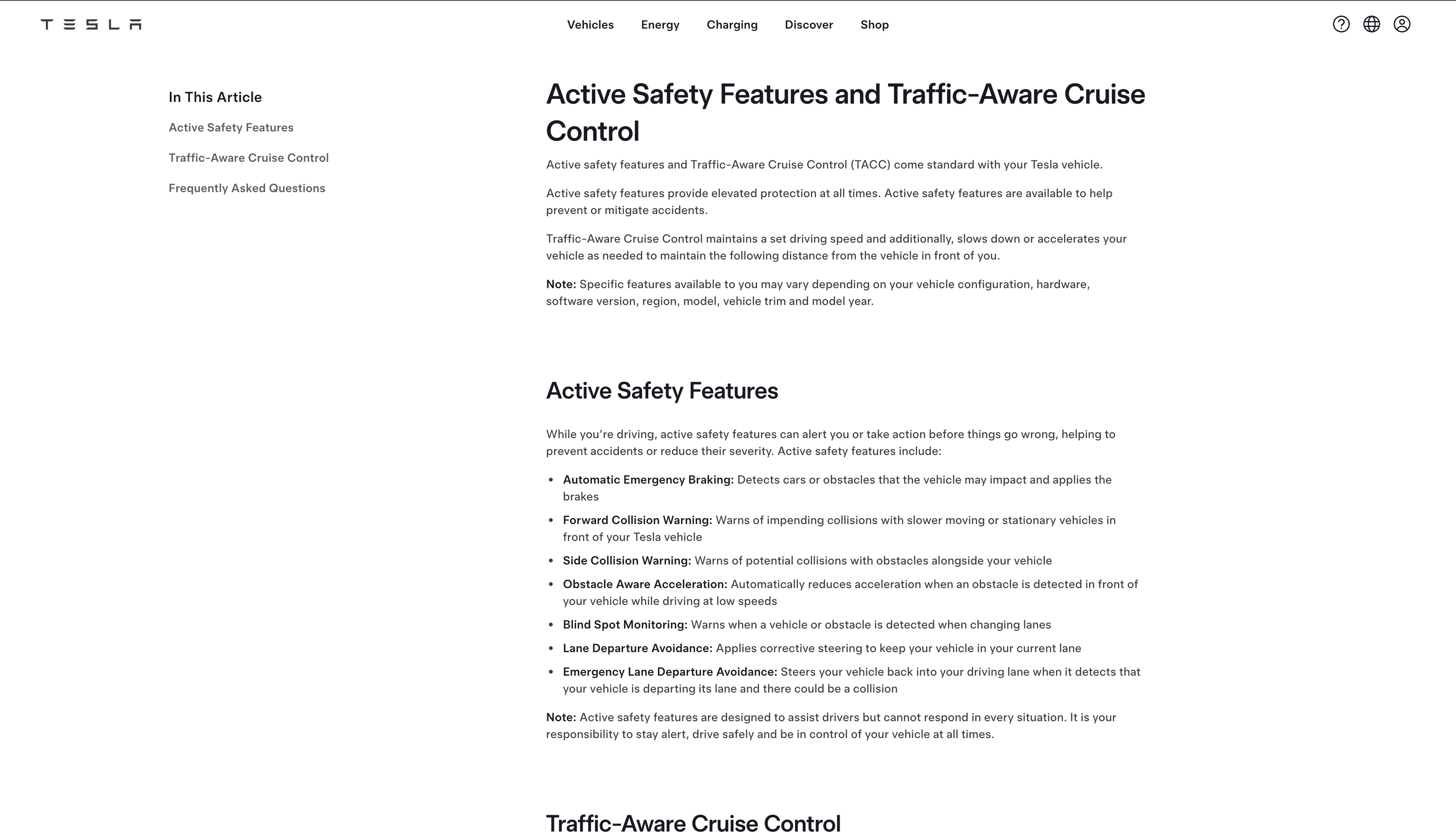
Tesla Autopilot
Tesla
Off-domain analog — Autopilot vs FSD (Supervised) tiers (SAE Level 2). The mode-selection UI is not per-task software autonomy, but the metaphor of calibrated trust per category travels.
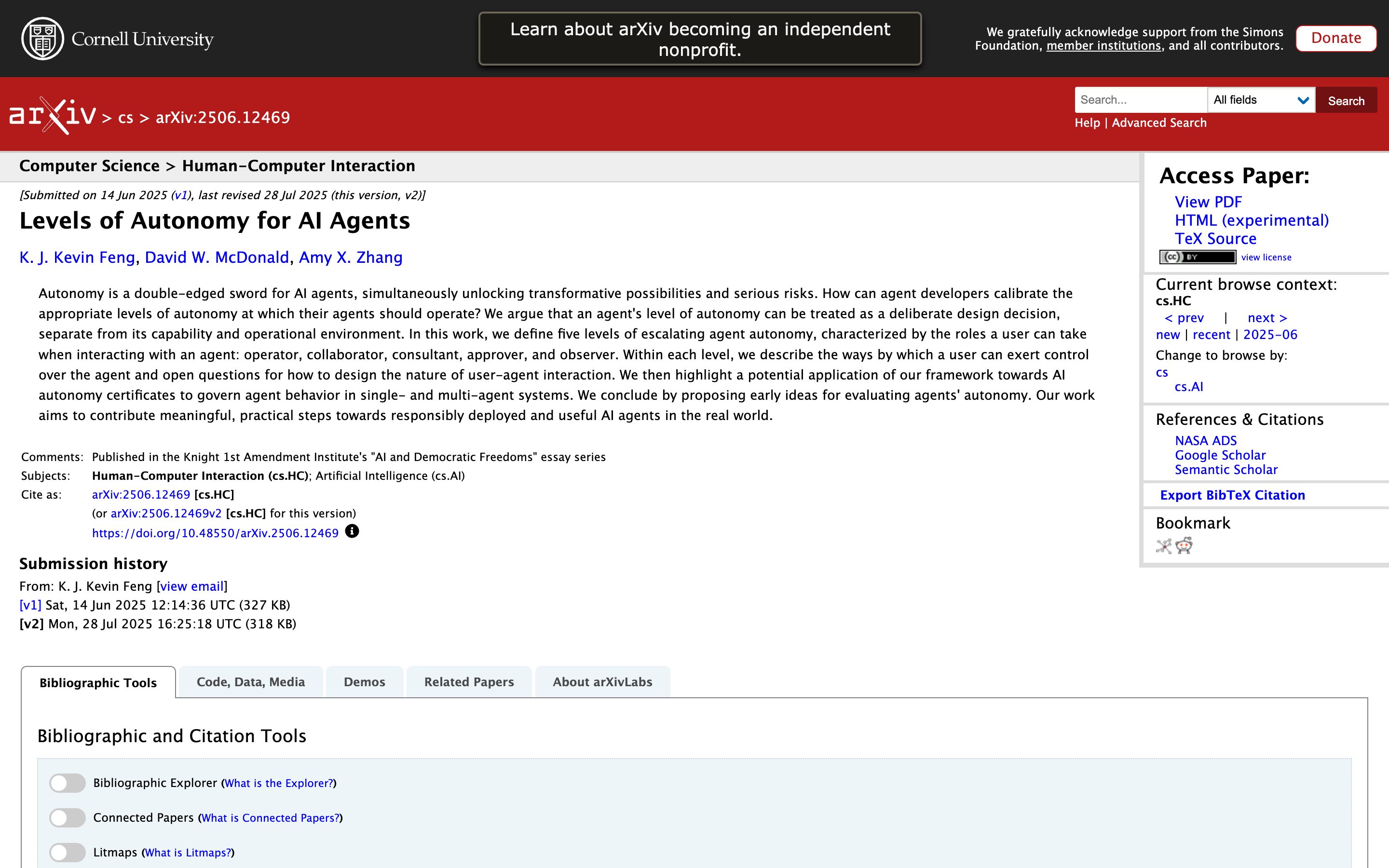
Levels of Autonomy for AI Agents
Academic source · Feng, McDonald, Zhang (University of Washington, Jun 2025)
Defines five discrete autonomy modes (Operator / Collaborator / Consultant / Approver / Observer) with corresponding human-side control modes. A named-modes framing that complements the continuous per-tool dial — useful as a vocabulary for what each setting actually means.
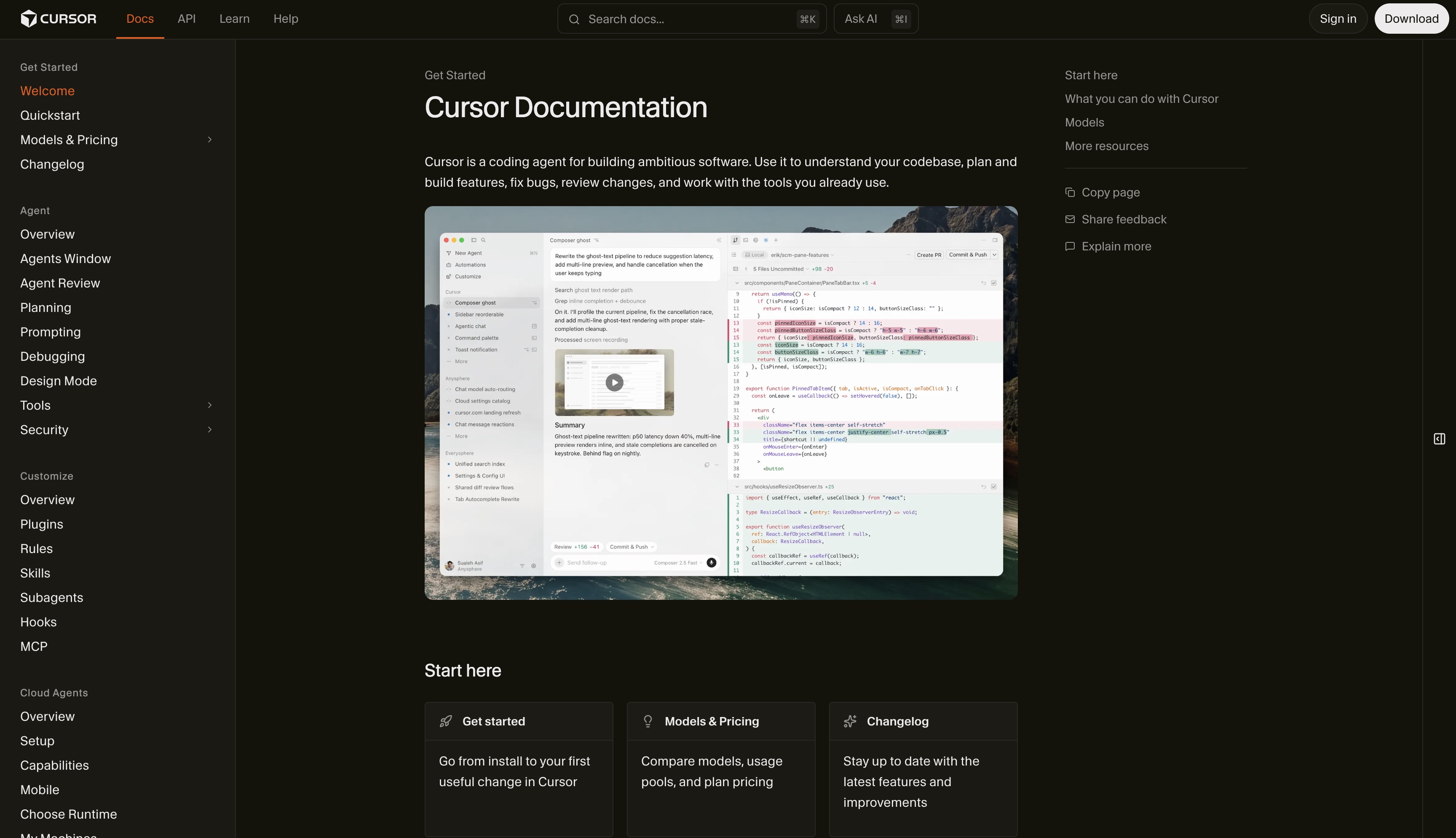
Cursor Checkpoints
Cursor
Snapshots of the whole codebase, taken before "significant changes", restorable from the chat timeline or the Restore Checkpoint button on a prior request. Restore reverts every modified file to that point — a per-message rollback, not per-action undo; checkpoints before each individual file edit remain an open feature request.
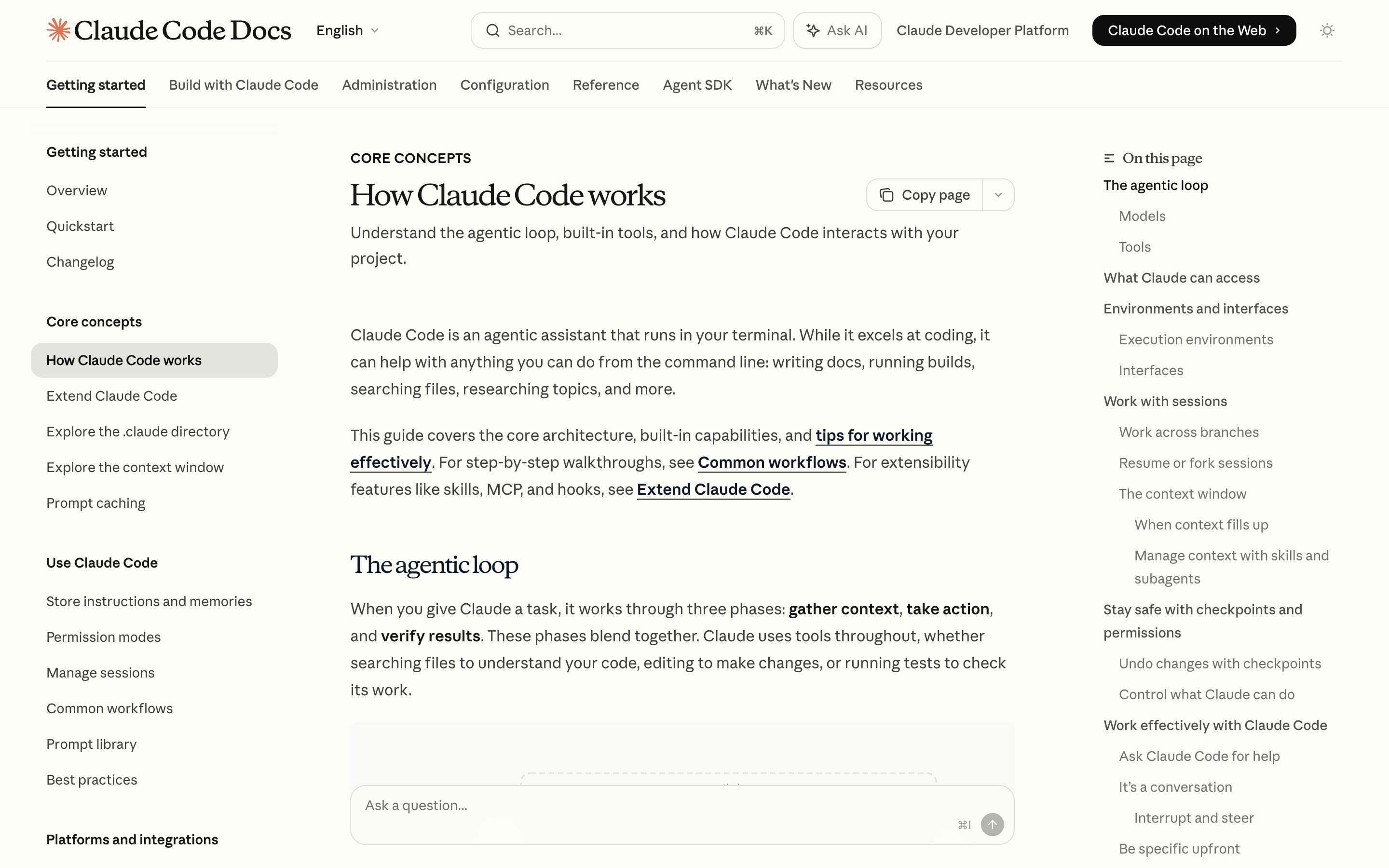
Claude Code Esc-Esc Rewind
Anthropic
/rewind — or Esc twice on an empty prompt — opens a menu of every prompt in the session, with separate Restore code and Restore conversation actions. One checkpoint per prompt, not per action, and the docs concede the holes: bash-command changes, subagent edits and your own manual edits are not tracked.
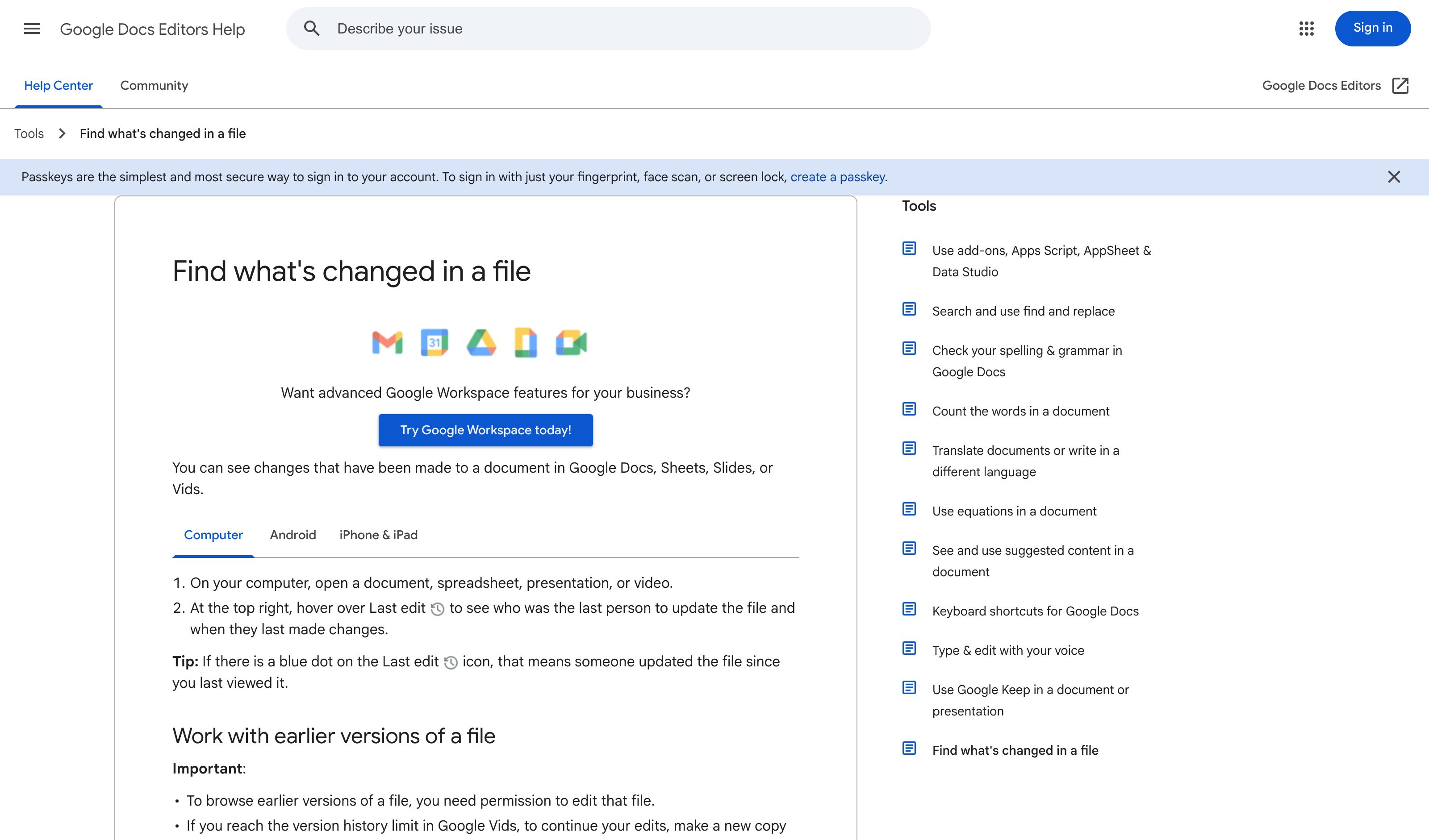
Google Docs Version History
Non-AI grounding for the pattern. Every change recorded with diffs and timestamps; restore-to-version is the canonical undo affordance.
Zapier Run History
Zapier
Caveat — replay is not undo. Zap history lists every run with a status badge and filters by status, date, owner, folder, app and Zap; runs replay singly or in bulk, with non-errored replays gated to paid plans. The only card here that ships the filterable half — and none of it reverses a side effect.
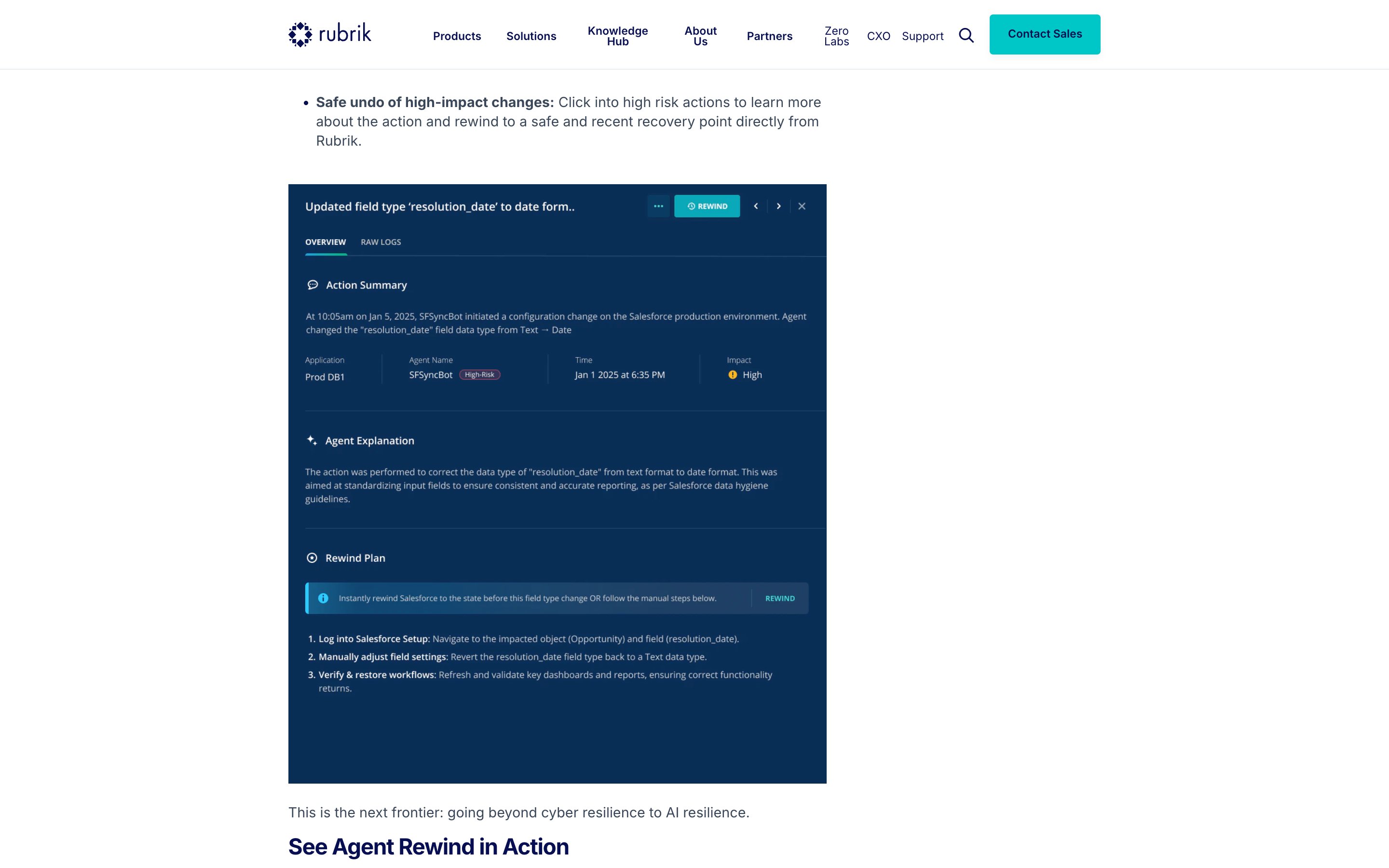
Rubrik Agent Cloud (Agent Rewind)
Rubrik
The one product claiming both halves at once: an immutable trail of every agent action from originating prompt to tool call, plus selective rollback that reverses a single file, config or database change instead of restoring the whole system. An enterprise console for IT and security teams, not the acting user's timeline. The Agent Rewind launch blog shows the drawer for one logged action: the agent's own explanation, a rewind plan, and a REWIND button beside a pair of arrow buttons.
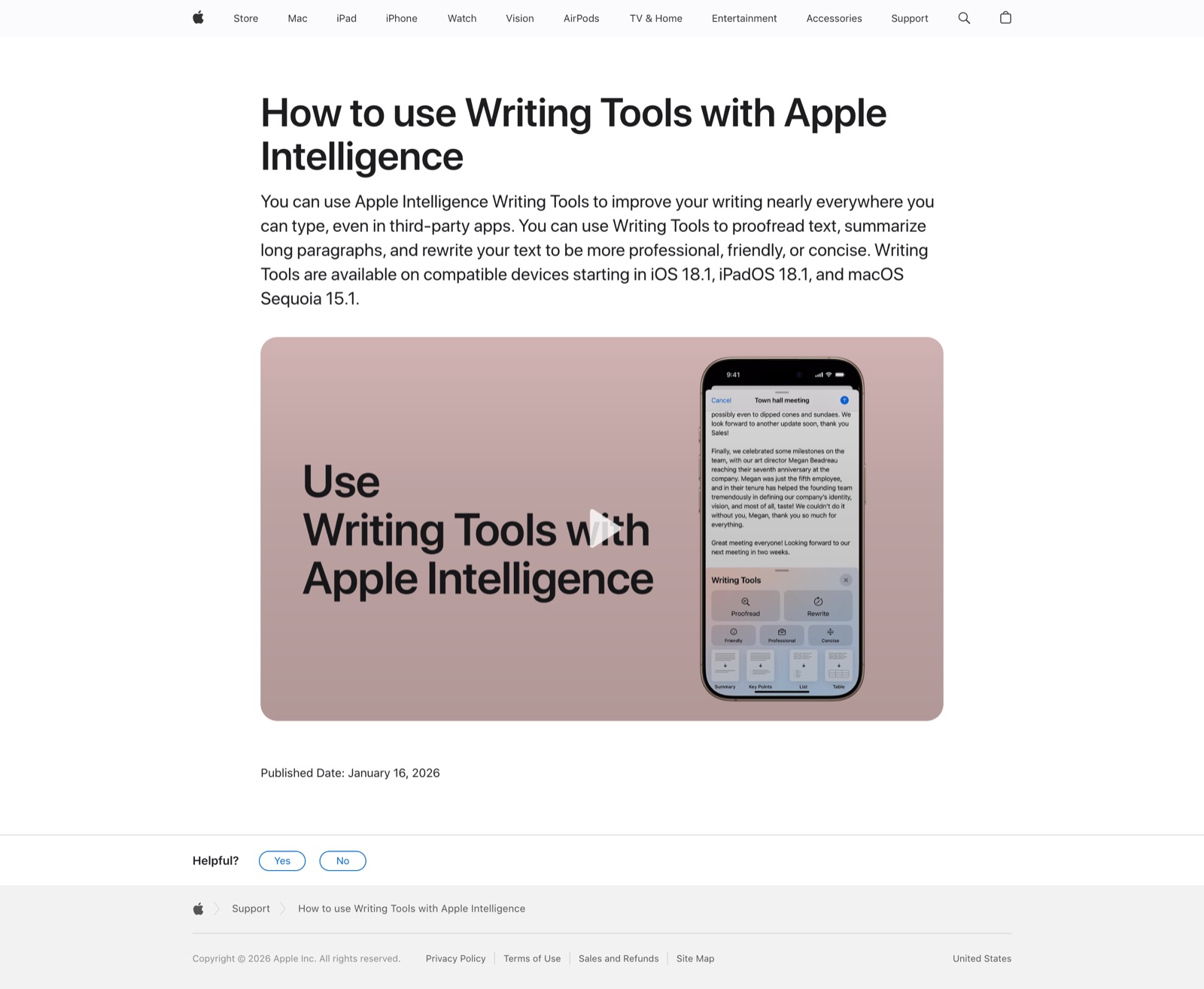
Apple Intelligence Writing Tools
Apple
Select text → Writing Tools → Rewrite / Friendly / Professional / Concise / custom description, with original-version toggle as the diff-style review.
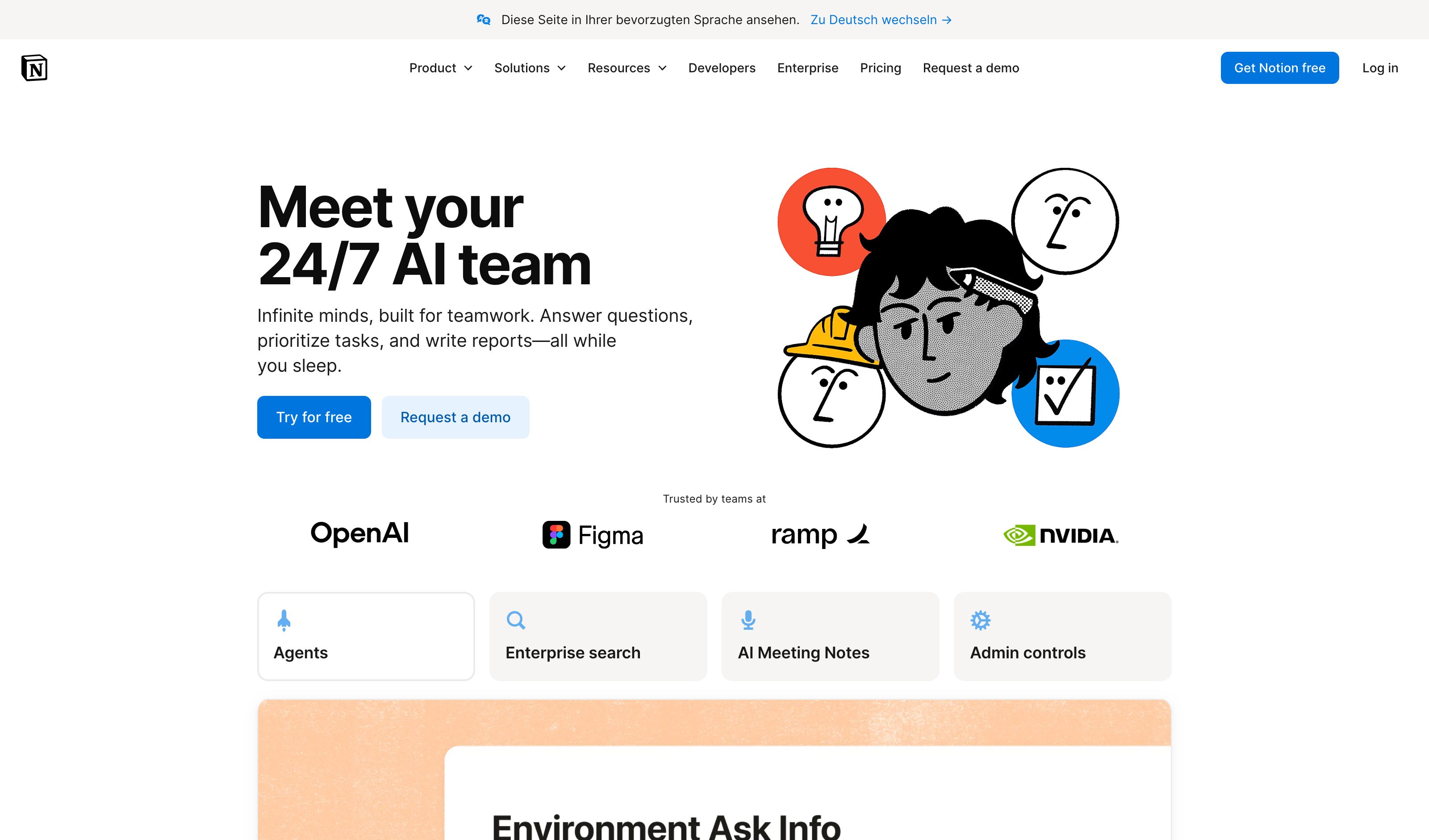
Notion AI
Notion
Select text → "Ask AI to edit" → in-place edit with diff confirmation. The agent edits in the doc on selection, not in a side panel.
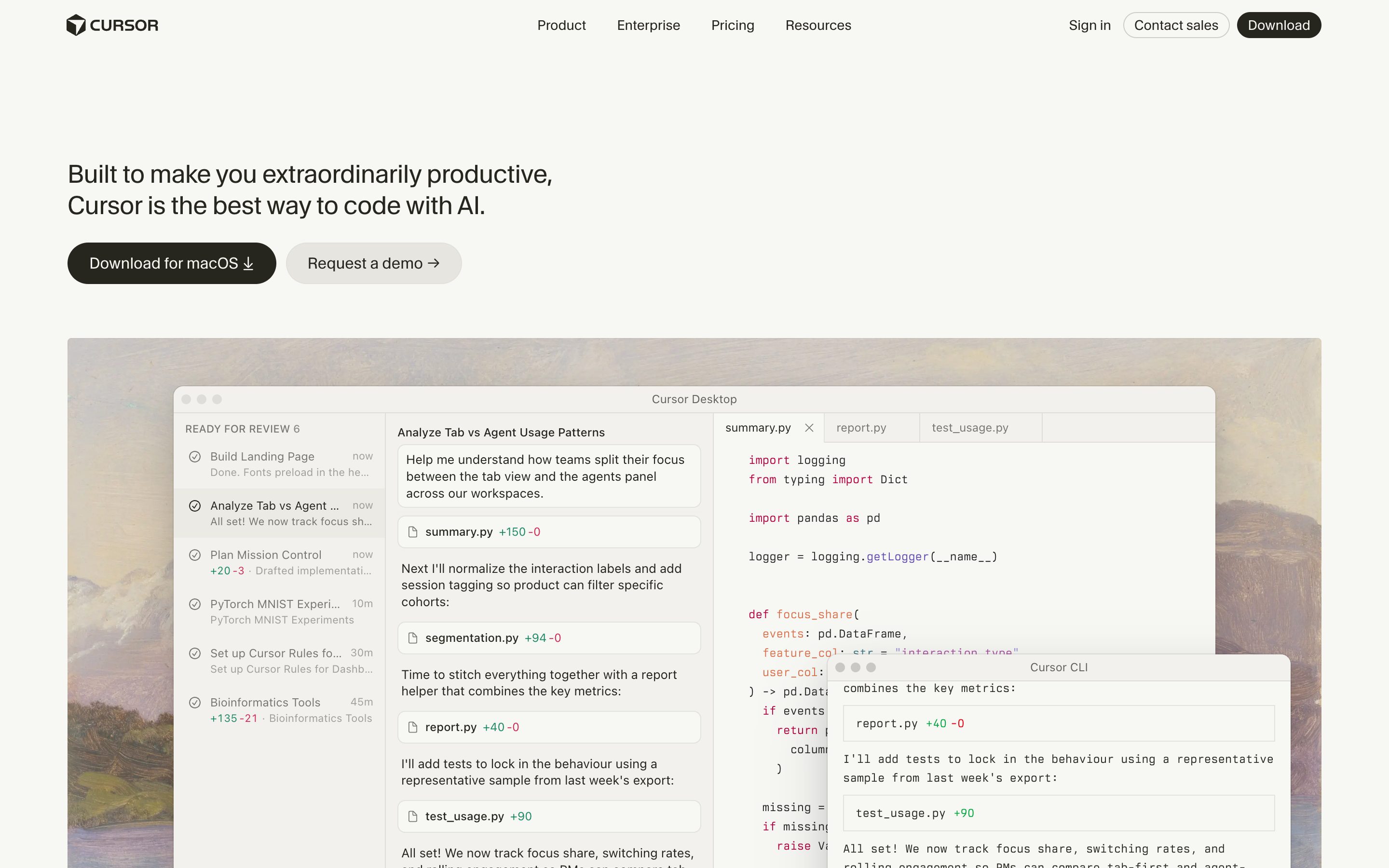
Cursor Cmd+K
Cursor
Inline editing — select code, press Cmd+K, describe the change, see red/green inline diff with accept/reject. Hero example for code.
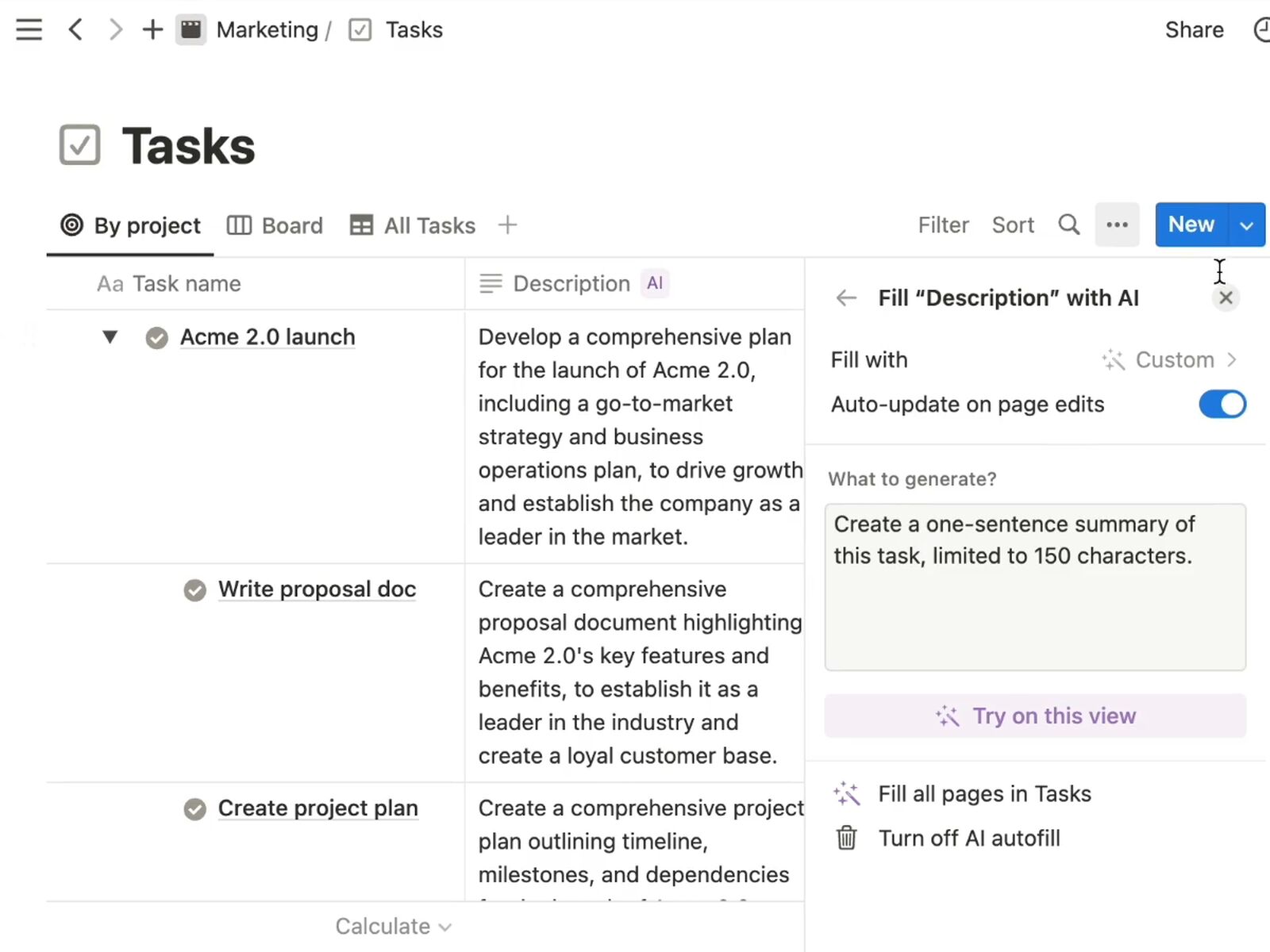
Notion · AI autofill
Notion
The auto-updating surface is AI autofill, not the inline AI block — the block needs a Generate click. Autofill offers Summary, Translate and Key info bound to the page body, with a run trigger of "on page edits", so the derived text re-derives in place. That triad is exactly the summary / translation / action-chips the pattern names.
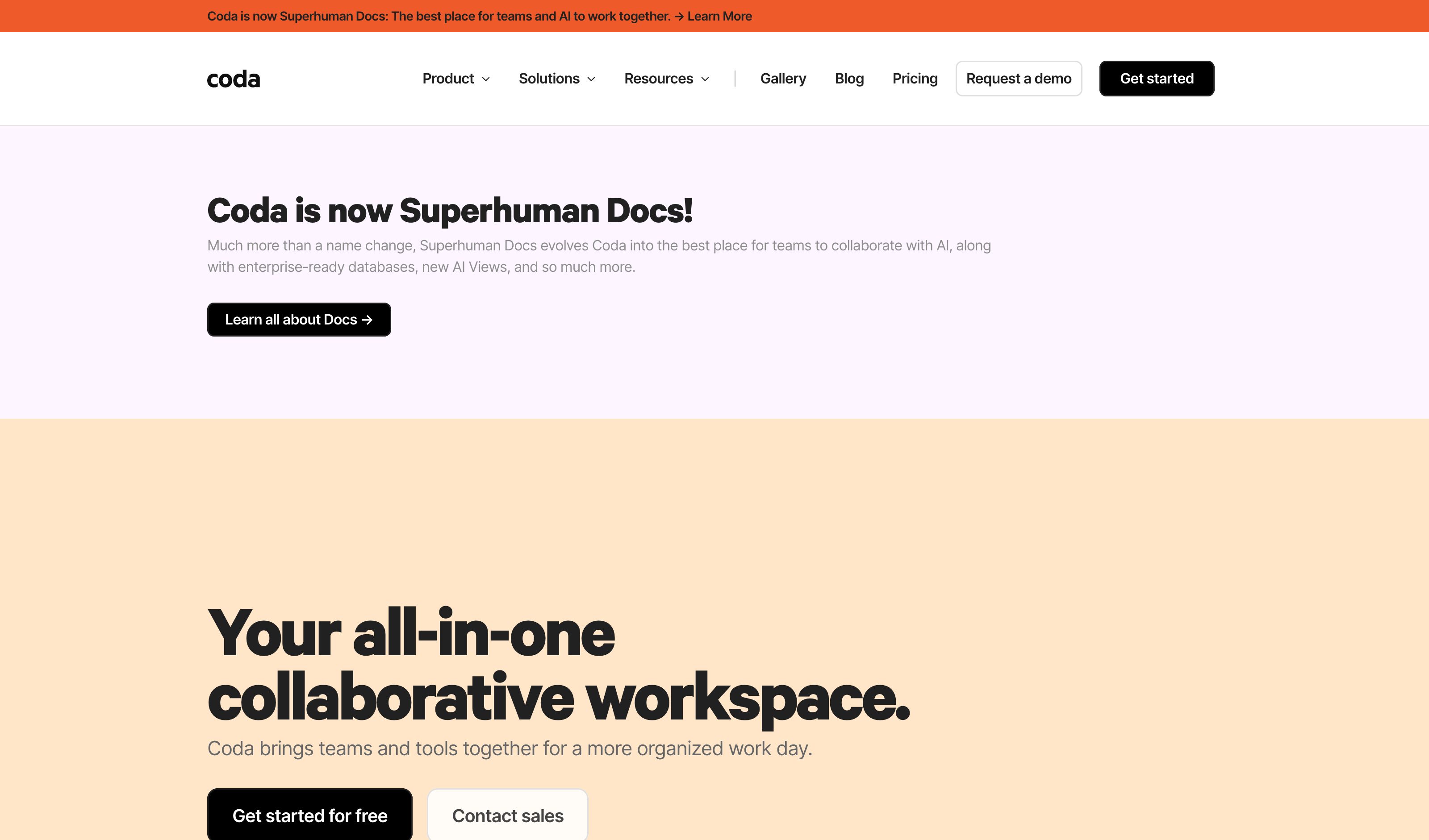
Coda AI Block
Coda
AI Block creates dynamic summaries and action lists that update as source data changes. Reactivity is documented behaviour, not a bug.
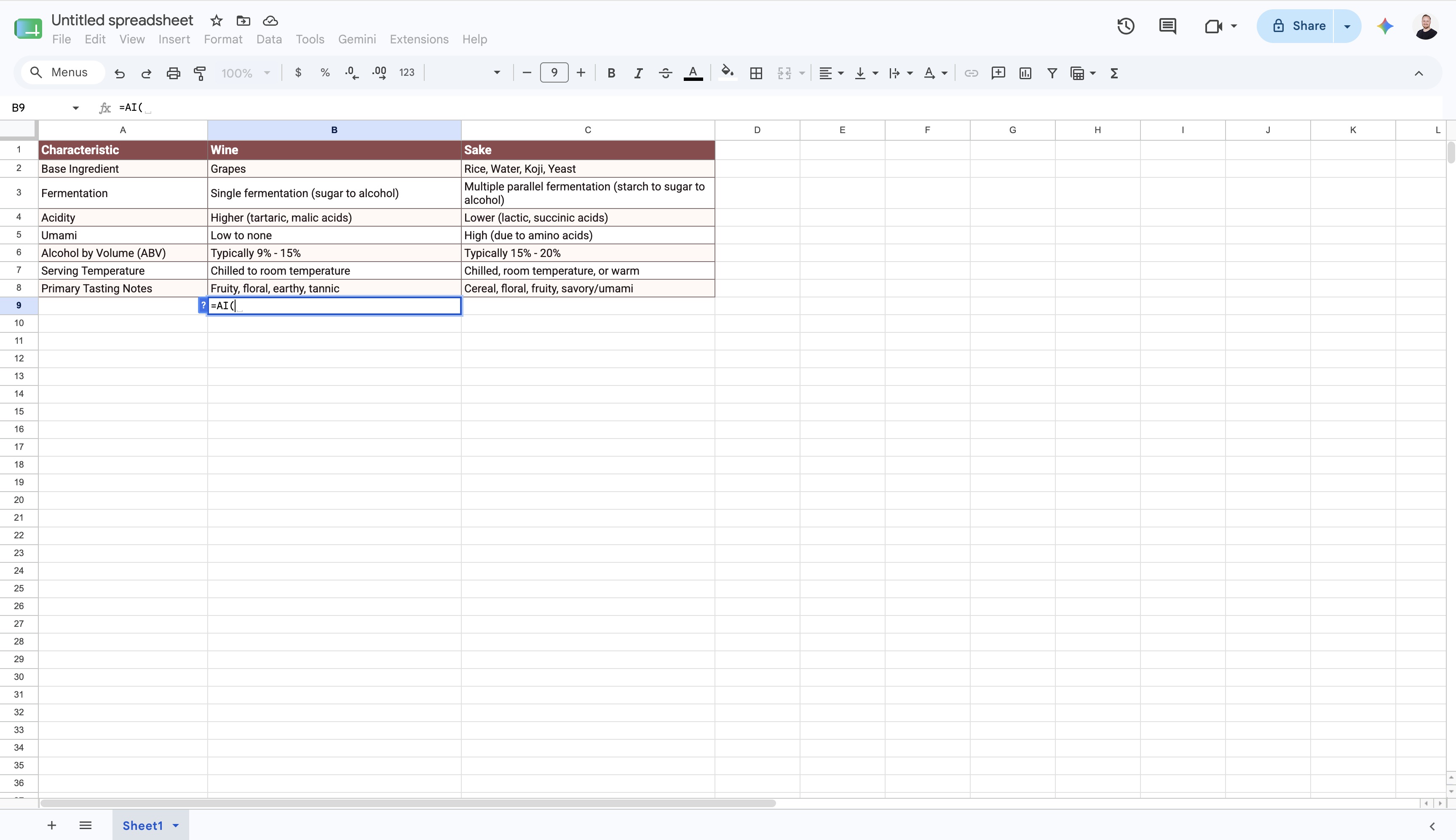
Google Sheets =AI()
Kept as the instructive near-miss rather than dropped. =AI() / =Gemini() looks like the spreadsheet-formula metaphor and is not one: the output is inserted as static text and only updates when a human clicks "Refresh and insert". Change a referenced cell and nothing recalculates — the borrowed metaphor without the binding underneath it.
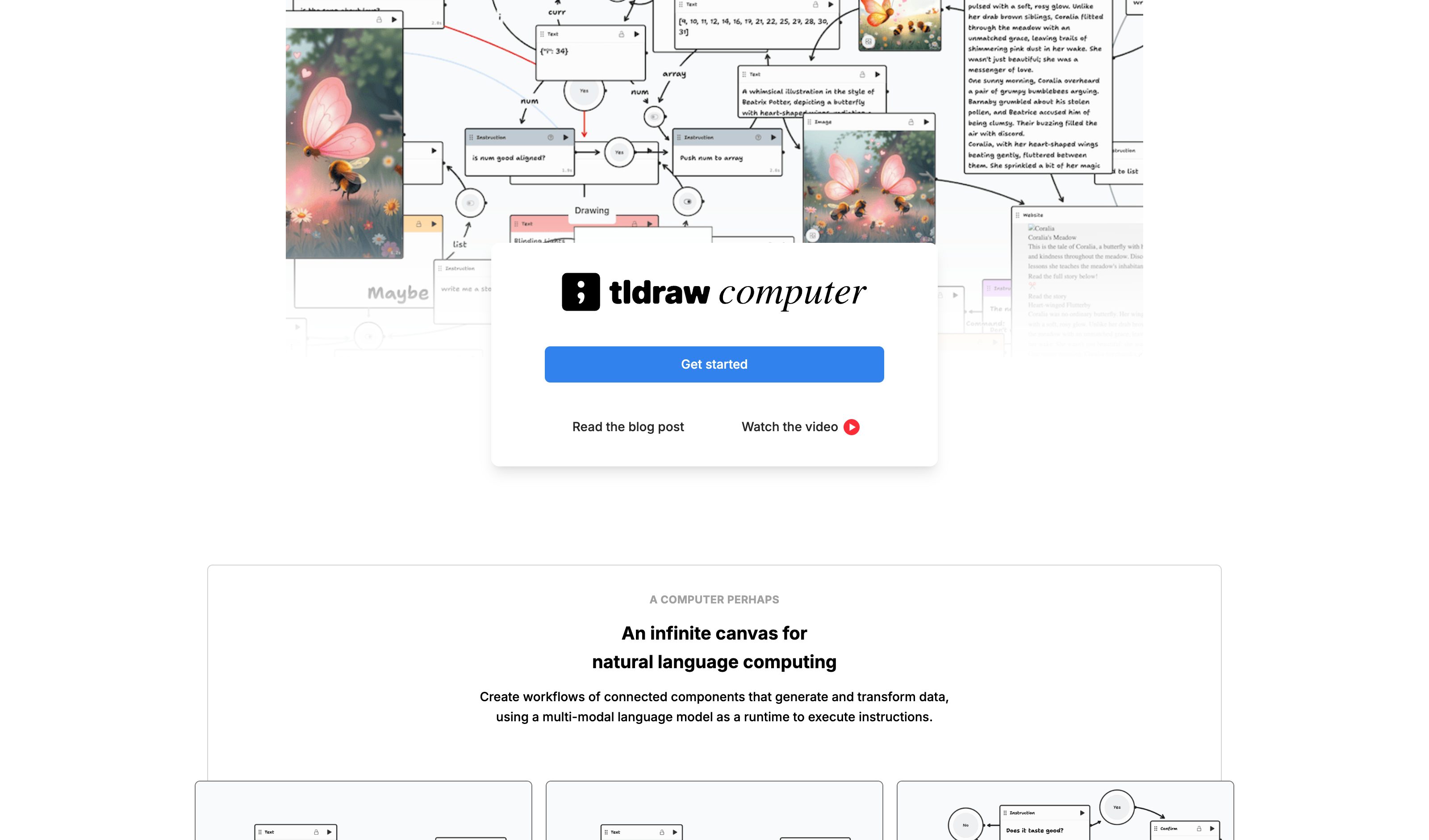
tldraw computer
tldraw
Text, image, and audio components flow through draggable arrows on an infinite canvas. AI work as a node graph rather than a transcript.
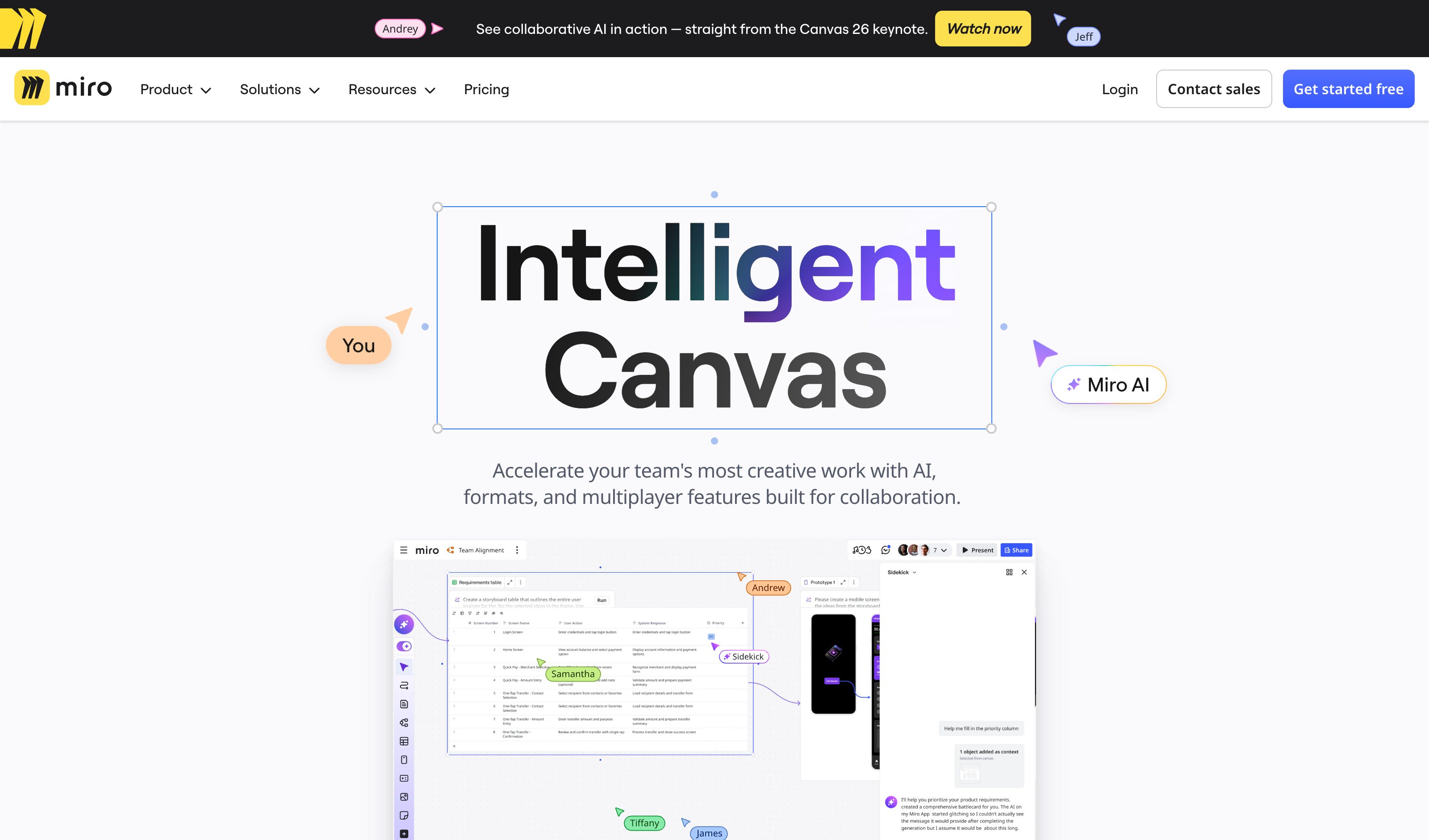
Miro Intelligent Canvas
Miro
AI Sidekicks live directly on the canvas; Flows are drag-and-drop AI building blocks connected with arrows. Apr 2026 added PDF/Markdown drop-in.
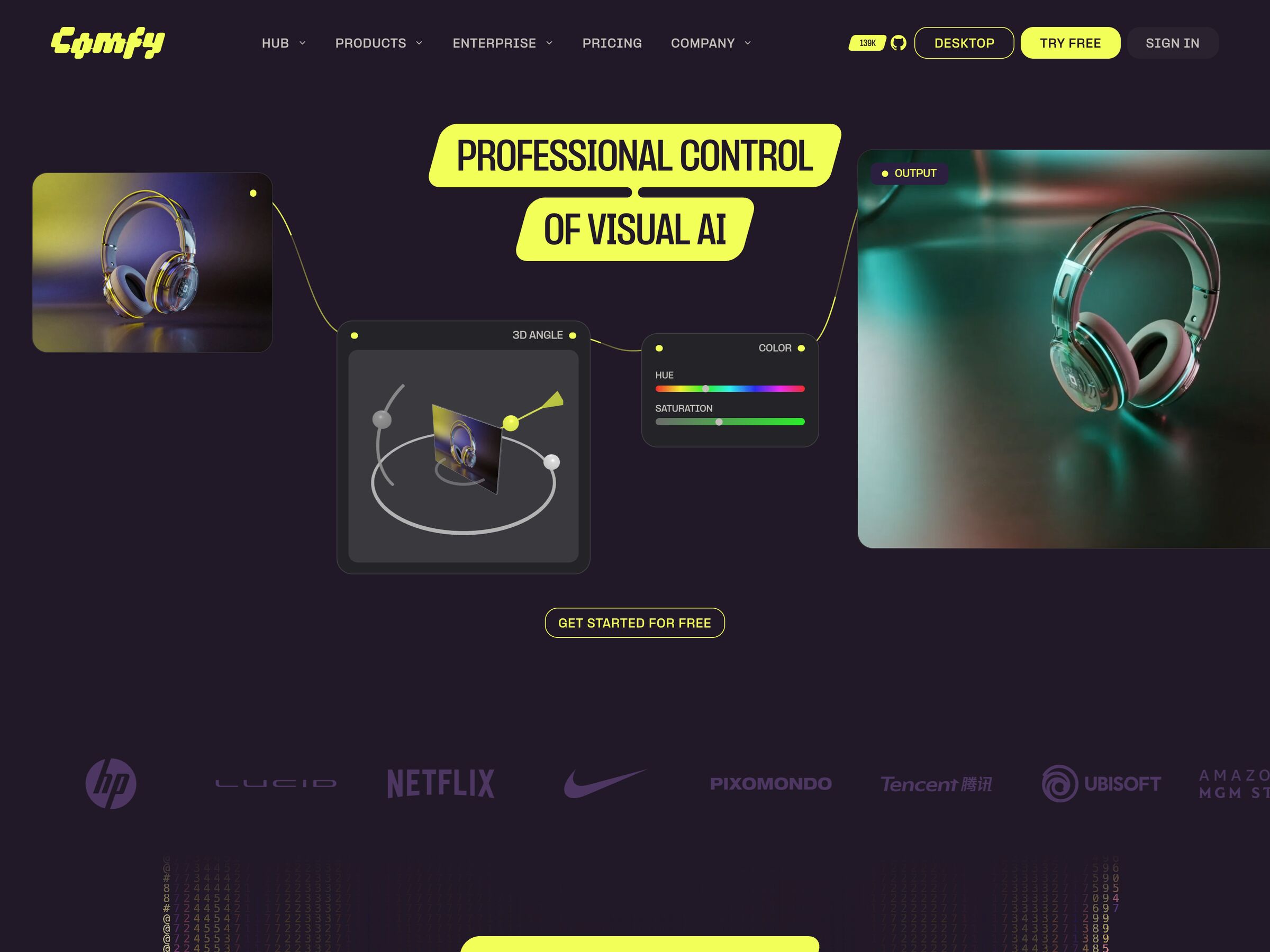
ComfyUI
Comfy.org
Node graph as the entire product surface — every step of an image generation pipeline is a connected node. Mar 2026 added App Mode for shipping workflows as apps.
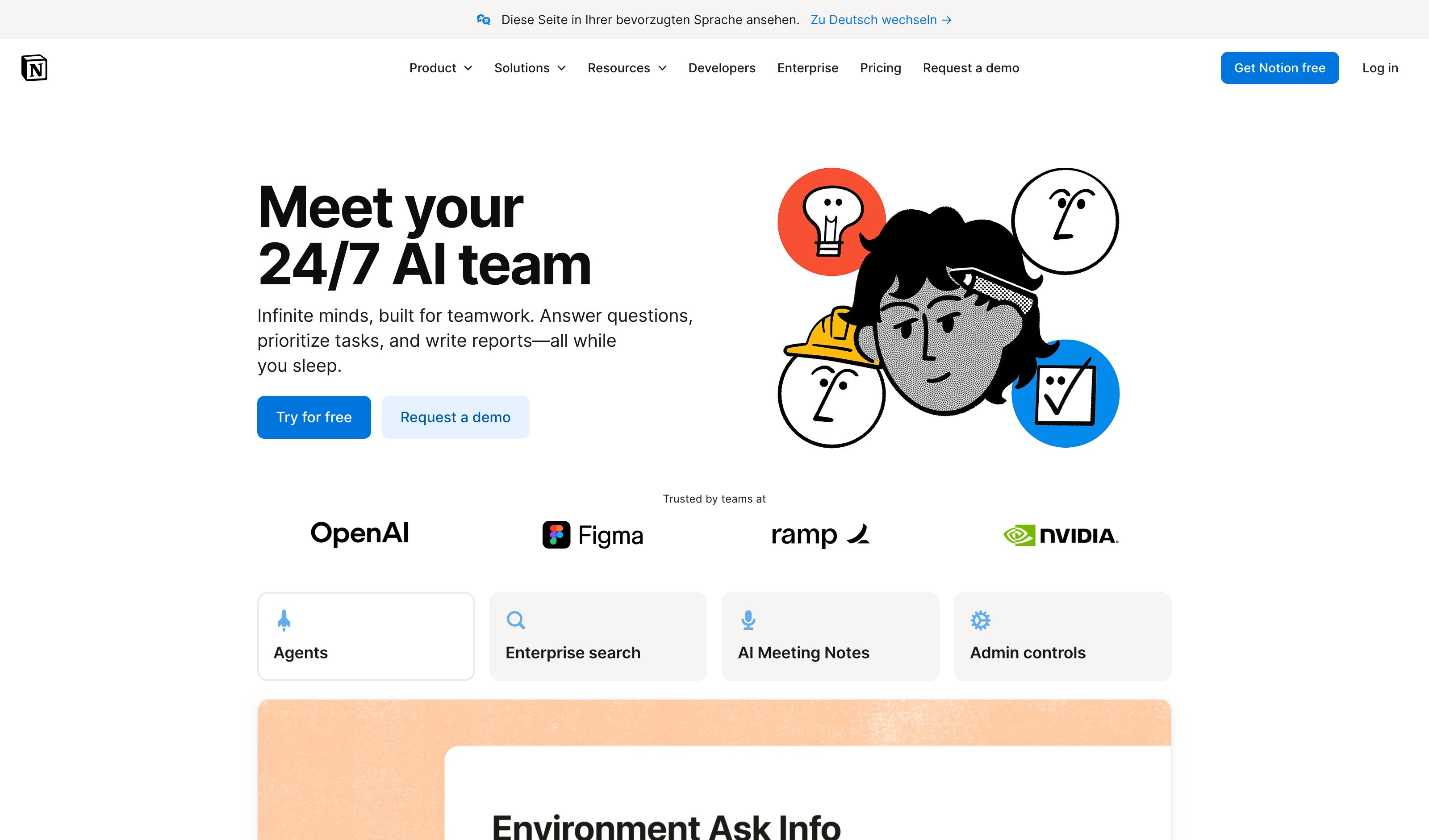
Notion AI overlay
Notion
Press space on a new line for a prompt box; select text and choose Edit with AI for the in-place menu — built-in skills (Improve Writing, Proofread, Explain, Reformat) plus any skill your workspace adds. The rewrite lands in the document with accept, discard, or try again. Both surfaces vanish once the edit lands.
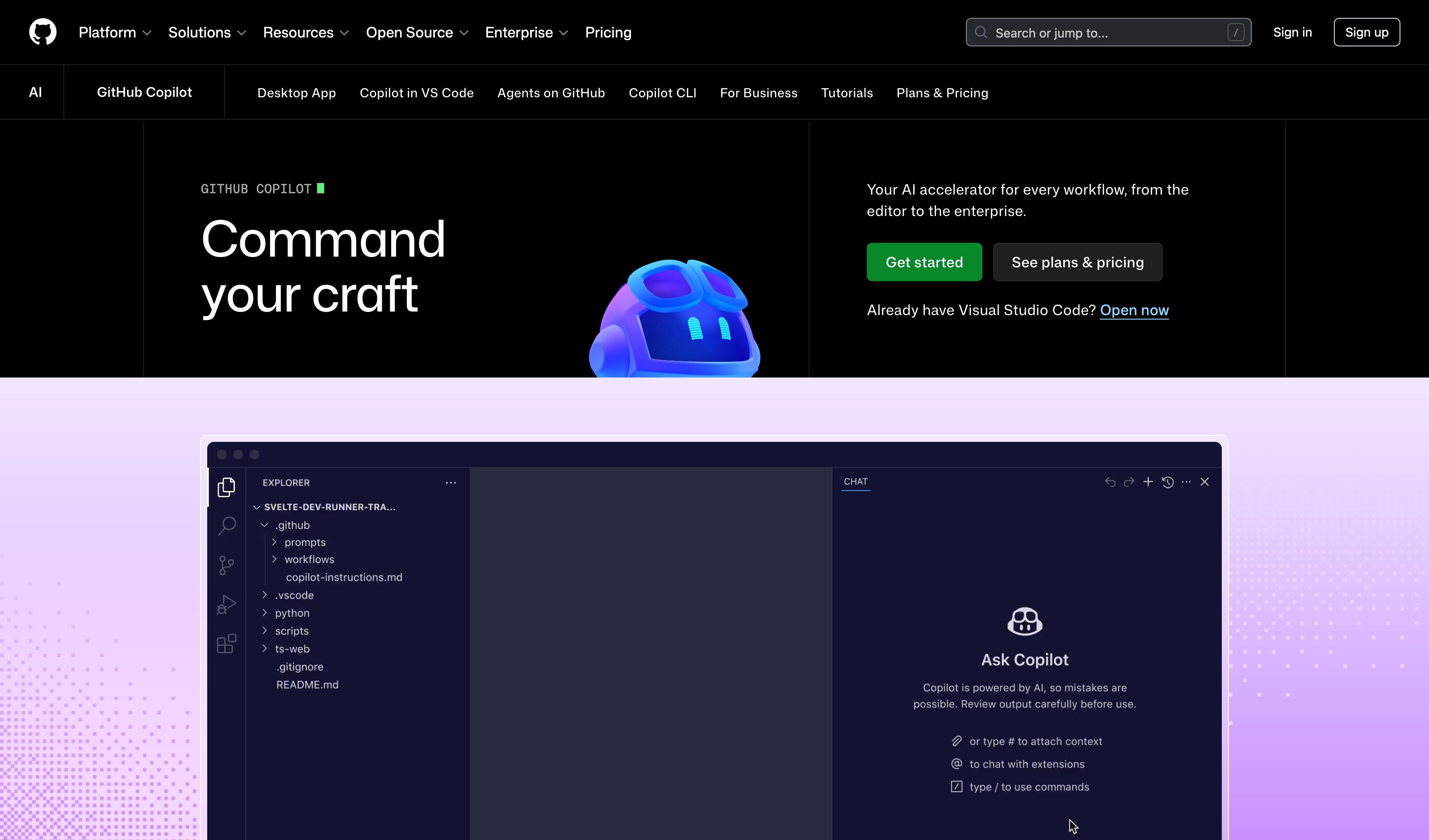
GitHub Copilot Inline Chat
GitHub
Two surfaces in one editor. Cmd+I / Ctrl+I is a free-text prompt box at the cursor — ephemeral, but with no named verbs. The labeled half is Smart Actions: right-click a selection for Explain, Fix, Generate Docs, Generate Tests, Review, no prompt written. Both return an inline diff with Keep or Undo.
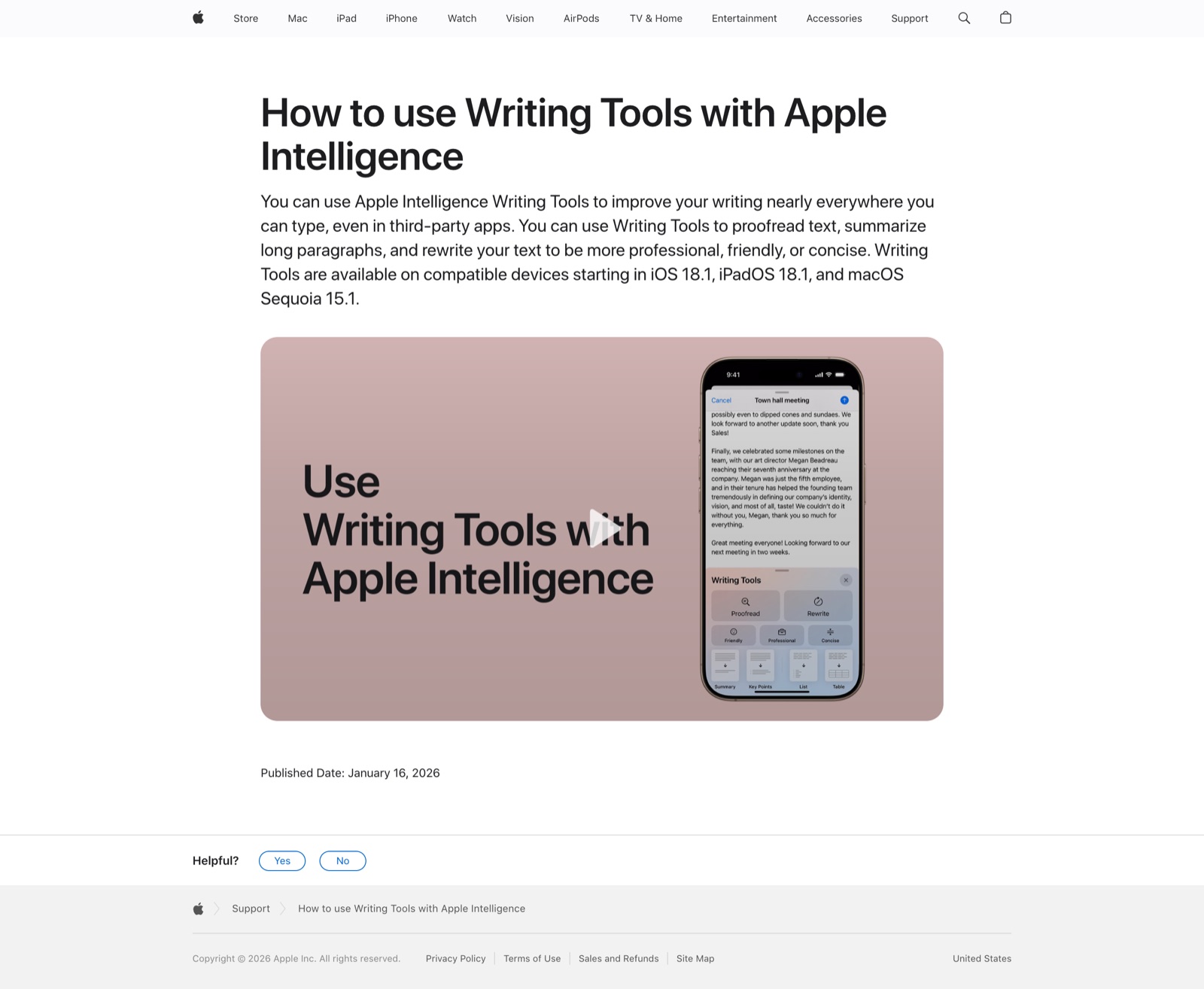
Apple Intelligence Writing Tools
Apple
Select text, then Control-click and choose Show Writing Tools on macOS, or tap Writing Tools in the iOS selection bar. A floating panel offers Proofread, Rewrite, Friendly, Professional, Concise, Summary, Key Points, List and Table, then dismisses on Replace. Works in most third-party fields; read-only text gets the result without Replace.
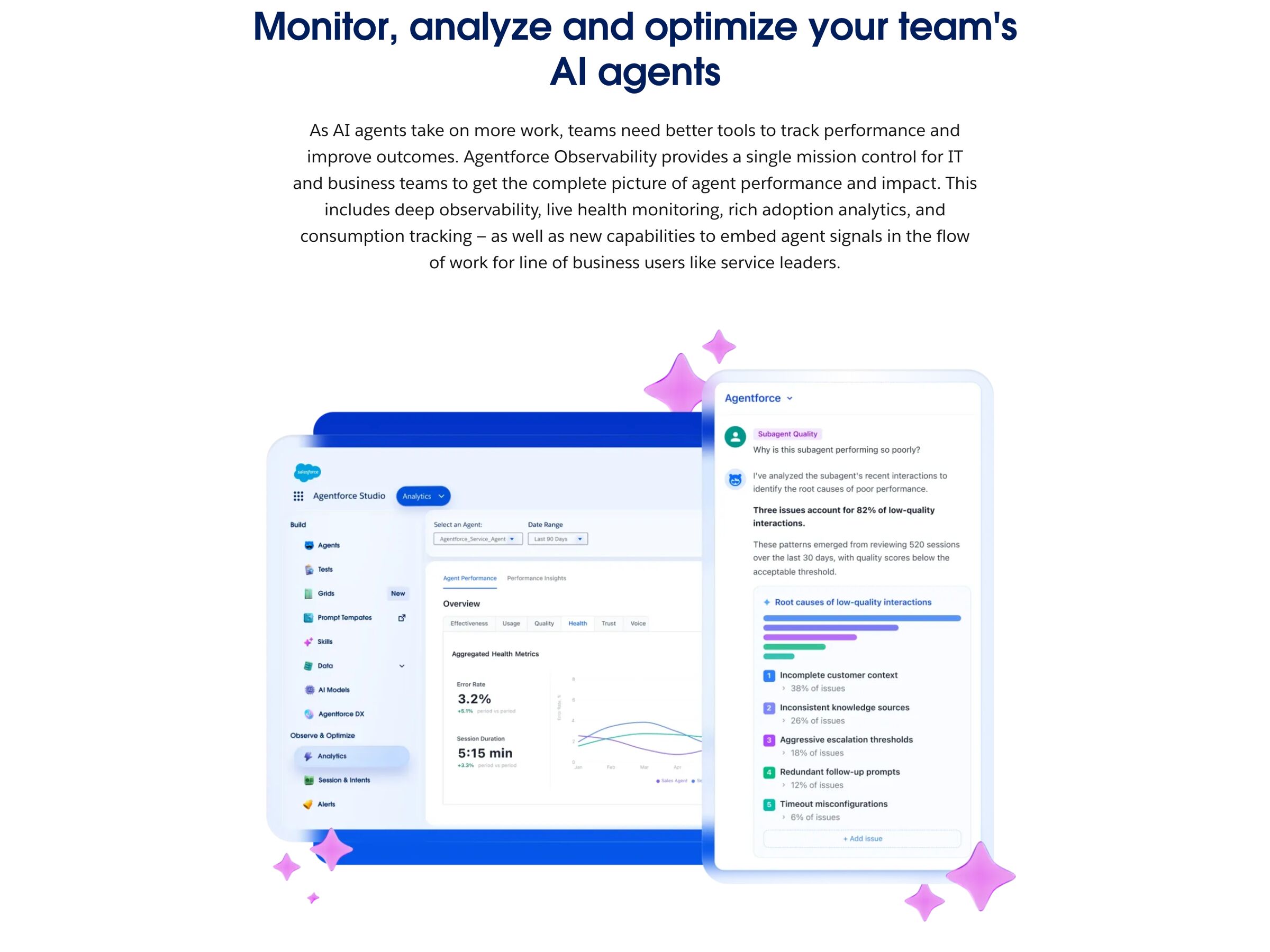
Salesforce Agentforce Observability
Salesforce
Renamed from Command Center — the old URL redirects here. One console over every deployed agent: error rate, latency and escalation rate on five-minute intervals, filterable by agent type and channel, plus session-level traces and topic-level quality scores. Intervention means editing the agent's configuration afterwards; nothing here halts a running agent.
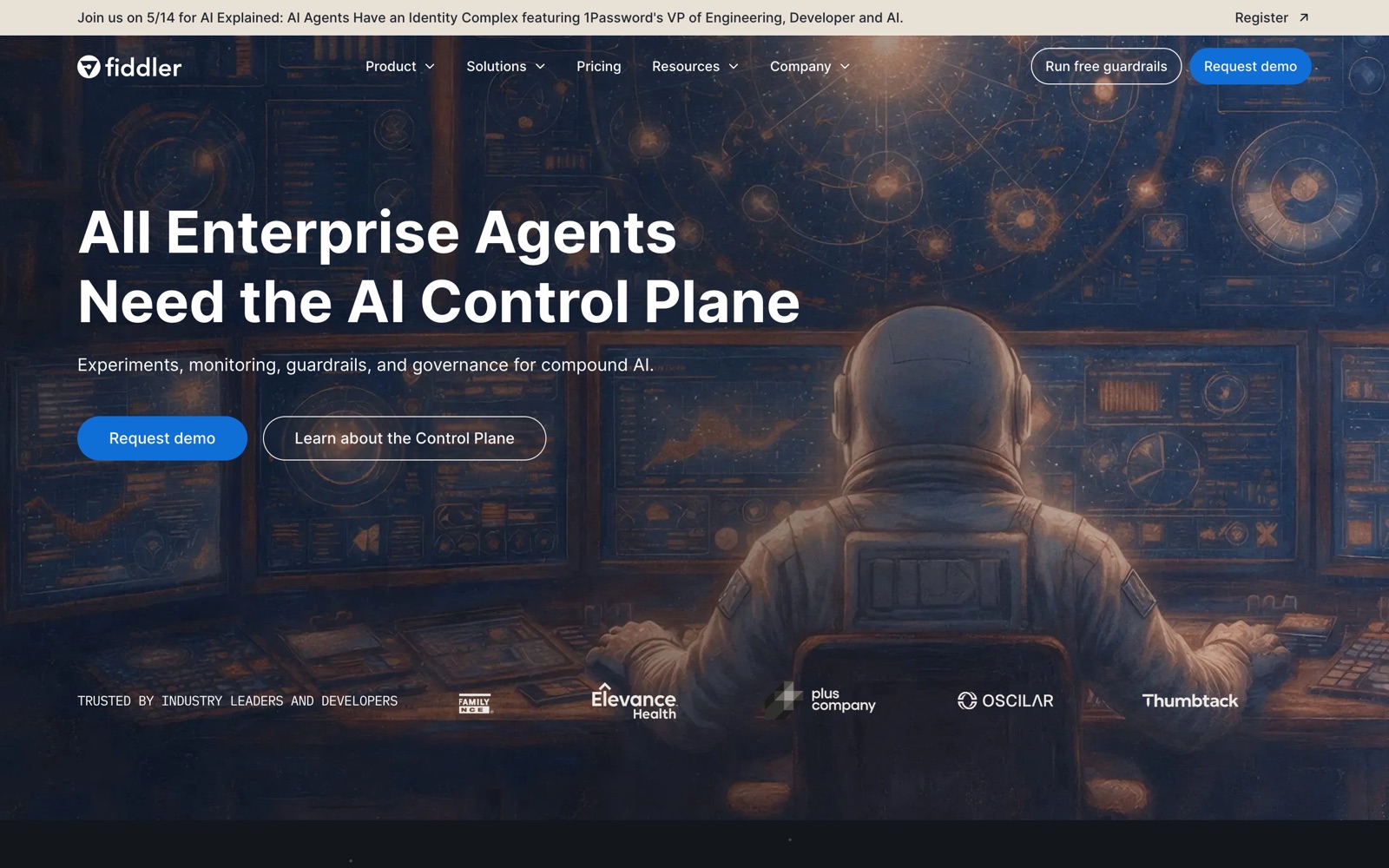
Fiddler.ai Agentic Observability
Fiddler
Fiddler's docs name the surface: a Projects → Applications UI, an Agent Performance Overview across all agents, hierarchical traces from application to session to agent to trace to span, and root-cause analysis that pinpoints the failing span. Read-only supervision — guardrails fire automatically, but nobody watching can stop an agent from the dashboard.
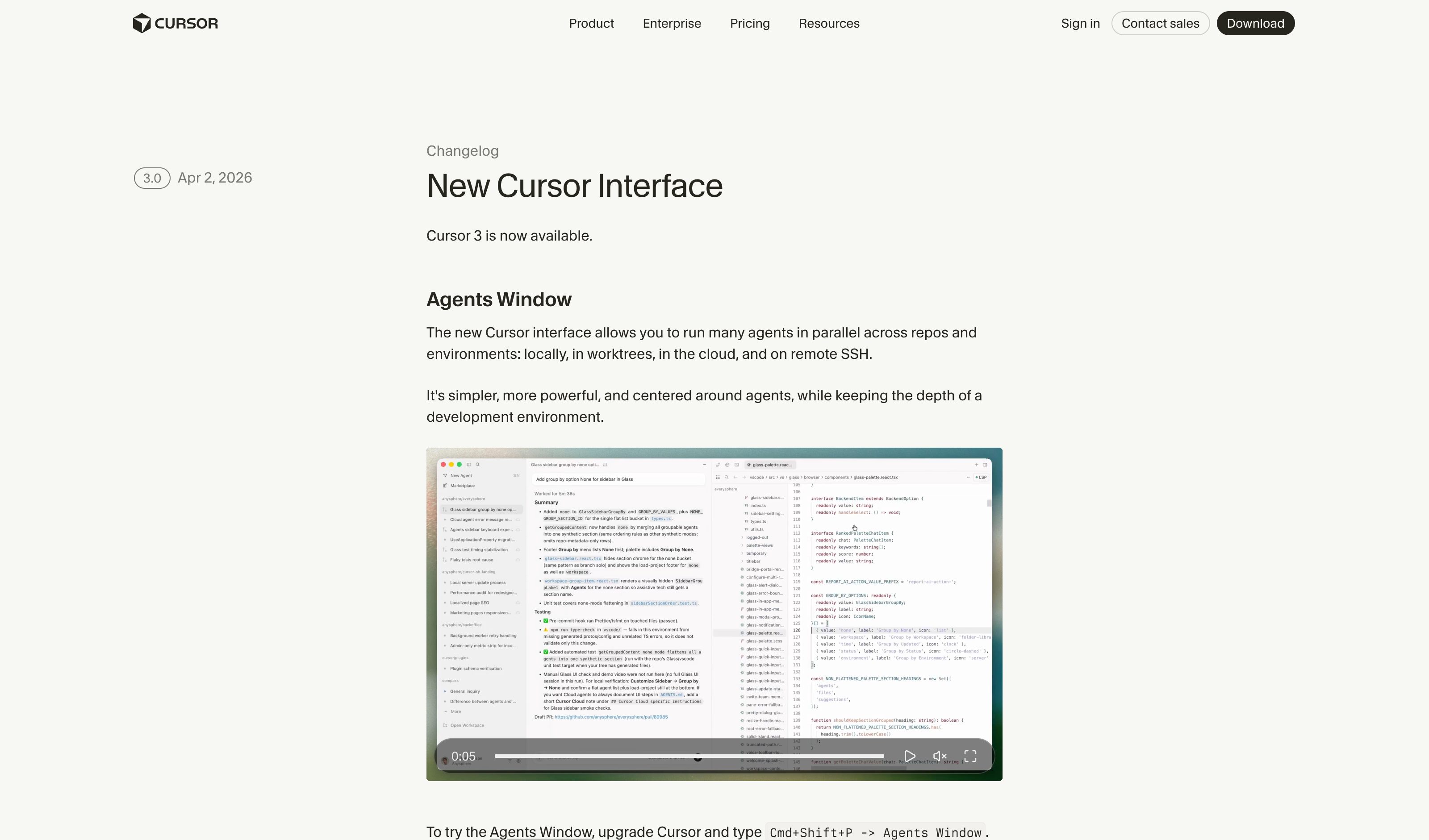
Cursor 3 Agents Window
Cursor
Cursor 3 (Apr 2026) made the Agents Window GA and it still ships: parallel agents in one window across local checkouts, worktrees, cloud VMs and remote SSH, with a shared diffs view and local-to-cloud handoff. Each chat queues or steers messages and can be interrupted — but the docs describe a workspace per agent, not status rows with per-lane pause.
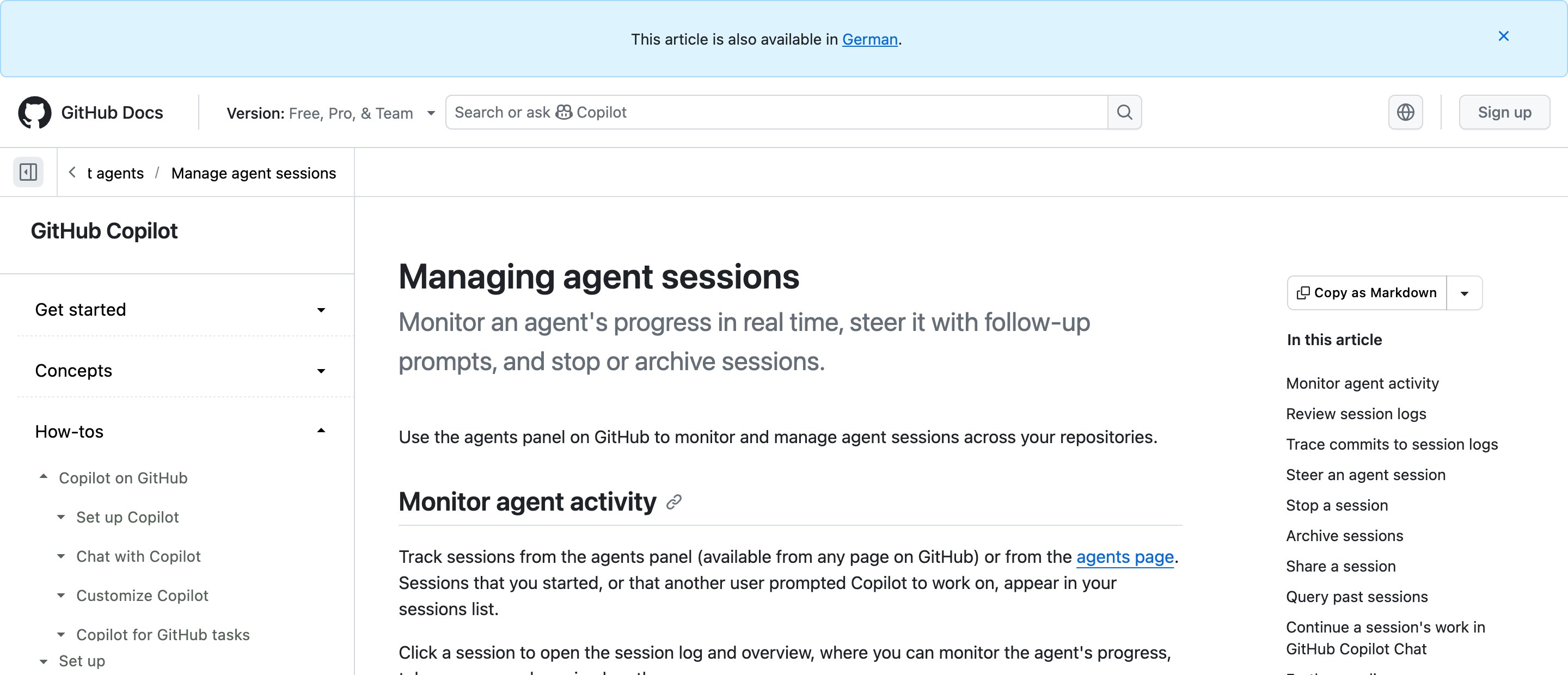
GitHub · Copilot agents page
GitHub
An agents panel reachable from any GitHub page lists every Copilot cloud-agent session across your repos with progress, token usage and length. Open one to read its log, type a follow-up to steer it, or hit Stop session, which ends the Actions run and keeps commits already pushed. The lane-with-a-halt the other rows lack.
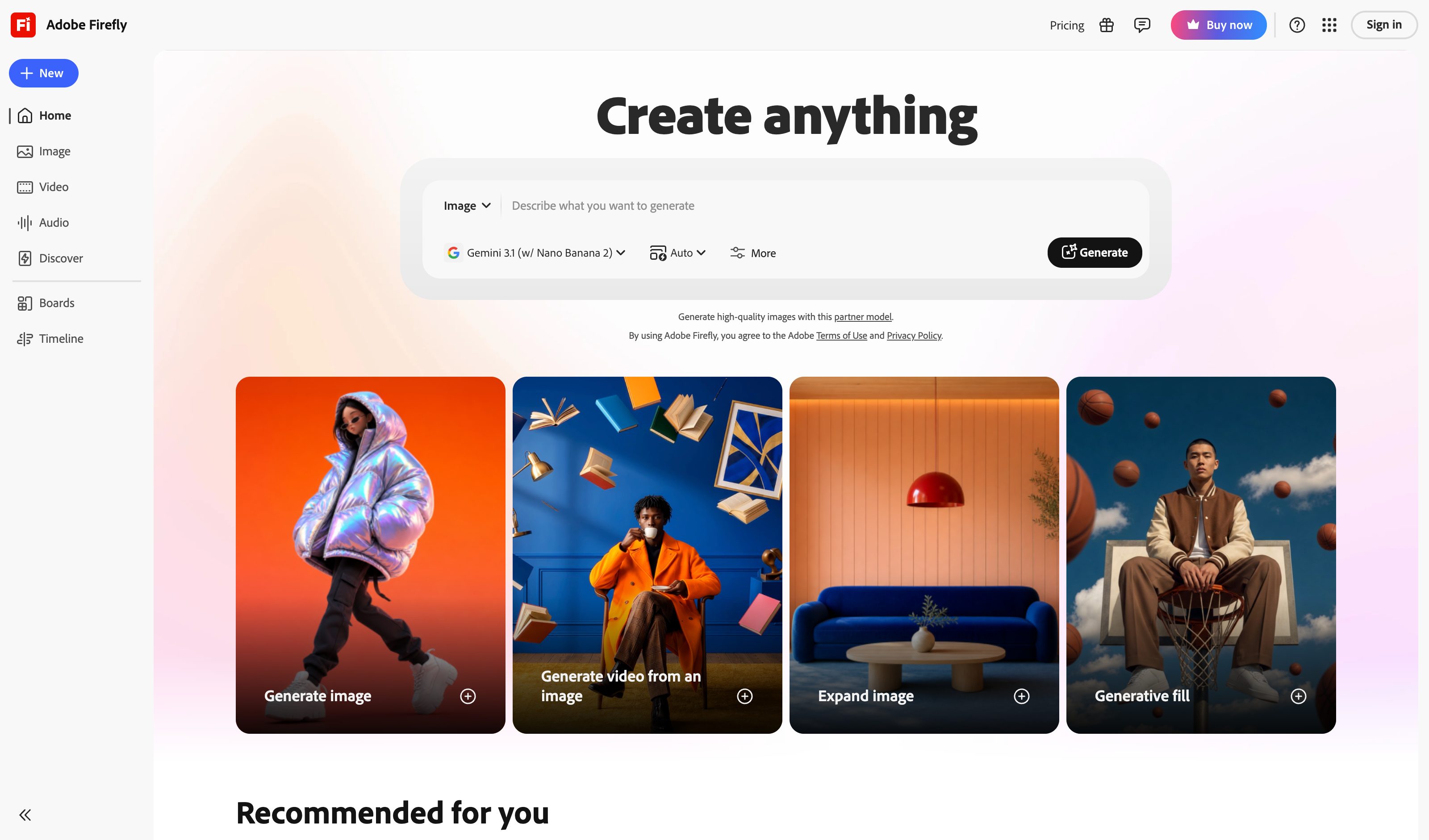
Adobe Firefly Style Reference
Adobe
Reference image + Strength slider — user uploads aesthetic reference, drags strength to weight influence. The strongest pure expression of the pattern.
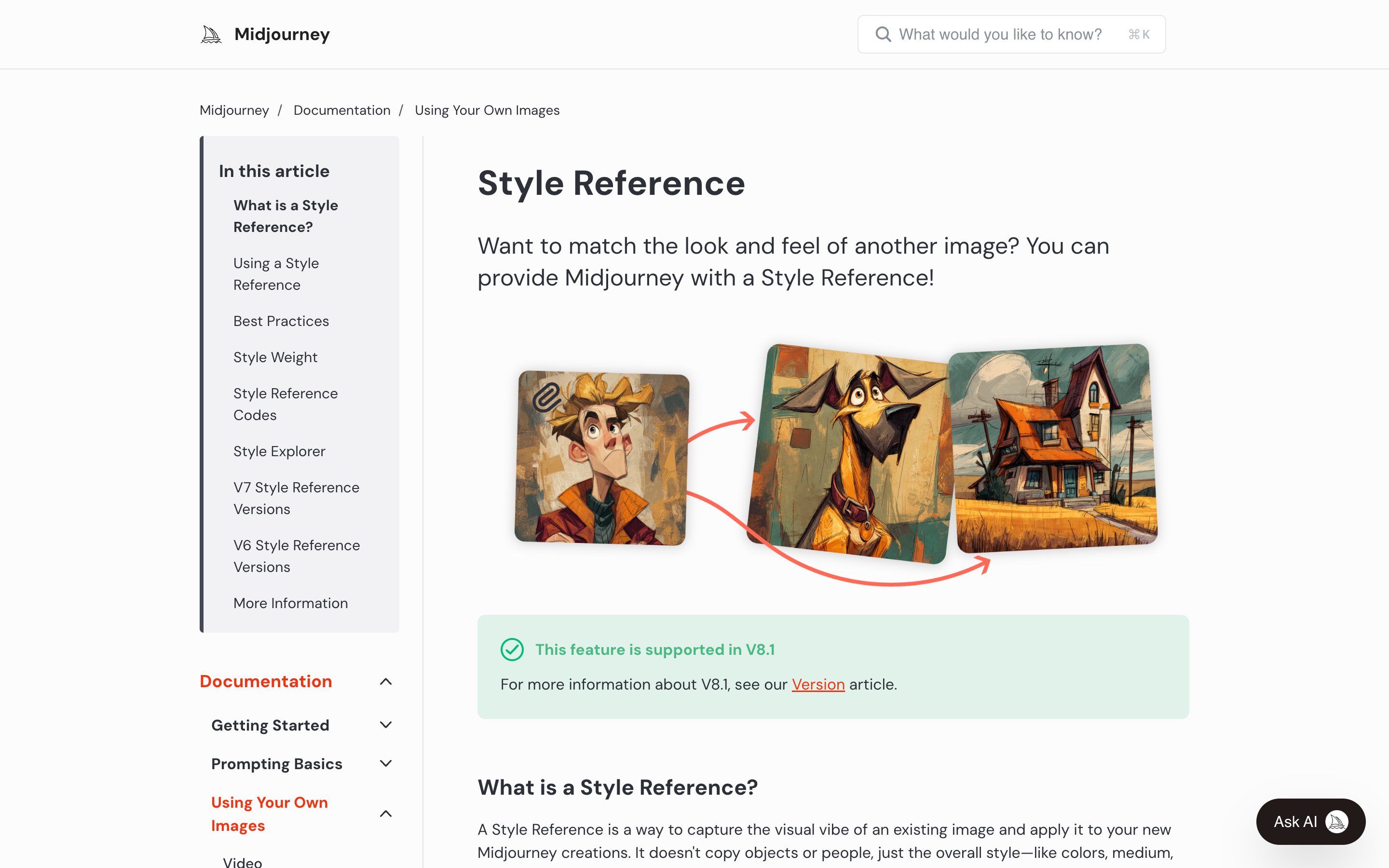
Midjourney Style Reference (--sref) + Moodboards
Midjourney
Paste --sref code to reuse aesthetic across prompts, or build a moodboard from multiple uploaded references. The 2026 hero UI for visual intent at Midjourney.

Recraft · Style Reference
Recraft
Drop in reference images and Recraft turns them into a named, reusable, editable style — color grading, lighting, line quality — applied to every future generation, with style-mixing across references. Show, don't describe, made durable.
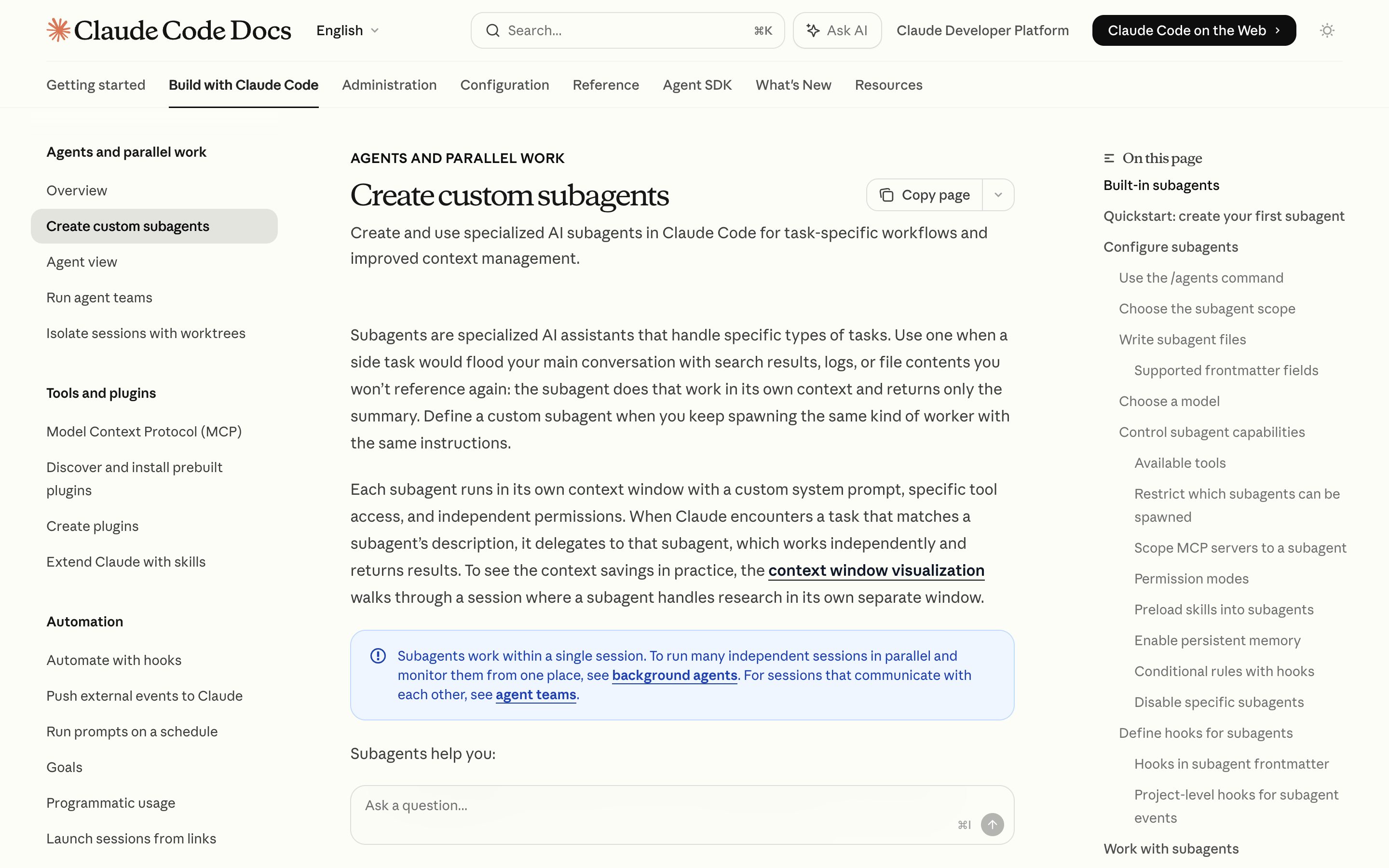
Claude Code Subagents
Anthropic
Specialists get their own context, tool allowlist and permission mode. A panel under the prompt lists each running worker, `/tasks` opens one worker's transcript to message or stop it, and a background worker's permission prompt names which subagent is asking. Per-worker control, in a terminal rather than a consumer UI.
CrewAI Hierarchical
CrewAI
Hierarchical process with auto-created manager agent that delegates to role-defined workers. Explicit supervisor-worker process at the framework level.
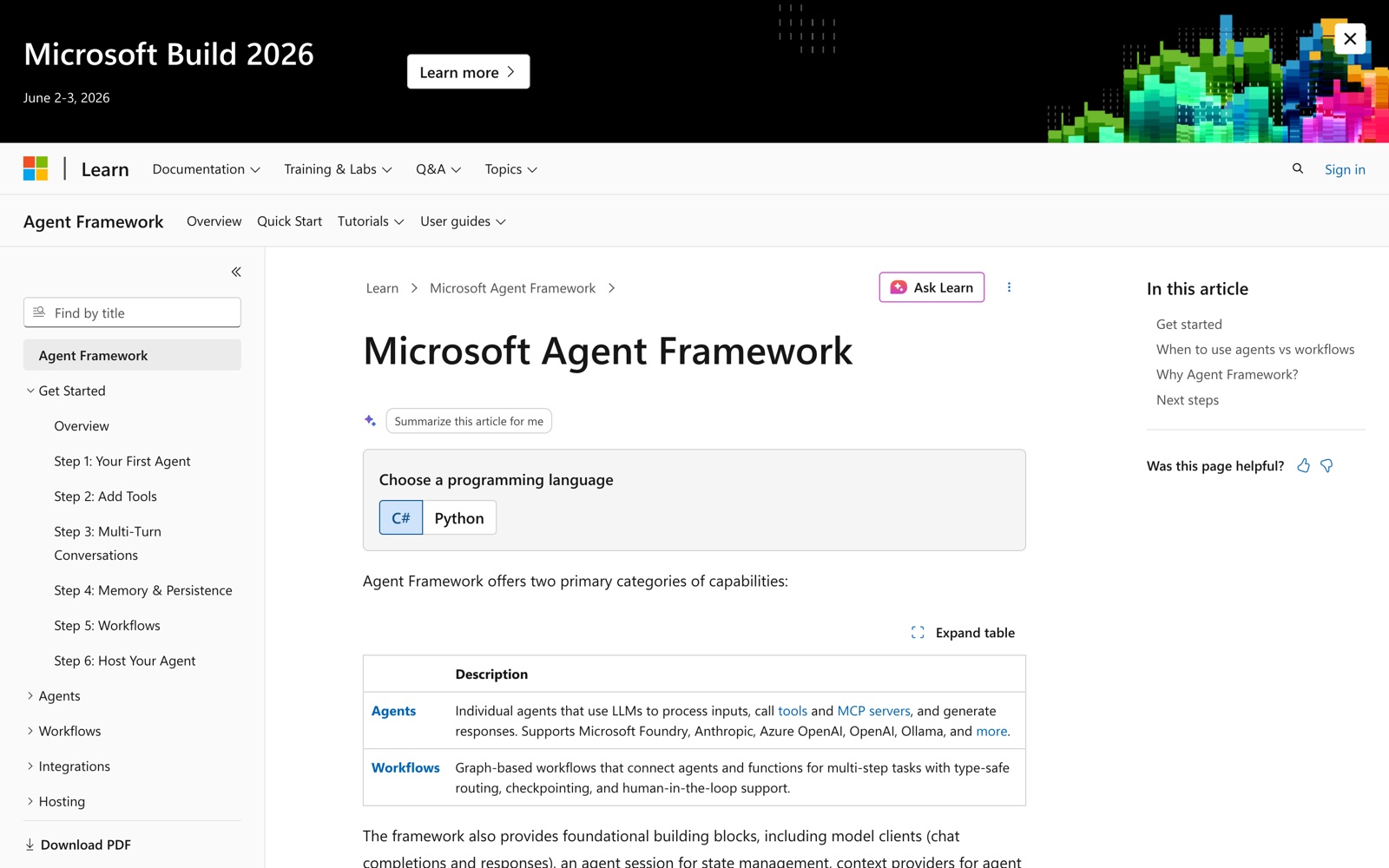
Microsoft Agent Framework
Microsoft
AutoGen and Semantic Kernel merged into one SDK, GA as 1.0 on 3 April 2026. Its Magentic orchestration is this pattern by name — a manager agent coordinating specialist agents — alongside handoff and group chat, on a graph workflow engine with human-in-the-loop pauses. An SDK, though: the supervision UI is yours to build.
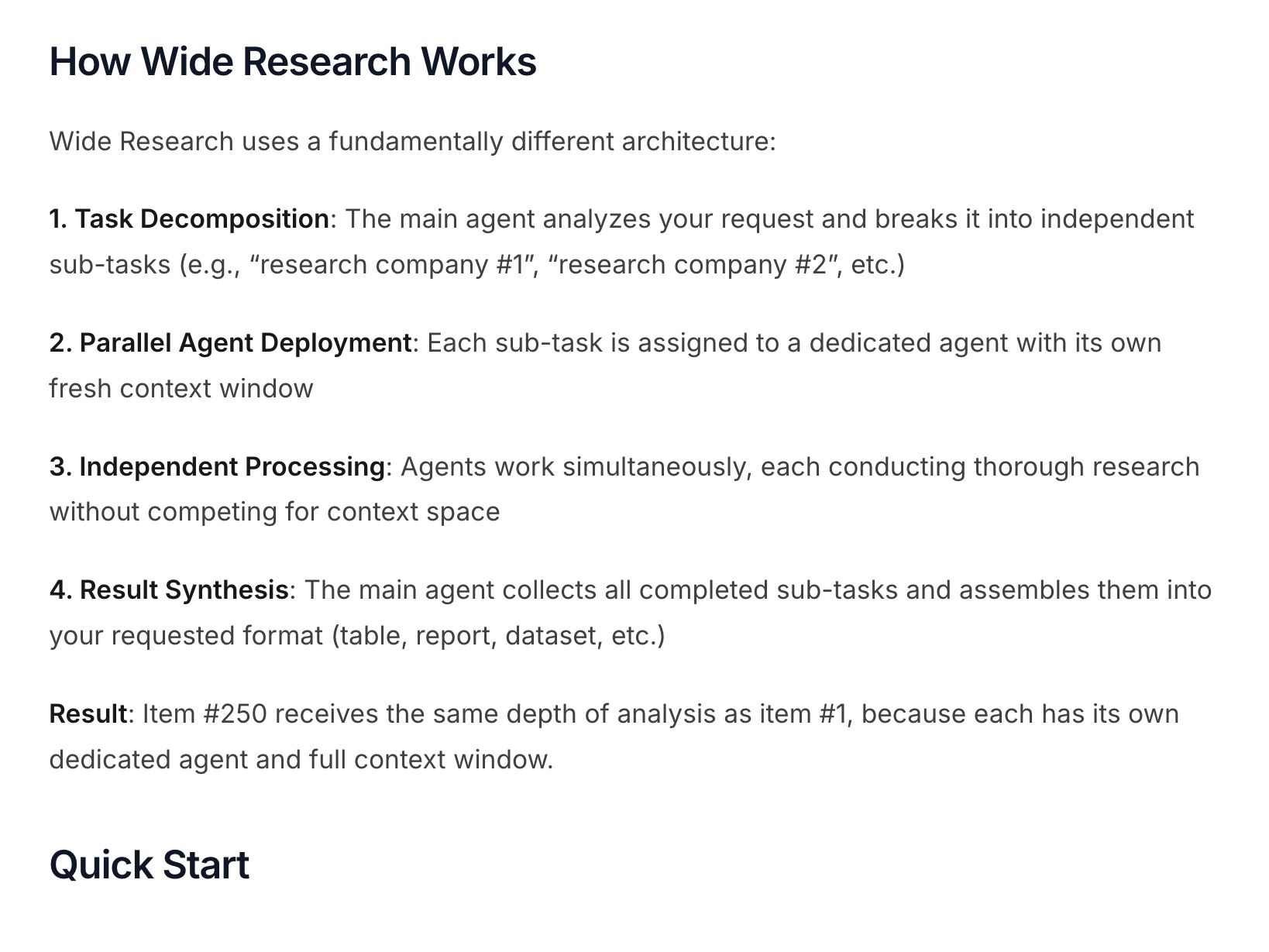
Manus Agent Mode
Manus
Agent mode plans and then executes in a cloud sandbox, with each step visible as it runs and the whole run shareable as a replay link. Manus's own docs name only Wide Research as multi-agent, and that is hundreds of identical parallel agents — a fan-out, not a specialist tree. Decomposition you can watch; roles you cannot inspect.
ChatGPT Memory
OpenAI
Settings → Personalization → Manage memories. Apr 2025 added memory-source visibility ("which memory was used"); Oct 2025 added auto-management with prioritize/deprioritize. Flagship example.
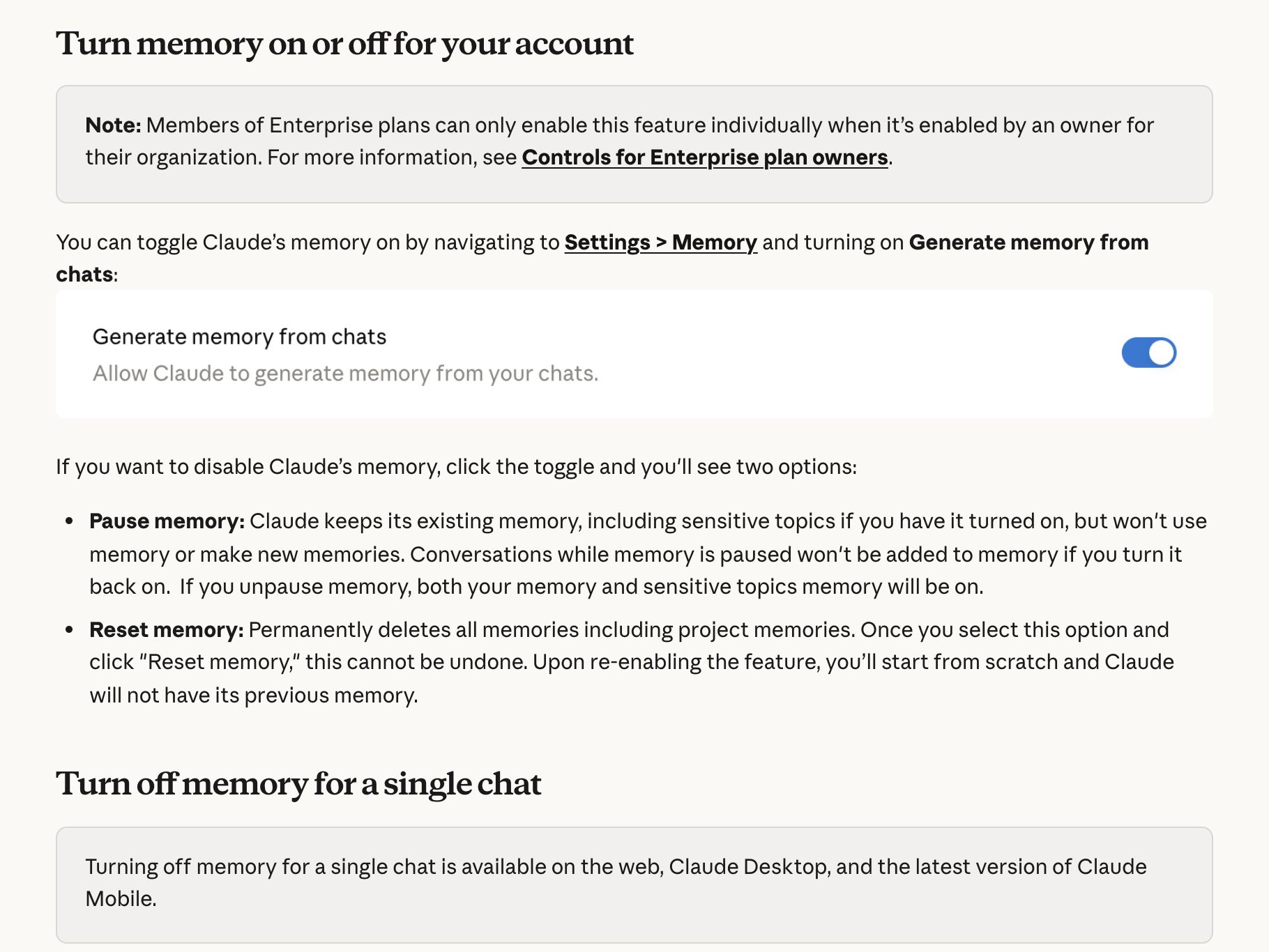
Claude Memory
Anthropic
Settings → Memory holds the "Generate memory from chats" toggle and lists everything Claude remembers as individual Topics to open, edit or delete. Switching memory off offers Pause (keep it, stop using it) or Reset (wipe it, project memories included), and the "+" menu turns it off for a single chat. On by default for Free, Pro and Max; on Team and Enterprise, owners decide and members opt in.
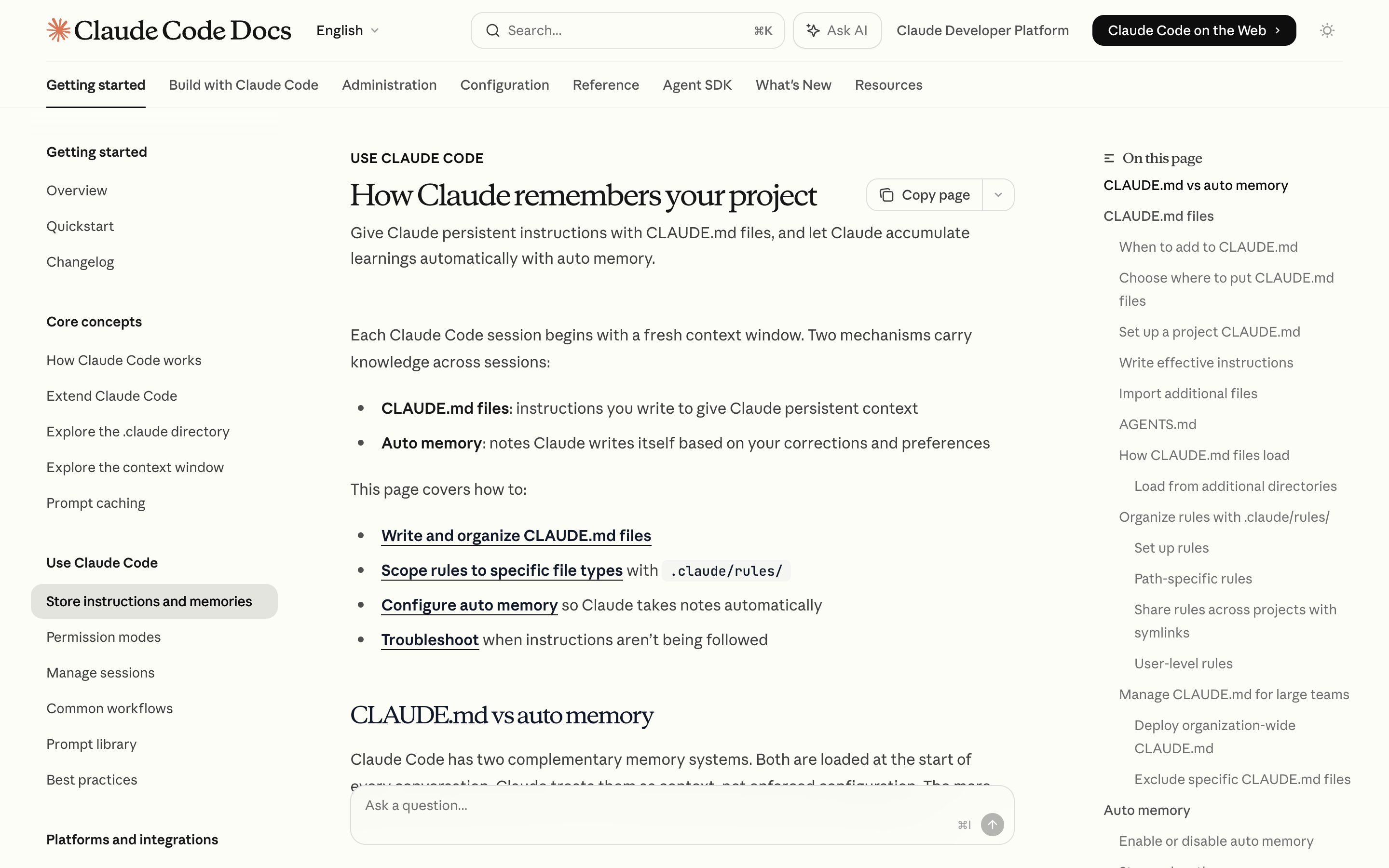
Claude Code auto-memory
Anthropic
v2.1.59+ writes memory to CLAUDE.md files Claude shows you and lets you edit. Tier hierarchy (~/.claude, project, subdirectory) is unusually transparent — the file IS the memory.
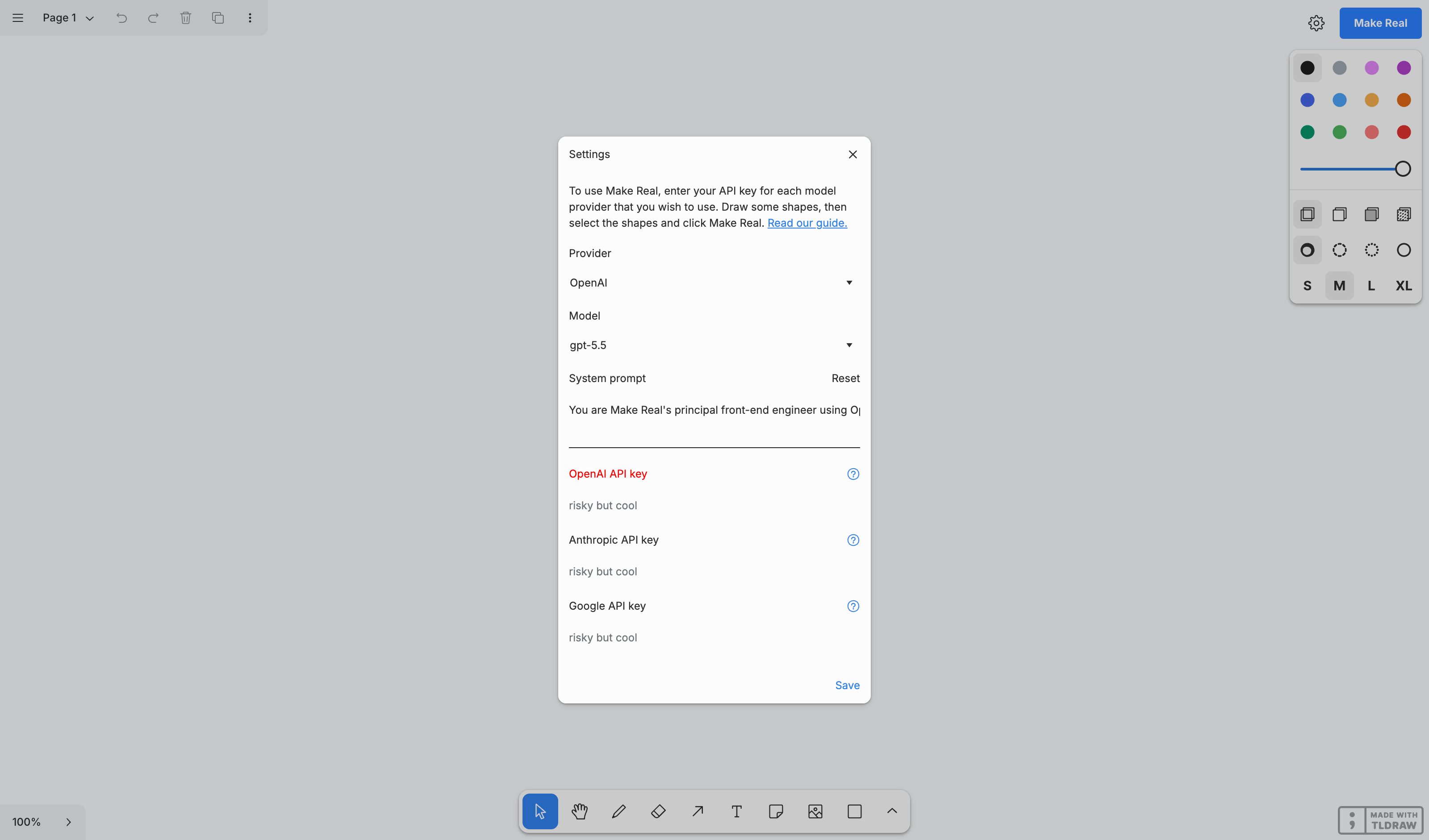
tldraw Make Real
tldraw
Sketch a UI, add sticky-note annotations, click Make Real — HTML/CSS comes back. Still the cleanest sketch+text→working-output example, and still hosted at makereal.tldraw.com. But tldraw archived the repo on 18 Feb 2026, so read it as a frozen research demo rather than a maintained product.
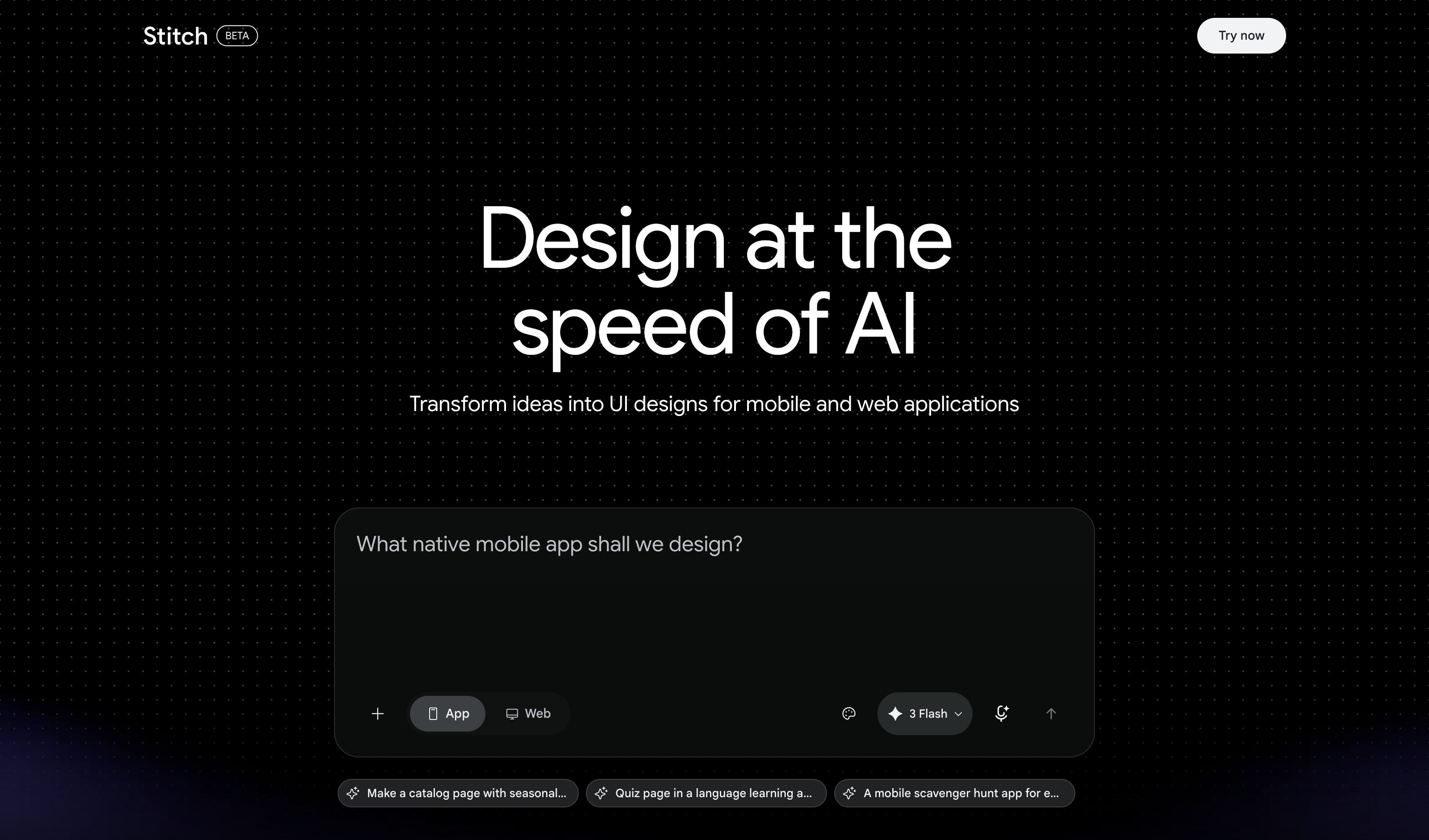
Google Stitch
Galileo AI's successor. The Mar 2026 canvas release takes sketches, screenshots and text on one AI-native infinite canvas, plus voice; May 2026 added the Stitch Agent, streaming edits to the canvas live. Screens generate and stitch into prototypes — but every input lands as undifferentiated context, with no per-modality weight.
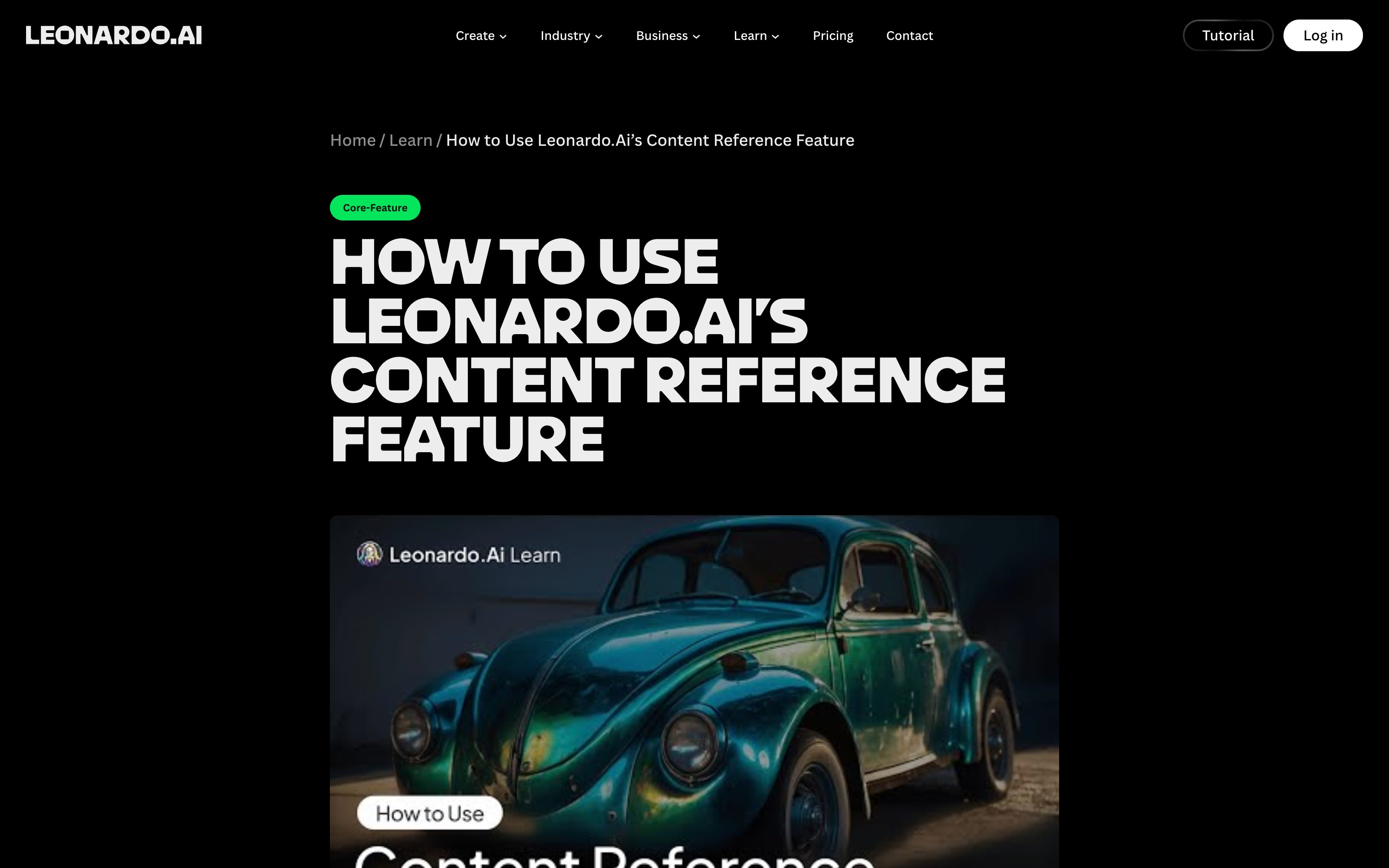
Leonardo.Ai Image Guidance
Leonardo.Ai
The typed route still ships in the Image Generation UI: each reference carries a strength (Style Low–Max, Content and Character Low–High), and multiple Style References get an Influence slider that sets their ratio. But Leonardo's own doc opens by saying you no longer need it — upload six images, describe how they combine, adjust no settings.
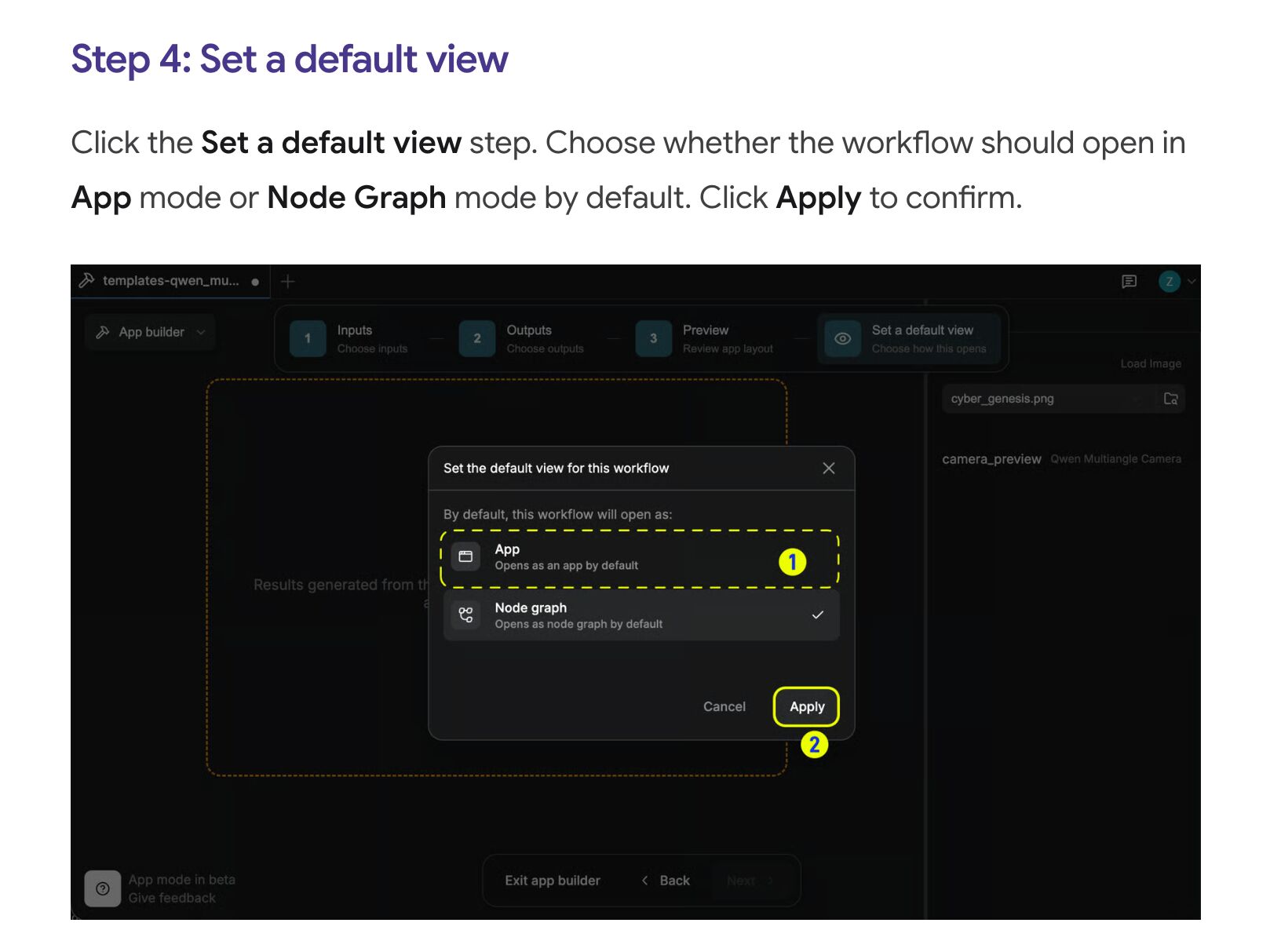
ComfyUI
Comfy.org
Three real rungs, and the bottom one is now named: Workflow → Browse Workflow Templates, the node canvas, and App Mode (March 2026) — a one-click simplified view you can flip back out of at any time. The author also sets whether the workflow opens as App or Node Graph by default. Caveat: App Builder lets the workflow author pick which inputs App Mode shows, so the simple tier is curated, not self-service.
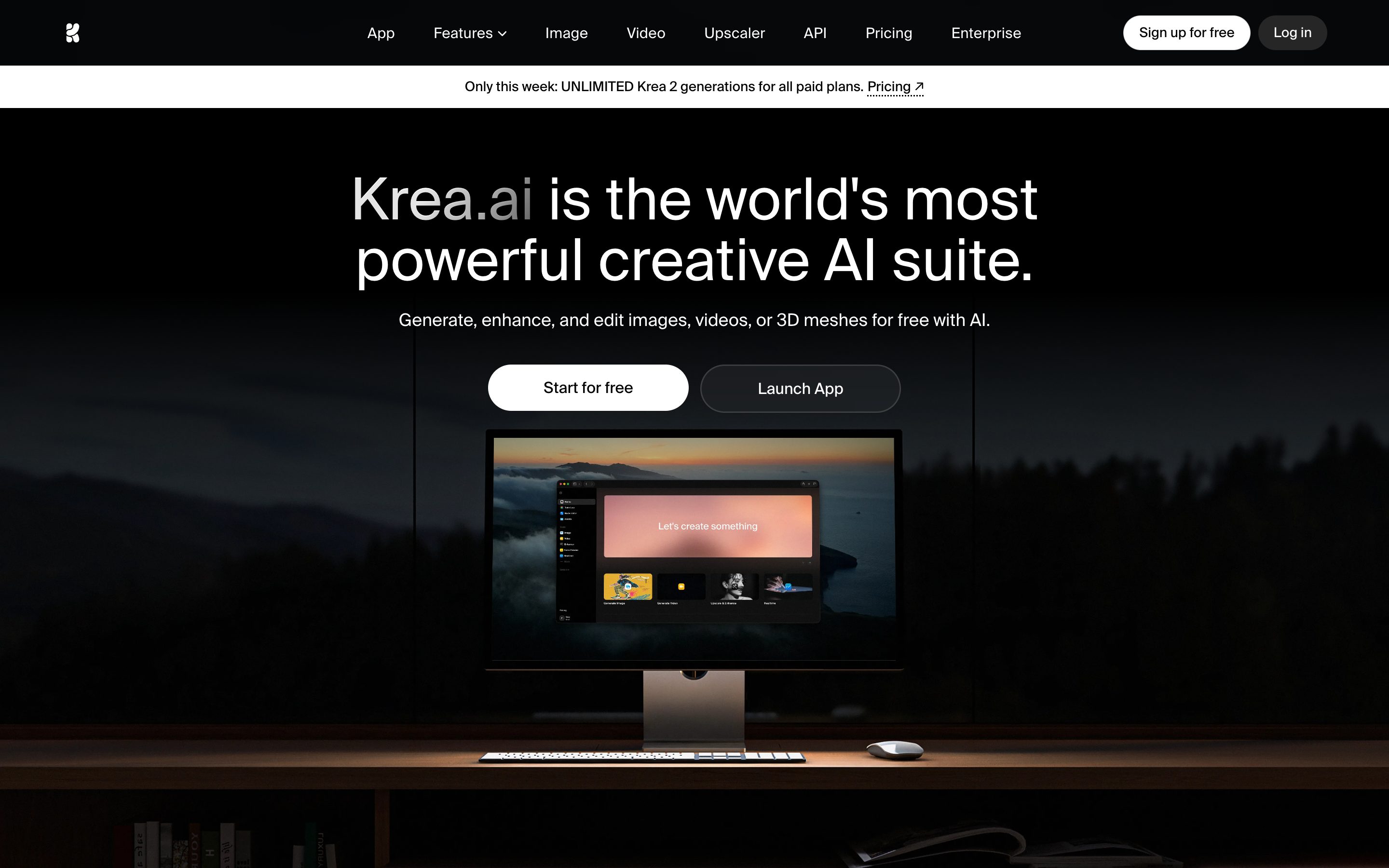
Krea AI
Krea
No easy/advanced toggle in the current product: after the March 2026 redesign, image settings sit beneath the prompt box and vary by model — Krea's own framing is controls that stay hidden until you need them. The step up in depth is a separate surface, the Nodes canvas at krea.ai/nodes, not a mode switch inside the generator.
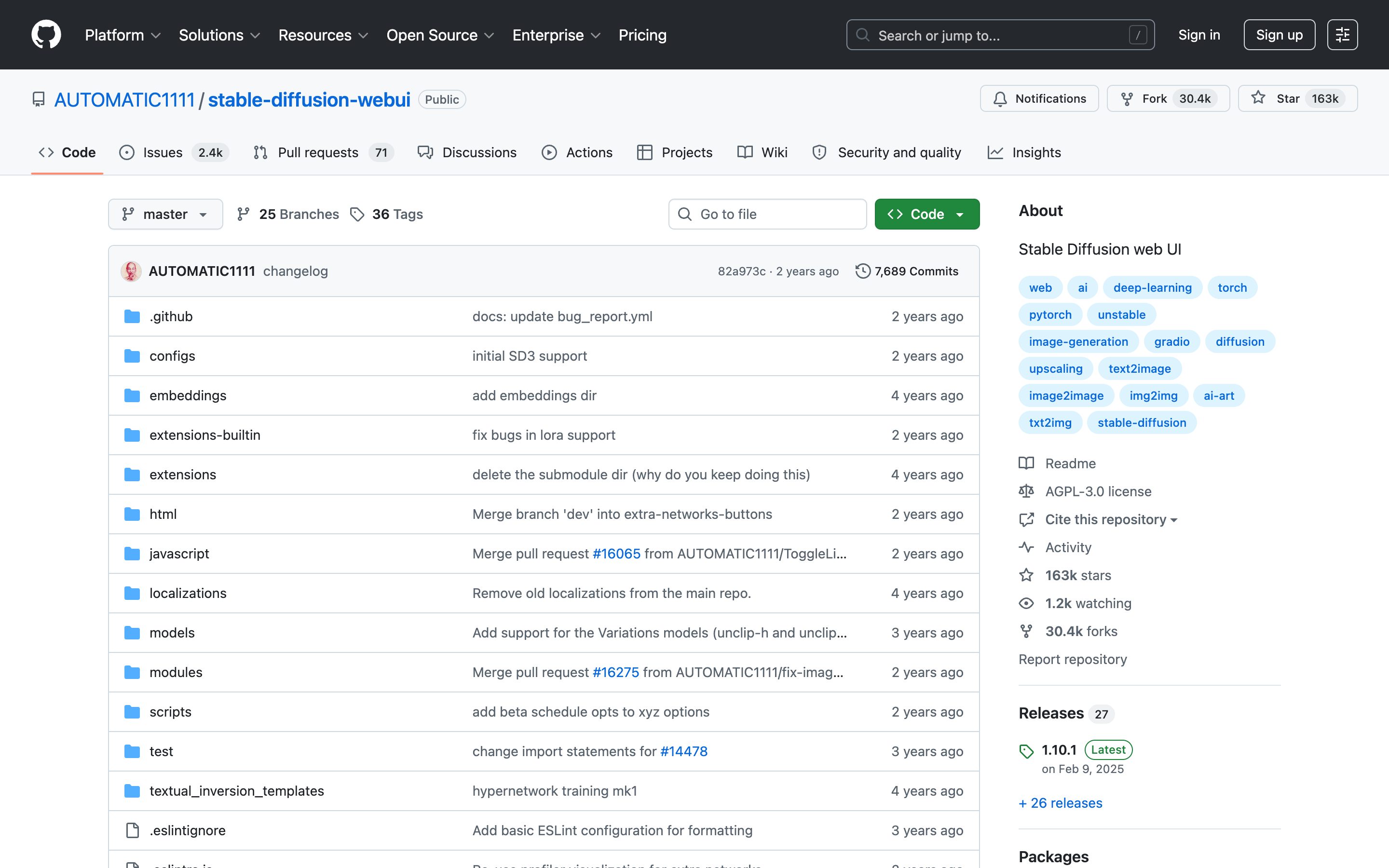
Stable Diffusion WebUI (Auto1111)
AUTOMATIC1111
Top-level prompt + collapsible sections (Sampling, Hires.fix, ADetailer extensions). Accordion-style progressive disclosure as a power-user norm.
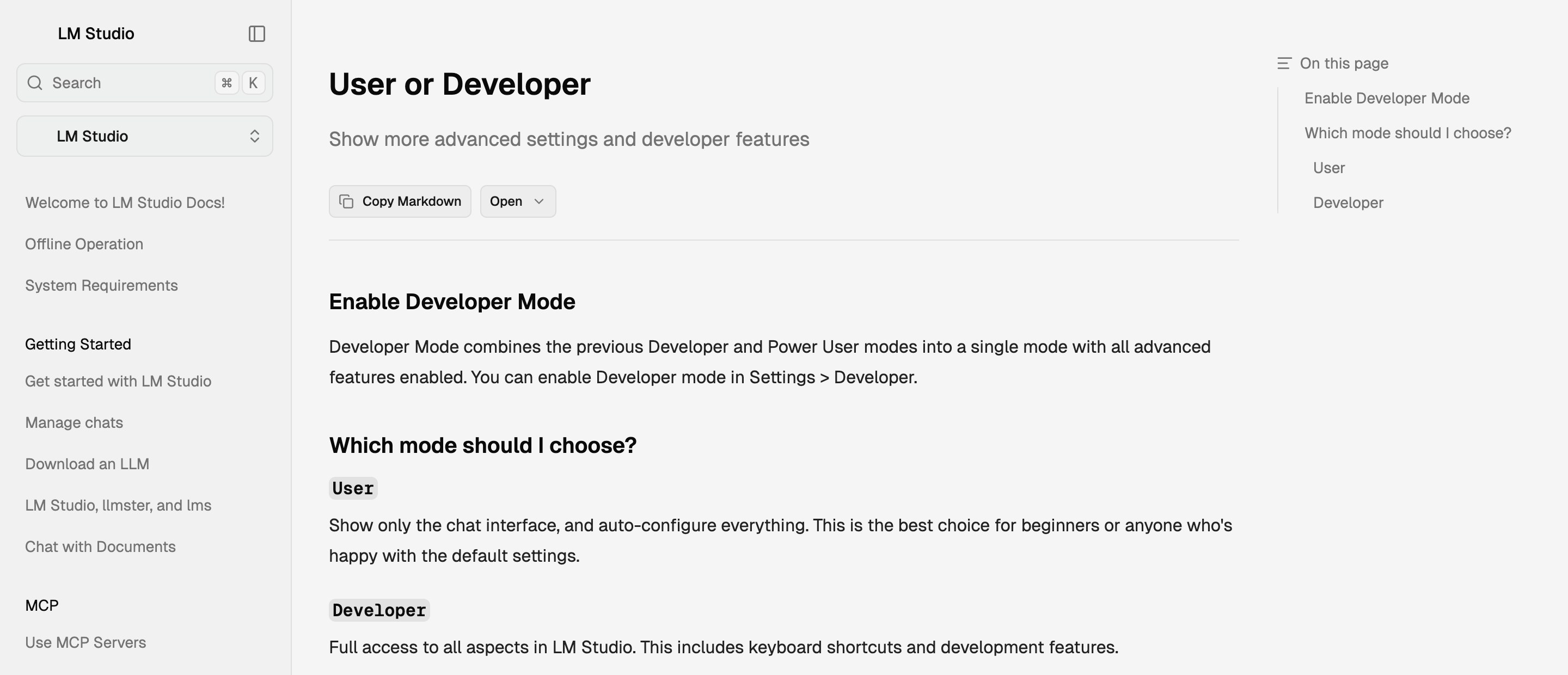
LM Studio · User / Developer modes
LM Studio
A named complexity mode, set once and applied app-wide: User hides everything but chat and auto-configures; Developer exposes load and inference parameters. Also the clearest evidence against a three-rung ladder — 0.4.0 (Jan 2026) called merging Power User into Developer a simplification of the previous three-mode switch.
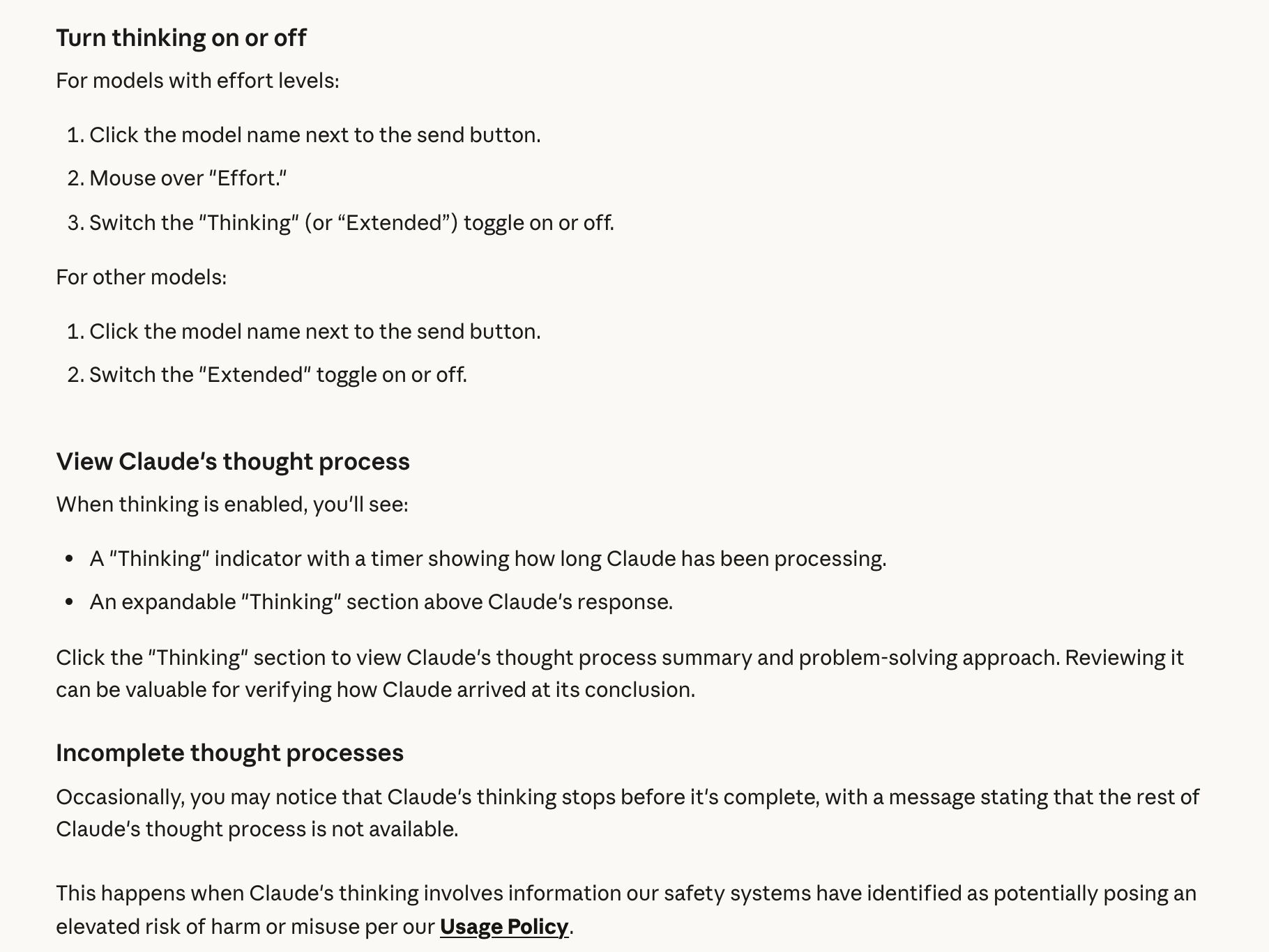
Claude Thinking
Anthropic
Thinking is a toggle under the model name → Effort, separate from the effort level, though it cannot be switched off on Opus 5.5, Sonnet 5.5, Haiku 5.5, Fable 5.1 or Opus 5. A "Thinking" indicator with a timer runs while Claude works, and an expandable "Thinking" section above the answer holds a summary of the reasoning, never the raw chain. Anthropic names that summary as one of its anti-distillation measures. When safety systems flag the reasoning, the trace stops part-way with a message that the rest is not available.
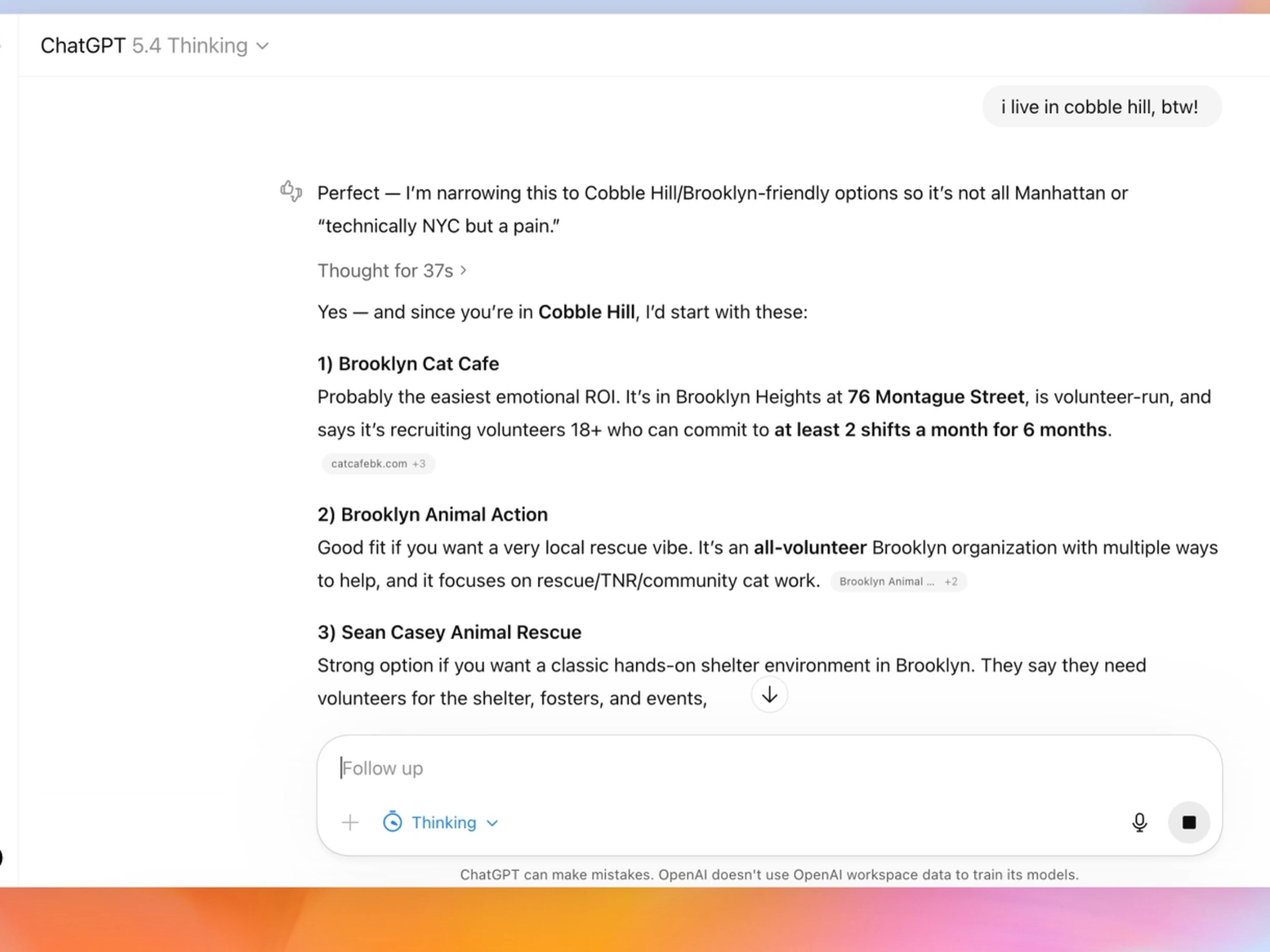
ChatGPT Reasoning Panel
OpenAI
o3 was retired from ChatGPT on 26 Aug 2026 (its API snapshot shuts down 11 Dec), and reasoning depth is now a Thinking slider from Instant to Pro beside GPT-6 and GPT-5.6 Sol; Plus gets up to High, while Extra High and Pro need a Pro, Business or Enterprise plan. GPT-5.4 Thinking added a preamble that outlines its approach on longer, more complex requests and can be redirected mid-response, and OpenAI's launch demo shows it above a "Thought for 37s" line. GPT-6 can also start answering while it is still thinking. OpenAI does not expose raw reasoning tokens (its API returns a summary at most), and its current help pages do not say whether GPT-6 keeps the timed Thinking line.
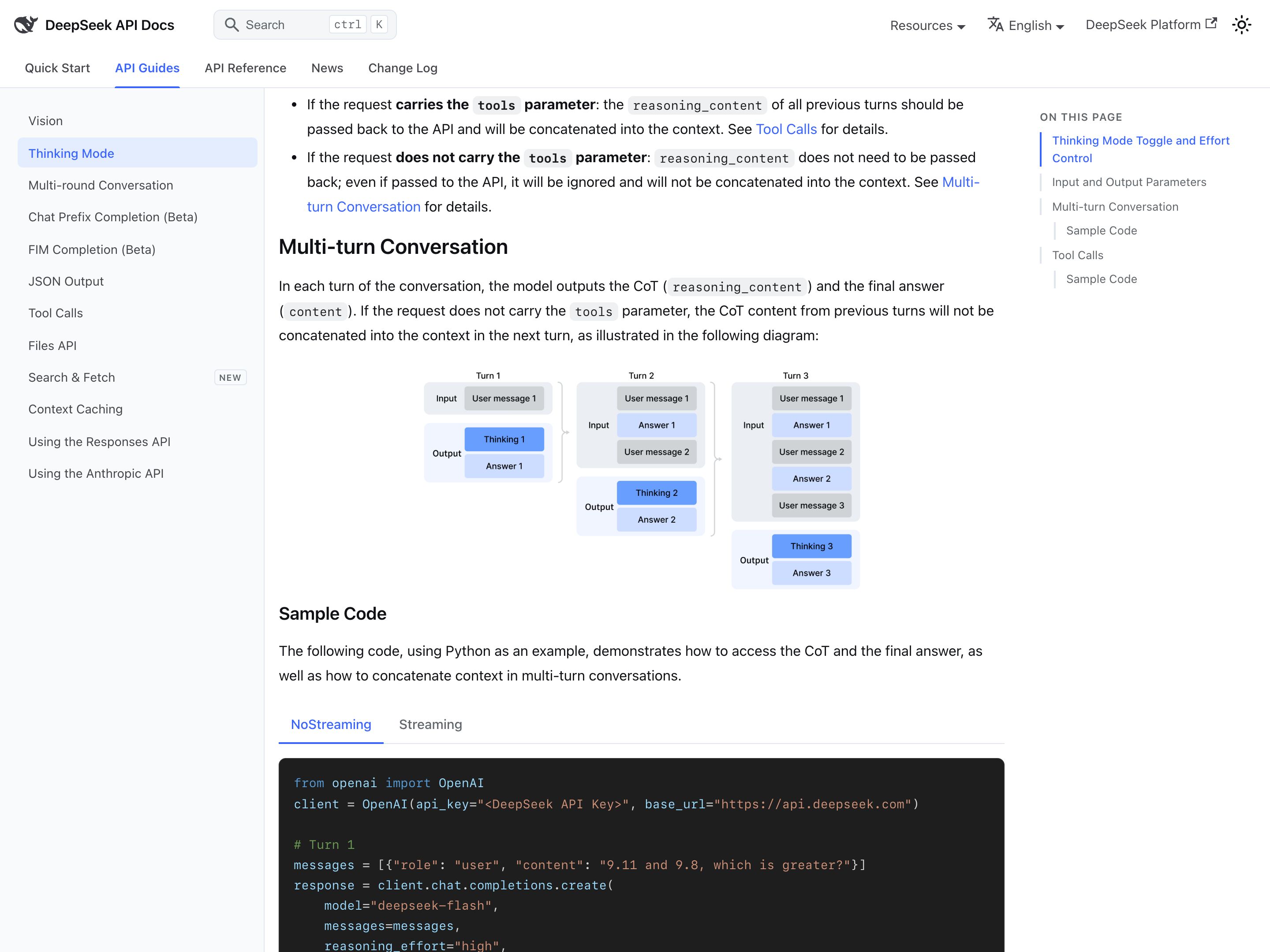
DeepSeek Thinking Mode
DeepSeek
Thinking is a mode of both current API models, on by default at high effort, with low / high / max as the levels; in the chat app the switch is called DeepThink. DeepSeek's docs say the API returns the model's chain of thought as reasoning_content, next to the answer, and that a requested summary is accepted but none is generated. Claude and ChatGPT show summaries; here you get the full text, though as one block, not a structure you can navigate. deepseek-reasoner, the API name R1 launched under, ran newer hybrid models from Aug 2025 until its retirement on 24 Jul 2026.
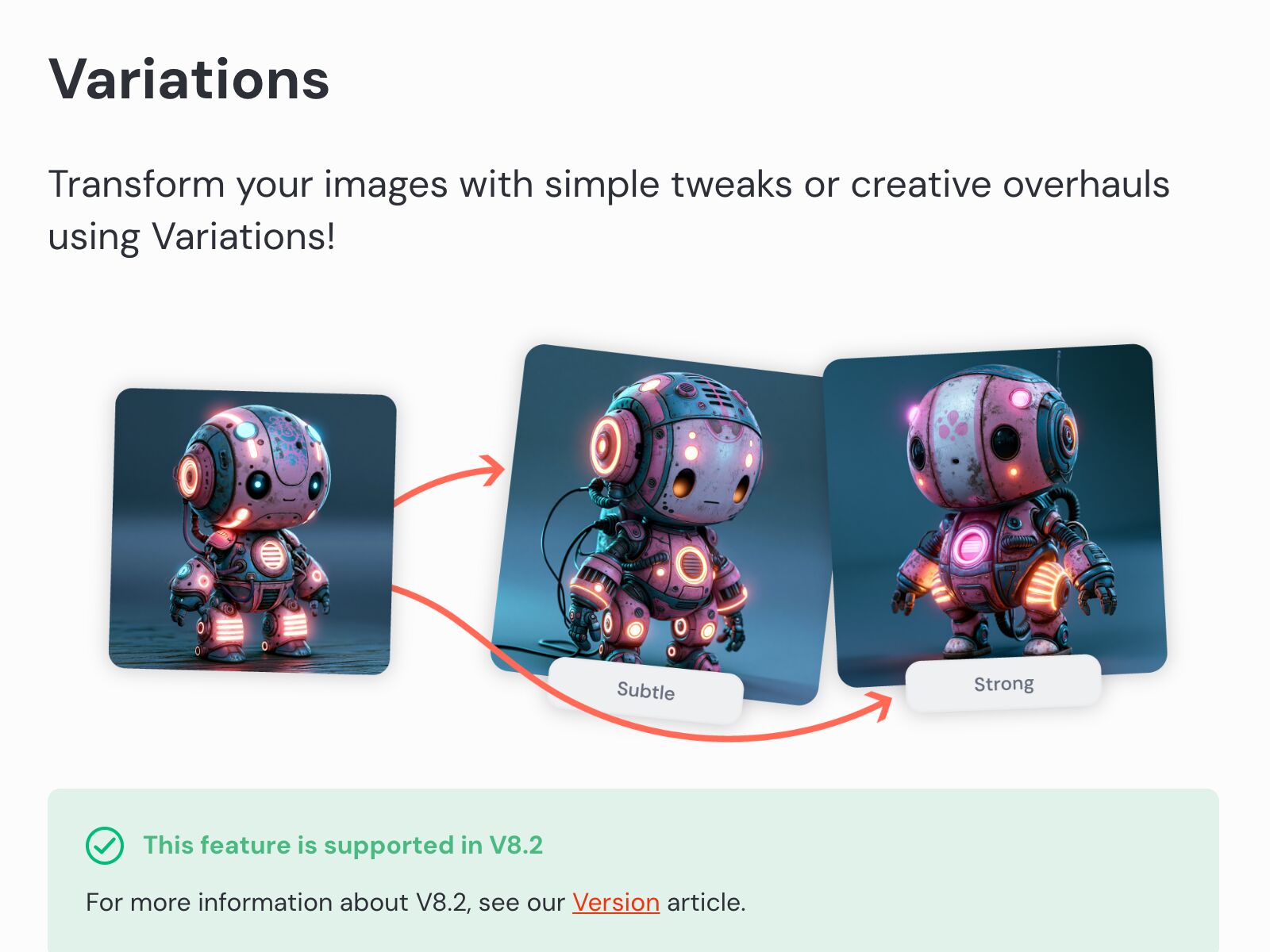
Midjourney Grid
Midjourney
Every job returns four images at once. On web the grid arrives pre-separated, and hovering any image offers Vary (Subtle) or Vary (Strong), each returning a fresh grid of four. Still the canonical example — though the V1–V4 buttons are the Discord path, now filed under Legacy Features.
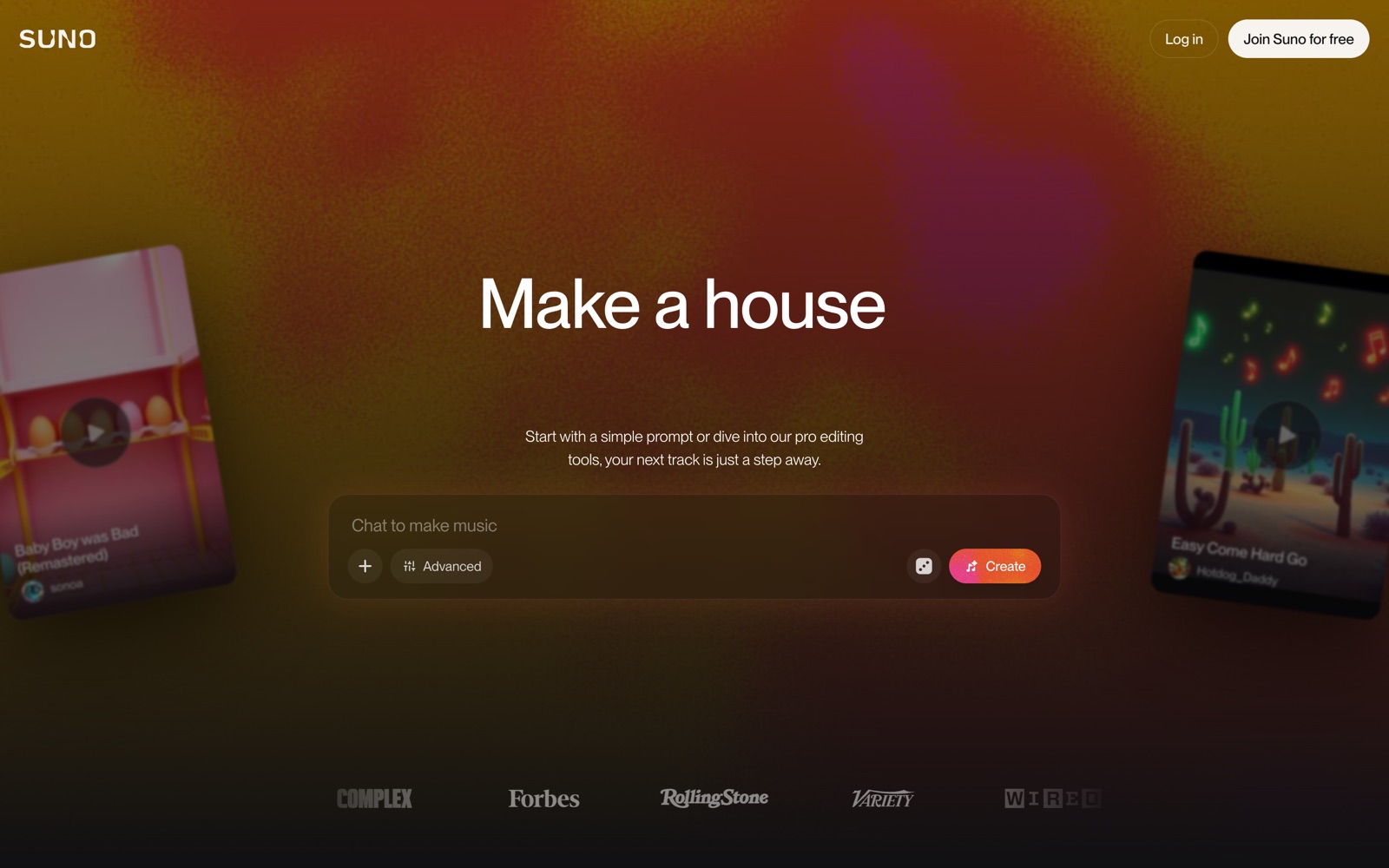
Suno Song Versions
Suno
Every Create returns two complete takes of the same prompt — different arrangement, different vocal performance — and you keep, discard or extend either one. Still two per run on the current v5.5 model; the V4 / V4.5 / V4.5+ wording predates two model generations. Audio-domain proof the pattern travels.
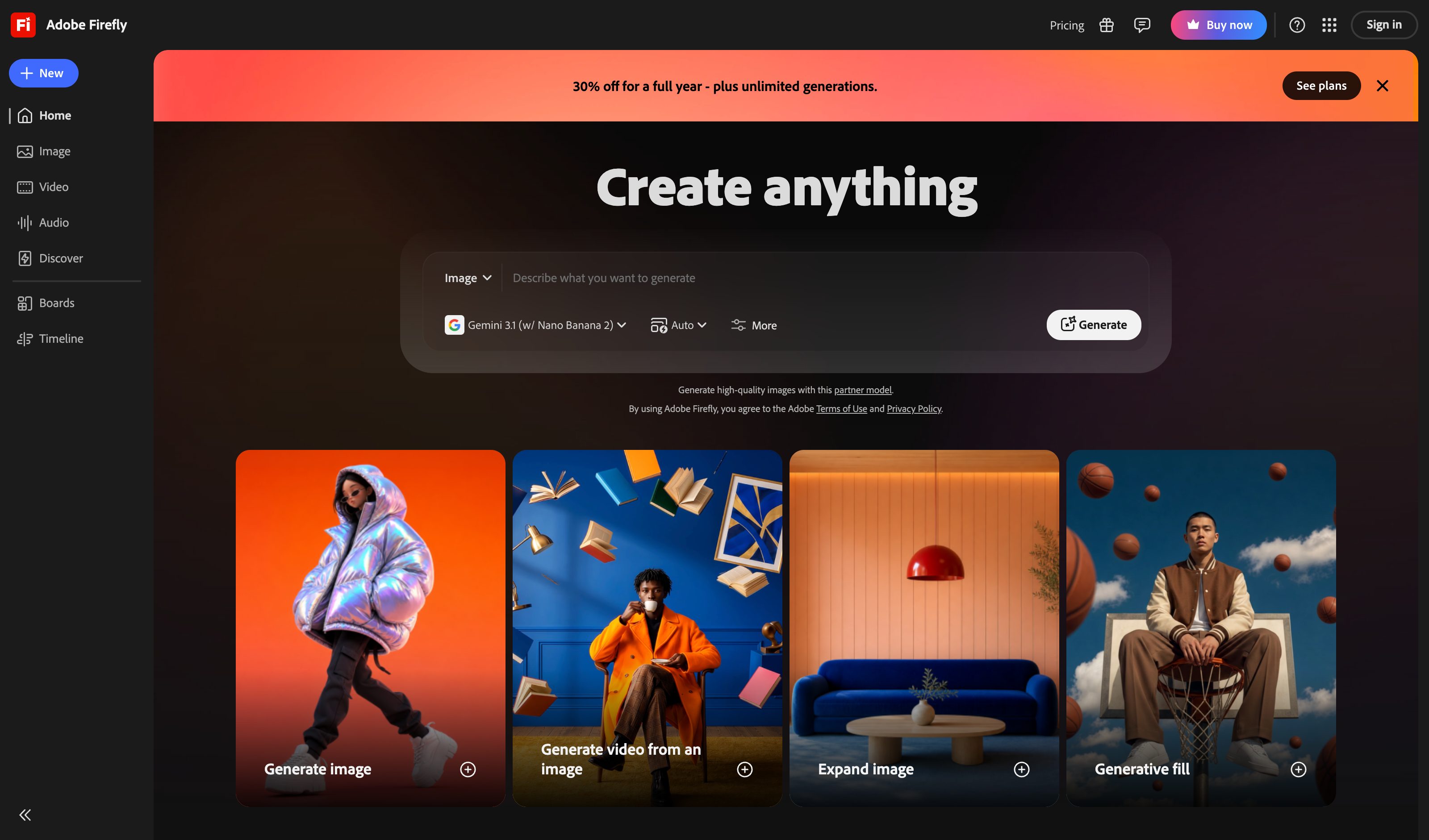
Adobe Firefly Variants
Adobe
Adobe's own Image 4 and Image 4 Ultra still return four variants per prompt, and the Vary control offers More like this, Keep style or Keep subject on any result. The count is per-model now, though: Image 5 and the partner models (Imagen, Flux, GPT Image) return a single image.
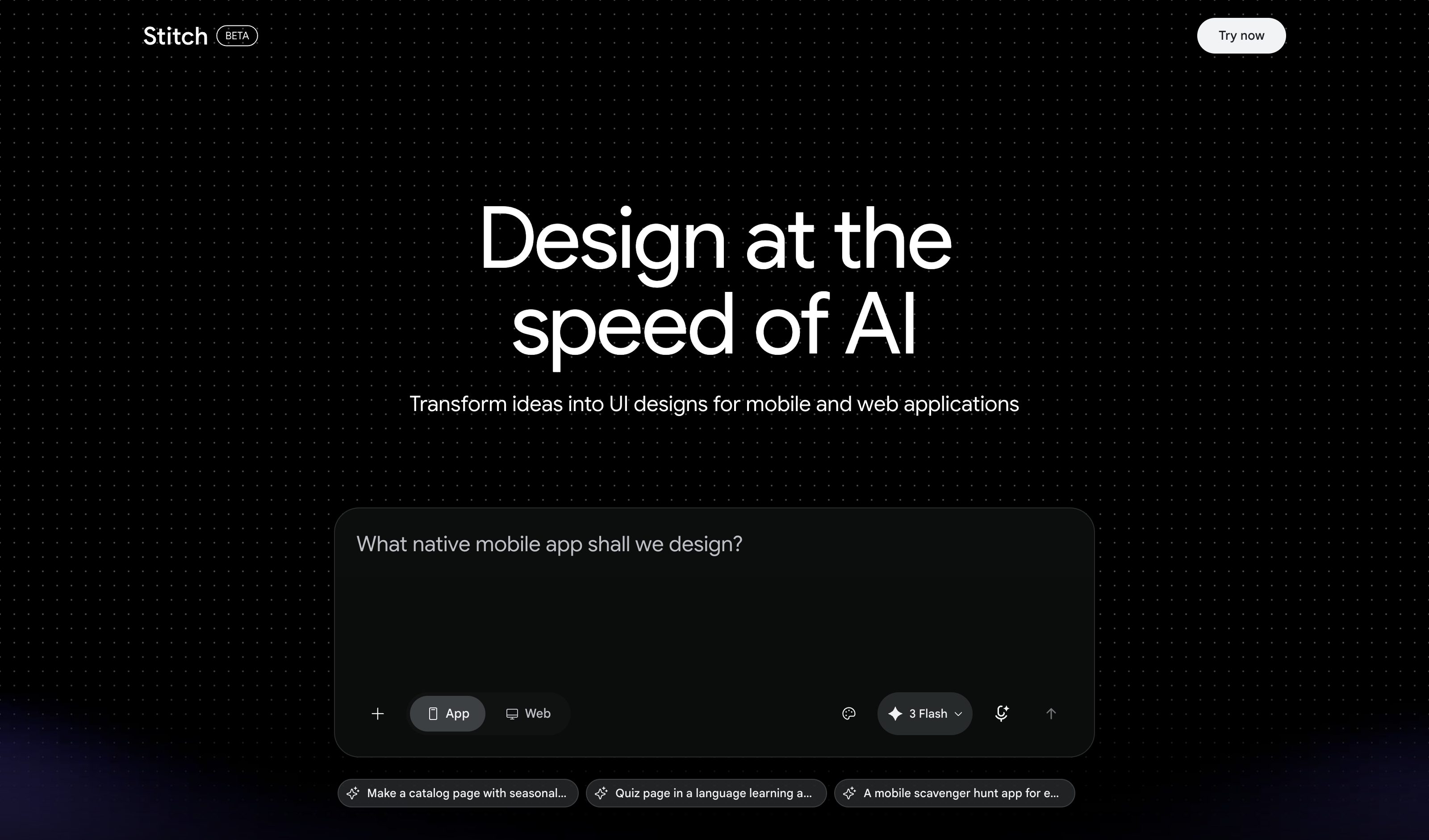
Google Stitch
Voice prompts like "show me three menu options" produce parallel design alternatives directly on the same infinite canvas — variants as a first-class canvas operation.
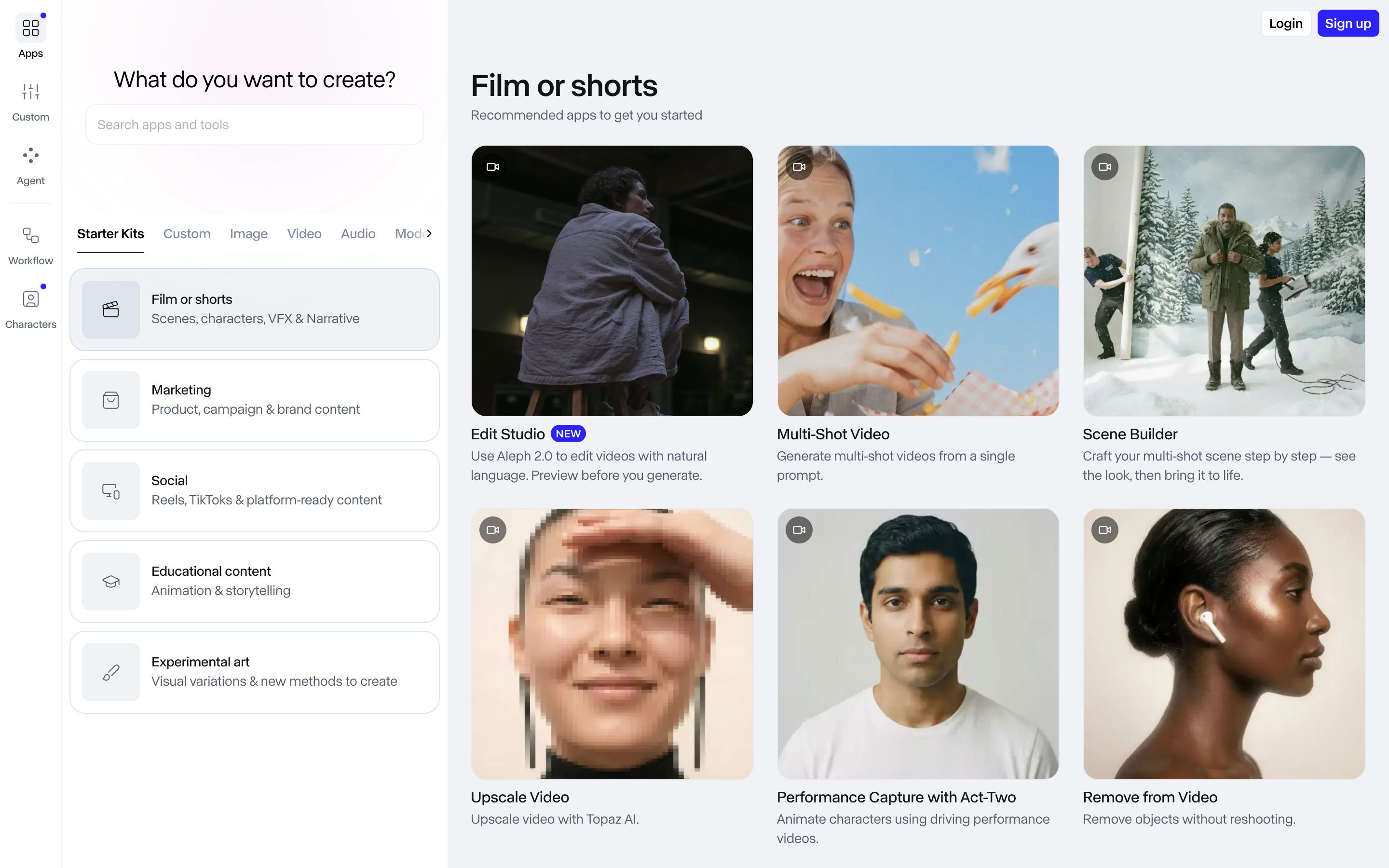
Runway Gen-4 Image
Runway
Gen-4 Image ships a Quantity control — one image or a batch of four from a single prompt, with references steering all four. The video side does not do this: Gen-4.5 returns one clip per run and you compare across a scrollable Session instead, which is serial iteration wearing a feed.
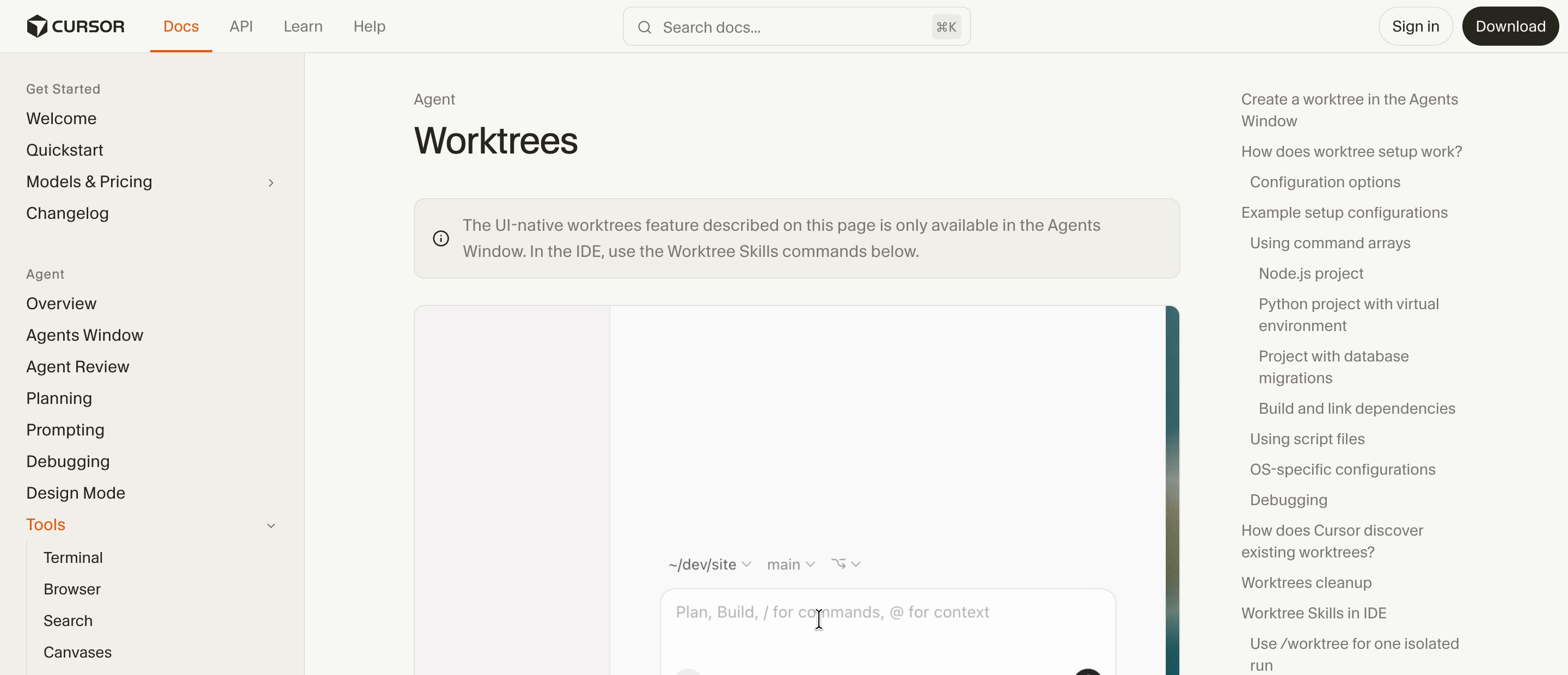
Cursor /best-of-n
Anysphere
Runs one task across several models at once, each in its own git worktree so the candidates stay isolated from each other and from your checkout. Cursor is explicit that best-of-n compares runs only — nothing merges until you pick a winner and commit from that worktree or run /apply-worktree.
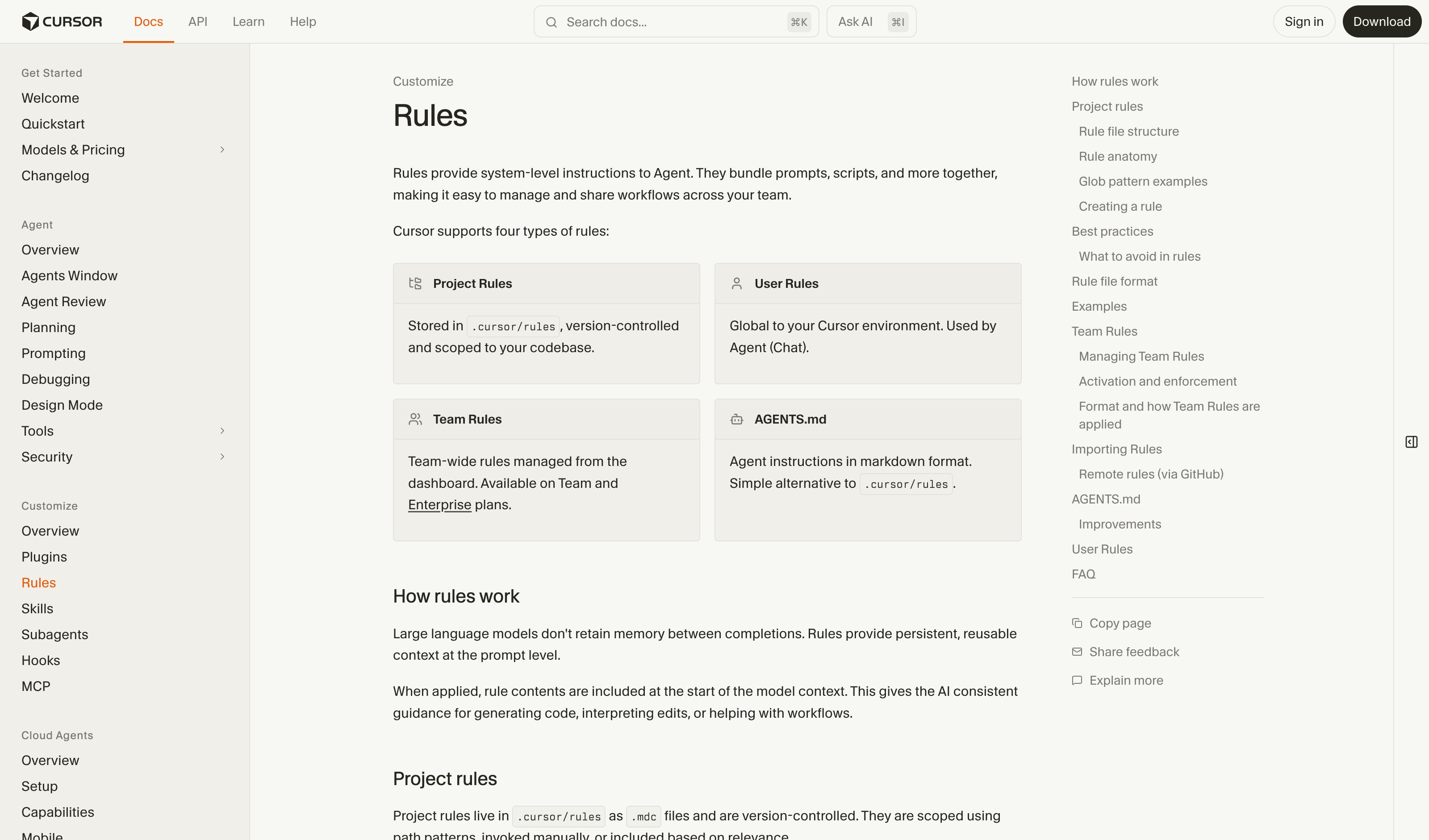
Cursor Rules
Cursor
Rules live in .cursor/rules as version-controlled .mdc files, with four application modes in the type dropdown: Always Apply, Apply Intelligently, Apply to Specific Files, Apply Manually. Every rule and its status shows in the Customize sidebar panel. Team Rules add an "Enforce this rule" flag members cannot switch off — enforced adoption, not enforced actions.
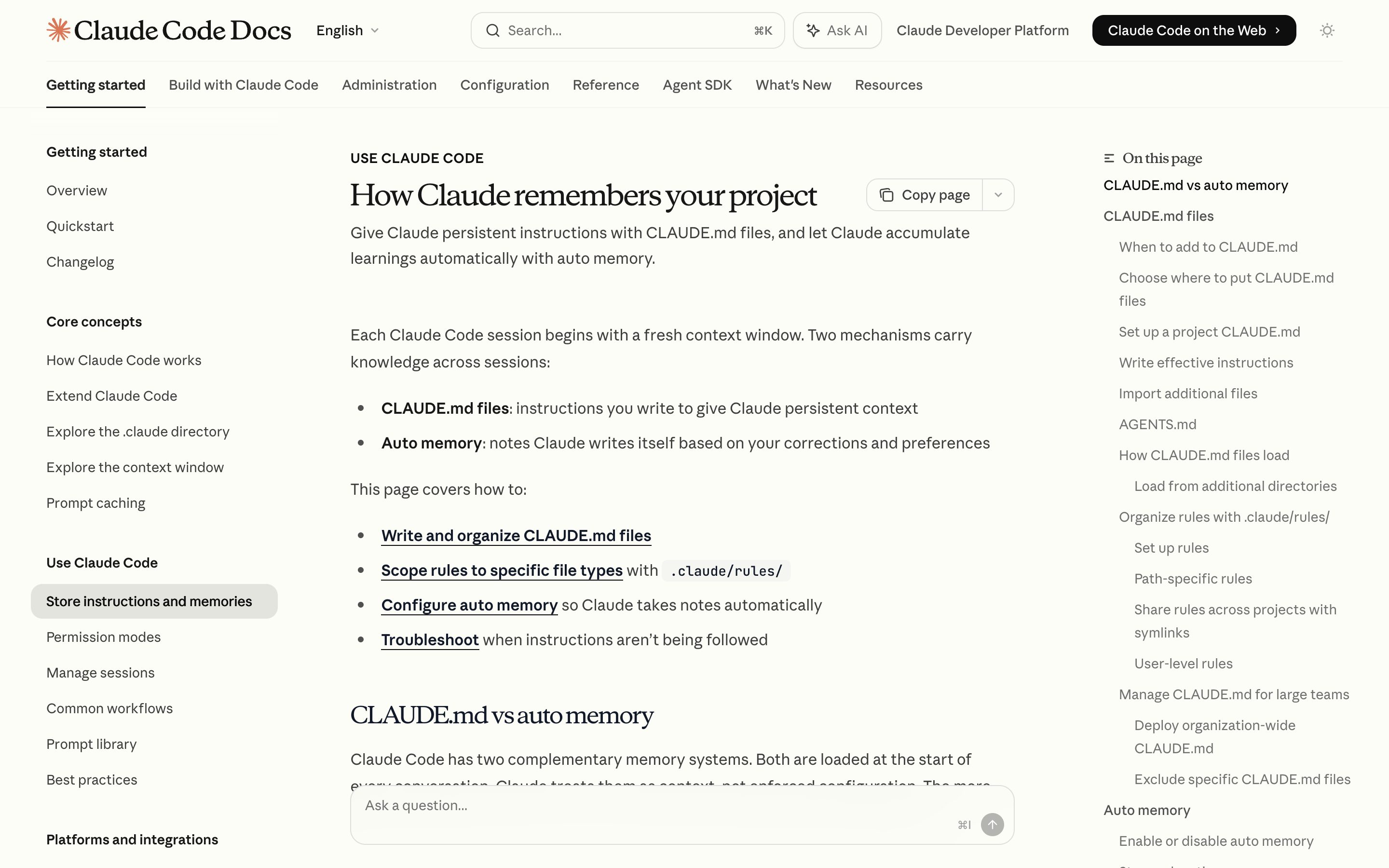
Claude Code CLAUDE.md
Anthropic
Four tiers — managed policy, ~/.claude, project, CLAUDE.local.md — plus .claude/rules/*.md scoped by a paths glob, all plain markdown listed by /memory. Auto memory writes to its own project directory, not back into CLAUDE.md. Anthropic names the ceiling itself: context, not enforced configuration — blocking an action takes a PreToolUse hook.
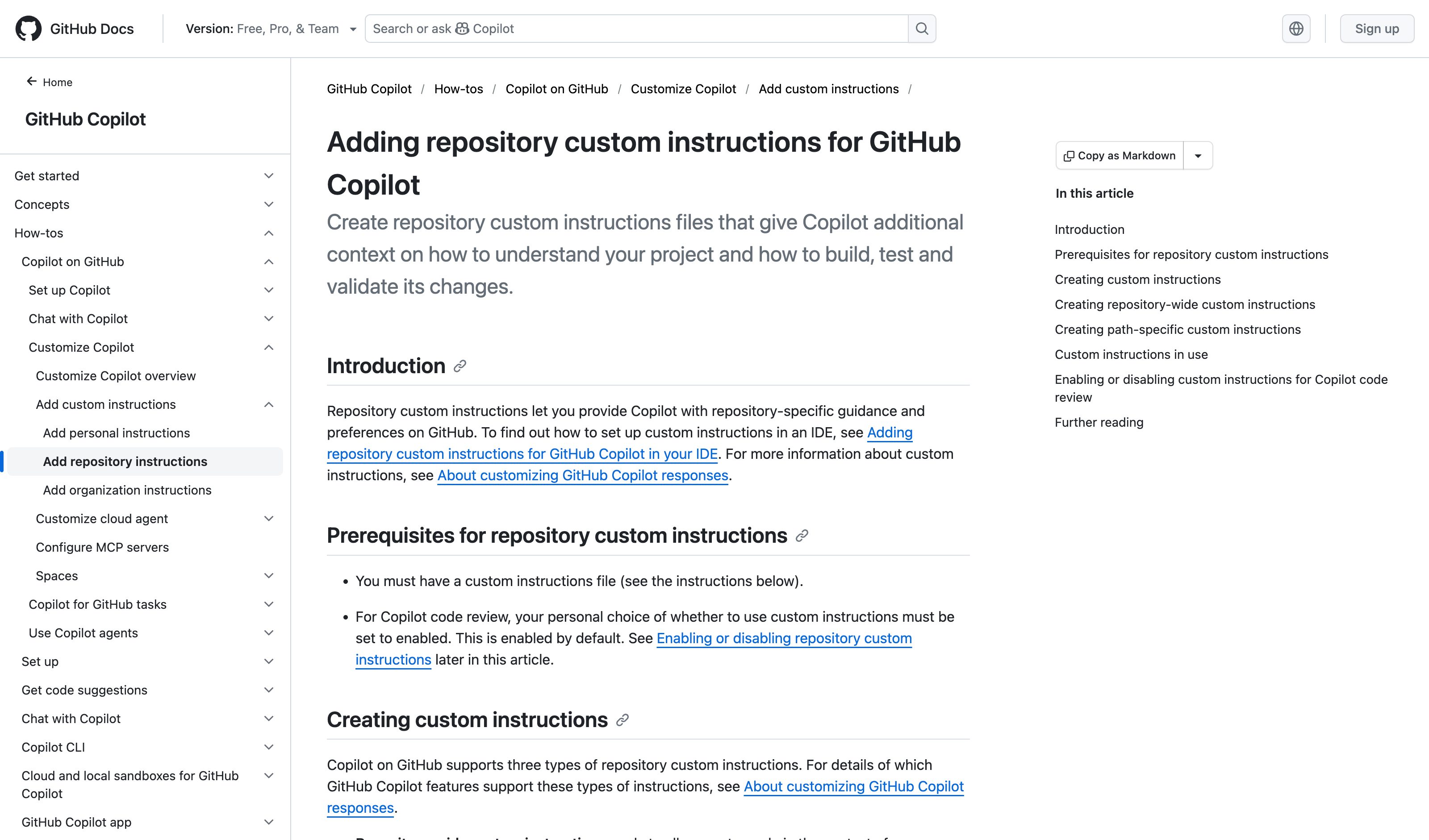
GitHub Copilot Instructions
GitHub
.github/copilot-instructions.md repo-wide, .github/instructions/*.instructions.md scoped by an applyTo glob, and since Aug 2025 AGENTS.md, CLAUDE.md or GEMINI.md read as-is. Personal instructions outrank repository, repository outranks organization. On github.com the path-scoped files reach only Copilot code review and the cloud agent.
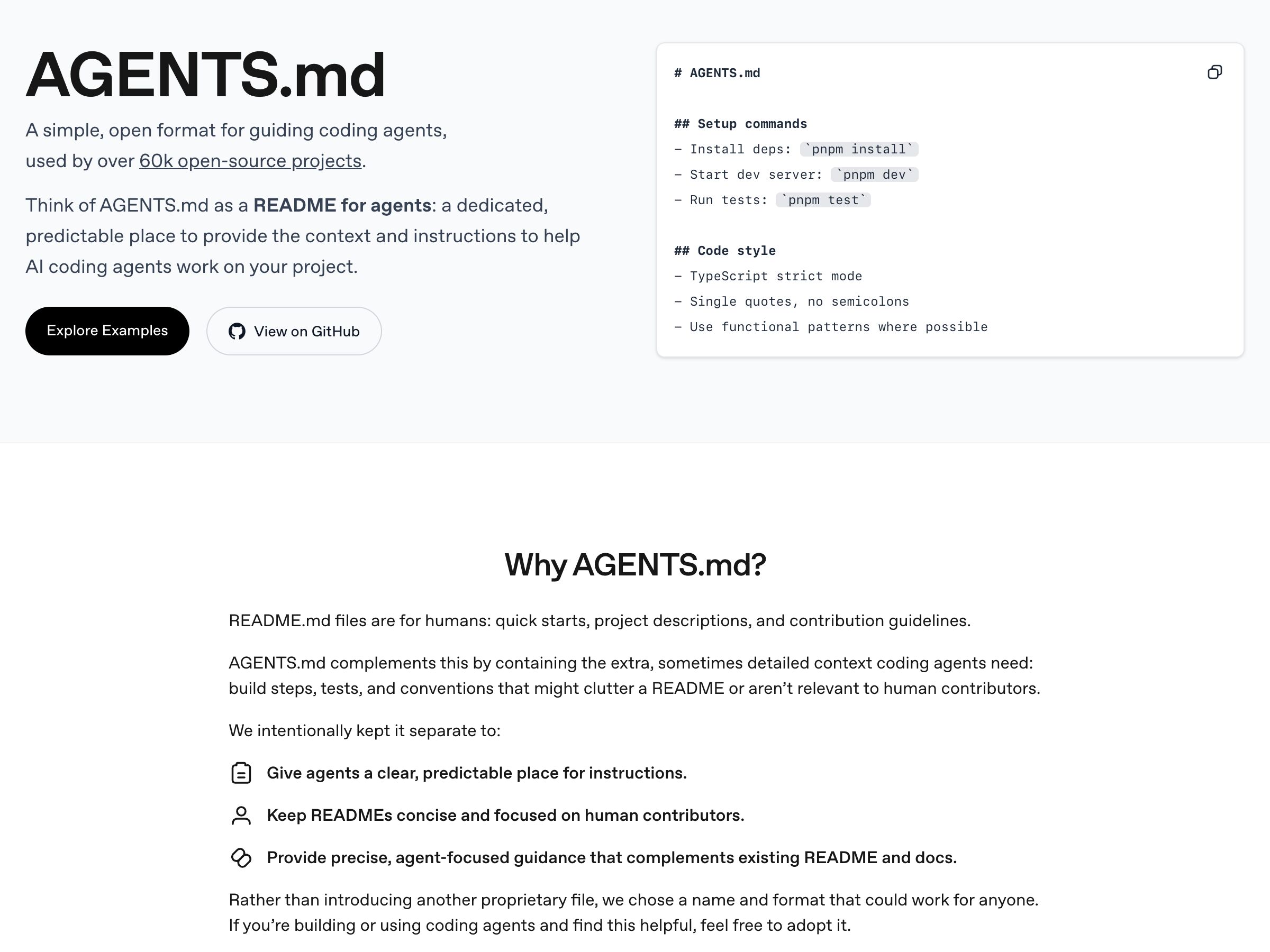
AGENTS.md cross-tool standard
Open standard
Open format, ~60k repos, honored by Codex, Cursor, VS Code, Copilot's cloud agent, Jules, Devin and Zed. Claude Code is the holdout — it reads CLAUDE.md only, and tells you to import or symlink AGENTS.md into it. A convention for where rules live, not a mechanism that enforces them.
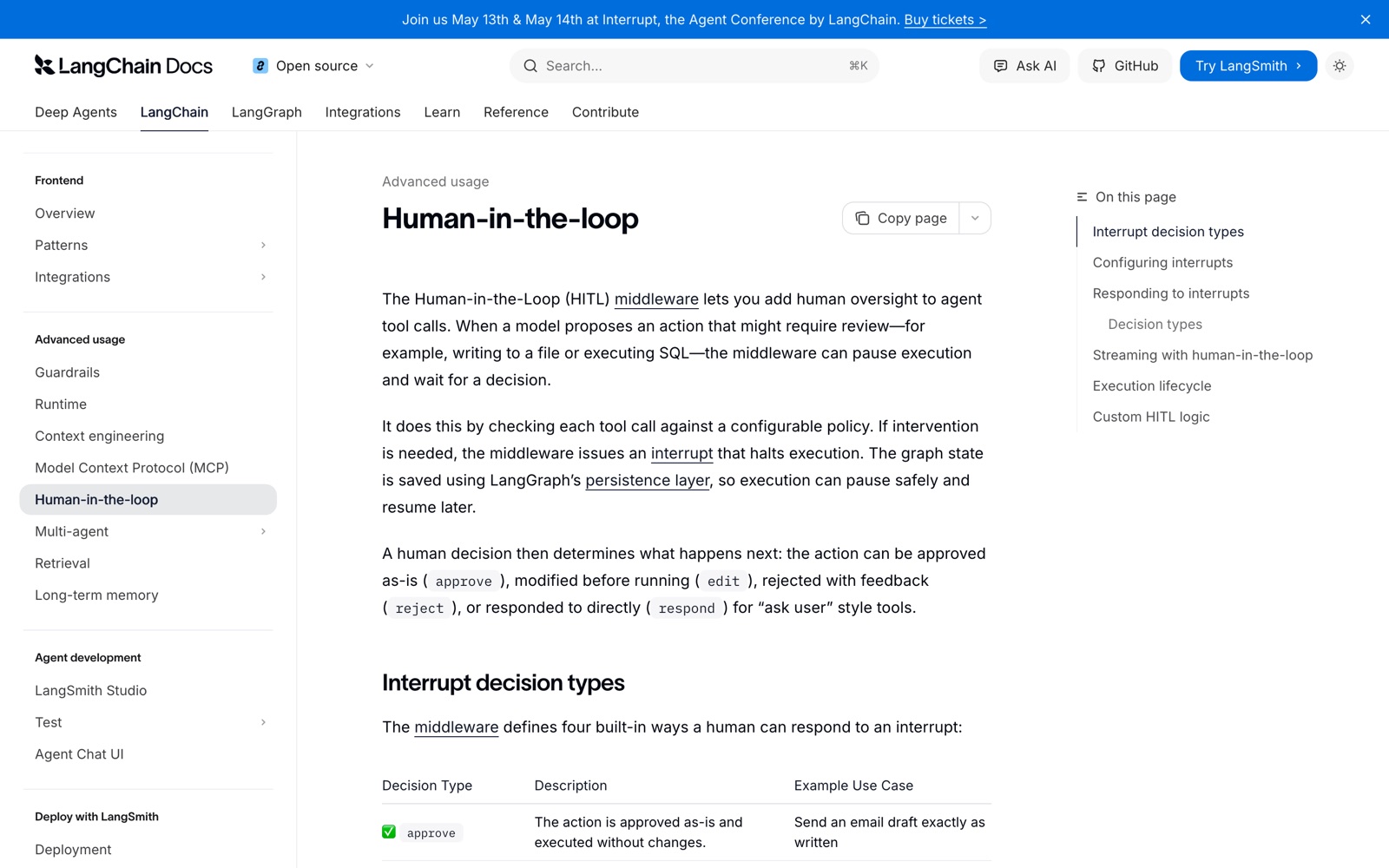
LangGraph Human-in-the-Loop
LangChain
interrupt() plus the human-in-the-loop middleware: a tool call matching the configured mapping pauses the graph, state is checkpointed so the run can resume later, and the human returns approve, edit, reject or respond. The gate fires on the tool itself, not on a classifier's read of it. The canonical developer-API expression of the pattern.
n8n Human Review Step
n8n
n8n 2.6 (Jan 2026) put the gate on the Agent-to-tool connection: 'Add human review step' opens the Tools panel, you pick a channel — Slack, Teams, Gmail, Telegram, in-app chat — and the gated tool cannot run until someone hits Approve. Deny cancels the action outright. No Wait node to wire up.
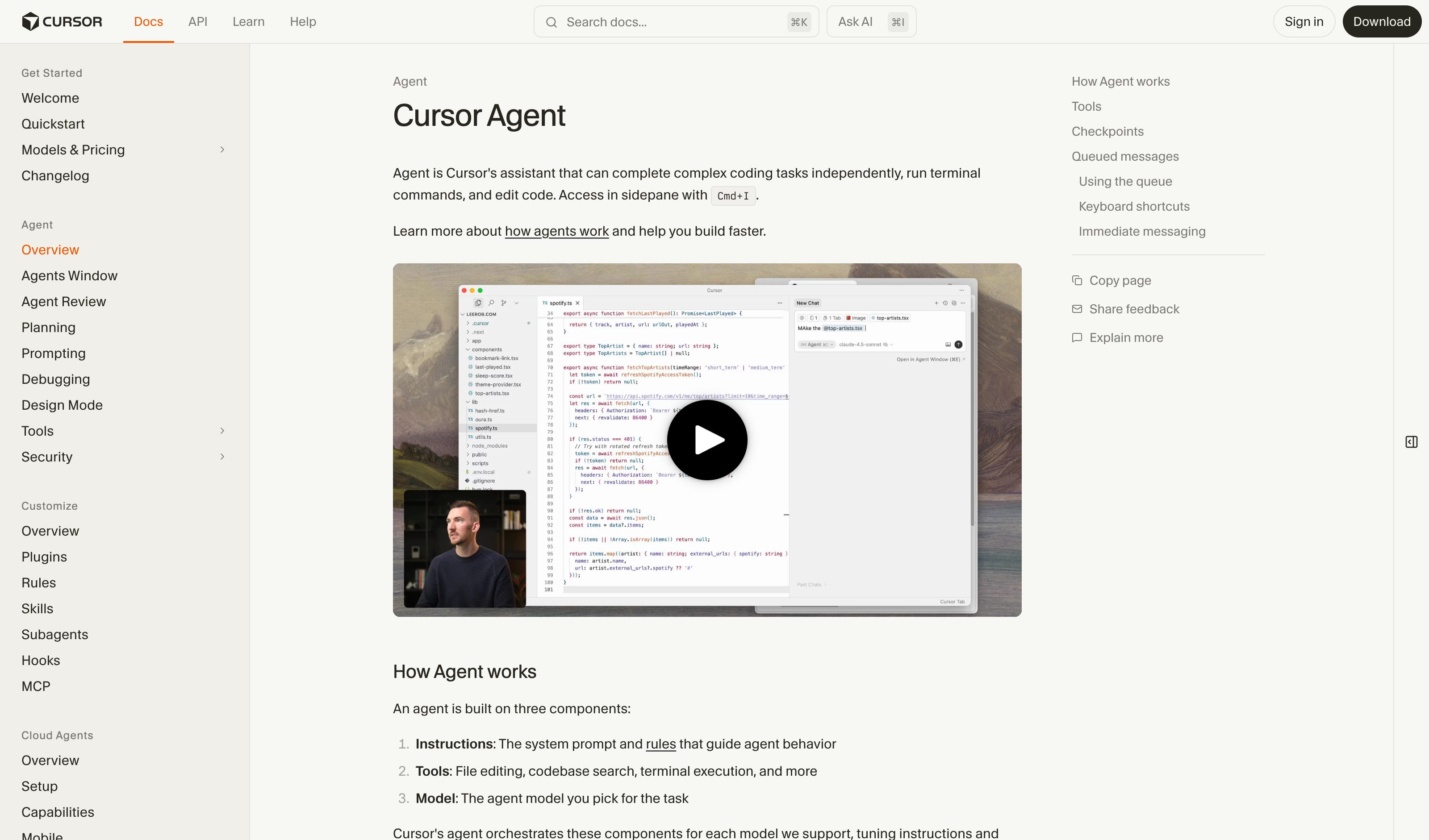
Cursor Agent Run Modes
Cursor
Three run modes — Auto-review (the docs' recommended default since 3.6, May 2026), Allowlist, Run Everything. A classifier triages Shell, MCP and Fetch calls: known-safe ones run, riskier ones are held for approval. Gate positions are no longer predefined, and the old step cap is gone — the docs now say tool calls are unlimited.
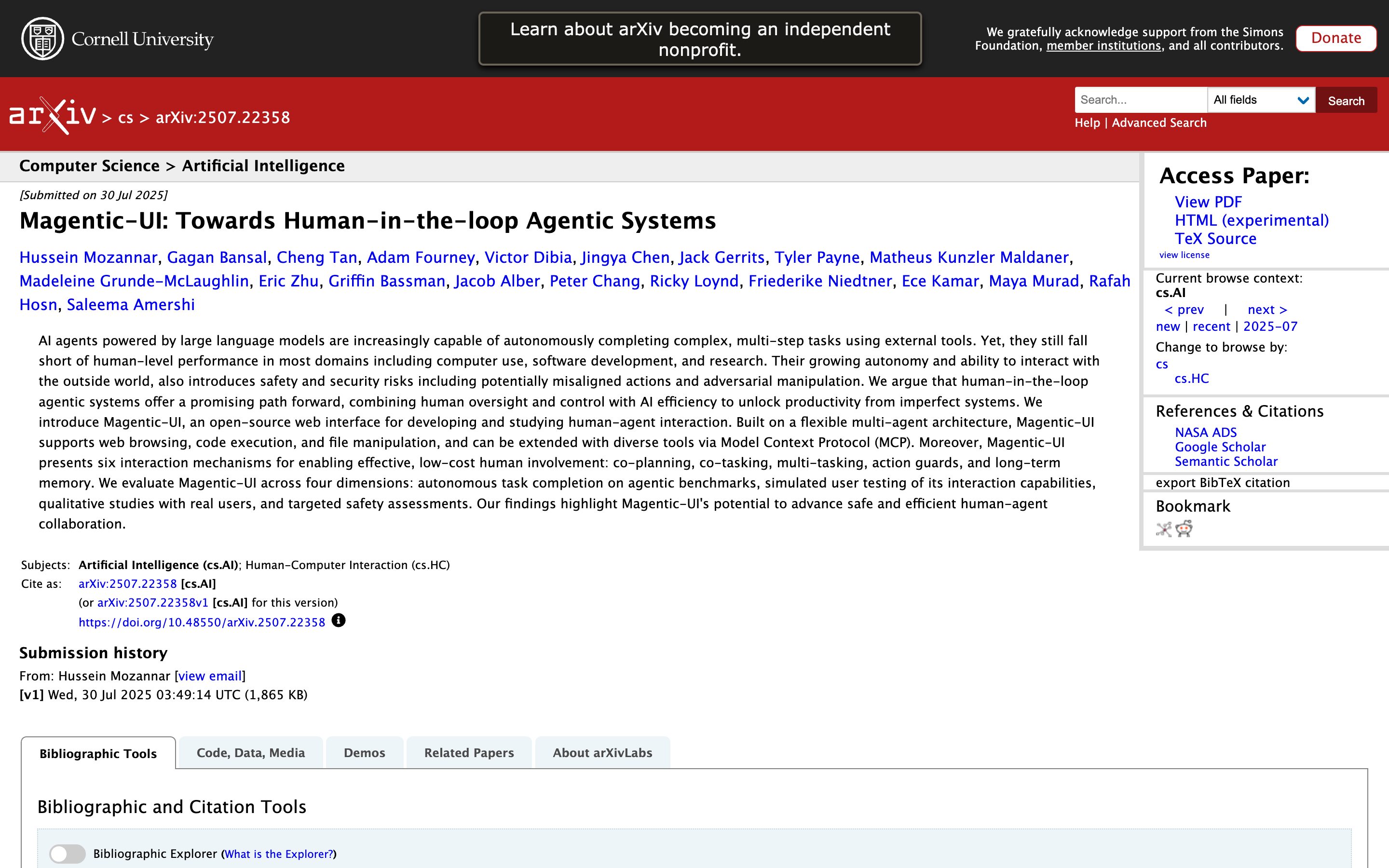
Magentic-UI: Human-in-the-Loop Agentic Systems
Academic source · Mozannar, Bansal, Tan et al. (Microsoft Research, Jul 2025)
Gates by irreversibility rather than by tool category: every proposed action carries an always / maybe / never-irreversible class, and the ambiguous middle goes to an LLM judge before the human sees it. The shipped build defaults to require_approval_untrusted — read-only calls auto-approved, untrusted ones prompted.
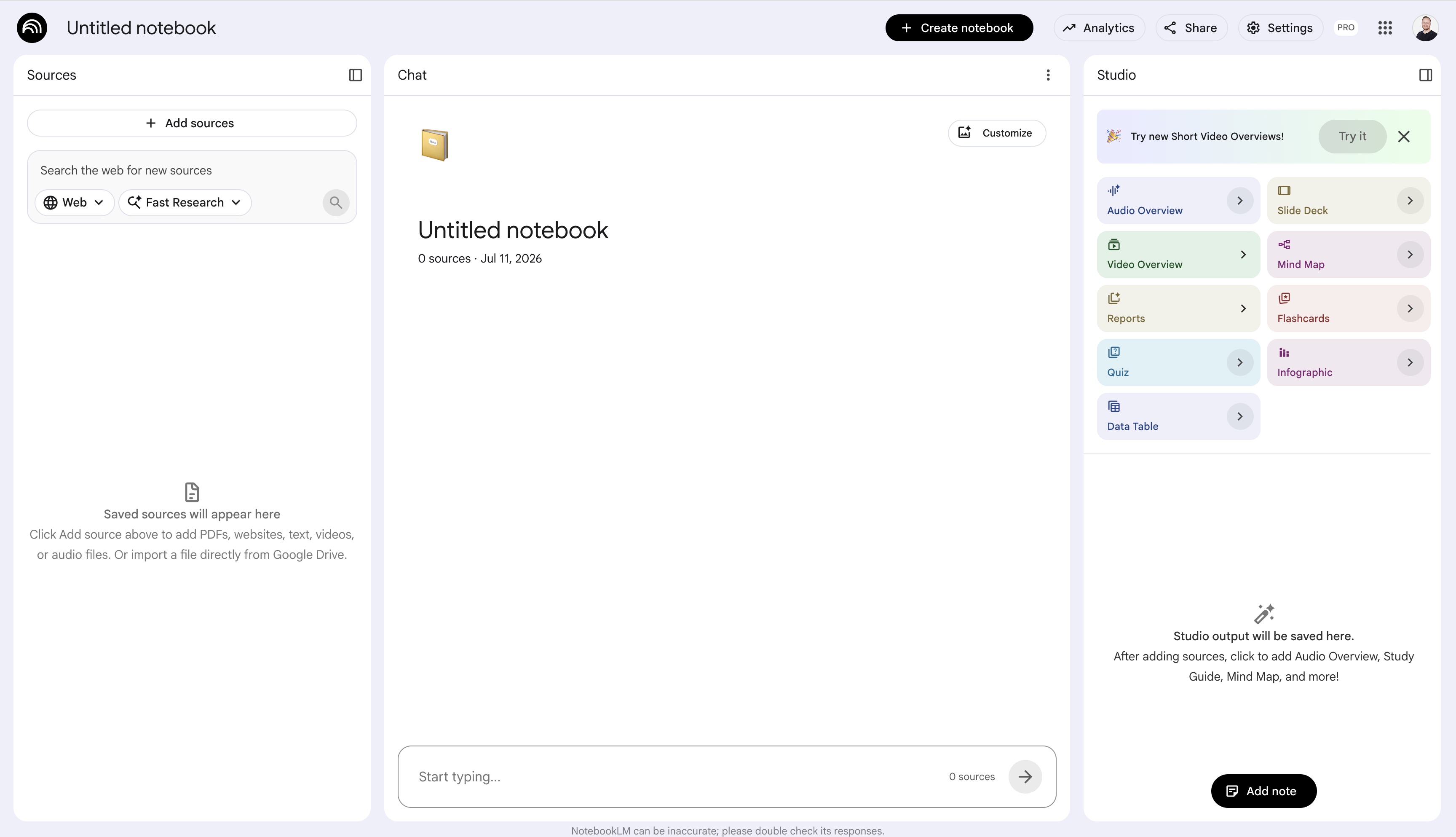
Gemini Notebook Audio Overview
Length control: Shorter / Default / Longer for audio overviews, plus formats (Brief / Deep Dive / Critique / Debate). One-control-multiple-depths, exactly the pattern.
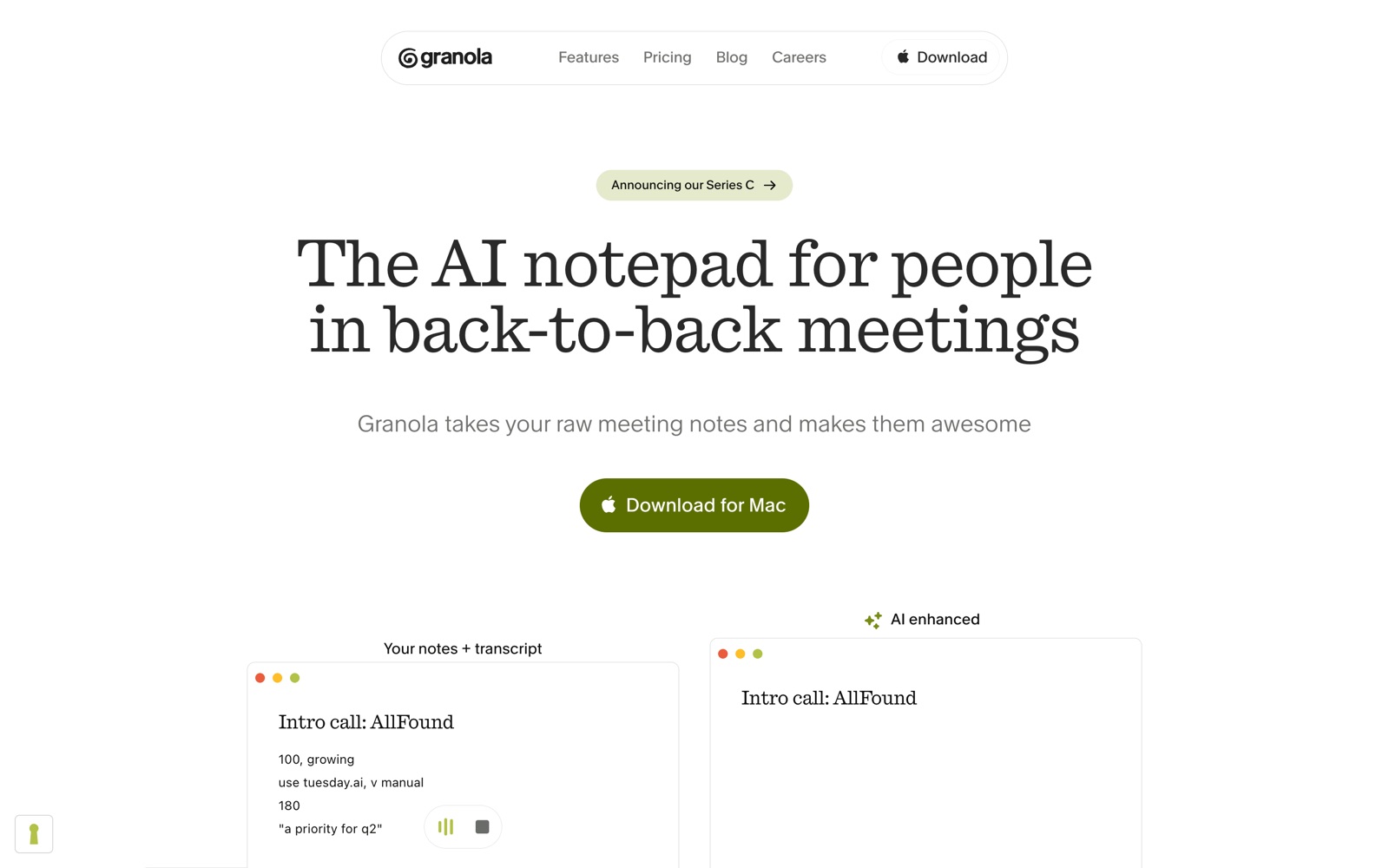
Granola
After a meeting, switch between TL;DR / Full / Action Items tabs on the same source content — semantic zoom as tab switcher.
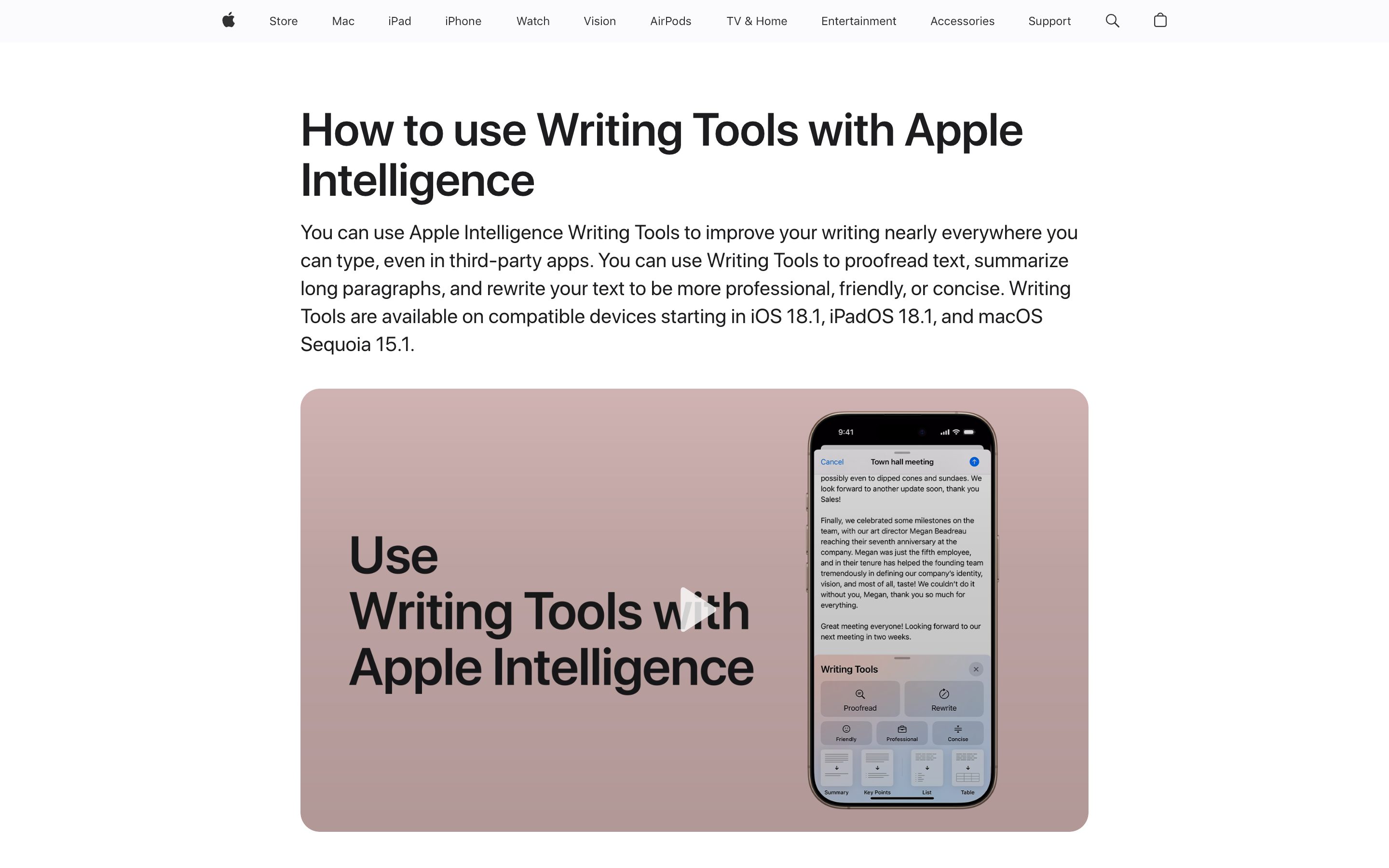
Apple Intelligence Summaries
Apple
Caveat — closer to format presets (Summary / Key Points / List / Table) than abstraction-depth on a single axis. Still useful as a zoom-adjacent shipping reference.
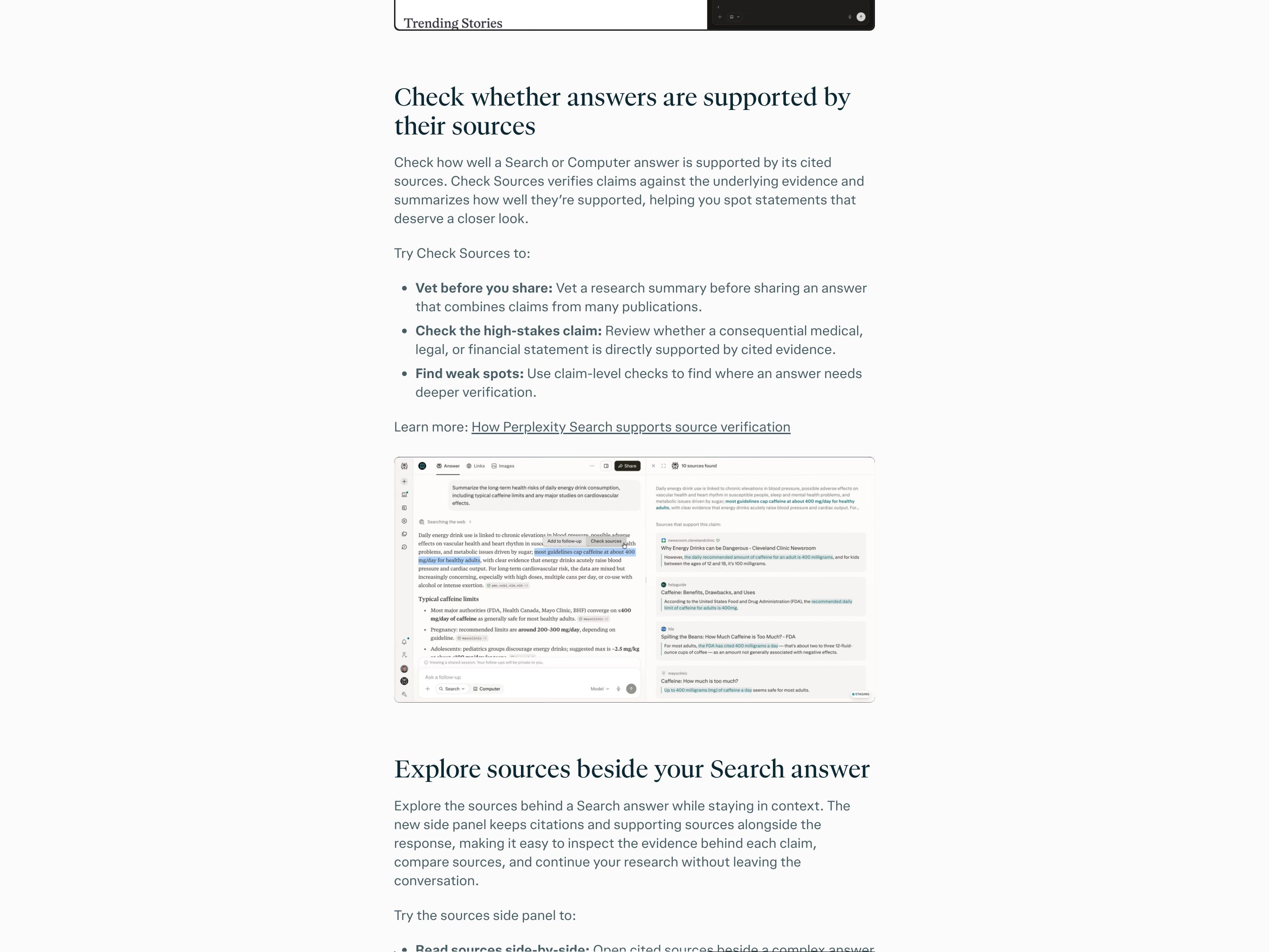
Perplexity
Answers carry inline source chips named by domain (for example "bmj +1"). Hovering or selecting one opens a card that pages through the sources behind it, with title, snippet and, for domains Perplexity has rated, a Government, Academic or Trusted label. To see the passage behind a sentence, you select it and choose Check sources: a side panel lists the "Sources that support this claim" with the matching words highlighted in each excerpt. That takes a deliberate step; nothing highlights on hover.
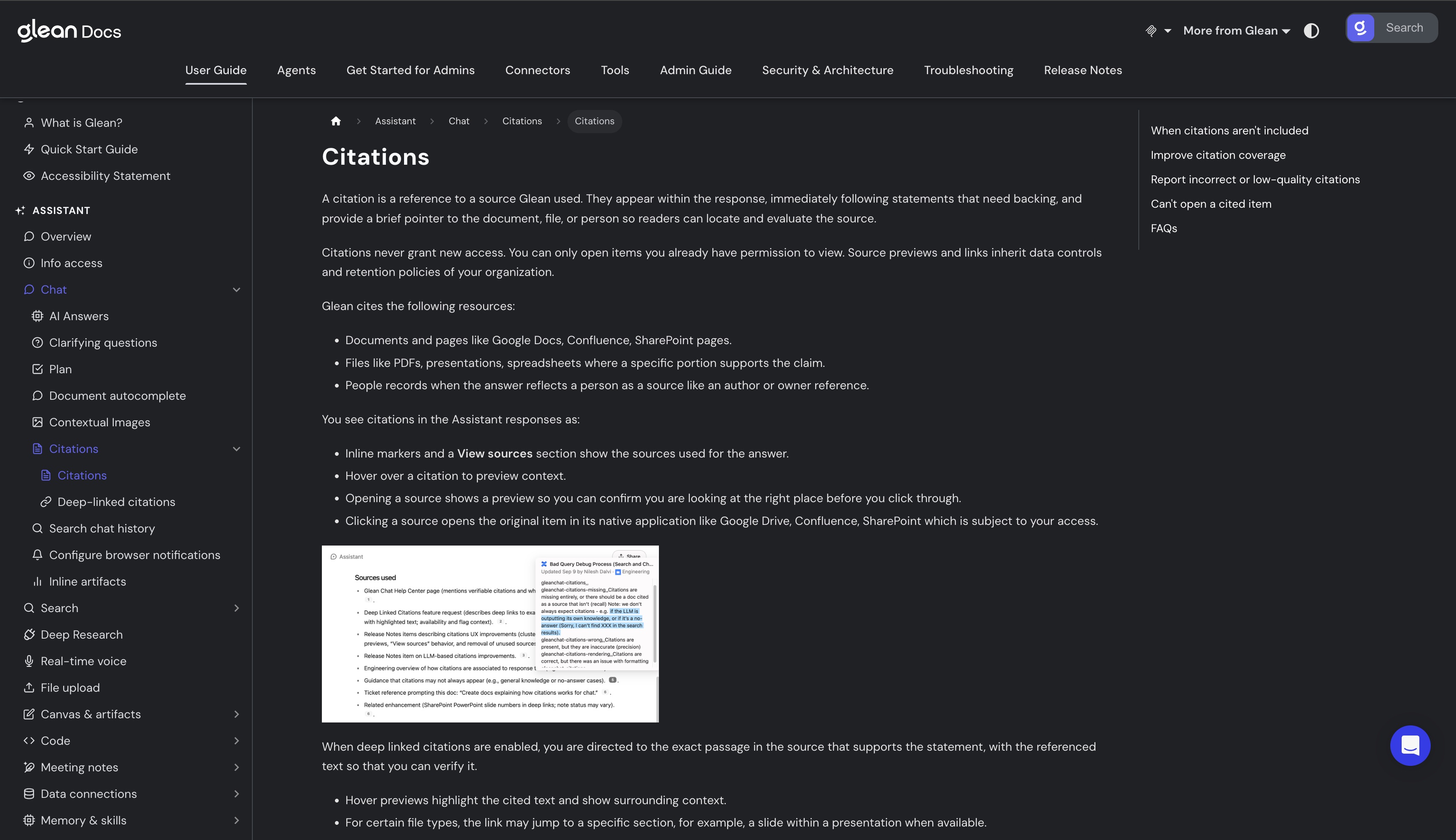
Glean
Inline markers follow the statements that need backing, and hovering one previews the source with the cited text highlighted inside its surrounding passage, plus a page number for some sources. That passage-level highlight comes from deep-linked citations, which switch on with Glean's agentic engine and vary by connector and admin settings. Clicking a citation opens the source in its native app; Glean lists going straight to the cited page as not yet supported, though some file types, such as presentations, may open at the cited slide.
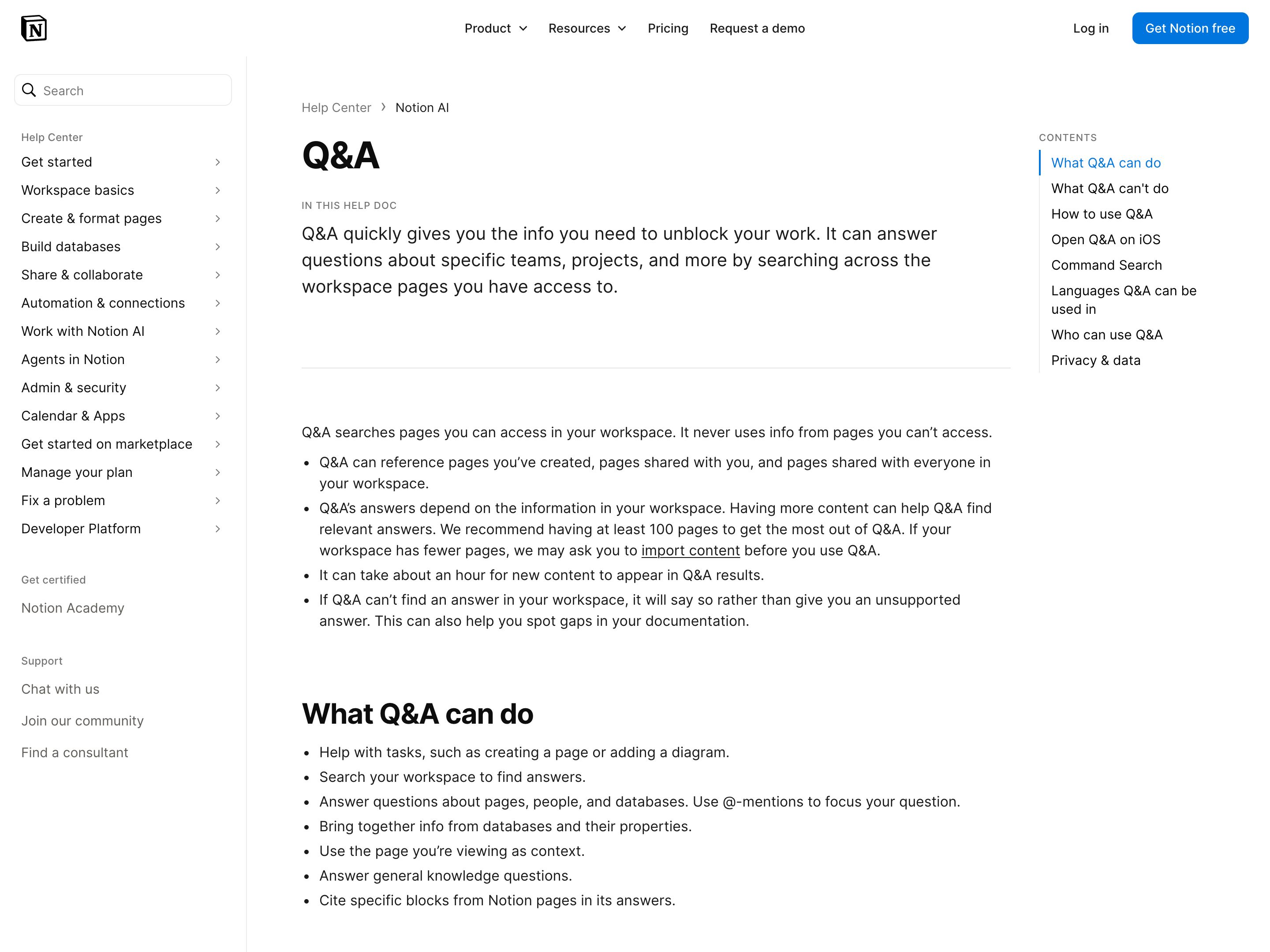
Notion AI Q&A
Notion
Q&A searches the workspace pages you can access, cites specific blocks from those pages in its answers and shows the pages it used; if the workspace holds no answer, it says so rather than give an unsupported one. Connect Slack through Notion AI Connectors and it answers from messages in your Slack workspace too, citing the specific messages it referenced. Block-level citation is finer than a page footnote, but the help page doesn't say whether each sentence carries its own marker or whether a citation previews on hover. Business and Enterprise plans.
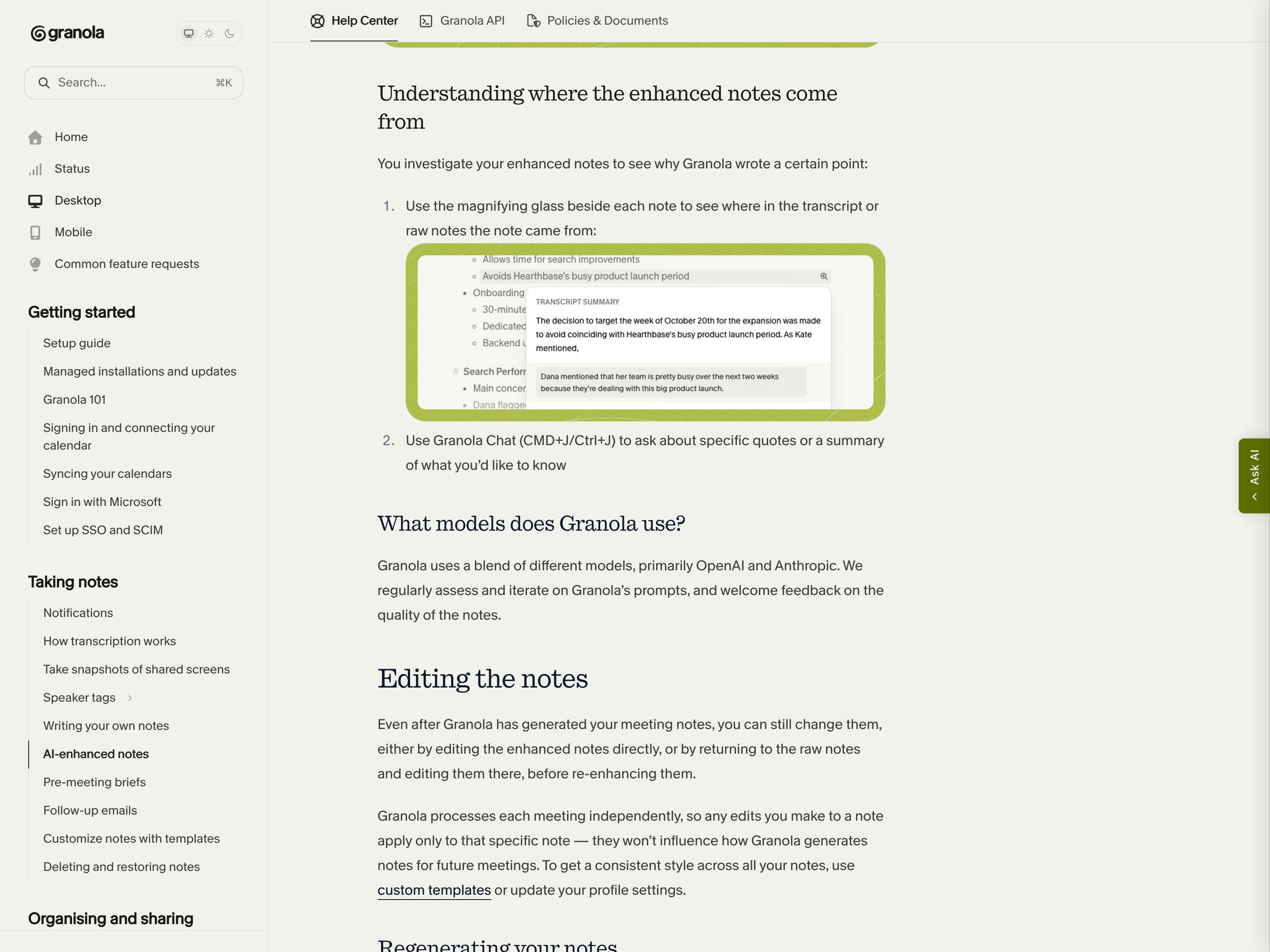
Granola
Beside each point in the AI-enhanced meeting notes, a magnifying glass shows where in the transcript or your own raw notes it came from; for the transcript, a Transcript Summary popover sums up that part of the call and quotes the passage. Granola Chat answers carry inline citations to the meeting notes they draw on. The same move outside search, with a meeting as the source. The trail ends at transcript text: Granola saves no audio to play back.
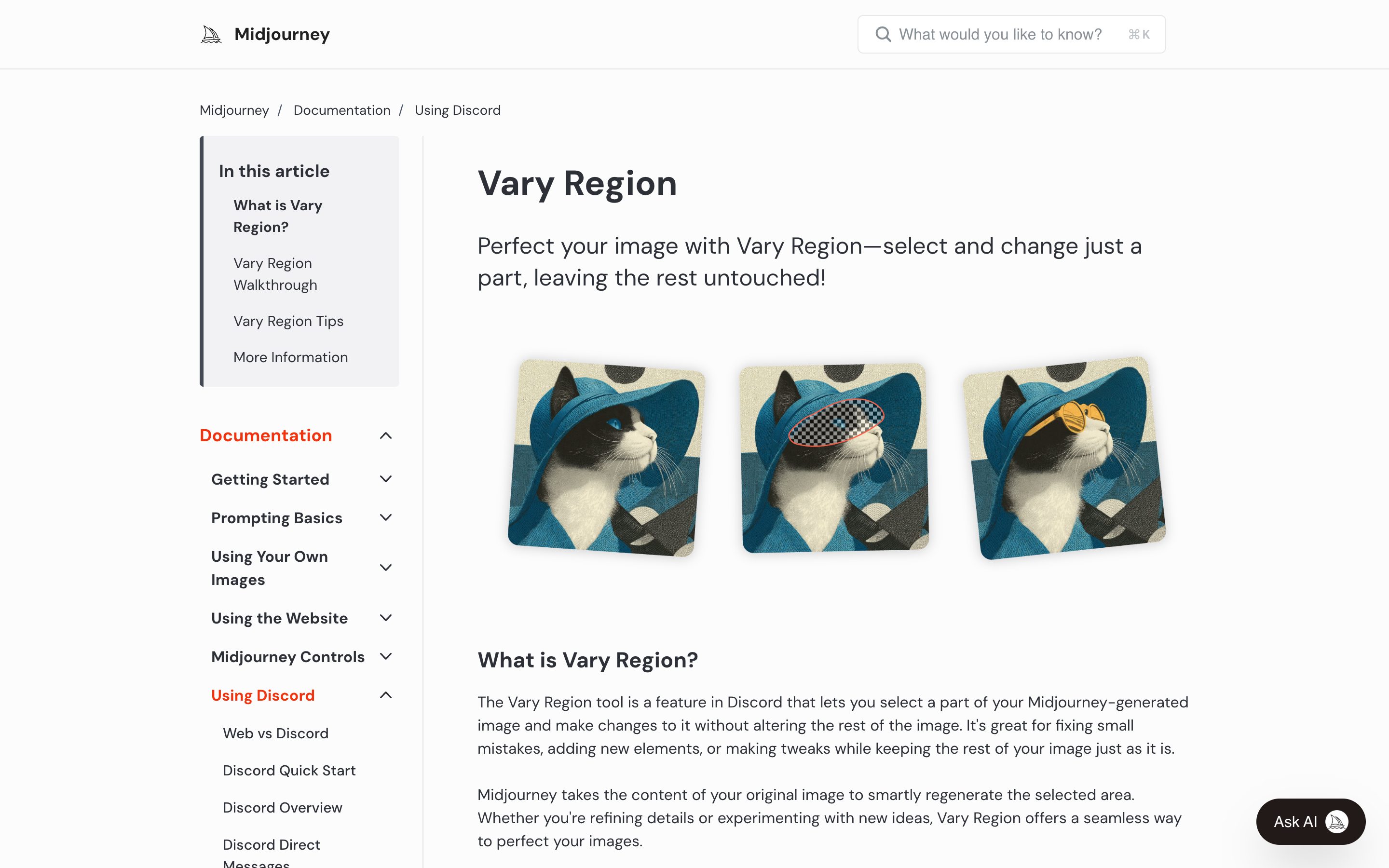
Midjourney Vary Region
Midjourney
Editor with freehand/rectangular selection + prompt remix — locked regions stay frozen across iterations while the unlocked area regenerates.
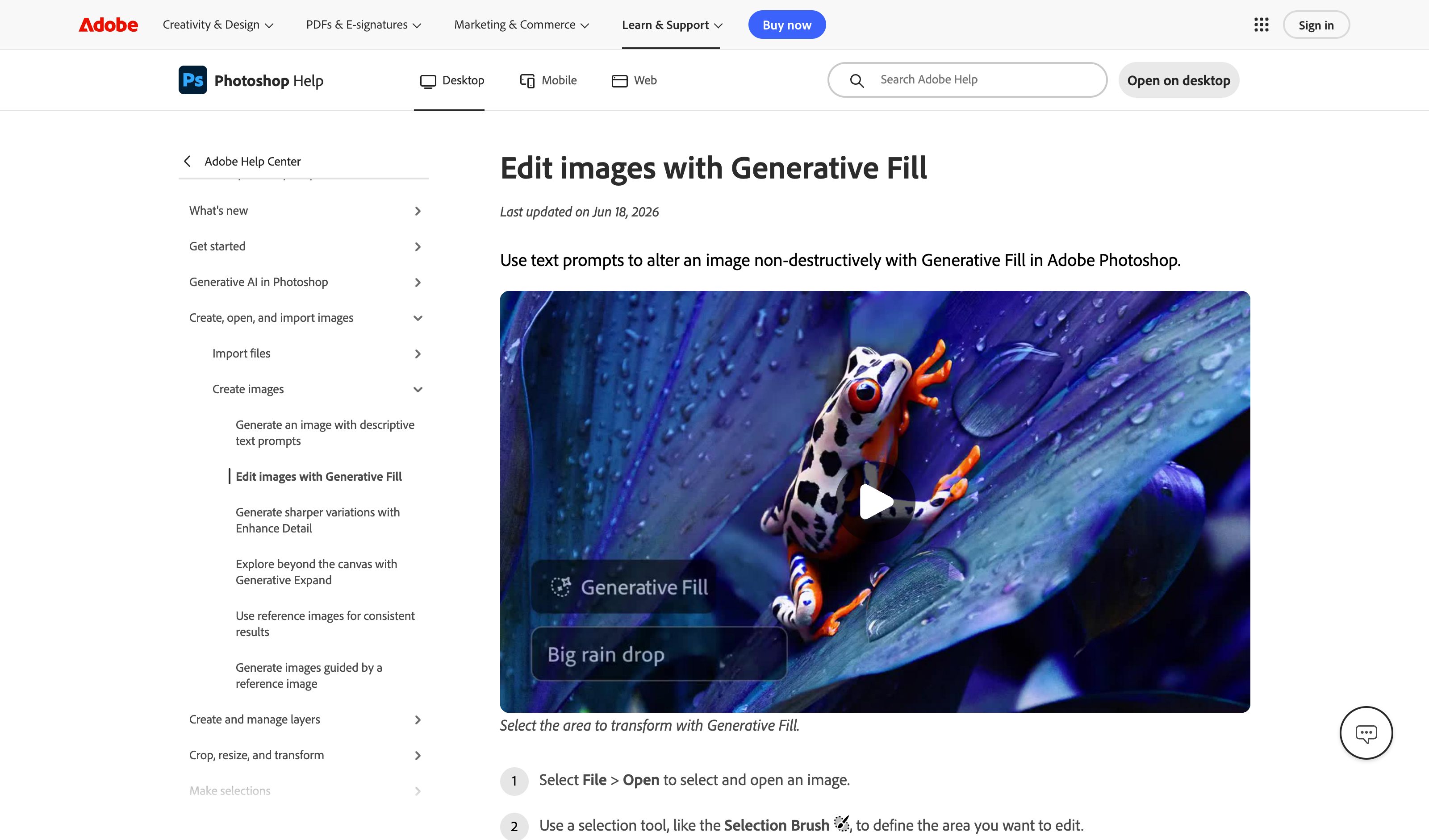
Photoshop Generative Fill
Adobe
2026 release adds reference-photo-aware fills via Firefly 4, Gemini 3 Nano Banana Pro, and FLUX.2 Pro. Selection-then-fill remains the core gesture; the rest of the image stays untouched.
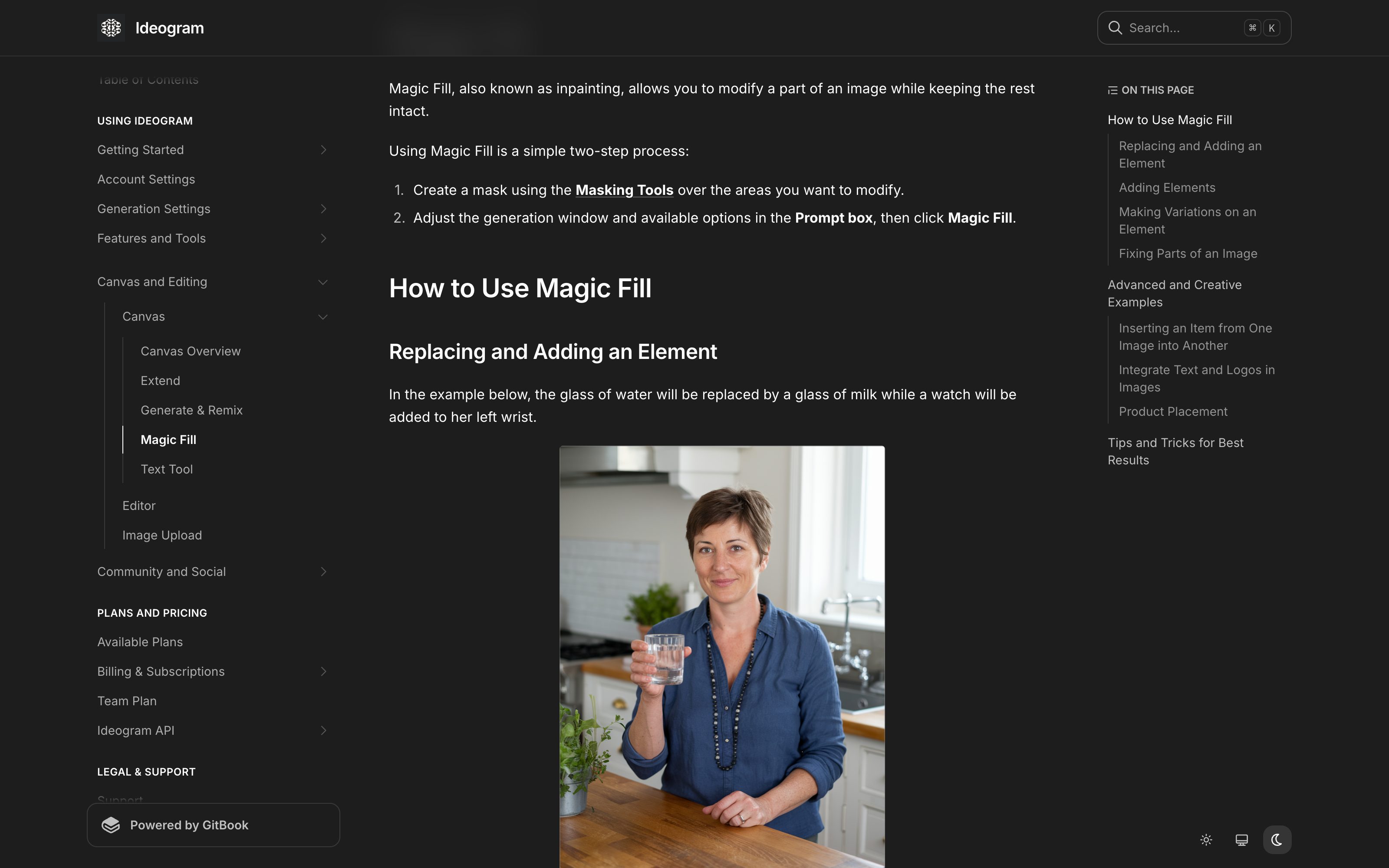
Ideogram · Canvas Magic Fill
Ideogram
Mask a region on the canvas, adjust the generation window, prompt just that area — unaffected pixels stay locked while only the masked region regenerates.
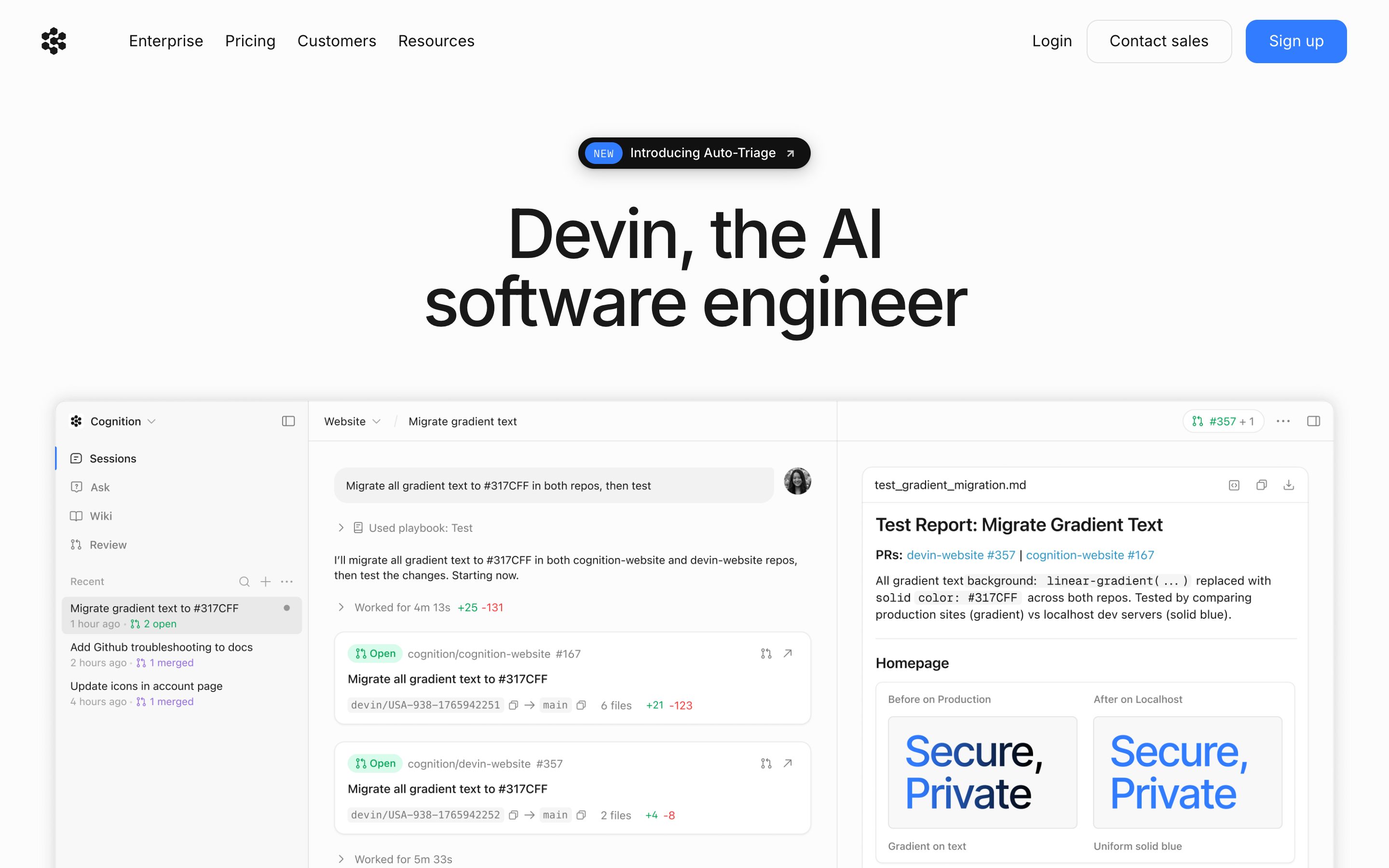
Devin Interactive Planning
Cognition
Devin 2.0 lets users modify the plan before letting the agent work autonomously; plan acts as inspectable starting point with dynamic re-planning during execution.
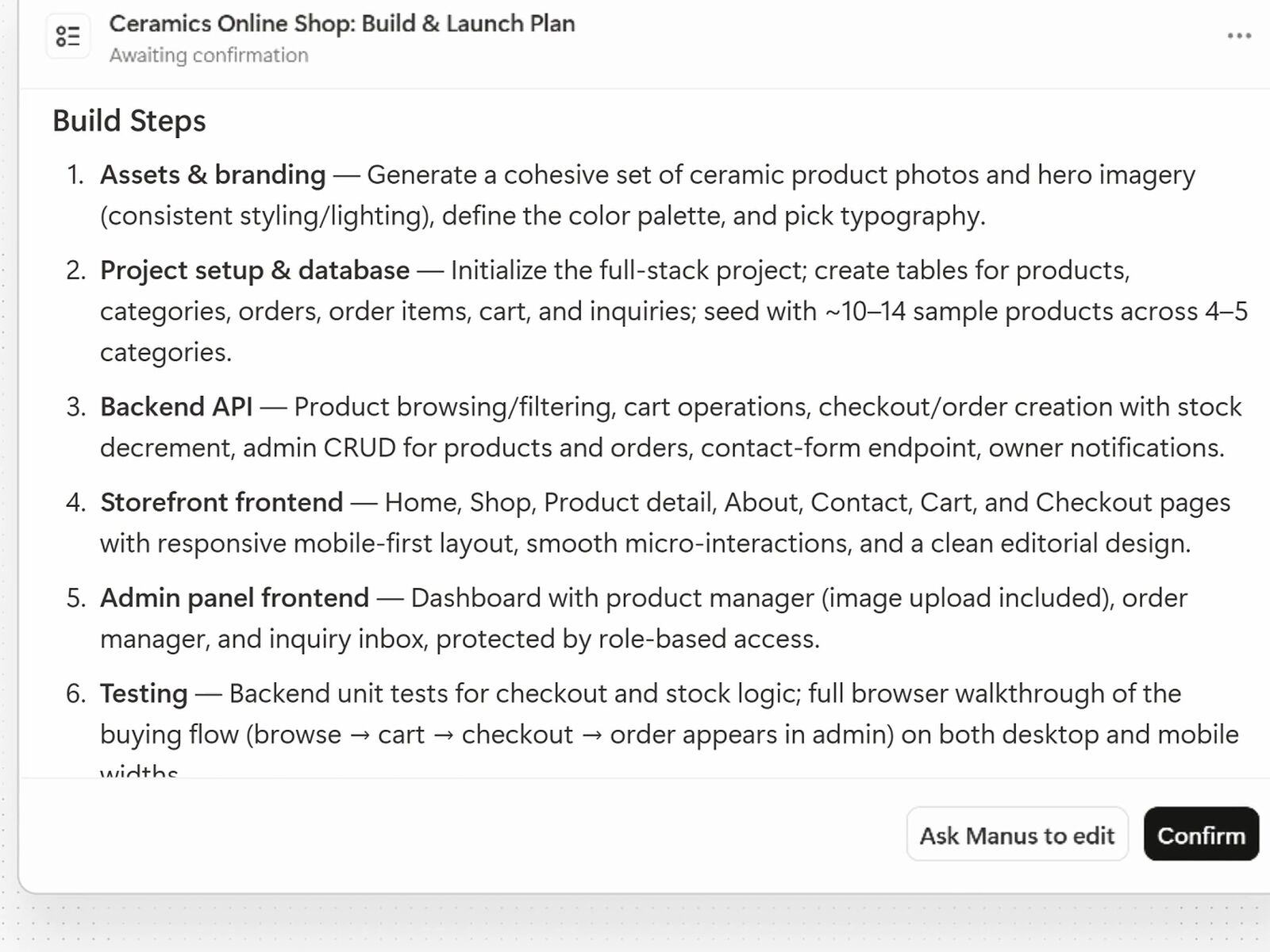
Manus Plan Mode
Manus
Plan Mode (July 2026) writes the plan as a Markdown document — goal, assumptions, numbered build steps — marked "Awaiting confirmation". Click in and rewrite any of it, or use Ask Manus to edit; nothing gets built until you Confirm or dismiss the plan, and switching Plan Mode on mid-task plans the next phase the same way.
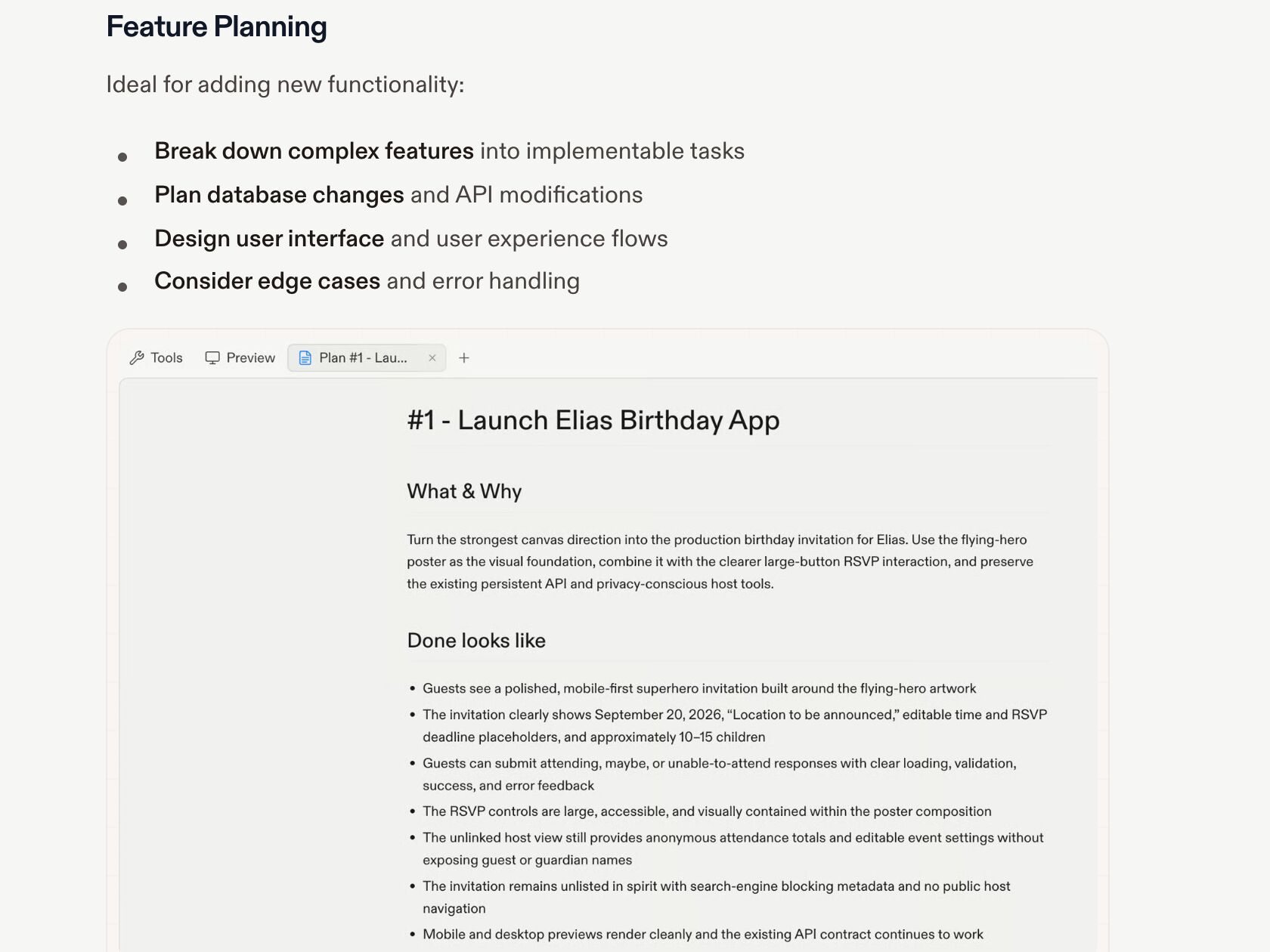
Replit Agent Plan
Replit
Each task in the plan opens as its own document — What & Why, Done looks like — to review before Build here or Build in background. Revise sends the plan back for another round; the docs describe refining it through Agent, not editing a task in place.
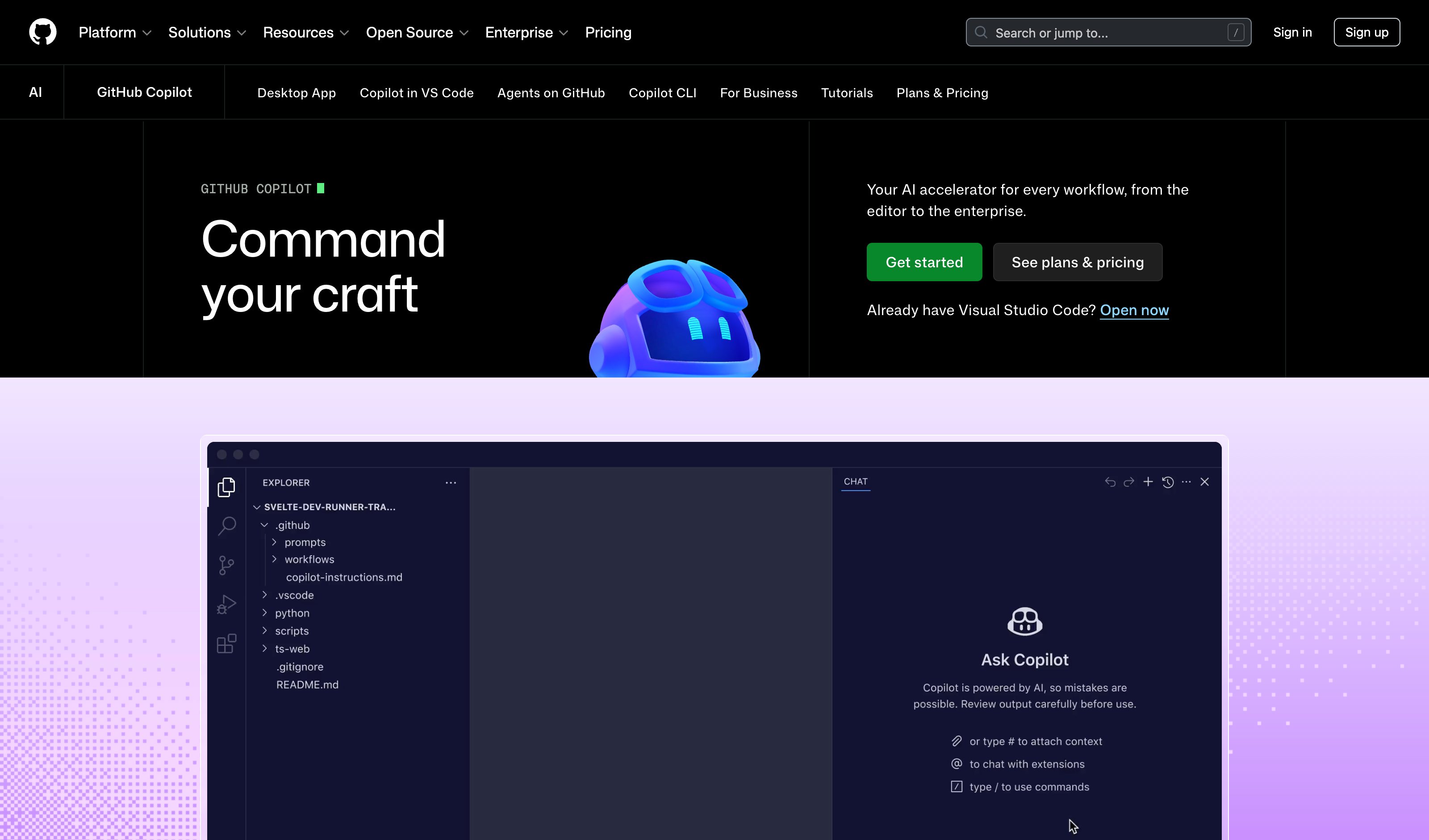
Copilot Coding Agent Plan
GitHub
Spec (current vs desired) and plan (which files change, how) are editable in natural language before any code is written. The successor lineage to the sunset Copilot Workspace.
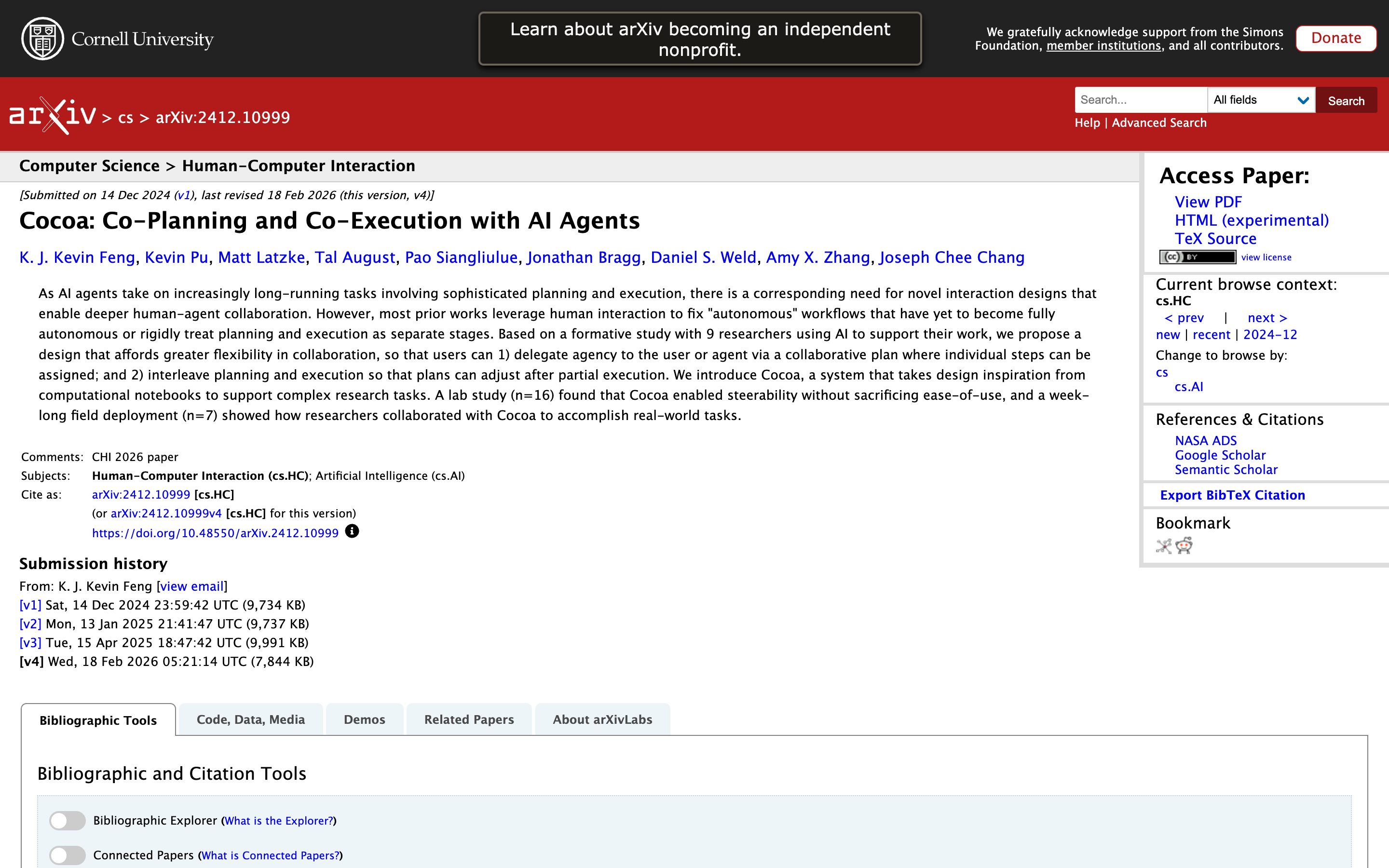
Cocoa: Co-Planning and Co-Execution with AI Agents
Academic source · Feng, Pu, Latzke et al. (Allen AI + UW, Dec 2024)
Research argument for keeping the plan editable *through* execution — not just before it. Editable Plan is the pre-execution surface; the paper's contribution is co-execution, which is broken out into the separate Live Plan Surface pattern.
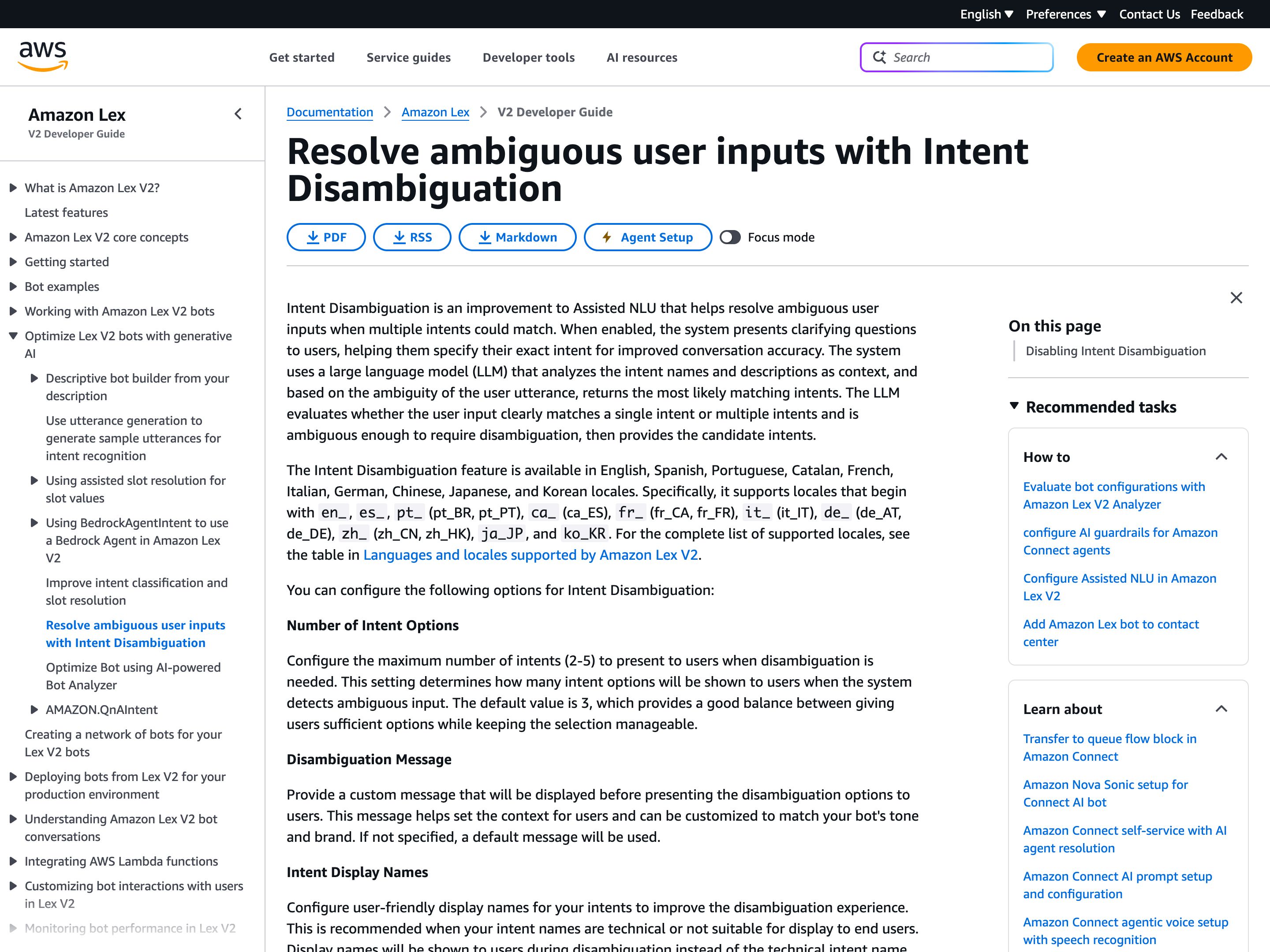
Amazon Lex Intent Disambiguation
Amazon
With Intent Disambiguation switched on in a bot's Assisted NLU settings (it is off by default), Amazon Lex's LLM stops on an utterance that fits several intents and offers the likeliest ones to pick from before routing. In AWS's Nov 2025 announcement, "I need help with my flight" becomes a choice between checking status, upgrading or changing the flight. The builder caps the readings at 2–5 (default 3), writes the message that introduces them and can give each intent a display name. Each reading appears as a name only (the display name or the intent name), with no preview of what it would do.
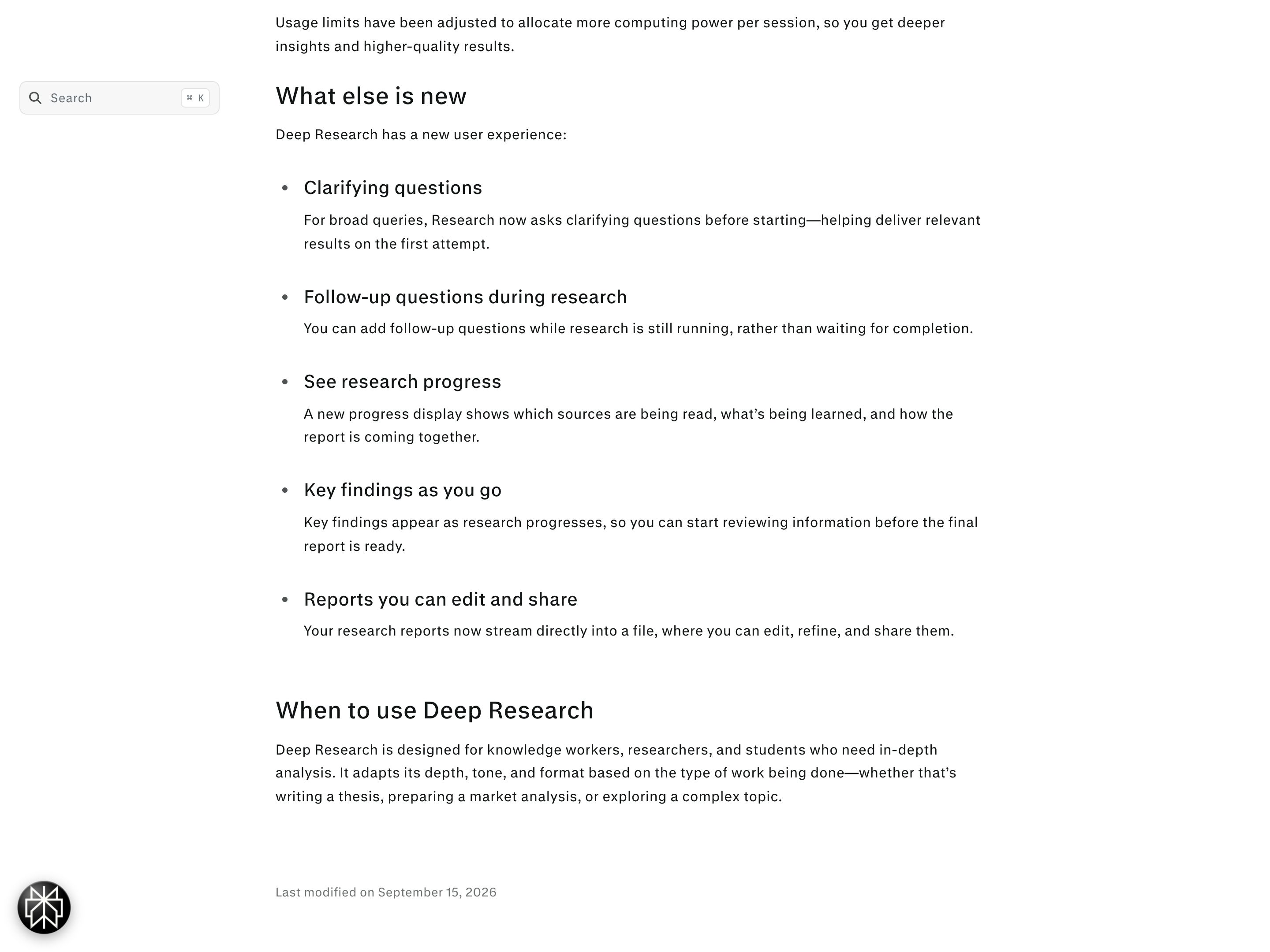
Perplexity Deep Research clarifying questions
Perplexity
Since the Advanced Deep Research update (February 2026), Perplexity's Deep Research mode asks clarifying questions before it starts on a broad query. The help article describes questions, not competing readings laid out side by side for you to pick from.
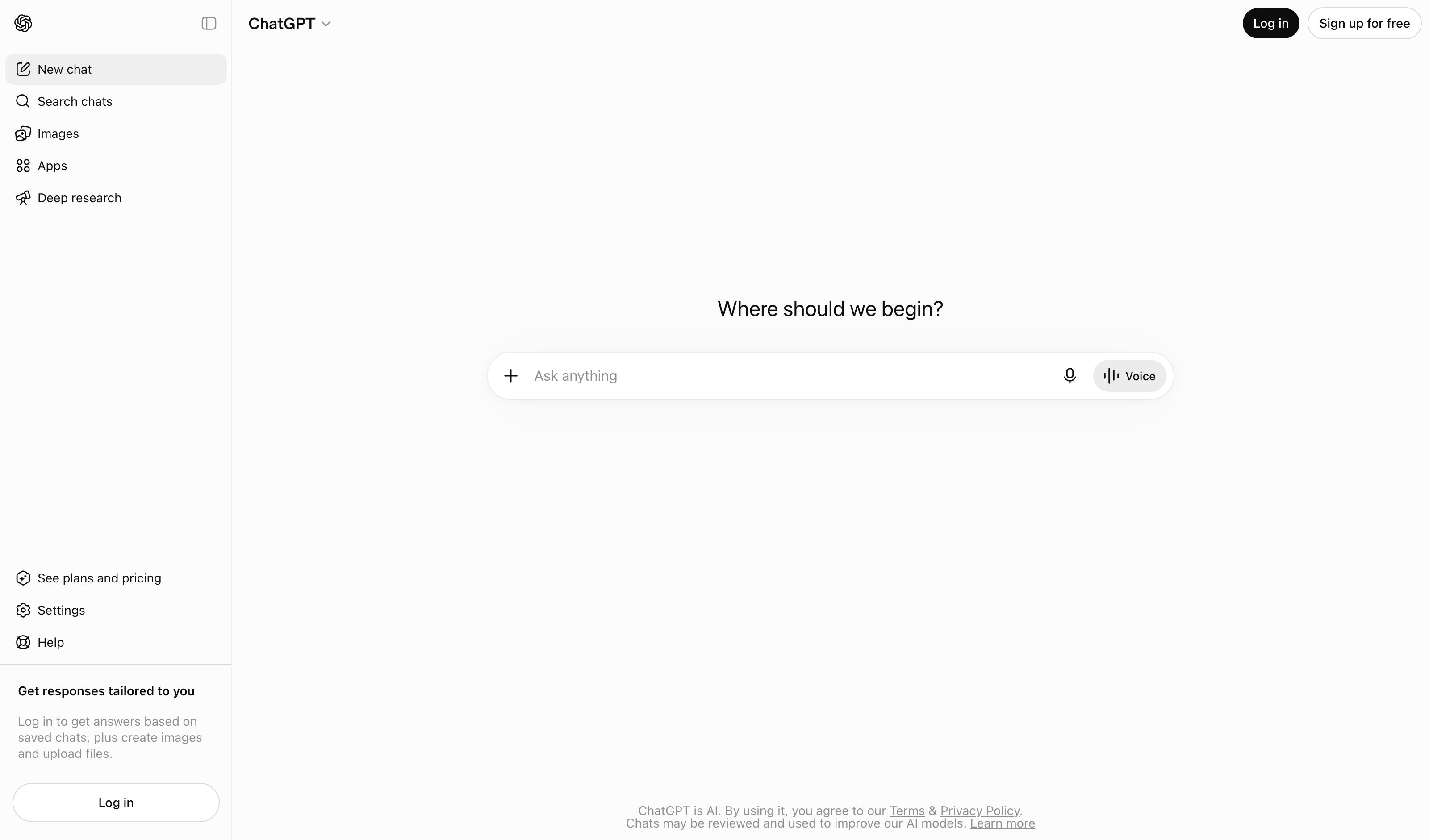
ChatGPT Deep Research clarification
OpenAI
Before a deep research run, ChatGPT may ask clarifying questions to confirm your goals, and proposes a research plan you can review and edit before research begins (added 10 Feb 2026); mid-run you can interrupt to refine the focus. It settles one reading through questions and an editable plan; OpenAI's docs describe no step that sets competing readings side by side to pick from.
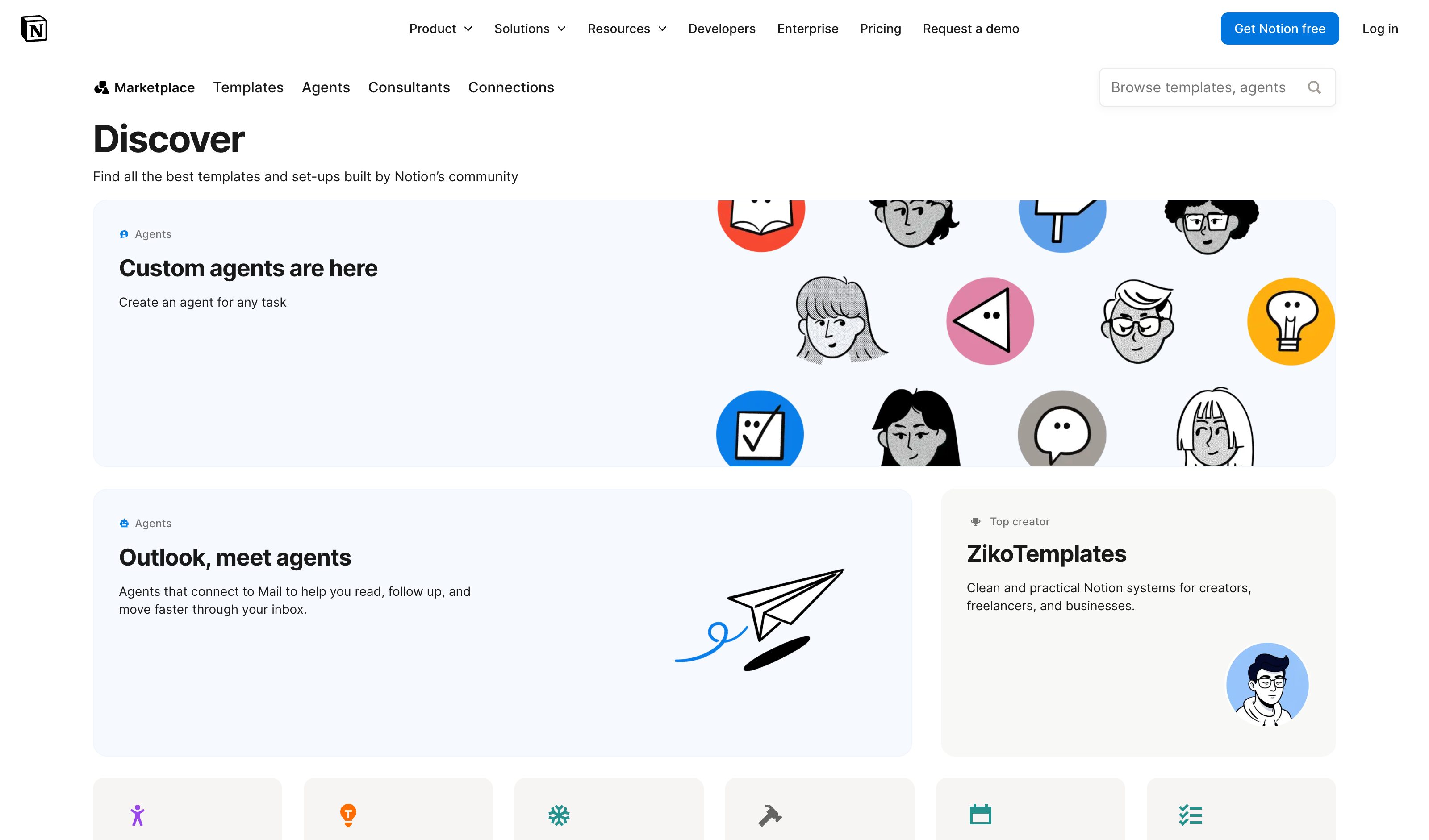
Notion AI Templates
Notion
Workspace admins create reusable prompt templates with slot-filling; relation-aware autofill traverses linked entries to populate the form.
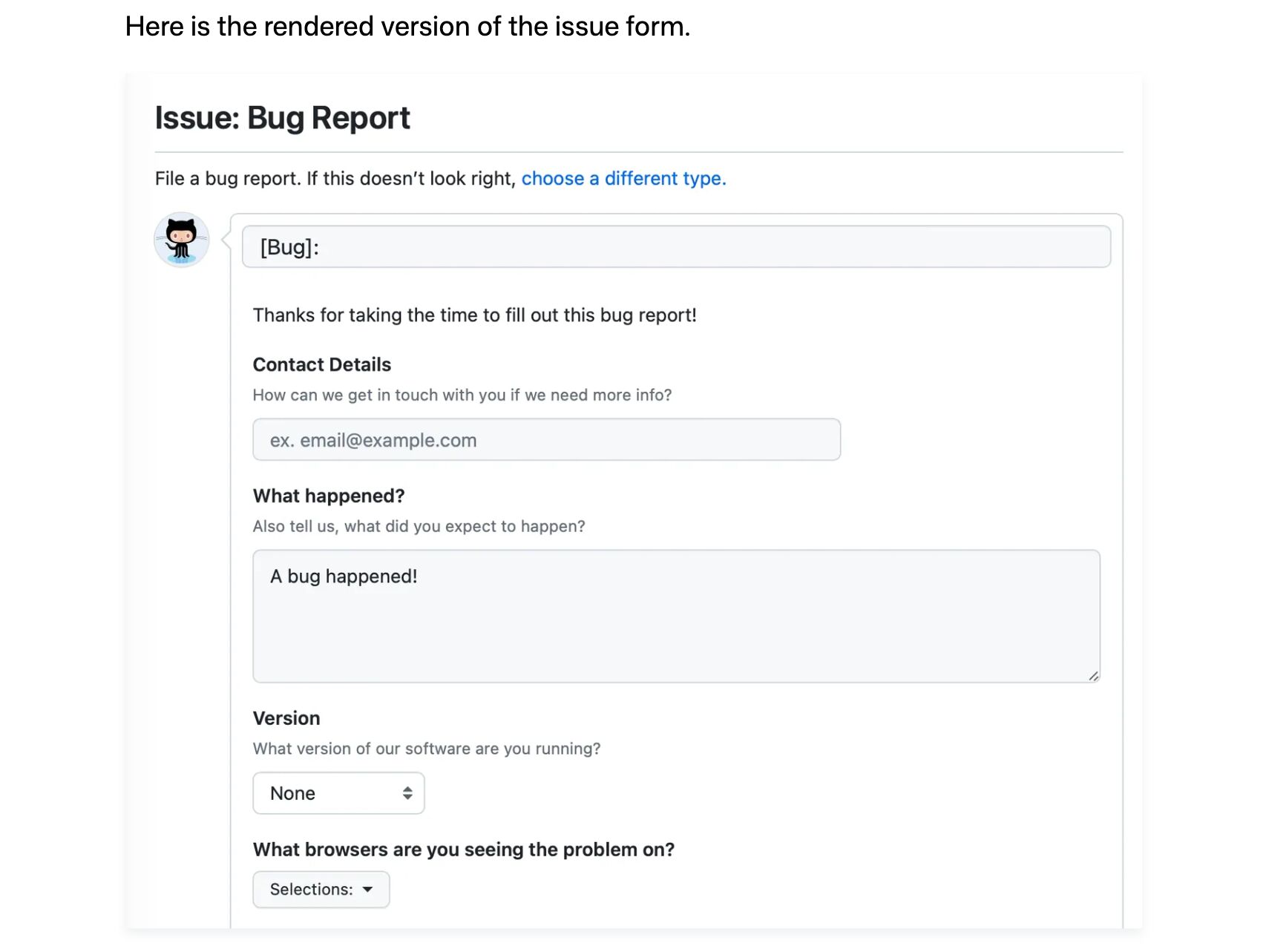
GitHub Issue Forms
GitHub
YAML-defined issue forms: text inputs, dropdowns, checkboxes, file uploads, required-vs-optional fields. The strongest non-AI precedent — the pattern predates AI products.
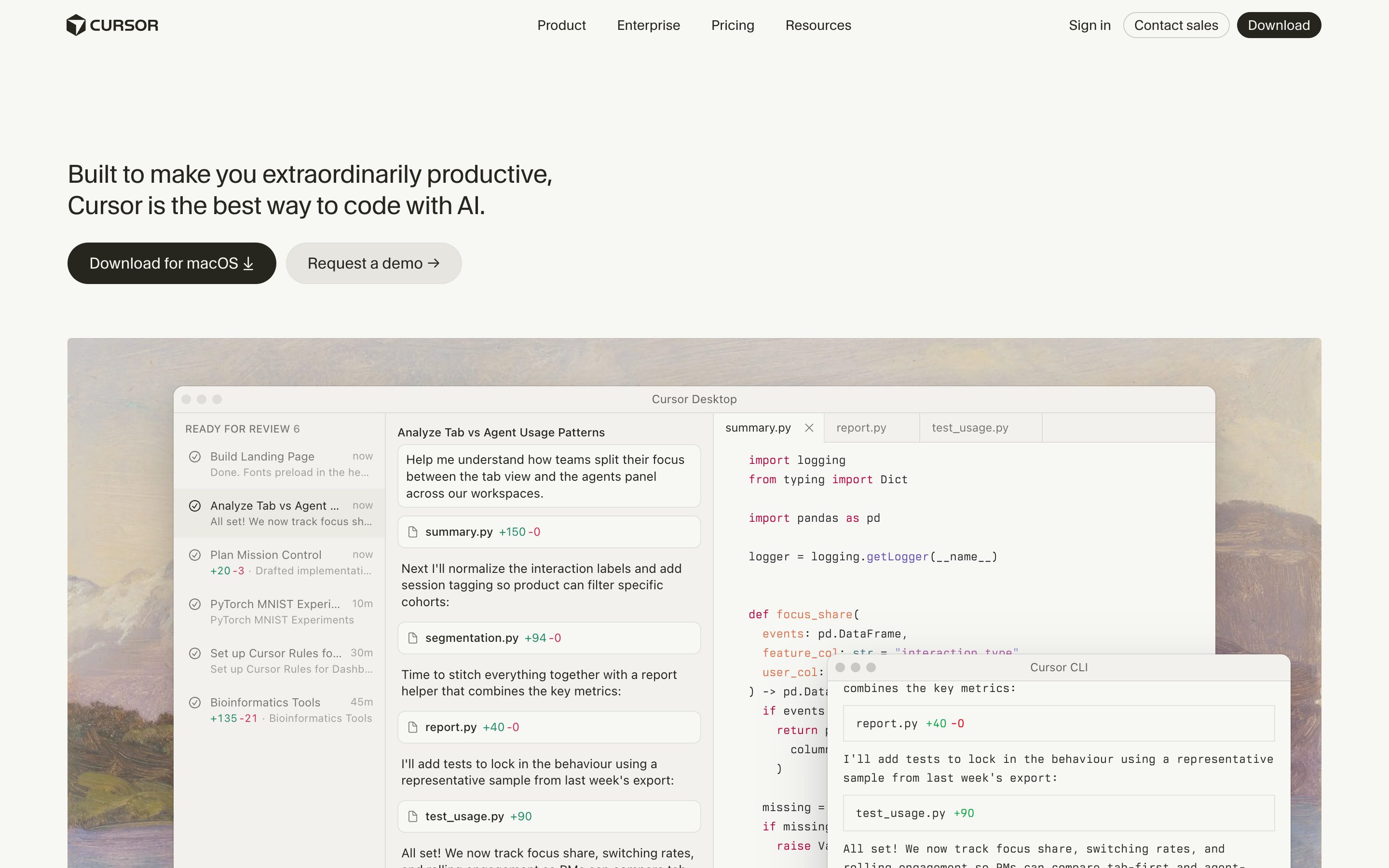
Cursor Slash Commands
Cursor
Custom slash commands stored as Markdown in `.cursor/commands/` — version-controlled, team-shareable, parameterizable. Templates as code.
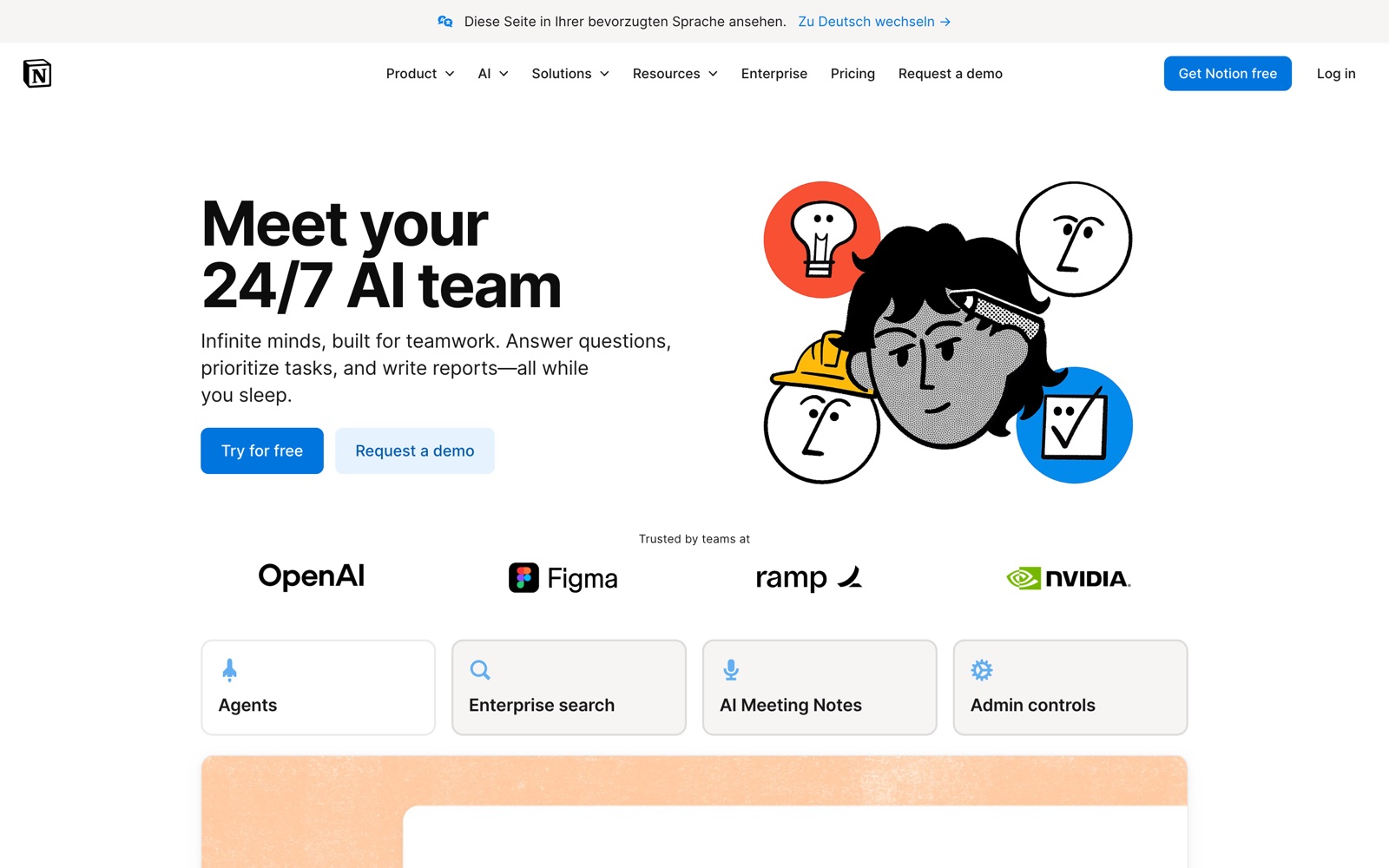
Notion AI Instructions & Skills
Notion
Instructions live at Settings → Notion AI as ordinary Notion pages — keep several, switch which one is active. Skills, added April 2026, are the one-click half: saved workflows invoked from the slash menu on a selection. Both share like any page, but sharing one does not change anyone else's agent.
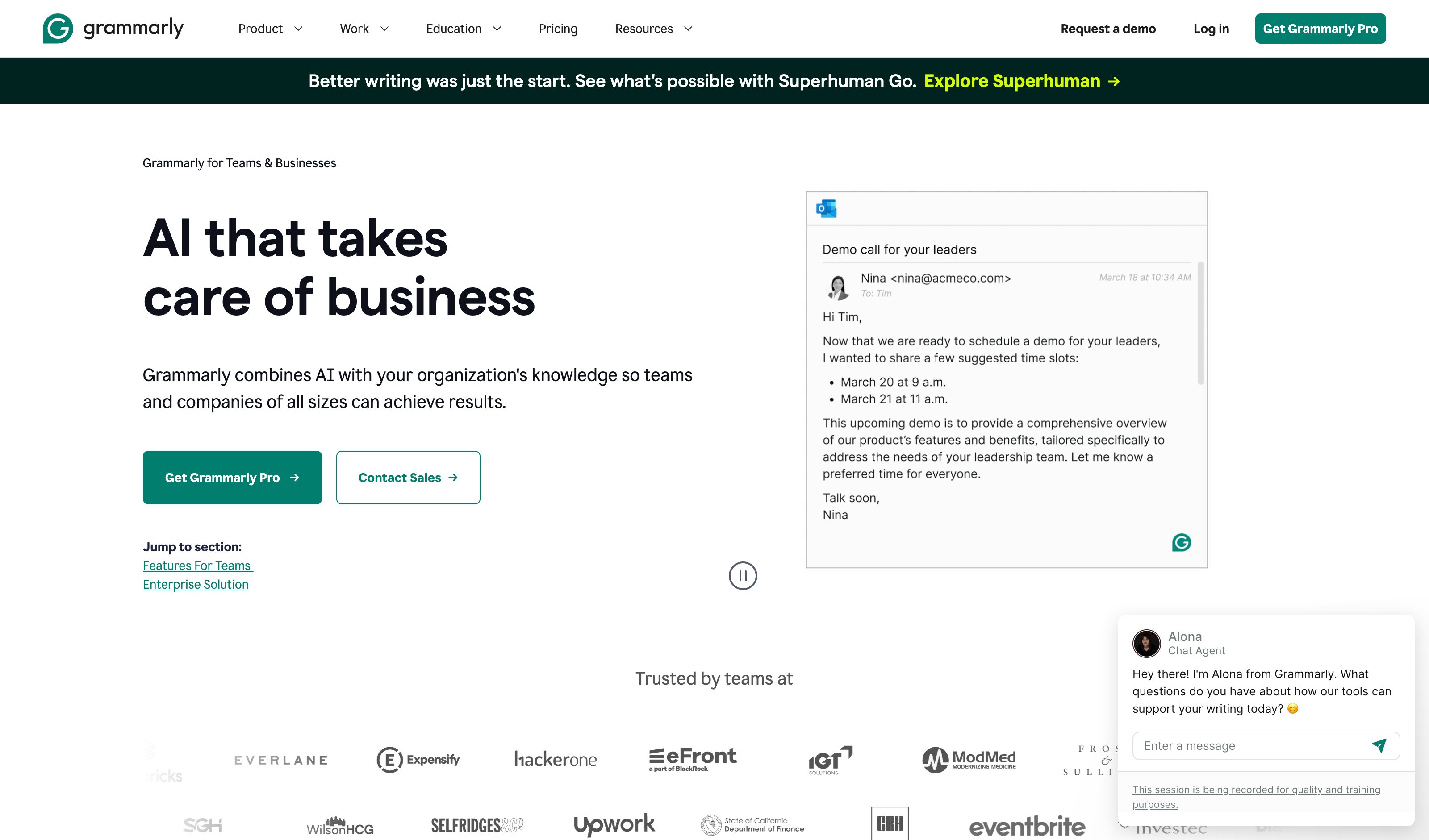
Grammarly Brand Tones
Grammarly
Admin dashboard → Writing → Brand tones: a named tone profile plus a style-rule set, assigned to member groups. The lineup is now Free / Pro / Enterprise — Business is gone, and Pro caps you at one brand tone, one style guide, two groups. The multi-profile version is Enterprise.
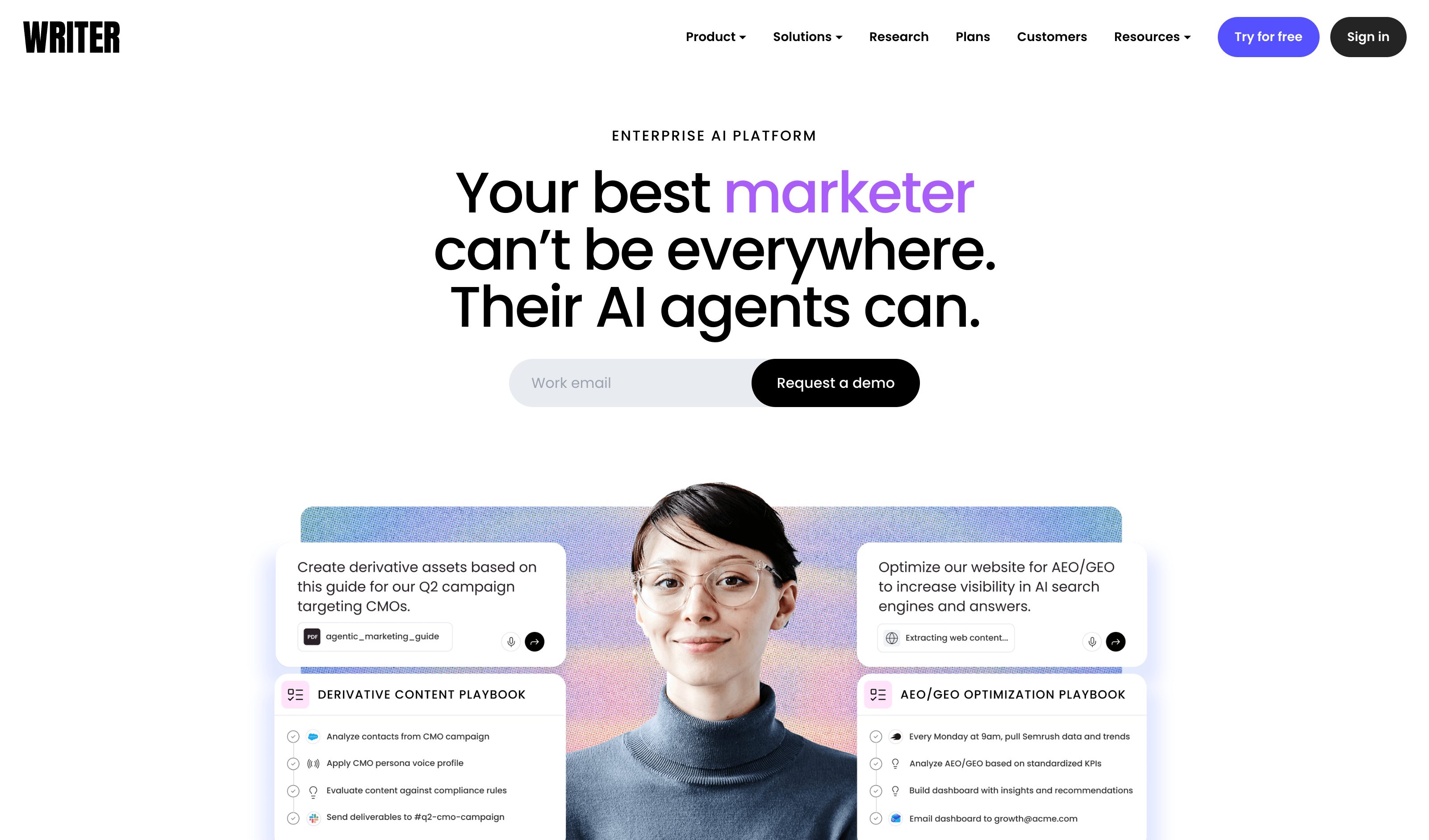
Writer.com Voice
Writer
Upload 300+ words of sample copy, Writer derives a voice profile, and you attach a style guide and term list to it. Several voices per workspace, picked from a dropdown in Agent or applied to selected text via rewrite. Starter allows one shared voice; Enterprise is unlimited.
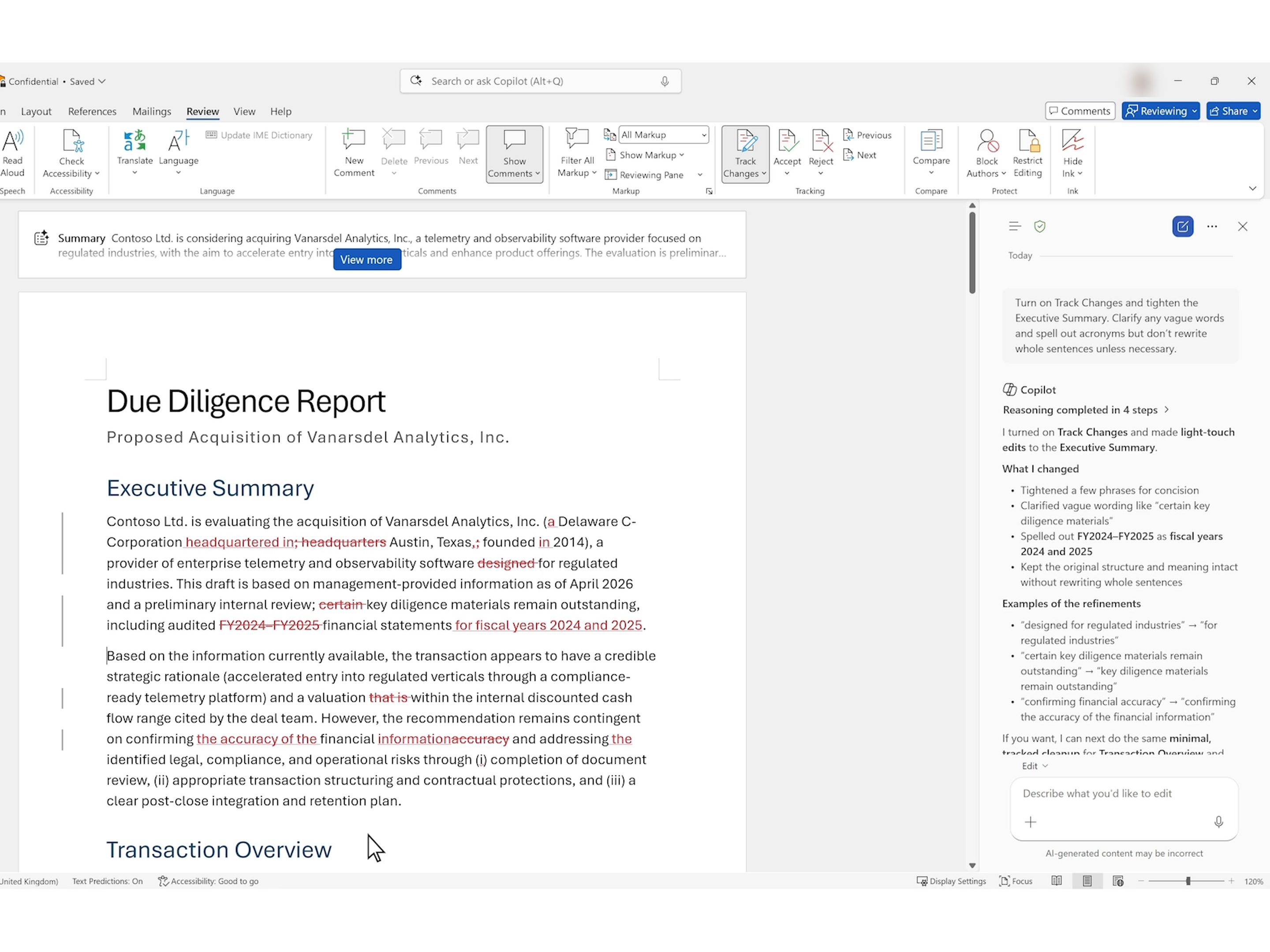
Copilot in Word Track Changes
Microsoft
Ask Copilot in Word to "Turn on Track Changes and tighten the Executive Summary" and it switches Track Changes on and lands its edits as word-level revisions. Each one is a pending insertion or deletion that stays in the .docx, where the next reader sees it too, until someone accepts or rejects it on the Review tab, though Accept All Changes still clears them in one click. Announced in April 2026 for Frontier users on Windows, it reached Microsoft 365 Copilot users in Word for Windows and Mac between early June and early July 2026 (Message Center MC1384426): this pattern's review-state half, shipping. The authorship half is missing. In Microsoft's own demo the comments Copilot adds are signed with the user's name, and Microsoft does not say whose name its revisions carry; if they carry the user's, the next reader sees that a change is pending, not that AI drafted it.
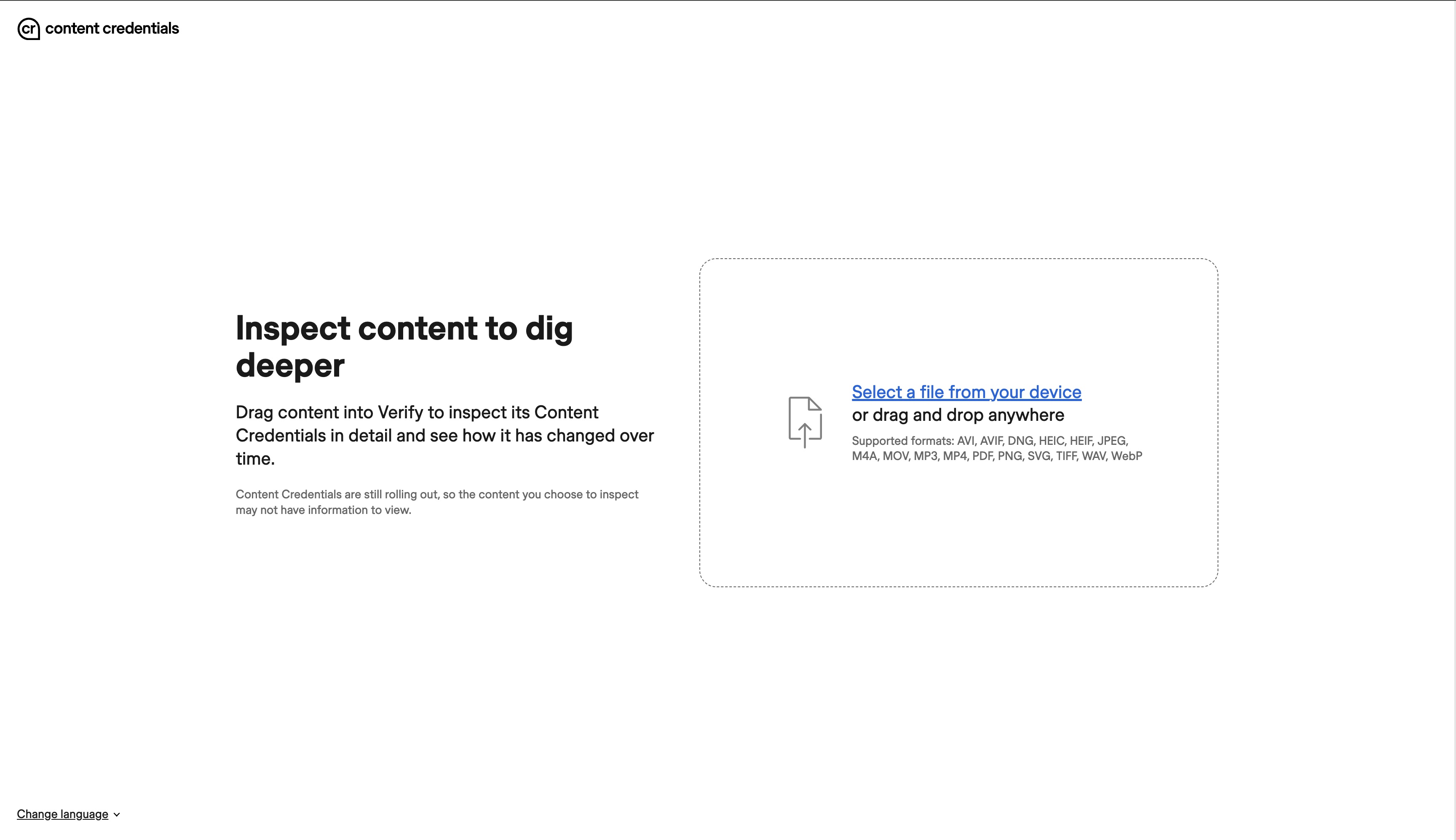
C2PA Content Credentials
C2PA · Content Authenticity Initiative
Content Credentials are a signed C2PA manifest, usually embedded in the file, recording what made it (a camera, an editing app or an AI model) and how it was edited since; Verify, shown here, reads that record back from an image, video, audio file or PDF you drop in. Pixel 10's Pixel Camera signs every JPEG it captures, and ChatGPT, Codex and fully generated Adobe Firefly images carry them too. Spec 2.4 (April 2026) lets a manifest sit inside Markdown or HTML, mark the text ranges an edit changed and say whether a human approved the AI output, but the signers above label whole files, not reviewed spans.
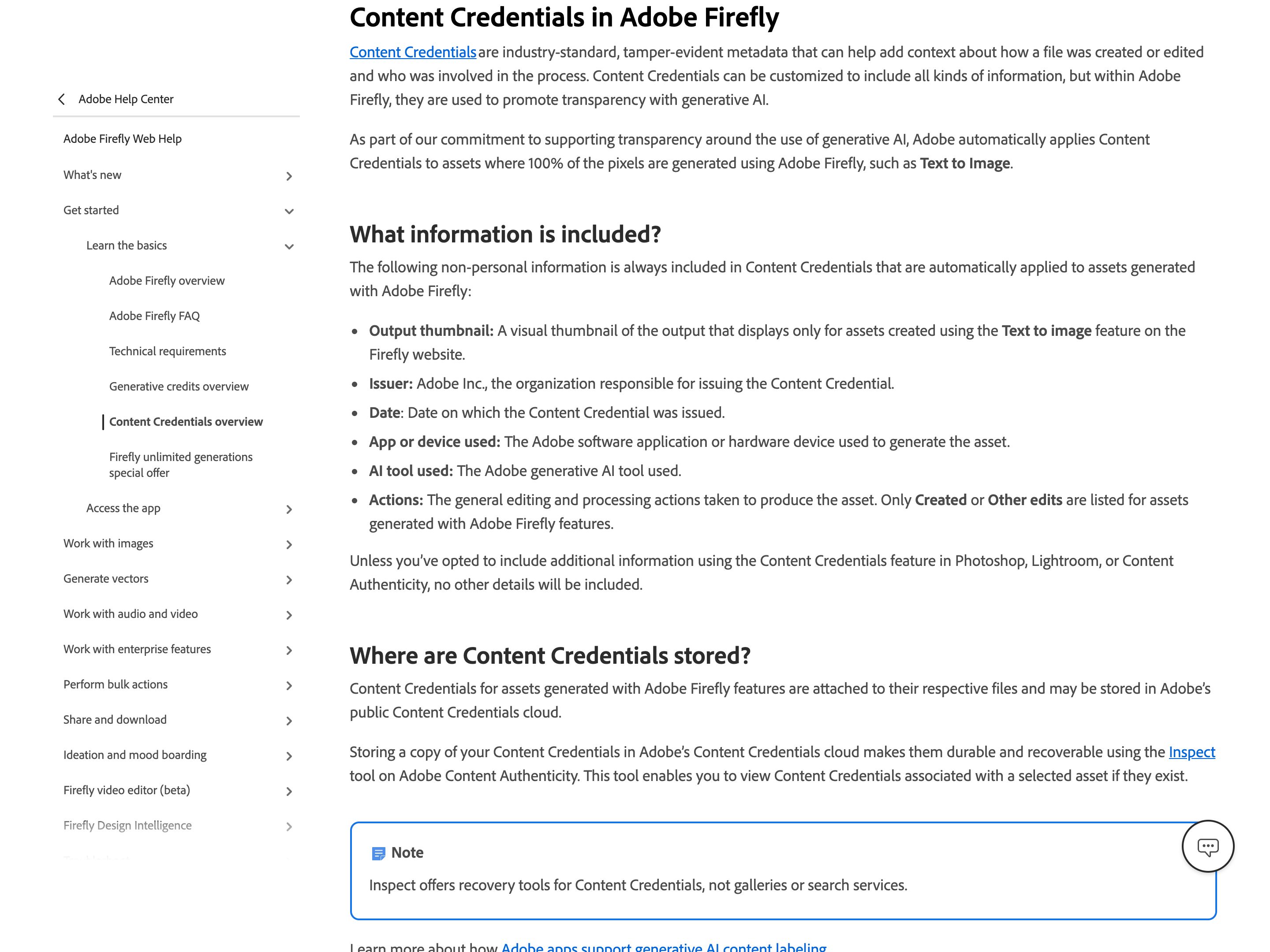
Adobe Firefly · Content Credentials
Adobe
Firefly attaches Content Credentials automatically to assets whose pixels it wholly generated, partner-model images included: issuer (Adobe Inc.), date, app, the generative AI tool or model used, and a generic action (Created or Other edits) rather than an edit history. Under the California AI Transparency Act and the EU AI Act, Adobe apps now also attach this metadata, with no off switch, when a qualifying generative AI tool only modifies a file. Nothing visible is added to the image; you see the credentials only in a viewer such as Adobe's Inspect tool, its Chrome extension, or the cr icon that platforms like LinkedIn and Behance show. File-level: they record that AI made or changed the file, not which part, and nothing about whether a person reviewed it.
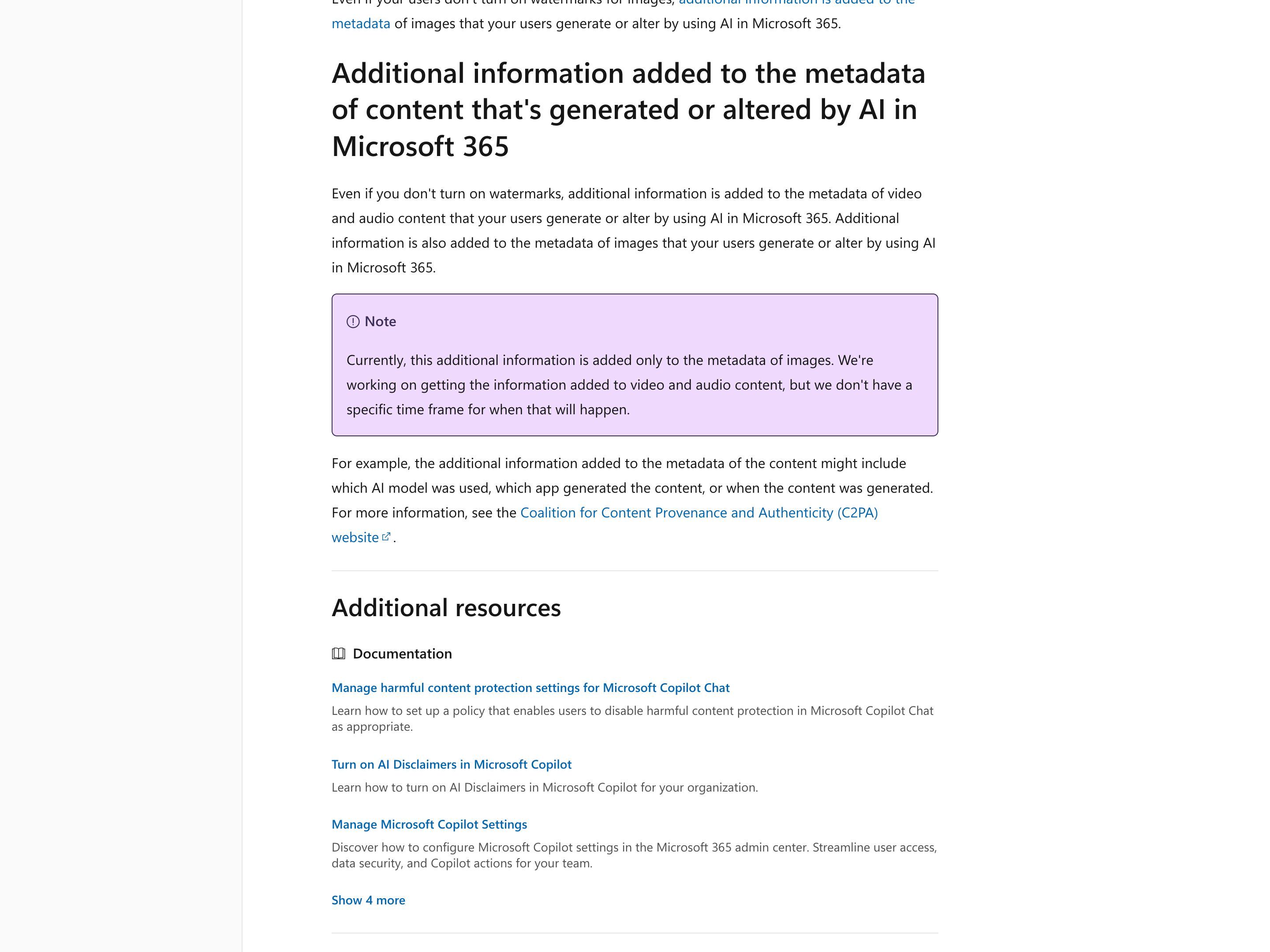
Microsoft 365 AI Watermarks
Microsoft
An admin turns this on with the Cloud Policy setting "Include a watermark when content from Microsoft 365 is generated or altered by AI", which is off until set to Enabled (rolled out between April and late June 2026). AI-made video, such as Clipchamp output, then carries an "AI-Generated" mark or the Copilot icon in the bottom-right corner, and audio, such as a Copilot audio overview of a Word document, says "This audio is generated by AI." Image watermarks are a per-user setting, Watermarks for AI-generated content under My Account > Data and Privacy > Data options, and Microsoft's admin doc says metadata that can name the model, app and time is so far written to images only. It labels whole media files; text is not covered.
Google SynthID
SynthID embeds an imperceptible watermark in images and video from Google's generative AI products, in Lyria music, NotebookLM podcasts and Gemini app text, and NVIDIA, OpenAI and Kakao have adopted it for their own products. The SynthID Detector, now open to everyone, checks an uploaded image, video or audio file for the mark and, for video and audio, flags which segments carry it; Gemini, Search and Chrome also check uploads. Google says the mark is designed to withstand cropping, filters and lossy compression but is not infallible. A hit says a SynthID-enabled model likely made or edited the file, not which parts a person has reviewed.
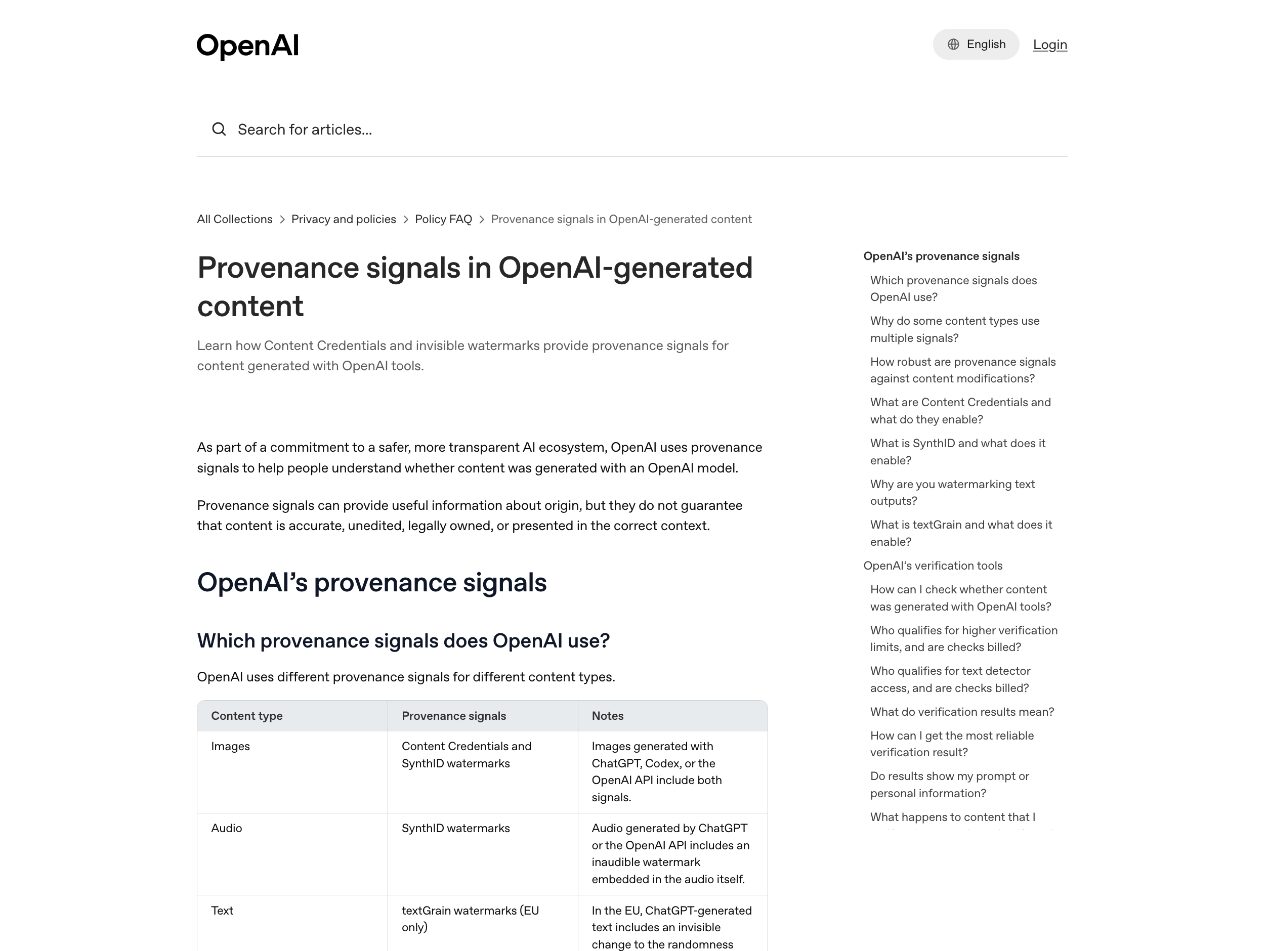
OpenAI Image Provenance
OpenAI
Images from ChatGPT, Codex and the API carry Content Credentials (C2PA) plus an invisible SynthID watermark, with exceptions OpenAI names (API models due for deprecation such as gpt-image-1, and coverage that varies by export path and file type); openai.com/verify checks an uploaded file for either. In the EU, ChatGPT text carries an invisible watermark too. All of it says where a whole file or passage came from — OpenAI notes a detected watermark does not show how much the model wrote. Marking which spans of co-authored text are machine-drafted, as the prototype does, is still emerging.
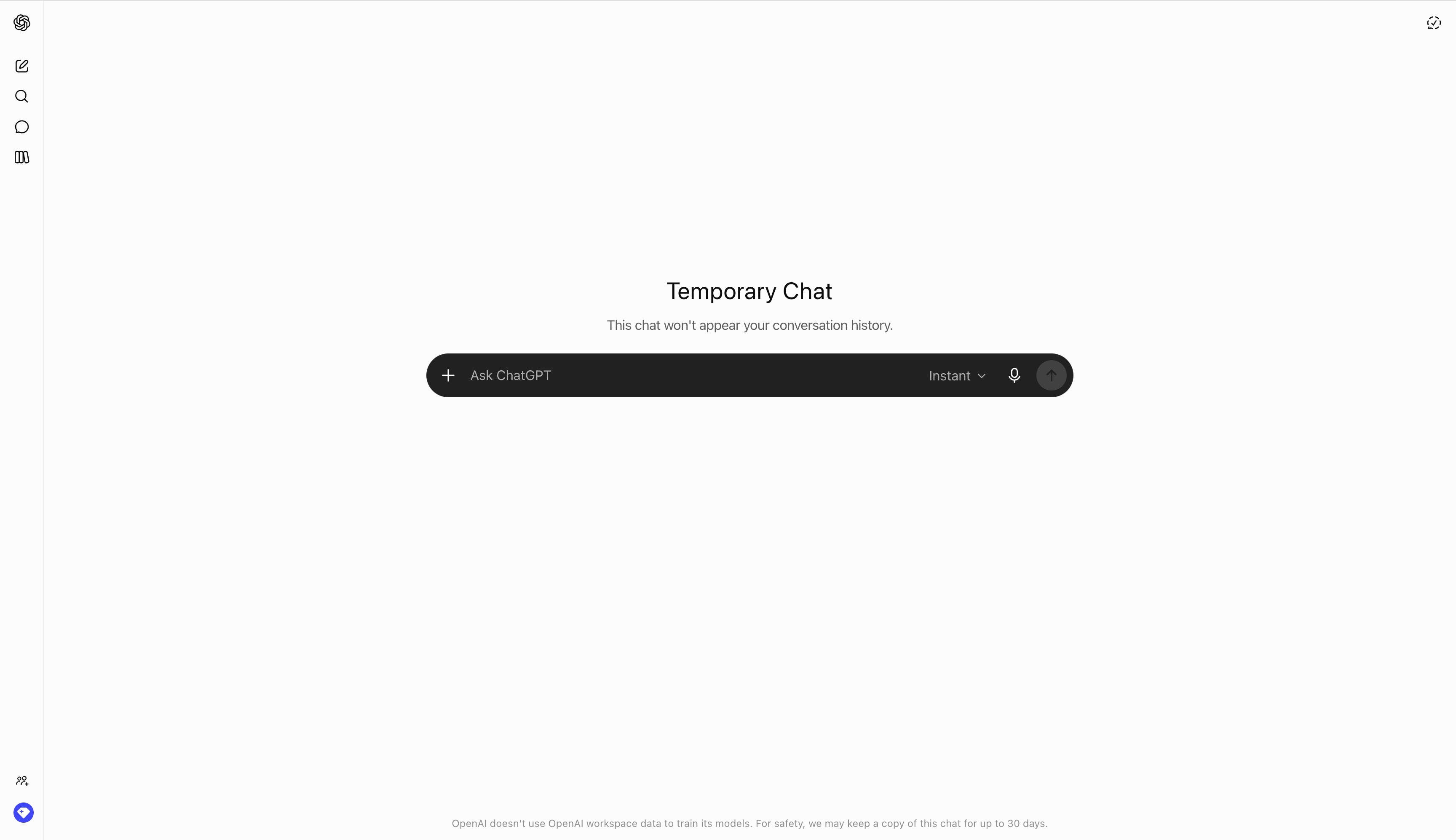
ChatGPT Temporary Chat
OpenAI
"Temporary" pill button top-right; banner across the chat window confirming memory off and no training. Available on free + paid. 30-day safety retention disclosed. Flagship.
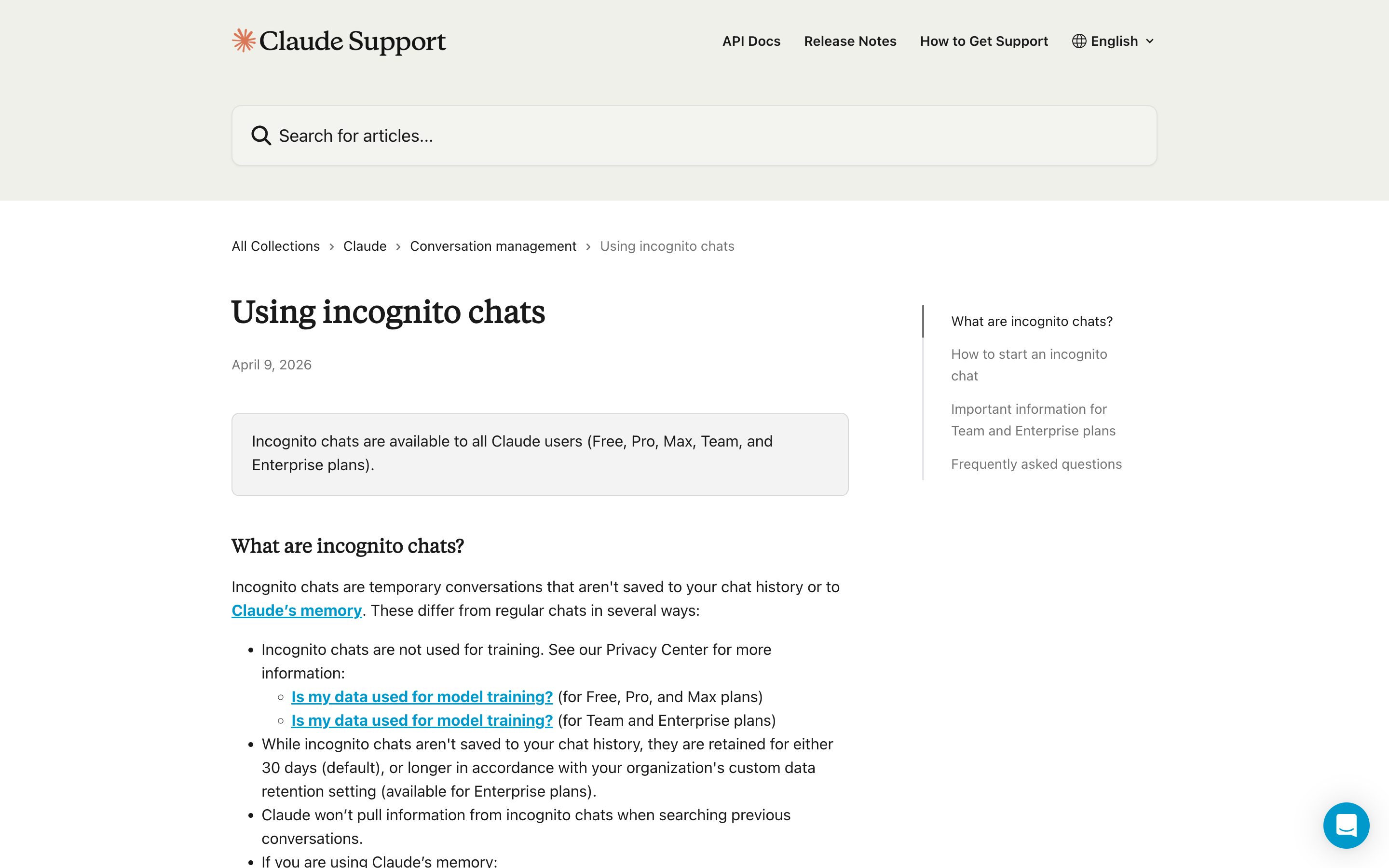
Claude Incognito Mode
Anthropic
Ghost icon in upper-right of new-chat surface; black border + "Incognito chat" label in upper-left while active. Free for all tiers (Sept 2025).
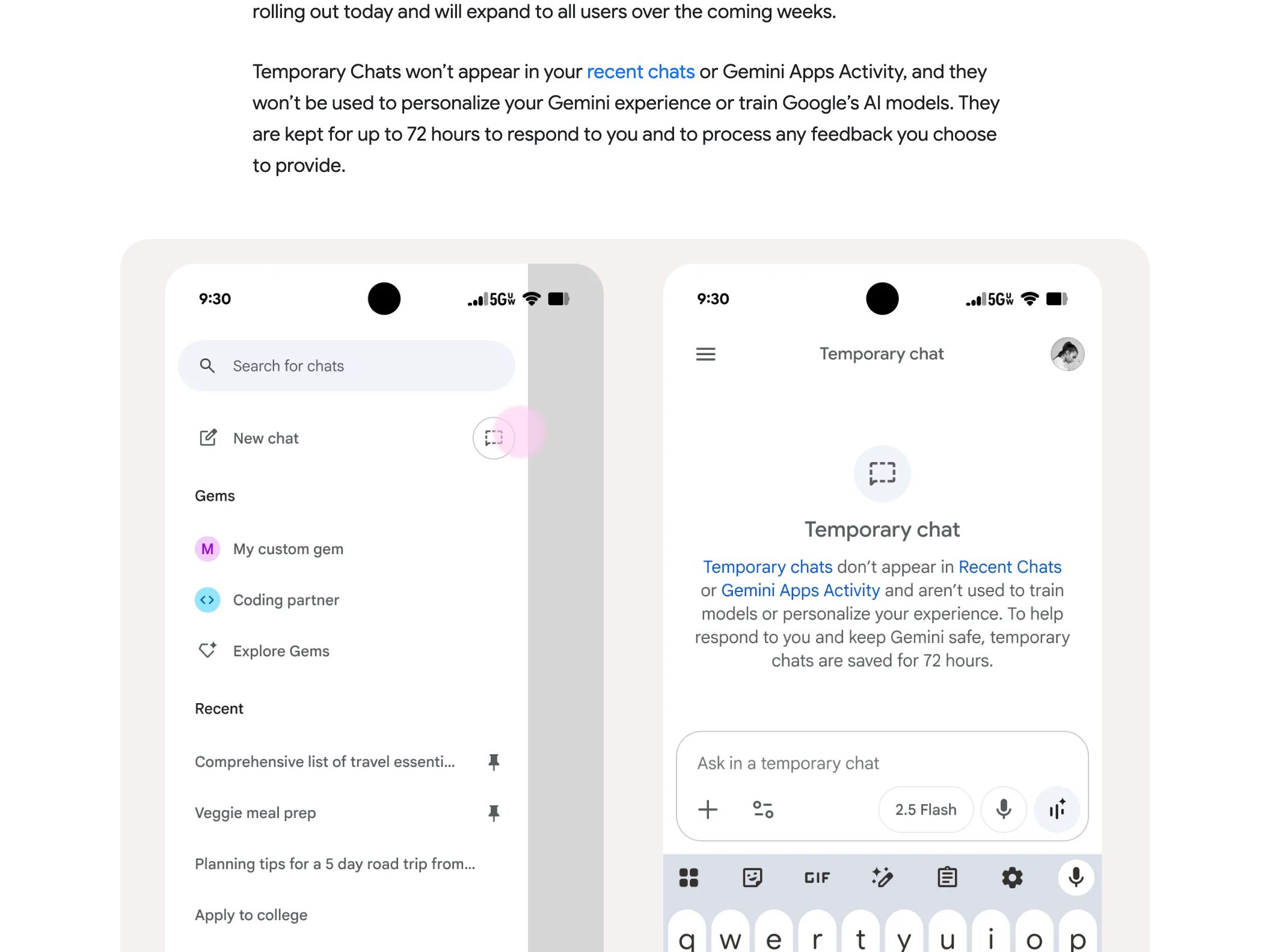
Gemini Temporary Chat
Temporary Chat icon next to "New Chat"; banner above chat window. 72-hour retention disclosed. Web first, mobile rolling out — completes the ChatGPT/Claude/Gemini incognito-as-baseline trio.
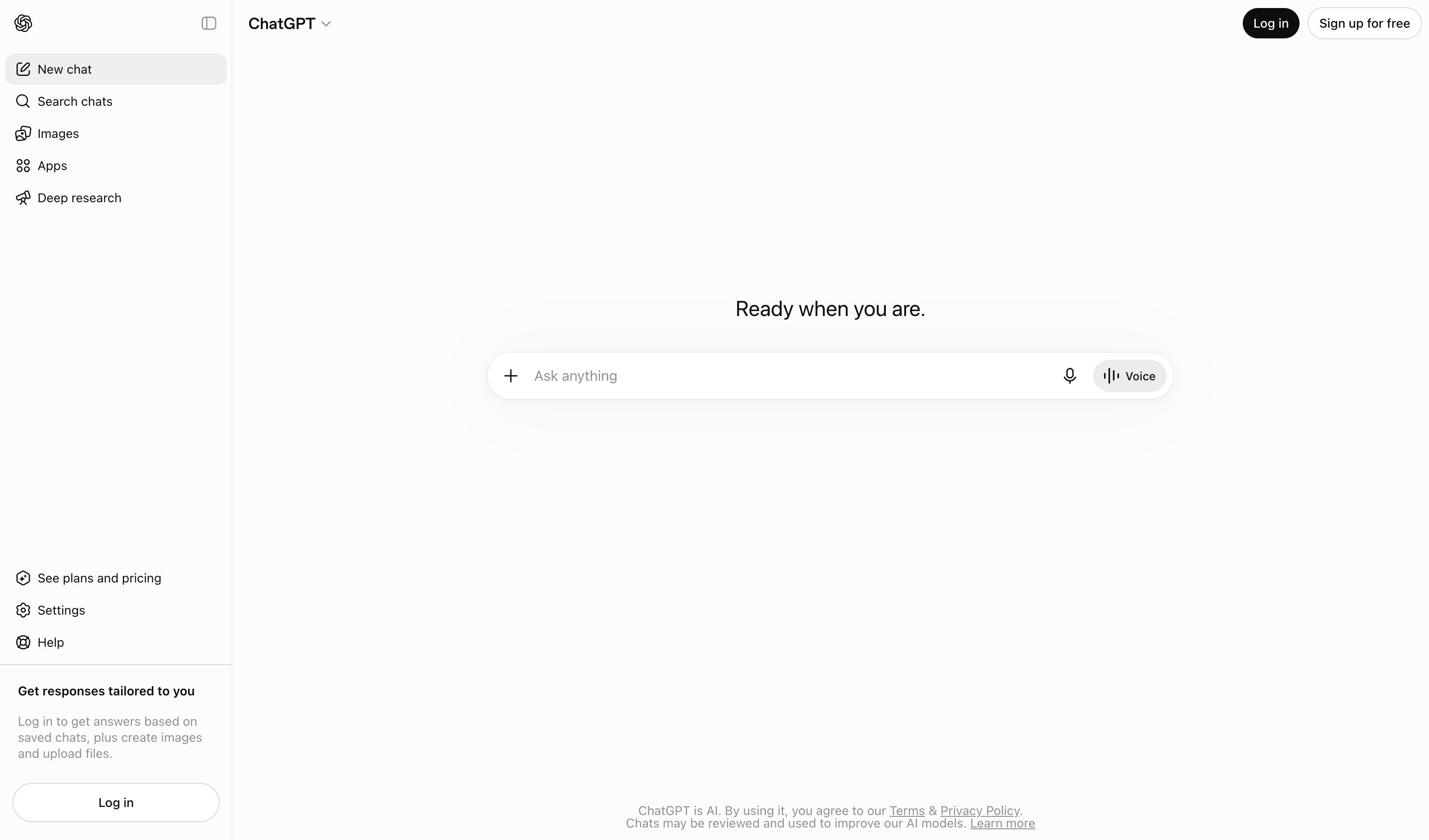
ChatGPT branch-in-new-chat
OpenAI
Aug 2025: explicit "Branch in new chat" from any prior response. Caveat — no native tree view, and in-place edit is restricted to most-recent message only. Closest mainstream example.
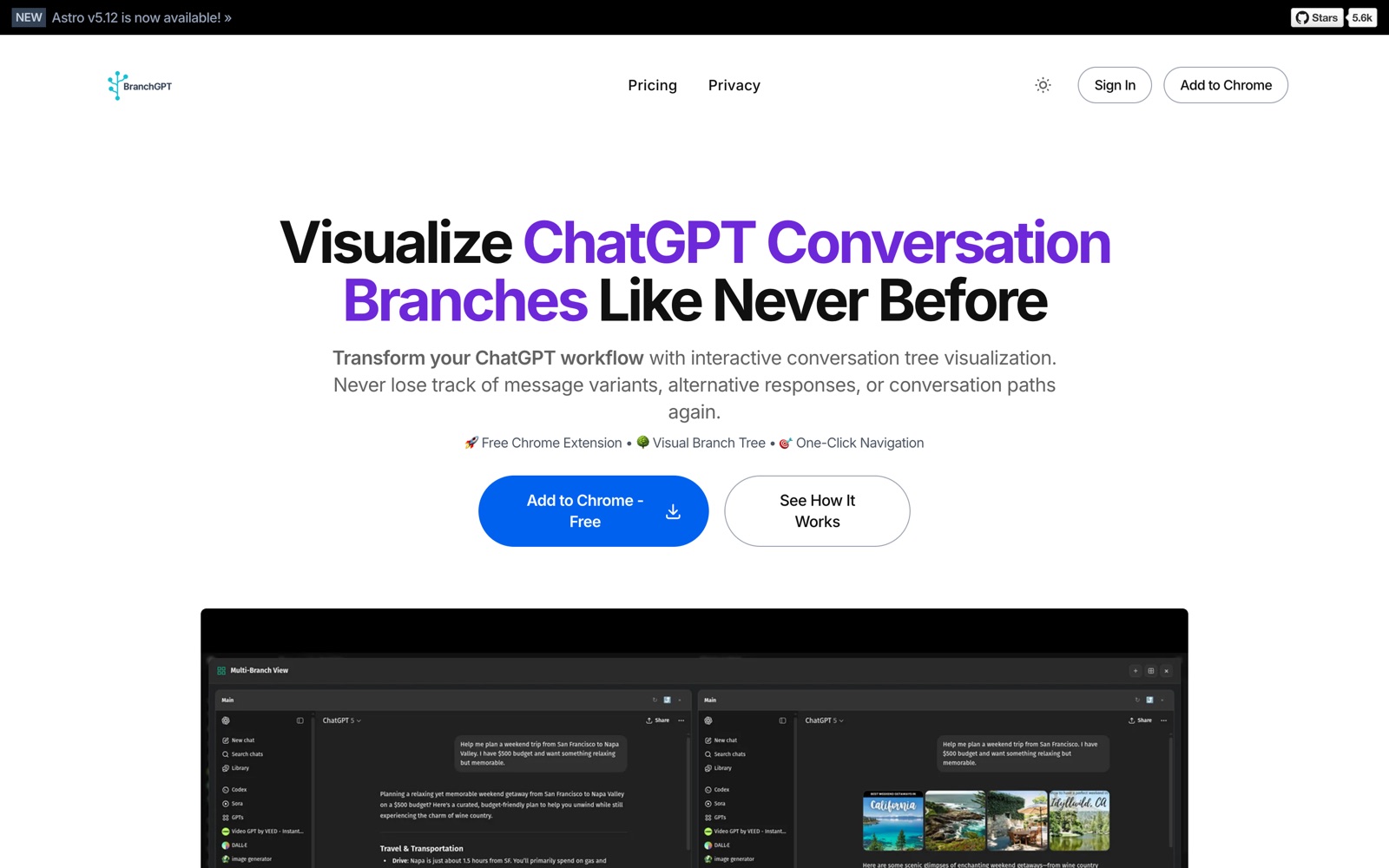
BranchGPT
Third-party
Chrome extension that visualizes ChatGPT native branching as an interactive tree. The only true tree-view today — third-party, not first-class.
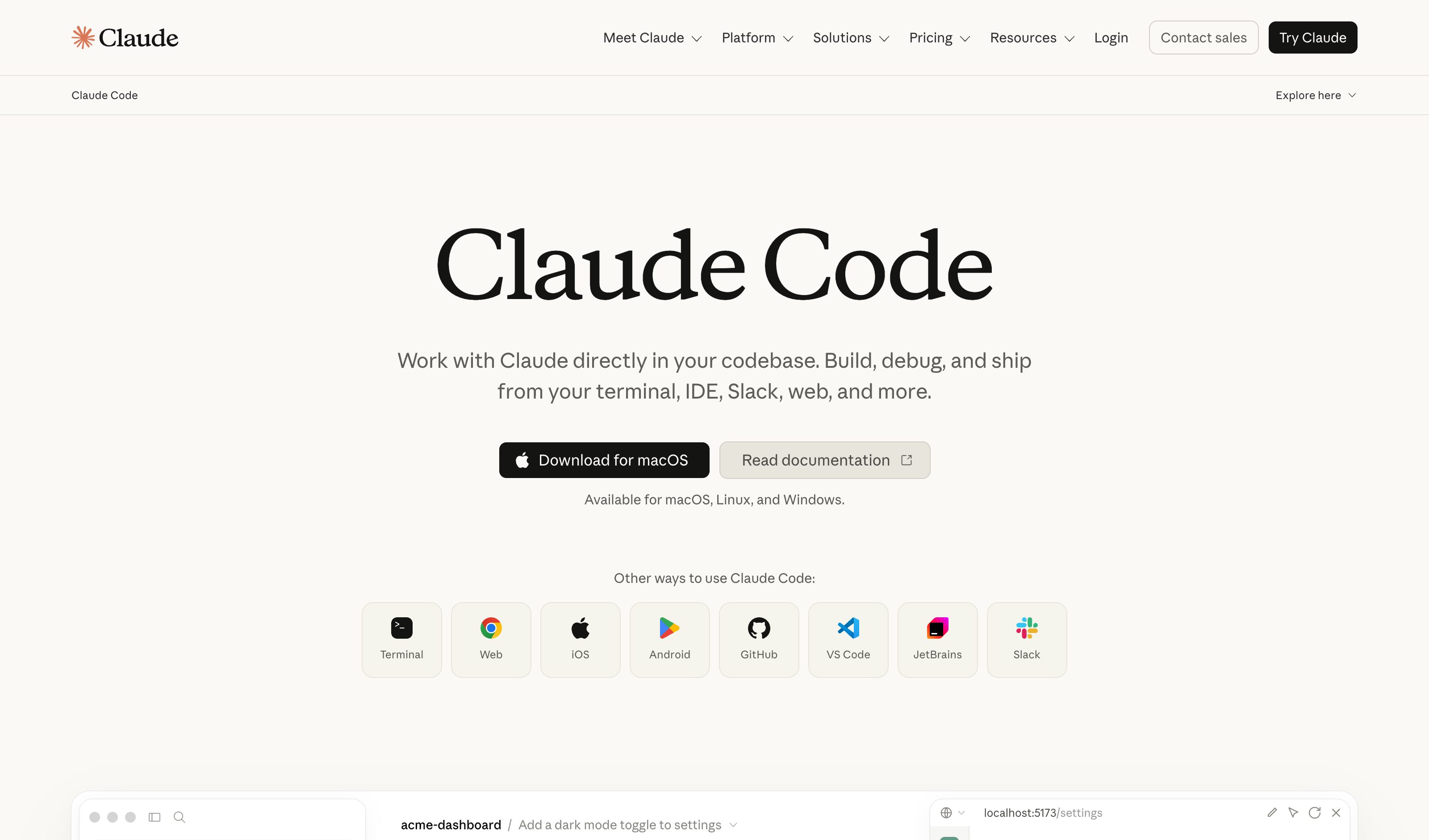
Claude Code /fork
Anthropic
`--fork-session` and `/branch` commands create explicit fork pointers. CLI-only — no tree UI, but the branch primitive is real and version-controlled.
Claude regenerate alternatives
Anthropic
Caveat — implicit branching via edit-prior + regenerate, no tree-view UI. Multiple GitHub issues (#16236, #32631) request a proper branch tree as a feature.
Screenshot pending
ChatGPT Memory Summary + Sources
OpenAI
The book icon under a response opens Sources: which memory shaped the answer, an explanation of why it was used, and a ••• correction. The memory summary itself is editable inline — type a change into it or highlight a line to fix it. No reason chips, and the write is retrospective rather than answer-by-answer.
Claude Memory Write-Back
Anthropic
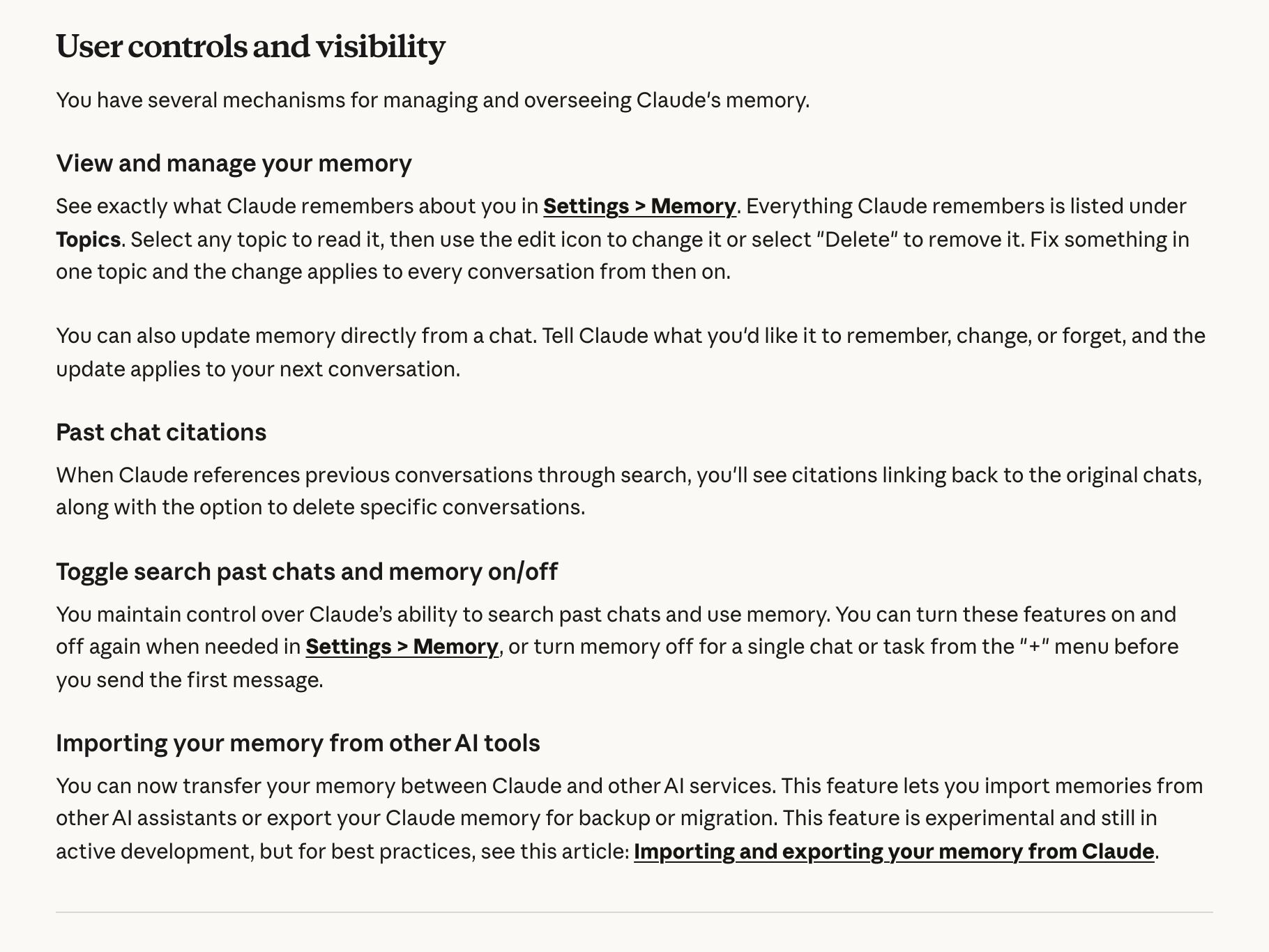
Memory saves as individual Topics listed in Settings → Memory — open one to read, edit or delete it, and the fix applies to every conversation from then on. You can also tell Claude in chat to remember, change or forget something. On by default for Free, Pro and Max; the old Settings → Capabilities path is gone.
Cursor Bugbot Learned Rules
Cursor
Downvotes on Bugbot comments, replies explaining what was wrong, and "@cursor remember [fact]" on a PR become written rules listed by name, content and scoped paths in the Bugbot repository-rules dashboard, editable or deletable there. Candidates only go active once signal accumulates, and auto-disable on negative signal — the write is visible, not immediate.
Cursor Plan Mode
Cursor
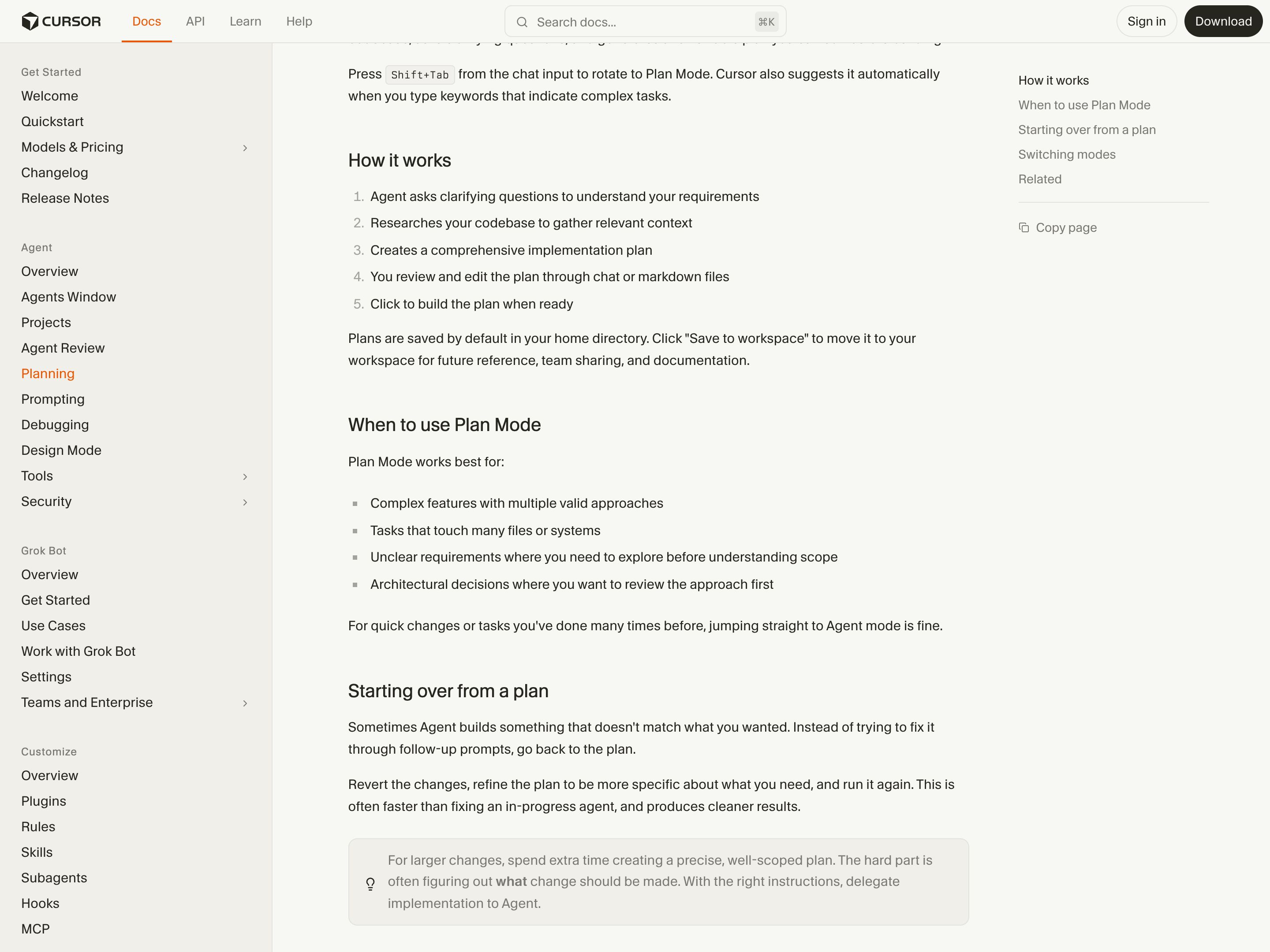
Plan Mode (Shift+Tab or the mode picker) asks clarifying questions, researches the codebase and writes an editable Markdown plan with file paths and to-dos before Agent writes any code — the slot where a capability sheet would sit. Cursor documents no can't-do list in it: the questions are there to understand your requirements and improve the plan, and when a build misses, the docs say revert, refine the plan and run again.
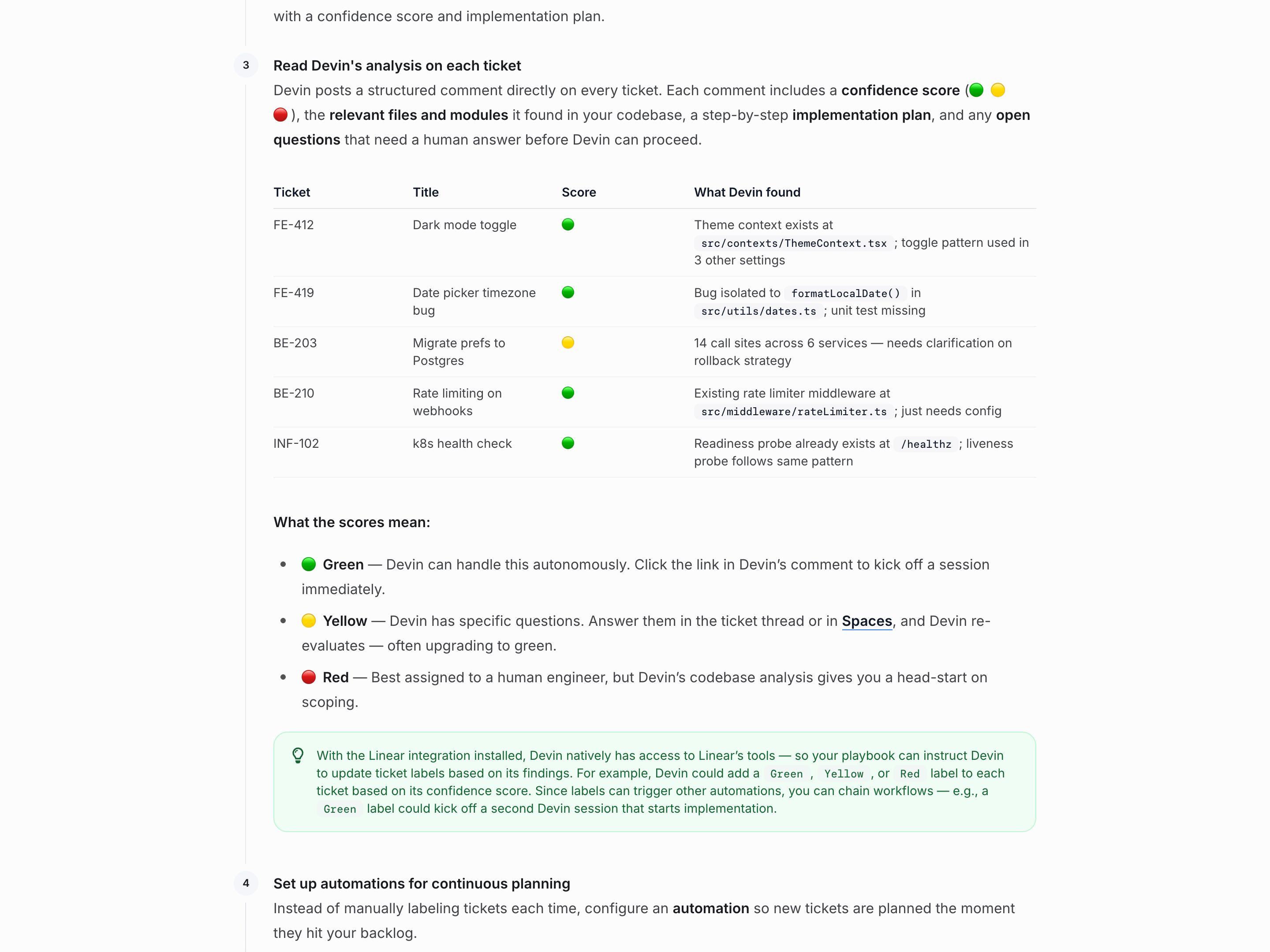
Devin Confidence Scores
Cognition
In Linear, Devin's !plan playbook (the default for new connections) scopes a ticket without writing code and posts a comment with a confidence score, the files it found, a step-by-step plan and any open questions. Green means Devin can do the work autonomously, yellow that it has specific questions, and red that the ticket is best assigned to a human engineer, with Devin's analysis as a head start. Answer the questions and Devin re-evaluates, often moving the ticket up to green. One score grades the whole ticket; it does not mark which parts Devin will and won't do.
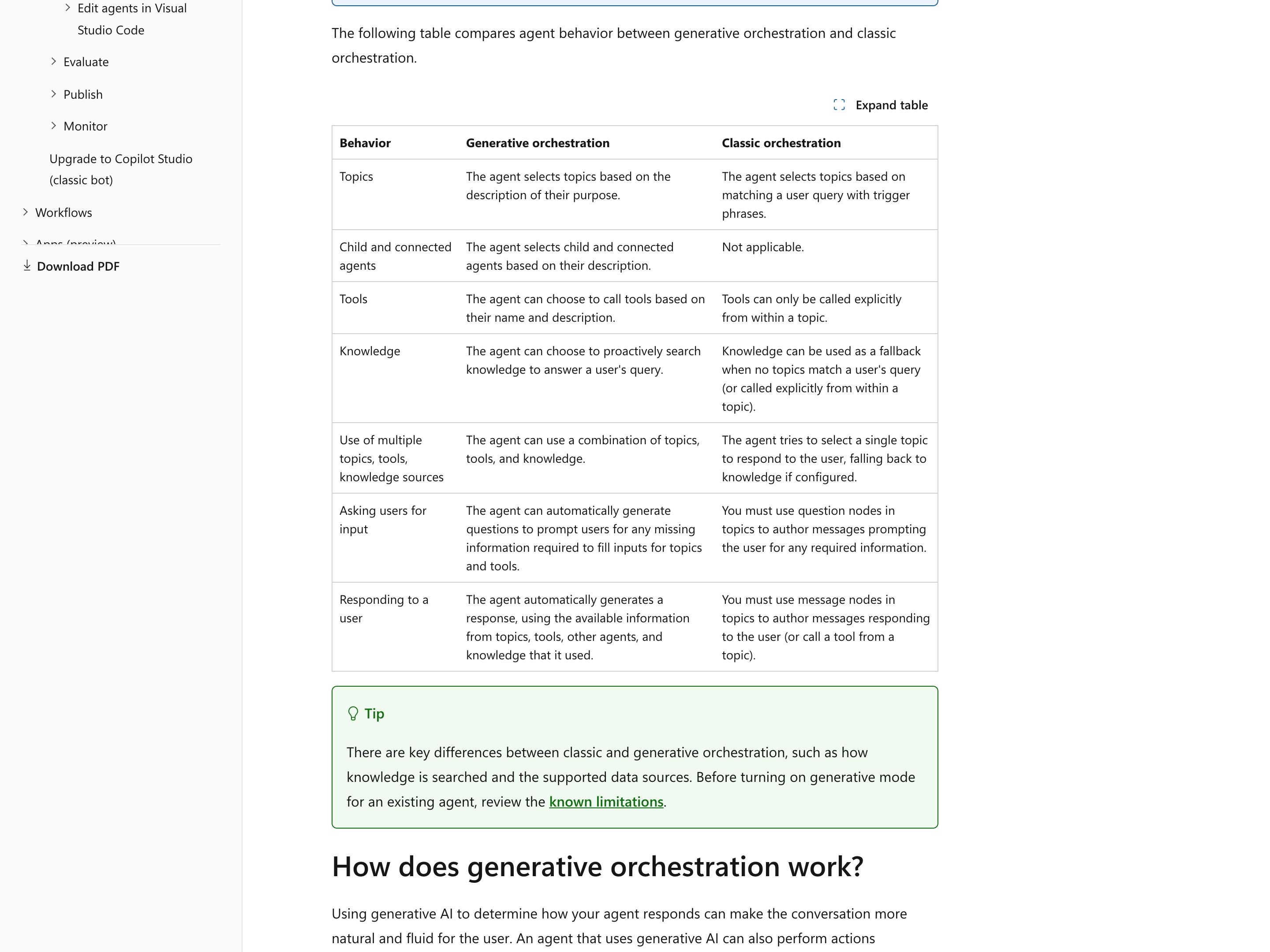
Microsoft Copilot Studio
Microsoft
In Copilot Studio's standard harness, now reached through Other ways to build or Open classic experience, new agents default to generative orchestration, which writes its own questions for any input a topic or tool still needs before calling it — the ask-for-the-missing-piece half. Microsoft suggests adding what a topic or tool can't do to its description ("It doesn't get weather forecasts for future days"), but the orchestrator reads descriptions to choose what to call, and no documented surface shows them to the user. What users see up front is the Conversation Start greeting, which builders can edit to introduce the agent and its capabilities; the "did you mean" Multiple Topics Matched topic isn't called under generative orchestration.
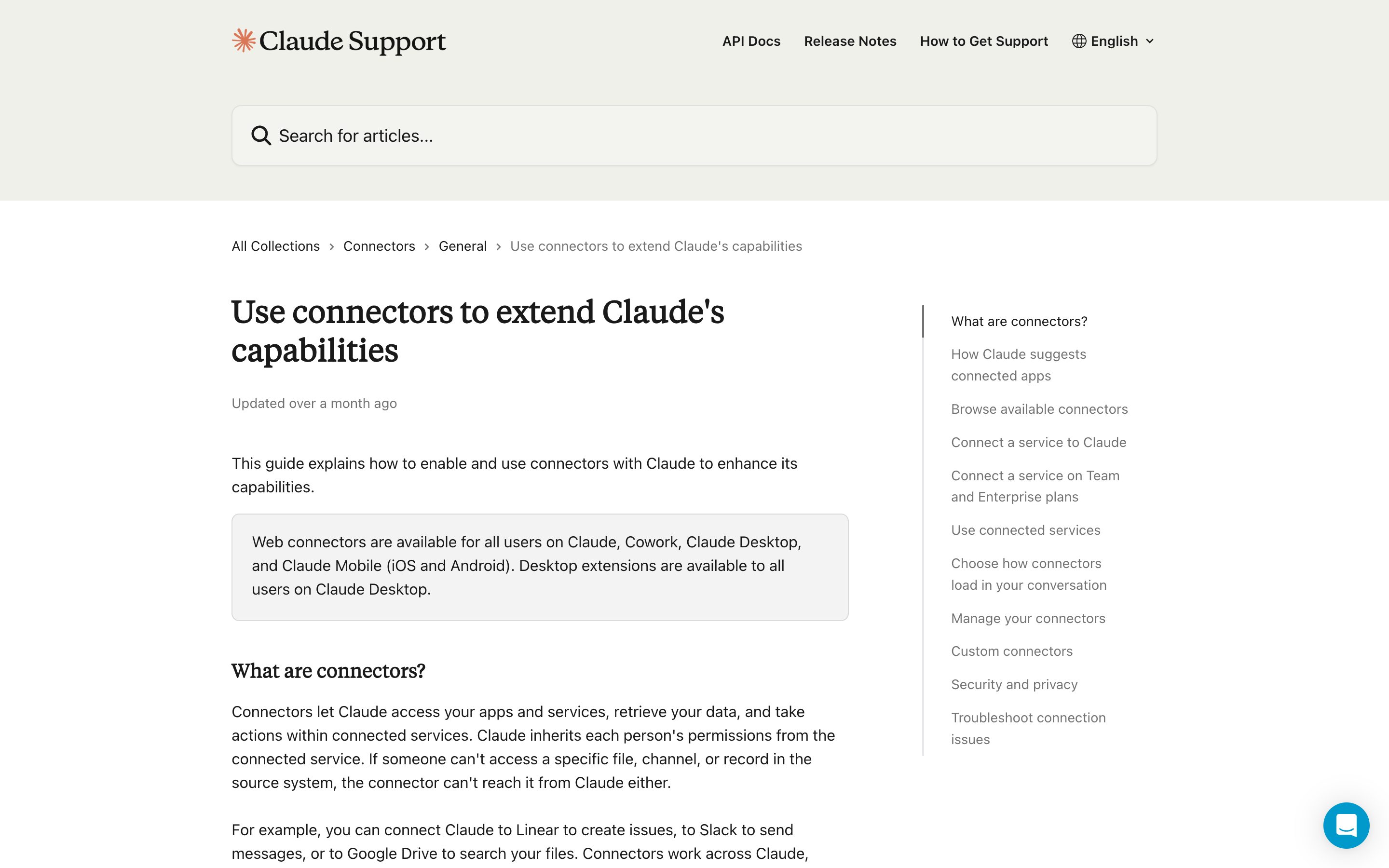
Claude Connectors
Anthropic
The composer's "+" menu — or typing "/" — opens Connectors; toggle Gmail, Drive, Slack, GitHub, Linear or Microsoft 365 on for that conversation. Each directory entry states the connector's read/write capabilities before you connect. The toggles live on the conversation, not on the Project.
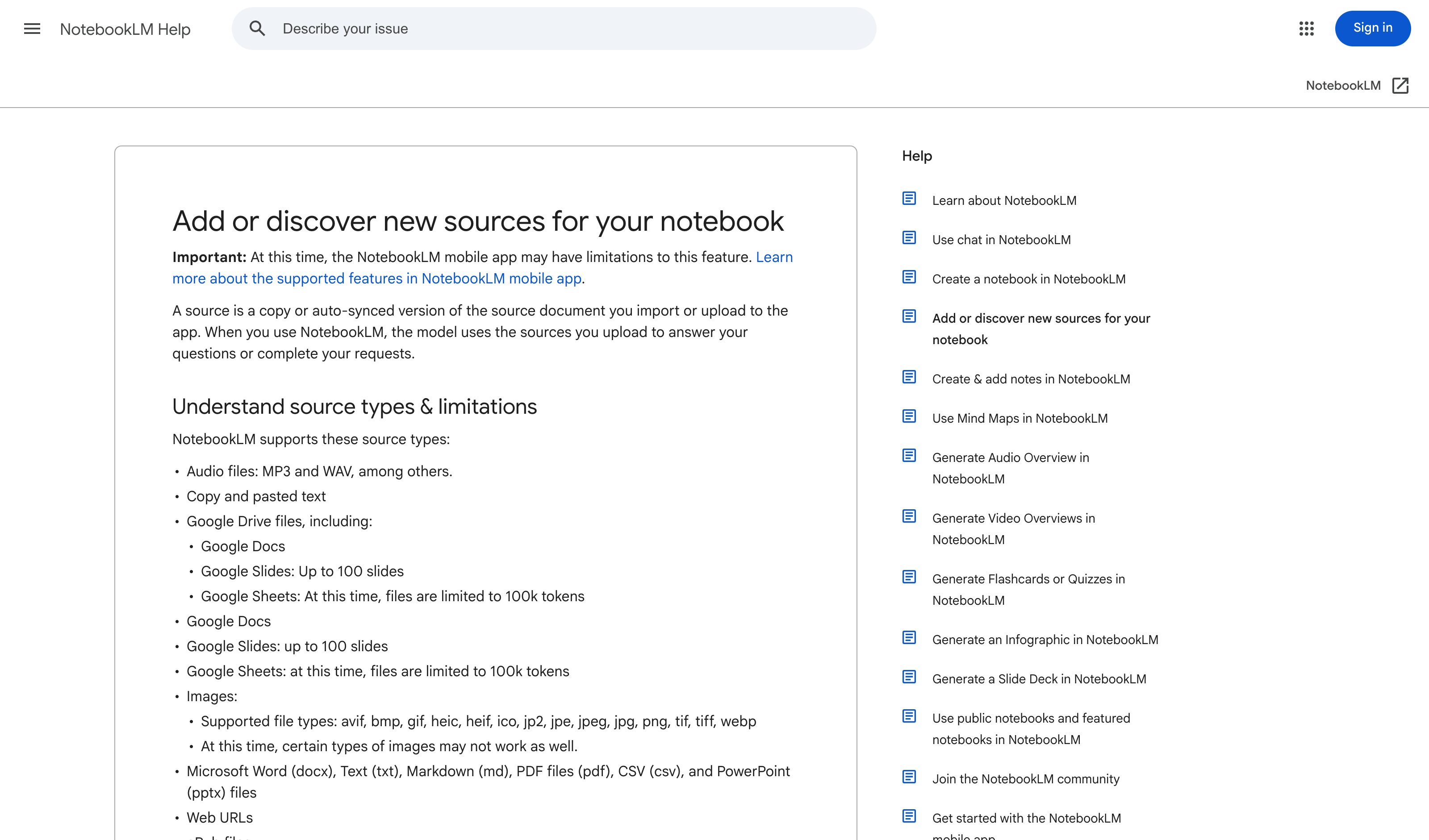
Gemini Notebook Source Toggles
Renamed from NotebookLM on 16 July 2026; the surface is unchanged. A checkbox on each source includes or excludes it from the answer, and citations quote the source directly — hover for the full quoted text, click to jump to its location in the document. Still the cleanest per-claim attribution in the set.
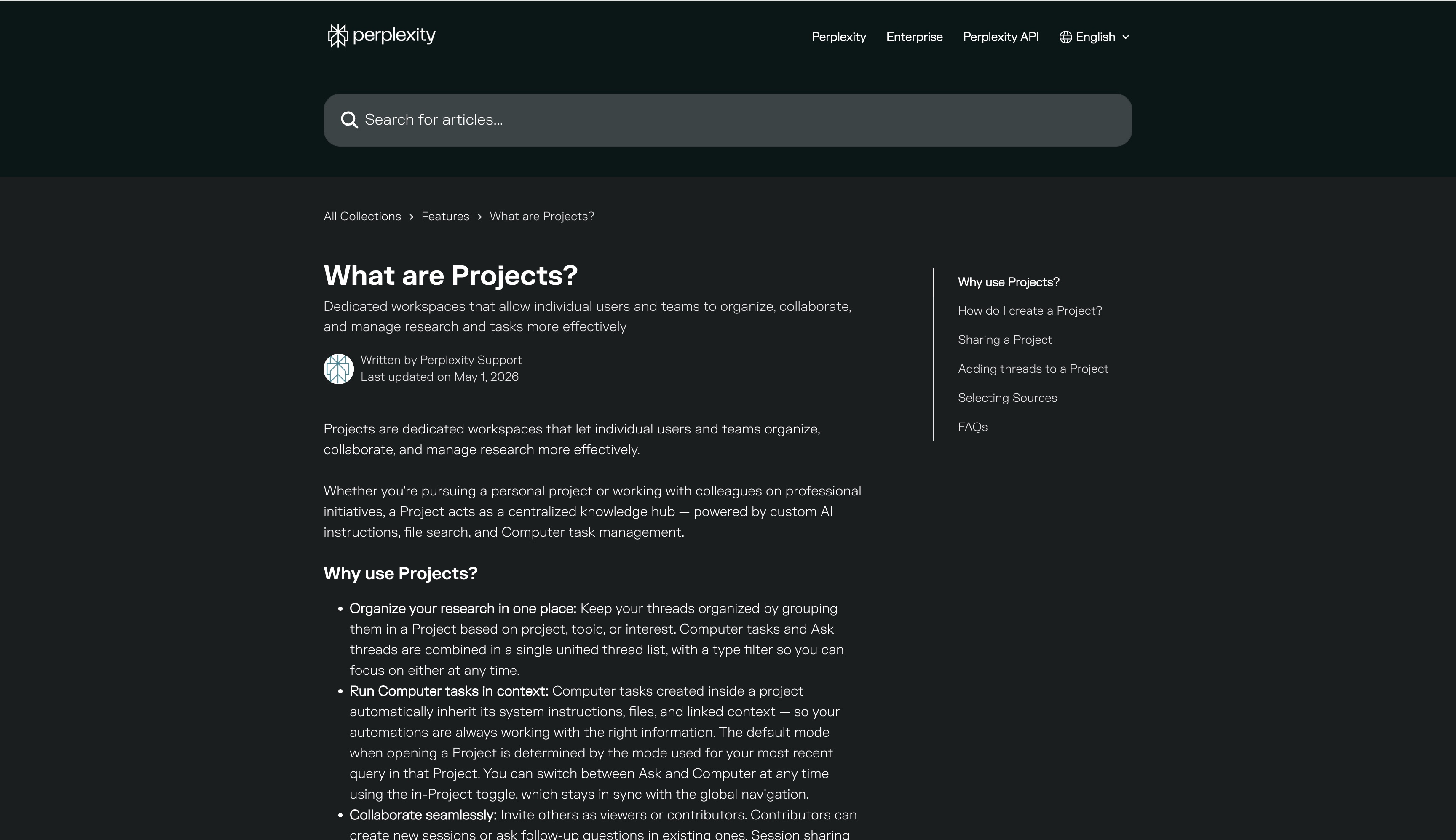
Perplexity Projects Sources
Perplexity
Spaces became Projects on 30 July 2026; existing Spaces migrated automatically. A Project's Settings tab picks which of 400+ connectors it uses, with per-connector instructions, alongside its own files and prioritised domains. Scoping is durable across every session in the Project rather than chosen per query.
ChatGPT Company Knowledge
OpenAI
Connectors were renamed Apps in Dec 2025 and folded into the Plugin directory in July 2026. Picking "company knowledge" from the composer's + menu opens per-app toggles for that chat, and the answer cites back to sources. Business/Enterprise/Edu on web only — and left unselected, ChatGPT may still use apps automatically.
ChatGPT GPTs
OpenAI
Explore GPTs in the sidebar; the active GPT's name sits at the top of the chat. Settings → Personalization adds a Base style and tone dropdown with six named styles (Professional, Friendly, Candid, Quirky, Efficient, Cynical). Caveat — since August 2026 personal accounts can use and edit GPTs but no longer create or publish new ones; authoring is workspace-only.
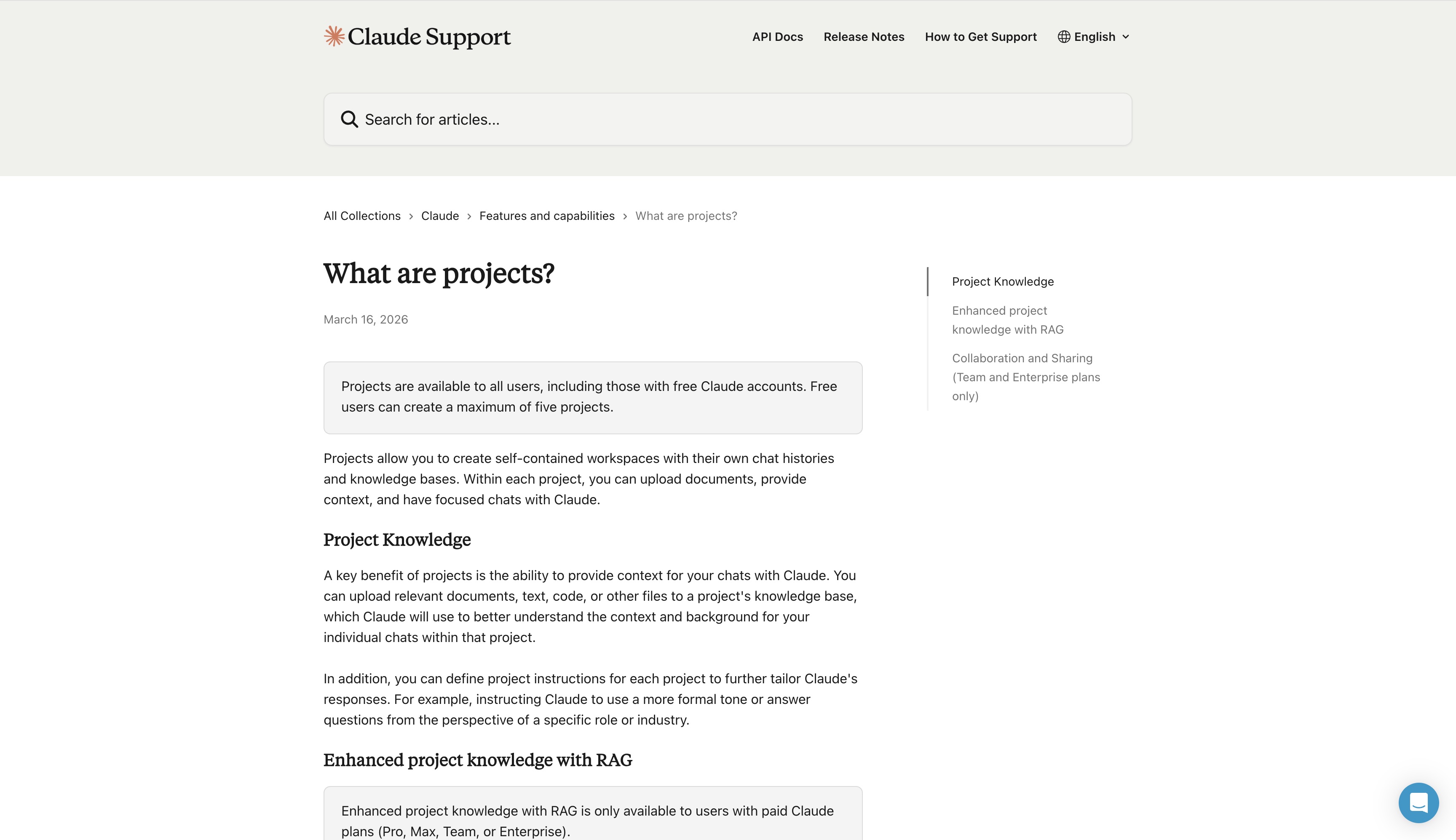
Claude Projects
Anthropic
Each Project carries its own custom instructions (persona system prompt), files, and memory. Switching projects is one click; persona is named at the top of the conversation. Free tier gets 5 projects.
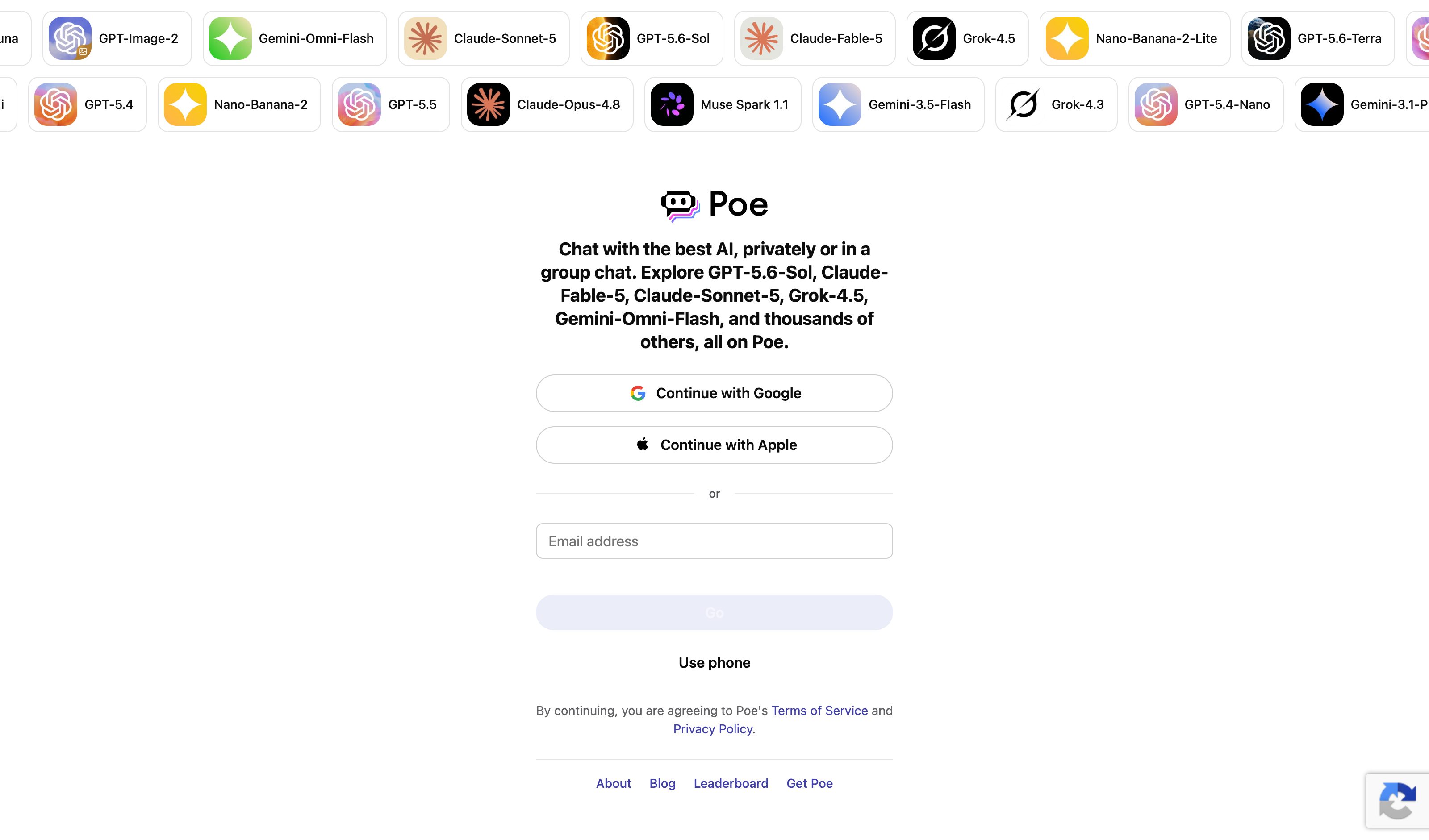
Poe Multi-Bot
Quora
Bot picker plus a configurable default bot; in a group chat several bots share one thread and you mention the one you want, with Automatic Replies set per chat. Caveat — Poe's roster is mostly models rather than declared personas, so it carries the switch-mid-thread half and not the declared-contract half.
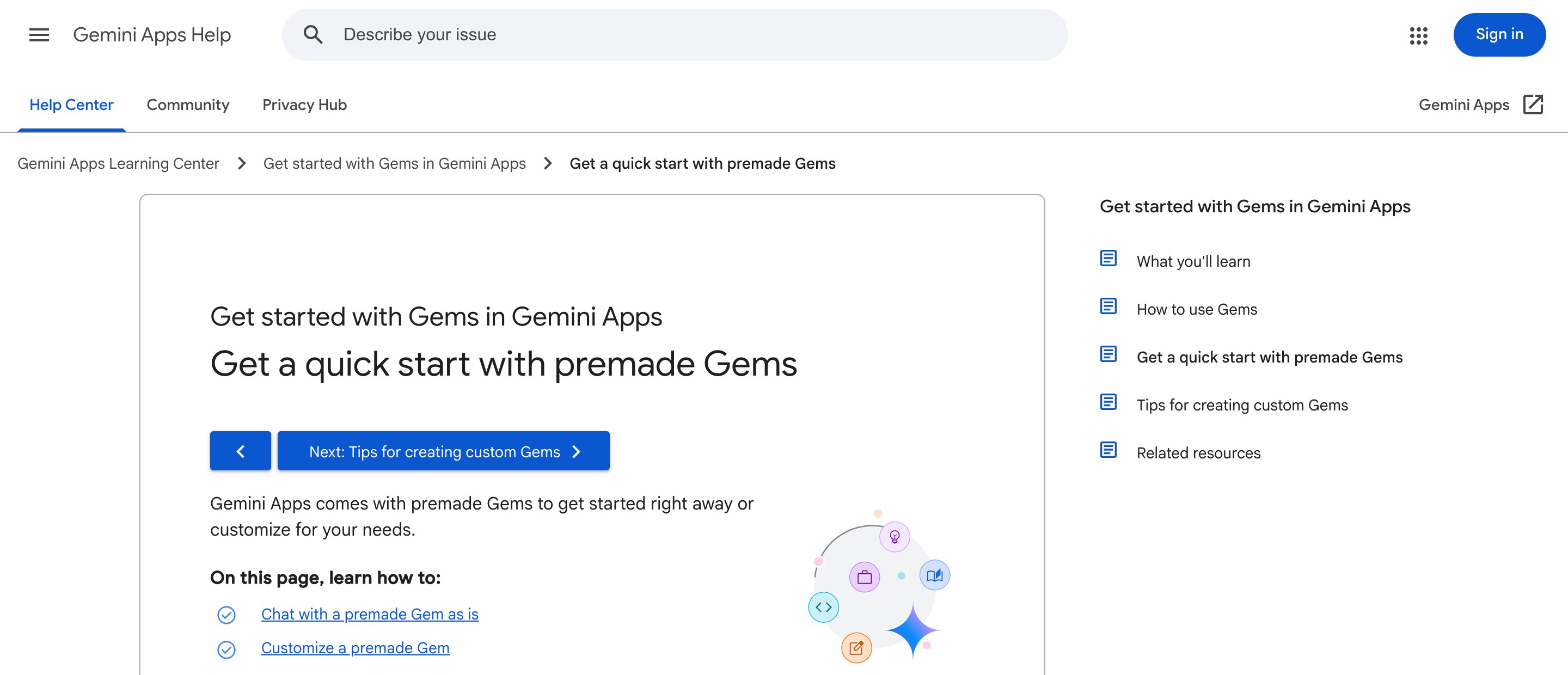
Gemini Gems
Gems sit in the left sidebar of gemini.google.com, with a "Premade by Google" shelf — Career guide, Writing editor, Brainstormer, Coding partner — each shipping preset instructions for its task and copyable as a starting point for your own. Caveat — picking a Gem opens a new chat; the lens does not carry the thread you are already in.
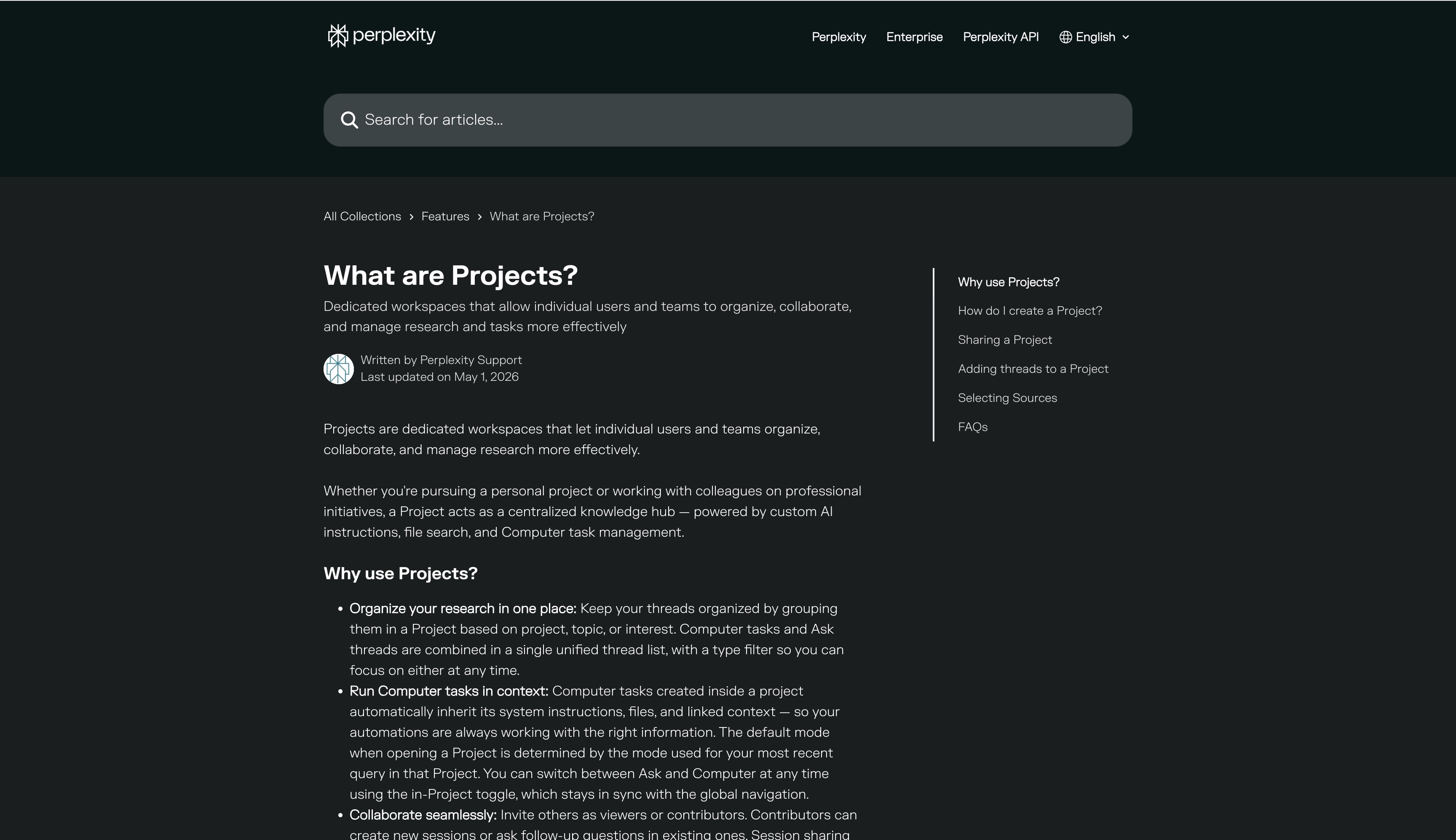
Perplexity Projects
Perplexity
Renamed from Spaces in 2026; the old /spaces URL redirects. Each Project carries up to 8,000 characters of instructions that apply to every query inside it, alongside files, connectors and a Brain memory tab. Aggregates persona, memory and source scoping into one container.
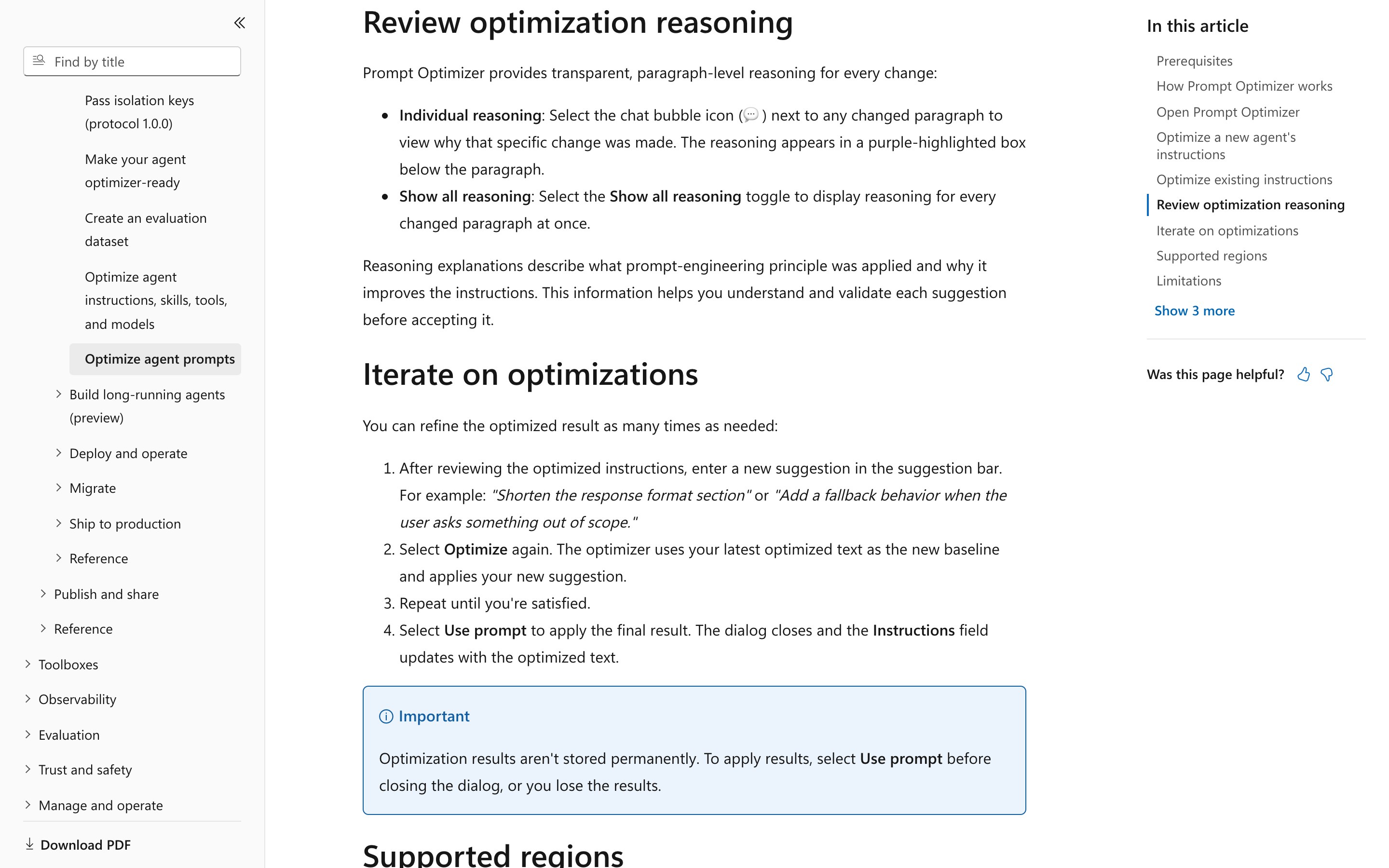
Microsoft Foundry · Prompt Optimizer
Microsoft
Foundry portal, agent Instructions field, public preview and region-gated. Changed paragraphs are highlighted, a chat-bubble icon on each opens the reasoning for that specific change, and "Show all reasoning" expands every one at once. The apply path is still one "Use prompt" on the whole revision — no per-change accept or reject, and the result is gone if you close the dialog.
Screenshot pending
OpenAI Playground Optimize
OpenAI
OpenAI’s help centre (Oct 2026) still lists Optimize in the Playground and Logs pages: it fixes contradictions, unclear instructions and missing output formats, and returns a revised prompt or suggestions with a summary of the changes. You preview the revision and apply it with one click on the whole thing; no first-party doc says a single change can be accepted or dismissed on its own. The ground under it is going: the dataset-backed optimizer goes with the Evals platform, and the Playground’s reusable prompts shut down, both on 2026-11-30.
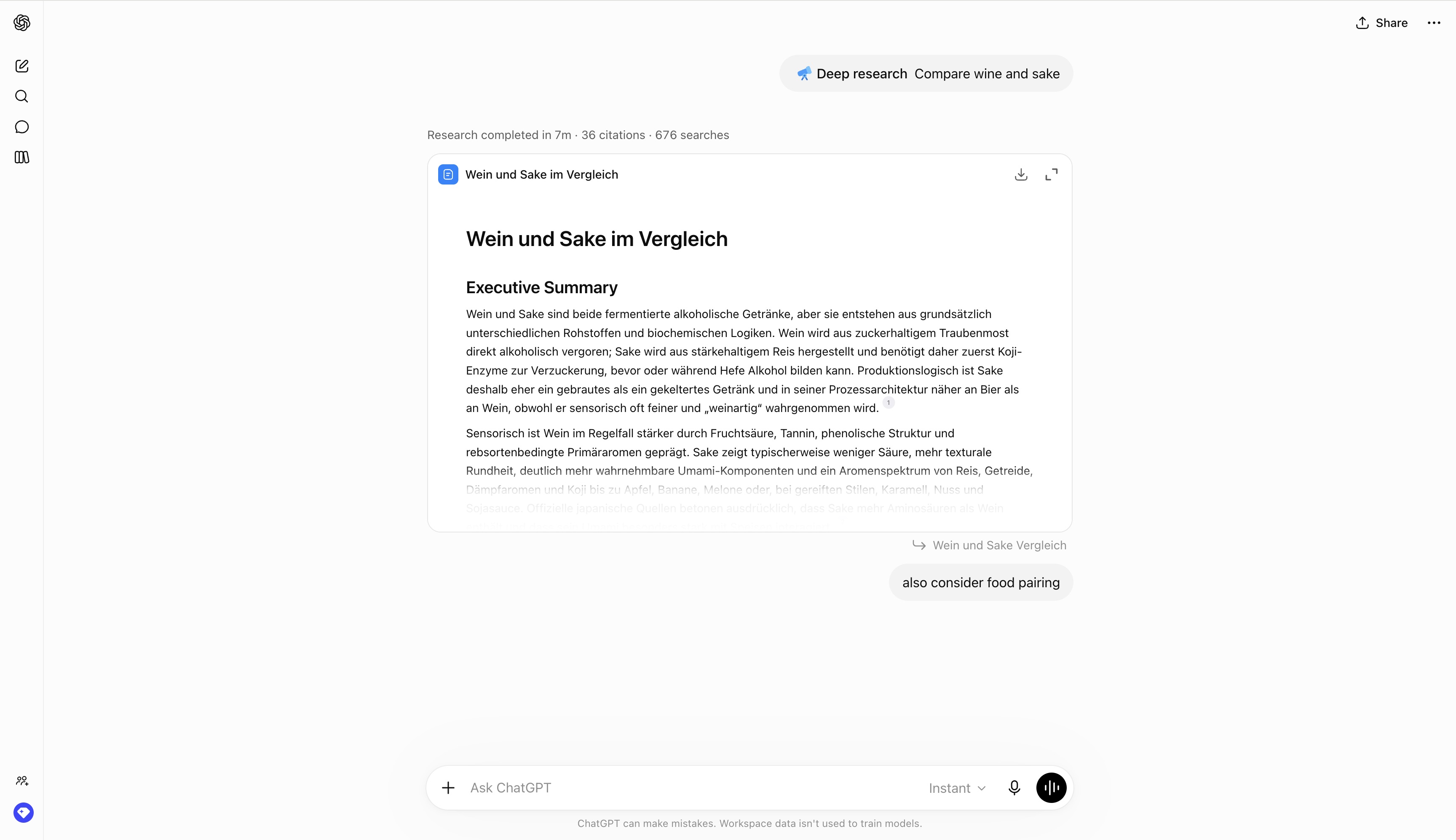
ChatGPT Deep Research
OpenAI
Proposes a research plan card before execution; the user reviews and modifies the outline, then the agent runs. The plan-first contract made explicit.
Gemini Deep Research
Apr 2026 launch on Gemini 3.1 Pro made the editable research plan the hero UX — the structure of the answer is shown and shaped before any content arrives.
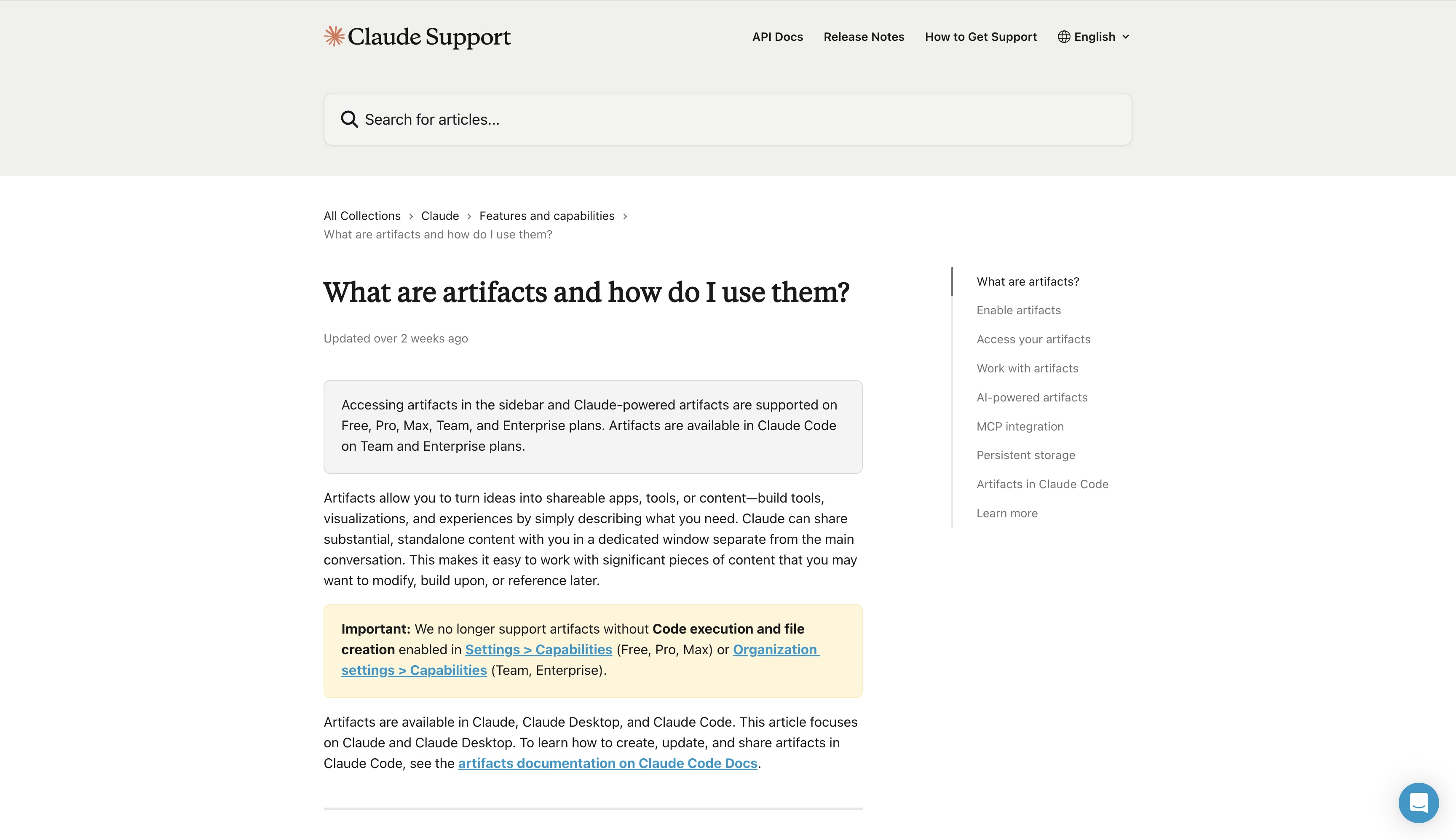
Claude Artifacts (skeleton behavior)
Anthropic
Caveat — implicit, not a named feature. For long structured documents Claude often drafts headings and sections first, then fills them. Pattern visible in behavior, not branding.
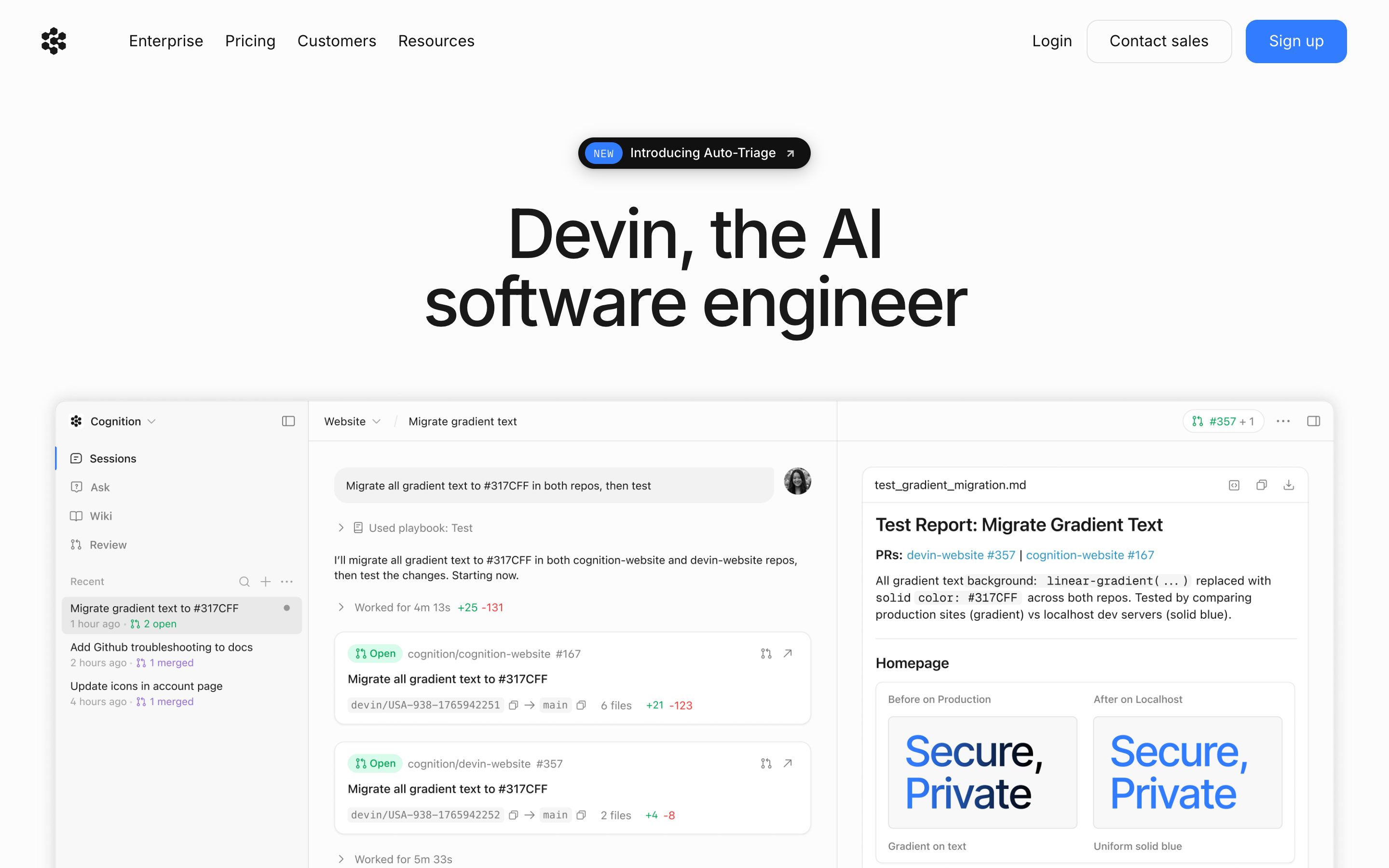
Devin Plan View
Cognition
Devin 2.0/2.2 panel with Progress / Shell / Browser / Editor tabs; interactive timelapse with live progress bar and phase-decomposed DAG. The strongest example in the category.
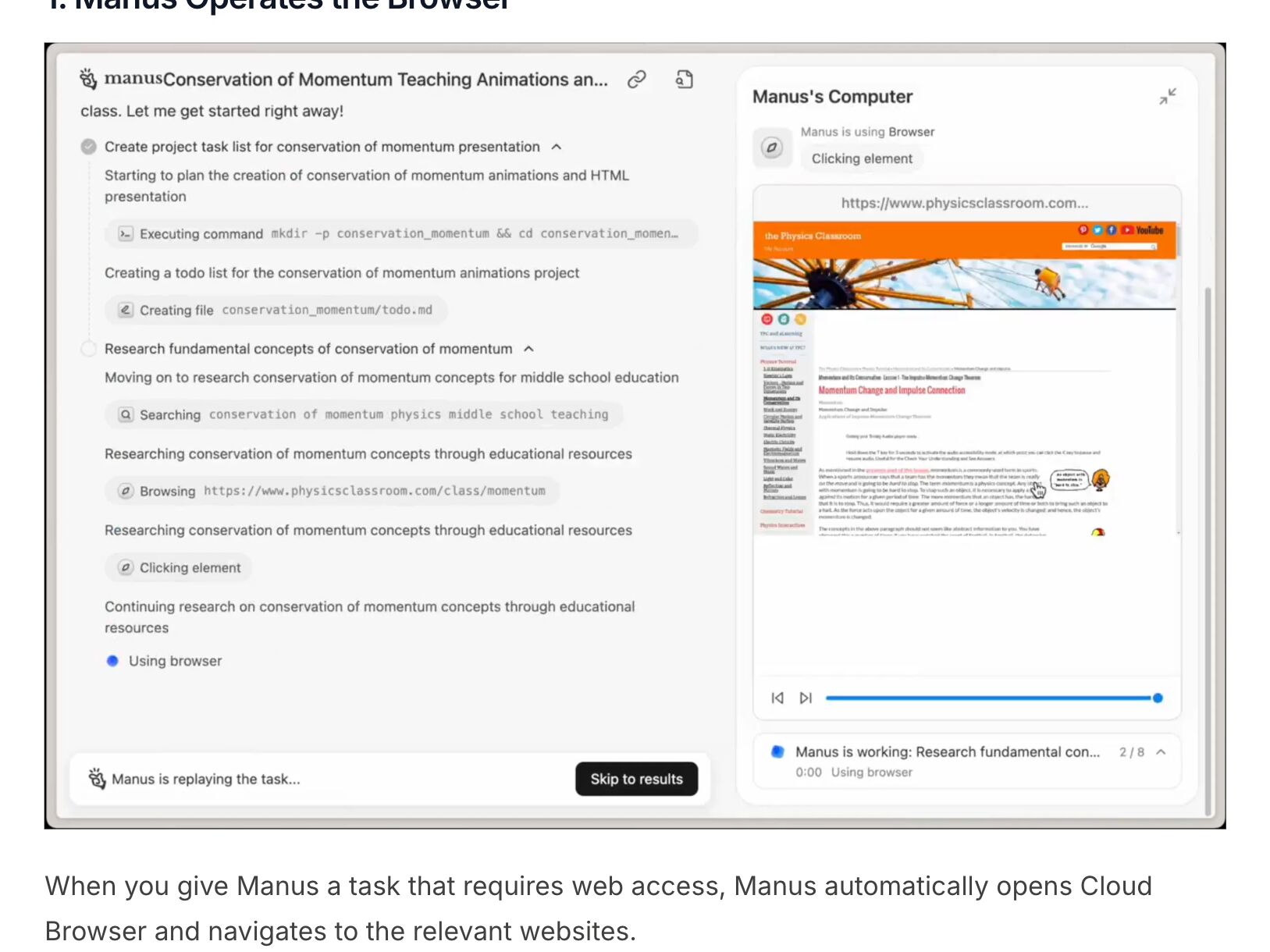
Manus AI Phases
Manus
The task list groups the run into phases, each unfolding into its steps — executing a command, creating a file, searching, browsing, clicking. Beside it, Manus’s Computer shows the step in progress with a step counter (2 / 8) and a scrubber, and a finished task replays the same way, with Skip to results.
OpenAI Deep Research Progress
OpenAI
Real-time progress shown by phase; redesigned sidebar + fullscreen report explicitly added in 2026. Plan-first contract feeds directly into phase-tracked execution.
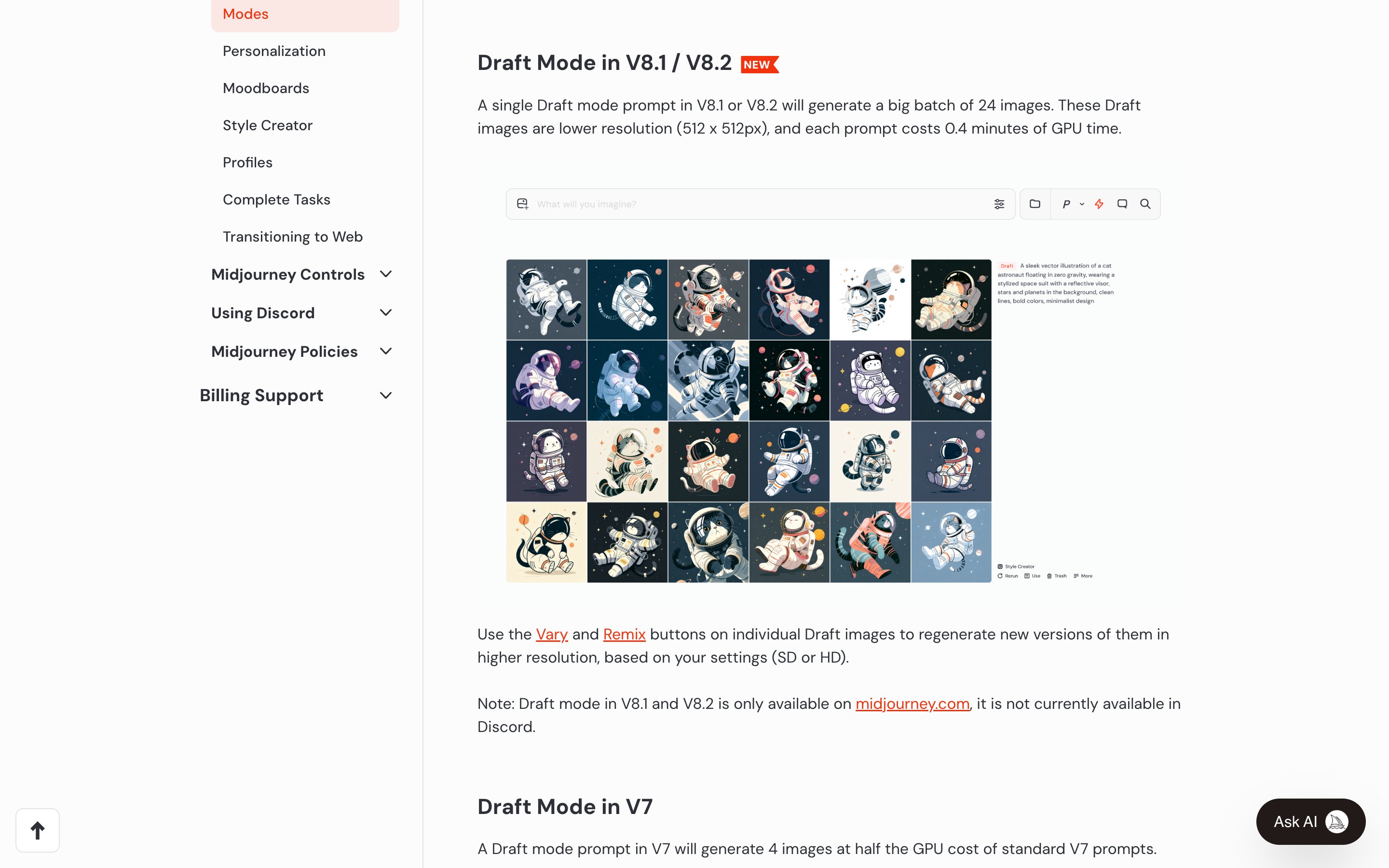
Midjourney · Draft Mode
Midjourney
The clearest example of the cost-asymmetric half, and the product the pattern is effectively named after. In V8.1 and V8.2 one draft prompt returns 24 images at 512px for 0.4 GPU minutes; in V7 a draft costs half a standard job. Promotion is a deliberate act on one chosen image — Vary or Remix re-renders it at SD or HD (Enhance in V7). The coding Plan Modes below ship the sandbox and the promotion; only this one makes exploring genuinely cheaper.
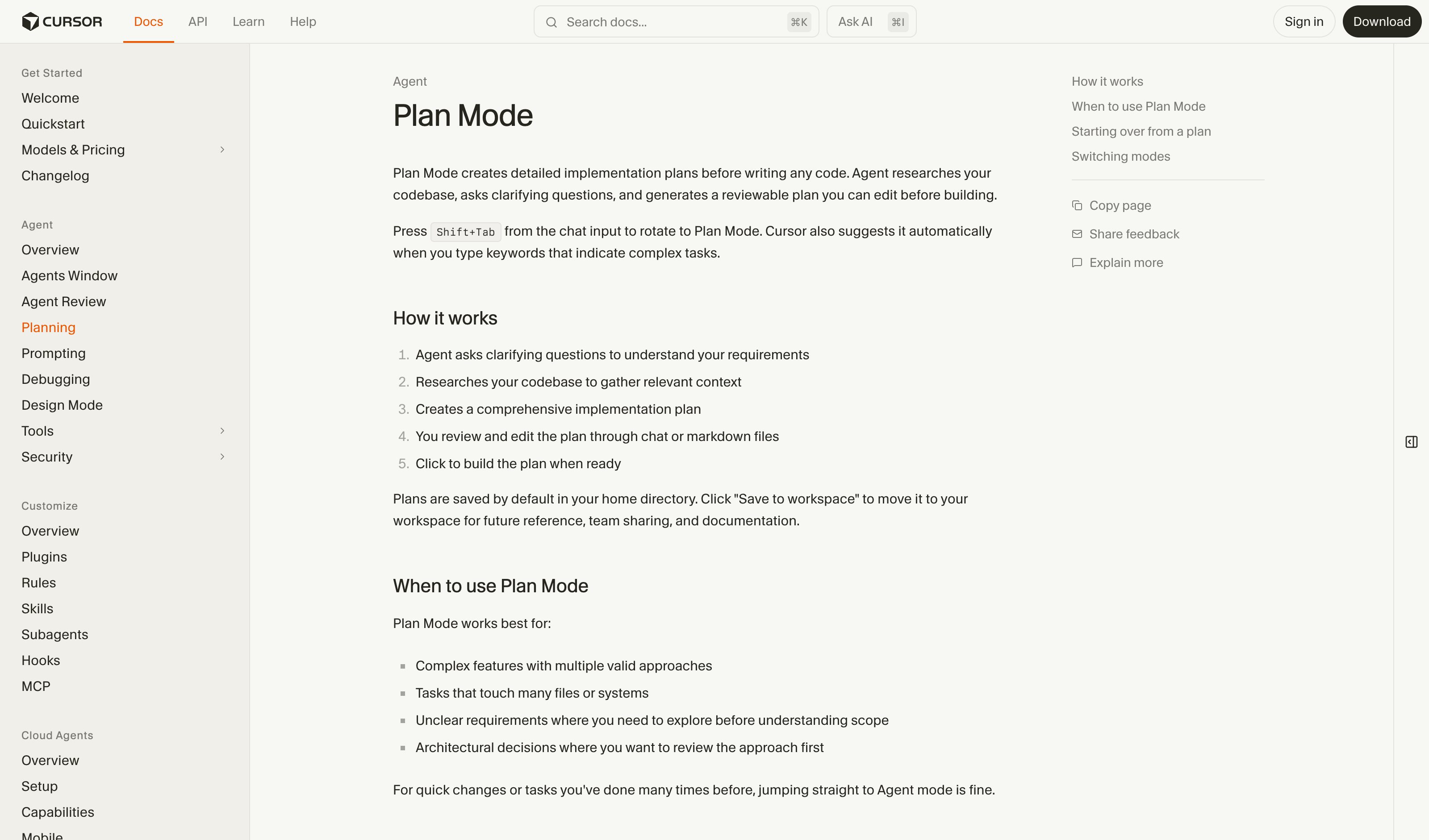
Cursor Plan Mode
Cursor
Shift+Tab toggles a no-edit planning mode where Cursor proposes a plan but cannot write files; user explicitly promotes to Agent mode for execution. Strongest 2026 example.
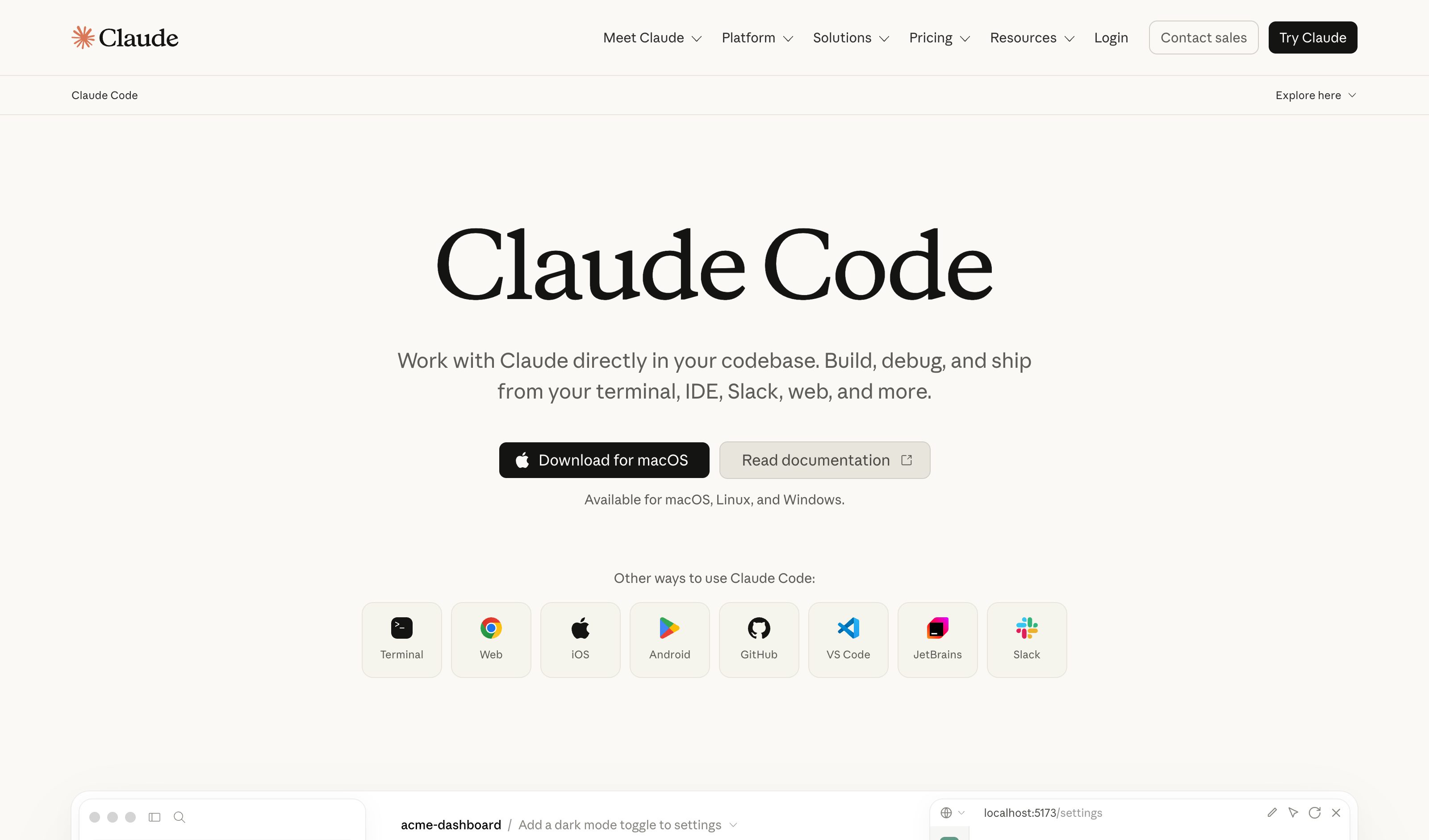
Claude Code Plan Mode
Anthropic
Shift+Tab toggles a no-edit planning mode in the terminal. Claude proposes a plan; user promotes to execute. Same paradigm as Cursor — the 2026 industry settled on Plan vs Agent terminology.
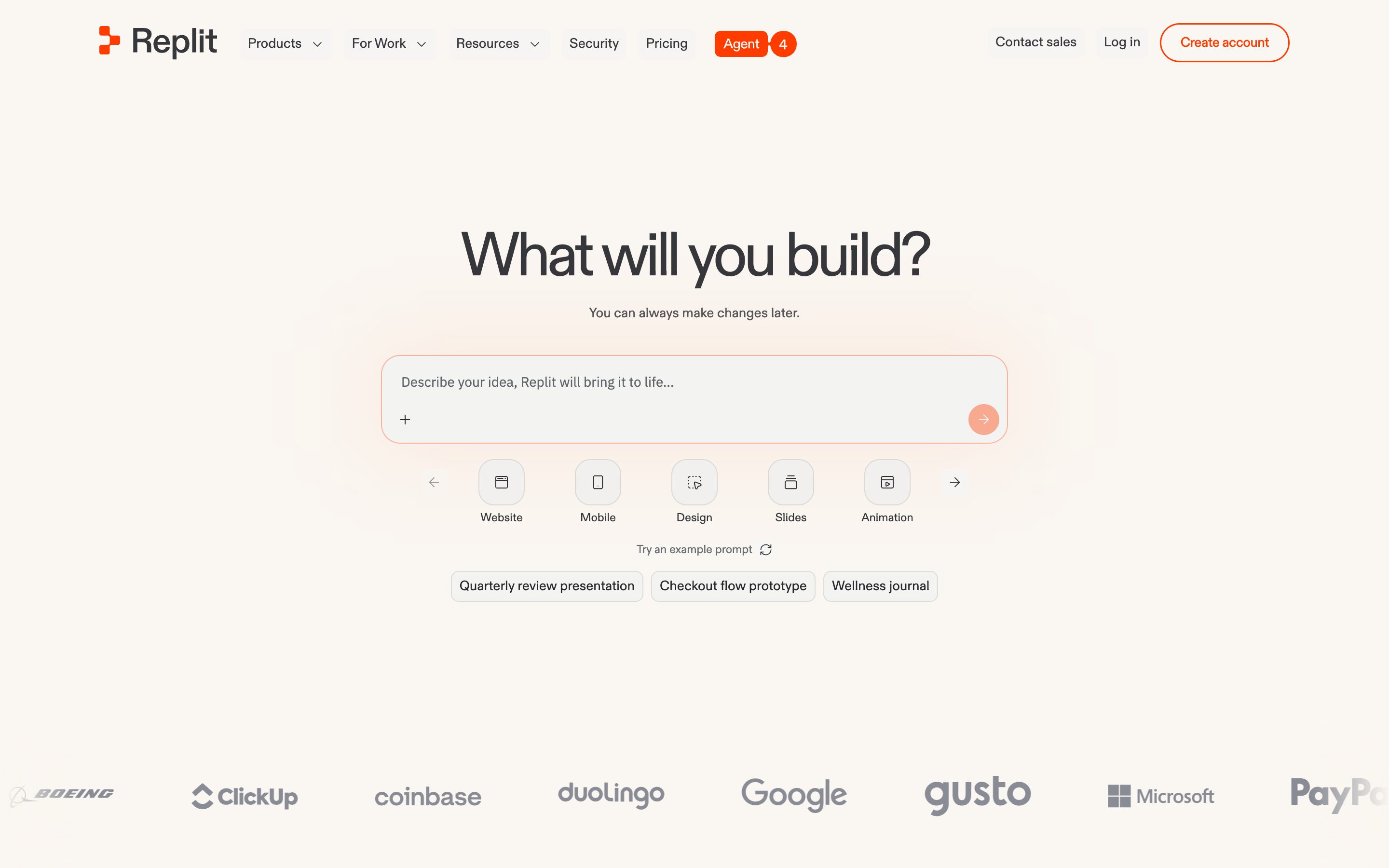
Replit Agent Sandbox
Replit
Caveat — captures the side-effect-free preview half but not the cheap-model half. Sandbox-to-Deploy is the explicit promotion act; Effort-Based Pricing makes cost asymmetric.
ChatGPT Voice
OpenAI
Voice's Live option listens while it speaks, so you can cut in mid-answer and it should follow the latest thing you said — the cleanest consumer form of soft mid-stream steering. The help page names the limits: overlapping speech and background noise can blur what it hears.
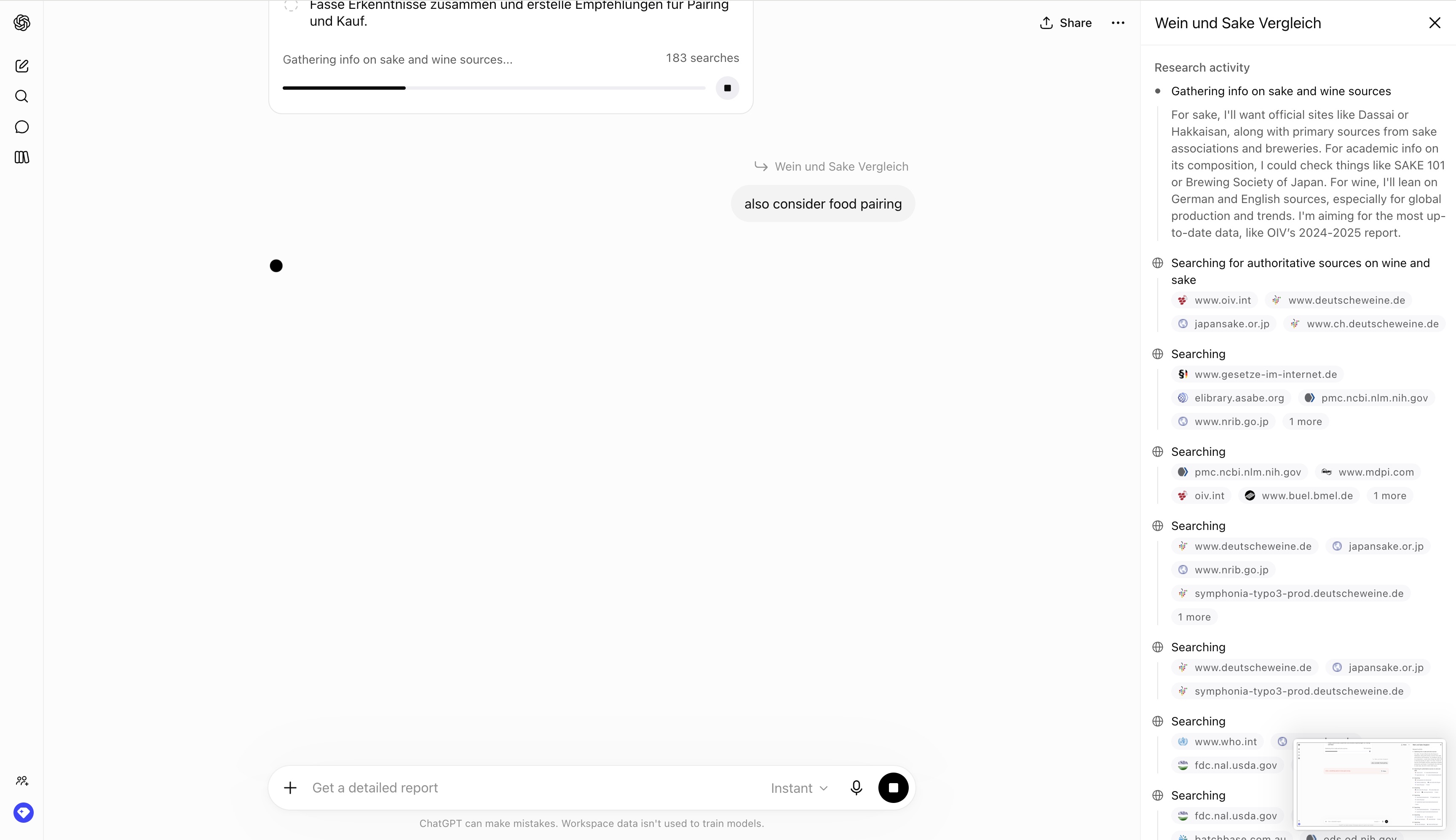
OpenAI Deep Research mid-run Update
OpenAI
Feb 2026: users add new info mid-research via sidebar "Update" button. No restart, progress preserved. The non-destructive pivot the pattern actually describes.
Claude Code mid-turn messages
Anthropic
Sep 2026 docs: a message typed while Claude runs tool calls reaches it as soon as those calls finish, inside the same turn — the soft pivot, no restart. The steered turn shows the message where it landed; there is no per-segment course marker.
OpenAI Codex Steer
OpenAI
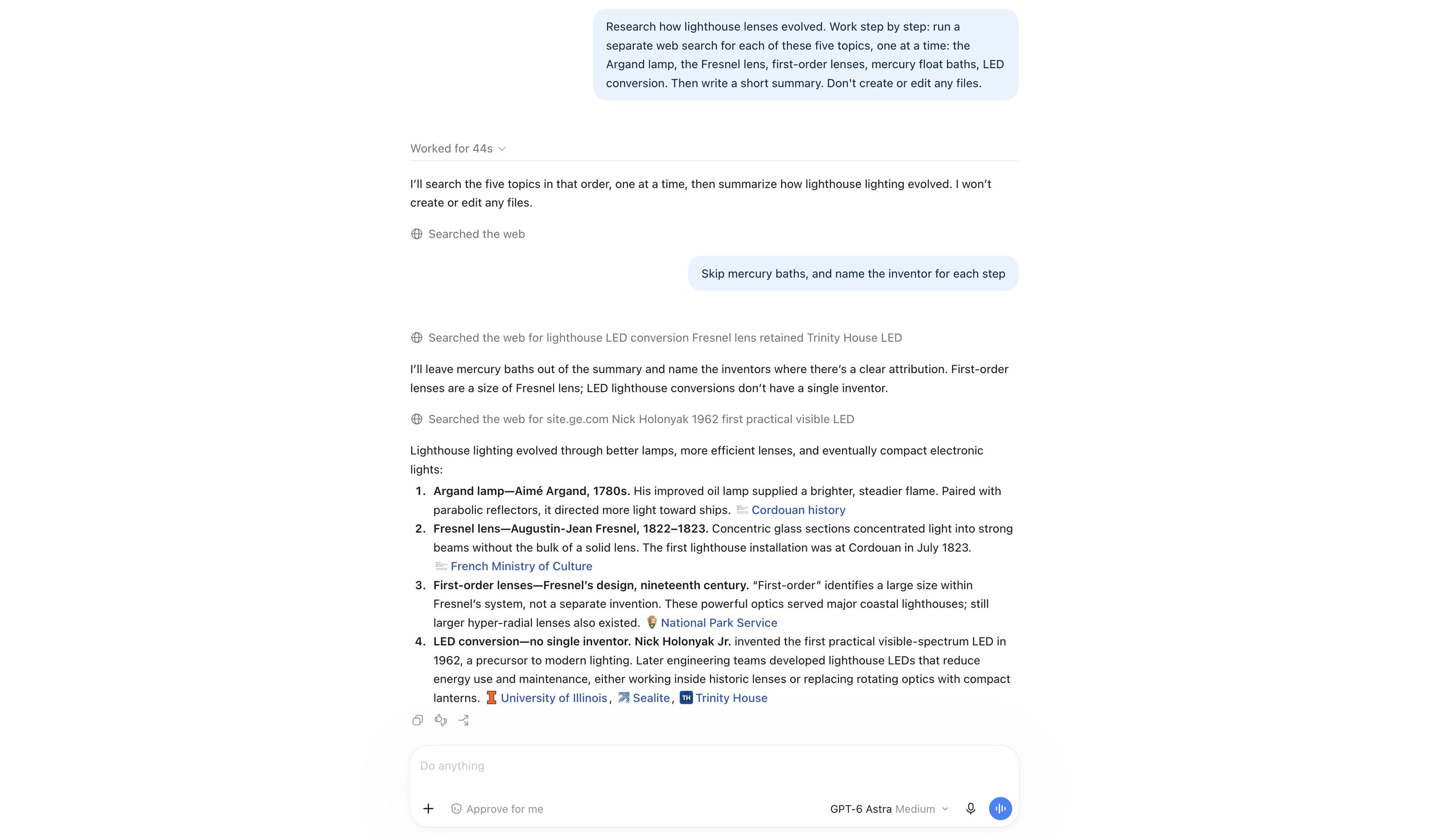
Captured Sep 2026: Steer pushed “Skip mercury baths, and name the inventor for each step” into a running five-search task. It lands in the timeline between two searches, the agent acknowledges it and keeps going — no restart. In a pure text stream with no step boundary the same message only lands when the turn ends. The Responses API ships the primitive for builders as response.steer.
Replit Effort-Based Pricing
Replit
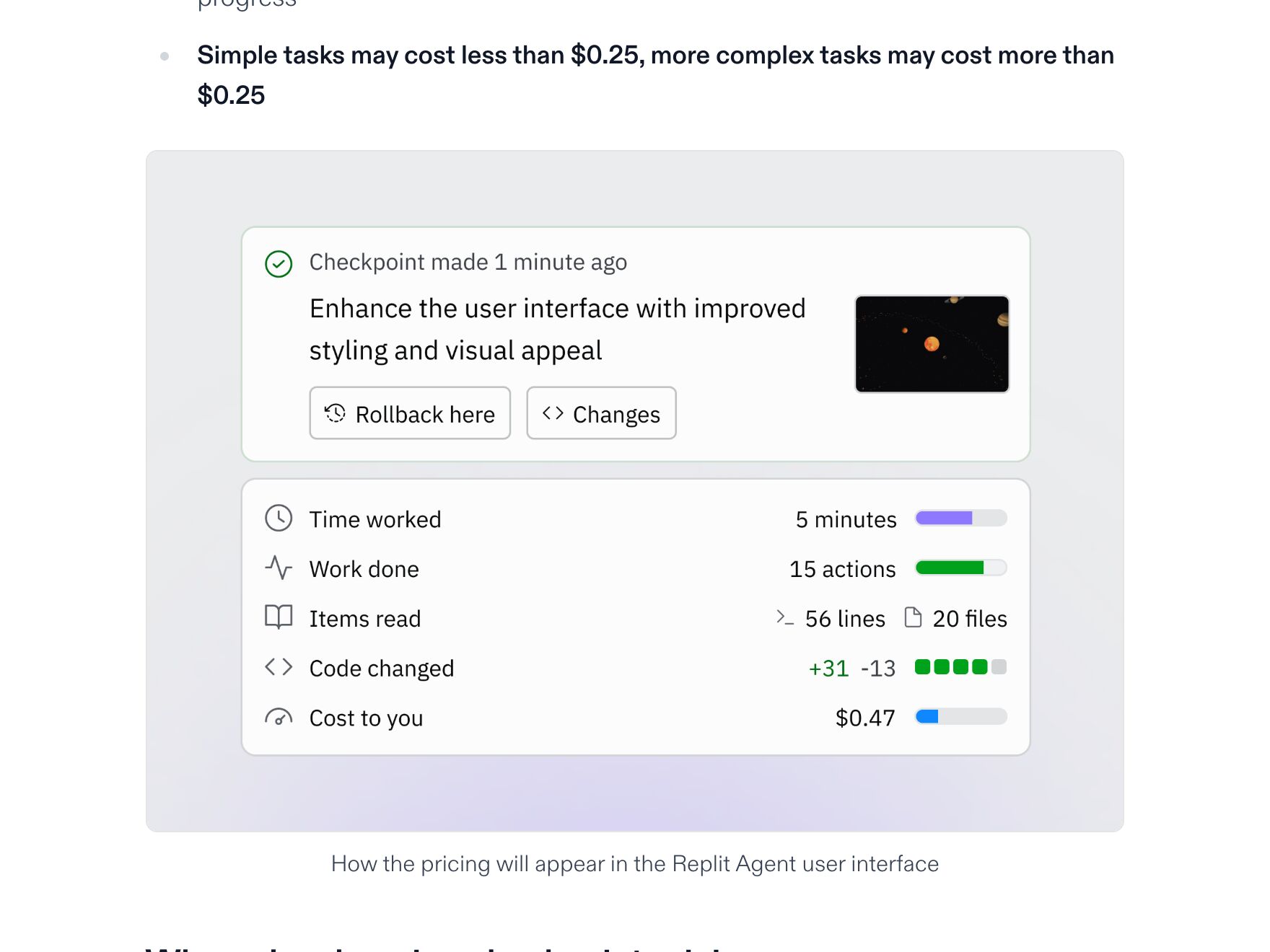
Effort-based pricing since July 2025: a checkpoint costs what the work cost, and hovering the usage icon in the Agent tab shows the figure for each one. Account → Billing adds threshold alerts and a hard budget cap. The $0.25 in the old note was the previous flat rate — under effort-based pricing simple changes typically land under it.
Devin ACUs
Cognition
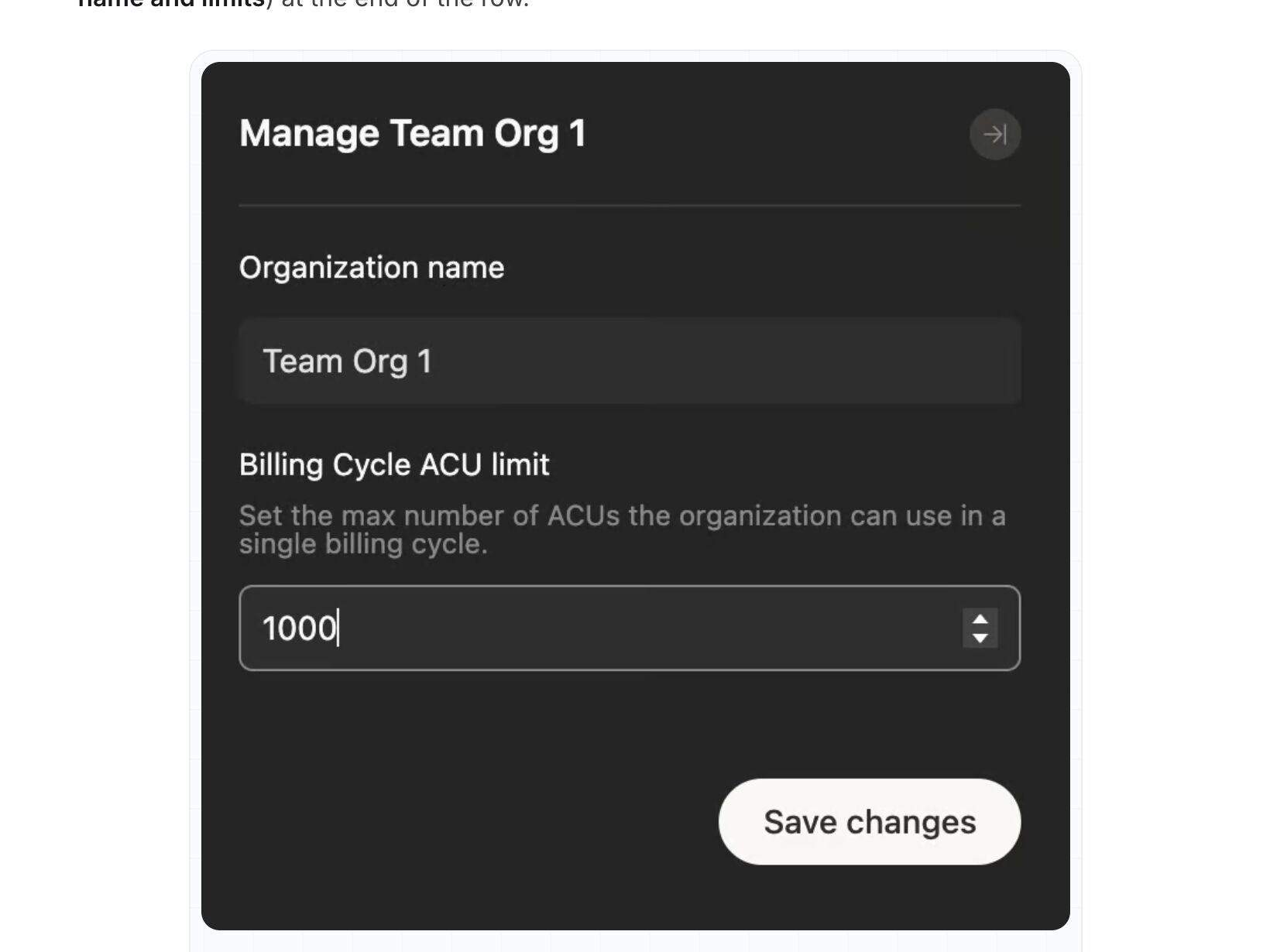
ACUs are now Enterprise only: admins set a billing-cycle ACU limit per organization, which blocks new work once it is hit, plus monthly caps per member, and Session Insights shows the ACU cost of any session. Self-serve plans swapped ACUs for a daily and weekly quota plus on-demand credits, tracked under Settings → Usage & limits. Caps and after-the-fact totals, no estimate before a run.
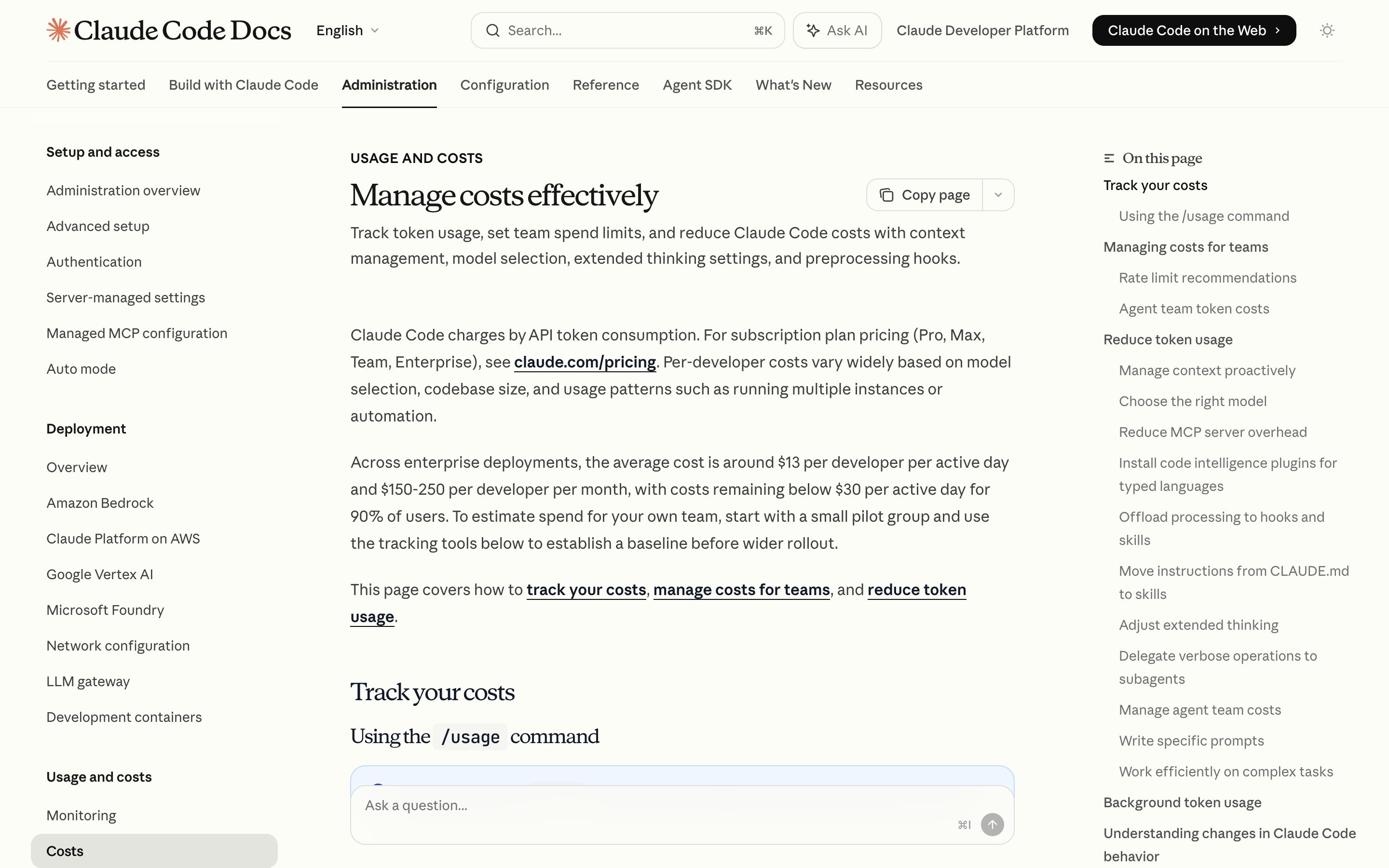
Claude Code /usage
Anthropic
/usage prints the session's token counts and a dollar figure, plan usage bars, and a 24h/7d breakdown attributing spend to skills, subagents, plugins and individual MCP servers — the closest thing in this set to an explainable cost breakdown. /cost survives only as an alias. The dollar figure is computed locally at list rates, so it may not match the bill.
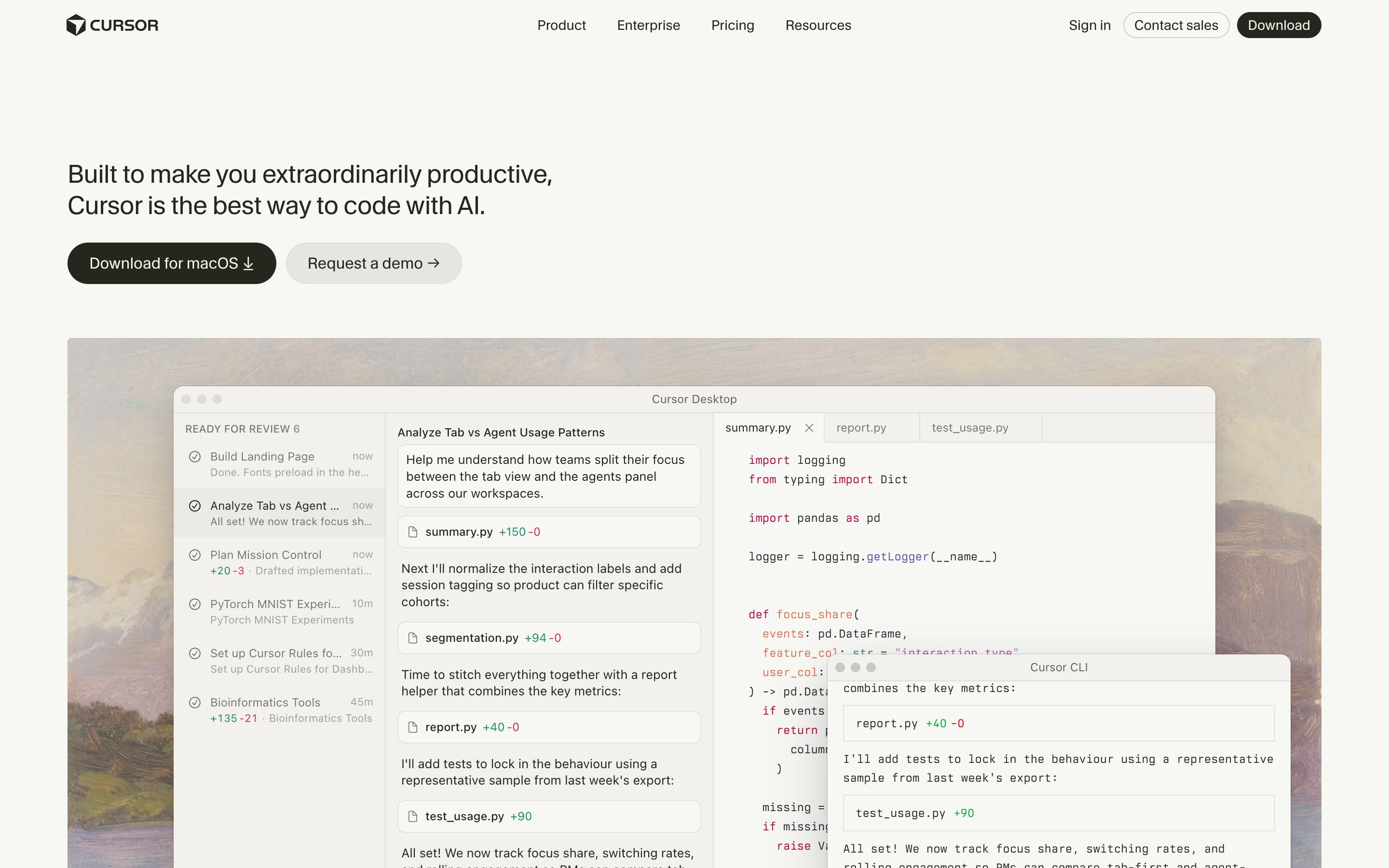
Cursor Spend Limits
Cursor
The dashboard's Spending tab shows real-time usage across both model pools, remaining allowance, and request-level cost; a monthly spend limit hard-stops AI features until the next billing cycle, and May 2026 added dollar-threshold alerts to Slack or email. All of it sits outside the editor — in there you get a notification only once the limit is already hit.
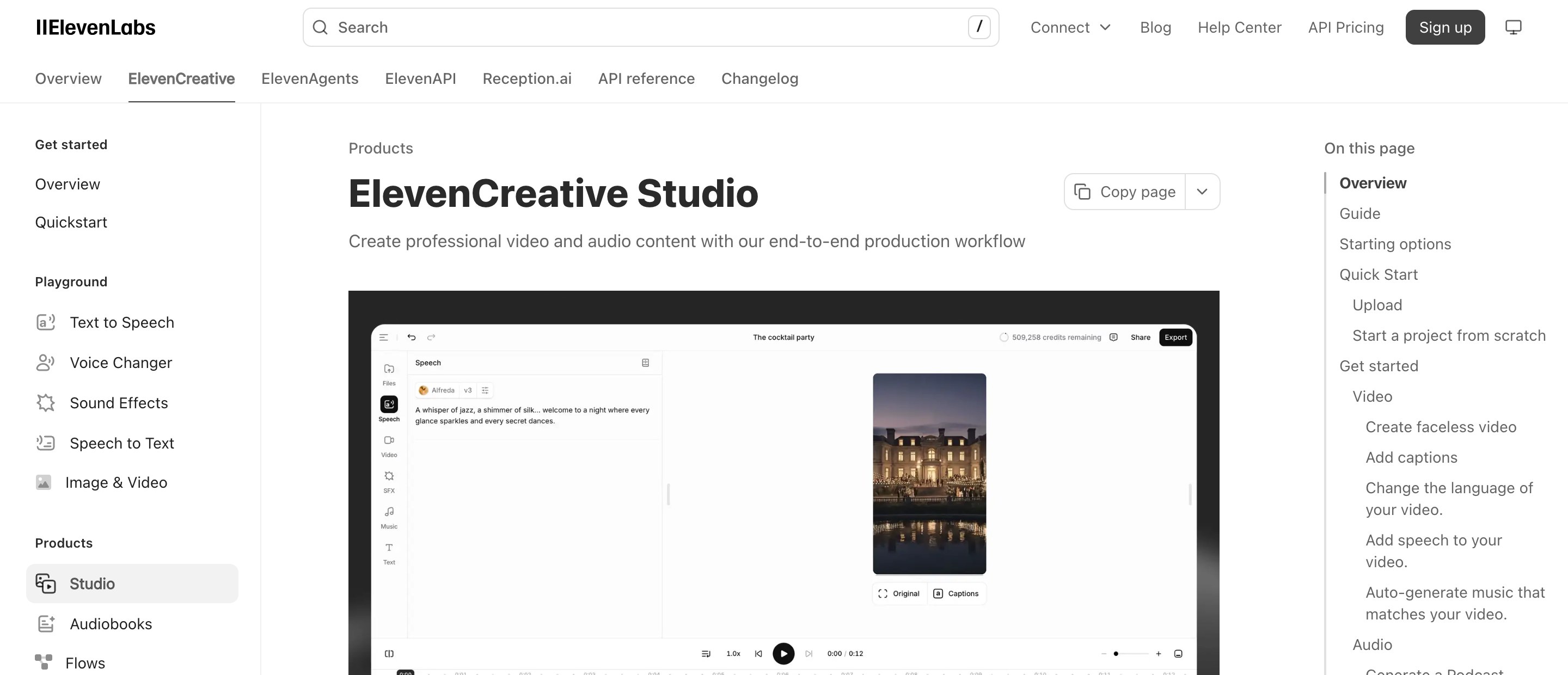
ElevenLabs Studio
ElevenLabs
The one row that carries the pre-flight half: Studio tells you how many credits generating the selected text will cost before you commit, and warns what an export will cost when paragraphs still need converting. Credits rather than dollars, and there is no ceiling that stops a job once it is running.
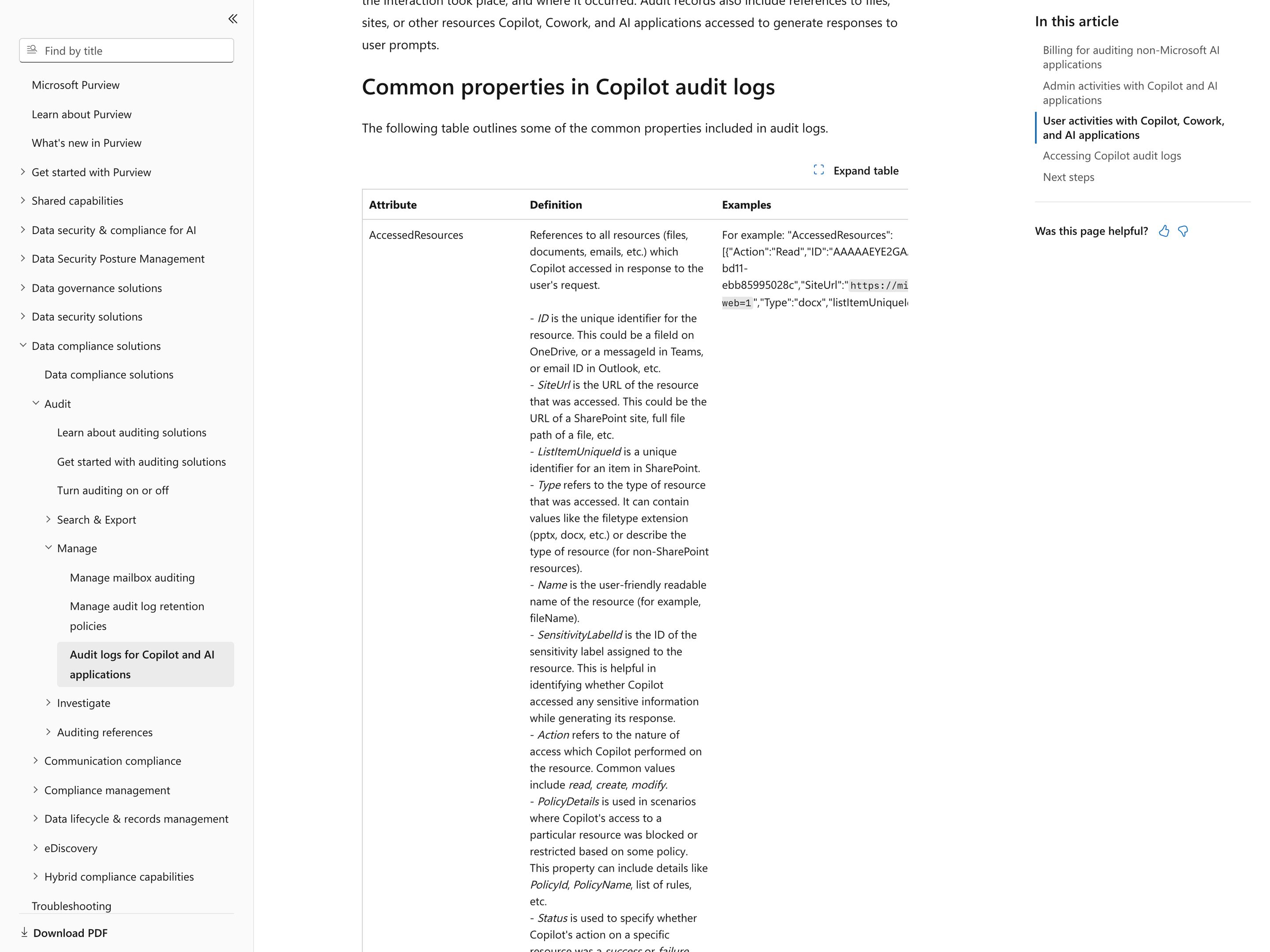
Microsoft Purview Audit · Copilot and AI applications
Microsoft
Microsoft 365 Copilot and Microsoft's other AI apps are logged in Audit (Standard), which is on by default and comes with Microsoft 365 business and E3 plans. Each CopilotInteraction record names the user, time, app, any agent and plugin, and every file, email or message Copilot read, created or modified, with success or failure and any policy that blocked it. Admins search all users by user, date, activity and workload and export CSV: 50,000 rows on Standard, 1,000,000 on Premium. In the portal, picking out one Copilot or agent happens after export; records hold message IDs, not prompt text, and no tool-call steps; retention is 180 days unless Premium extends it; auditing non-Microsoft AI apps is pay-as-you-go and off until enabled.
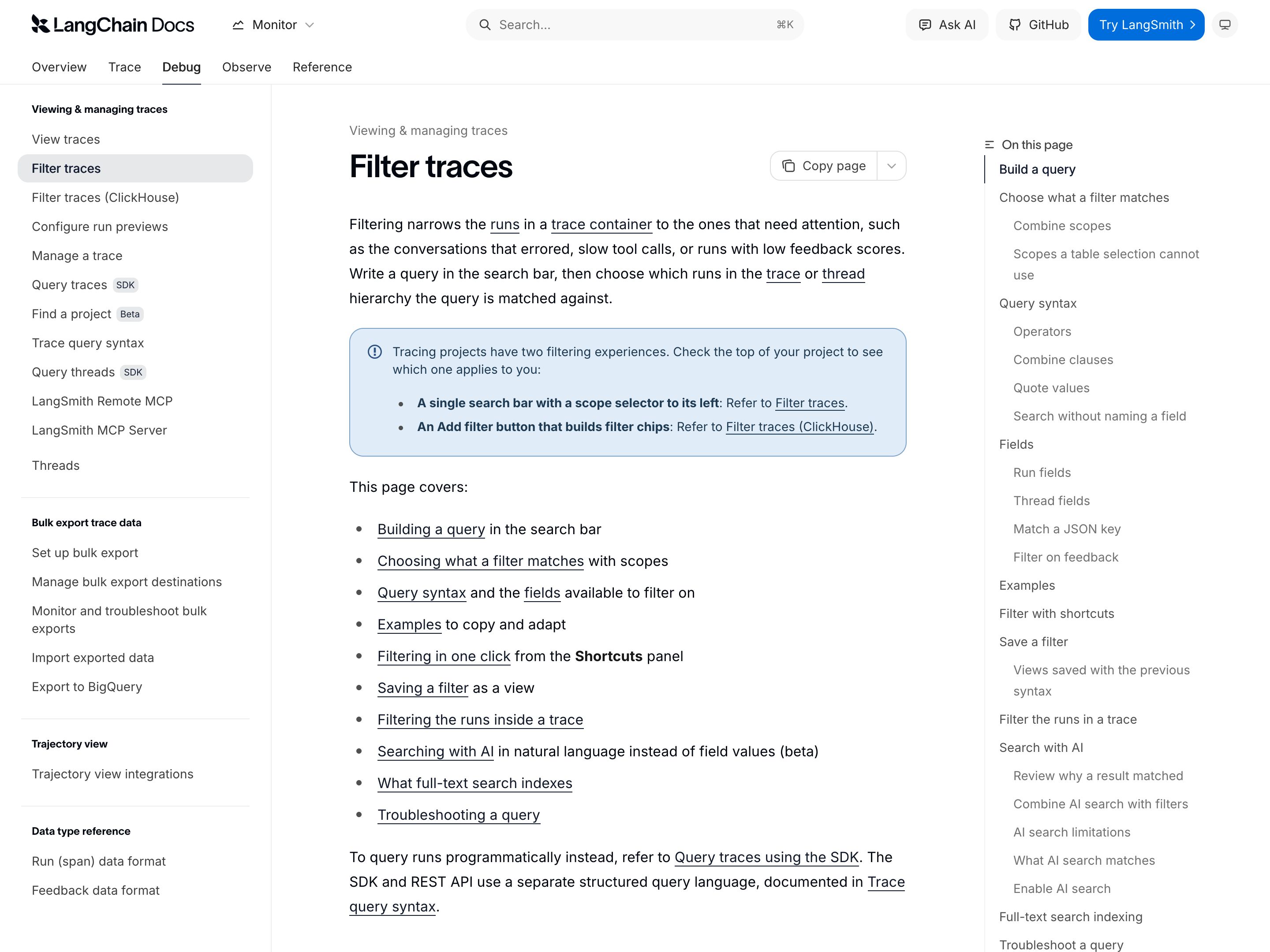
LangSmith
LangChain
Tracing for LLM apps and agents: opening a trace offers a Trajectory view (each model response with its tool calls and their results, plus tokens and cost) and a Details view (inputs, outputs, timing, token counts, errors and metadata per run). The trace table's filters match runs by tool name, status, latency, cost, a user ID the app writes into metadata, and a time range, but only inside one tracing project; the SDK and API can query a list of projects at once. Bulk export to an S3 bucket in Parquet, one project and date range per job, is Enterprise-only for customers who signed up after August 3, 2026. It sees only the apps a team has instrumented, so it is an engineering trace store, not an admin record of every AI action across the org.
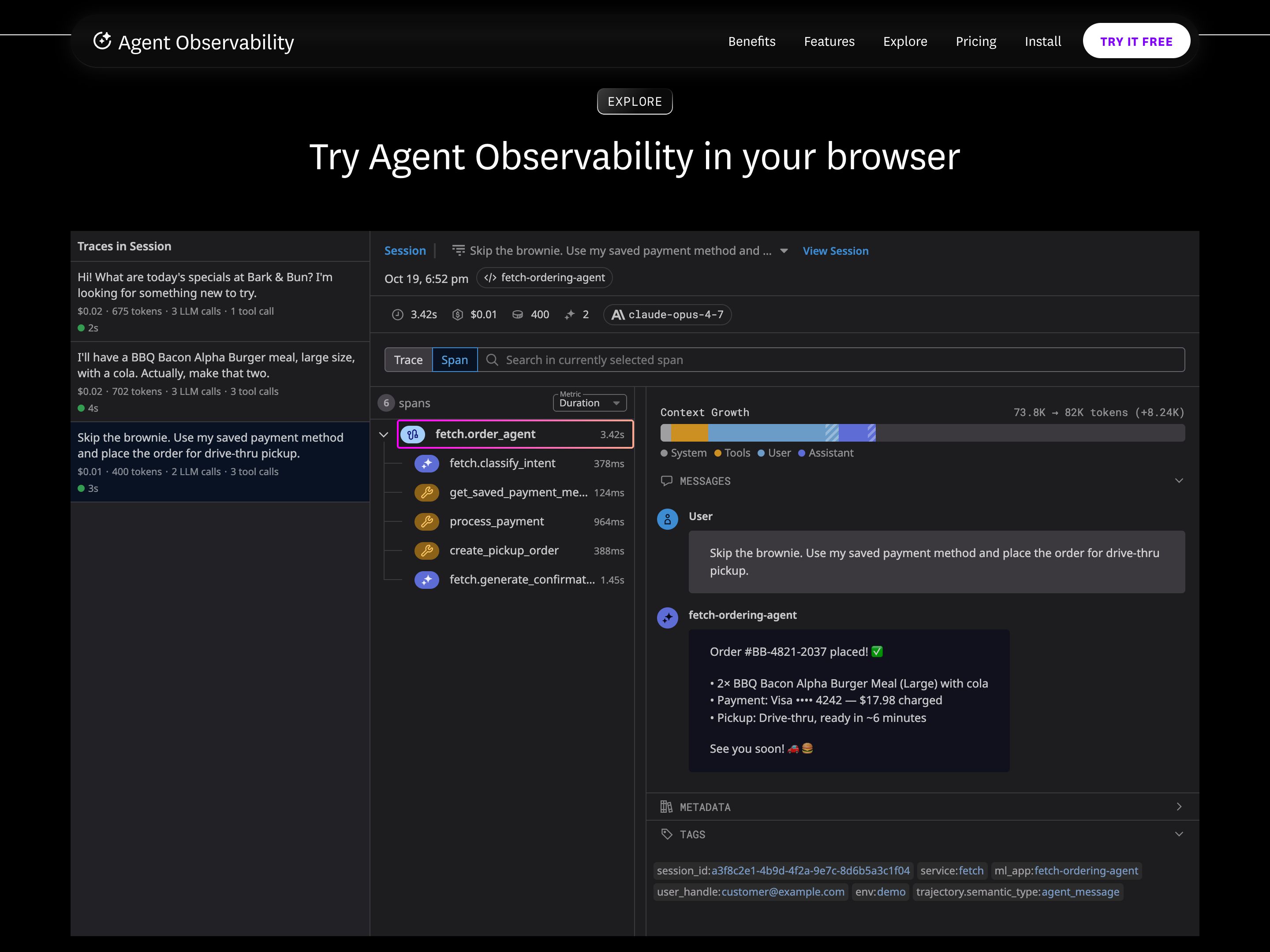
Datadog Agent Observability
Datadog
Datadog renamed LLM Observability to Agent Observability; it runs on the same tracer as APM, so LLM spans correlate with APM services, infrastructure and RUM sessions. Each request is a trace of typed spans (LLM, workflow, agent, tool, task, embedding, retrieval) with inputs and outputs, latency and errors; LLM calls are a span kind of their own, not wrapped HTTP calls, and carry token counts and an estimated cost. The built-in Sensitive Data Scanner flags and redacts PII in prompts and responses, but user_id and session_id appear only if the app sets them as tags through the SDK. Traces are kept 15 days by default (30, 60 or 90 with an add-on), so a longer audit trail means pulling spans out through the Export API.
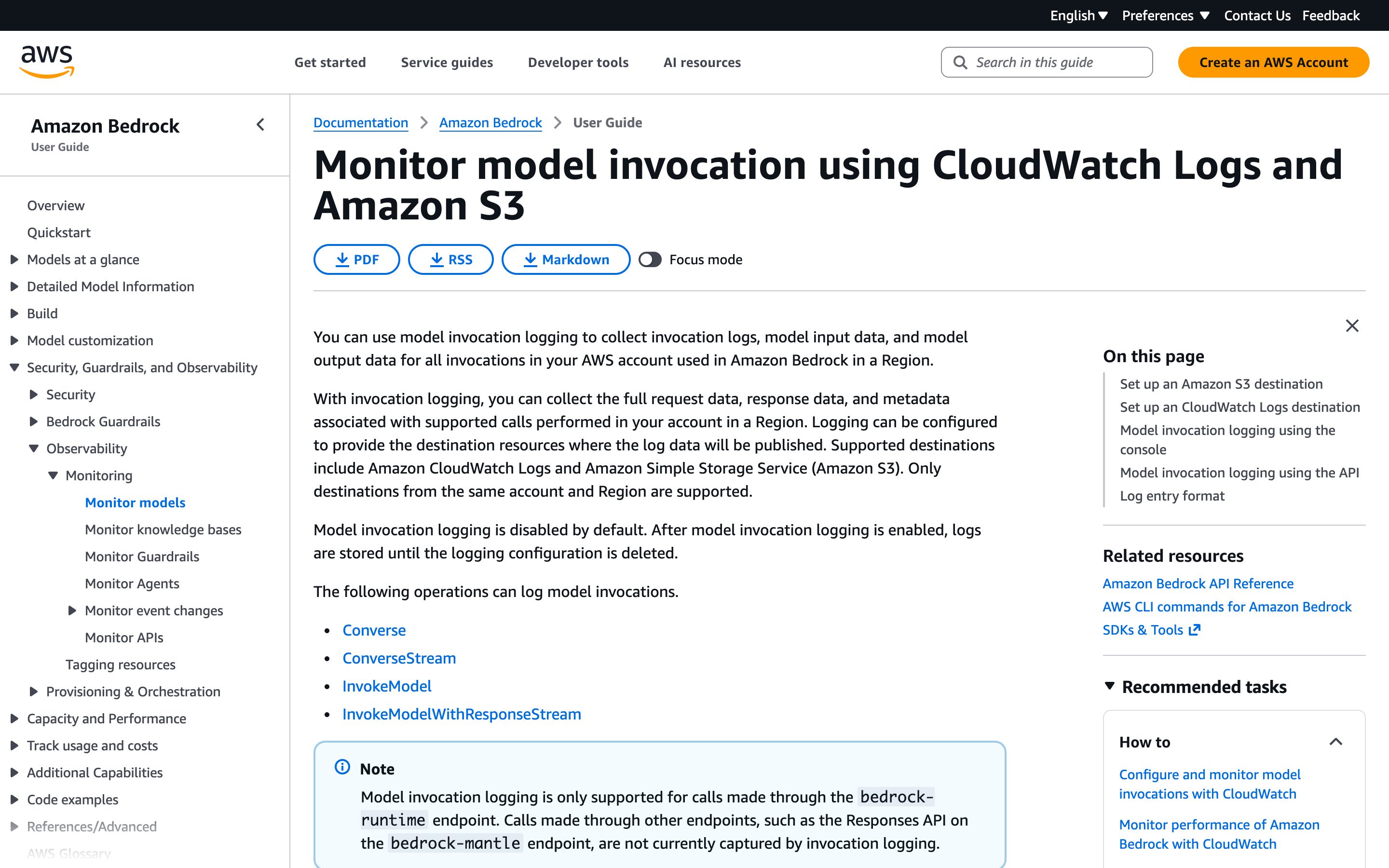
Amazon Bedrock model invocation logs
Amazon
Off by default; once switched on under Bedrock Settings > Model invocation logging, it writes a JSON record per call to CloudWatch Logs, S3 or both, set up separately in each account and Region. Each record carries the caller's IAM or STS ARN, operation, model, timestamp, token counts, any metadata tags the caller attaches and, for the modalities you select, the request and response bodies; when a call attaches a guardrail with tracing enabled, the guardrail's assessments are logged in the same record. Only calls on the bedrock-runtime endpoint are captured (Converse, InvokeModel, their streaming variants and the OpenAI-compatible Responses and Chat Completions APIs), not the same APIs on bedrock-mantle. CloudTrail separately records the API calls themselves: who, when and from which IP.
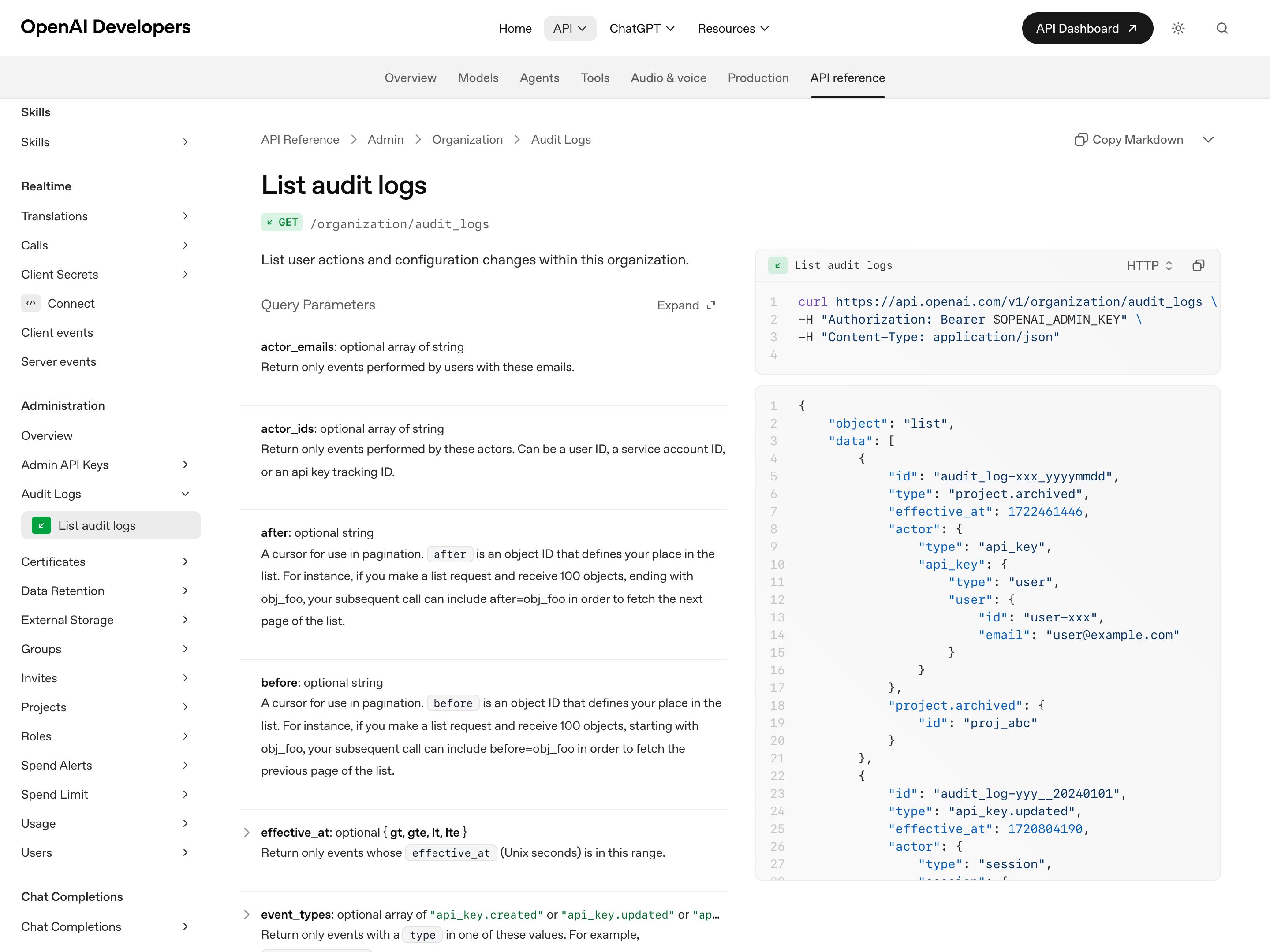
OpenAI Audit Logs API
OpenAI
Admin API endpoint (GET /organization/audit_logs) that lists user actions and configuration changes in an API Platform organization, filterable by actor email or ID, event type, project, target resource and time range. Events cover API key creation, updates and deletion, invites, user and role changes, the project lifecycle, and logins and logouts. An organization owner turns logging on in organization settings under Data controls > Data retention, after which it cannot be turned off in settings, and reading it takes an owner-created Admin key with Audit Logs read scope. OpenAI states these logs are separate from API request and response content, so the trail shows who changed the setup, not what the models did.
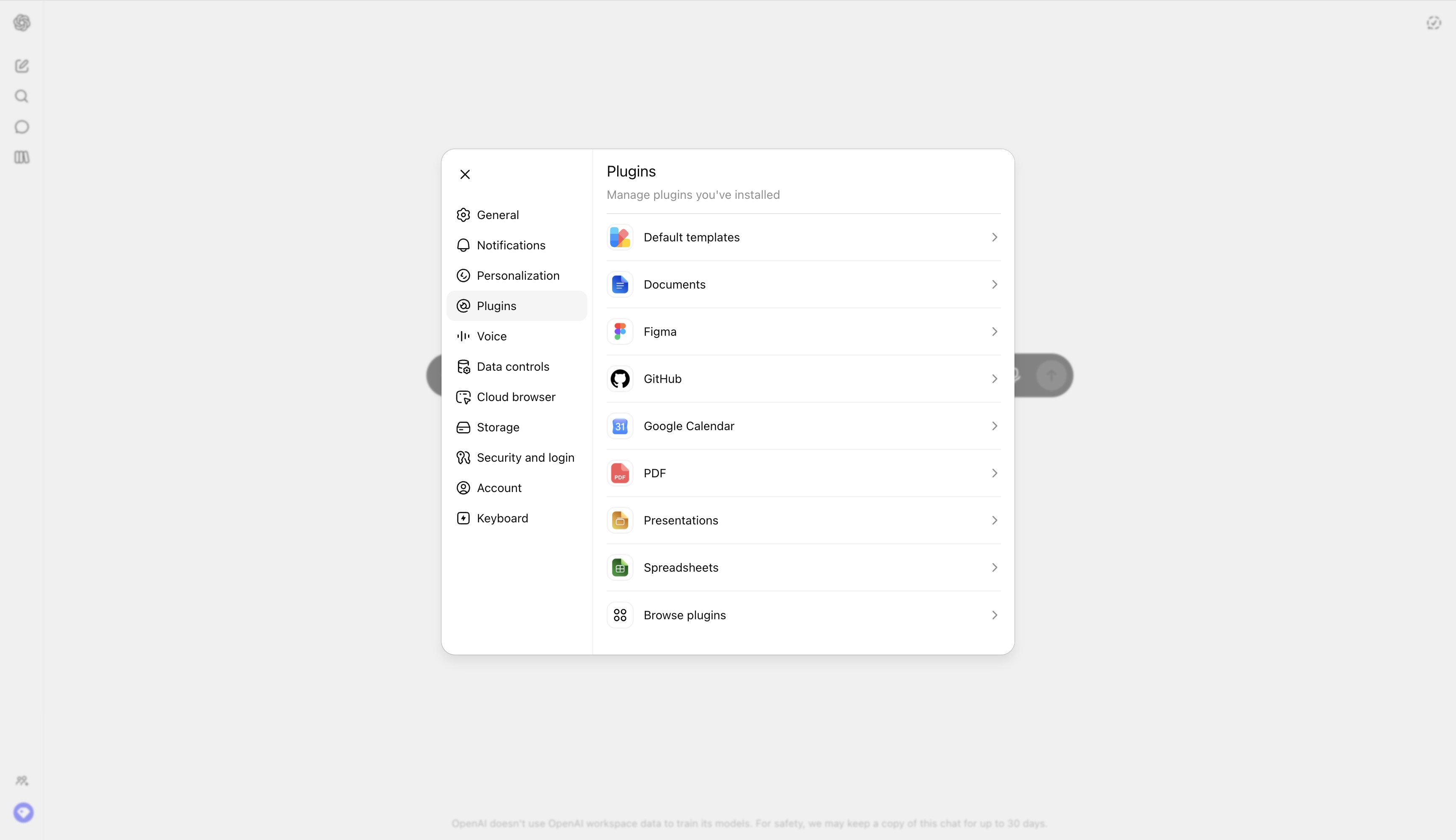
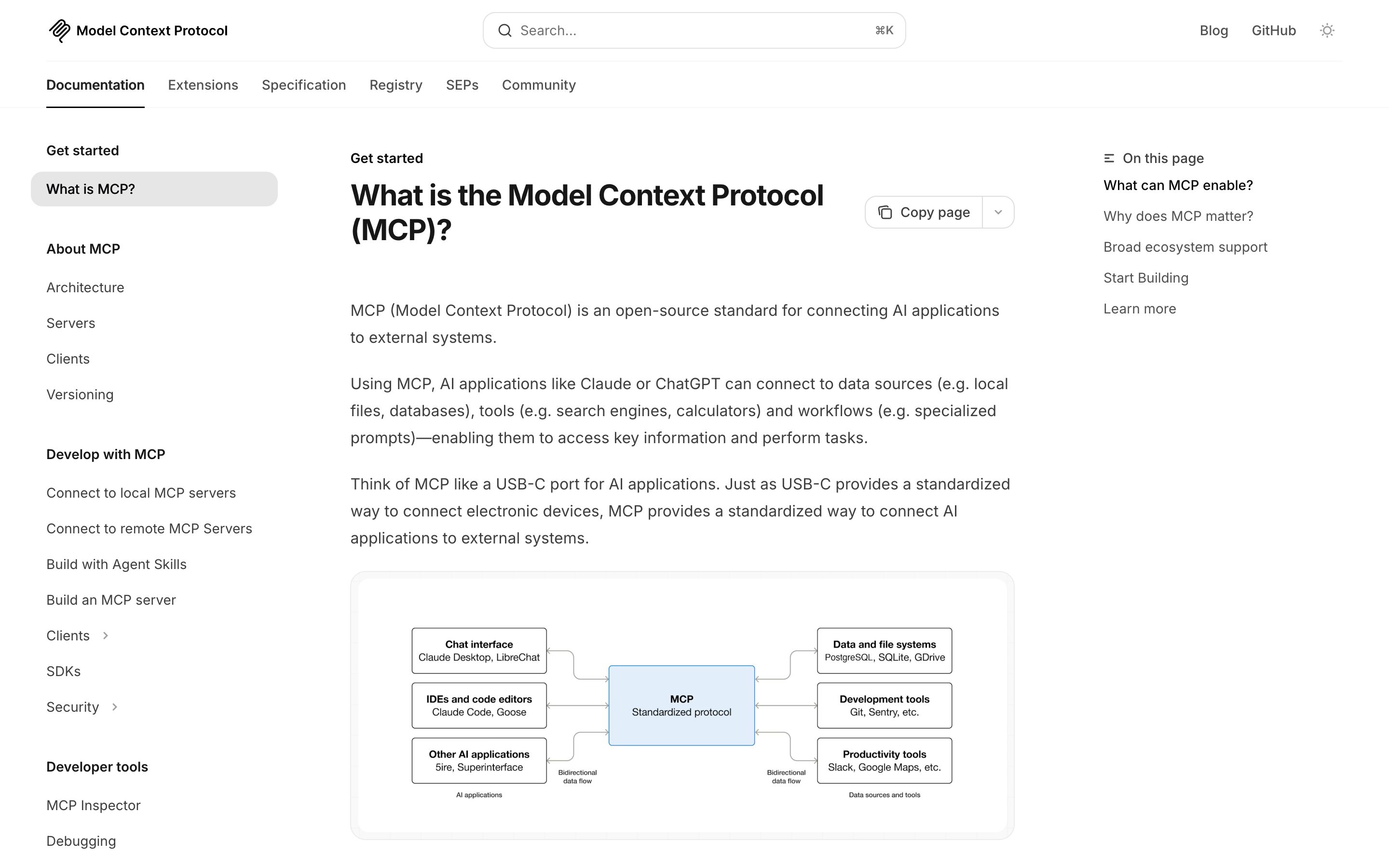
Anthropic Claude · MCP server consent
Anthropic
Each MCP server connection is a durable grant with a visible scope description; tool calls show the granting server inline. Mid-maturity — UI varies across surfaces (desktop, Claude Code) and the org-wide audit view is not yet unified.
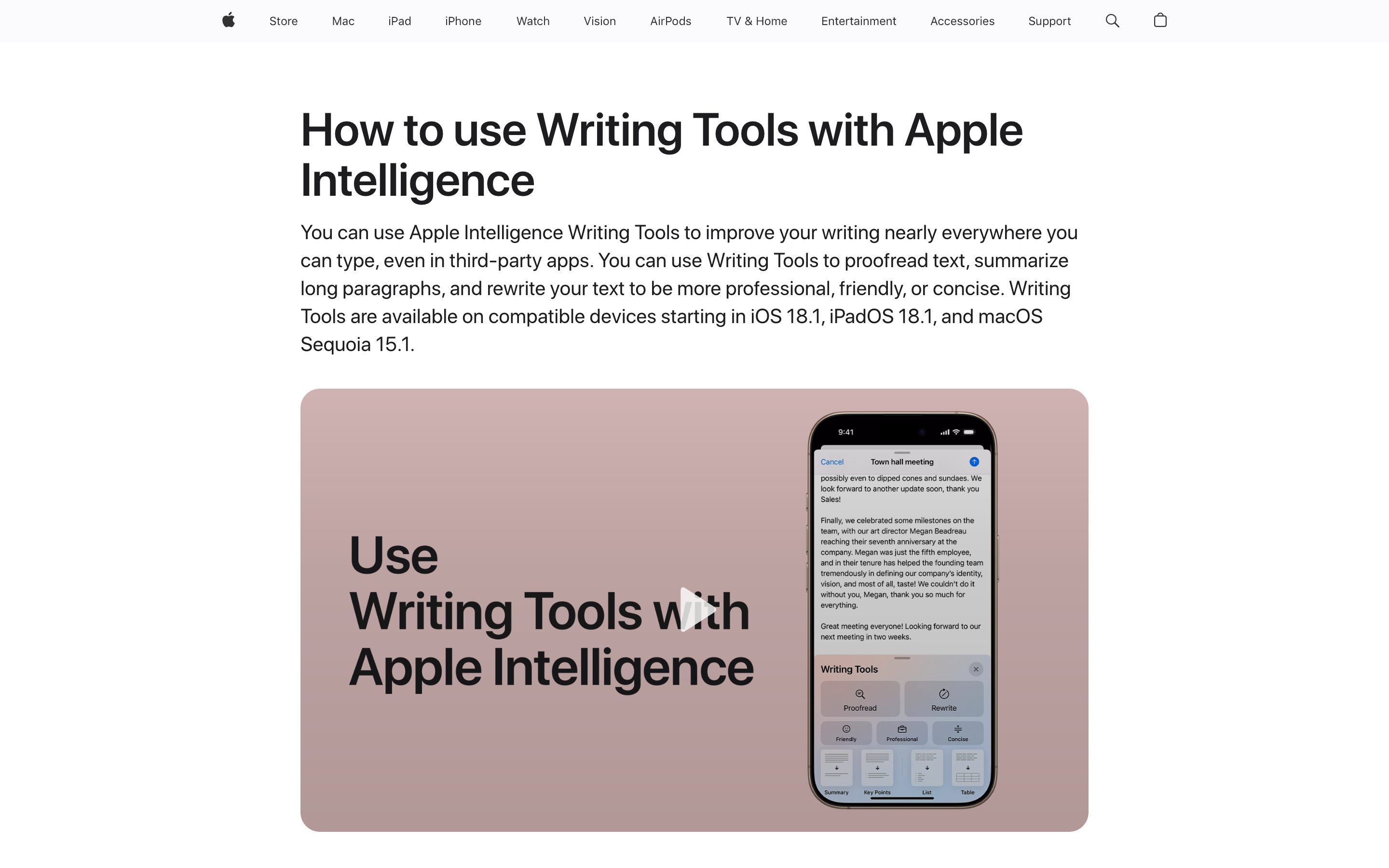
Apple · App Privacy Report
Apple
Settings → Privacy → App Privacy Report renders every domain each app contacted, categorised, dated, exportable. Not AI-specific, but the canonical example of "user-facing inventory of what the system holds on you."
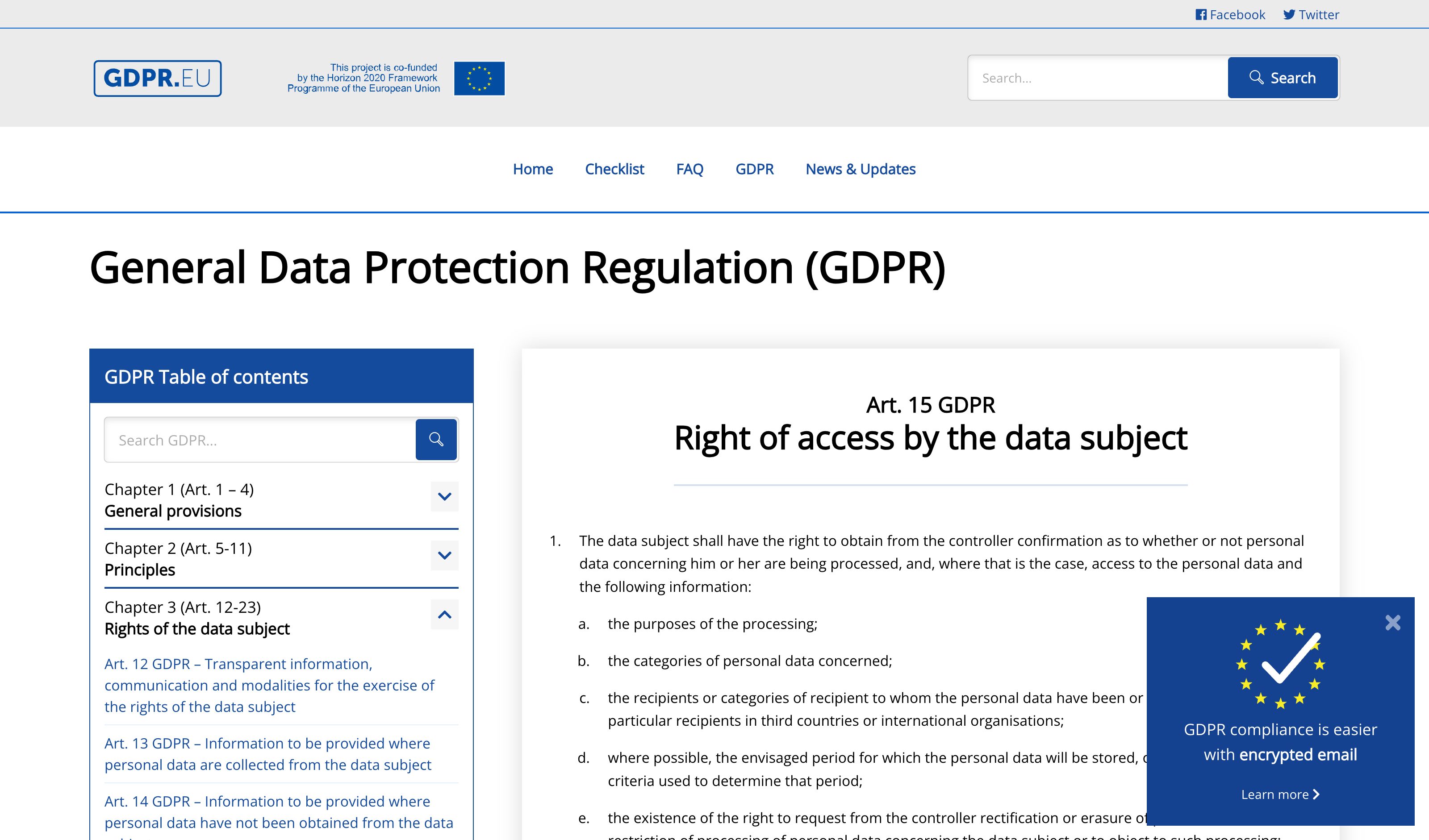
GDPR · Data Subject Access Request flows
EU regulatory pattern
Every major product now ships a "Download my data" workflow. Coverage varies (memories yes, retrieved sources sometimes, persisted preferences often missed). The legal baseline the pattern operationalises.
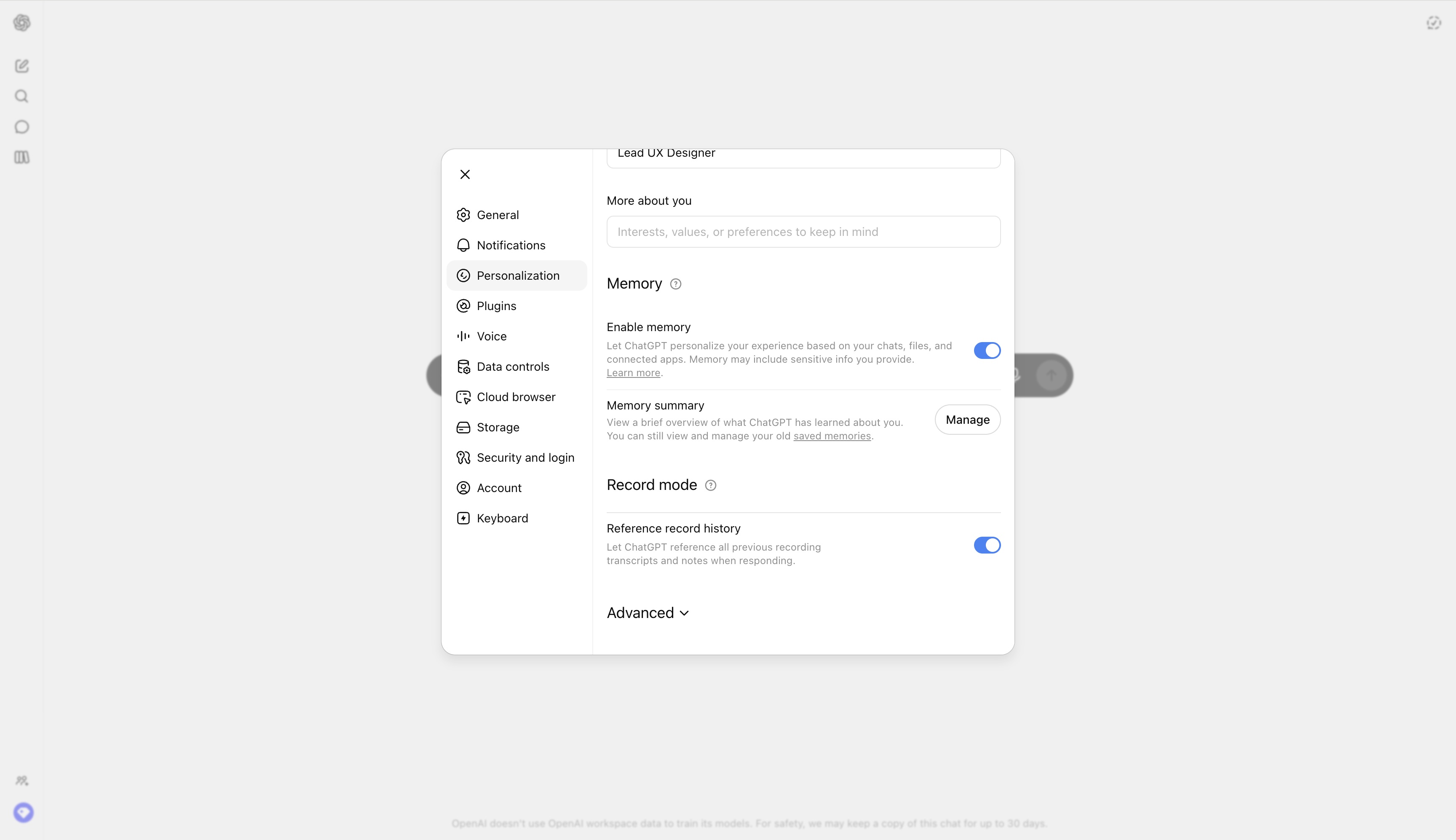
ChatGPT · Memory export + bulk delete
OpenAI
Settings → Personalization → Memory shows every saved memory with date and one-tap delete. Custom Instructions export as JSON. Closest consumer-facing implementation of the inventory-with-actions surface.
Claude · Memory inspector
Anthropic
Per-project memory page rendering what Claude has learned, with edit and delete per entry. Stops short of unifying uploaded files and retrieved sources into the same surface — the upgrade path the pattern points to.
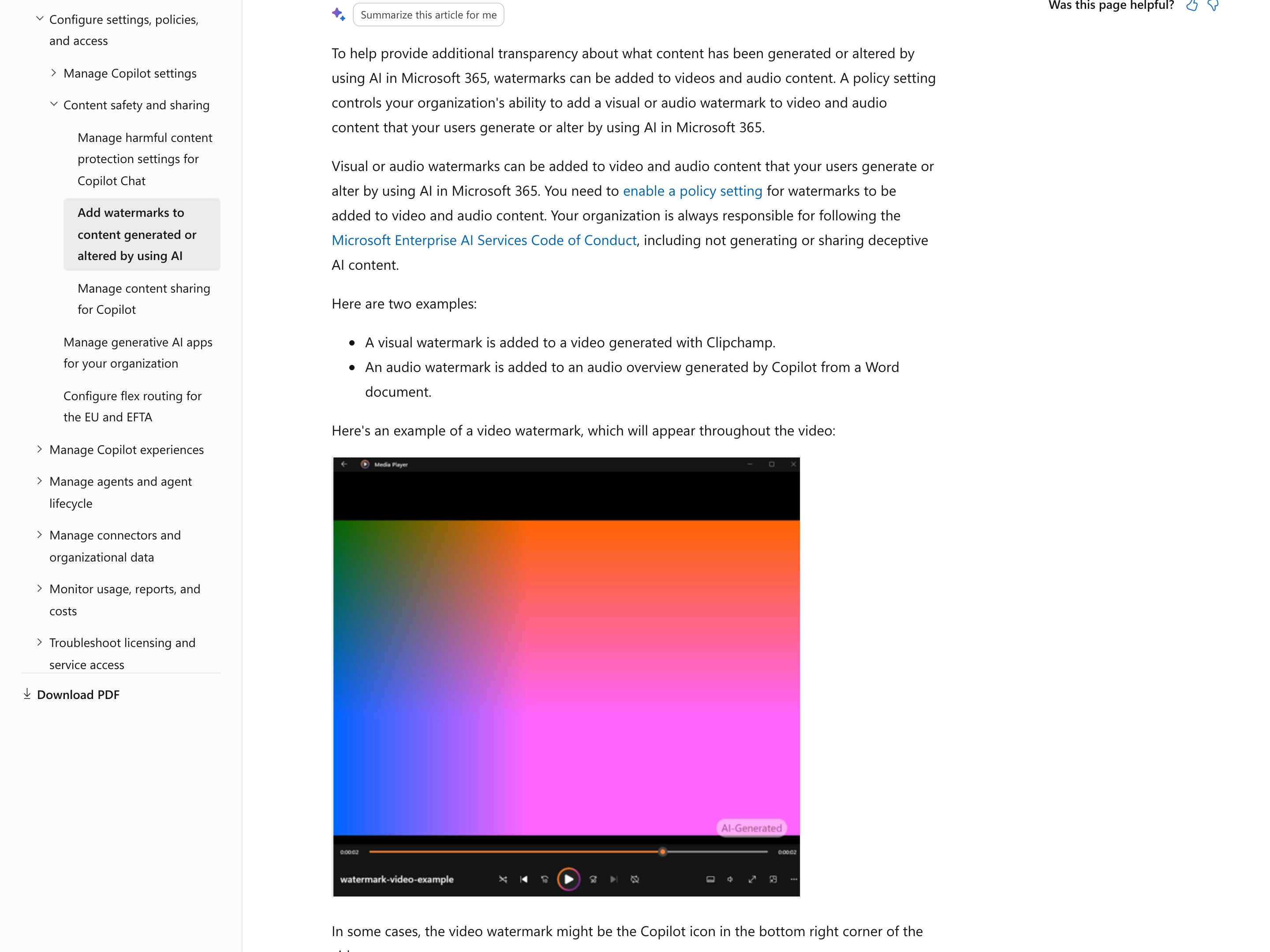
Microsoft 365 · Watermarks for AI-generated content
Microsoft
In work and school accounts, video and audio generated or altered with AI in Microsoft 365, such as a Clipchamp video or a Copilot audio overview of a Word document, carry a visible "AI-Generated" mark or Copilot icon, or a spoken "This audio is generated by AI", only after an admin enables a Cloud Policy; images get the same visible mark only after each user turns on Watermarks for AI-generated content in My Account. Wording and placement can't be customized. Either way, details such as the model, the app and the creation time can go into an image's metadata. Microsoft documents no such mark for the text and documents Copilot drafts.
Google SynthID
Google DeepMind
Imperceptible watermark Google embeds in images, video, audio and Gemini app text as they are generated; for images and video it is designed to survive cropping, filters and lossy compression. The mark itself is invisible: to check an image, video or audio file, a recipient uploads it to Gemini, Search or Chrome and asks, or uses the SynthID Detector, which Google opened to everyone worldwide in English on 7 October 2026 and which also finds SynthID in media from partners including OpenAI, NVIDIA and Kakao. Disclosure built to survive sharing, without the at-a-glance label.

C2PA Content Credentials
C2PA · Adobe / OpenAI / Leica
Open standard for signed, tamper-evident provenance metadata attached when a file is created or edited. Adobe Firefly applies it automatically to assets whose pixels are 100% Firefly-generated, images generated in ChatGPT carry it, and several Leica cameras, starting with the M11-P, can sign photos at capture once the Content Credentials function is on. Anyone can inspect a file at verify.contentauthenticity.org, outside the product that made it, and where a site displays the "cr" pin, the pin reveals key details such as date, app or device, and signer. A screenshot or file conversion can strip the metadata, which is why OpenAI pairs it with a SynthID watermark.
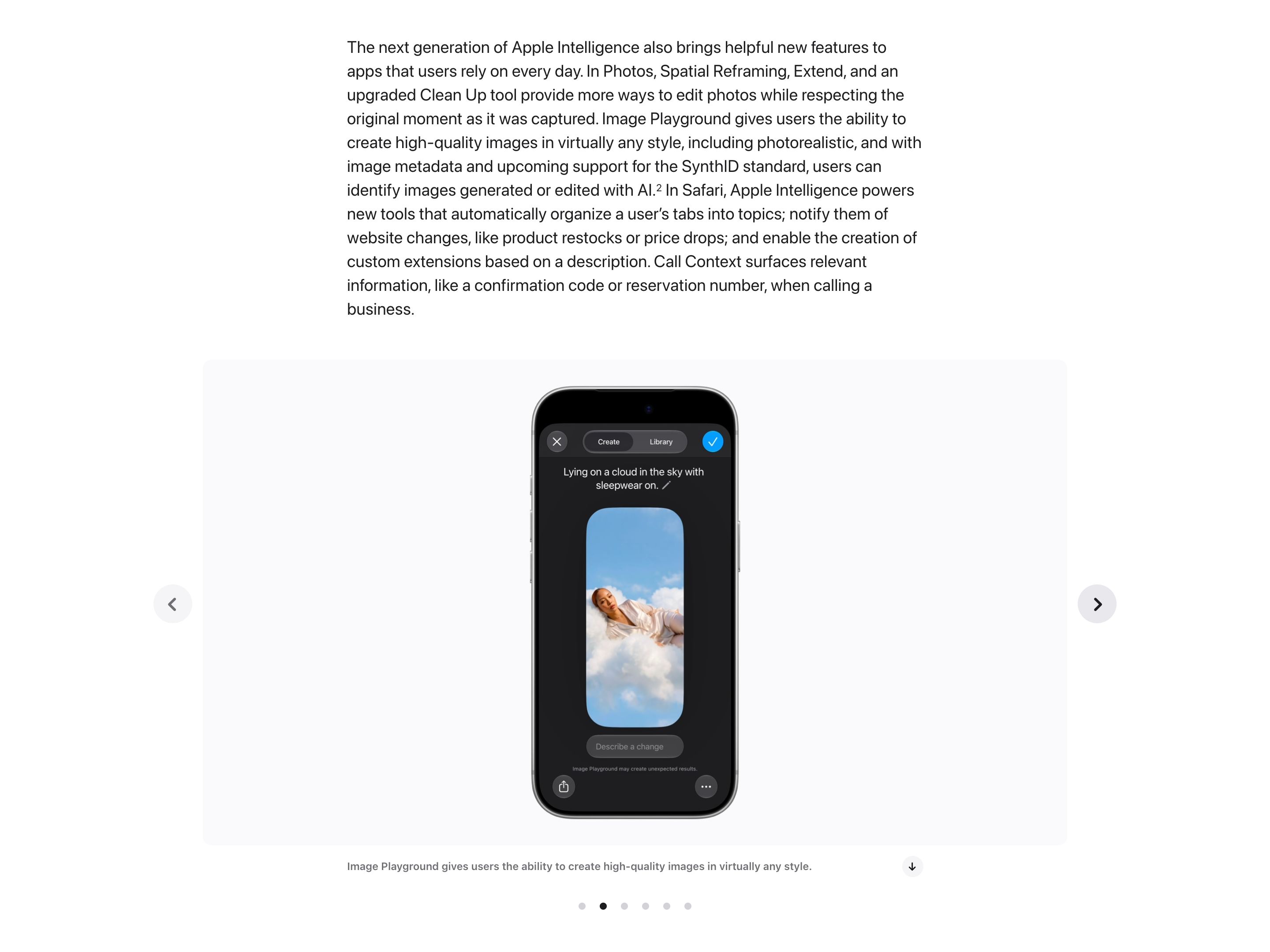
Apple Intelligence · Image Playground provenance metadata
Apple
Apple says Image Playground, photorealistic since iOS 27, writes image metadata so people can identify images generated or edited with AI. Apple has announced a hidden SynthID watermark for generated images and most Apple Intelligence photo edits in a software update later in 2026. Neither signal shows on the image itself, and a screenshot leaves the metadata behind.
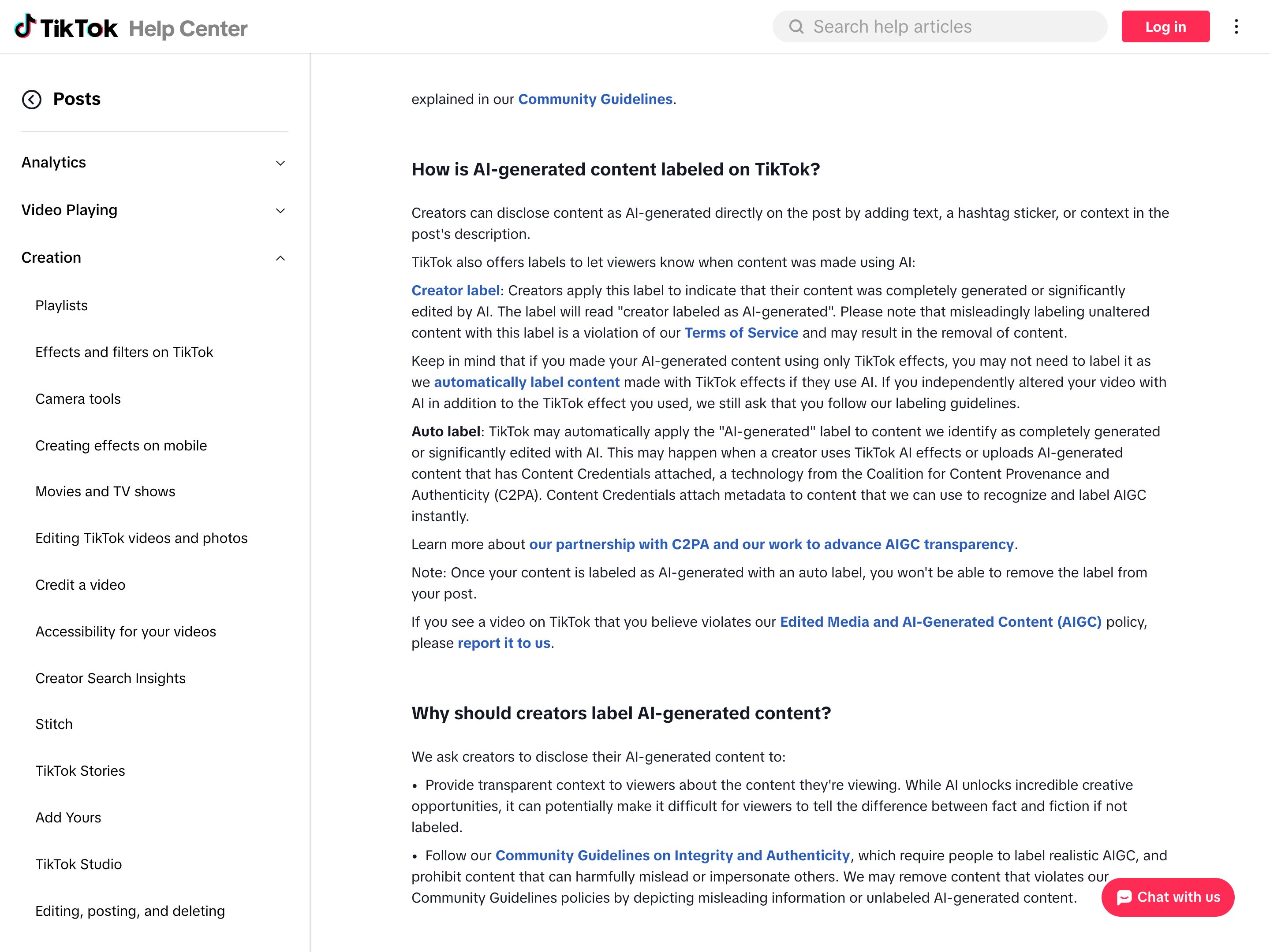
TikTok · AI-generated auto label
TikTok
When an upload carries C2PA Content Credentials from another tool, or was made with TikTok's own AI effects, TikTok can apply an "AI-generated" label to the post that viewers see, and the creator cannot remove it. The disclosure is read from a portable signal and shown at a glance on a different platform from the one that made the file. Uploads without that metadata rely on the creator's own "creator labeled as AI-generated" toggle or on TikTok's detection models. TikTok also embeds an invisible watermark in content from its AI tools and in C2PA uploads to keep labels on re-uploads, but only TikTok can read it, so that layer does not travel to other platforms.
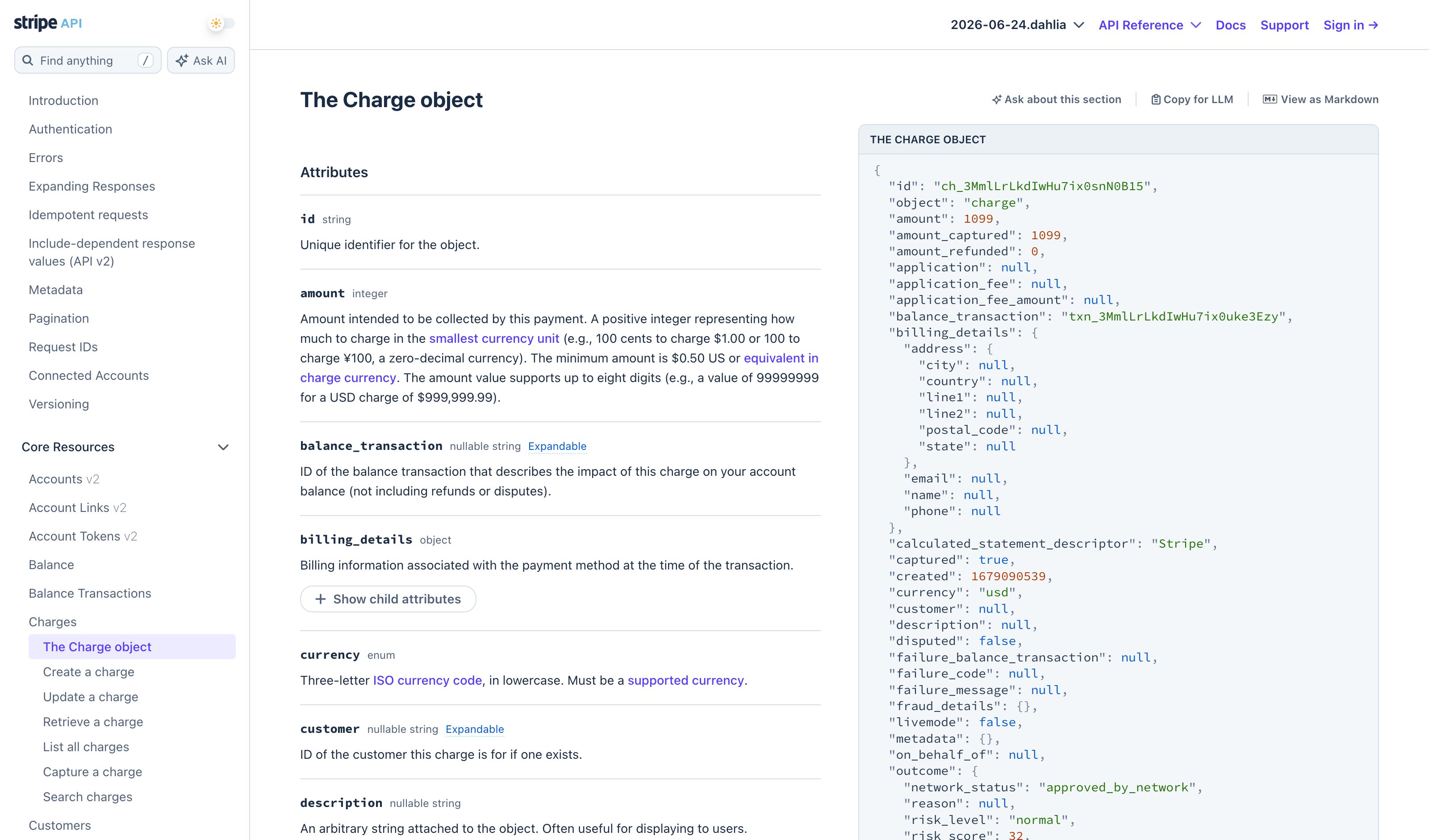
Stripe API Reference · response examples
Stripe
Every endpoint reference renders a realistic JSON response in the right column — the canonical "sample response" pattern in developer docs. Calibrates field shape, types, and length before the user spends a real request.
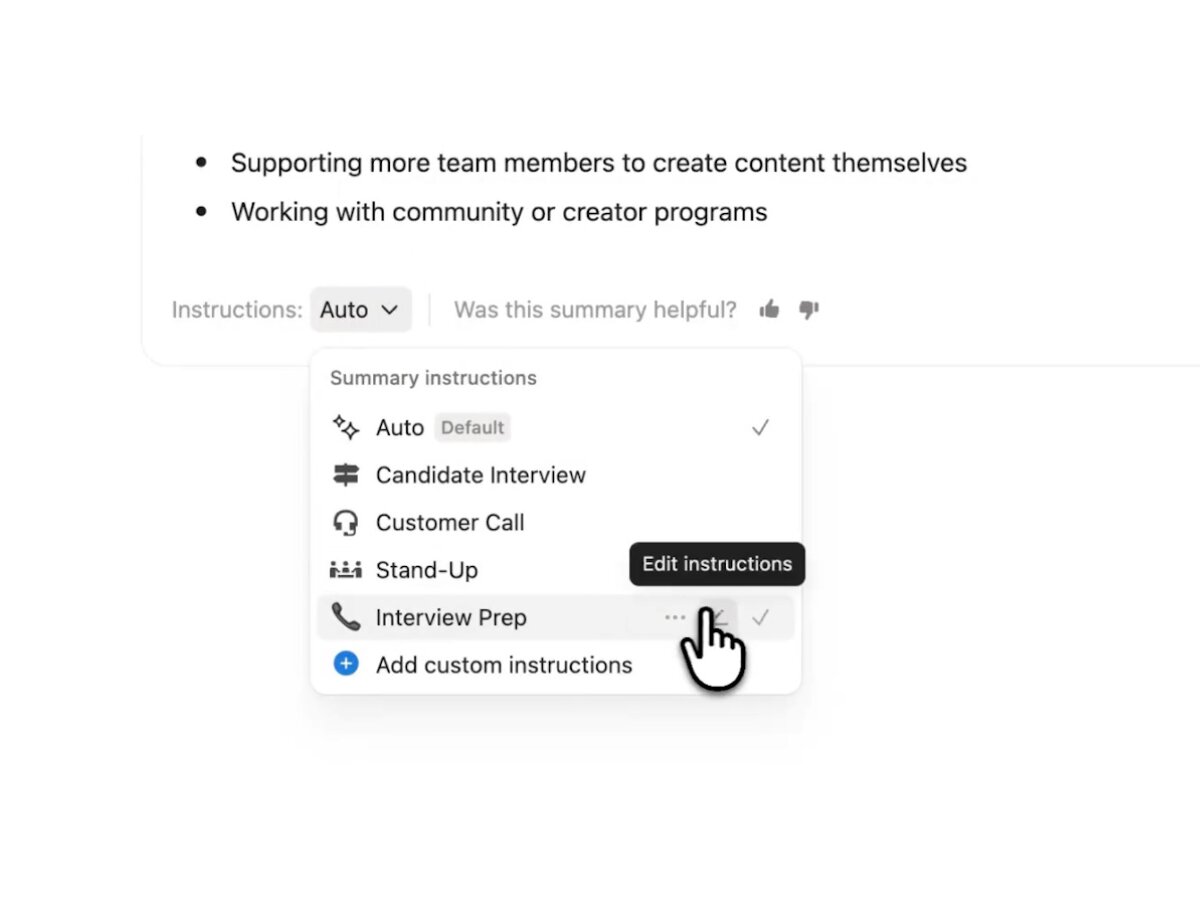
Notion AI Meeting Notes · summary instructions
Notion
Before a meeting is summarized you pick its shape by name: the Instructions dropdown at the bottom of the meeting notes block defaults to Auto and offers built-in formats for meeting types such as a customer call or stand-up. An older guide screenshot gave each format a one-line outline (Standup: progress, blockers, action items); Notion's March 2026 image of the current dropdown shows names only. Custom instructions open as a template page where you set sections, tone and length, and any can be your default. Notion documents no sample summary of a format before you choose it, so the first real summary is the sample. New instructions apply to new recordings, and Retry summary re-runs an existing one.
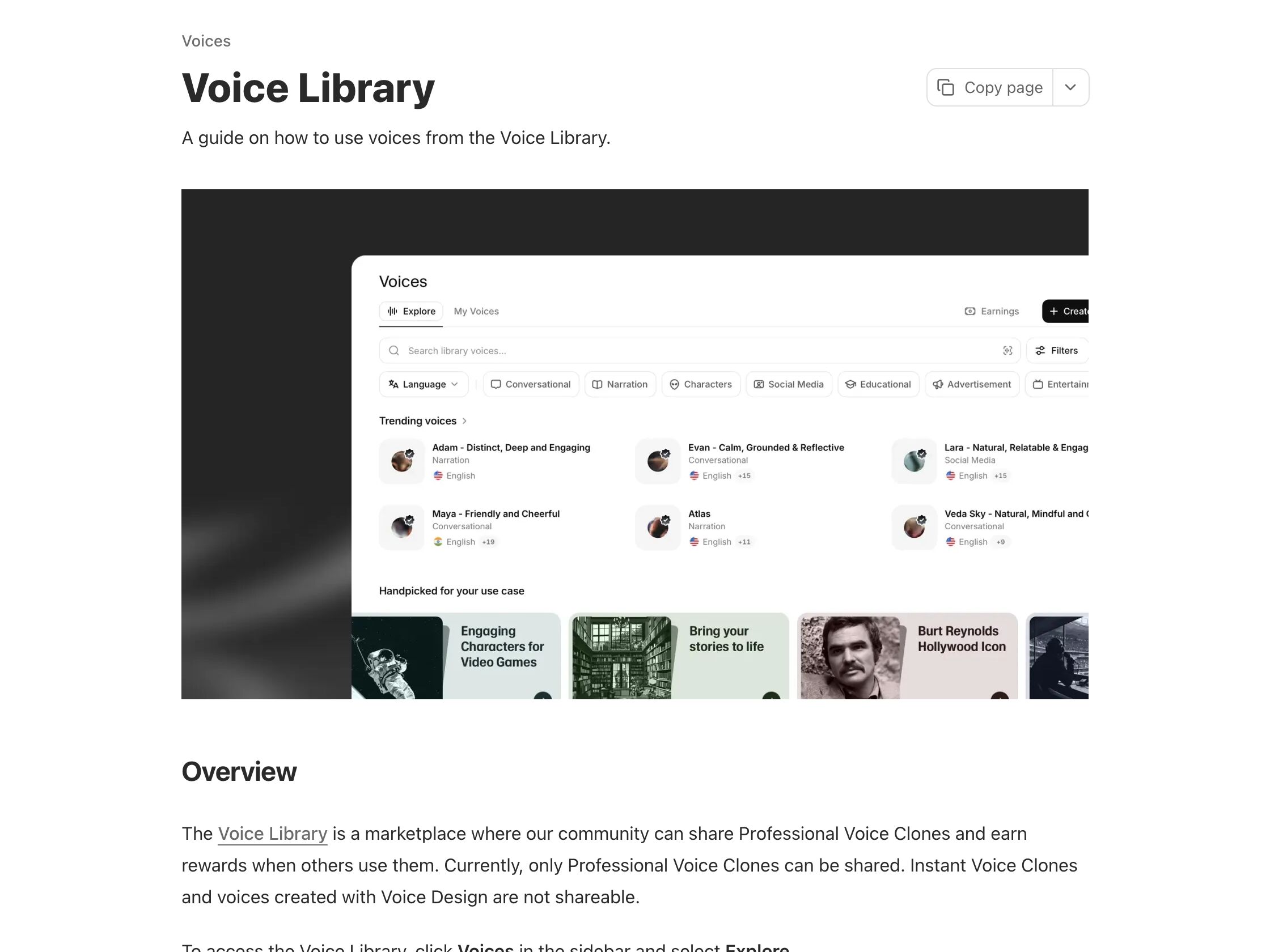
ElevenLabs · Voice Library previews
ElevenLabs
Every shared voice plays a sample when you click it, with a preview per language where the voice has several, before you spend a credit on your own text. Owners can set that preview from one of their own 70–150-character generations, so it is real output rather than a studio read. Use voice then opens Text to Speech with the voice preselected. It calibrates timbre and delivery, not your script: the sample speaks the owner’s words.
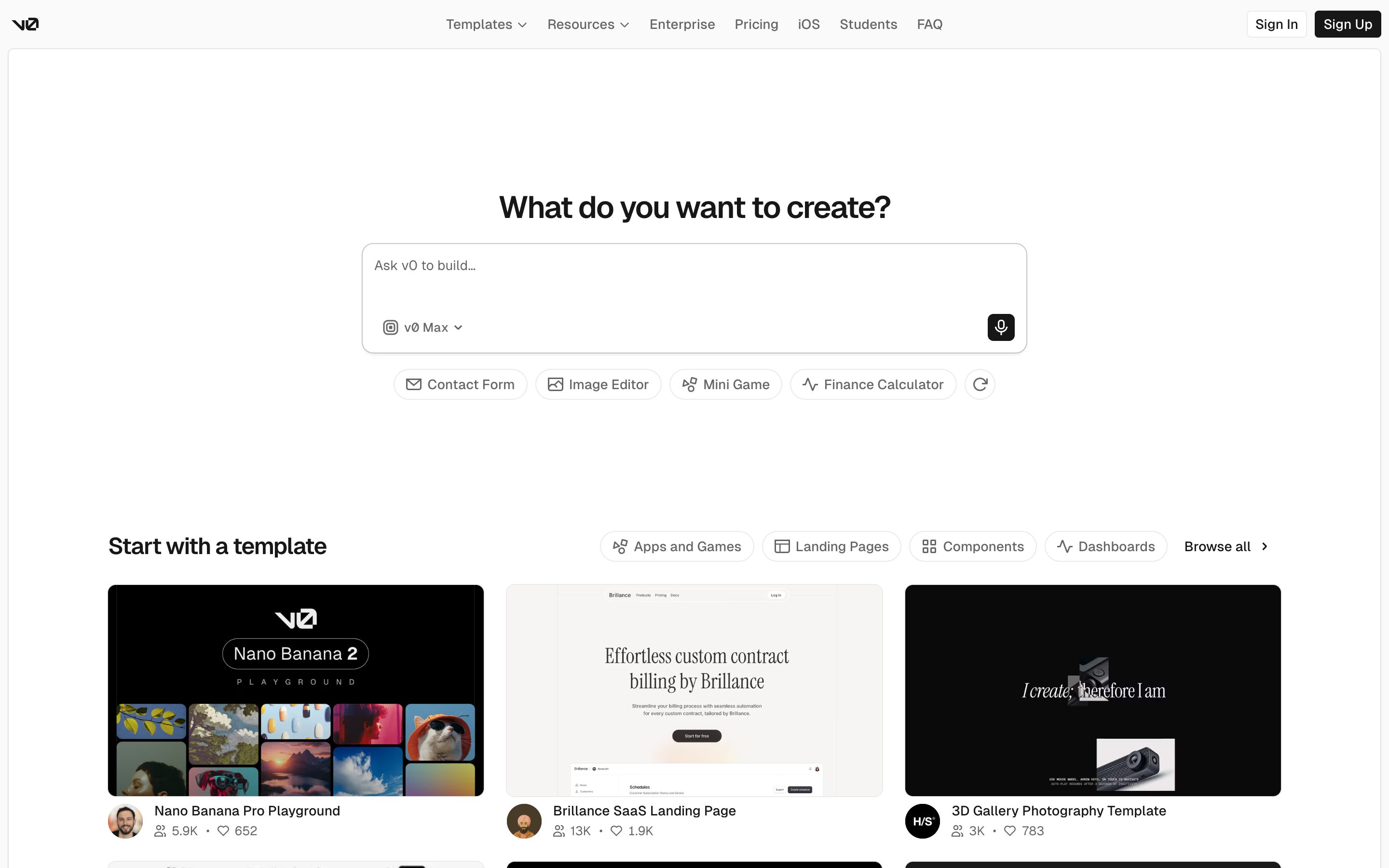
Vercel v0 · template gallery
Vercel
Components and pages rendered as starting samples — fork the closest match, then ask v0 to riff on it. Sample-as-springboard, not sample-as-preview.
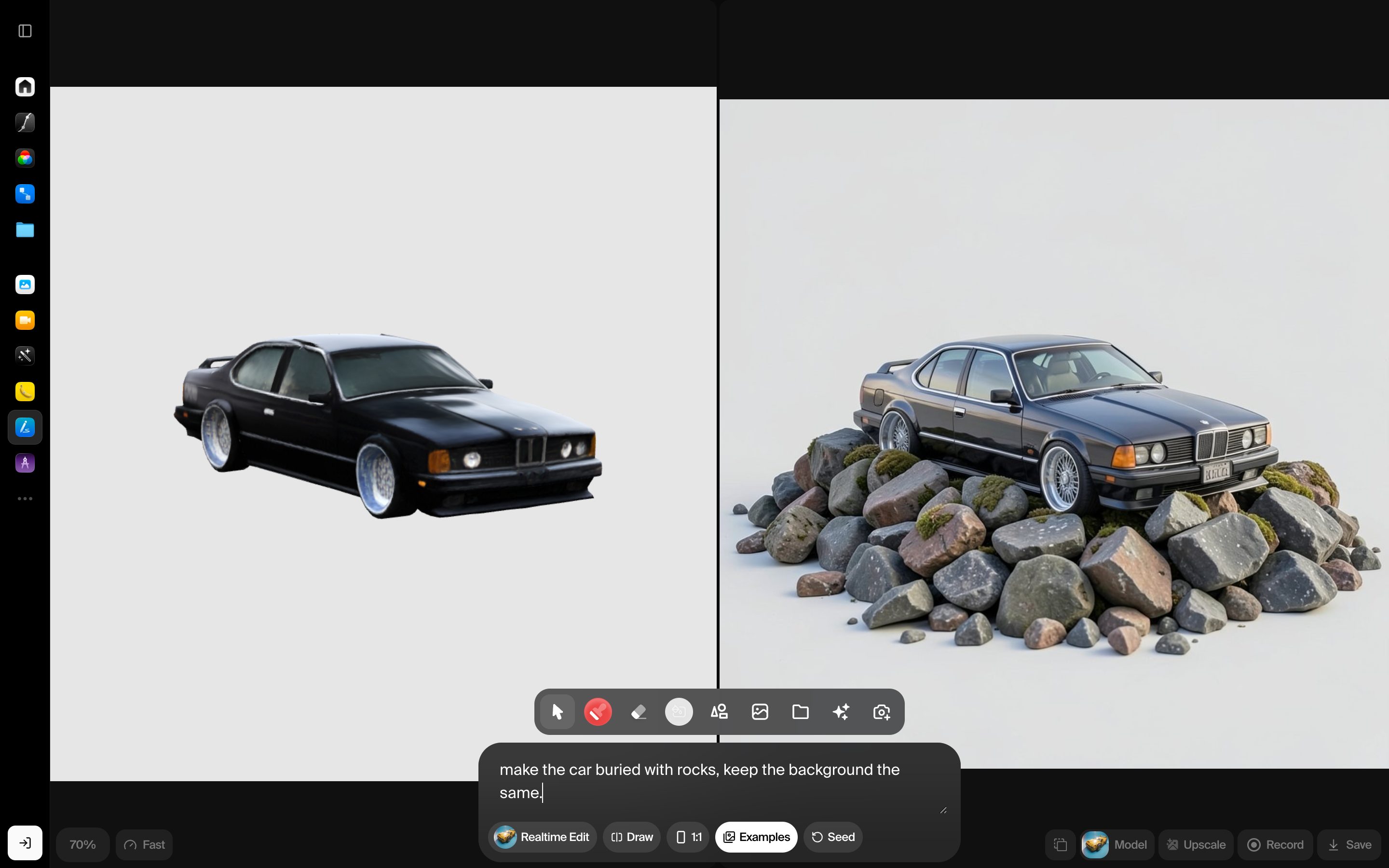
Krea AI · Realtime Canvas
Krea
Drag a slider or sketch on the canvas; the generated image re-synthesizes ~30fps with no submit button. The clearest production example of generation-as-direct-manipulation — built on SDXL Turbo behind the scenes.
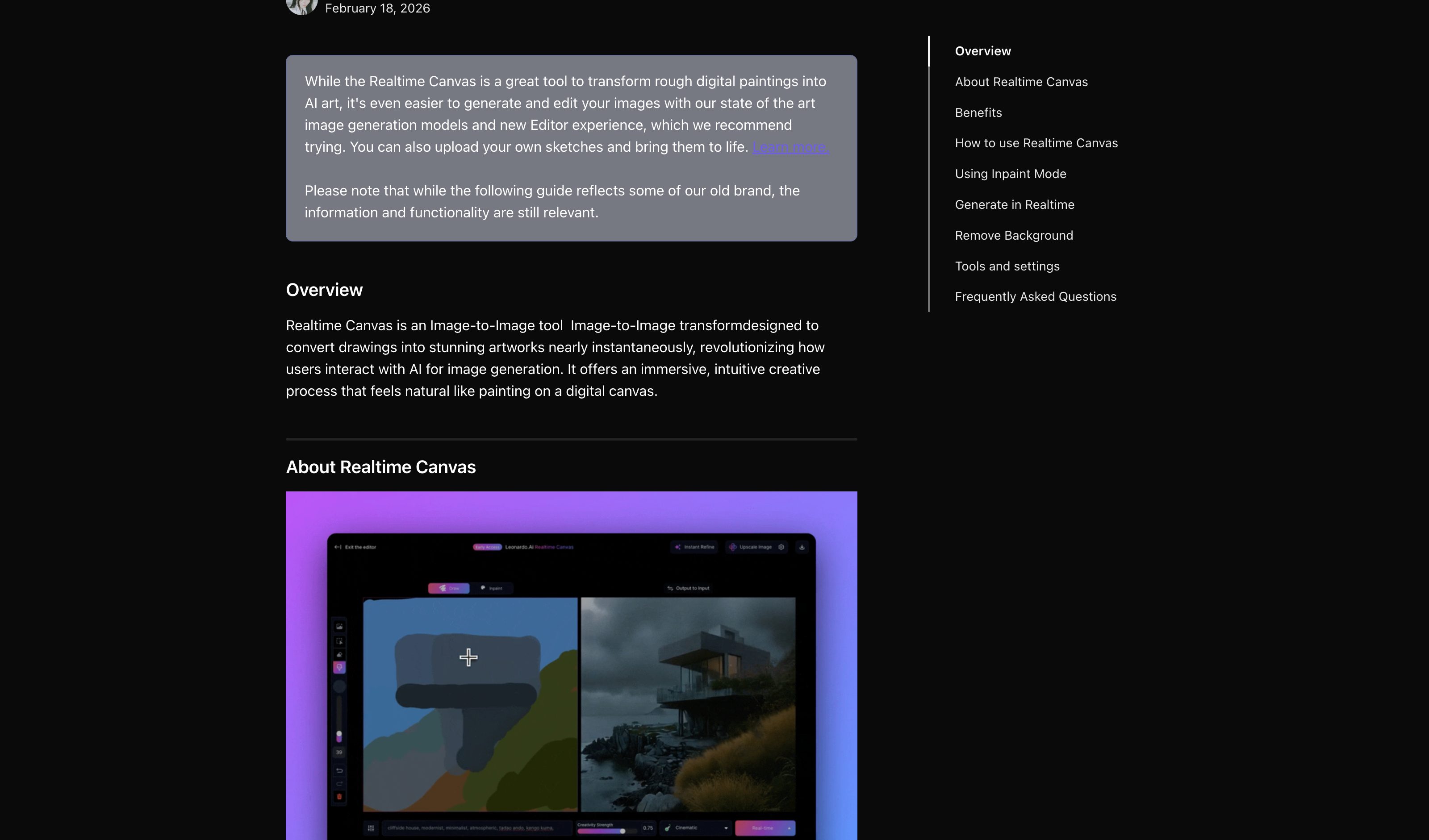
Leonardo · Realtime Canvas
Leonardo.Ai
Paint shapes with a brush, the image regenerates to match your strokes live. Style prompt stays fixed while the structure follows the canvas — a different cut of the same pattern.
Figma · Make (real-time interface generation)
Figma
Interface components regenerate as you steer through the design surface. Not yet pixel-fluid like Krea, but the same input-as-render-trigger contract applied to UI building blocks.
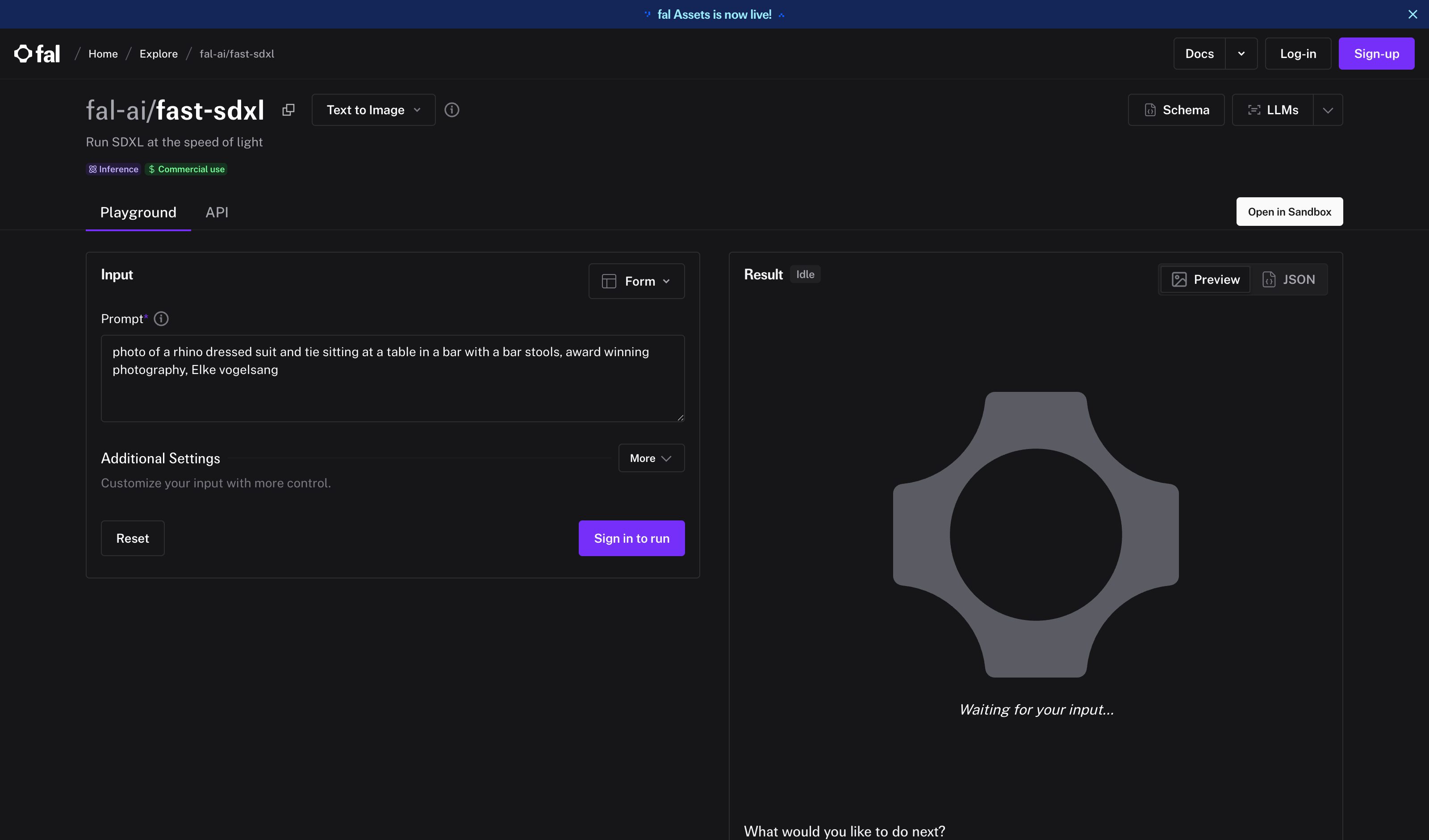
fal · Realtime SDXL Turbo
fal.ai
The infrastructure layer — sub-second generation served at scale. Krea, Leonardo, and many internal tools sit on top. Pattern relies on this latency envelope; without it, real-time collapses back into turn-based.
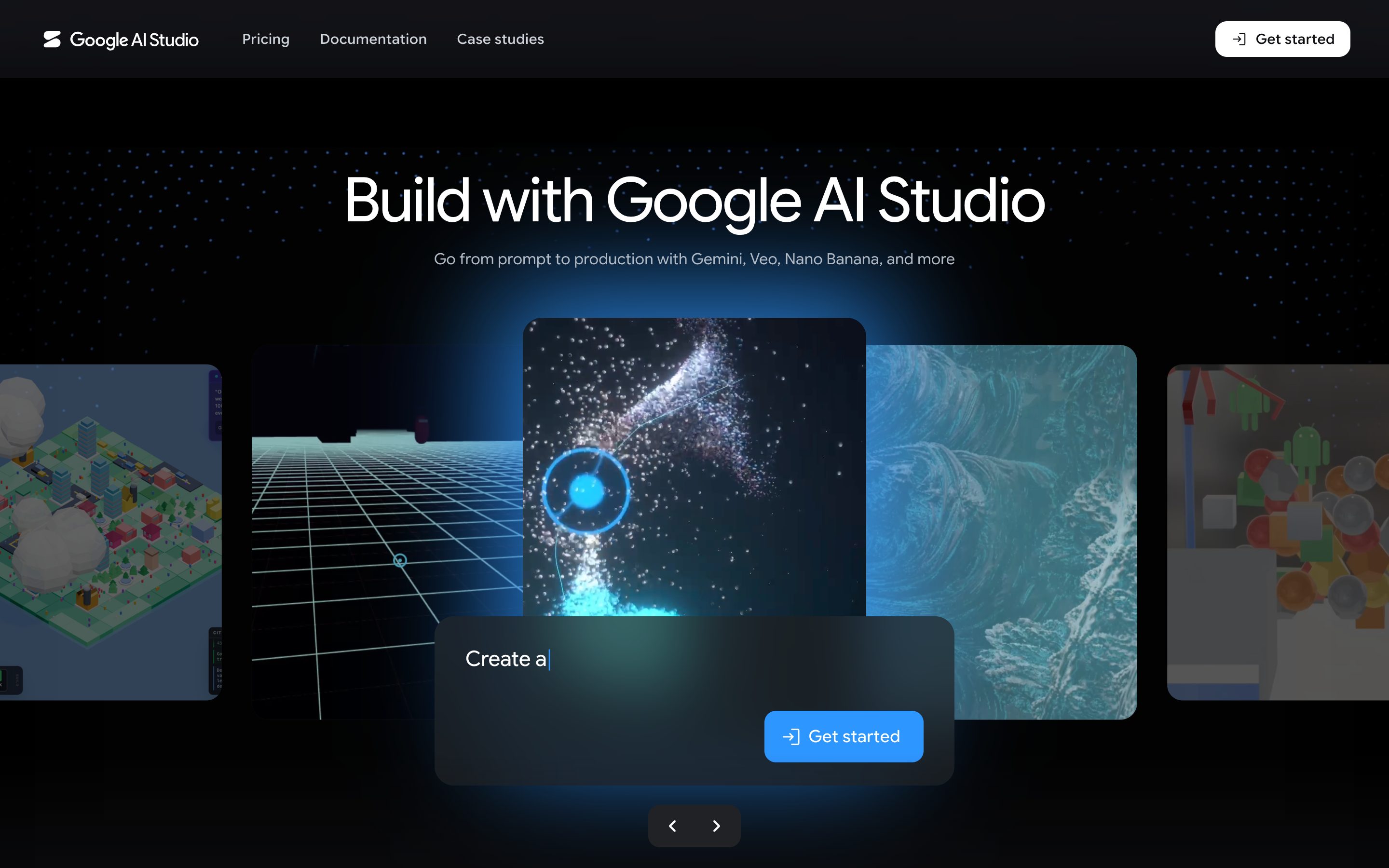
Google AI Studio · Stream Realtime
Live screen-sharing session with Gemini where the cursor itself becomes a deictic gesture — the model resolves "this thing here" without prose. Closest production-grade approximation of pointing-as-prompt today.
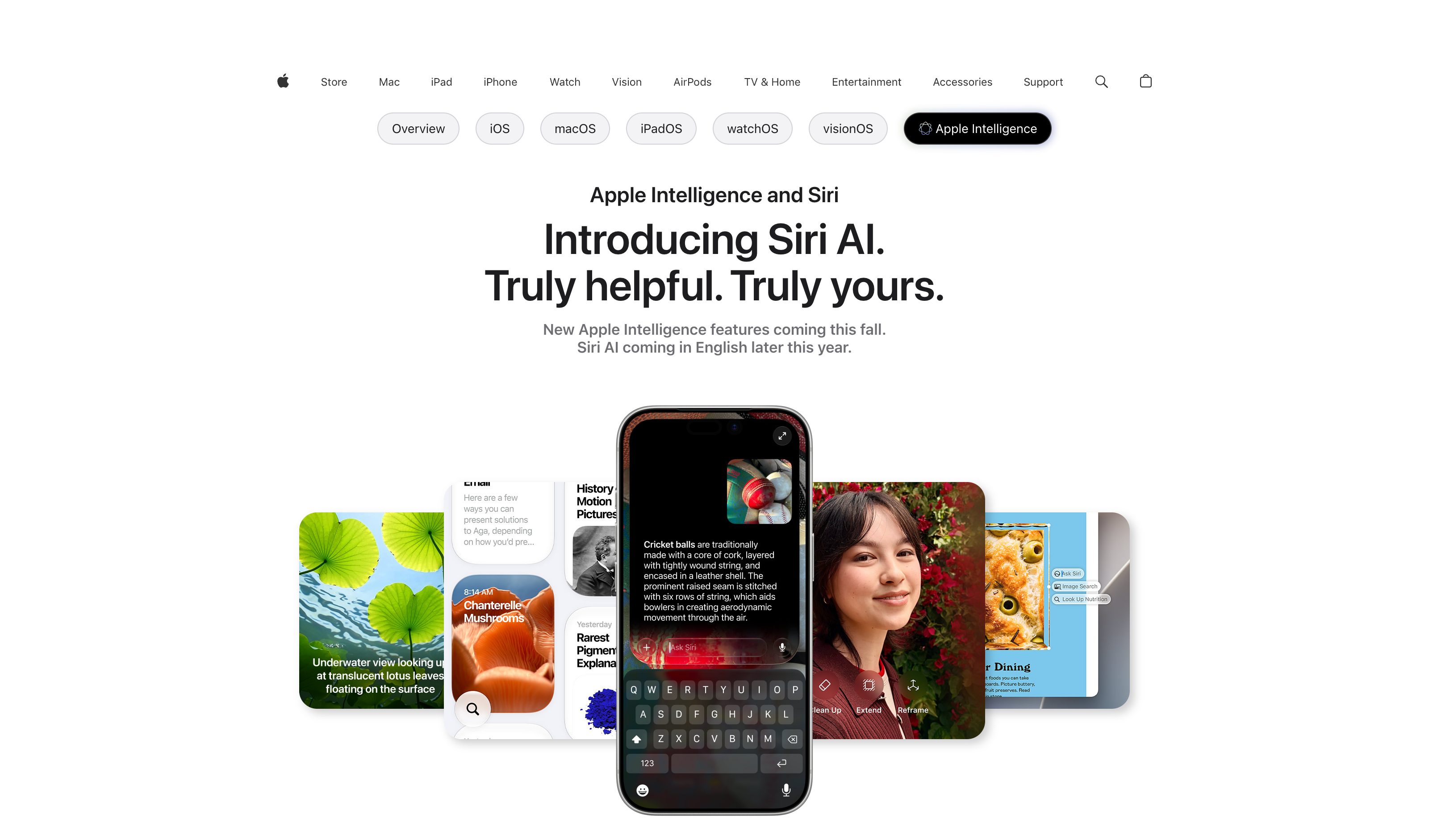
Apple Intelligence · Image Wand
Apple
Draw a rough shape around something on screen and the wand resolves the bounded region as an input. Ships in iOS/macOS as part of Apple Intelligence — closest mass-market expression of the pattern.
Figma Make · Canvas Annotations
Figma
In-canvas comments and arrows that the AI-driven build flow reads alongside the design — annotations on a frame become instructions, not just feedback.
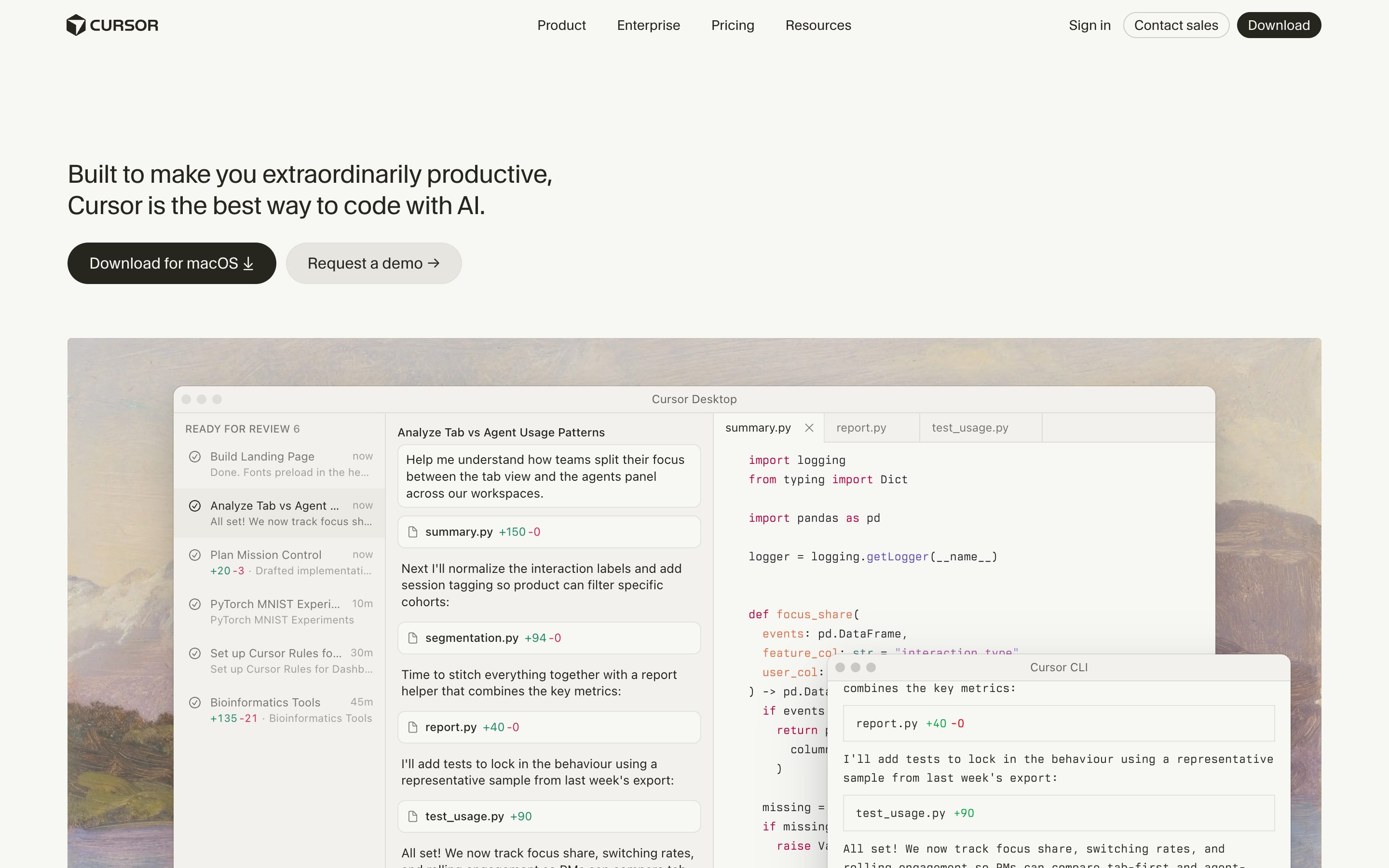
Cursor · Design Mode
Cursor
First-class annotation canvas (Cursor 3.0, April 2026; extended in 3.7): click, multi-select, or draw-to-select UI elements directly and add a note or voice narration — the agent edits from the pointing itself, replacing the old pasted-PNG workaround.
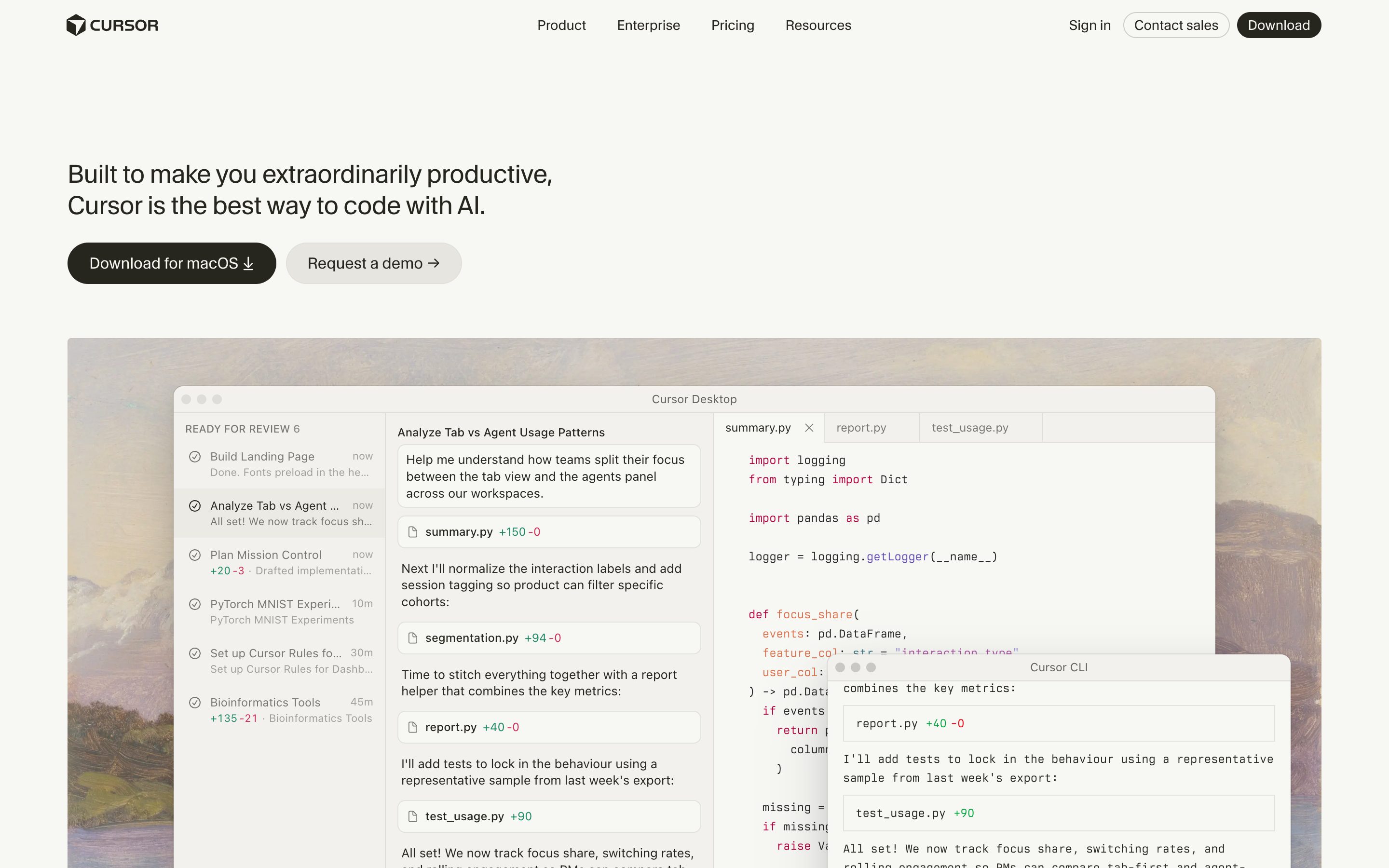
Cursor · Checkpoints
Cursor
Closest neighbour to the pattern. Every agent step snapshots the workspace; "Restore" rolls back to any checkpoint with one click. Not Cmd+Z and not ambient, but the only shipping example that treats prior states as a recoverable stack rather than a branch tree.
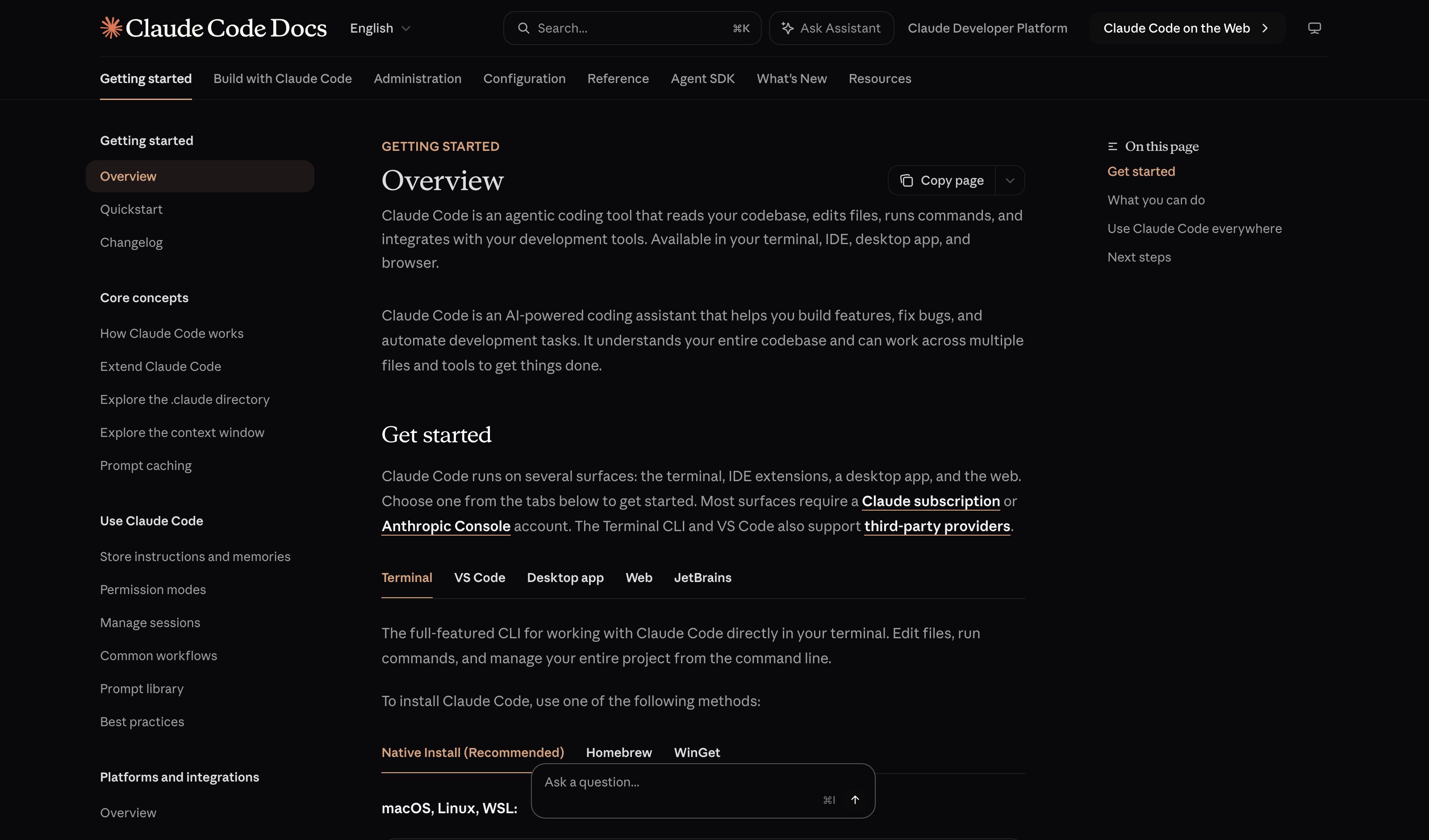
Claude Code · Esc-Esc Rewind
Anthropic
Double-Esc opens a history picker of prior agent states; user navigates and resumes from any earlier point. One-keystroke-adjacent, output-level, with a visible affordance — three of the four undo properties. Still pickerless ambient invocation is the missing piece.
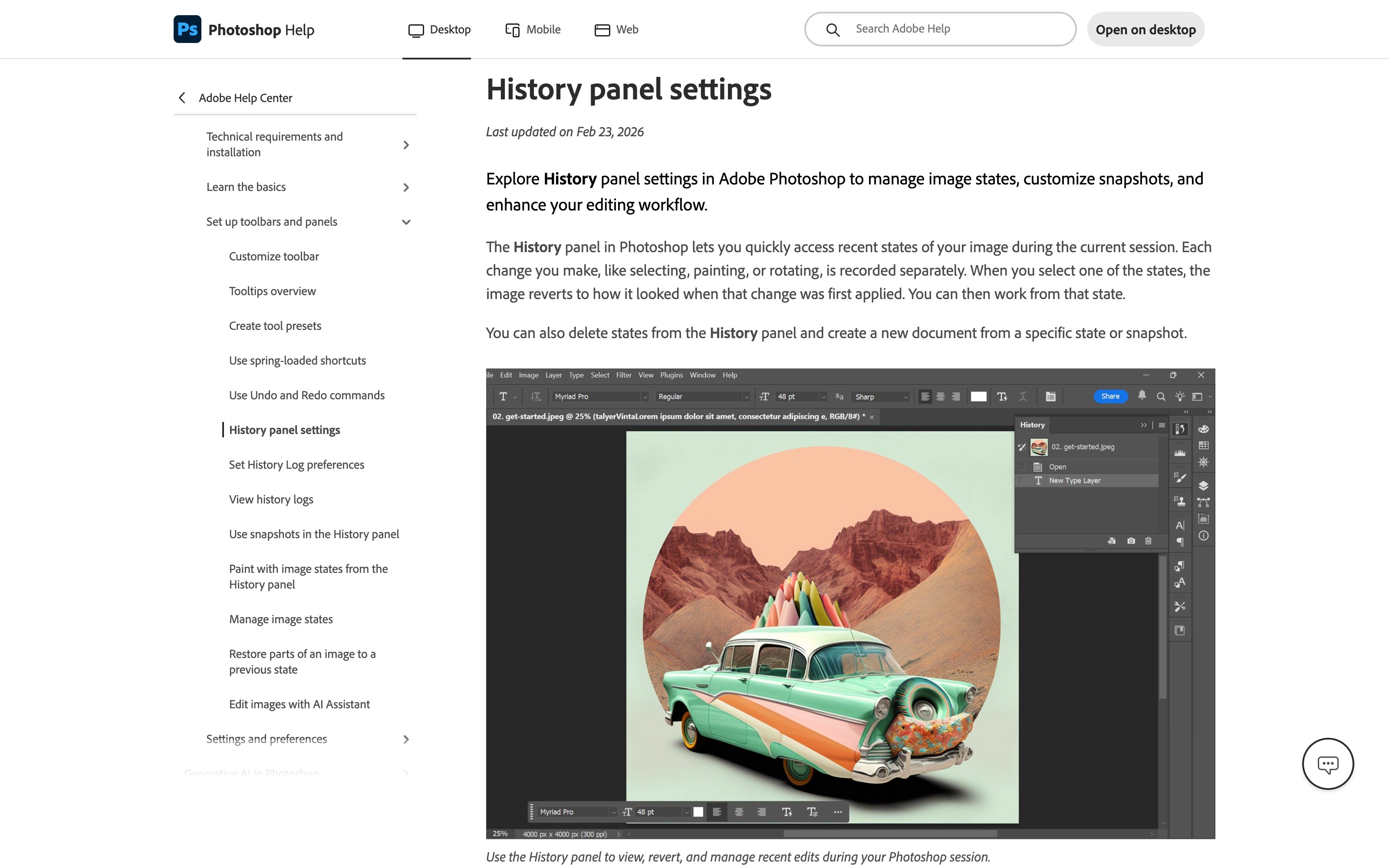
Adobe Photoshop · History panel
Adobe
Linear stack of prior document states in an always-visible panel — click any entry to walk back, with the undo keystroke stepping through the same stack. The non-AI reference for stack semantics on rich output; the keystroke, the stack, and the ambient affordance all in one surface.
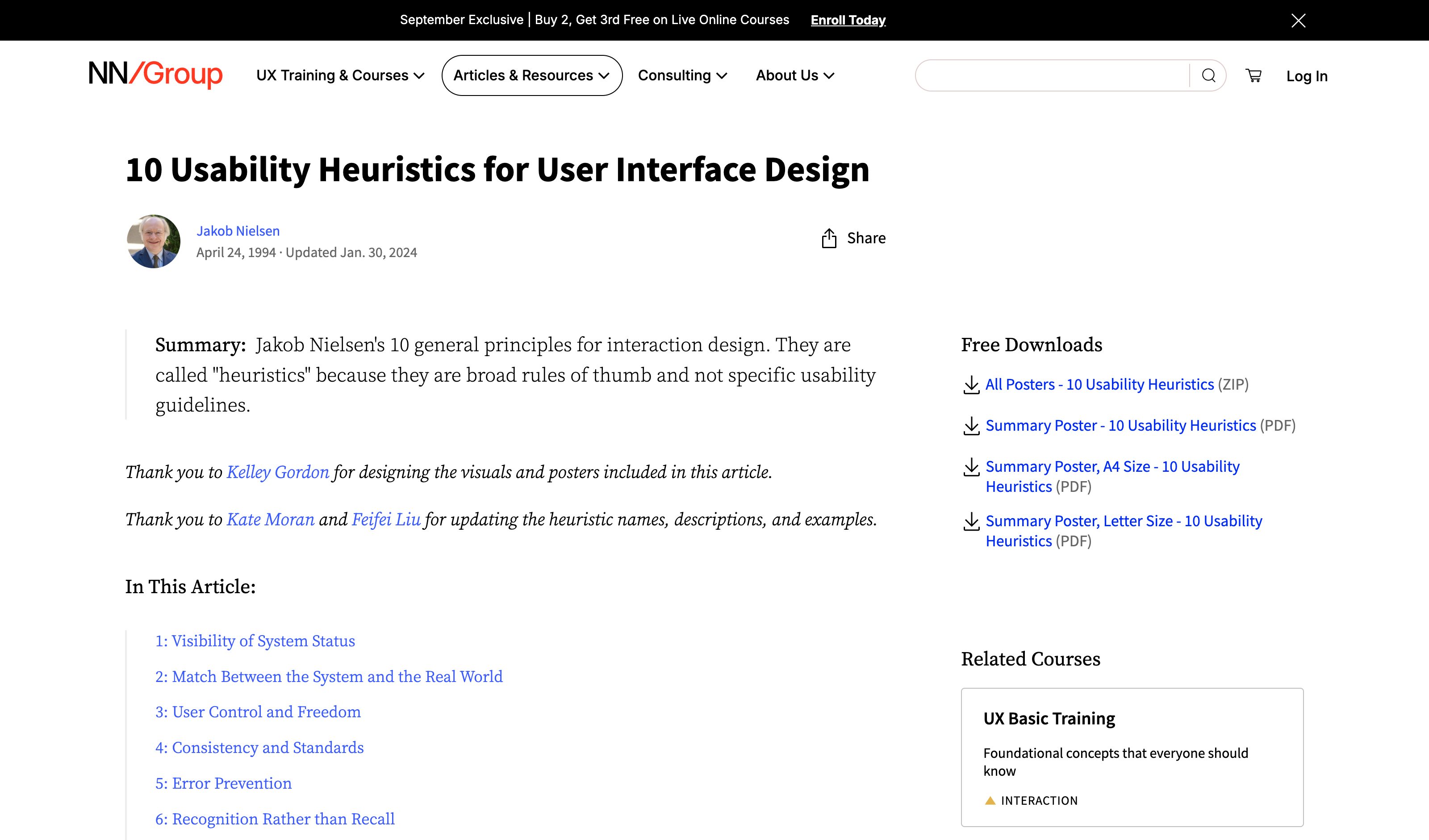
Cmd+Z in any text editor (1987 baseline)
Apple HIG · Tesler · Norman · Nielsen
The reference implementation. Cmd+Z works the same way in a 1987 Mac word processor and a 2026 Figma frame — without tutorials, settings, or menus. Adi Leviim's argument: AI products inherited 50 years of text editing without inheriting its most successful primitive.
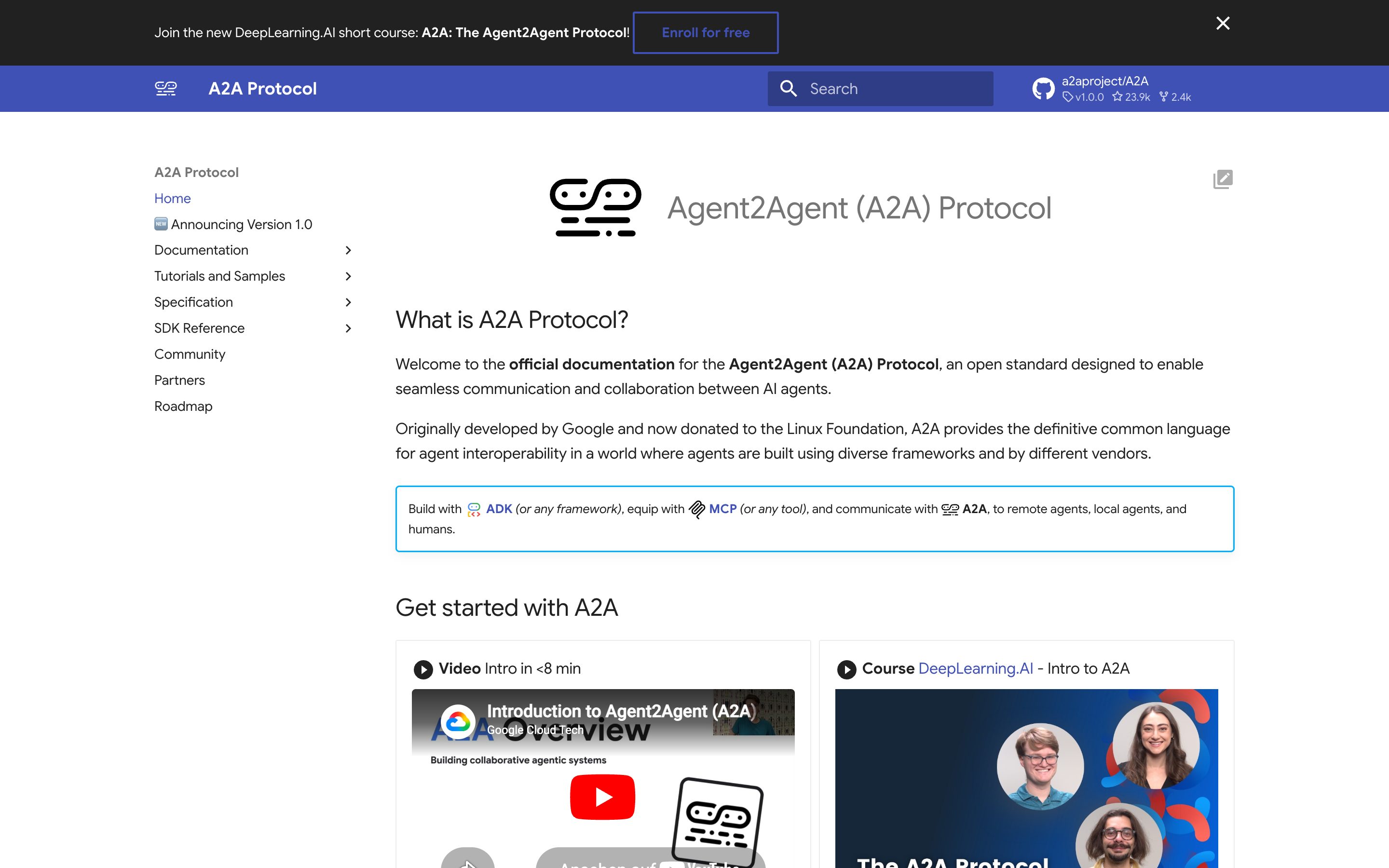
A2A protocol
Linux Foundation (orig. Google)
Peer-to-peer agent transport layer with Agent Cards (capability and skill manifests) and task objects (lifecycle states). The infrastructure foundation for marketplace-style delegation between agents on the open web.
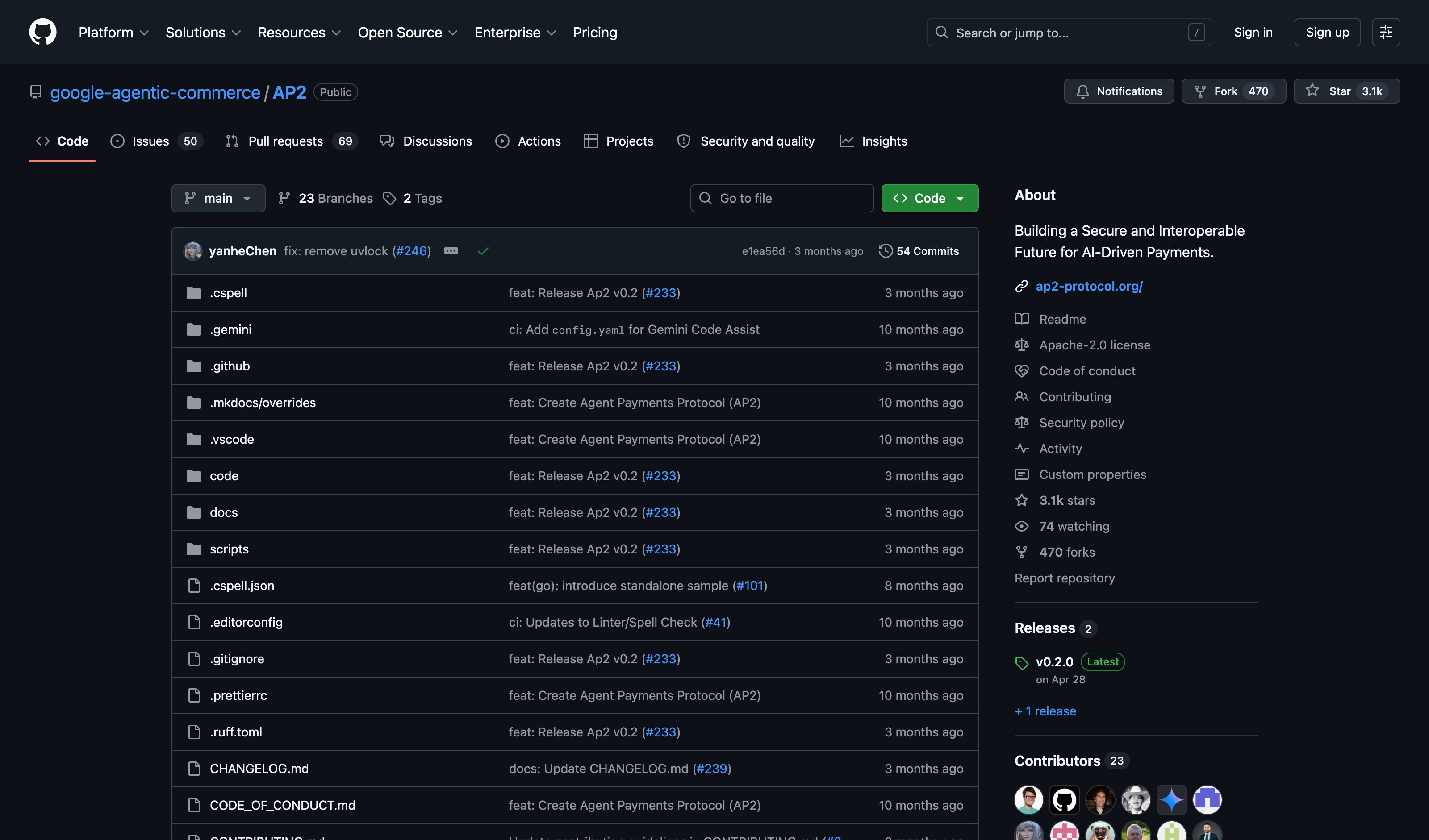
AP2 · Mandates
Google · Google Pay
Cryptographically signed intents authorising an agent to spend funds or incur costs on behalf of a principal. Provides the financial liability layer the bid market needs — a delegator can issue a mandate ceiling, bidders post stake against it.
EigenLayer · AVS operator marketplace
Eigen Labs
Game-theoretic open market from the web3 stack: operators stake to take on verification work and get slashed for faulty execution; delegators choose operators on stake, performance, and track record. The closest live staking-and-selection market after TrueBit's protocol was exploited and pivoted away (Jan 2026).
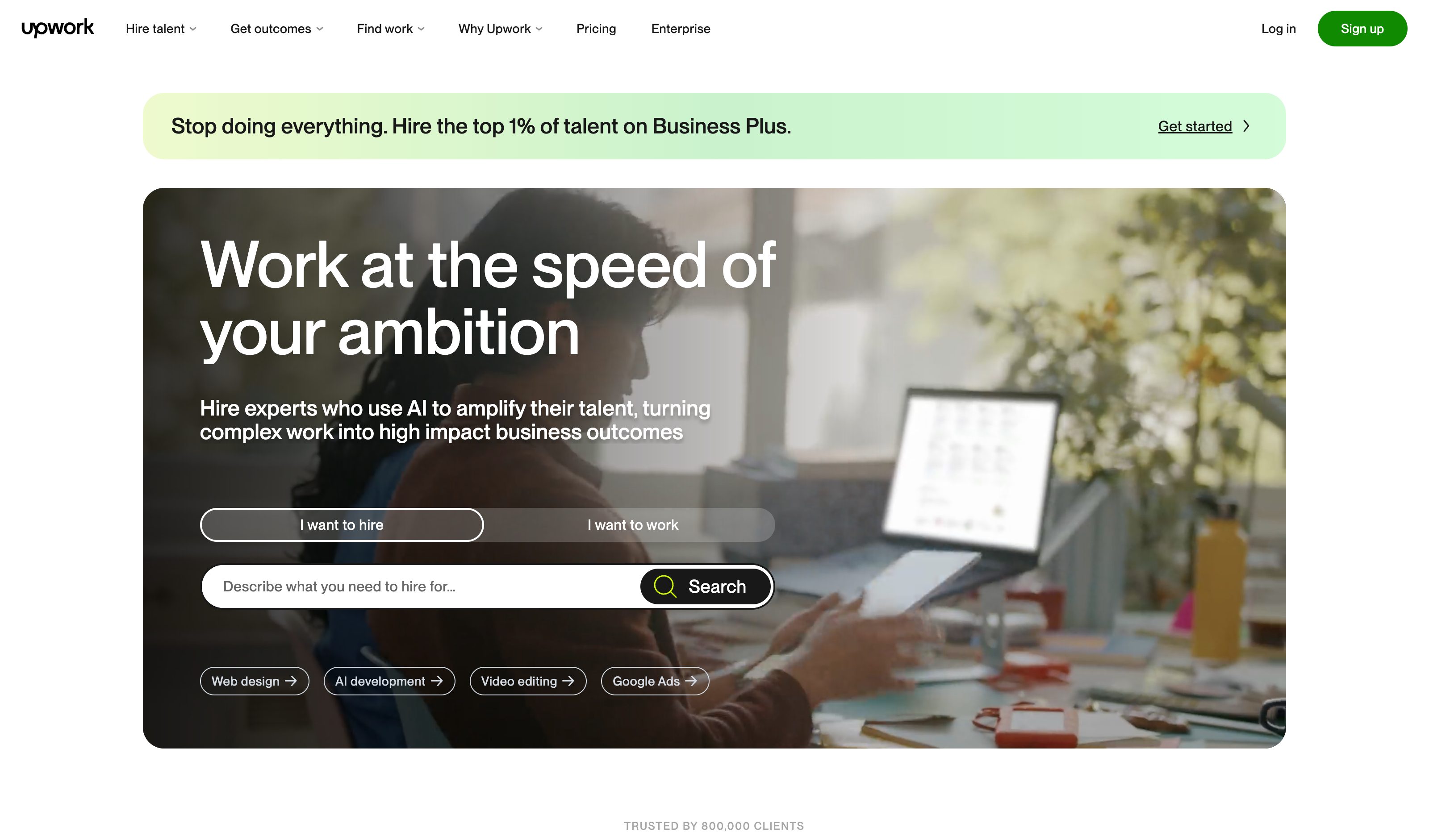
Upwork · open bidding (human analogue)
Upwork
The mature human analogue. Clients post tasks with budget ranges; freelancers submit proposals with rate, timeline, portfolio link, reputation score. Hiring decision is a Pareto trade-off across cost/quality/speed — the same shape as the agentic-web pattern, applied to humans for two decades.

C2PA · Content Credentials
C2PA · Adobe / OpenAI / Leica
A Content Credential is signed provenance data embedded in, or linked from, an image, video, audio file or document. A C2PA-enabled camera, AI generator or editing app adds it when it captures, generates or edits the file, recording when and with which device or tool the file was made, any edits since, and who signed the record. It travels with the file unless a platform strips it, and anyone can drop the file into the public Verify tool to see the signer and whether anything changed after signing. It proves where the file came from and that its record is intact, not that the signer's claims are true or that the work met criteria declared in advance.
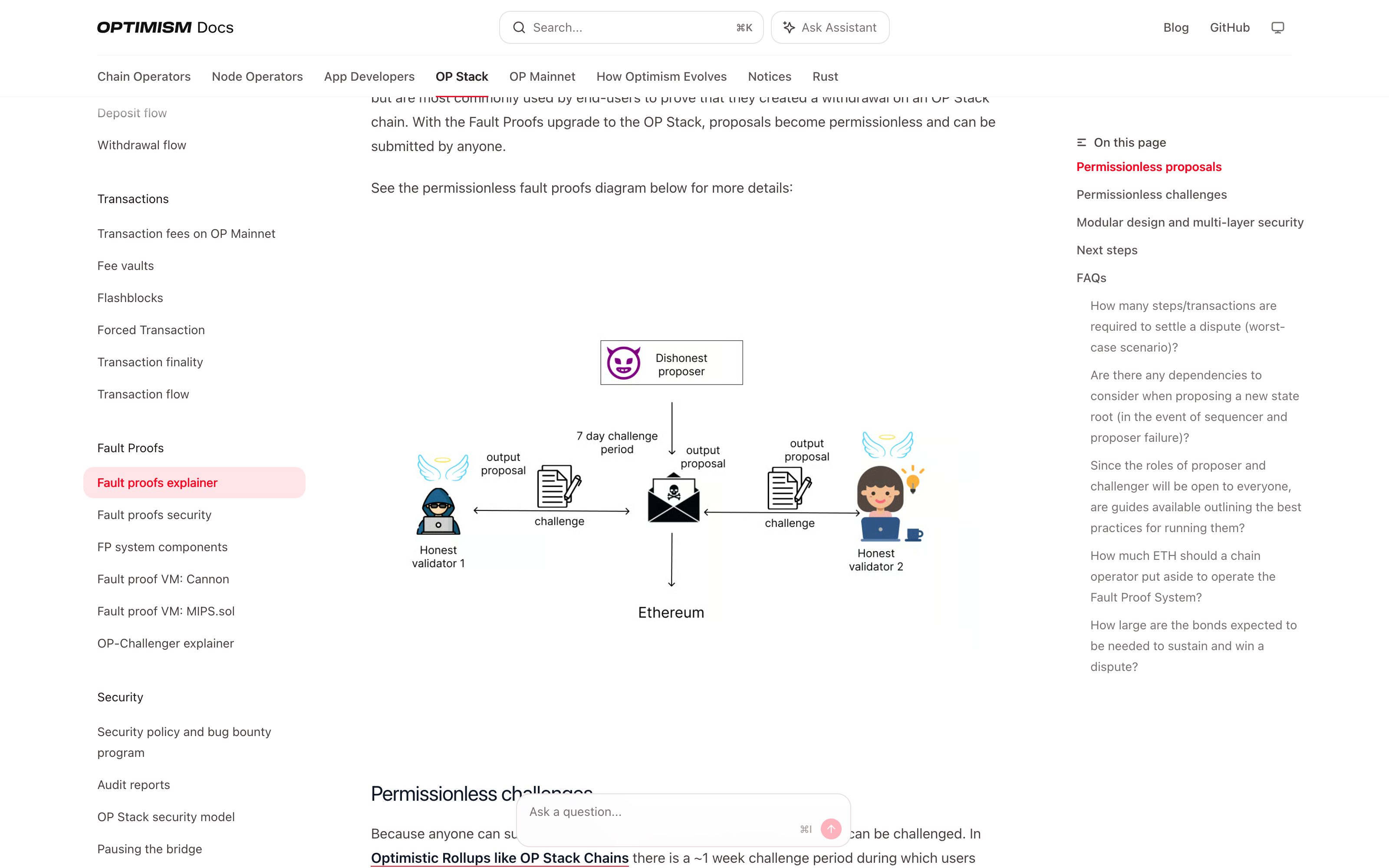
Optimism · Fault proofs
OP Labs
Optimistic verification: a claim about the chain's state is posted with a bond and stands unless someone challenges it within a ~1 week challenge period, and anyone can challenge it with the op-challenger tool. The two sides bisect the disputed execution down to a single instruction, which an onchain VM re-executes to settle who was right. A claim that is successfully countered pays its bond to the party that countered it. No proof travels with the result: trust comes from the open challenge, with the Optimism Security Council as a backstop.
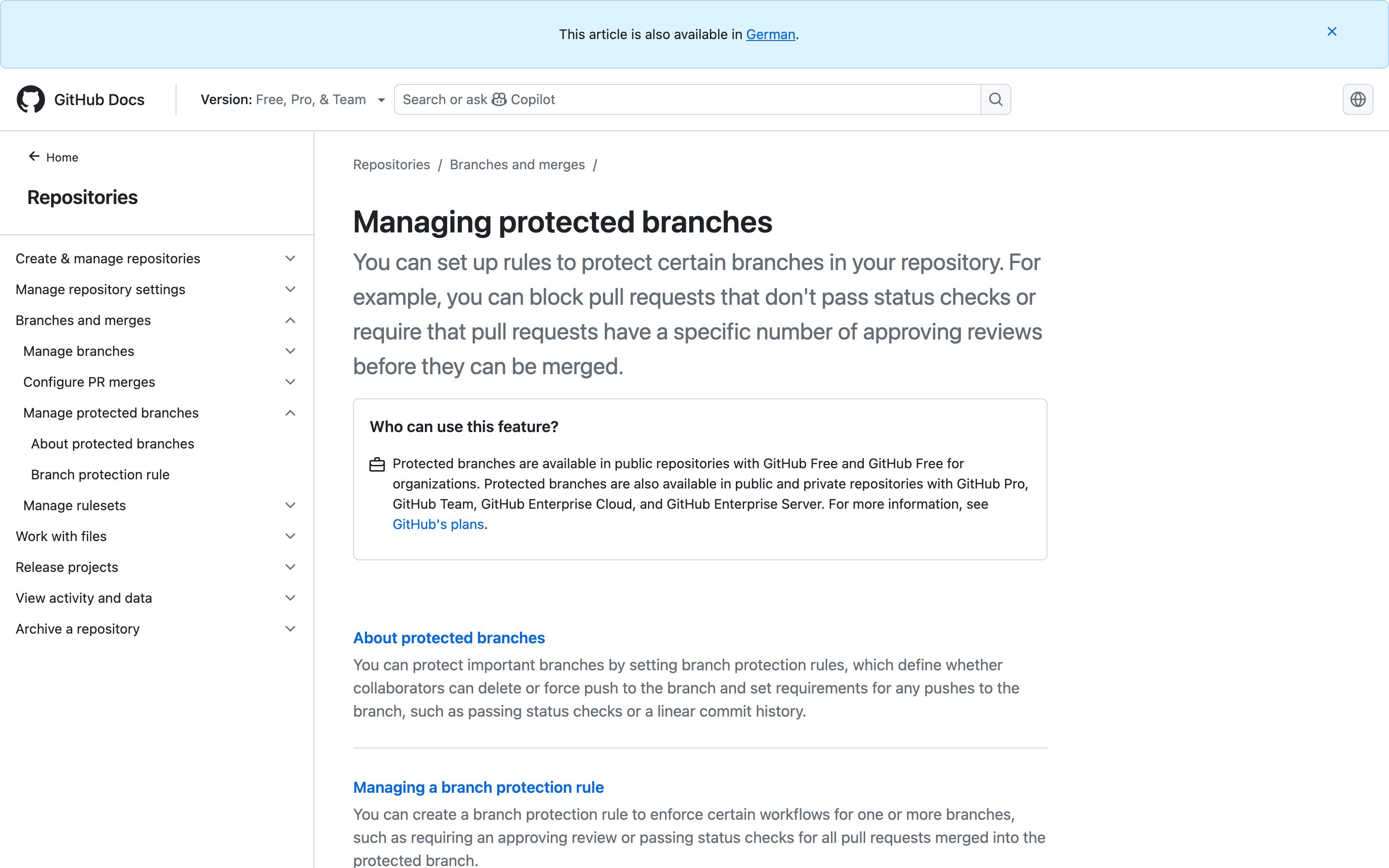
GitHub · Required status checks
GitHub
A branch protection rule can require that status checks, such as the test suite, pass before a pull request merges, and that commits are signed and verified; a ruleset can add the "Require code scanning results" rule with CodeQL as a required tool. Each required check can be tied to the GitHub App expected to report it, so "done" means passing checks from named verifiers, listed in the merge box. The check results live on GitHub, not in the git history; only the commit signatures travel with the code.
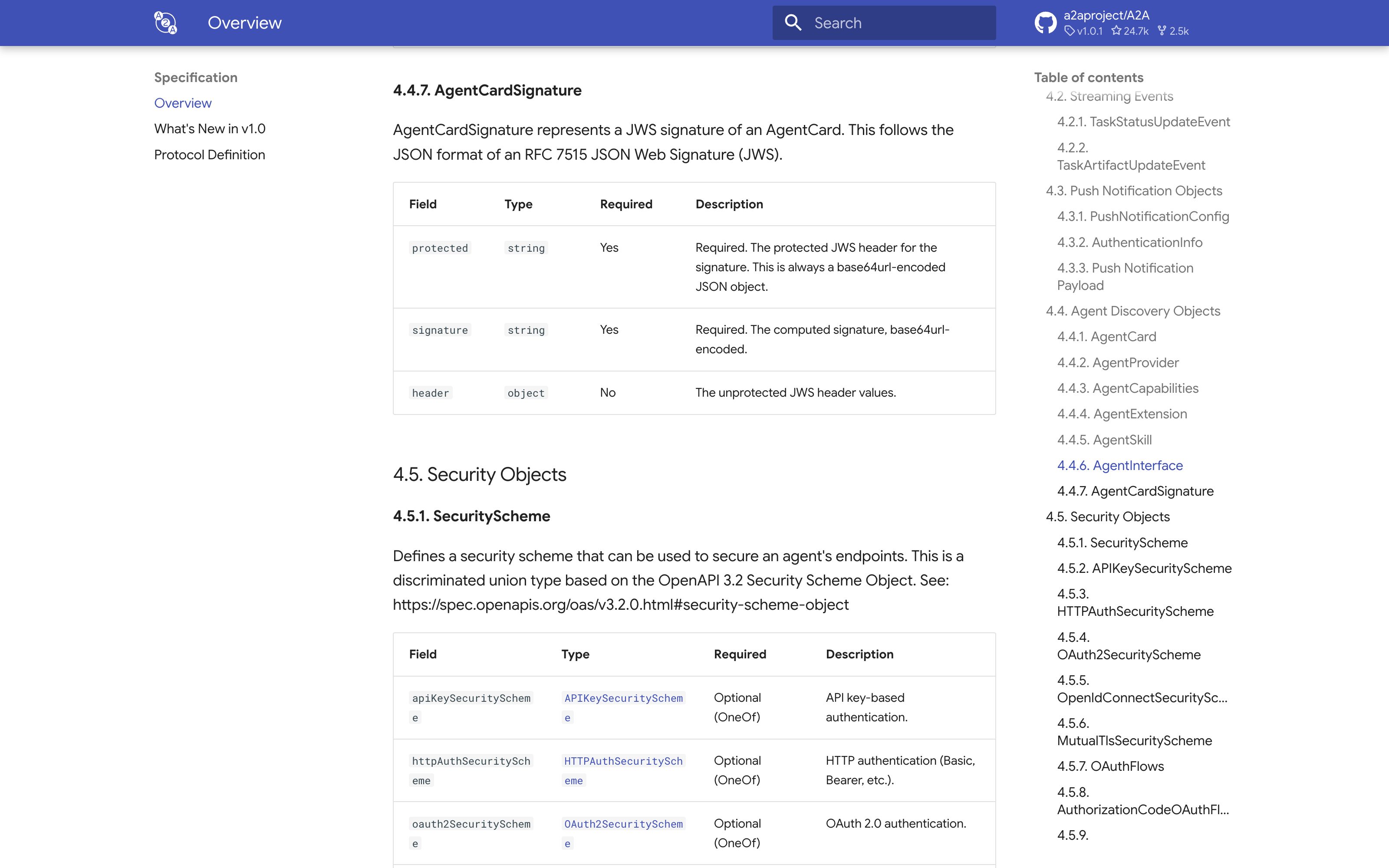
A2A Protocol · Signed Agent Cards
Agentic AI Foundation / Linux Foundation (orig. Google)
A2A v1.0 lets a provider attach an optional JSON Web Signature to its Agent Card (the AgentCardSignature object), so a client agent can check that the card is untampered and comes from the claimed provider before it delegates work. The proof stops at identity: the spec's Task and Artifact objects carry no signature. Signing task outputs exists only in open community proposals on the A2A repo, the oldest a Content Integrity Profile that adds a hash and signature to artifacts, filed in October 2025 and tagged for Technical Steering Committee review.
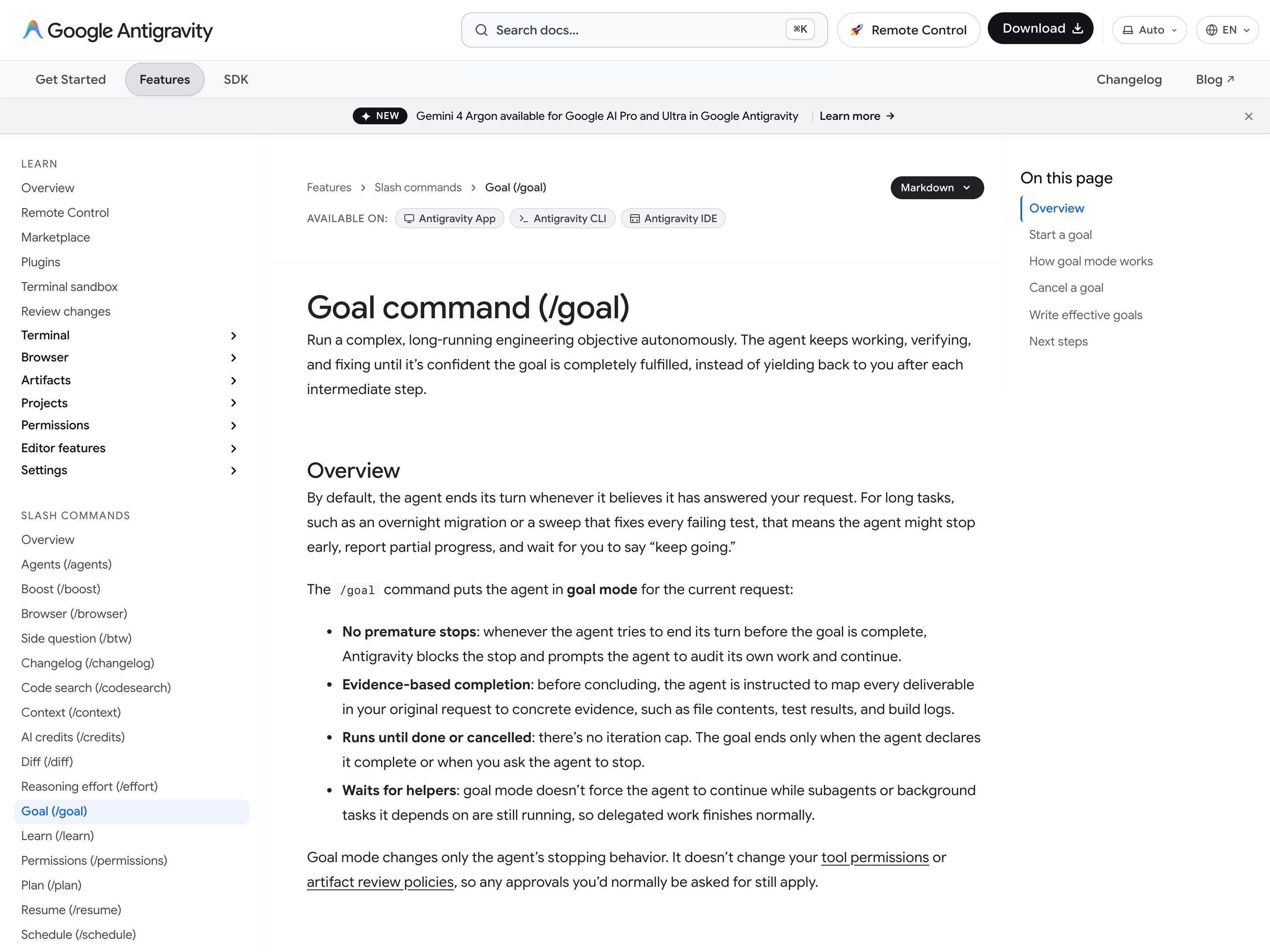
Google Antigravity · /goal
Type /goal and an objective, and the docs ask you to write explicit completion criteria that name the evidence, such as "all tests in packages/api pass". Before concluding, the agent is instructed to map every deliverable in the request to concrete evidence (file contents, test results, build logs). Separately, in the App and IDE a finished implementation gets a walkthrough artifact, a summary of the changes that for browser tasks often carries screenshots and screen recordings. The audit is the agent's own: nothing is signed or re-checked by a third party.

Aviation · Crew Resource Management (CRM)
ICAO / FAA
The reference implementation. After a string of crashes attributed to too-steep authority gradients between captain and first officer, the aviation industry codified Crew Resource Management — explicit two-challenge rule, mandated checklists, no-penalty push-back culture. Trained, audited, mandatory.
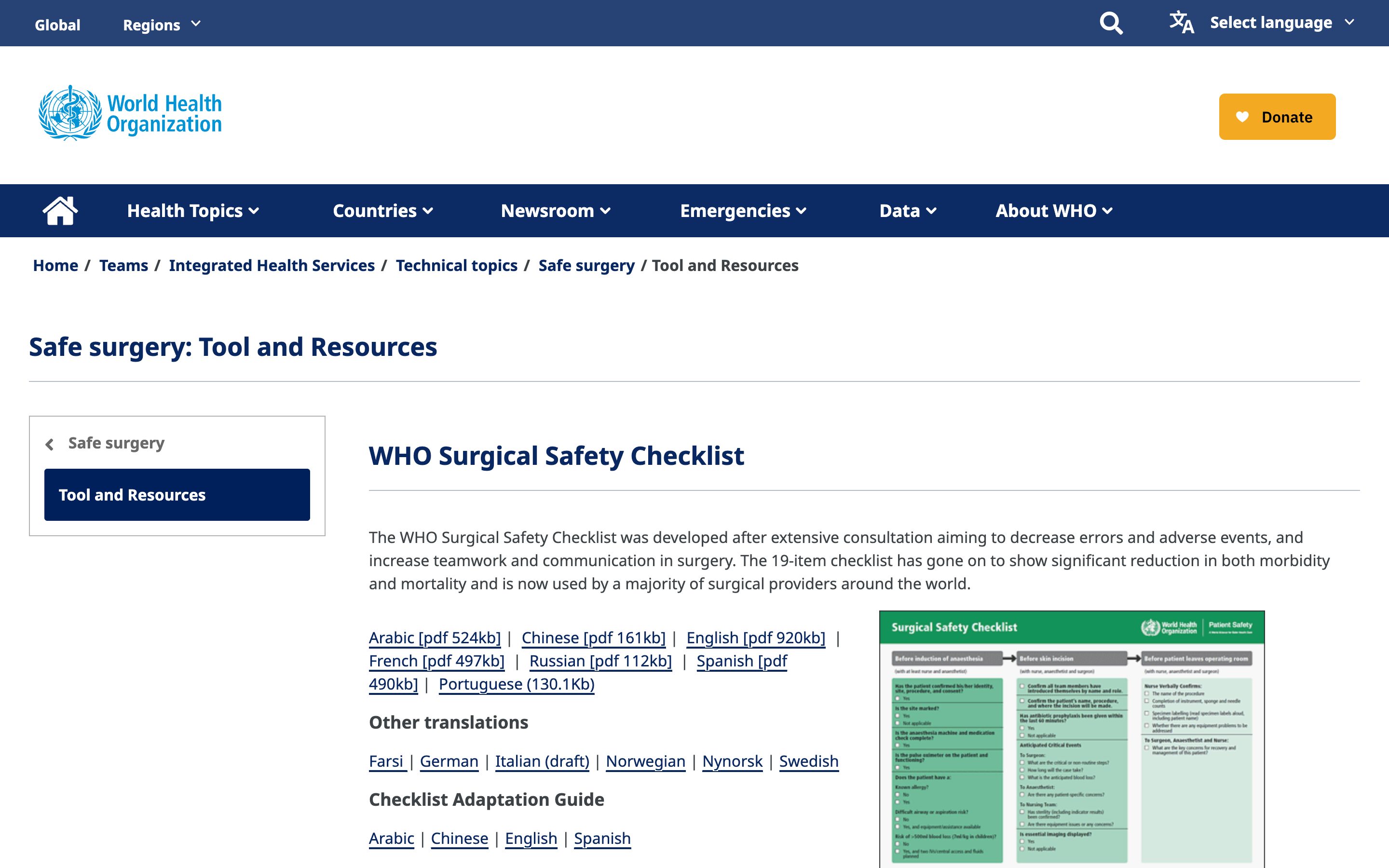
WHO · Surgical Safety Checklist
World Health Organization
Three-stage pre-/intra-/post-op checklist that mandates the most-junior team member voice concerns. Cut surgical mortality by ~47% in pilot studies. Authority gradient flattened by protocol, not by personality.
Anthropic · Constitutional Classifiers
Anthropic
A separate classifier system runs alongside the generator in production and can block or flag its outputs against a constitution (cut universal-jailbreak success from 86% to 4.4%). A live second system that outranks the first on safety grounds — the closest shipped authority gradient in the AI stack.
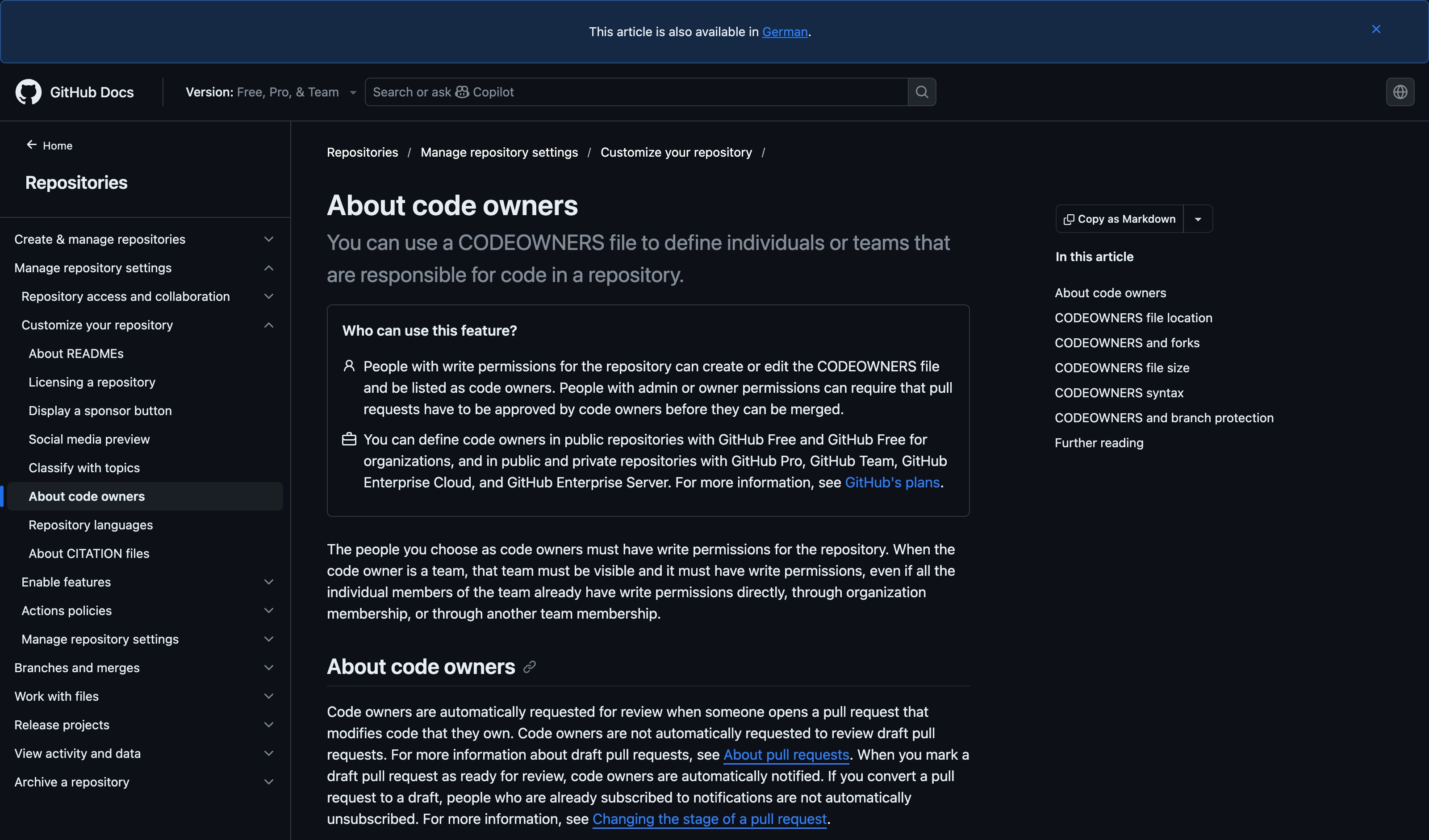
GitHub · CODEOWNERS + required reviewers
GitHub
For sensitive code paths, a required reviewer with explicit domain authority must sign off. The PR author and reviewer occupy known positions on the authority gradient, and the system enforces the gap. Closest software-engineering analogue.
Apple · Authentication Required (tiered)
Apple
iOS/macOS prompts scale by sensitivity: silent for app-launch, Touch ID for low-stakes purchases, Face ID + 6-digit passcode for App Store, full passcode after restart. The same OS-level pattern, applied to four different stakes tiers.
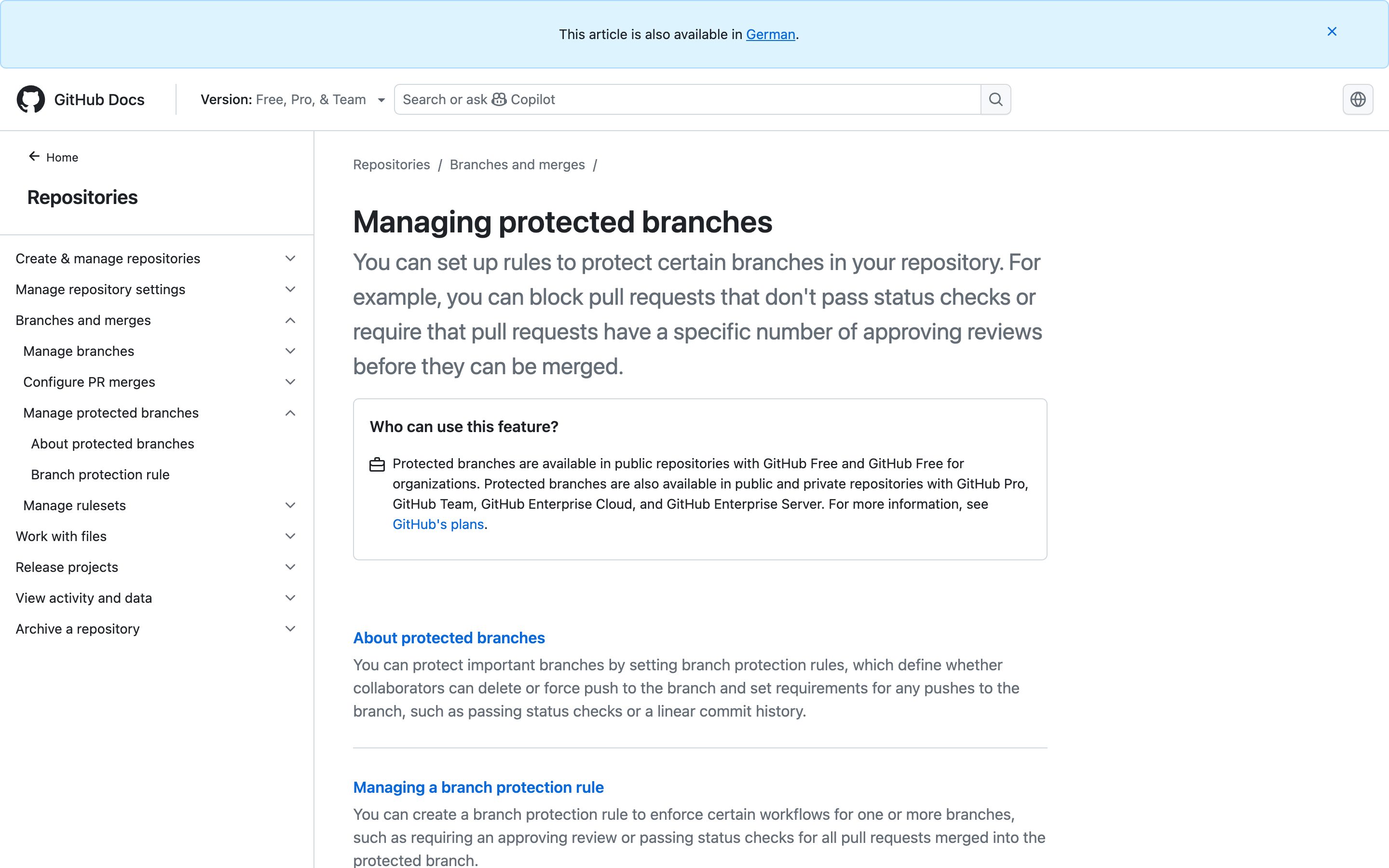
GitHub · Branch Protection Rules
GitHub
Different branches get different friction: main requires reviews + status checks + linear history; feature branches require nothing. Friction proportional to blast radius, configured as policy.
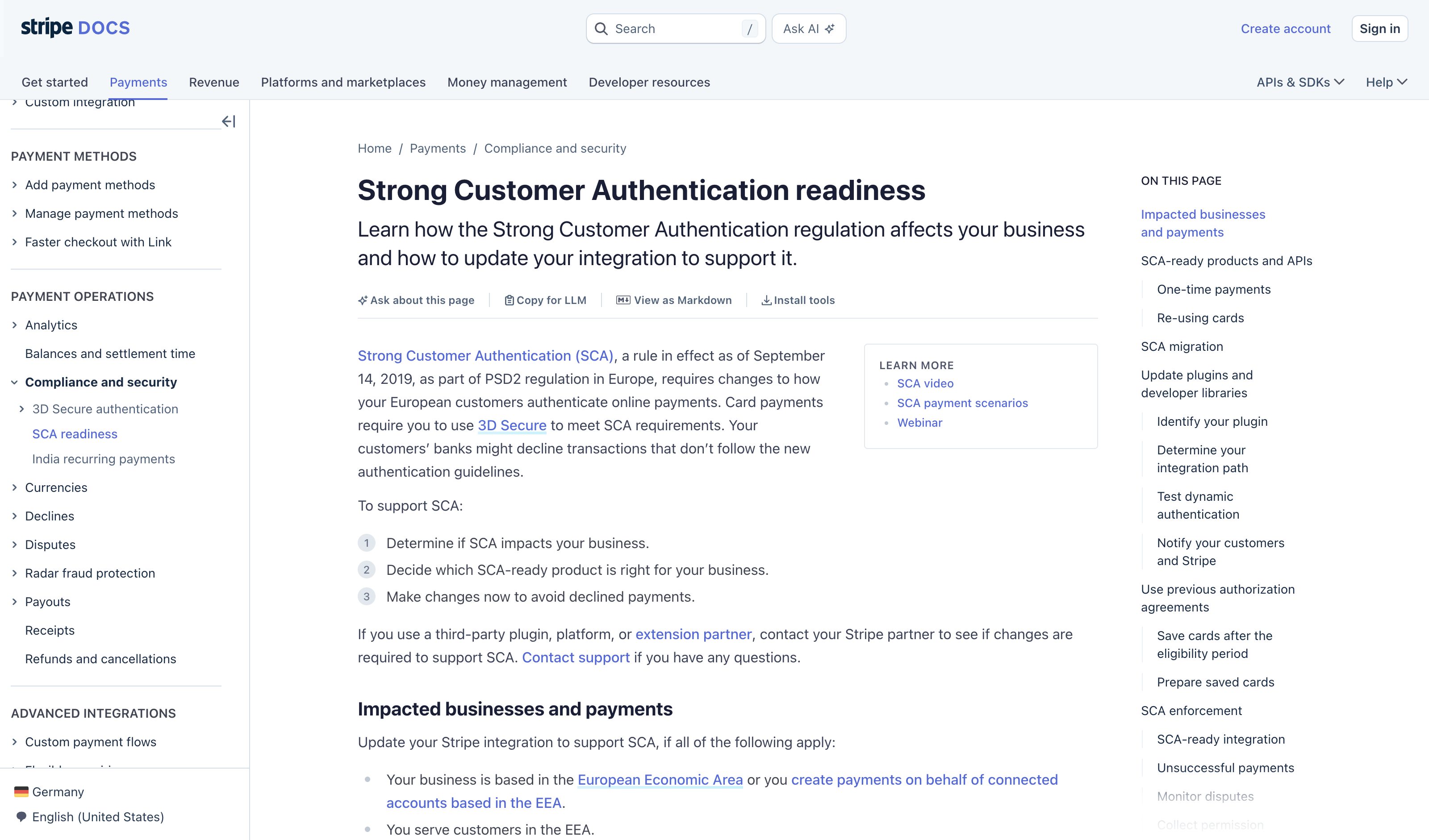
Stripe · Strong Customer Authentication
Stripe
Low-value contactless transactions waved through; high-value or unusual transactions trigger 3D Secure step-up. PSD2 codified the principle: friction calibrated to risk score, not flat per transaction.
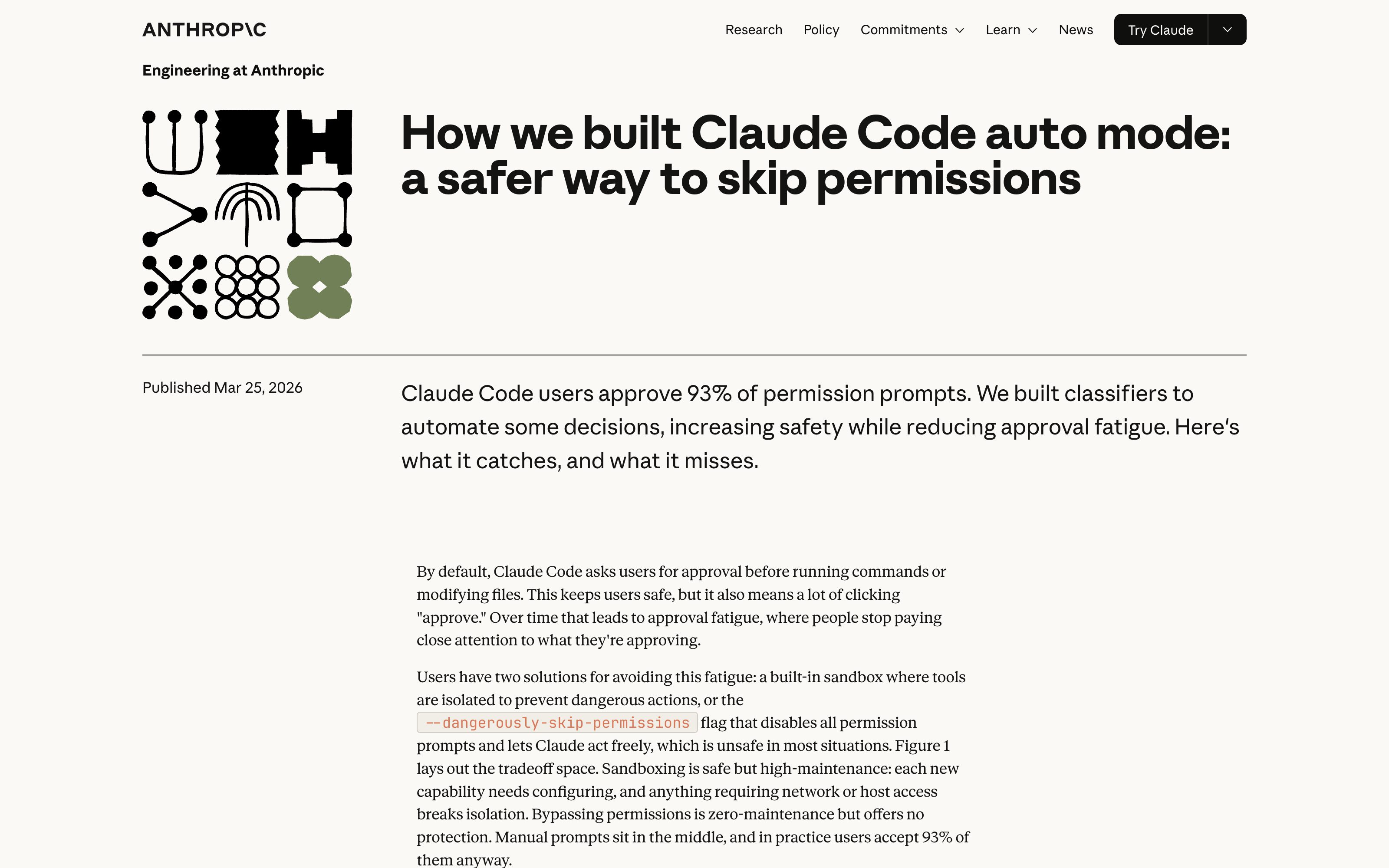
Anthropic · Claude Code permission prompts
Anthropic
Claude Code gates destructive actions (rm -rf, force-push, git reset --hard) behind confirmation prompts while reversible edits flow freely — stakes-aware friction shipped in a mainstream agent, with the override itself an explicit, logged choice.
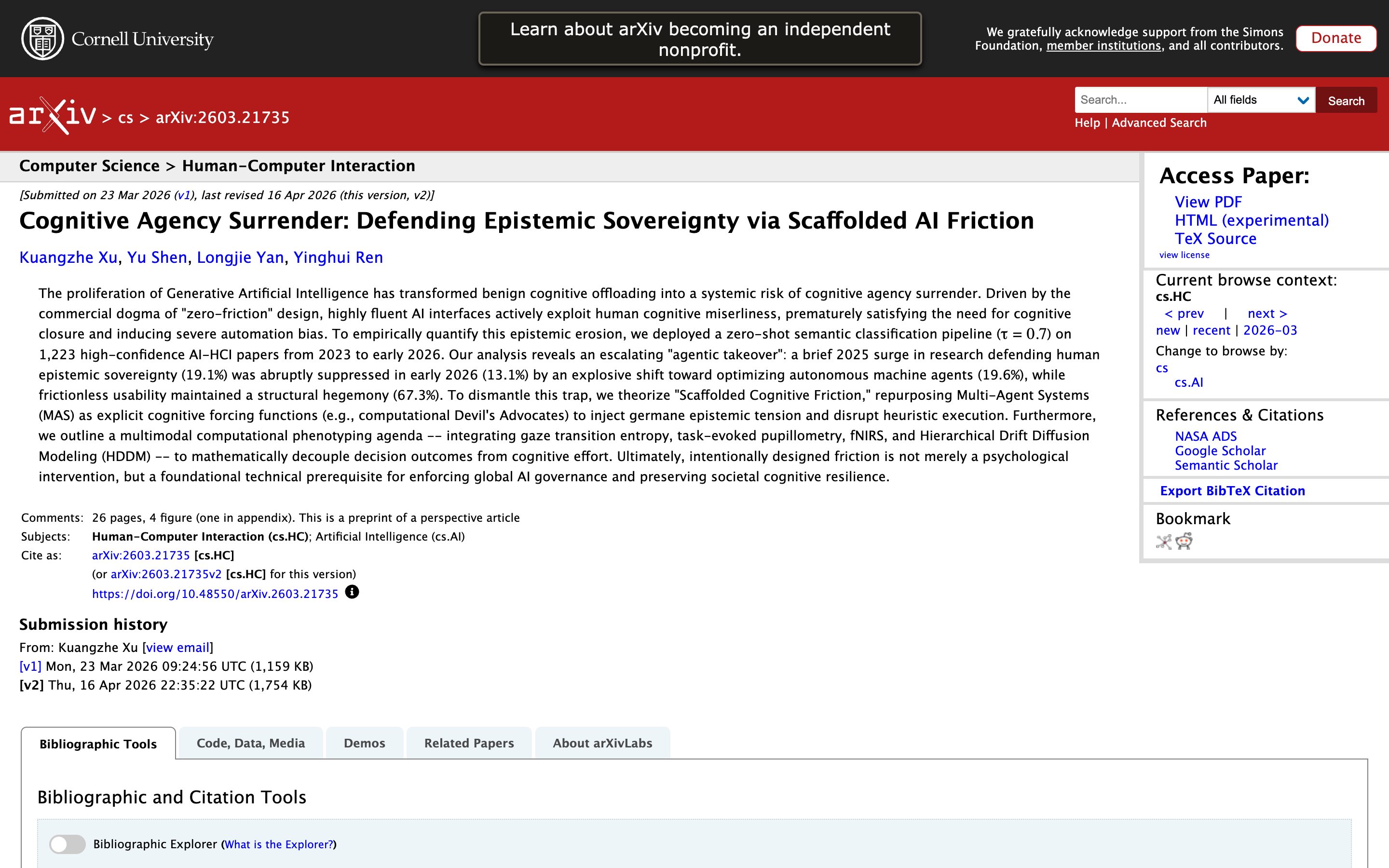
Cognitive Agency Surrender: Defending Epistemic Sovereignty via Scaffolded AI Friction
Academic source · Xu, Shen, Yan, Ren (Cyberspace Security University of China, Mar 2026)
Independent argument for *scaffolded* friction — designed to preserve user epistemic agency, not just gate dangerous actions. Same pattern, different load-bearing rationale (cognitive sovereignty over operational safety). Useful counter-frame.
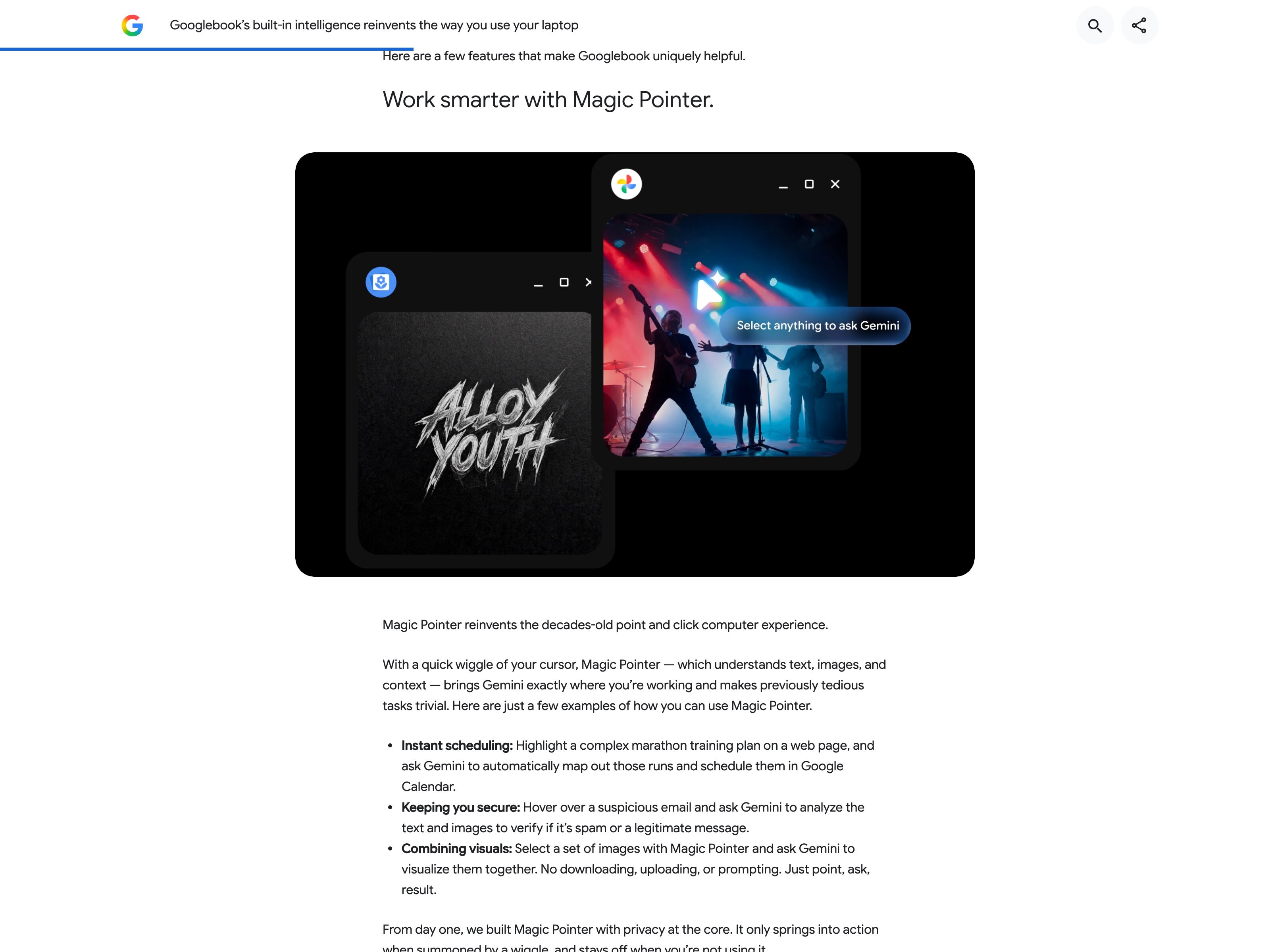
Google · Magic Pointer (Googlebook)
On sale since October 2026, Googlebook only. Start it from the status bar, Action + G or an optional cursor wiggle. The rest of the screen dims and you pick text, images, files or a dragged box, up to 10 items; Google's demo pulls images from two app windows into one request. Each pick is highlighted or outlined and sits as a thumbnail in the prompt card until you send. Where it falls short of the move: the help page documents a typed or suggested prompt, not a voice mode of its own; no label names what was resolved; and in Google's demo the answer appears in a separate Gemini card, not inside the app you pointed at.
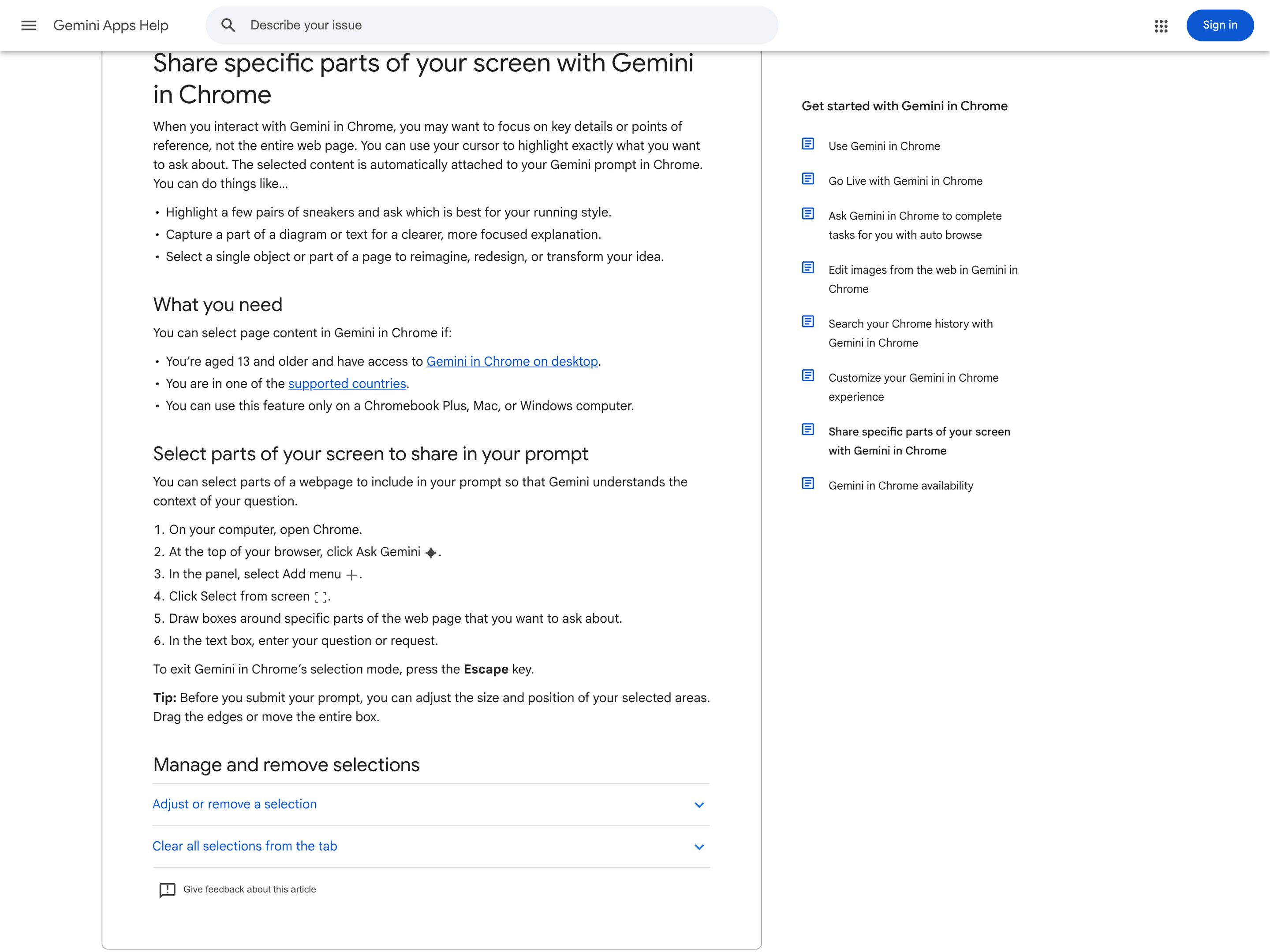
Google · Gemini in Chrome (Select from screen)
Shipping since May 2026 in desktop Chrome on Mac, Windows and Chromebook Plus. In the Gemini side panel you pick Select from screen and draw boxes around the products, text or image parts you mean. The crops show as thumbnails in the prompt box, next to a chip for the whole tab, which Gemini also gets by default. That covers the deictic anchor but not the whole move: you draw boxes instead of pointing, and you type the request (Gemini Live takes voice, but only for whole tabs). The answer lands in the side panel, not in place, and the feature stops at Chrome's edge. DeepMind's point-and-speak pointer is a research demo.
Apple Intelligence · Image Wand
Apple
Closest neighbour at the OS level — draw a rough shape around something on screen, the wand resolves the bounded region. Less continuous than a hover-tracking cursor, but the same "point and let the system resolve" geometry.
Anthropic · Computer Use
Anthropic
The agent-side analogue: the model resolves coordinates and clicks at them. Pointer-as-Prompt is the user-side counterpart — both treat the cursor as the resolution surface between intent and pixels.
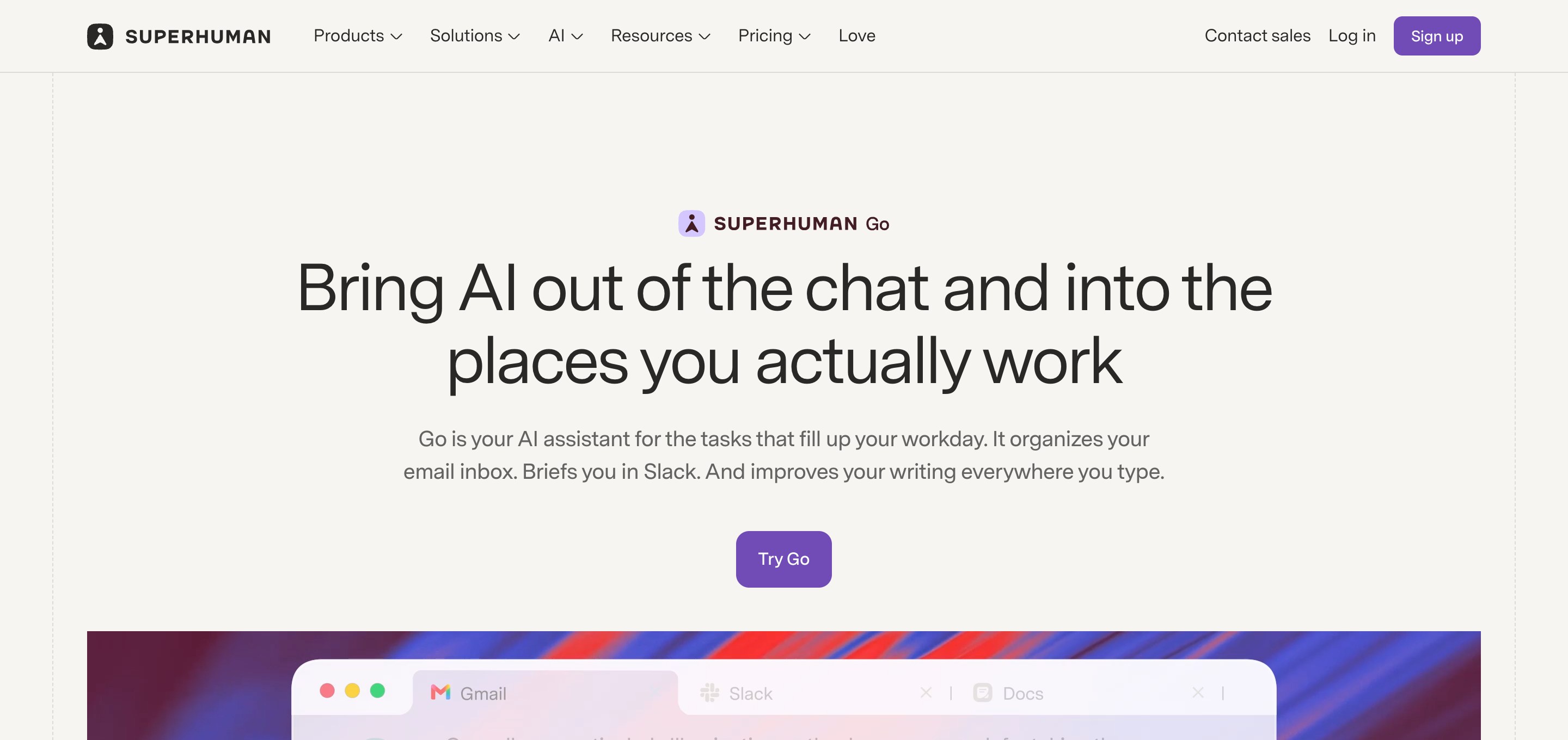
Superhuman Go · agent roster
Superhuman
The consumer case the other four entries lack — they are all developer tools. Go is a designed character with motion built into its UI as a deliberate signal that it is thinking, coordinating a roster of named specialists the user curates: Grammarly, Email Assistant, Knowledge Checker, Daily Brief, plus custom agents from a store. The identity work is real but asymmetric — the coordinator has a face, while the specialists carry names and remits without a per-agent colour following their output across surfaces.
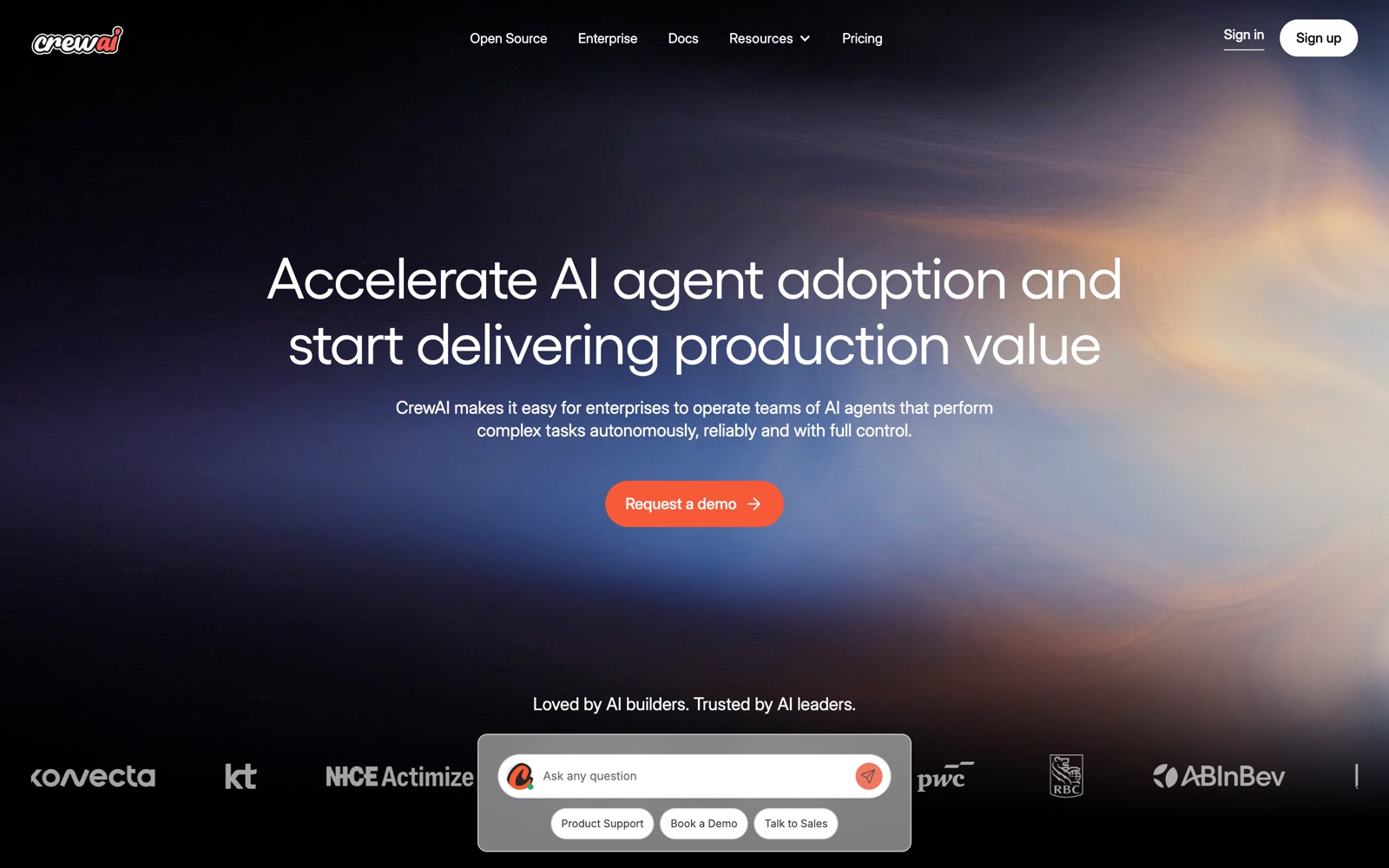
CrewAI · Agent Cards
CrewAI
Every agent gets a Name, Role, Goal, and Backstory rendered as a card in the playground. Outputs are tagged with the agent that produced them. The clearest production framing of distinct-agents-as-distinct-faces.
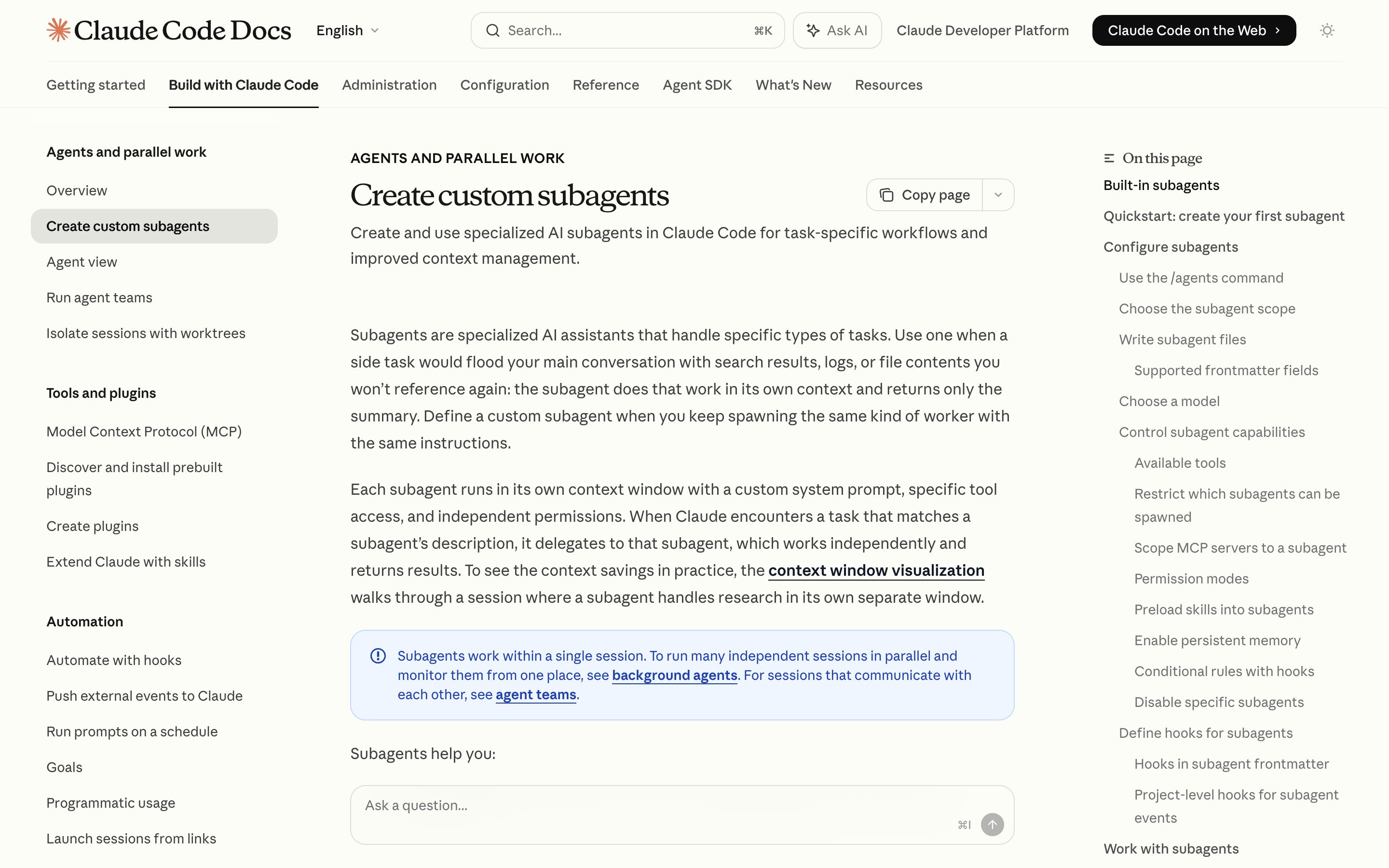
Claude Code · subagents
Anthropic
Specialist agents (code-reviewer, debugger, frontend-developer, etc.) defined by name + role + tool allowlist, plus a `color` frontmatter field that renders each subagent in its own display color in the task list and transcript. Every dispatched call surfaces the subagent name, so attribution survives across long sessions — the clearest shipping proof of color-coded agent identity.
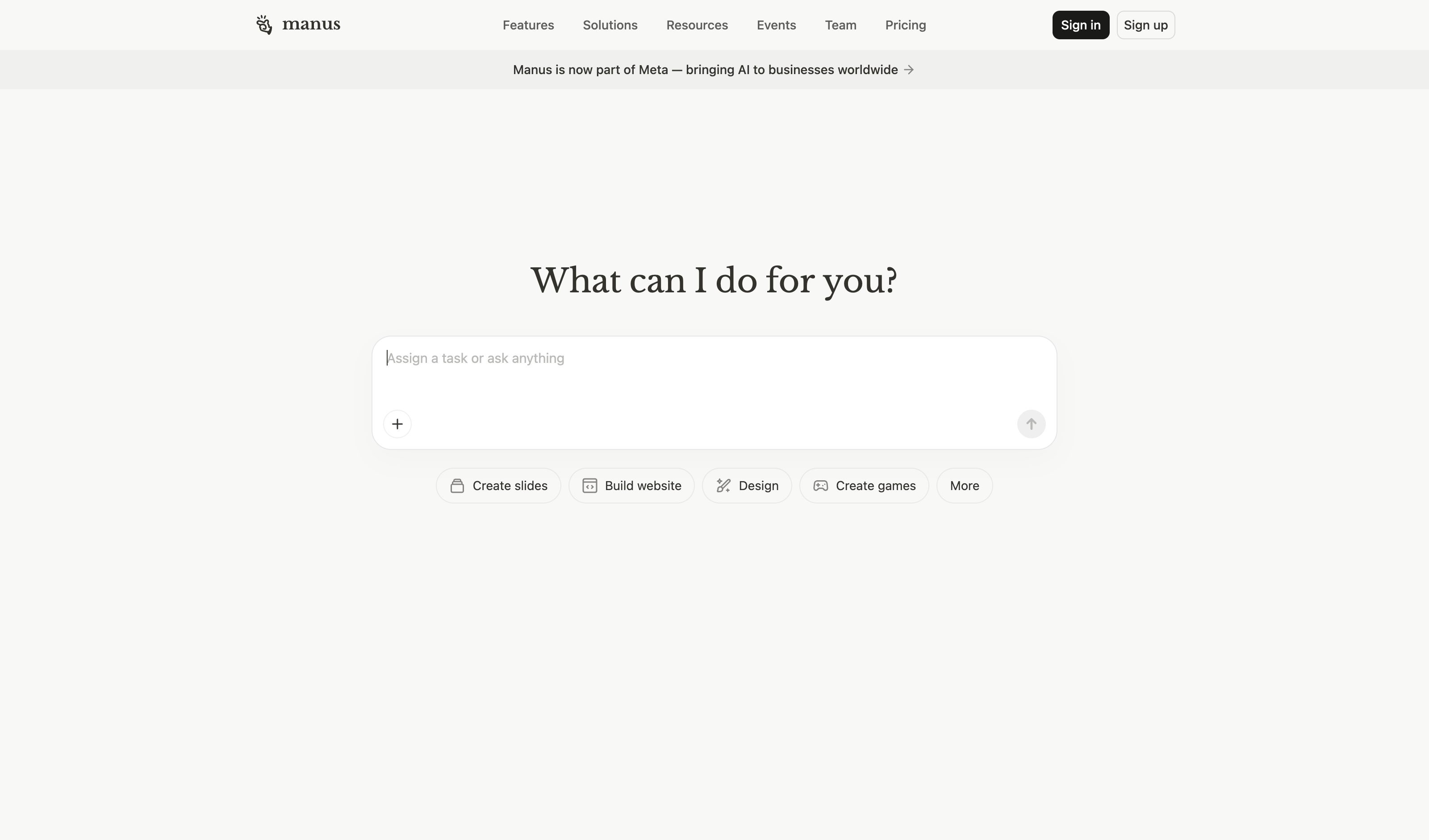
Manus AI · internal agent roles
Monica · Manus
Internal Planner / Executor / Verifier architecture — distinct roles exist in the orchestration layer, but they are not consistently exposed as labelled agents in the user-facing live log. The gap between internal role separation and visible identity is exactly what this pattern names.
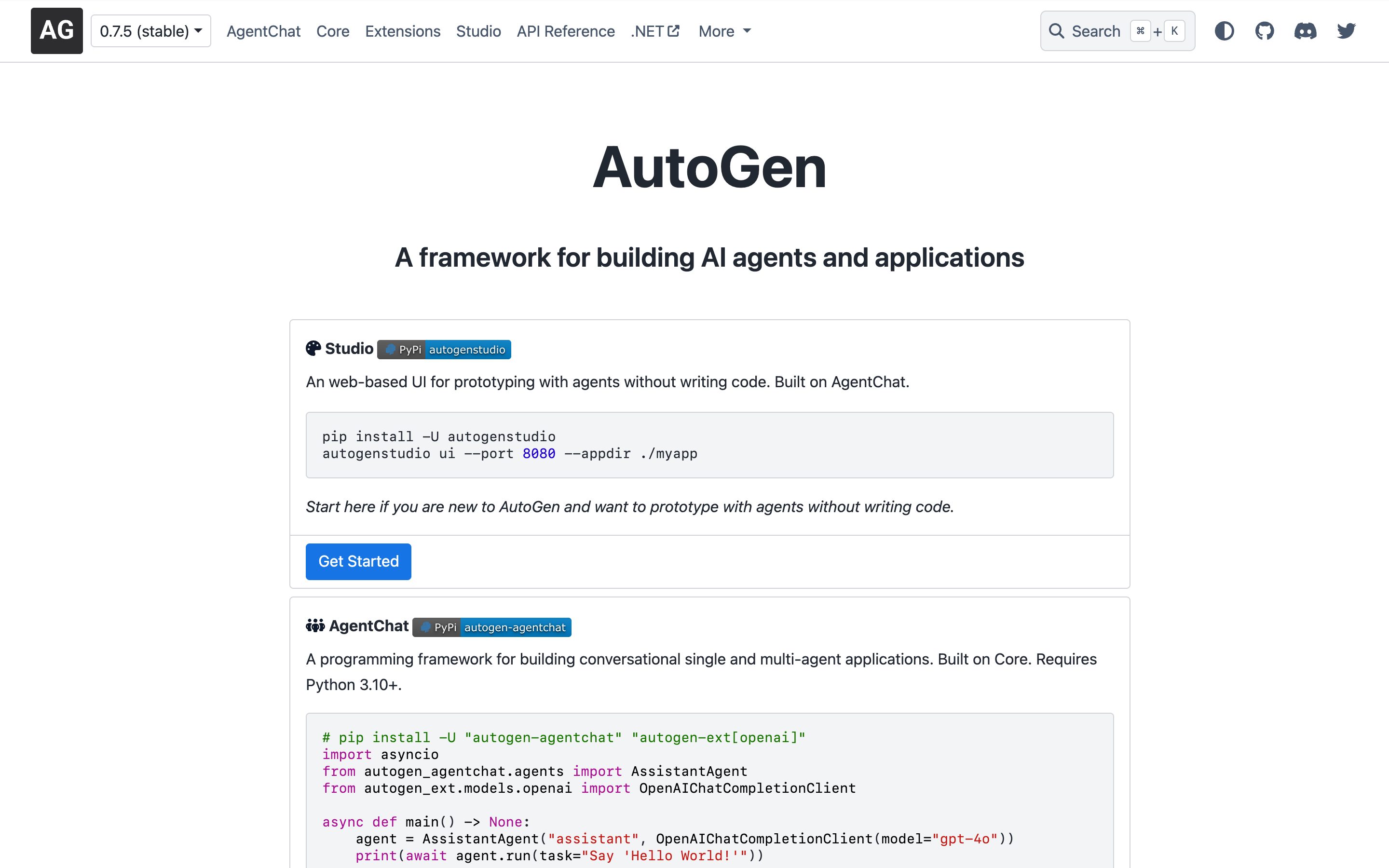
AutoGen Studio · agent gallery
Microsoft Research
Multi-agent orchestration with a gallery view: each agent rendered as a card with system prompt, tools, and history. Conversations between agents are visualised as labelled message flows.
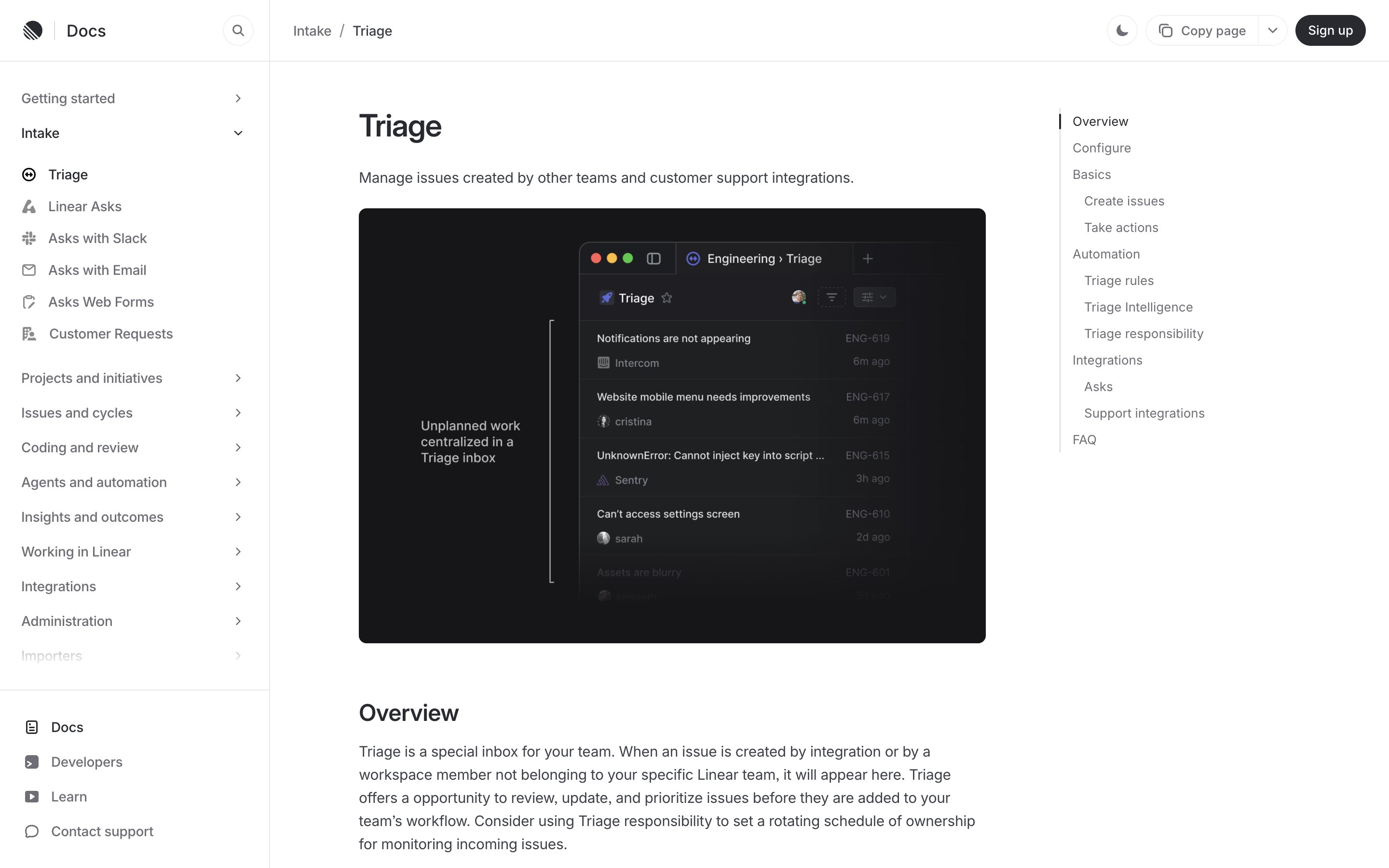
Linear · Triage queue
Linear
Incoming issues land in a shared inbox and wait for batch review — accept, snooze, mark duplicate — before they enter the workflow, with optional rotation of triage responsibility. The strongest analogue in the set: review happens on the reviewer's rhythm, not per event.
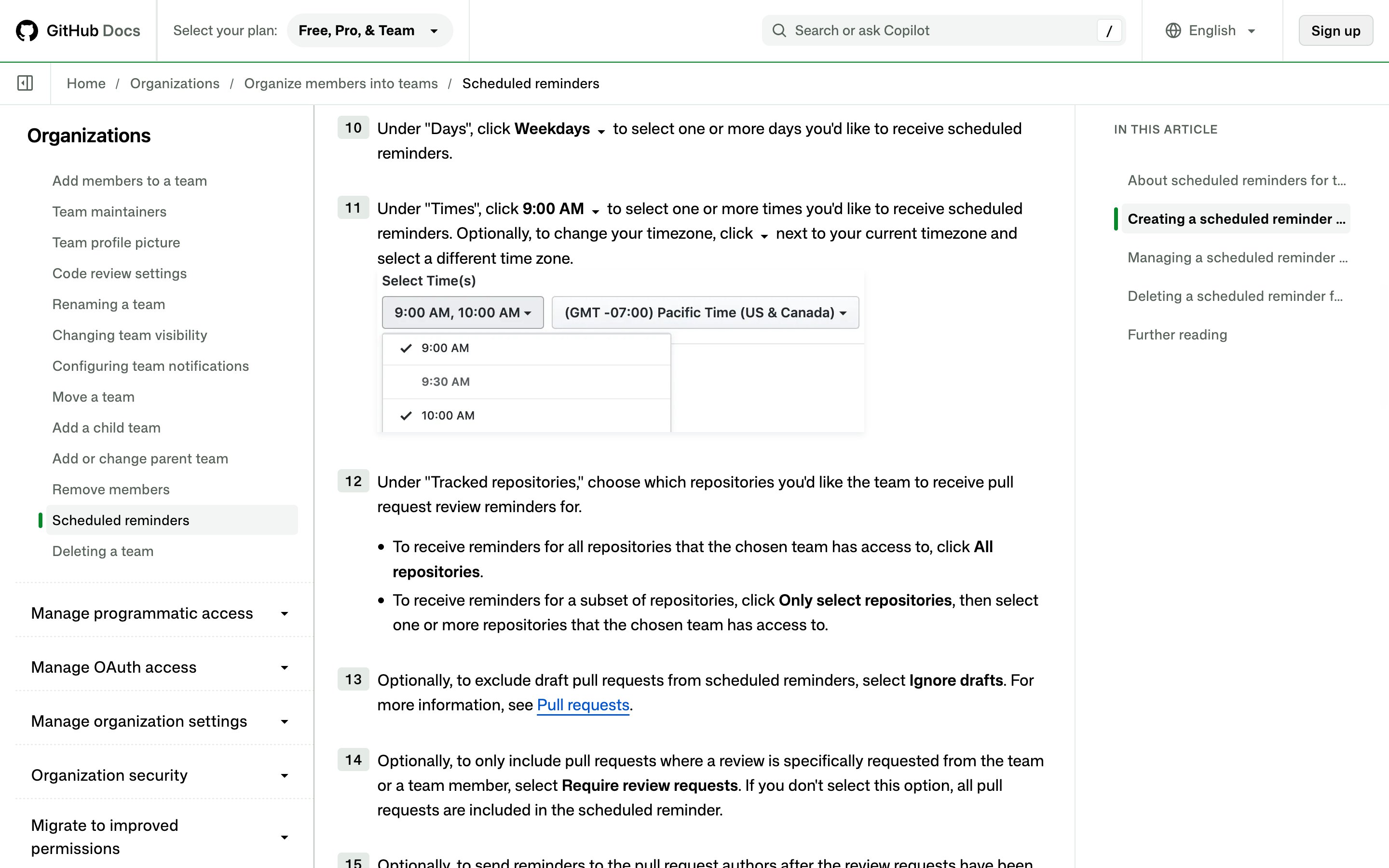
GitHub · Scheduled reminders
GitHub
Posts a digest of pull requests awaiting review to Slack at times the team chooses — cadence-based batching instead of a ping per PR. Note the destination: it digests into Slack; GitHub ships no native daily PR digest.
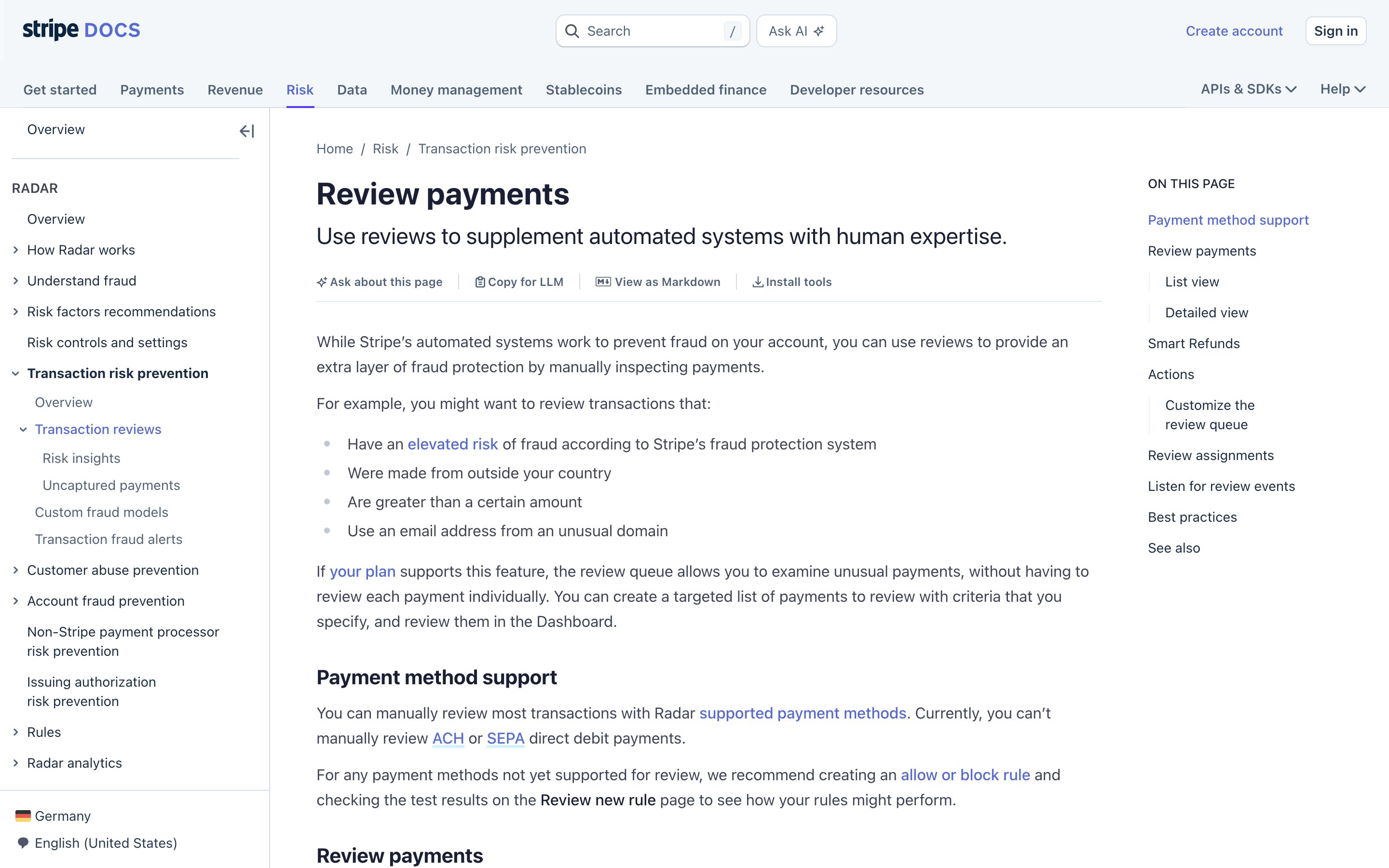
Stripe · Radar review queue (Plus/Pro)
Stripe
Flagged payments queue into a prioritized list that analysts work through in batches, assigning themselves and filtering to what they own. Manual review needs Radar Plus or Pro, and payments in the queue have usually already gone through — a batched review surface, not a blocking gate.
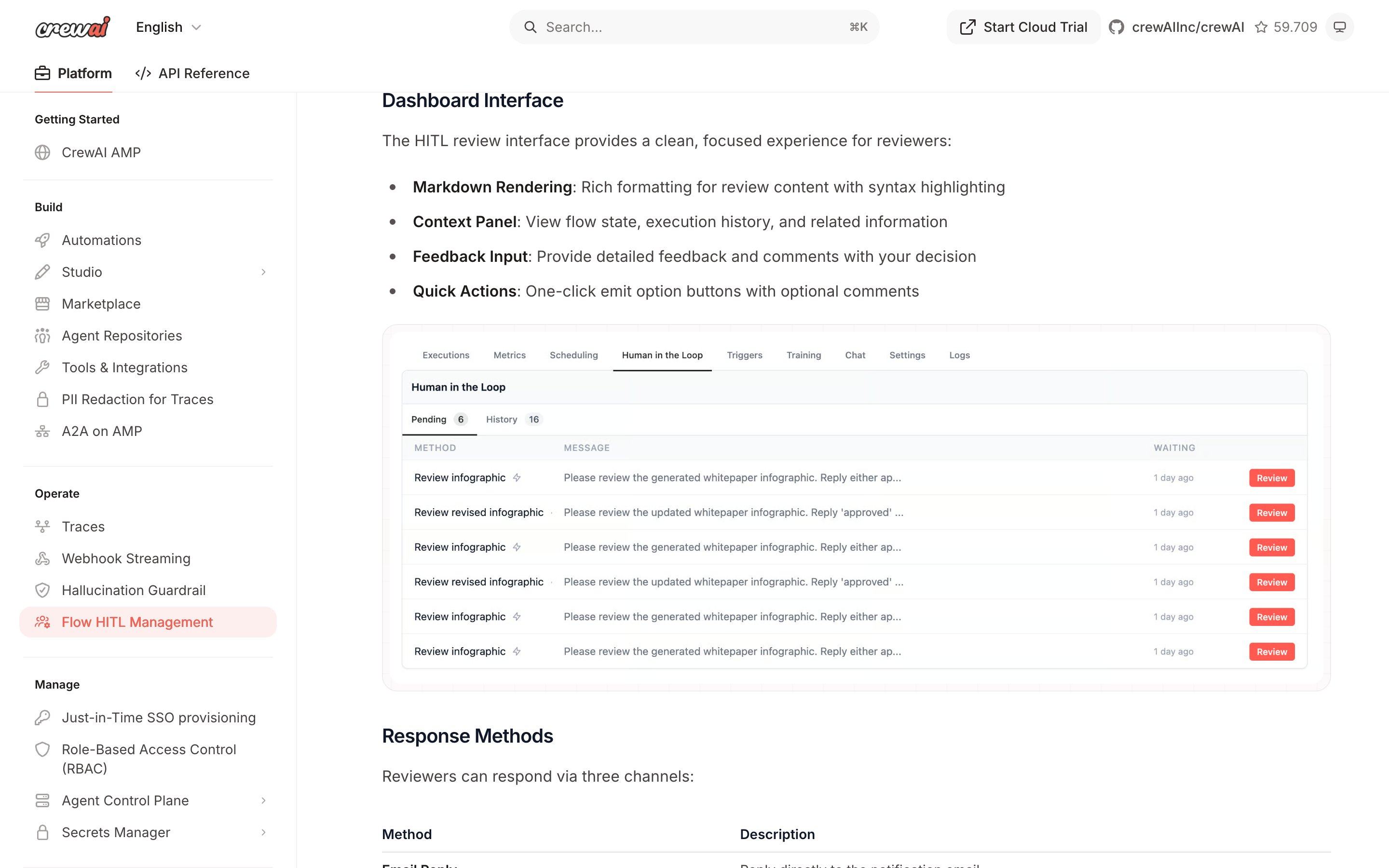
CrewAI · Flow human-in-the-loop checkpoints
CrewAI
The @human_feedback decorator pauses a Flow at a declared step, emails the assignee, and waits — with a timeout auto-response if nobody answers. A single pause-and-wait gate, not a time- or count-based cadence that batches work into digests.
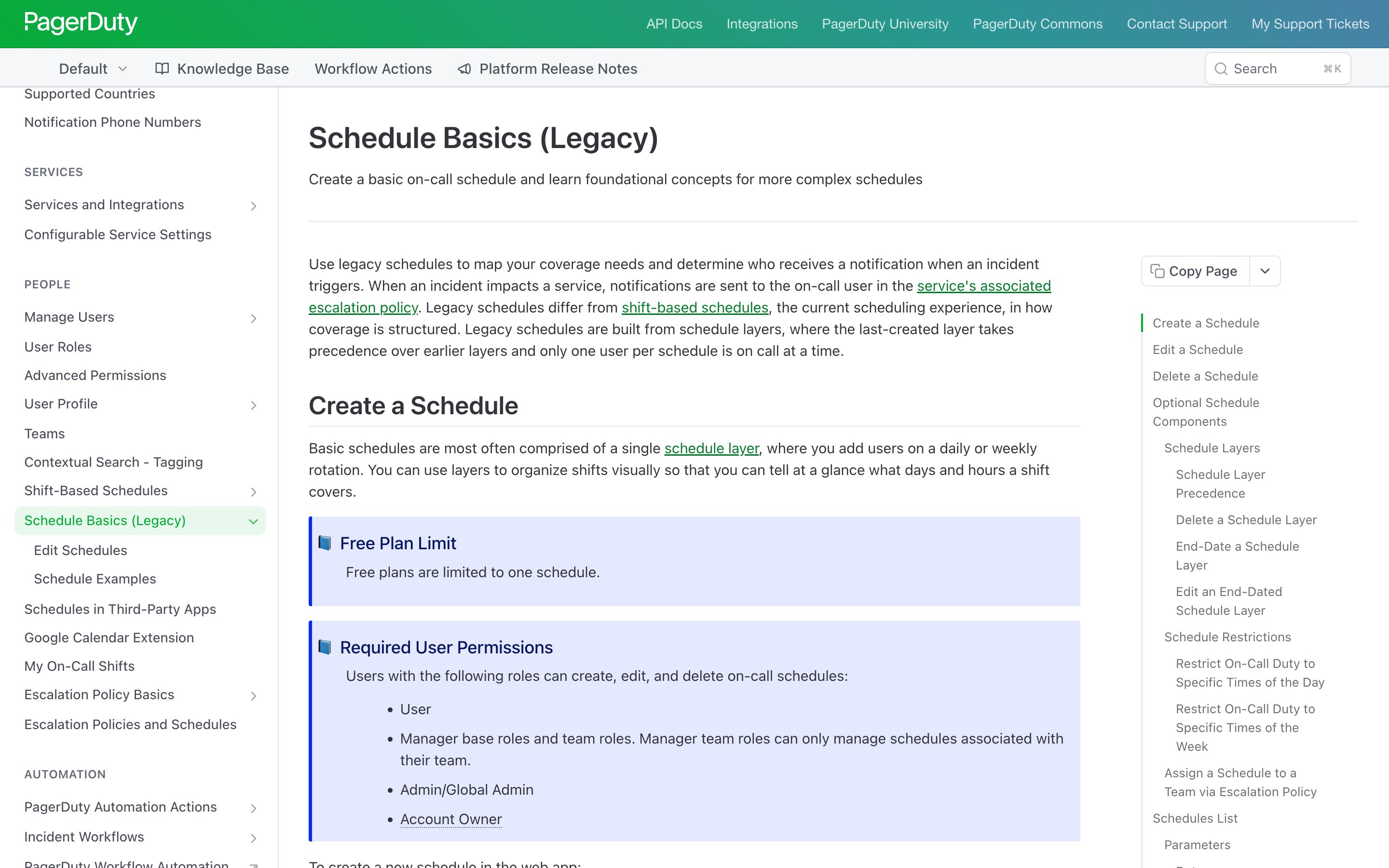
PagerDuty · On-call schedules
PagerDuty
In PagerDuty's original schedules — now labelled legacy — only one user per schedule is on call at a time, and the rotation promotes the next person when a shift ends. The newer shift-based schedules turn that cap into a setting: rotate through members one by one, or put all of them on call at once. The attention cap the dial generalises, enforced by the system rather than by discipline.
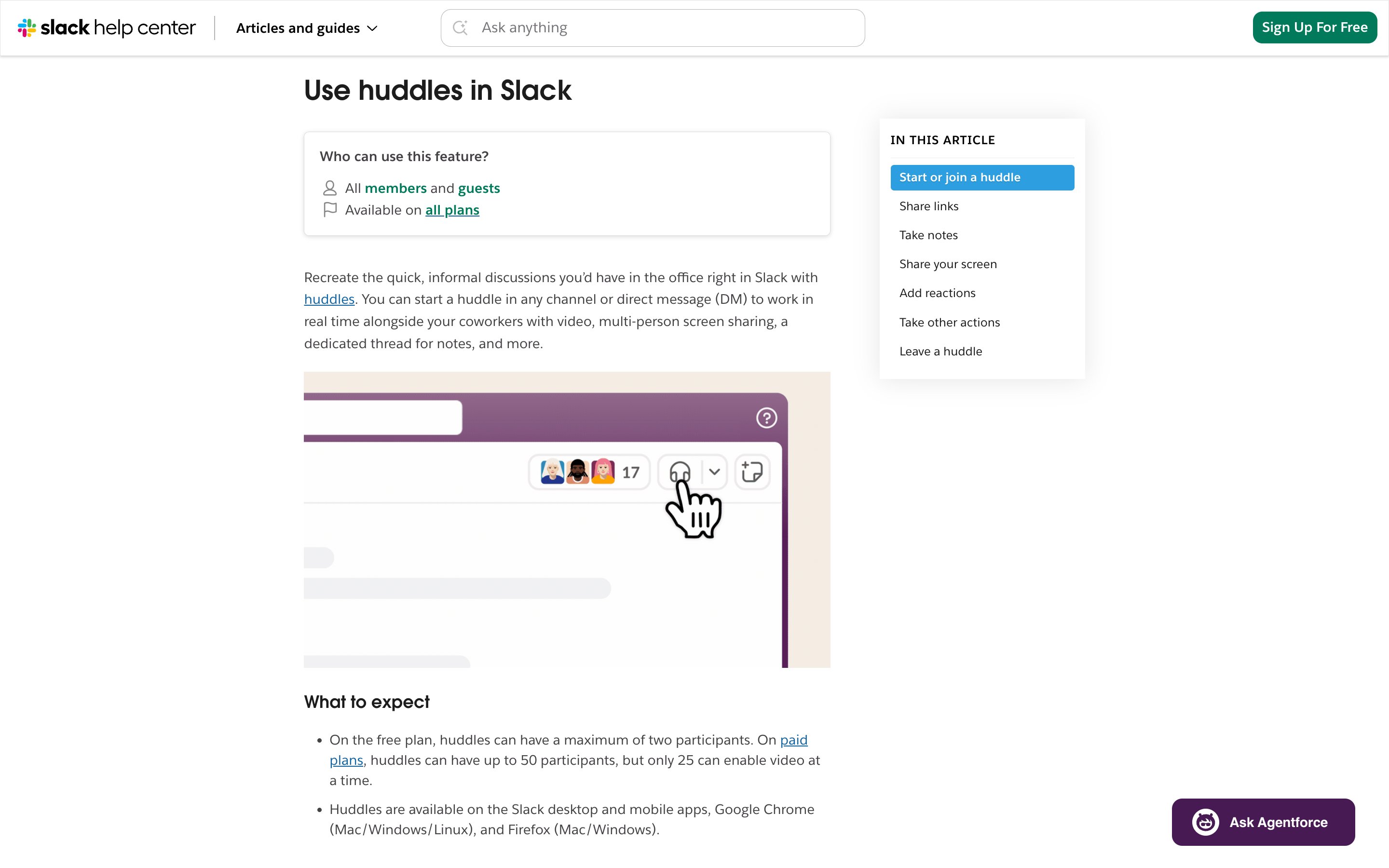
Slack · Huddle participant cap
Slack
A hard ceiling on simultaneous presence: 50 participants on paid plans, but only 25 with video on at once (the free plan caps at 2). A capacity limit on shared attention — though the help page names no queue, and says nothing of what happens to whoever arrives over the cap.
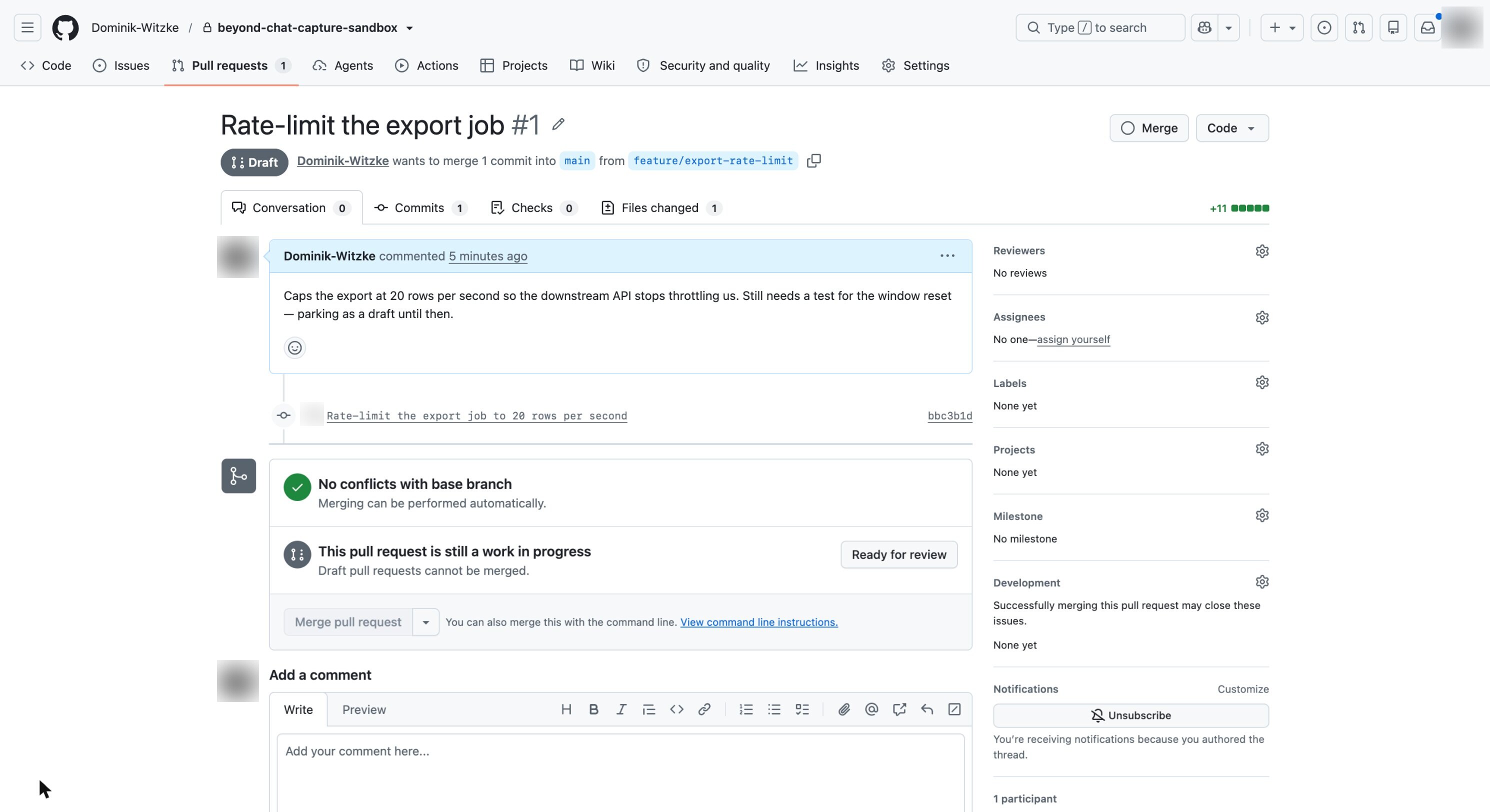
GitHub · Draft pull requests
GitHub
A draft PR suppresses review requests and notifications until the author flips it to "Ready for review", and cannot merge before then. Work keeps moving without demanding attention — the defer-then-promote half of the dial.
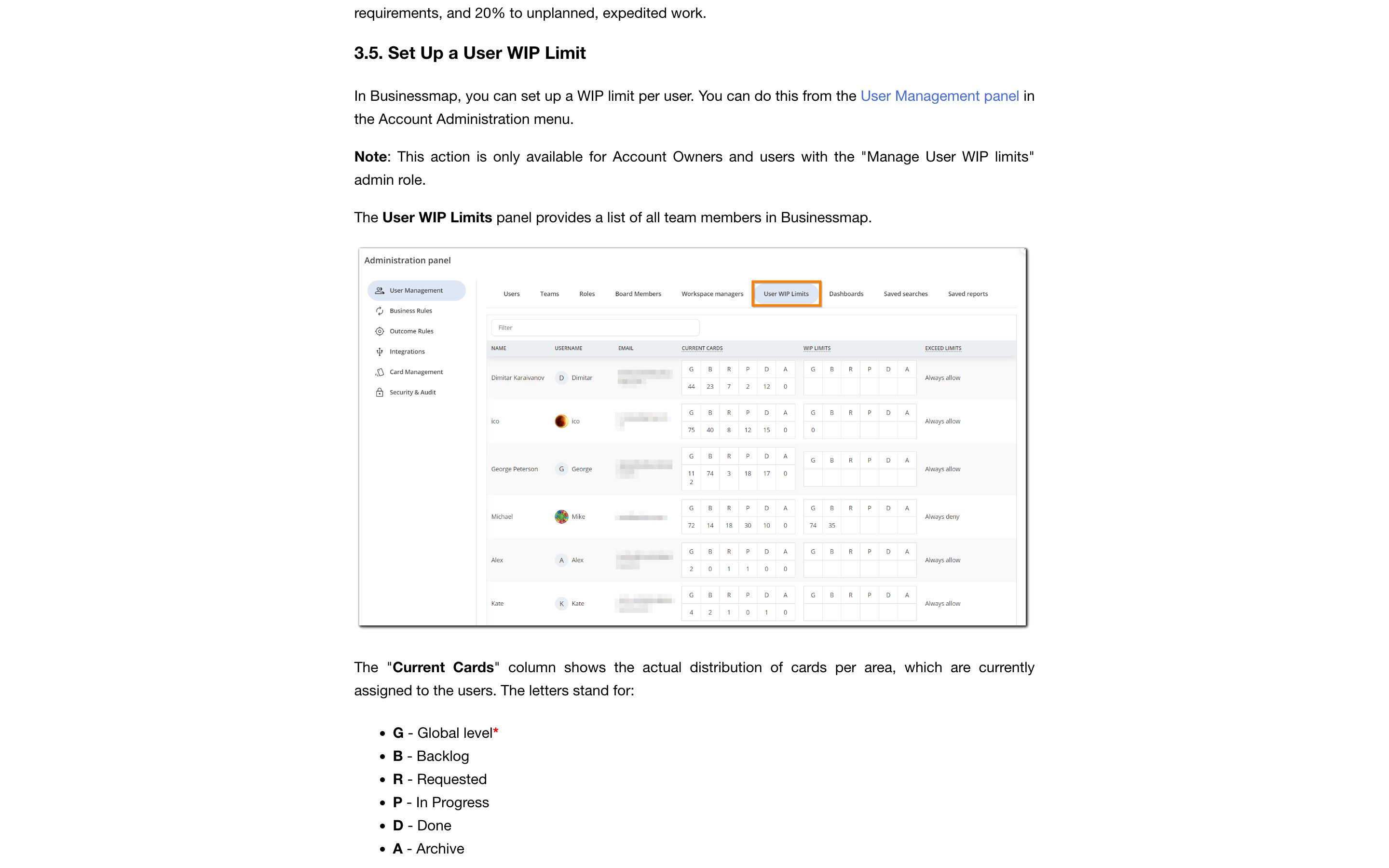
Businessmap · Per-user WIP limits
Businessmap (Kanbanize)
An admin sets a numeric cap on the cards assigned to each person — a global ceiling plus limits per board area — and decides what happens at the cap: always allow, or always deny. The closest shipping version of attention as an enforced budget — in project management, not yet in agent consoles.
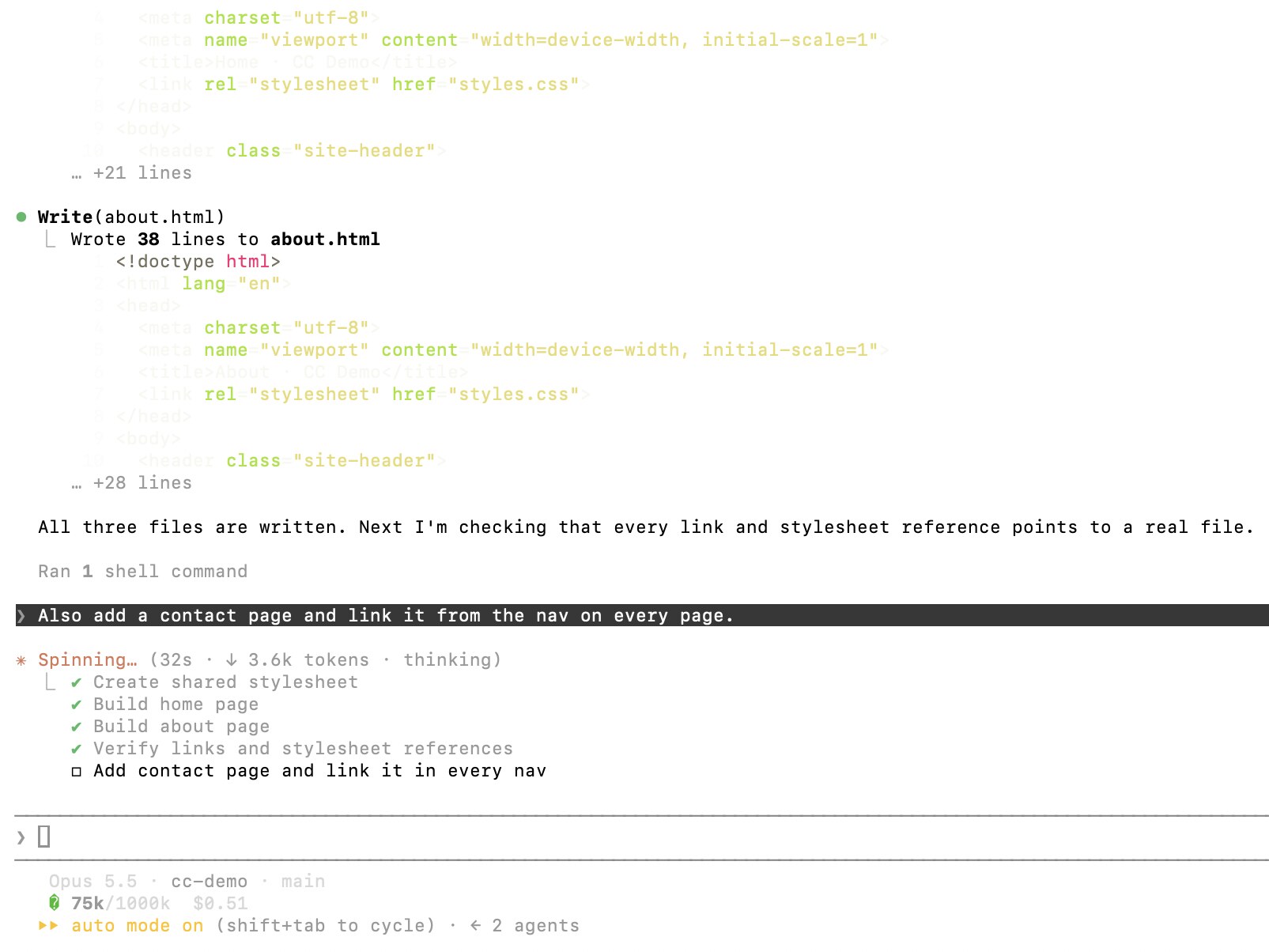
Claude Code · Live task list
Anthropic
Claude keeps a checklist of the steps it planned, each marked pending, in progress or complete; Ctrl+T toggles the view, up to five tasks at a time. You change it by asking, not by editing the list — here a message sent mid-run became a new task at the bottom. On any model except Opus 4.7, Sonnet 4.6, Haiku 4.5 and earlier, the list stays empty unless you opt in (e.g. CLAUDE_CODE_ENABLE_TODO_TOOLS=1); background and cloud sessions get it on every model.
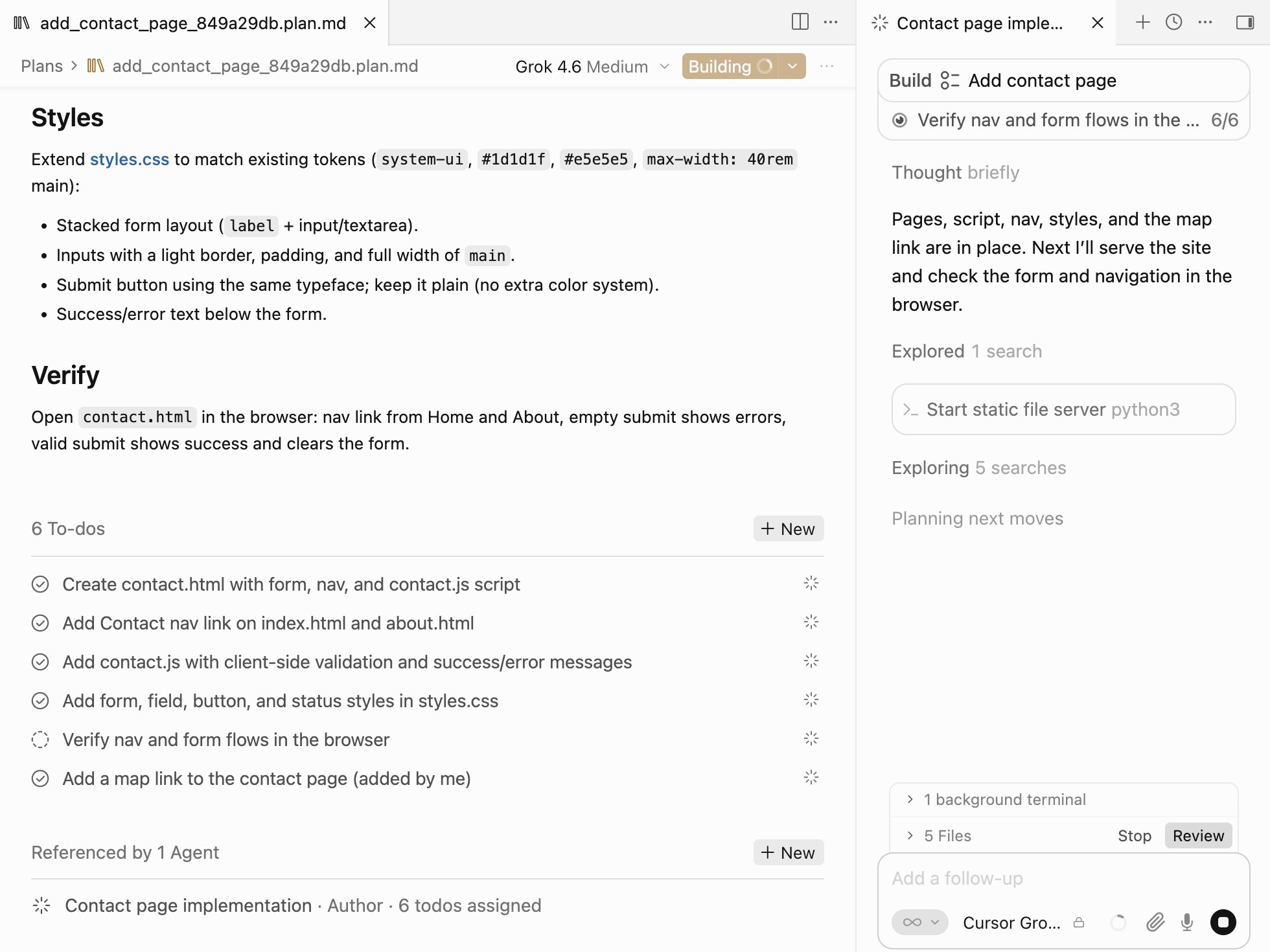
Cursor · Plan Mode
Cursor
Plan Mode (Shift+Tab or the mode picker) writes a Markdown plan with a to-do list you can extend inline — here one to-do was added by hand. On Build the agent works down the list, ticking items off in the plan and in the chat, the added one included. Every edit Cursor describes happens before the build; when a run goes wrong, its docs say revert, refine the plan and run again.
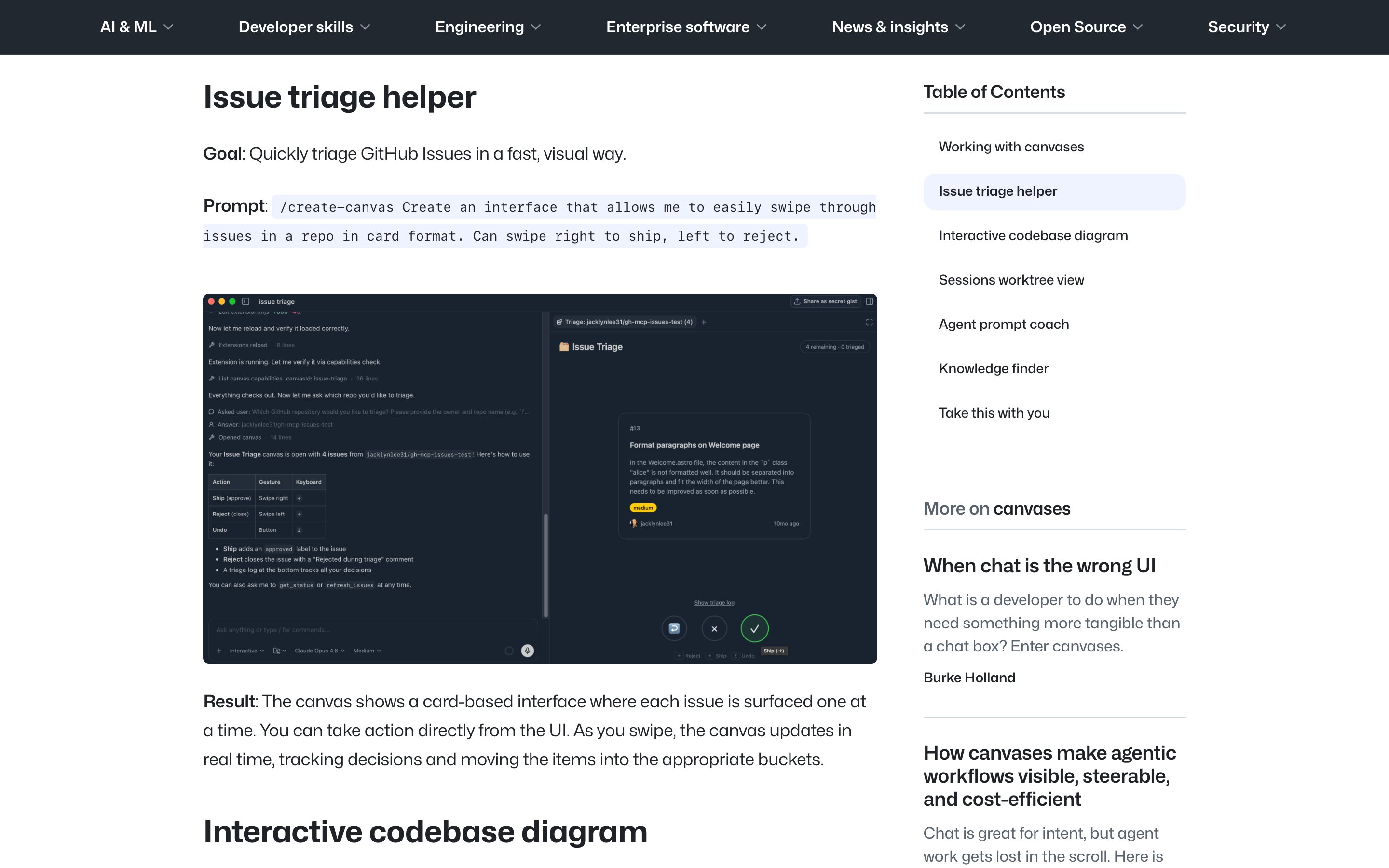
GitHub · Copilot app canvases
GitHub
Canvases are bidirectional: one opens in a panel beside the chat, the agent updates it while it works, you edit the same surface, and the agent continues from your changes. GitHub names a plan among the artifacts a canvas can hold and suggests kanban and Markdown planning canvases, but documents no built-in plan view — you prompt one with /create-canvas or install one from Customize > Canvas. The co-owned plan is possible, but the user assembles it.
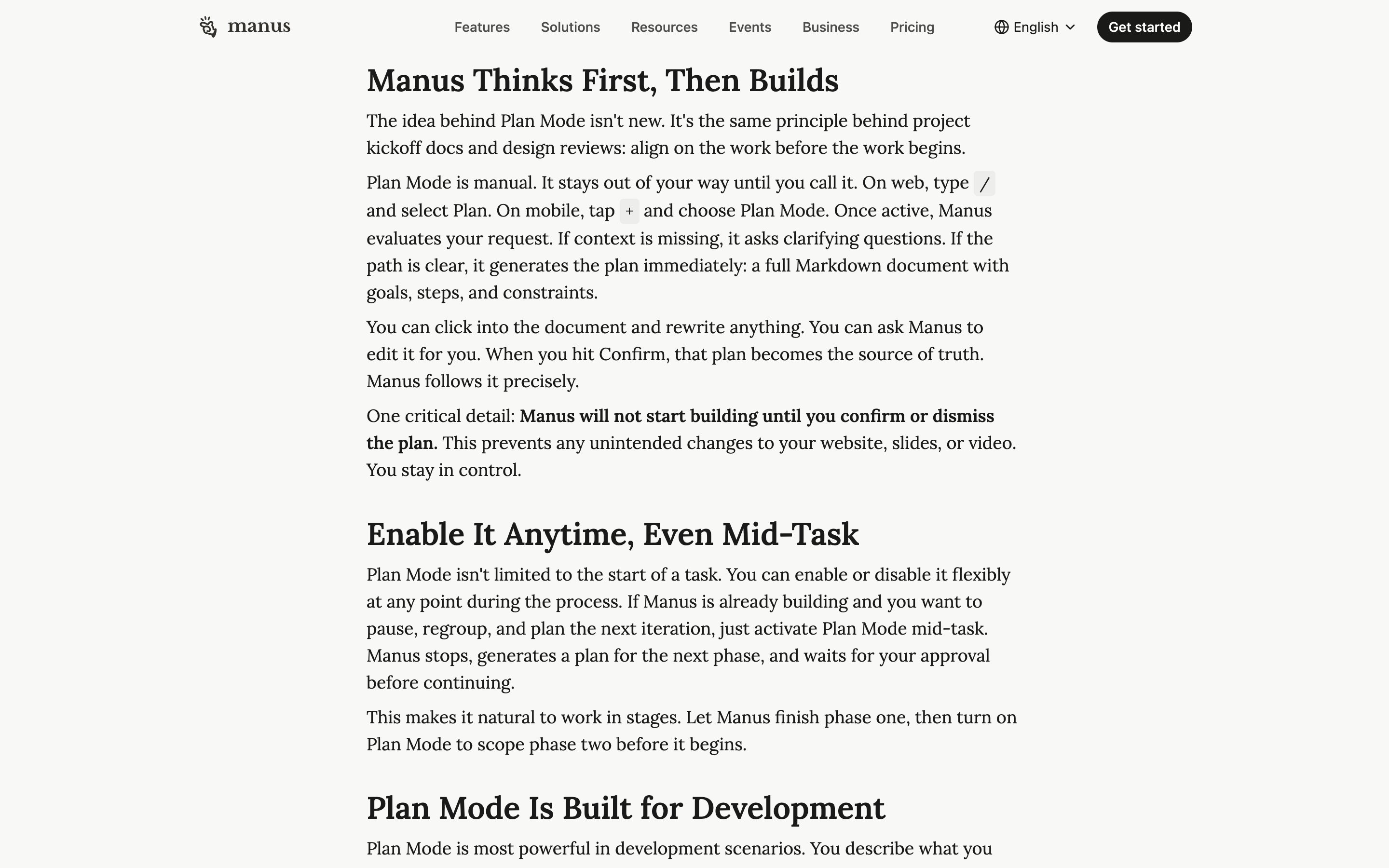
Manus · Plan Mode
Manus AI
Type / and pick Plan: Manus writes a Markdown plan of goals, steps and constraints that you edit directly or ask it to revise, and builds nothing until you confirm. Switch it on mid-task and Manus stops, plans the next phase and waits for approval — co-ownership in phases, not a plan you edit while the run is live.
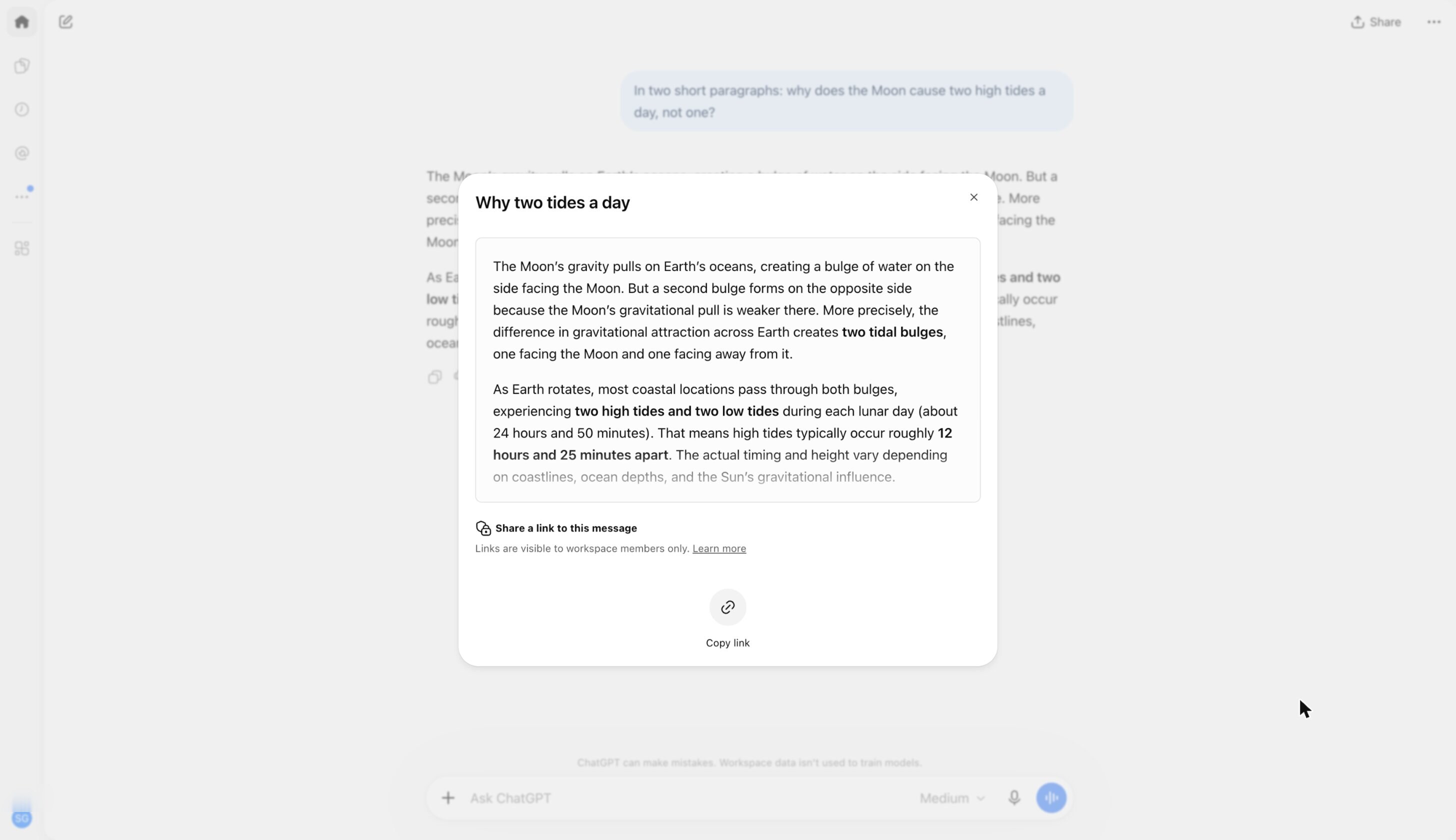
ChatGPT · Shared links
OpenAI
Share the whole conversation or a single assistant response — a link to one answer, the per-turn address this pattern asks for. Personal links are snapshots that leave out later messages until you choose Update link; workspace links can pick them up. The help page says nothing of the link naming the model or context behind the answer.
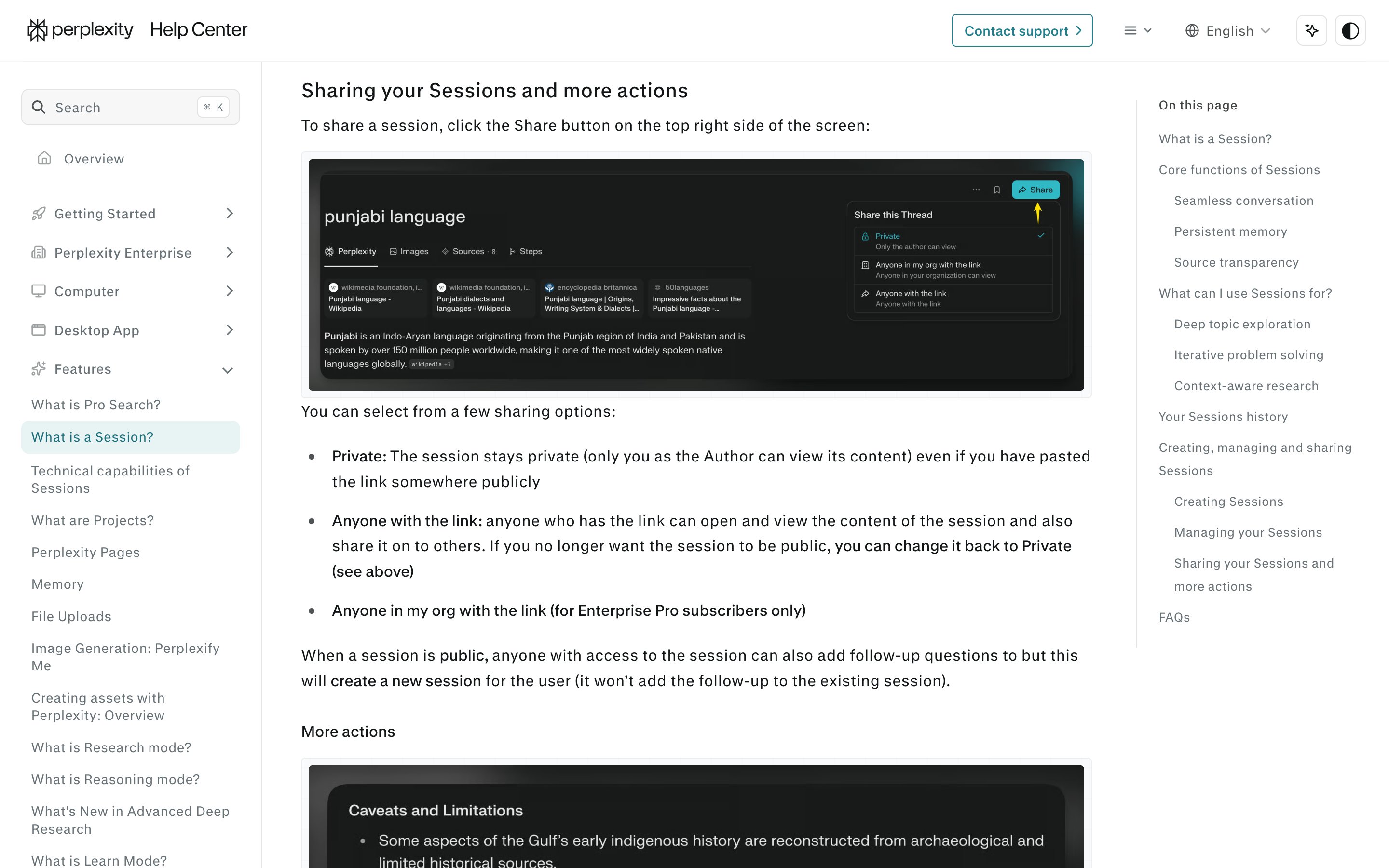
Perplexity · Shareable sessions
Perplexity
Threads are now sessions, shared by one link set to Private, Anyone with the link, or org-only; a visitor's follow-up starts their own session instead of changing yours. Each answer can show the model and search mode behind it, but the address is per session, not per answer — and whether a shared link freezes or keeps growing is not documented.
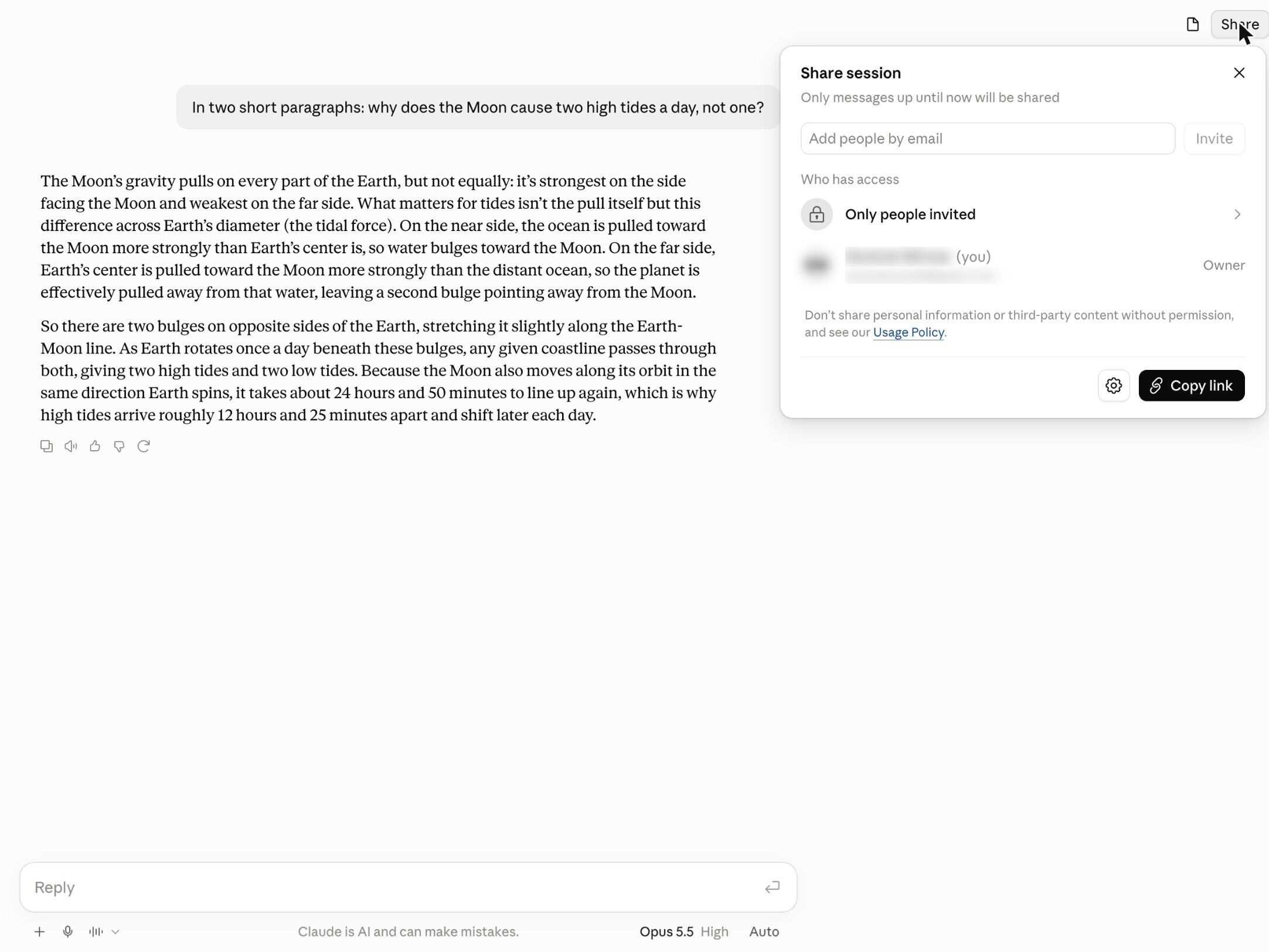
Claude · Share
Anthropic
Share opens on Only people invited — add people by email, or copy a link — and says it plainly: only messages up until now will be shared. It is a snapshot, artifacts included; later messages stay private until you update the shared chat. The address points at the whole chat, not one answer — ChatGPT's response-level link is the step past it.
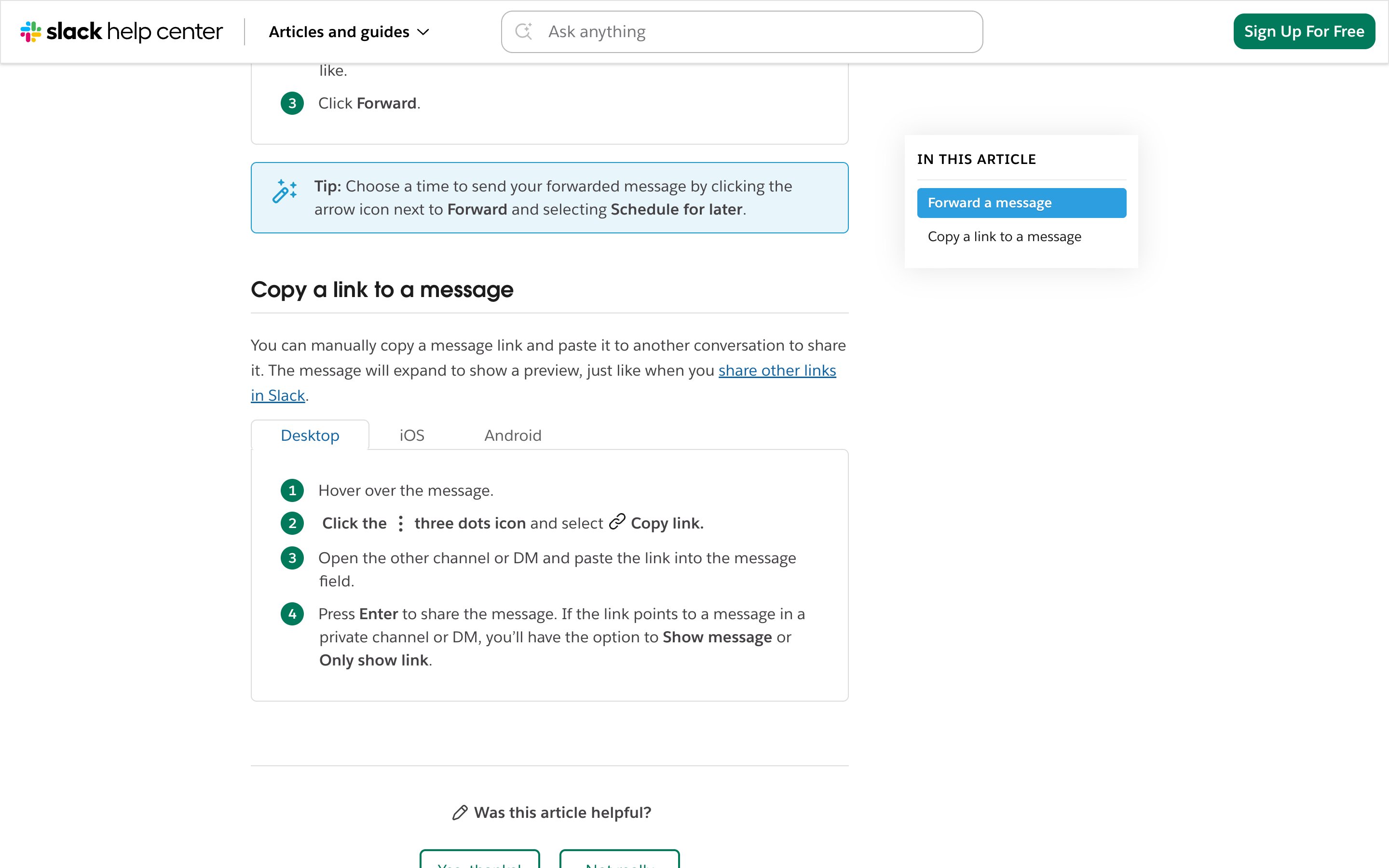
Slack · Message permalinks
Slack
Copy link on any message yields a stable per-message address that survives as the channel moves on — the mature, non-AI precedent for per-turn addresses, which AI chat has only begun to ship: ChatGPT and Microsoft Copilot now each link a single response.
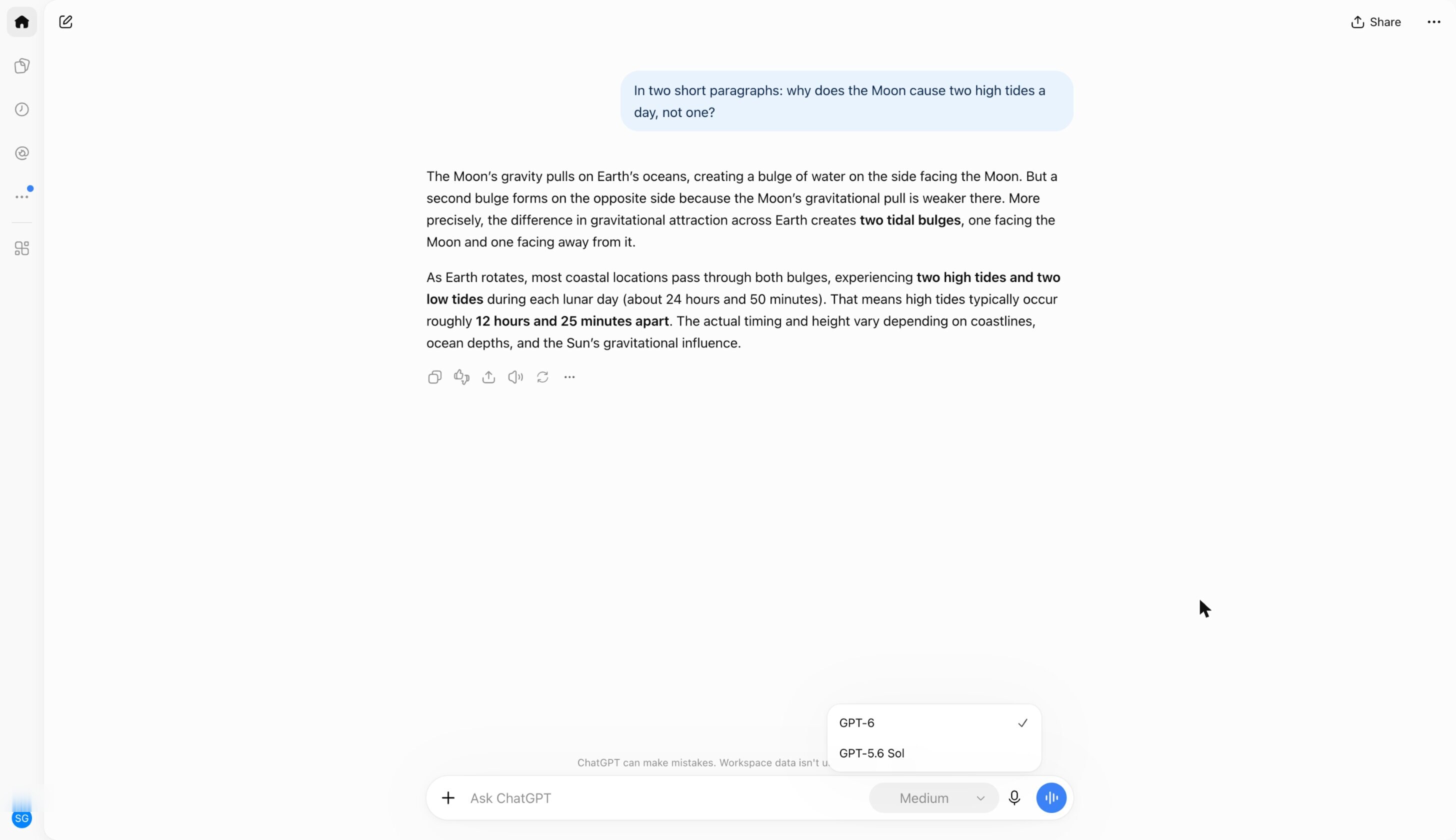
ChatGPT · Model menu + Thinking slider
OpenAI
Named models are back in the menu — GPT-6 replaced Latest, GPT-5.6 Sol stays selectable — beside a Thinking slider: Instant, Medium, High, Extra High, Pro. Under GPT-6, Sol runs the first four rungs and Astra runs Pro, though the menu just says GPT-6. No cost is shown, and when a Thinking limit runs out ChatGPT may carry on with another model.
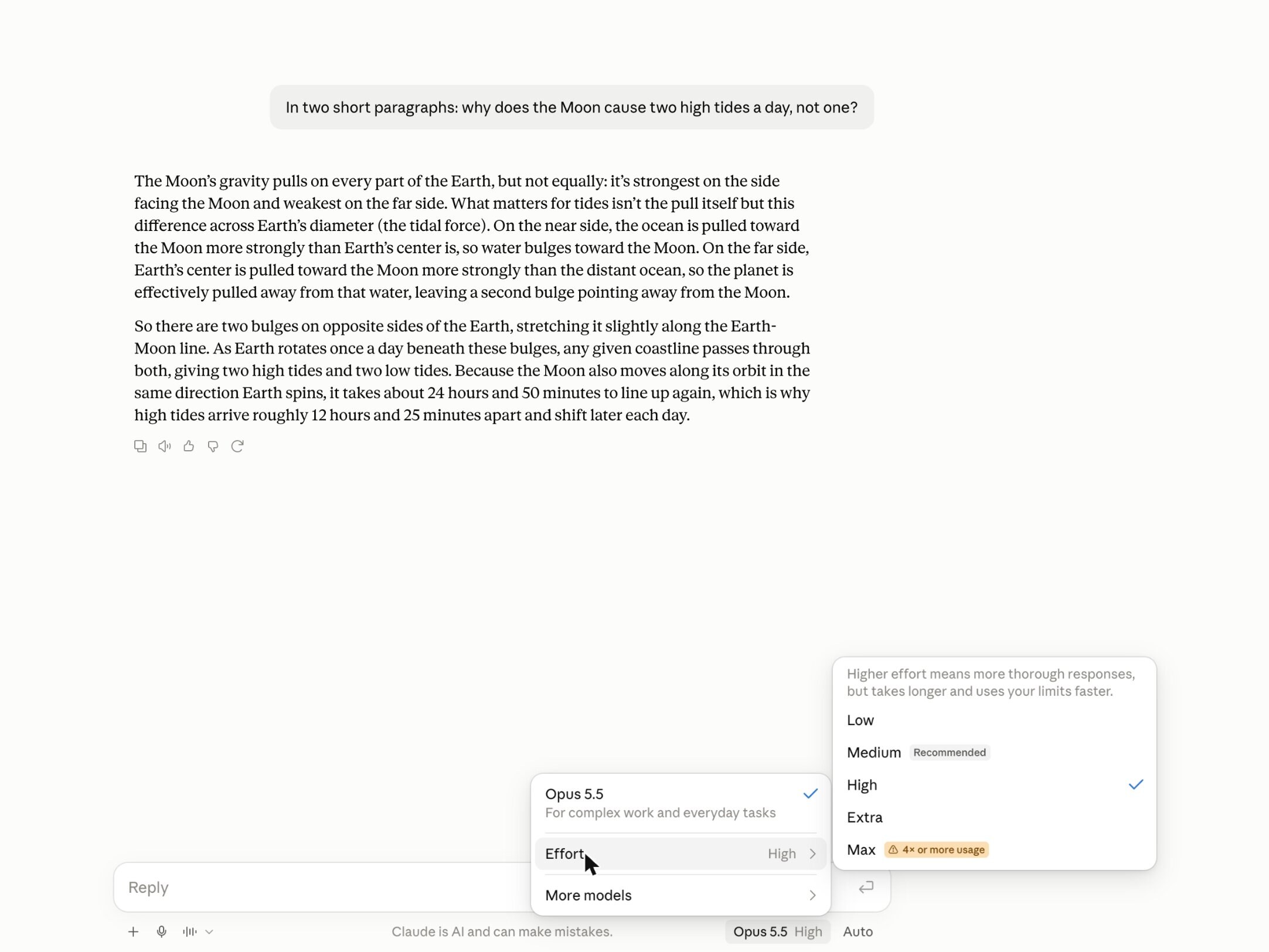
Claude · Model + effort selector
Anthropic
Named models — Haiku, Sonnet, Opus, Fable — sit next to the send button, now paired with an effort selector running Low to Max; on Opus 5.5, Medium is marked Recommended. It states the trade-off in the menu itself: more thorough responses, but slower and your limits run out faster. Cost appears only as a relative warning on Max — 4× or more usage — never as a price.
Cursor · Model picker
Cursor
From Premium up the picker adds third-party models and Auto, which on individual plans runs in Cost mode only; Plus gets Cursor's own four models at fixed settings, and a Free account's picker showed one model and "Upgrade to unlock more models". On Teams and Enterprise, Cursor Router adds Balance and Intelligence modes and by default hides which model it routed to. Per-model prices sit on this docs page, away from the picker.
OpenRouter · Model catalog
OpenRouter
Price, context length, and benchmark rank across the catalog; latency, throughput, and uptime per provider on each model page, plus a compare view and request-time routing modes — Balanced, Nitro, Exacto. The fullest trade-off surface anywhere, but it lives on browsing pages rather than inside a single pick.
Homebrew / apt · dependency-removal prompts
Homebrew · Debian
The blast radius shown before the delete commits: apt lists "The following packages will be REMOVED" — including dependents you never named — and waits for an explicit confirm; Homebrew warns when an uninstall would break formulae that depend on it. The dependency map half of the pattern, shipping in every package manager.
Google Drive & macOS Trash · 30-day restore
Google · Apple
The undo window half of the pattern: deleted items move to a trash surface where they stay restorable for 30 days before permanent removal, and a single Restore / Put Back action reverses the delete in place. Deletion as a staged commit, not an instant erase.
Gmail · Undo Send
The undo-window precedent for irreversible actions: after hitting Send, a toast holds the action open for a user-configurable window (up to 30 seconds) with a one-tap Undo before it commits. The same short-window mechanic the pattern asks for on AI-data deletes.
Azure OpenAI · Guardrail annotations
Microsoft
With annotations on, API responses label hate, sexual, violence and self-harm with a severity (safe, low, medium or high) and whether that category was filtered. A blocked prompt fails with HTTP 400 and code content_filter, with the per-category results nested in the error, and a filtered completion returns finish_reason content_filter. The Responses API reports the per-category results in a content_filters array instead. Foundry's own playground names the risk that fired, but what an app's end users see is left to the app built on the API.
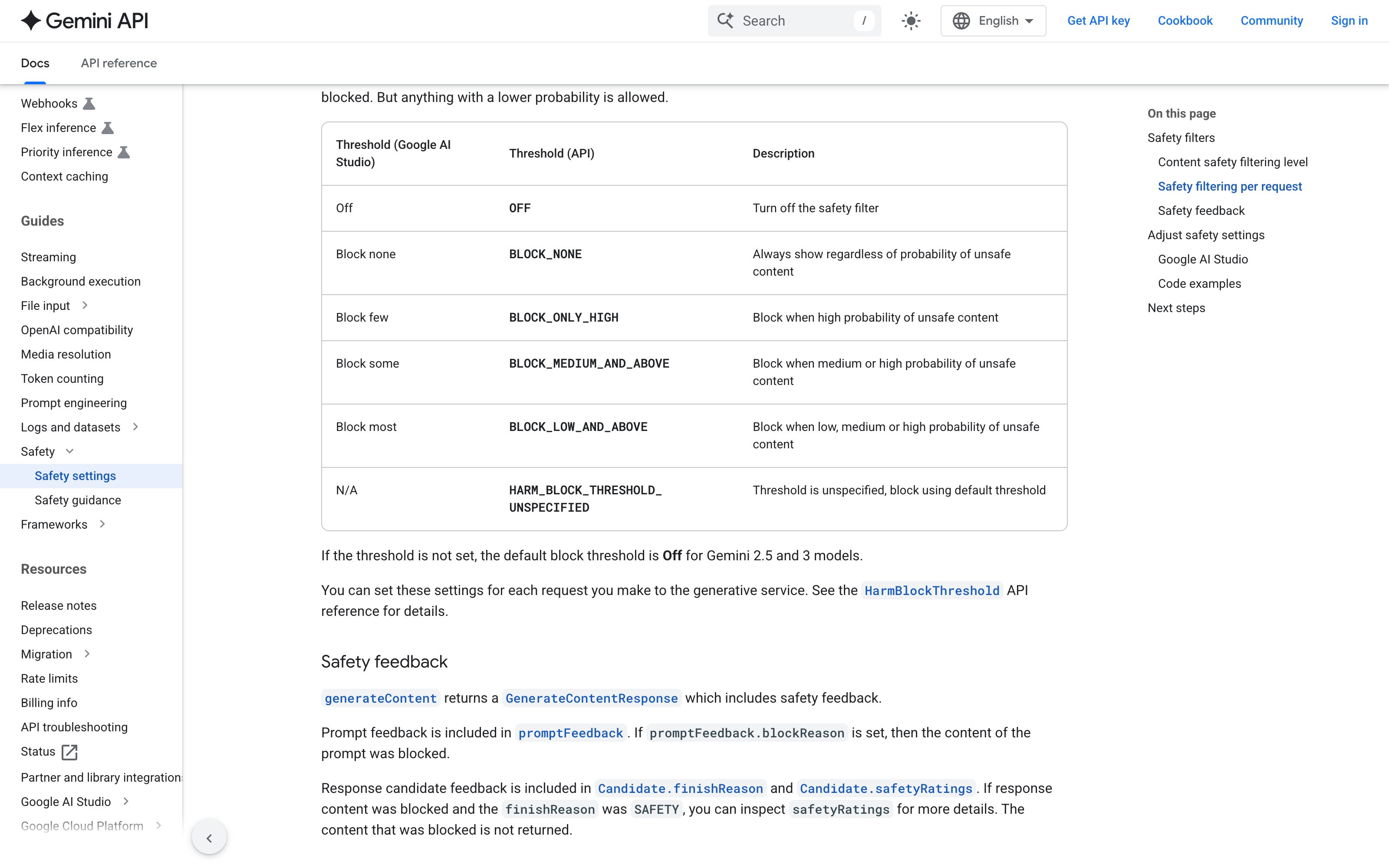
Gemini API · Safety ratings
generateContent responses carry per-category safetyRatings (harm category plus a probability from NEGLIGIBLE to HIGH), a promptFeedback.blockReason when the prompt is blocked and finishReason SAFETY when a response is; thresholds are adjustable per category and Off by default for Gemini 2.5 and later. Google's docs now file generateContent under Legacy and recommend the Interactions API, where a blocked call fails with HTTP 400 and an error code such as safety or jailbreak, with no per-category rating. In Google AI Studio, hovering the Content blocked warning shows the category and probability.
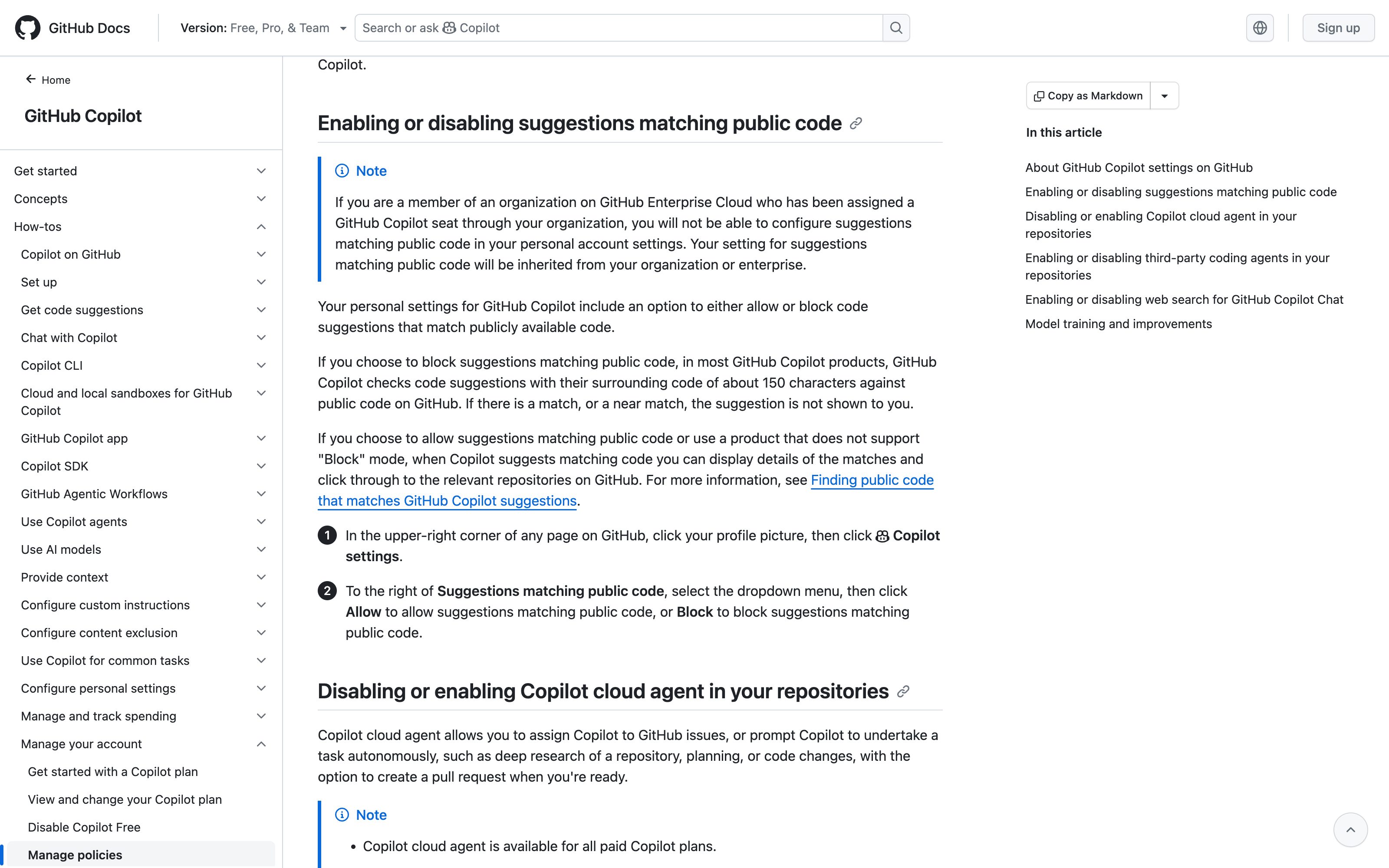
GitHub Copilot · Public code filter notice
GitHub
With Suggestions matching public code set to Block, a Copilot Chat answer in VS Code that trips the filter is cleared, a warning reads "Response cleared due to possible match to public code, retrying with modified prompt.", and Copilot asks the model for a version that does not match. If that retry fails too, the user gets "Sorry, the response matched public code so it was blocked. Please rephrase your prompt." and a Learn more link to this page. Answers stopped by the harm filters are only attributed to "content safety filters" or "the Responsible AI Service", though the extension receives the category, and a matching code completion in the editor is simply not shown. One filter is named, retried and linked to its setting's docs; no block shows a span or a severity.
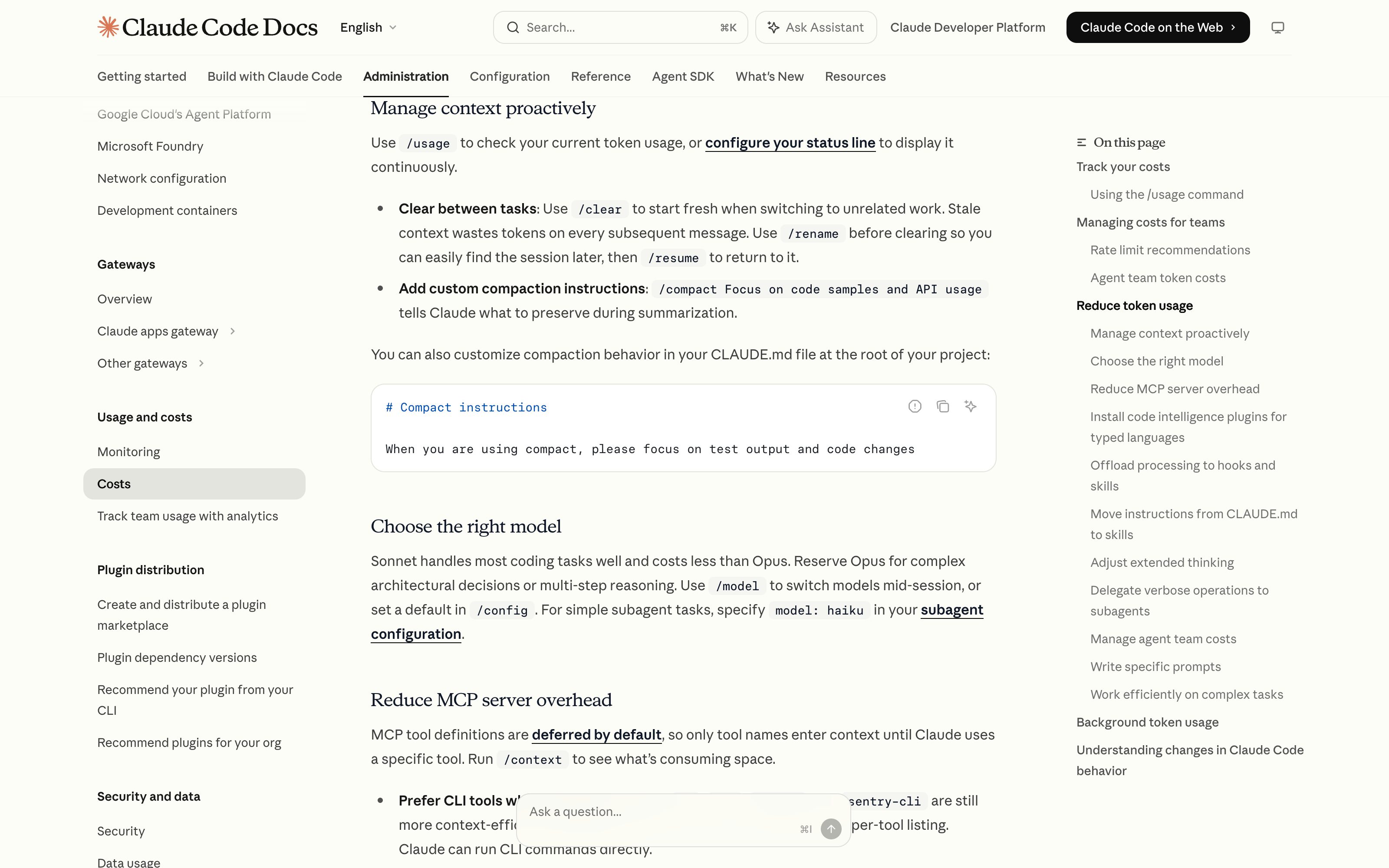
Claude Code · Context meter + auto-compact warning
Anthropic
A live indicator shows remaining context and warns before auto-compaction summarizes older turns — fill level, consequence, and advance notice in one strip.
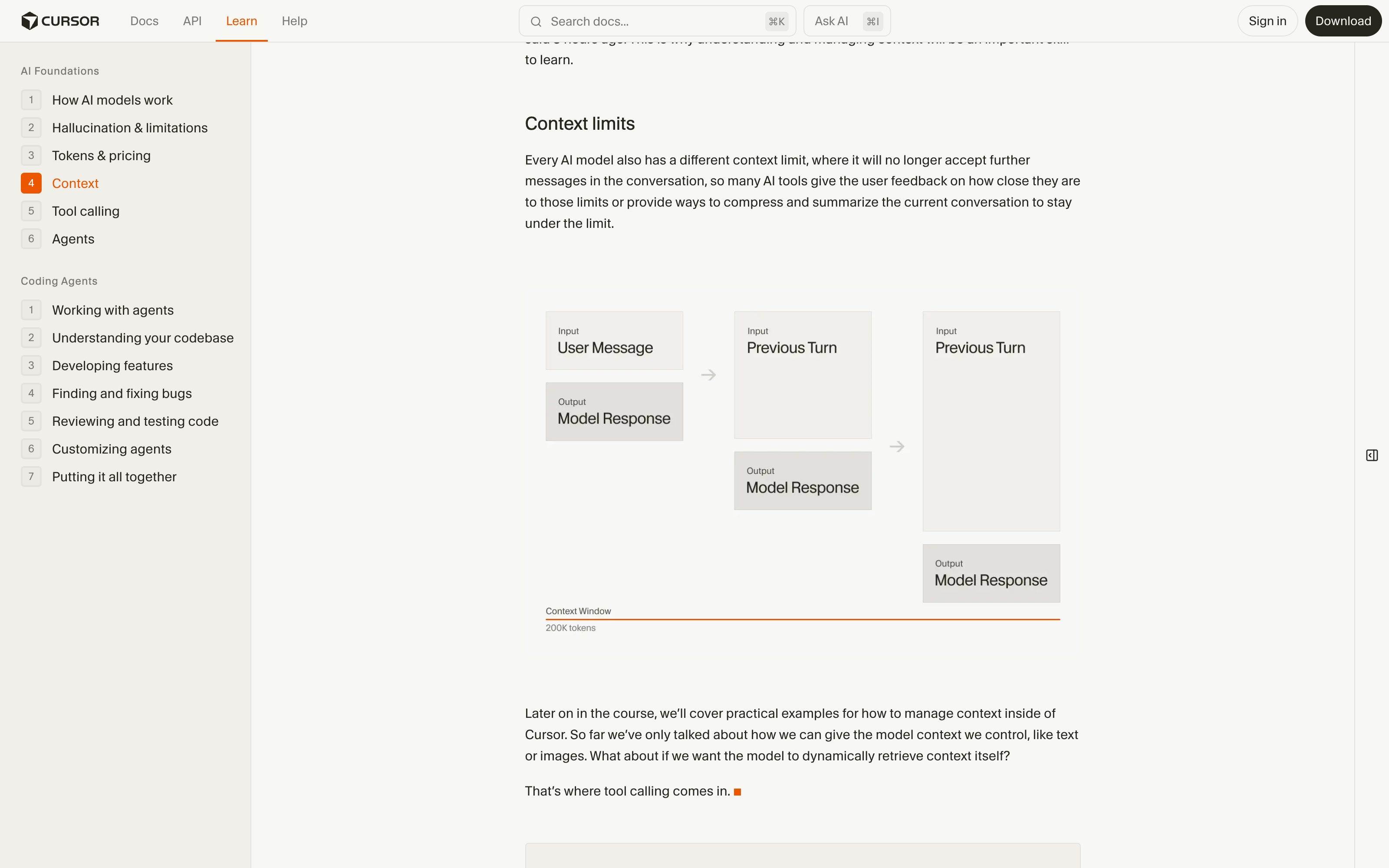
Cursor · Context window indicator
Cursor
Shows how much of the model window the current conversation and attached files consume, and which files are in context — per-source visibility of the window.
Google AI Studio · Token count
A persistent token counter against the model maximum as you compose — the raw fill-level reading, without eviction markers or pins.
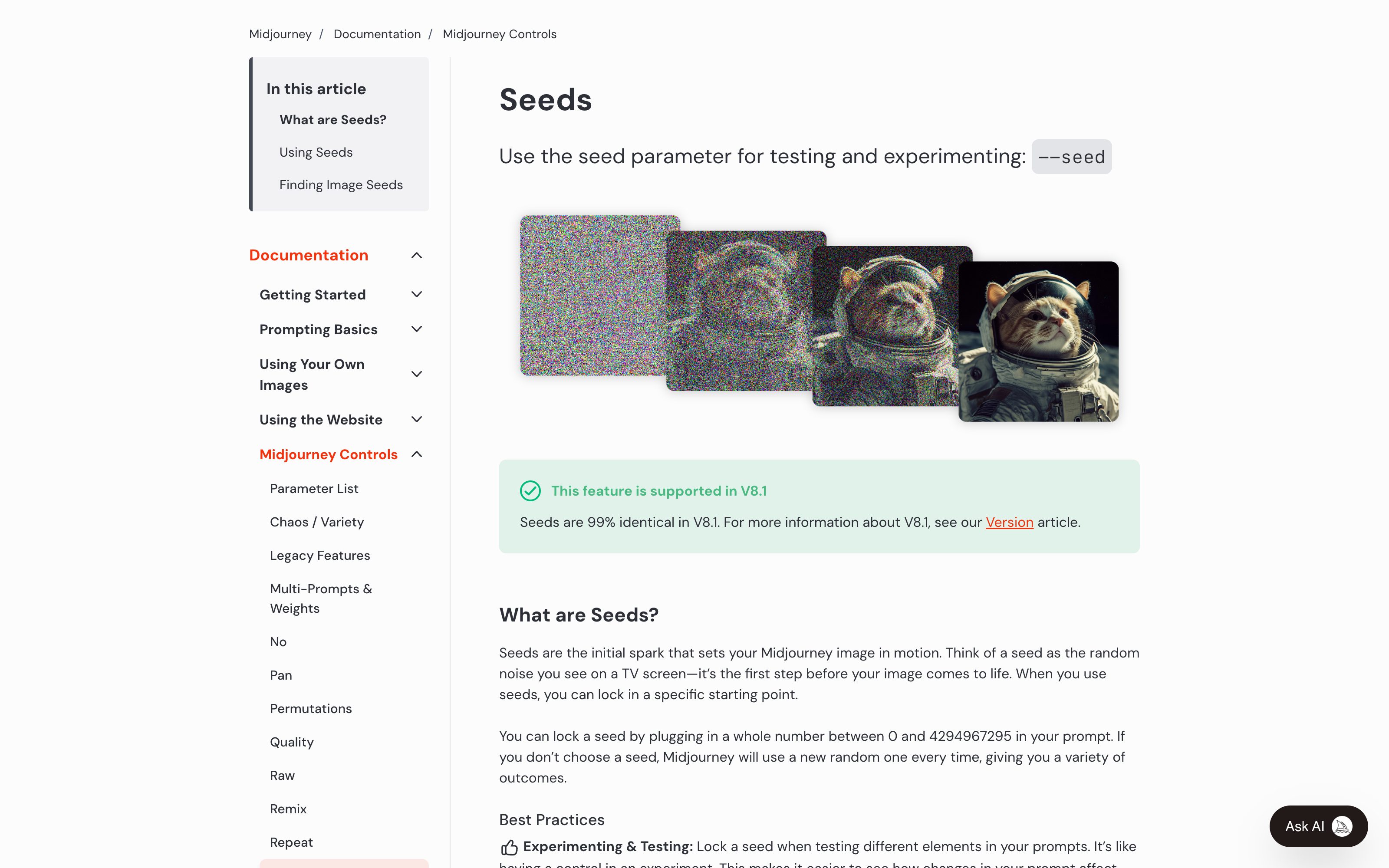
Midjourney · --seed parameter
Midjourney
Same prompt + same seed reproduces the image; change one prompt term with the seed held and the diff is attributable to that term. The mechanic is real — the UI is still a typed flag, which is the gap the pattern names.
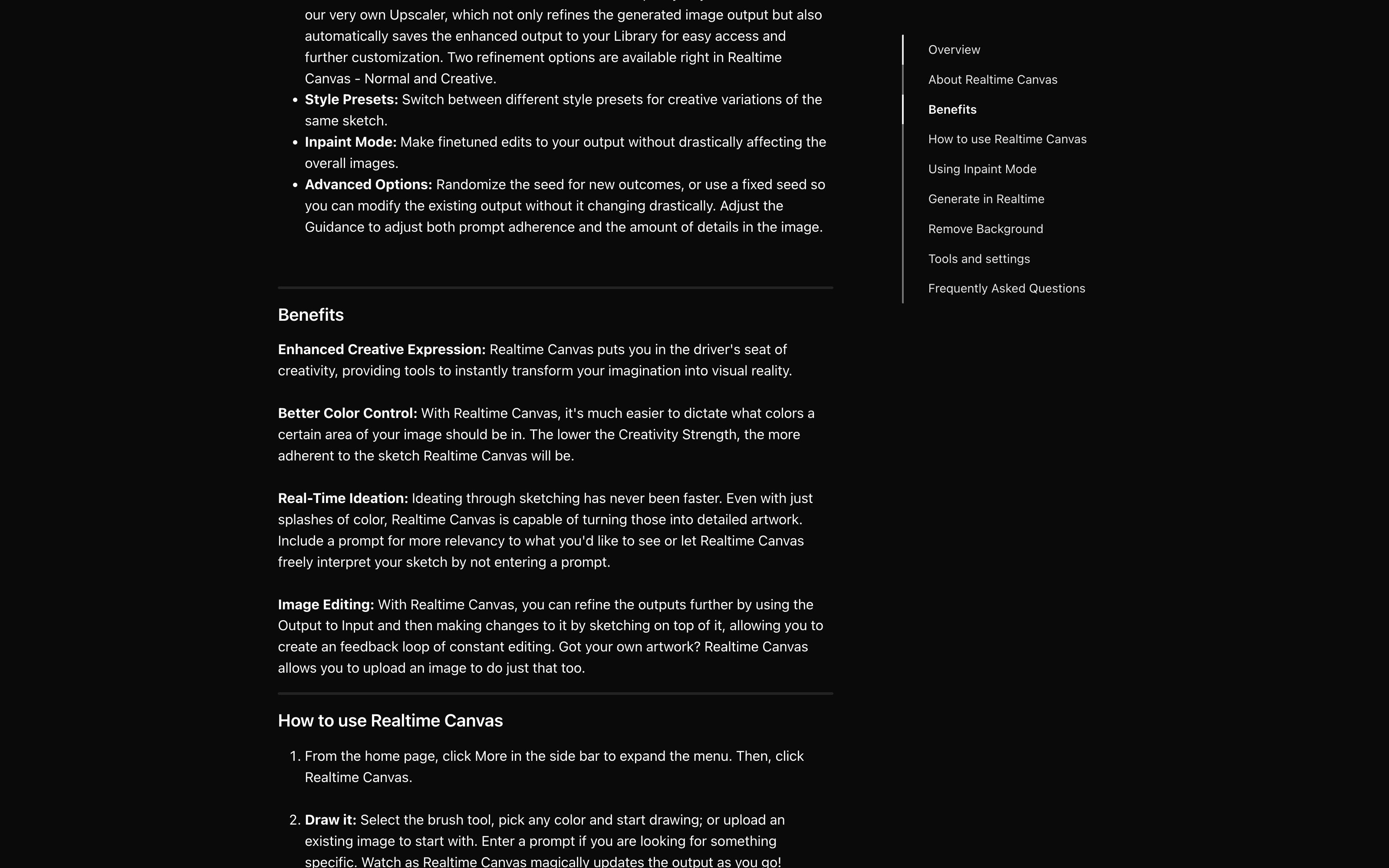
Leonardo AI · Fixed seed
Leonardo.Ai
A UI toggle pins the generation seed so subsequent runs vary only what the user changes — the lock affordance as an actual control, not a syntax trick.
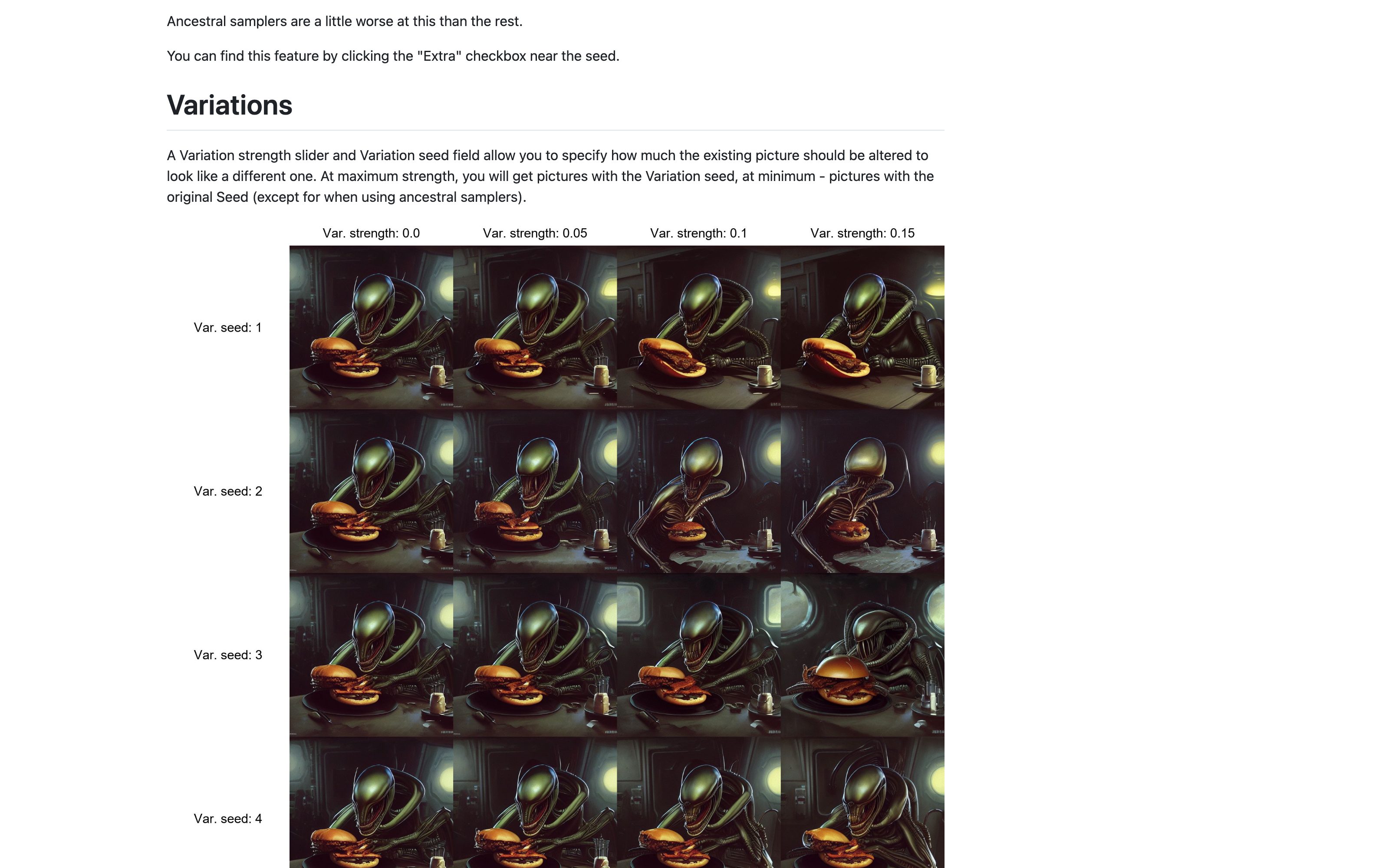
Stable Diffusion WebUI · Reuse seed
AUTOMATIC1111
One-click recycle-seed button plus visible seed field; the community workflow that made pin-then-vary the default way to iterate locally.
ChatGPT · Release notes
OpenAI
A running Help Center changelog of model and feature changes, newest first. The October 7, 2026 GPT-6 entry shown here says Plus, Pro, Business and Enterprise use GPT-6 Sol, that the Pro reasoning option stays on GPT-6 Astra, and that the models behind Work and Codex aren't changing. That is the notice half of the pattern, published in the Help Center rather than in the chat, and nothing in it shows how a change lands on your own prompts.
Anthropic · Claude Platform release notes
Anthropic
Dated entries for the API, SDKs and Console, newest first: model launches, deprecations with their retirement dates, price changes. Precise about what changed and when — but it lives in docs, not in-product, and says nothing of how behavior shifts on your own prompts.
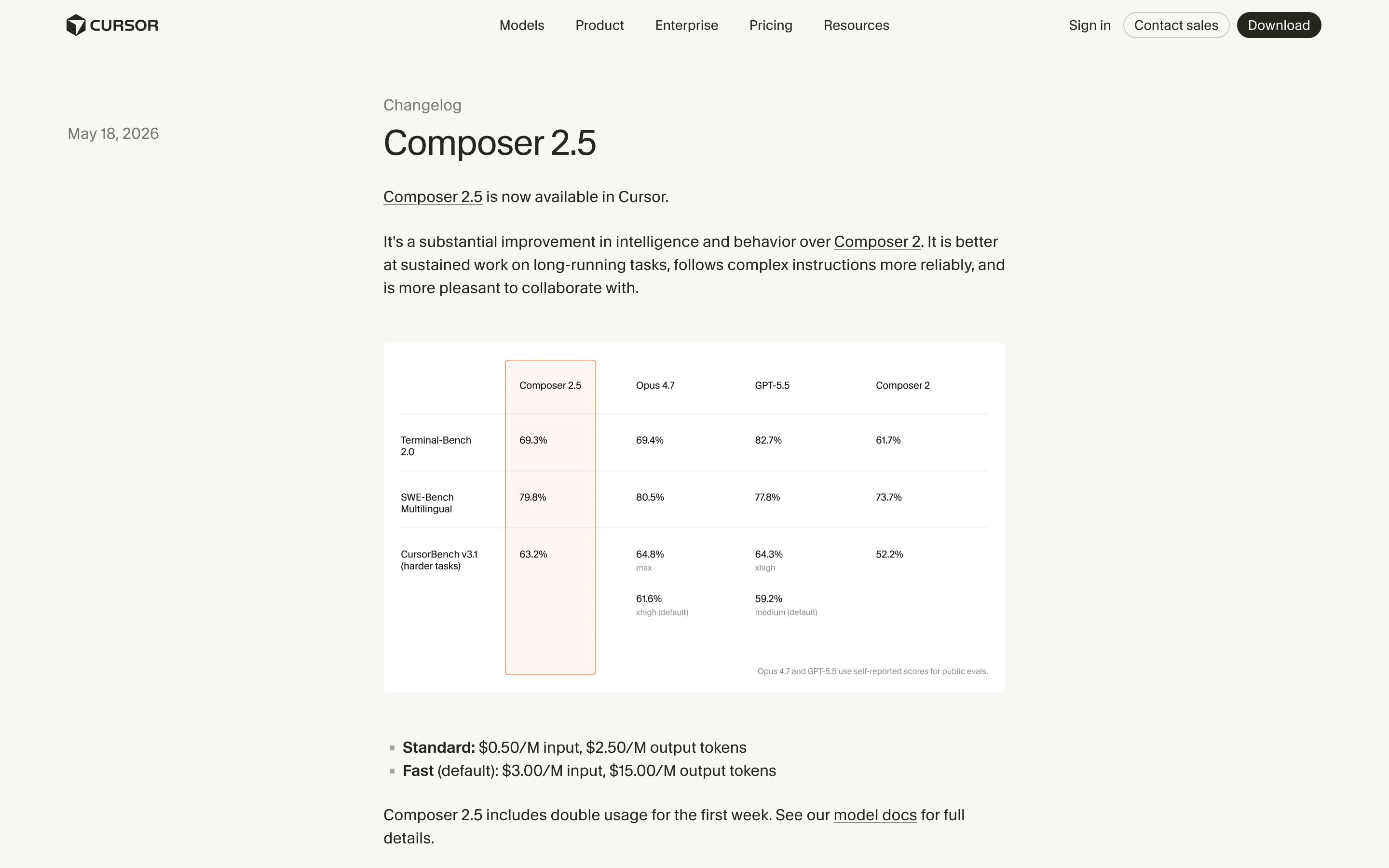
Cursor · Changelog
Cursor
The Composer 2.5 entry (May 18, 2026) names the new model and how its behavior moved against Composer 2: better at sustained work on long-running tasks, more reliable on complex instructions. Most changelog entries are feature releases; other new models get a one-line item under Models and Cursor Router in the docs release notes, and on Enterprise a new Cursor model sits in a 7-day review window before it switches on, with Enable now or Keep disabled for admins. The gaps: SDK scripts pinned to the retired composer-2 were moved to Composer 2.5 automatically, and Cursor Router, which runs Auto on Teams and Enterprise plans, changes its model pool as new models ship and hides which model answered by default.
Textio
Flags language as it is written: in performance feedback it highlights phrasing that does not belong, with a better wording one click away, and flags comments about a person's appearance or parental status for removal. The job-post product's gender meter shows when wording skews and how to fix it, but sits behind a demo. Textio's own AI drafts get checked too: Write it with Textio AI offers a few drafts, puts a Textio Verified shield on the ones free of problematic language, and the one you pick then gets the same highlights as text you type. The shield is a pass mark on the whole draft, not a flag on a span.
Grammarly · Inclusive language suggestions
Grammarly
Flags a term inline, says why, and puts neutral replacements one click away — on Grammarly's HR page, "guys" becomes everyone, all, team or folks, with Accept or Dismiss. It reads context: a reclaimed term about yourself passes, the same term about someone else gets a prompt to reconsider. Described in a 2020 Premium post. Flags human writing; flagging the AI's own output is the emerging edge.
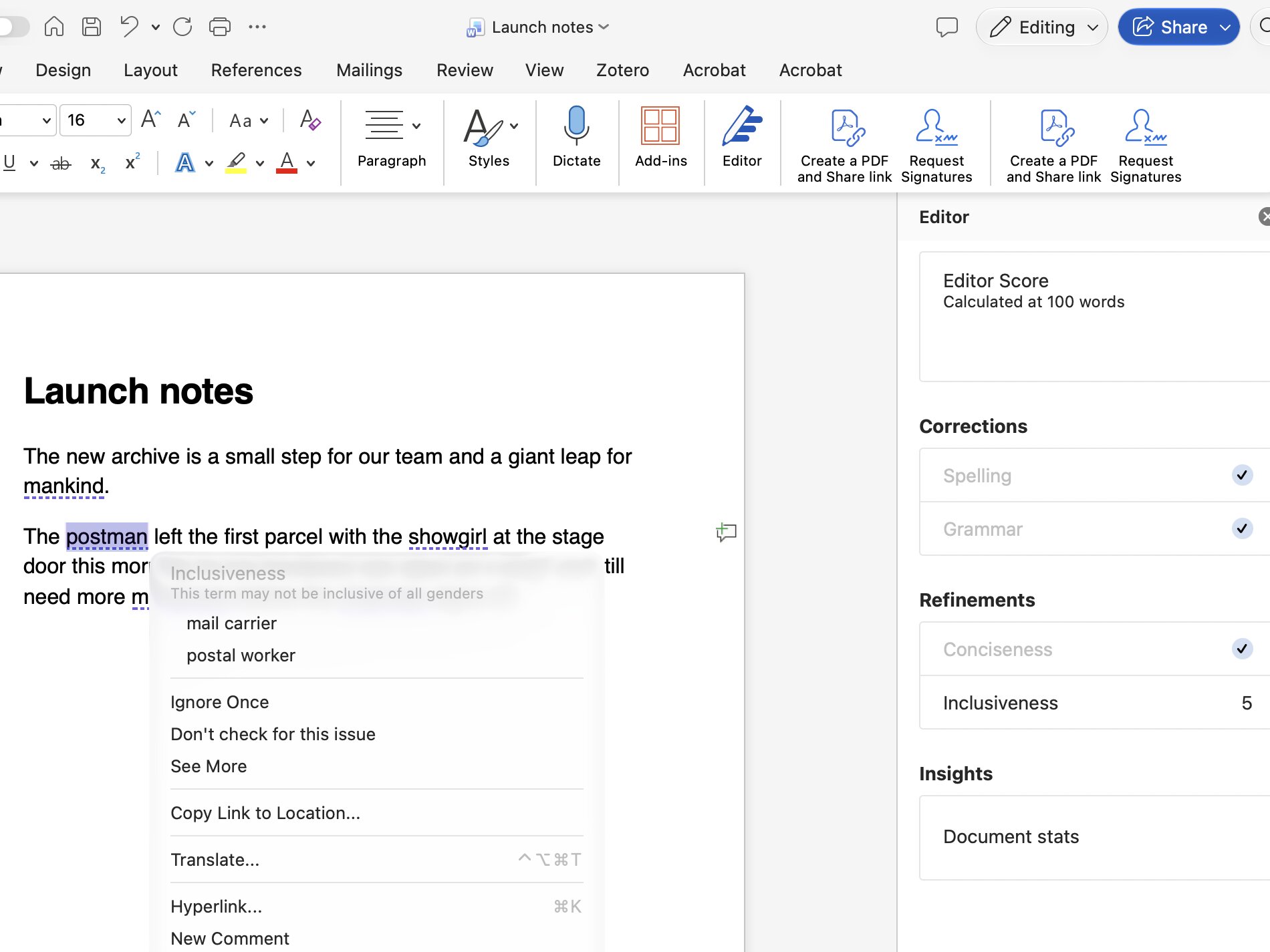
Microsoft Editor · Inclusiveness checks
Microsoft
Word's Editor pane sorts flags into named categories: here Inclusiveness, counting five, with a dotted underline on each term. Right-click one and the menu gives the reason ("This term may not be inclusive of all genders") above alternatives such as mail carrier, plus Ignore Once and Don't check for this issue. Each bias check (age, cultural, gender, racial, sexual orientation and more) is its own switch, all off by default; this capture turned on two gender ones. Microsoft's English guidance file, a Word document linked from its Editor availability page, lists the checks, most with a guidance line, an explanation and a suggested revision ("policemen" becomes "police officers").
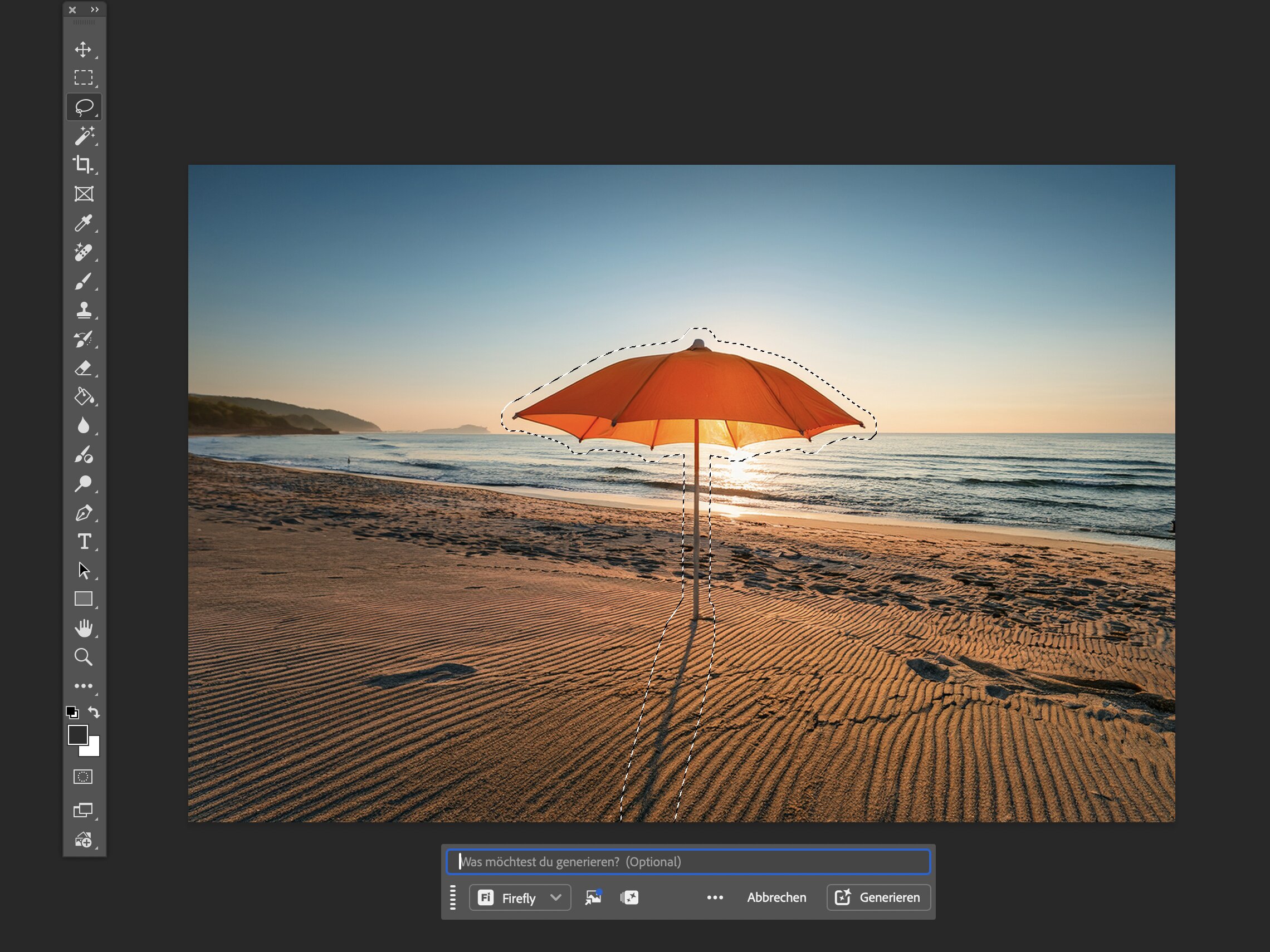
Adobe Photoshop · Generative Fill toolbar
Adobe
Generative AI behind a selection and a button: select the object, choose Generative Fill in the contextual task bar, press Generate. The prompt field is labelled optional — left blank, Firefly Fill & Expand fills from the surroundings and returns three variations, while Firefly Image 5 won't generate without one. Since August 2026 a prompt-based AI Assisted Editor (Beta) sits one toggle away; this capture stays in the Pro Editor.
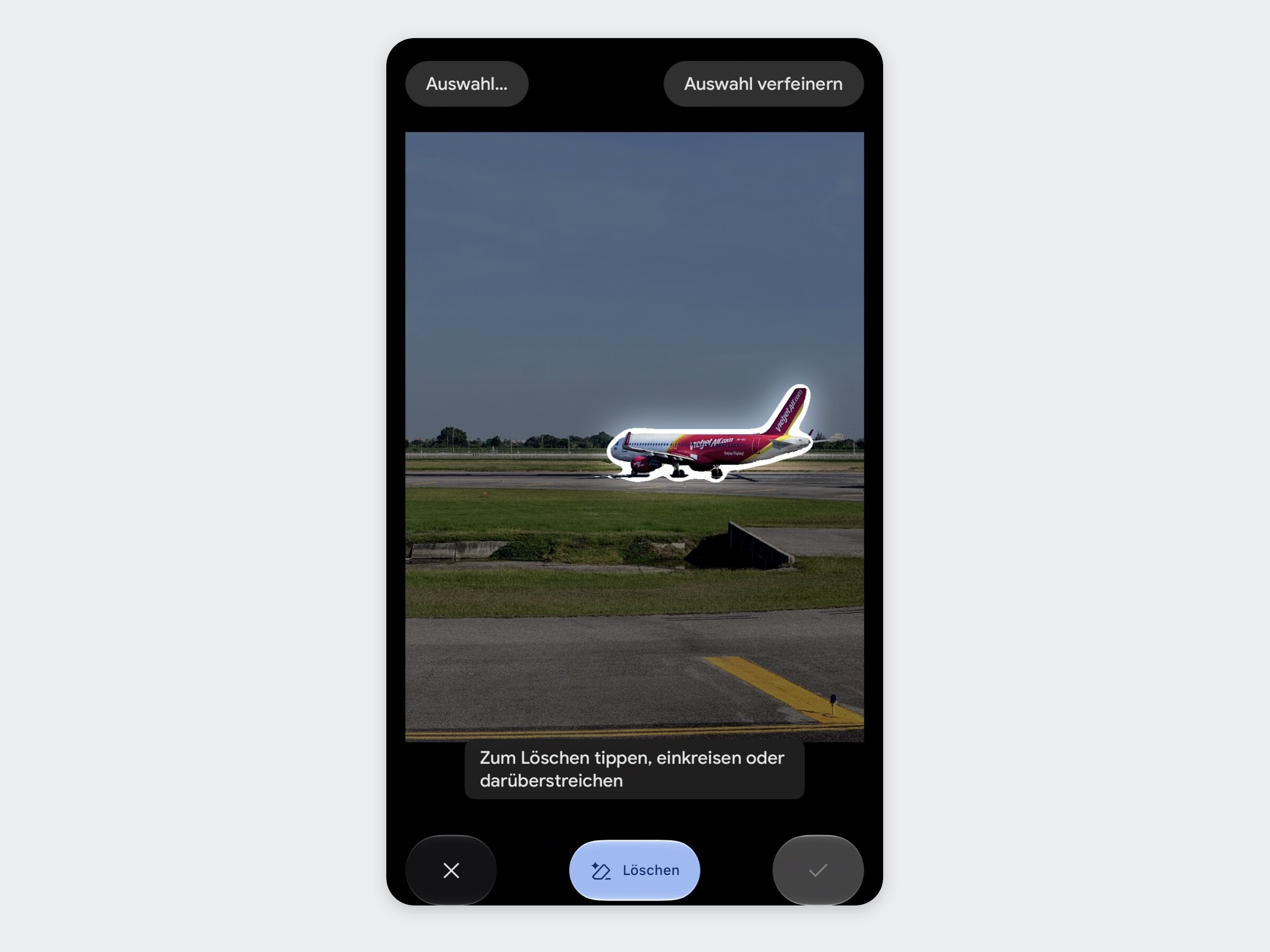
Google Photos · Magic Eraser (Erase / Move)
Tap, circle or brush an object and Magic Eraser outlines it, with Erase the only named action below and Deselect and Refine selection above — generative editing with zero conversation. On Android a Move button joins Erase and a pinch resizes the moved selection; the iPhone app, shown here, offers only Erase. Conversational editing through Ask Photos is the optional route alongside, where it has rolled out (it varies by country and platform).
Canva · Magic Studio tools
Canva
Magic Eraser is one named button under Edit › Tools: pick Brush, Click, Foreground or Text to select, then Erase — one enumerable job, no dialogue required. Its Magic Studio siblings, Magic Expand and Magic Grab, ship the same way, as single-purpose tools in the editor.
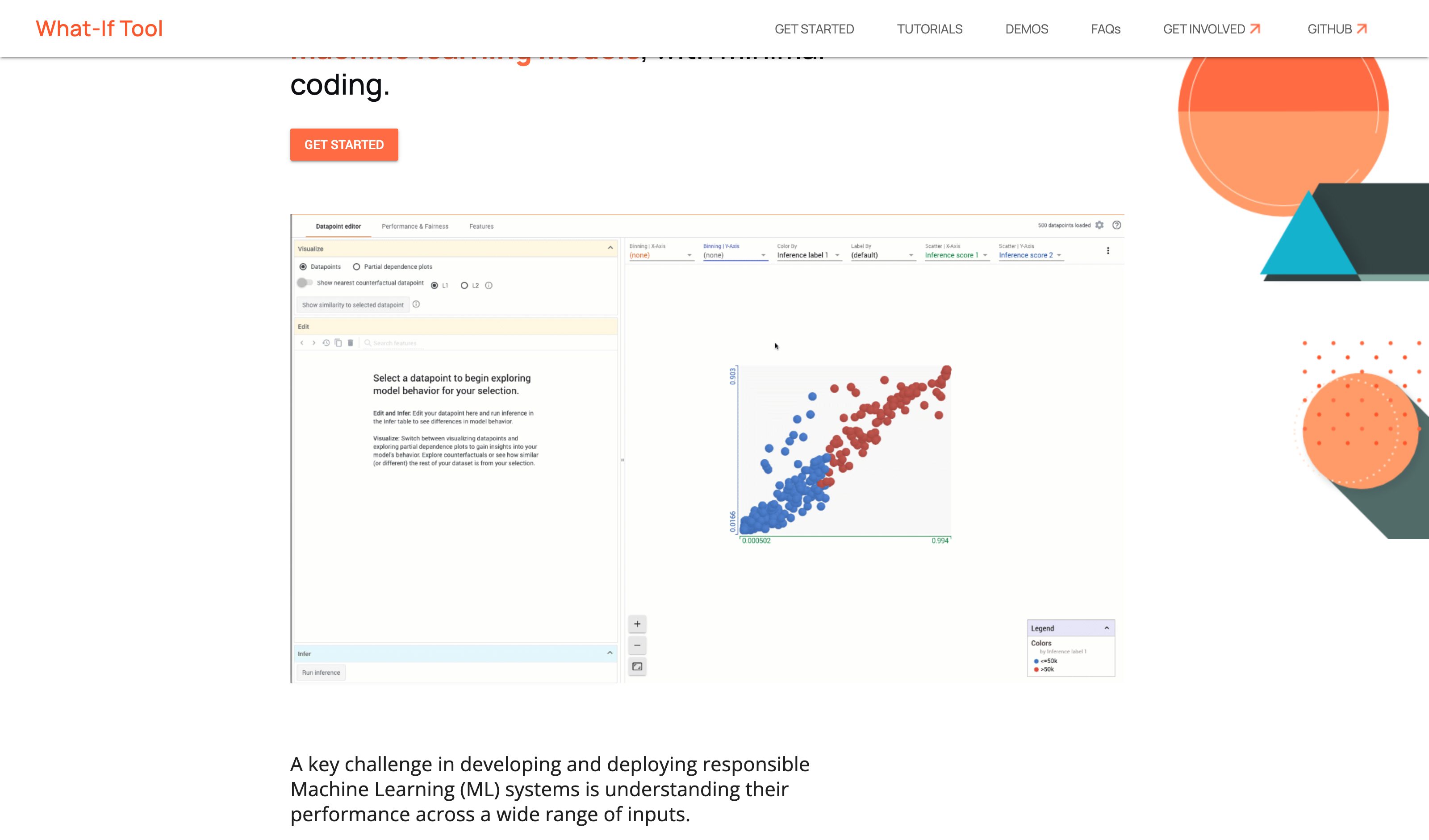
Google · What-If Tool (PAIR)
Select a datapoint, edit any feature and re-run inference, or switch on the nearest-counterfactual toggle to pull up the most similar datapoint in the loaded dataset that the model classifies differently, with the differing values highlighted; partial dependence plots chart the model's output as one feature sweeps through its values. It is the lever-and-verdict mechanic built for practitioners probing a model rather than for the person the verdict is about, and its counterfactual is the nearest existing datapoint, not a minimal edit to this one. TensorBoard's 2023 release notes call WIT unsupported and redirect its plugin to PAIR's newer LIT; the last WIT release is 1.8.1 (October 2021), but the hosted demos still run.
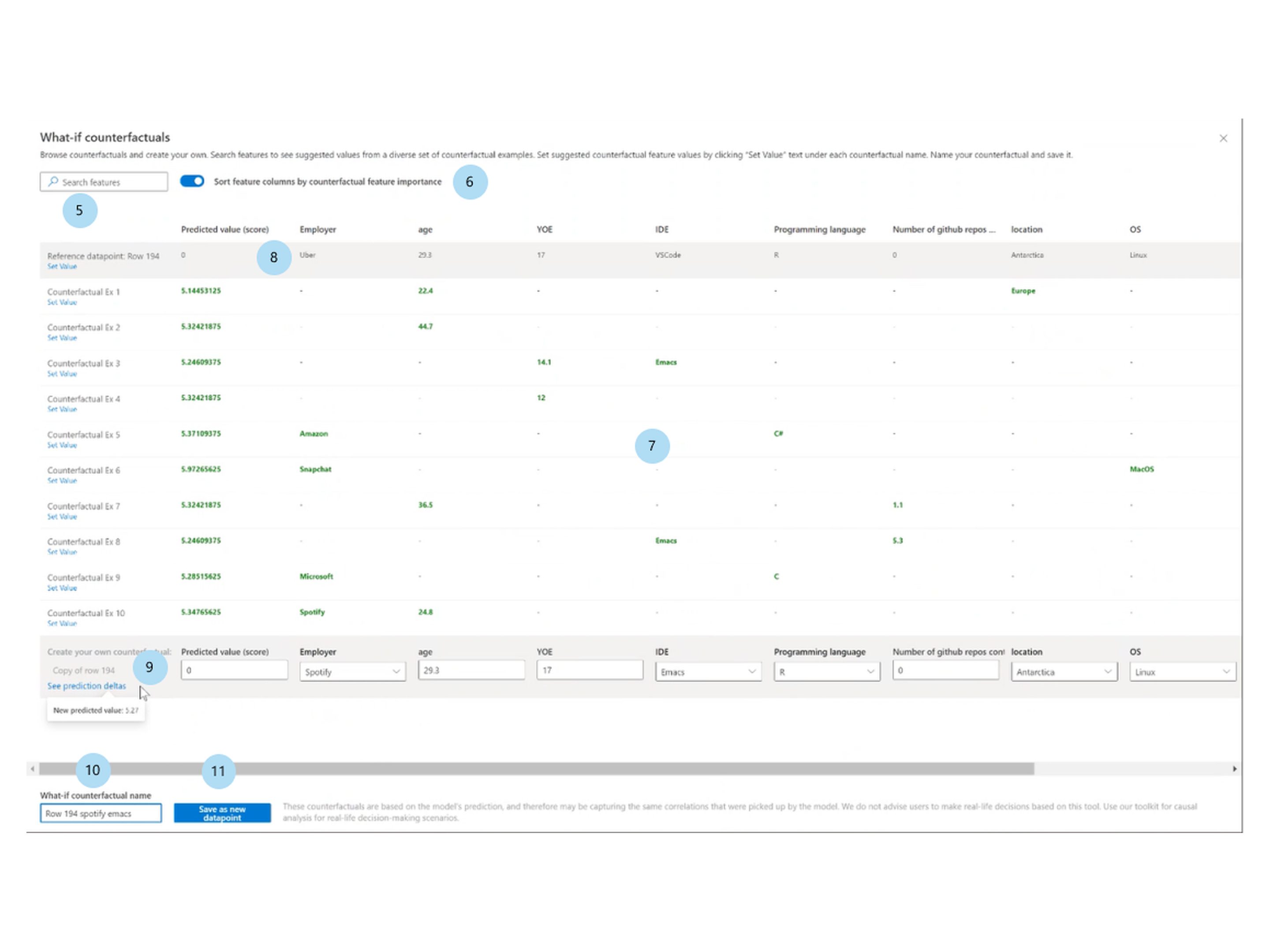
Azure Machine Learning · Counterfactual what-if
Microsoft
In Azure Machine Learning studio, pick a data point and a Desired class for counterfactual(s) (a range for regression), and the Responsible AI dashboard's Counterfactual what-if component shows a diverse set of generated examples that reach it with minimal feature changes; a Top ranked features plot ranks the features those examples changed most often. Create what-if counterfactual opens the reference row, the examples and an editable copy of the row: change values or click Set Value under an example, and See prediction deltas shows where the prediction moved (editing needs a compute instance connected to the dashboard). The levers serve whoever builds the model, not the person the prediction is about, and the pane's footer warns that the counterfactuals may capture the same correlations the model picked up and advises against basing real-life decisions on them.
Adverse-action reason codes
US consumer credit (regulated)
A lender that turns down a credit application must send an adverse action notice giving the specific reasons, or telling the applicant they can learn them by asking within 60 days; when the decision was based on the applicant's credit report, the lender must also give the numerical score it used and the key factors that affected it (ECOA, FCRA). The reasons requirement has been law since 1976, long before machine-learning credit models. The notice names which factors counted against the applicant, not how far any of them would have to move: Regulation B's commentary lets a lender write "length of residence" without saying whether it was too short.
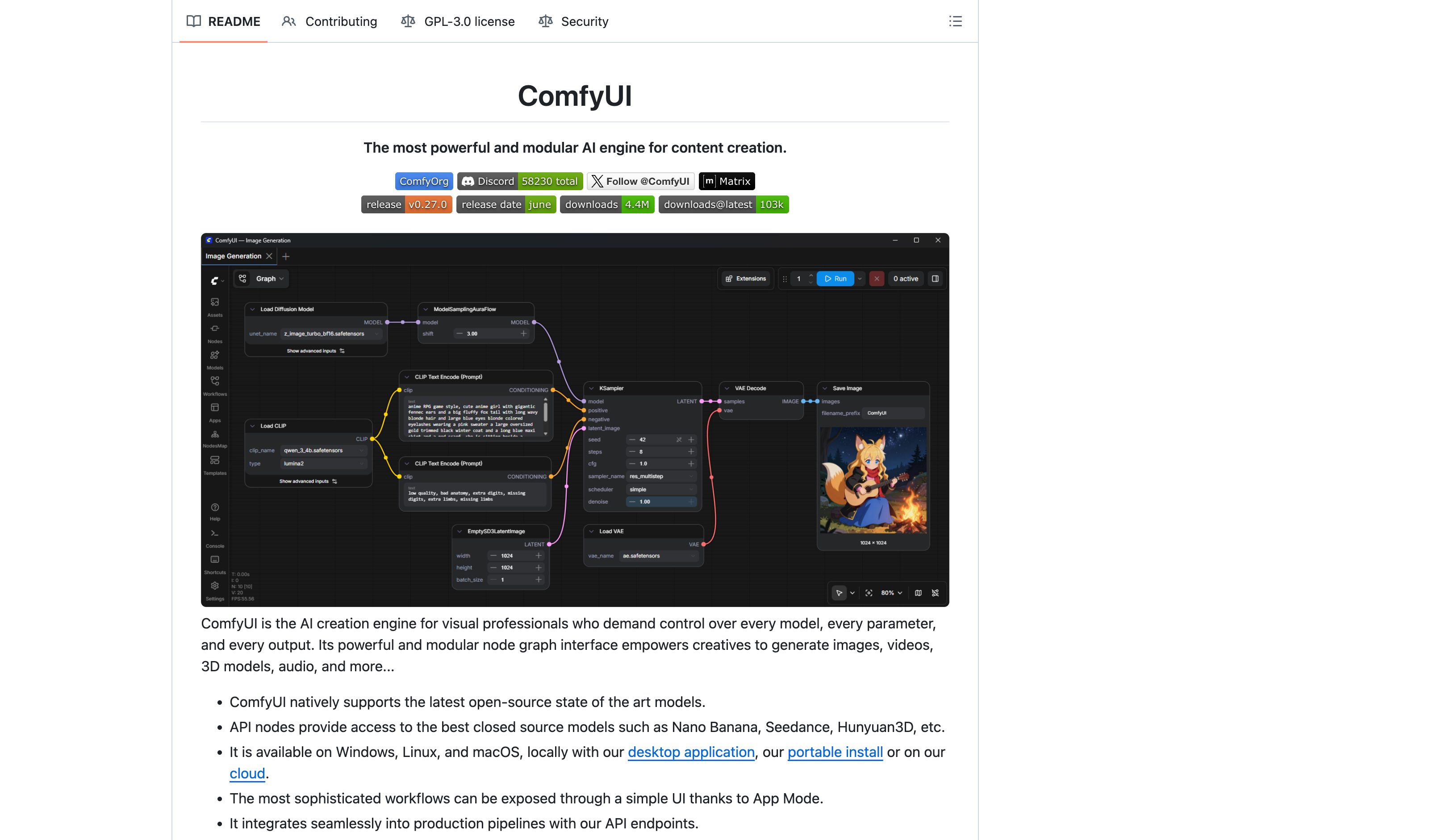
ComfyUI · Node graph
Comfy Org
The generation pipeline as an explicit graph — lineage is the interface. Power-tool register: it shows the topology the pattern wants, at the cost of approachability.
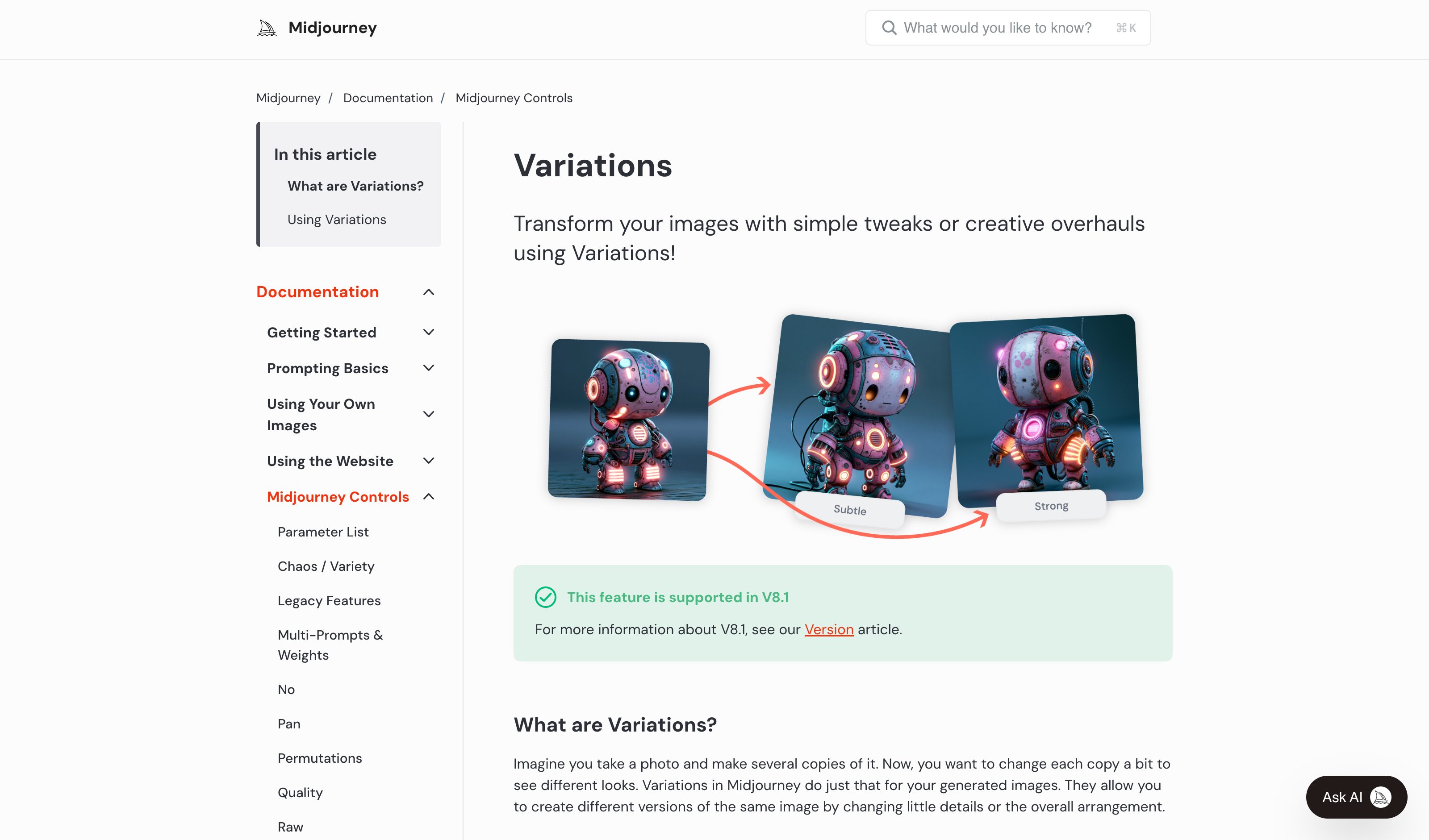
Midjourney · Vary & remix lineage
Midjourney
Every vary/remix job links back to its parent job — the lineage exists in the data and job history, but no tree view renders it navigable.
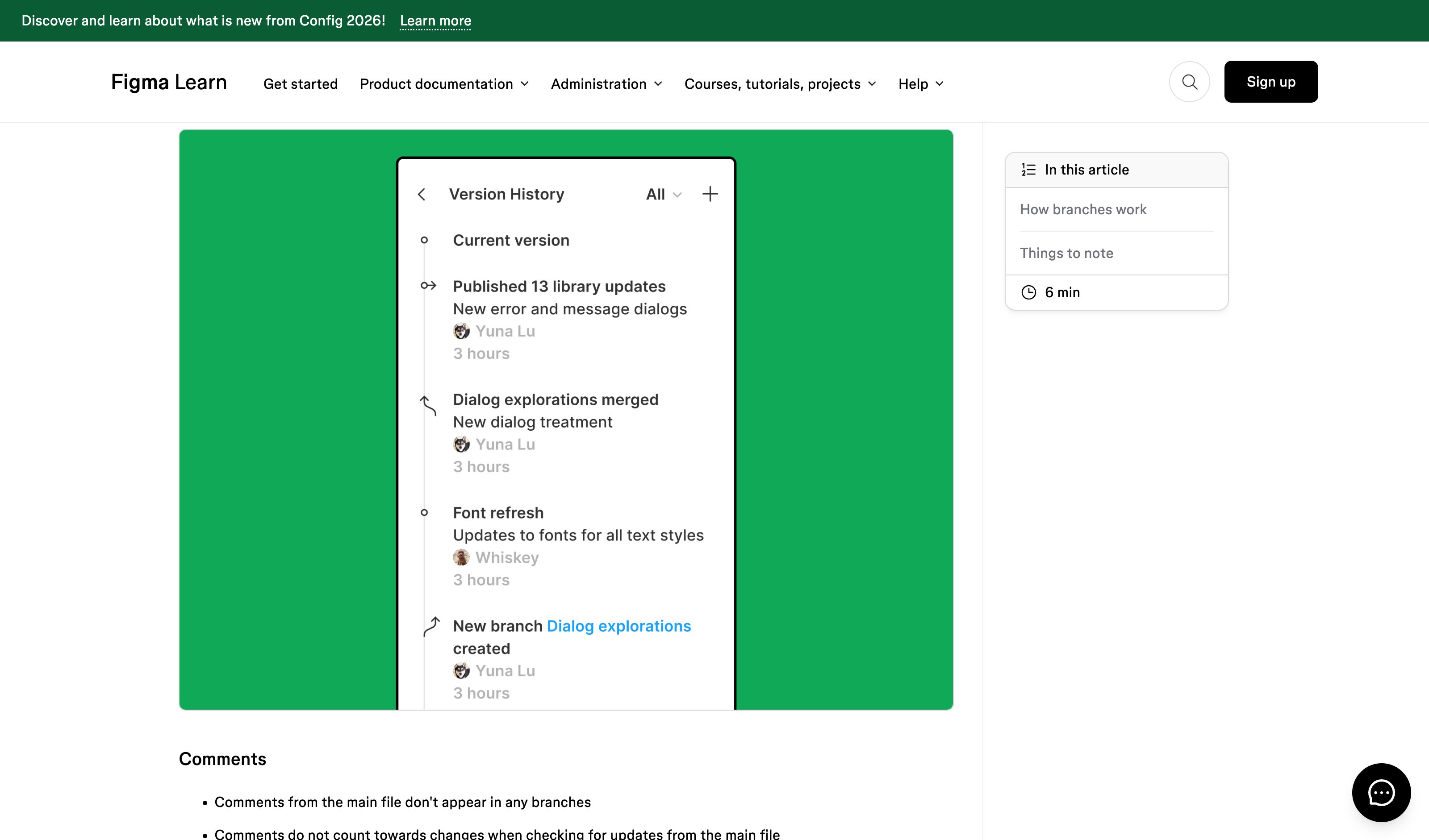
Figma · Branching
Figma
Named branches off a main file with review-and-merge — design iteration as a tree, though per-file rather than per-generation.
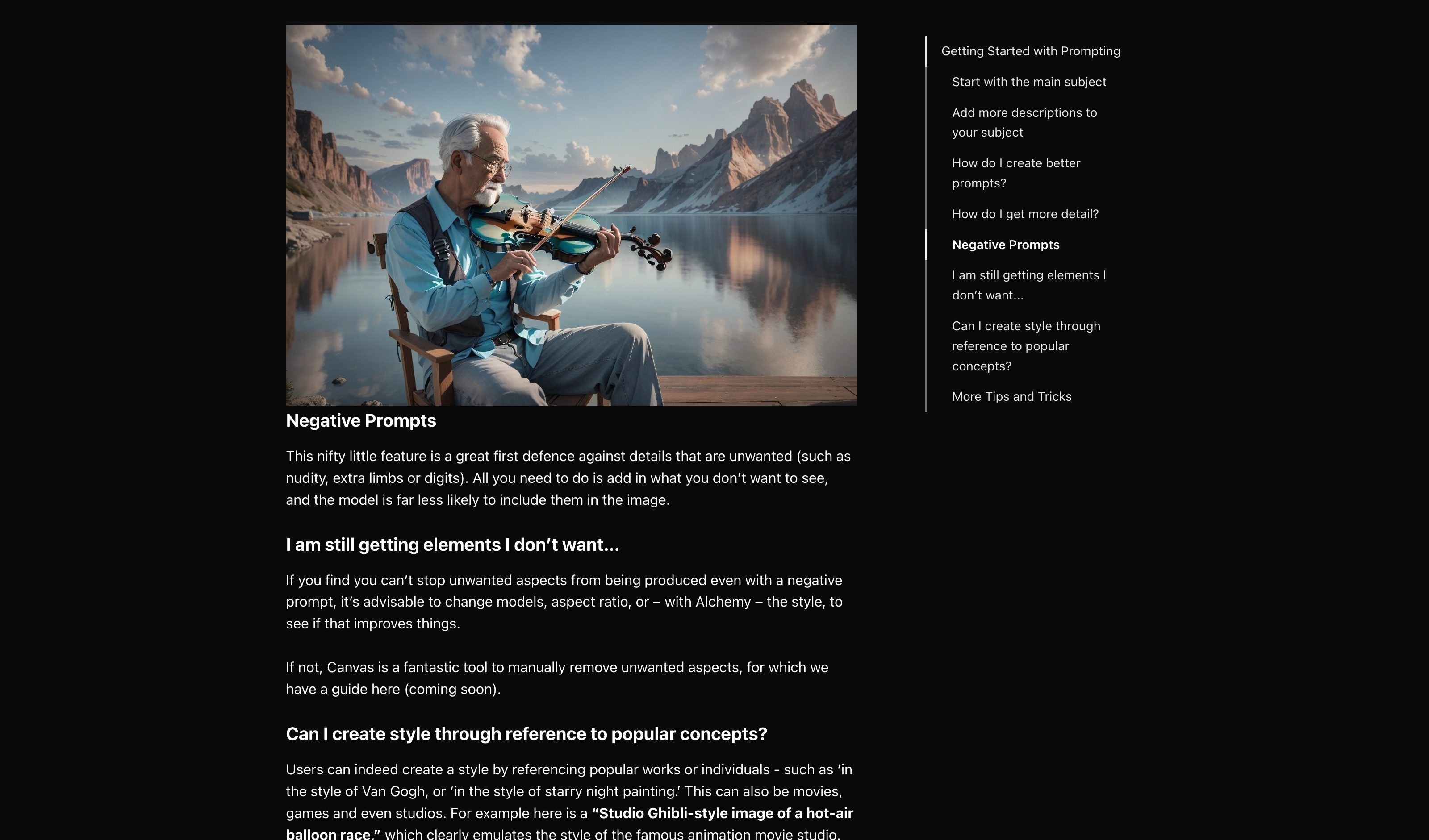
Leonardo AI · Negative prompt field
Leonardo.Ai
A dedicated, labeled field for what must not appear — the exclusion as first-class input rather than inline syntax, though still typed prose rather than click-to-ban.
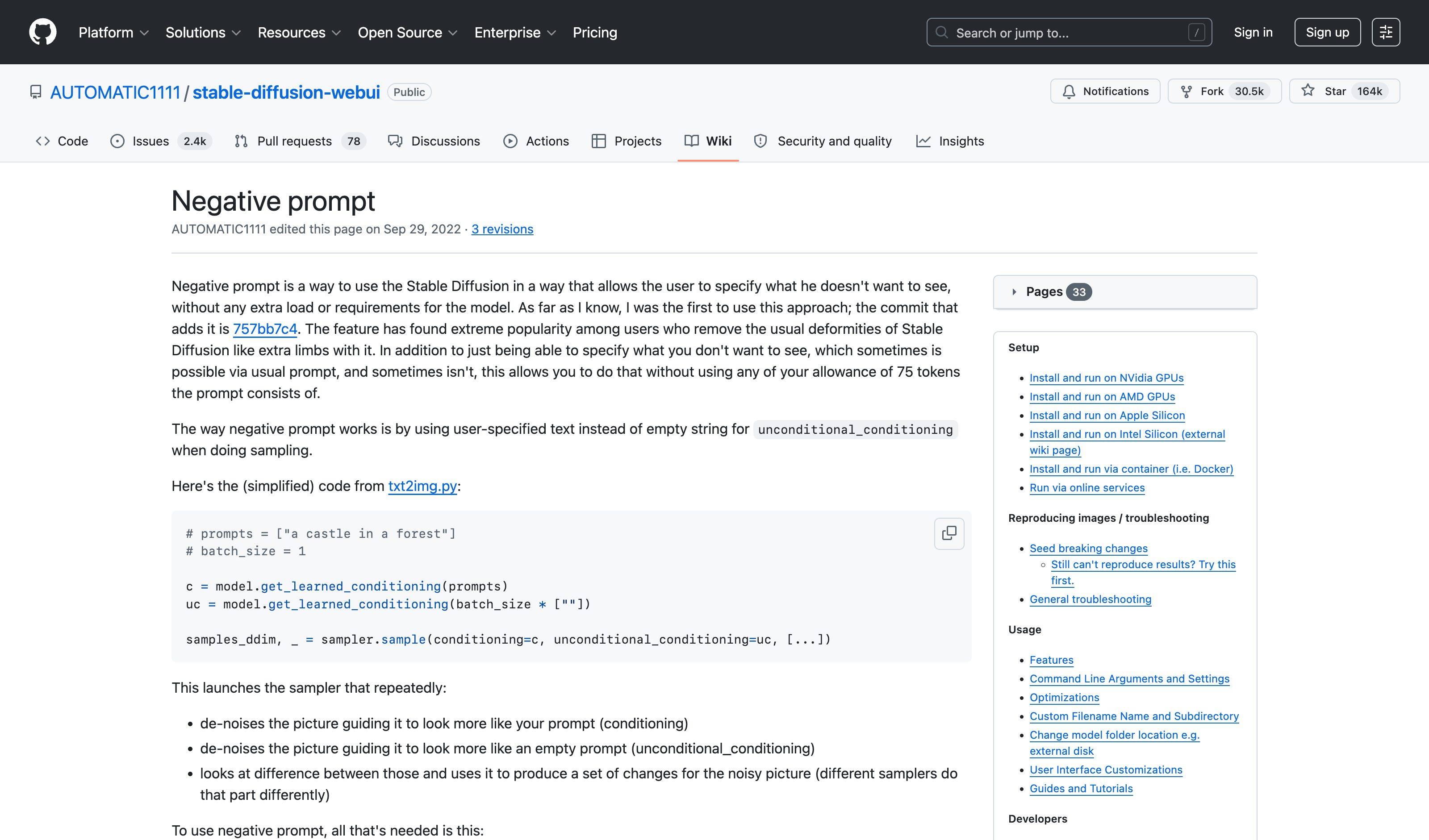
Stable Diffusion WebUI · Negative prompts
AUTOMATIC1111
The community convention that proved structural negation works where prose negation fails — persistent per-generation, reusable, and the reason "negative prompt" is a household term in image generation.
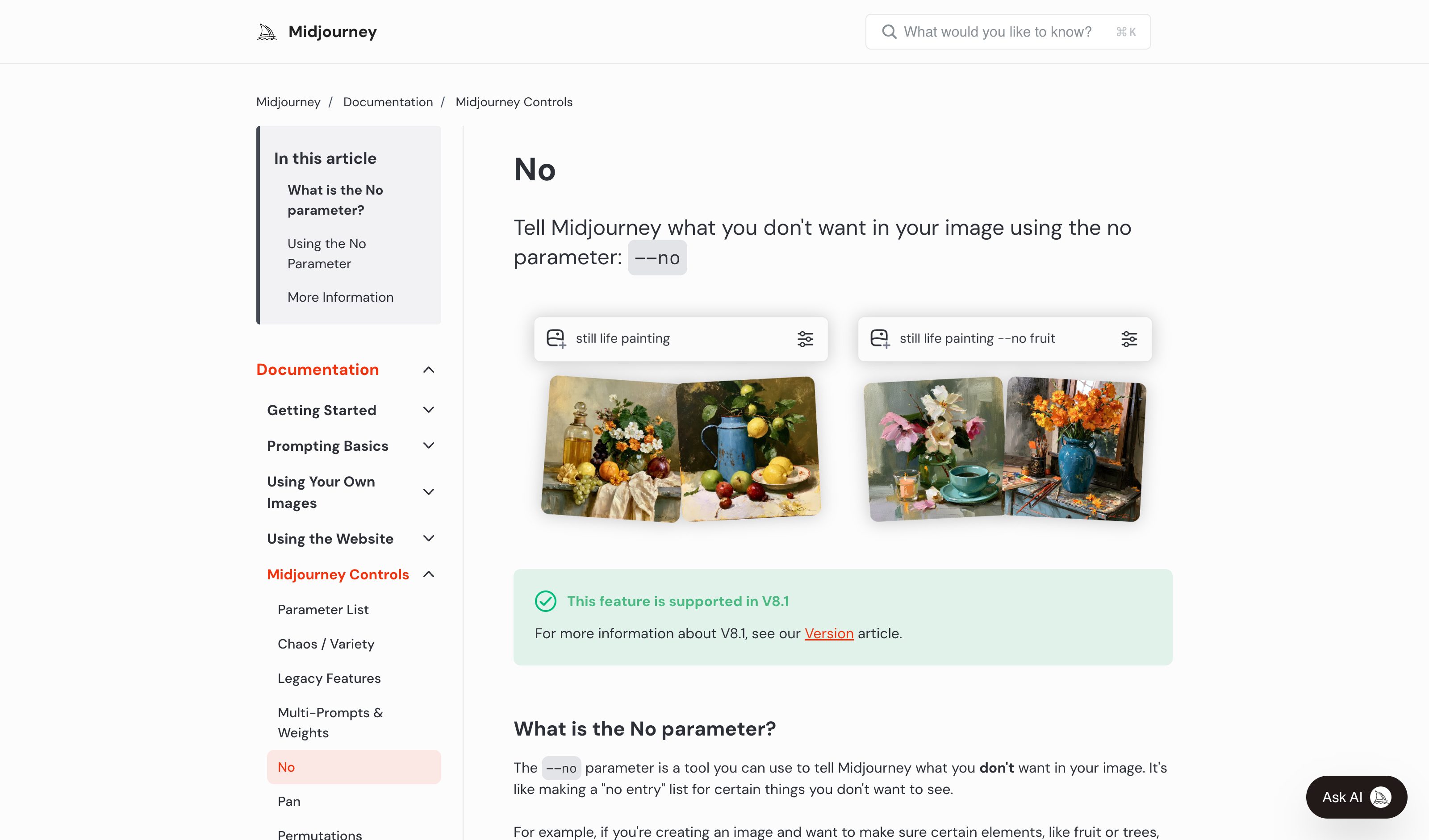
Midjourney · --no parameter
Midjourney
Exclusion ships as typed flag syntax — exactly the arcana the pattern replaces with visible, persistent chips. The mechanic is proven; the interface is the gap.
Perplexity · Model Council
Perplexity
Select Model Council and one query runs across several models at once: three at launch in February 2026, and since July 2026 a lineup of two to eight that you pick yourself in Computer. A synthesizer model merges the runs into one answer with a Where Models Agree table (each finding ticked per model, with source chips as evidence), a Where Models Disagree table (each model's stance and Why They Differ) and a Unique Discoveries table. The claim-level comparison ships, but nothing says how correlated the models are, so a full row of ticks can overstate how independent the agreement is.
Arena · Side by Side
Arena
In Side by Side mode you pick two named models and both answer the same prompt next to each other. You can vote for the answer you prefer, but votes in this mode stay off the public leaderboard. The surface is framed as model evaluation rather than answer verification.
Poe · Multi-bot chat
Quora
Multi-bot chat keeps several models in one thread: one click asks a recommended bot to answer the same message, and an @-mention brings in any other bot, which answers with the earlier bots' replies as context. It removes the copy-paste tax, but each answer arrives as a separate message in the thread, and the claim-level agreement analysis is left to the reader.
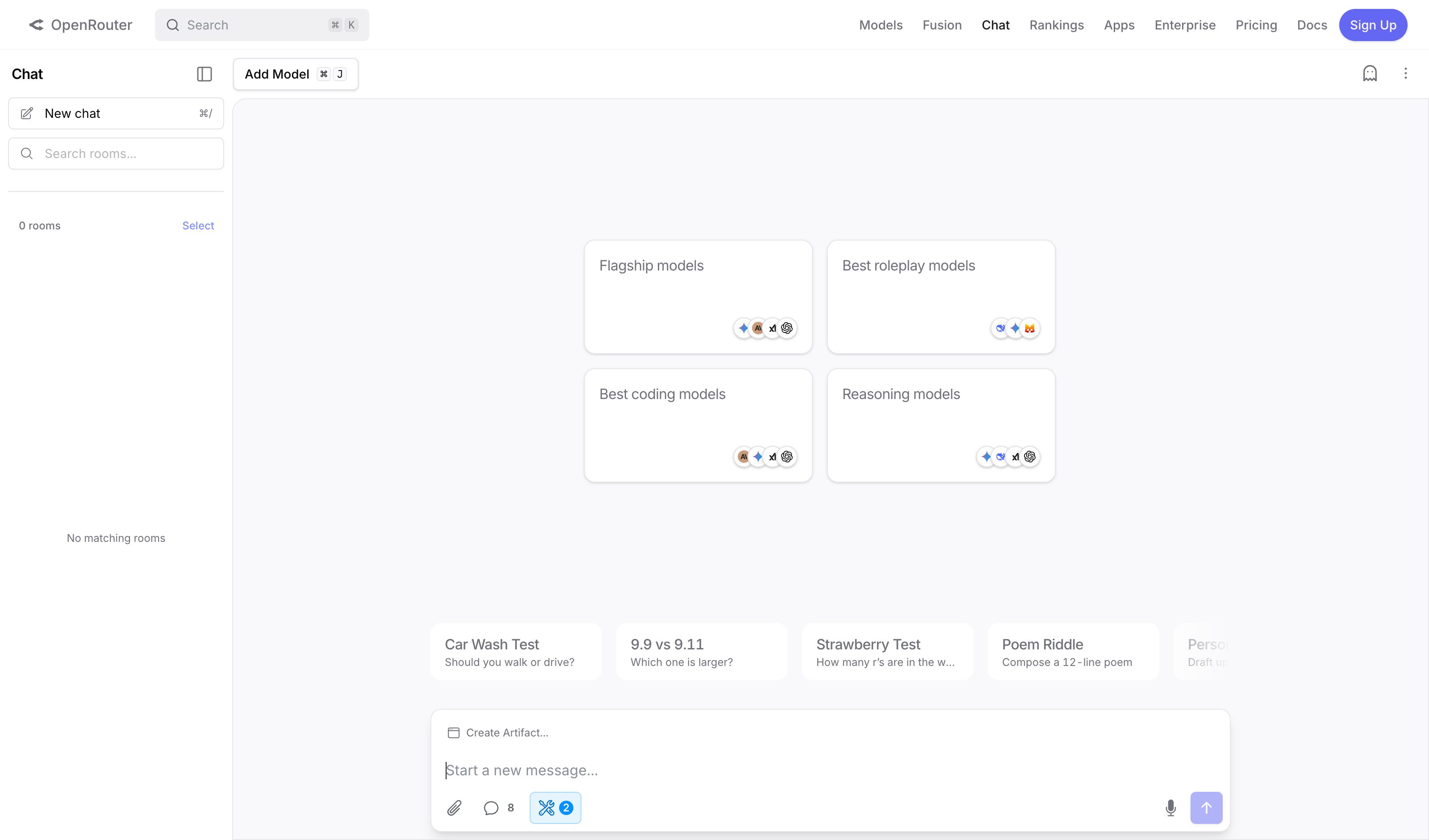
OpenRouter · Multi-model chat
OpenRouter
Parallel answers from selectable models in one chat room — the routing half of the pattern, without corroboration markers.
promptfoo
Promptfoo (part of OpenAI)
Open-source eval harness: declare test cases with assertions in a YAML config, run them across prompts and models, and read pass/fail per case in a matrix view. Its GitHub Action runs a before-and-after eval on every pull request that touches a watched prompt file and posts a link to the results on the PR. The pattern as a developer CLI/CI tool. Part of OpenAI since March 2026; it stays MIT-licensed and supports 60+ model providers.
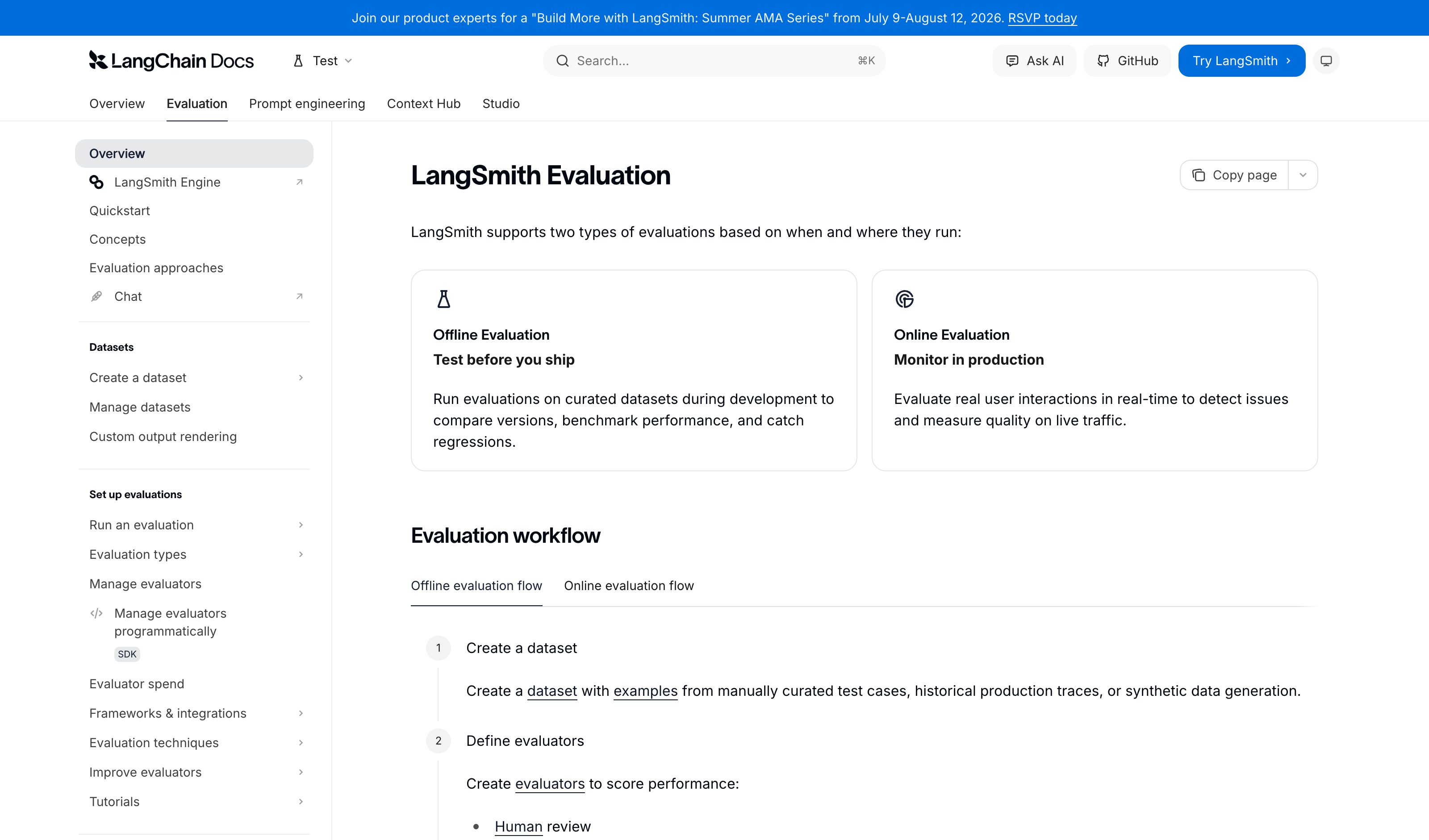
LangSmith · Datasets & evals
LangChain
Pin real production cases into datasets and score new versions against them — regression testing for LLM behavior at platform scale, developer-facing.
Braintrust · Compare experiments
Braintrust
Set an earlier eval run as the baseline and Braintrust lines up the same test cases in the run after a prompt or model change, marking each row green where its score improved and red where it regressed. The Summary table grades the new run an Improvement, Regression, Tradeoff or Tie; the Diff toggle shows what the model wrote differently; Add to > Add to dataset turns a production trace into a test case. All of it is built for the team shipping the AI product, not for the people who use it.
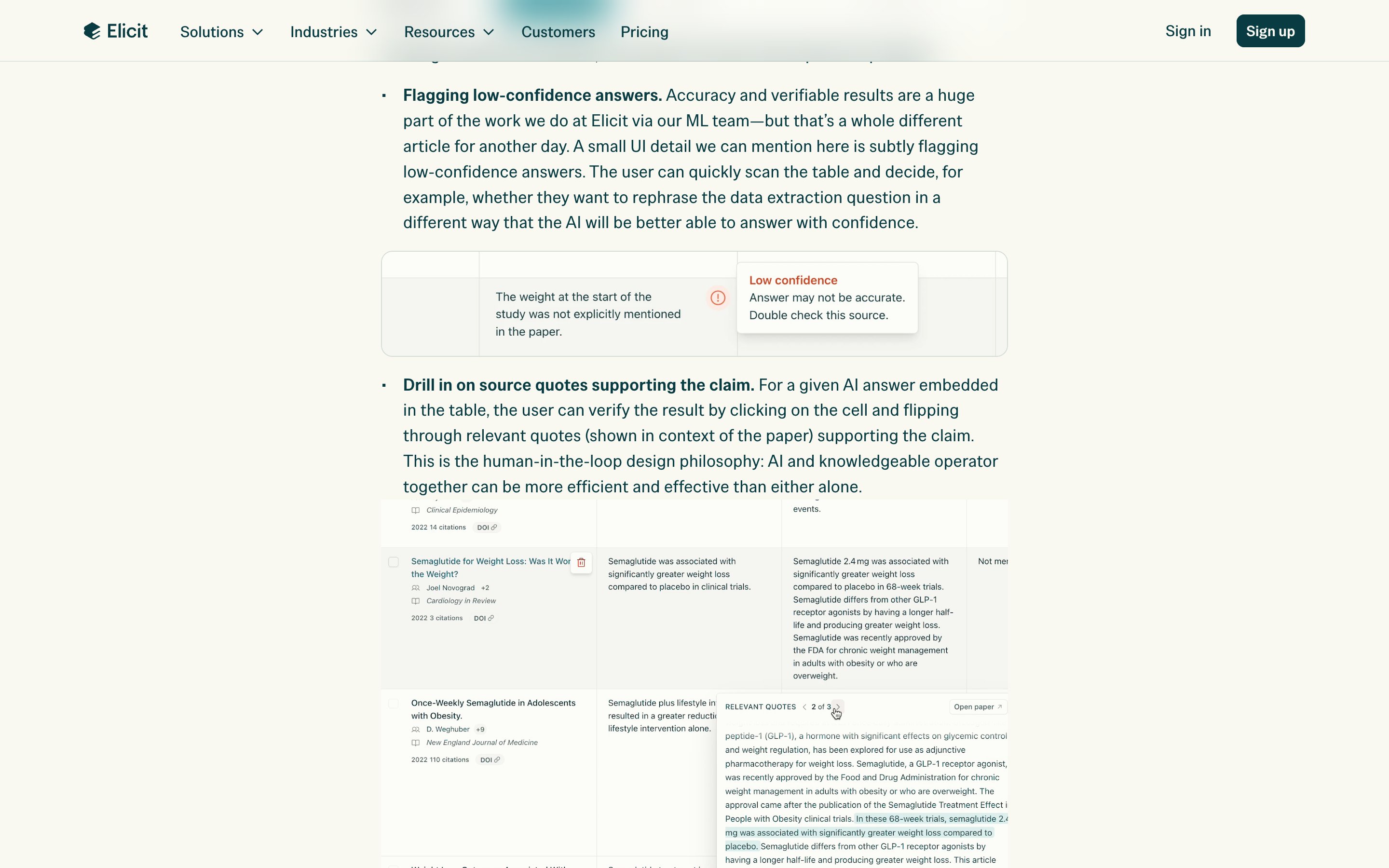
Elicit
The reference shape: papers as rows, each column an extraction question run against every paper, and every cell checkable: its source chip opens the supporting quotes from the paper (checked in a Research Agent table, Oct 2026). Pictured from Elicit's own write-up; since September 2026 Extract Data runs as a skill inside the Research Agent rather than as a standalone tool.
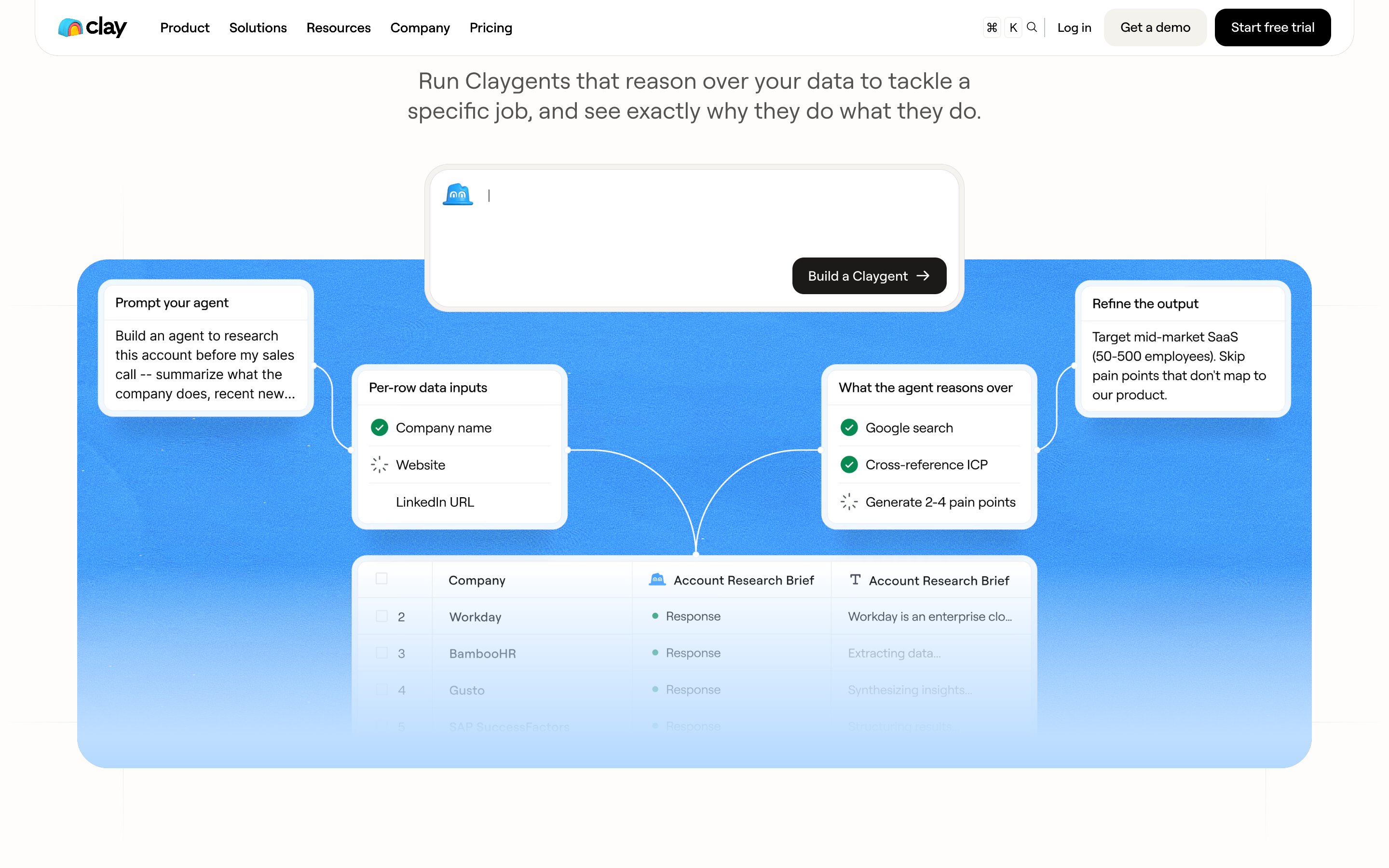
Clay · Claygent columns
Clay
A Claygent column runs one prompt per row — the row's inputs in, web research and reasoning in the middle, one cell out — and each cell shows its own state while it fills. Clay documents column-level run settings, manual per-cell runs and a per-cell details panel; sources are not attached to cells by default — Clay's own guide says to ask for the URL in the prompt.
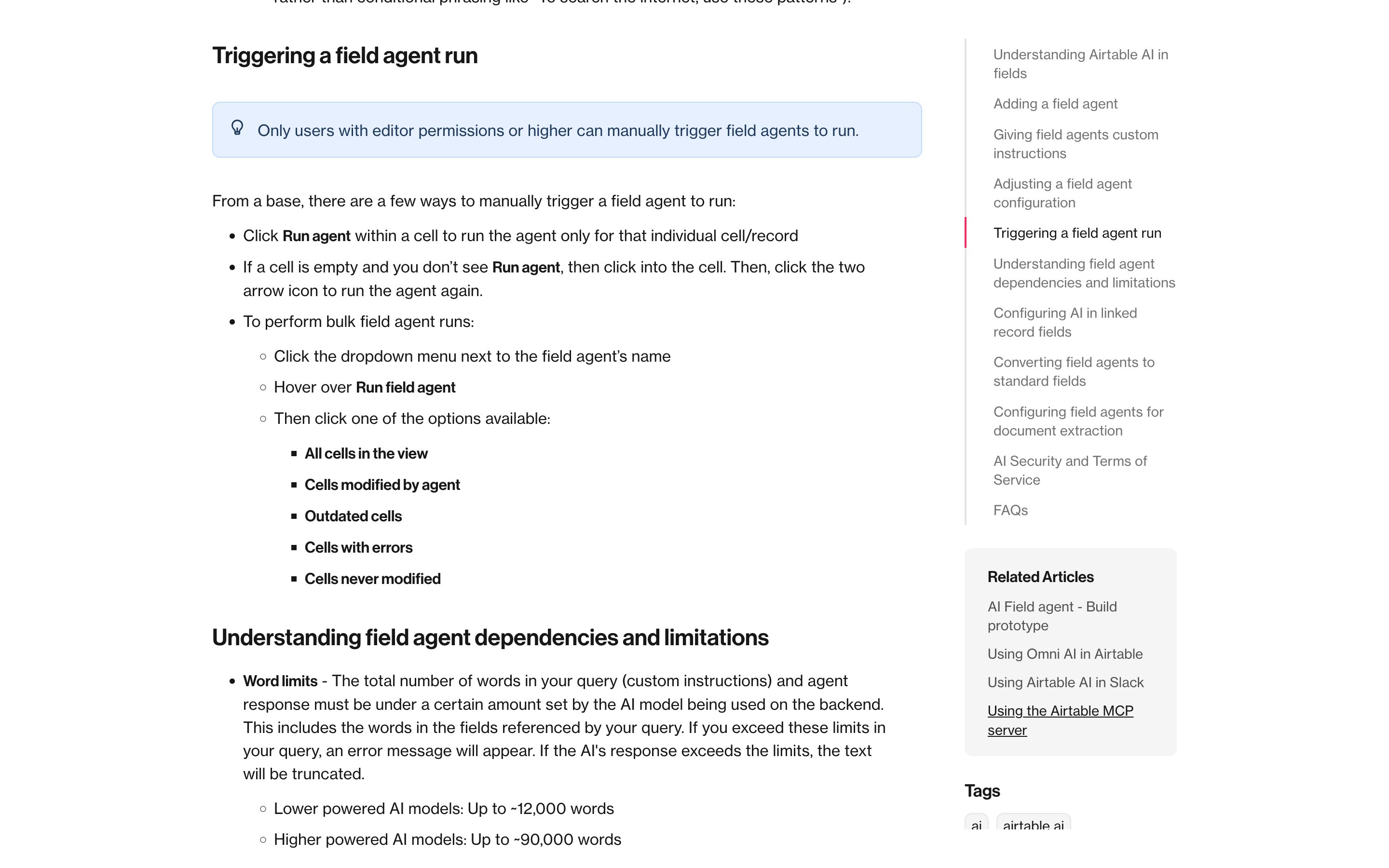
Airtable Field Agents
Airtable
The per-cell retry, documented: Run agent inside one cell runs the field agent for that record only, and bulk runs can target just the outdated cells, the cells with errors or the ones never modified. The cell is the unit of work. Sources appear in the output when the agent searched the web; paid plans only.
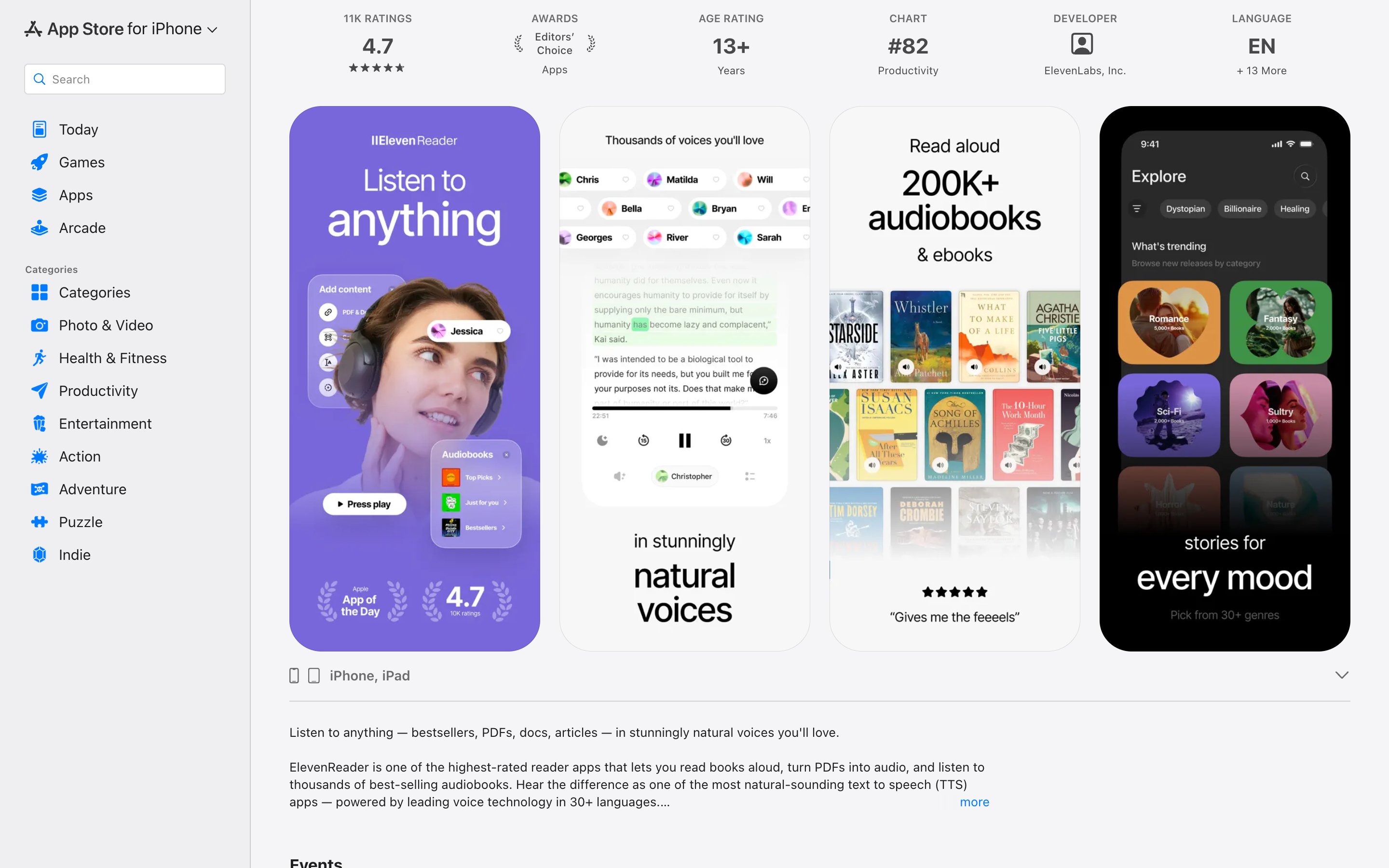
ElevenReader
ElevenLabs
Word-by-word highlighting tracks the voice as it plays; the app reads pasted text, PDFs, eBooks and links, on iOS, Android and the web. Tapping a word to move the playhead there is not documented, so as far as the source goes this is the binding, not yet the address. Pictured: its App Store listing, with the highlighted reader screen second from left.
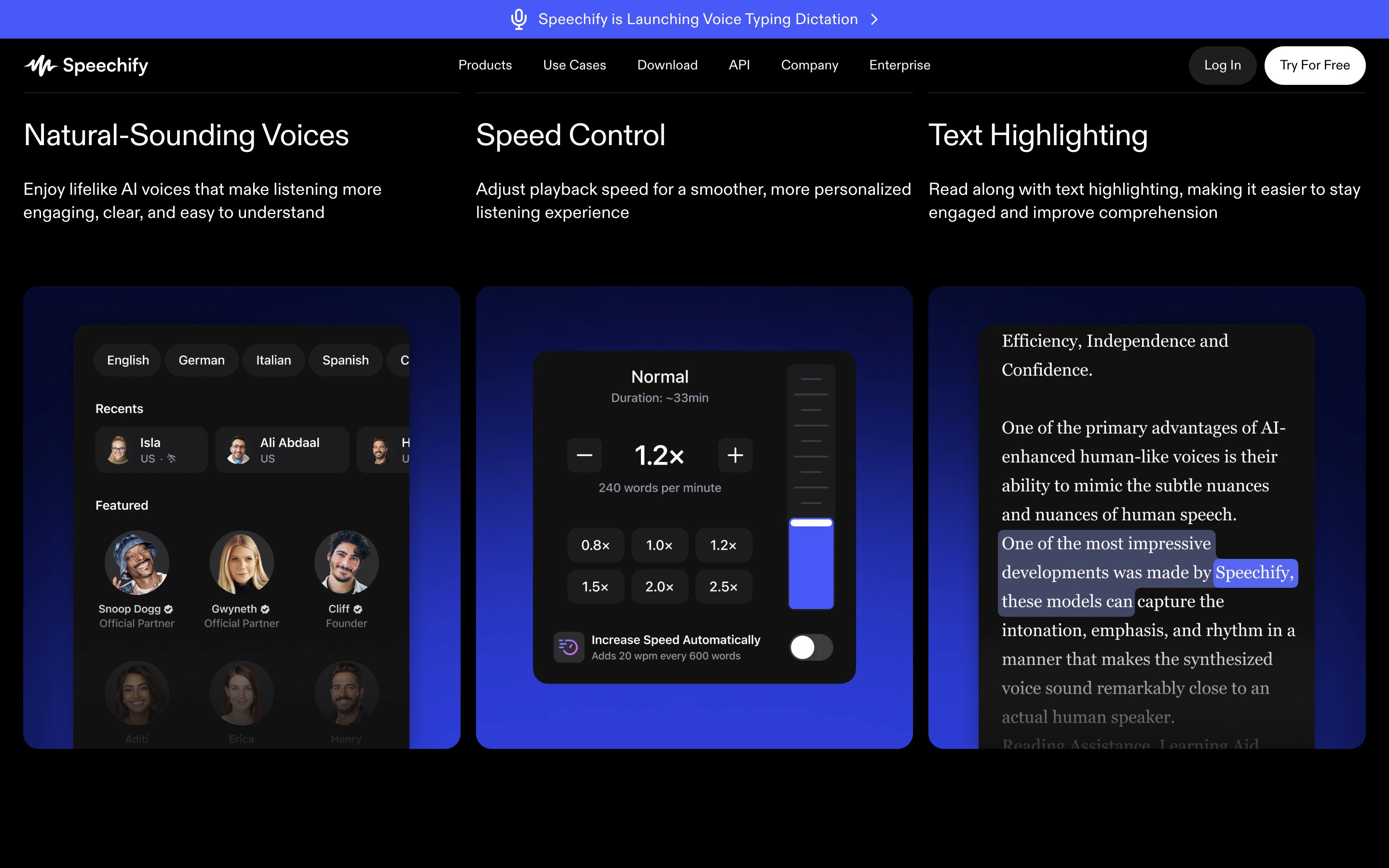
Speechify
Highlights the sentence being read and, inside it, the word being spoken, pictured alongside its voice and speed controls. The binding is mature; clicking text to move the playhead is not documented for the web app, and nothing anchors an interruption to a span.
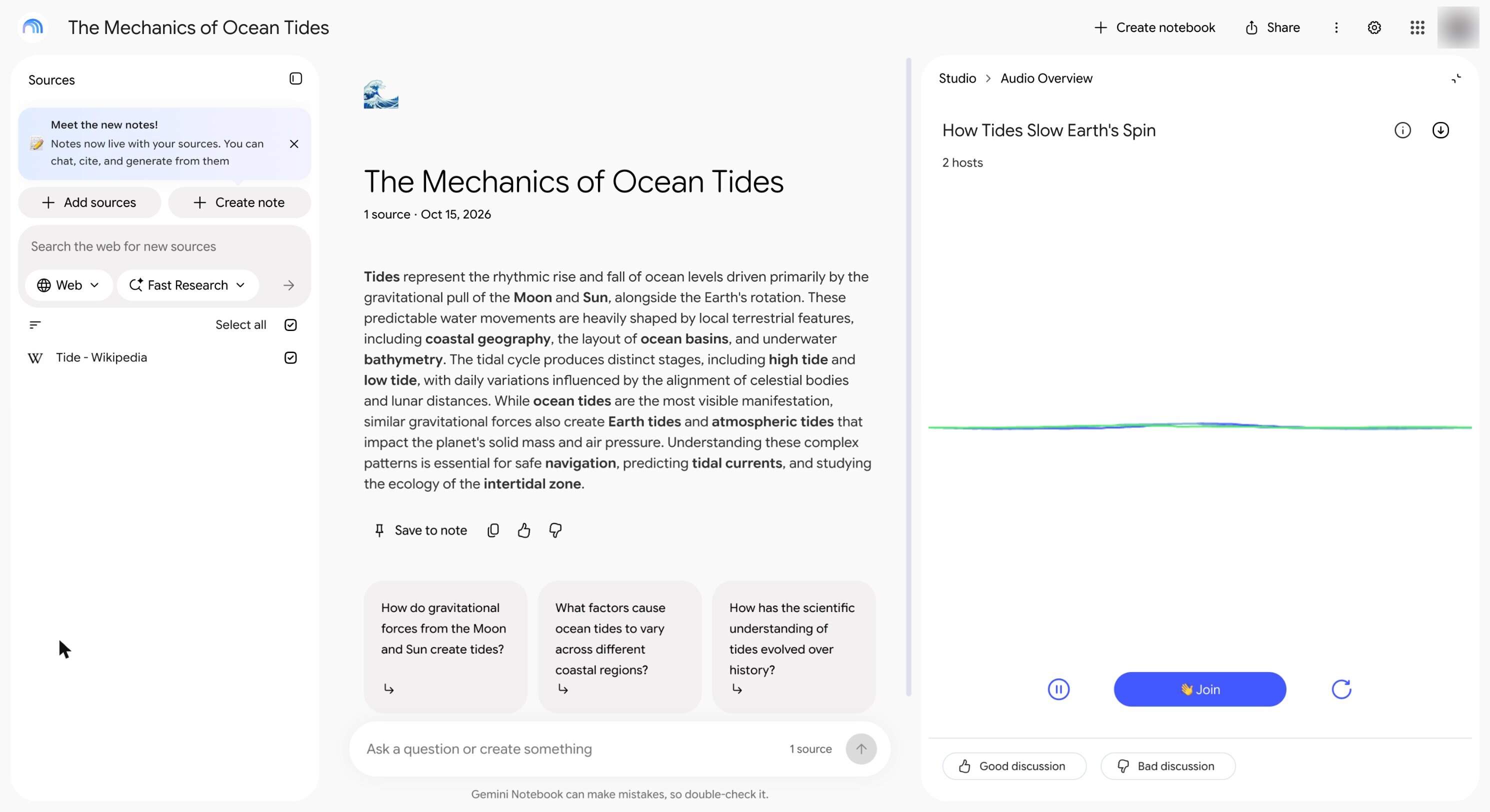
Gemini Notebook Audio Overview
Renamed from NotebookLM in July 2026. Interactive mode lets you join a generated two-host overview and ask a question mid-listen — the interrupt half. But there is no transcript to follow and nothing to seek by word, so the interruption anchors to a moment, not a phrase.
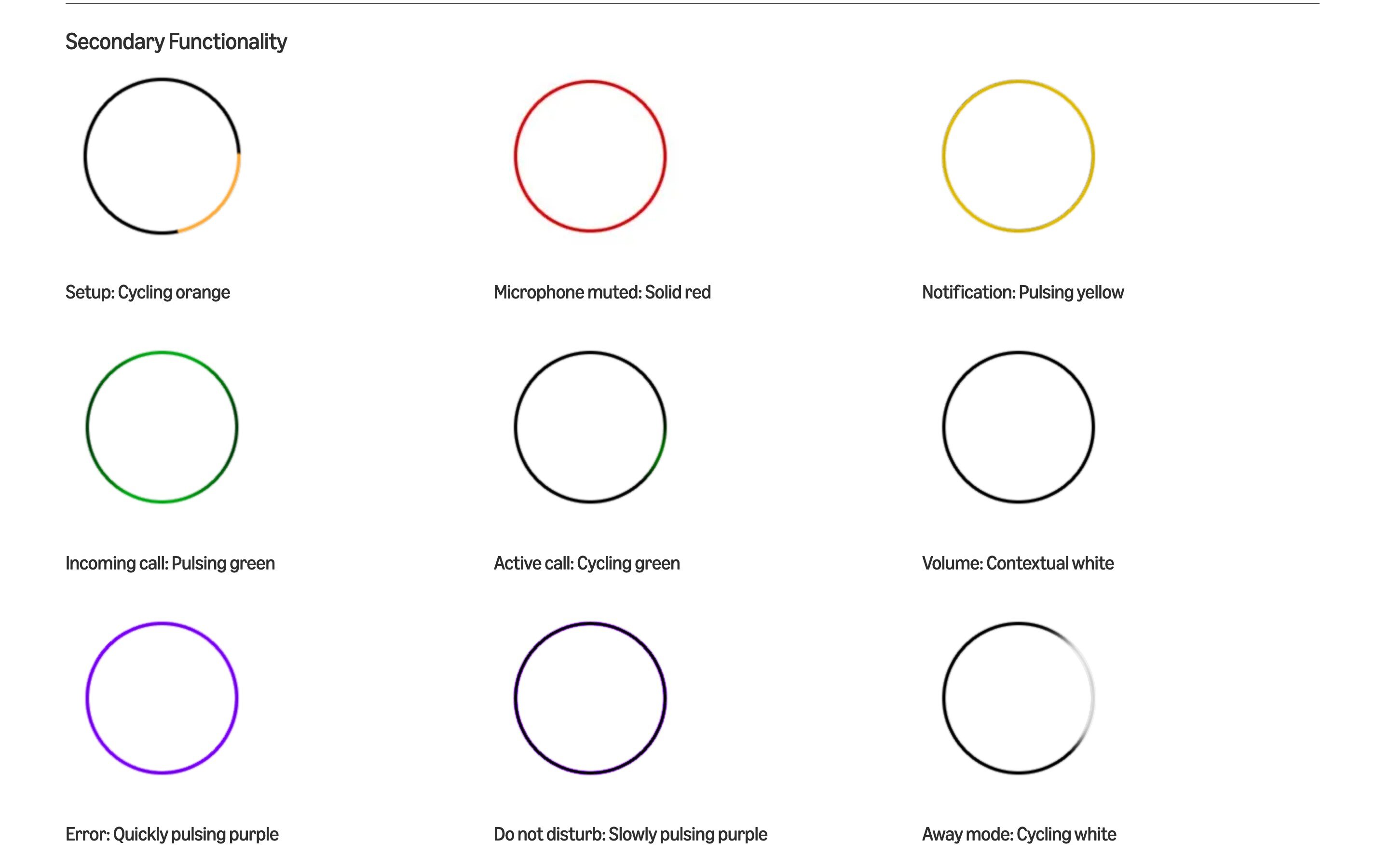
Amazon Alexa light ring
Amazon
The reference implementation since 2014: a closed vocabulary of ring states, each a colour plus a motion. Listening is directional blue, thinking alternates, muted is solid red, Do Not Disturb pulses slowly purple — and Amazon's guidelines list every one by name. No state covers barge-in and no transition log exists. The guidelines picture the older Echo generation; the 2025 Alexa+ devices use a different light language.
ChatGPT Voice
OpenAI
On our iPhone, with no settings changed, voice opened full-screen: an orb that moves while ChatGPT speaks, a text field, a mic button and an exit, but no running transcript; the reply appears in the chat once you leave. It listens while it talks, so in a loud room noise can cut the answer off; muting turns the mic button red and the answer plays on (right). OpenAI's help page describes voice inside the chat instead.
Gemini Live
Live captions its answer as it speaks, above a tap-to-interrupt hint and a bar of camera, screen share, glowing pill, mic and end. Muting switches off only the mic, so a noisy room can't cut Gemini off: the mic button fills blue and the answer runs on (left, muted; right, unmuted seconds later). Google's help also names hold, an Interrupt Live responses setting and an end that leaves a transcript; Live isn't in the Gemini web app.
CodeRabbit · Request changes workflow
CodeRabbit
The closest to a real gate. With the request-changes workflow on, CodeRabbit files its review as Requested changes, so a repo that requires reviews holds the merge until the findings are dealt with. Each finding is anchored to lines and carries a category, a severity and a rationale; the one shown here also carries a proposed fix. Opt-in and off by default — out of the box it only comments.
Cursor Bugbot
Cursor
Located findings done well: each lands on its lines with a title, a severity and the reasoning, plus Fix in Cursor and Fix in Web. The gate is the missing half — by default the review only comments and its check ends neutral, so nothing stops the merge. Failing on unresolved issues is a setting Cursor offers only to some organizations.
GitHub Copilot code review
GitHub
Opens with a verdict — Changes recommended — and a count of open findings, each with a severity pill, then anchors every finding to its lines with a rationale. By default it is a Comment review, never Approve or Request changes, and its assessment does not count toward merge requirements: the findings without the gate. An approvals mode is in public preview.
Claude Code AskUserQuestion
Anthropic
The agent asks through a tool, not in prose: multiple-choice questions when it needs a decision, answered by picking an option or typing into an Other row. The documented detail closest to a Skip is an opt-in auto-continue timeout: an unanswered question closes, submits whatever was already selected, and tells Claude you may be away, so it proceeds on its own judgment and can re-ask later. The fallback is Claude’s judgment, not a default named in advance.
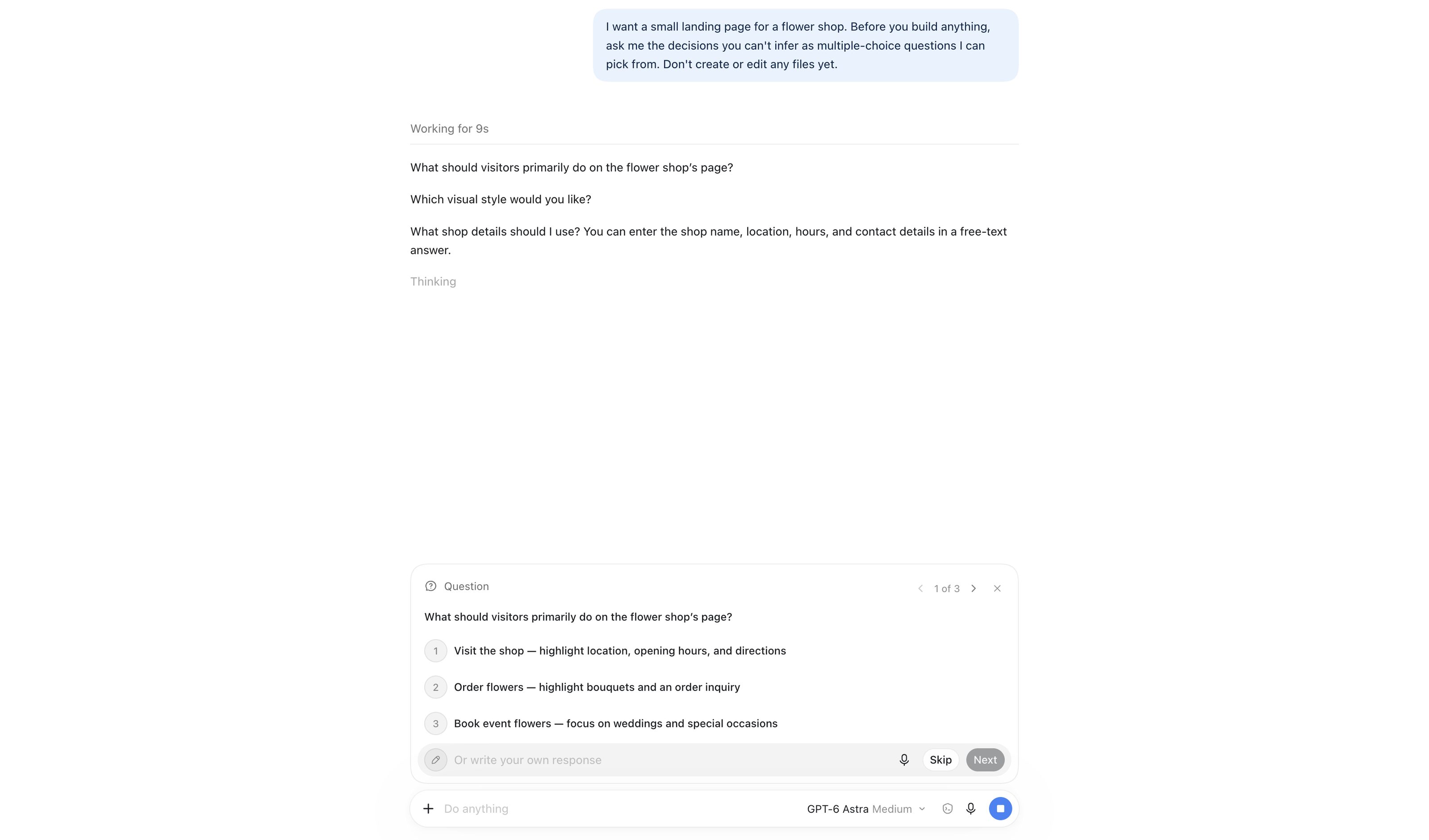
OpenAI Codex
OpenAI
Captured Sep 2026: asked for decisions it could not infer, Codex docks a Question tray above the composer — “1 of 3” with arrows, numbered options that each carry their consequence, a free-text “Or write your own response”, Skip and Next. The same card shape as Claude Code; the questions also stay in the transcript as plain lines.
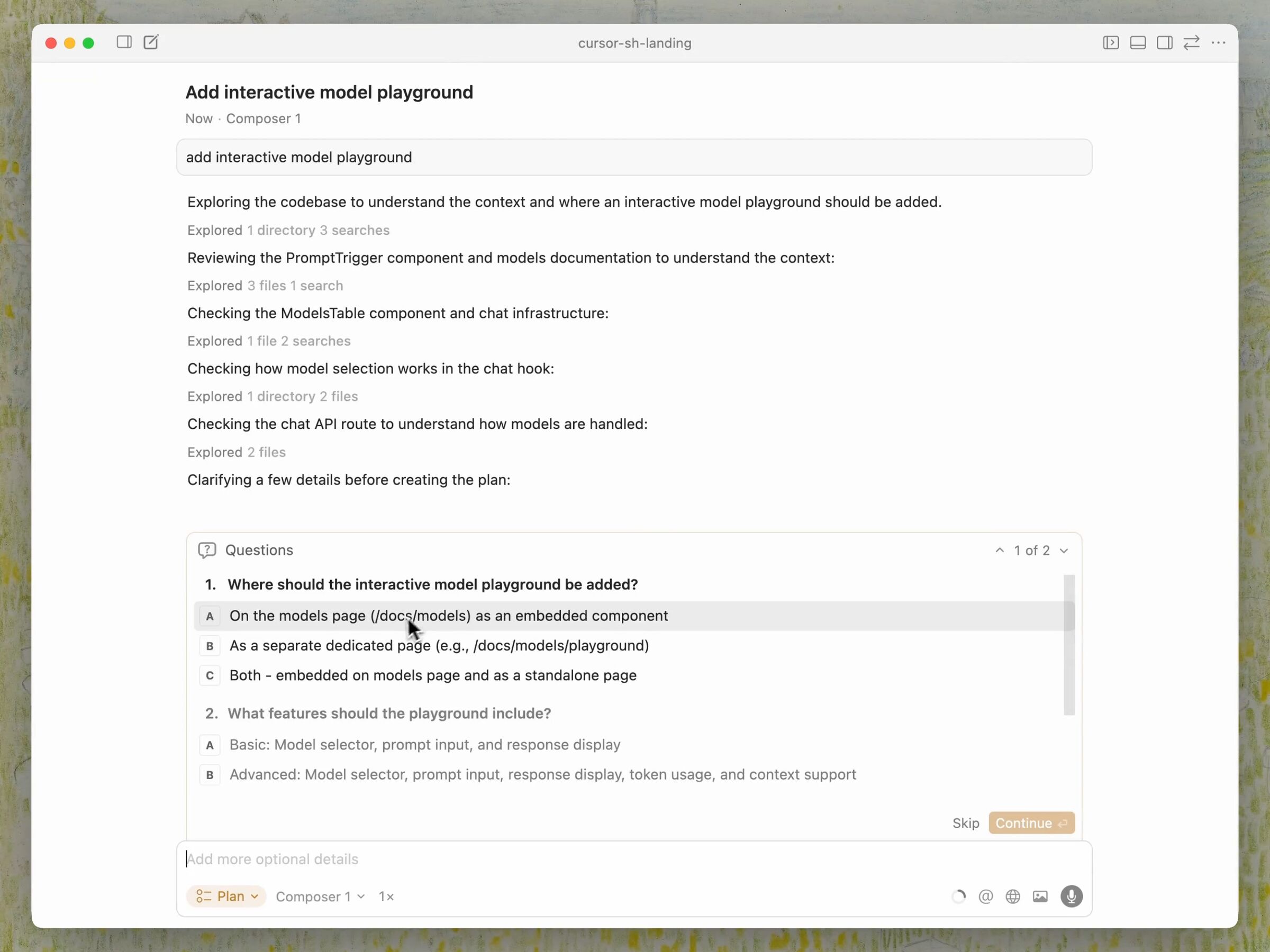
Cursor 2.1 Clarifying Questions
Cursor
Nov 2025: Plan Mode asks multi-question clarification with pickable answers before it writes the editable Markdown plan. Moved here from Disambiguation Branch — it asks independent questions, it does not offer competing readings.
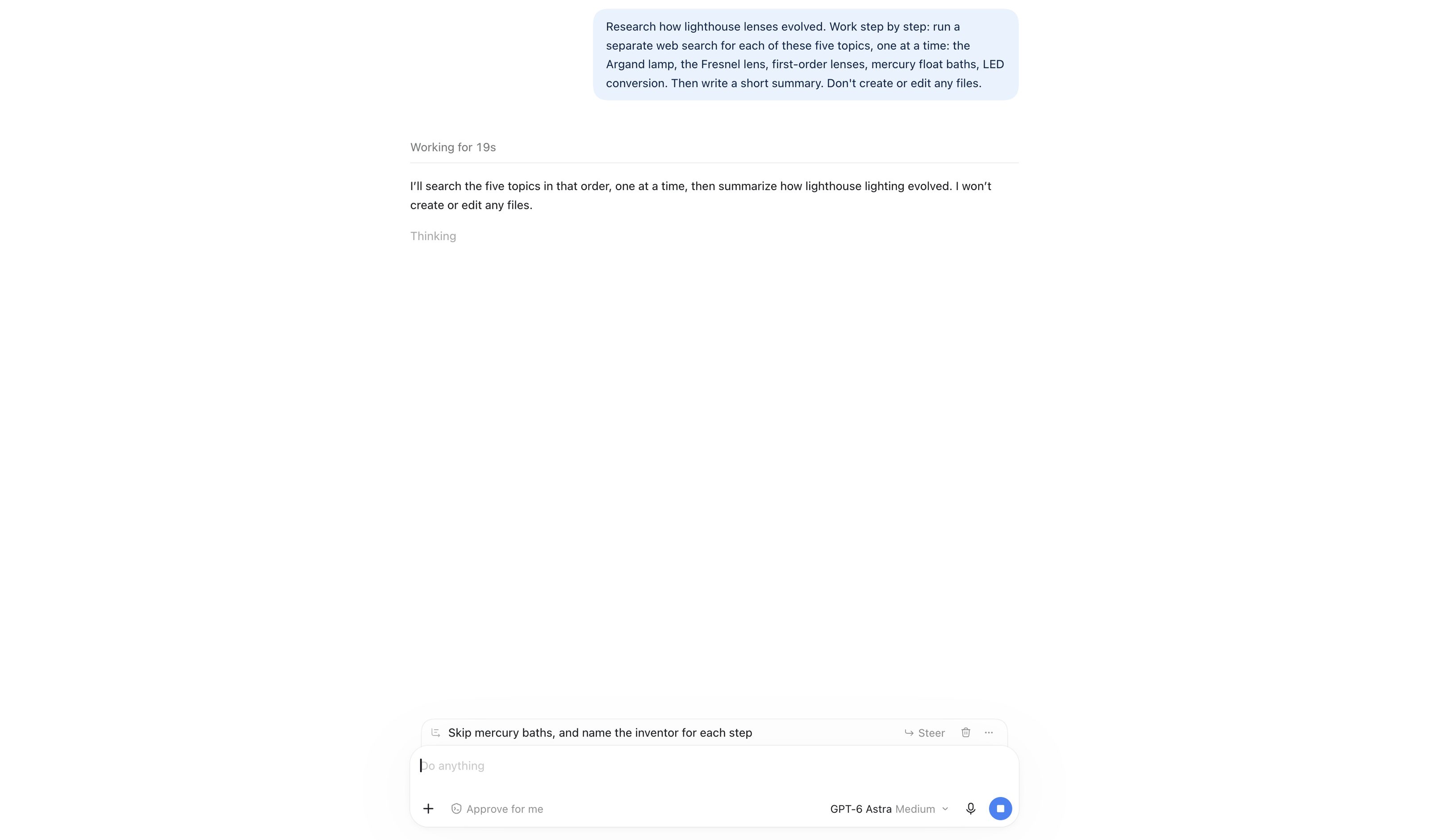
OpenAI Codex queued messages
OpenAI
Captured Sep 2026: a message typed while the agent works parks as a card above the composer with ↳ Steer, delete and a menu — queue by default, steer on demand. Nothing interrupts the run until you press Steer.
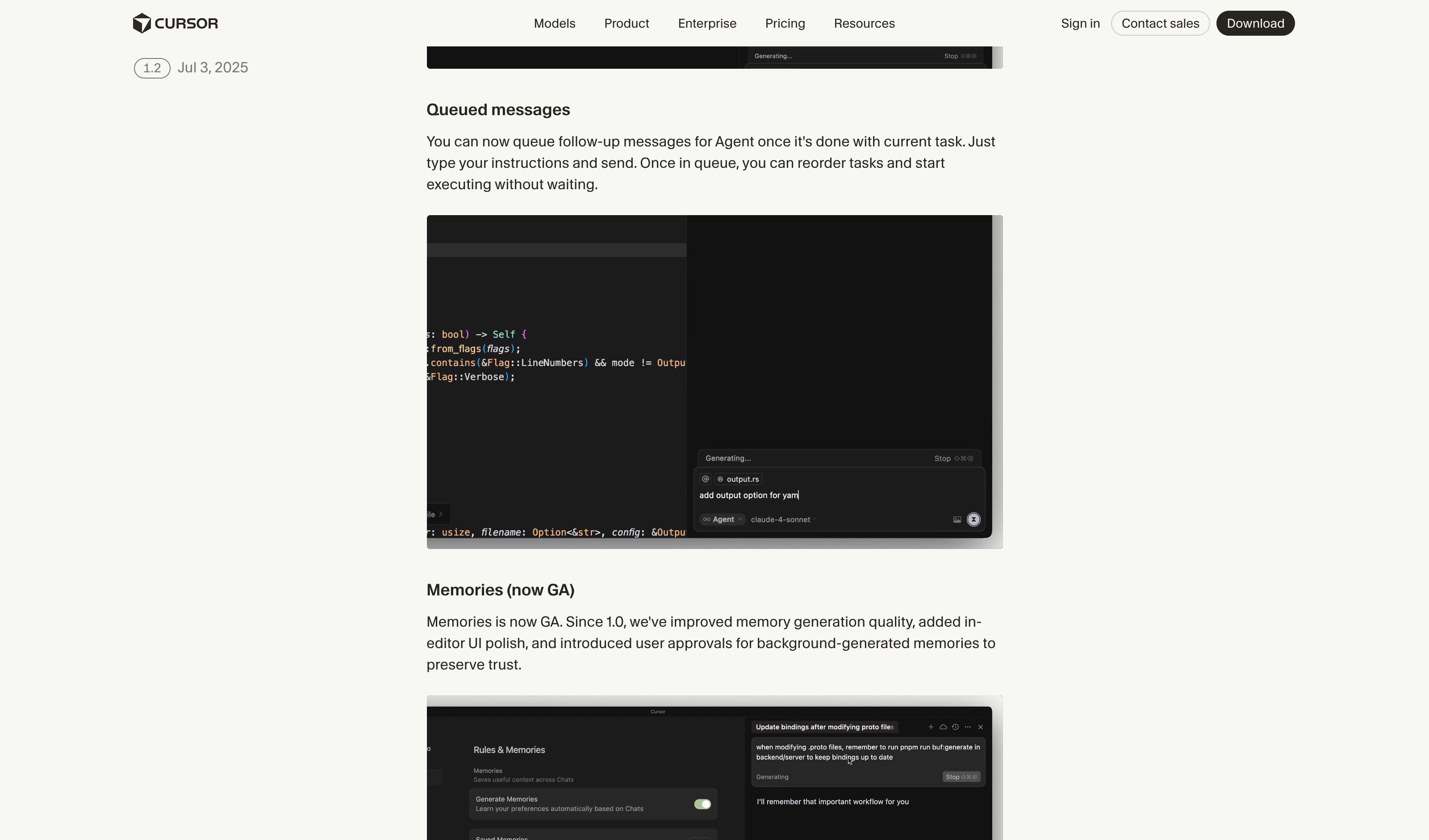
Cursor queued messages
Cursor
Cursor 1.2 (July 2025): follow-ups typed while the agent works wait until the current task is done; once queued they can be reordered, or started without waiting.
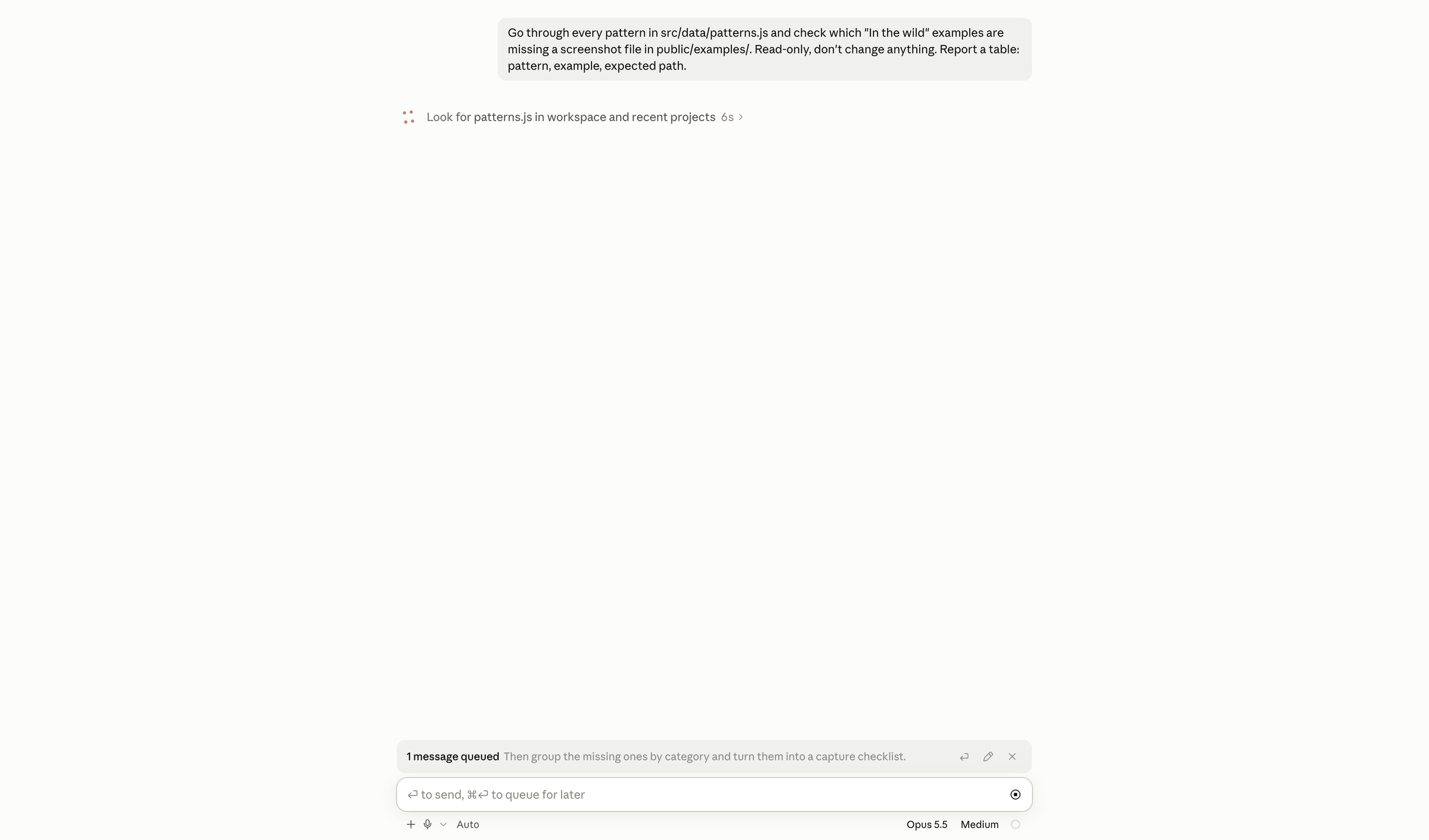
Claude Code message queue
Anthropic
Captured Oct 2026 in the desktop app: a message typed while the agent works parks above the composer as “1 message queued”, with send-now, edit and remove. The empty composer names both verbs — “↩ to send, ⌘↩ to queue for later”. The docs add the interesting split: a queued message reaches Claude as soon as the running tool calls finish, inside the same turn, while commands wait for the turn to end.
Spotted something?
The library grows fastest when readers contribute. If a product you use ships one of these patterns particularly well — let me know.