The model silently forgets — old turns fall out of the window mid-session, and the user only notices when the assistant contradicts something it knew an hour ago.
← Back to patterns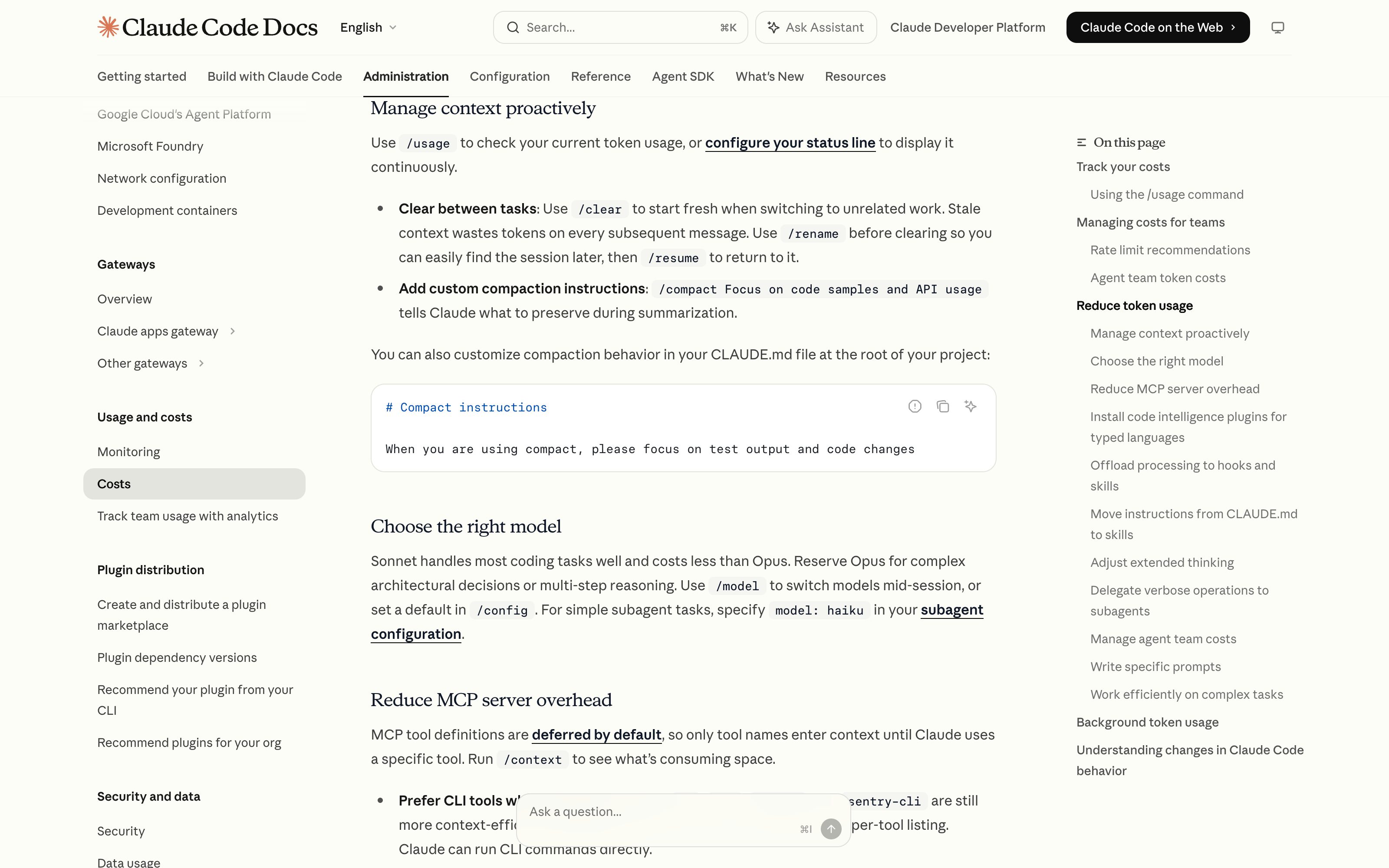

Google
Memory, Context & Boundary
EmergingContext Gauge
See what the model still holds — before it forgets
Chat shows an infinite scrollback while the model sees a sliding window — old turns silently fall out mid-session, and the user only notices when the assistant contradicts something it knew an hour ago. Context Gauge renders the window as an instrument: how full it is, which sources occupy it (files, conversation, memory, system), what has already been evicted, a warning before compaction — and pins for what must survive.
Metaphor
Fuel Gauge
Interaction
Live Meter, Segment Breakdown, Pin & Evict
Use case
Long Sessions, Document-Heavy Work, Agent Runs
Failure mode
Silent Forgetting
Control mechanisms
Fill-Level Bar · Per-Source Segments · Pinned Items · Eviction Markers · Compaction Warning
Reference examples
Claude Code context meter + auto-compact warning · Cursor context window indicator · Google AI Studio token count
Interactive Example
The live side-by-side is the comparison.
This prototype already contains the contrast between chat and the pattern response. It stands as the primary comparison surface for this page.
The transcript grows. The window does not.
The €40k ceiling and the ruled-out vendor were stated at 13:02. Fifty-four turns of requirements and pricing tables later they had slipped out of the window, around 13:40, with nothing on screen marking the moment. Sixty-one turns in, at 14:02, the assistant recommends Vendor X at €55,000 — in the same even voice it used to accept the constraint.
The instrument reads that same window as 84,000 of 128,000 tokens, split by source — 62,400 conversation, 9,300 pinned files, 6,200 system — with a tick on the bar at the 85% threshold. Compaction names its price before it runs: turns 1–48 collapse from 47,600 tokens into a 3,900-token summary, logged with the time it happened.
Reading the fill level is not yet control. The pin is: the brief survives because someone marked it, not because it happened to be recent. That turns a limit you hit into a budget you spend — and it is why the instrument is a gauge and not a token counter, which measures the window without ever saying what you are about to lose.
Forgetting is inevitable; forgetting with no notice, no record, and no say in what goes is not.
DOPE Lens
How this pattern improves AI interaction quality.
Observability
A live gauge shows how full the window is and which sources — files, turns, memory — occupy it
Directability
Pin what must survive, evict what should not be there — the user curates the window instead of hoping
Predictability
Compaction announces itself before it happens instead of silently dropping the oldest turns
Explainability
When the model forgets, the eviction marker says what left the window and when
Fit
Where it earns its place.
Use it
when
when
Sessions run long enough that context loss changes answers, and users need to see — and steer — what the model still holds.
Avoid
when
when
Short, single-shot interactions that never approach the window limit.
In the wild
Where this pattern already ships.
The pattern is shipping but still maturing across products. Entries below show how different teams have approached it; expect variation as the space settles.
Claude Code · Context meter + auto-compact warning
Anthropic
A live indicator shows remaining context and warns before auto-compaction summarizes older turns — fill level, consequence, and advance notice in one strip.
Visit Anthropic ↗
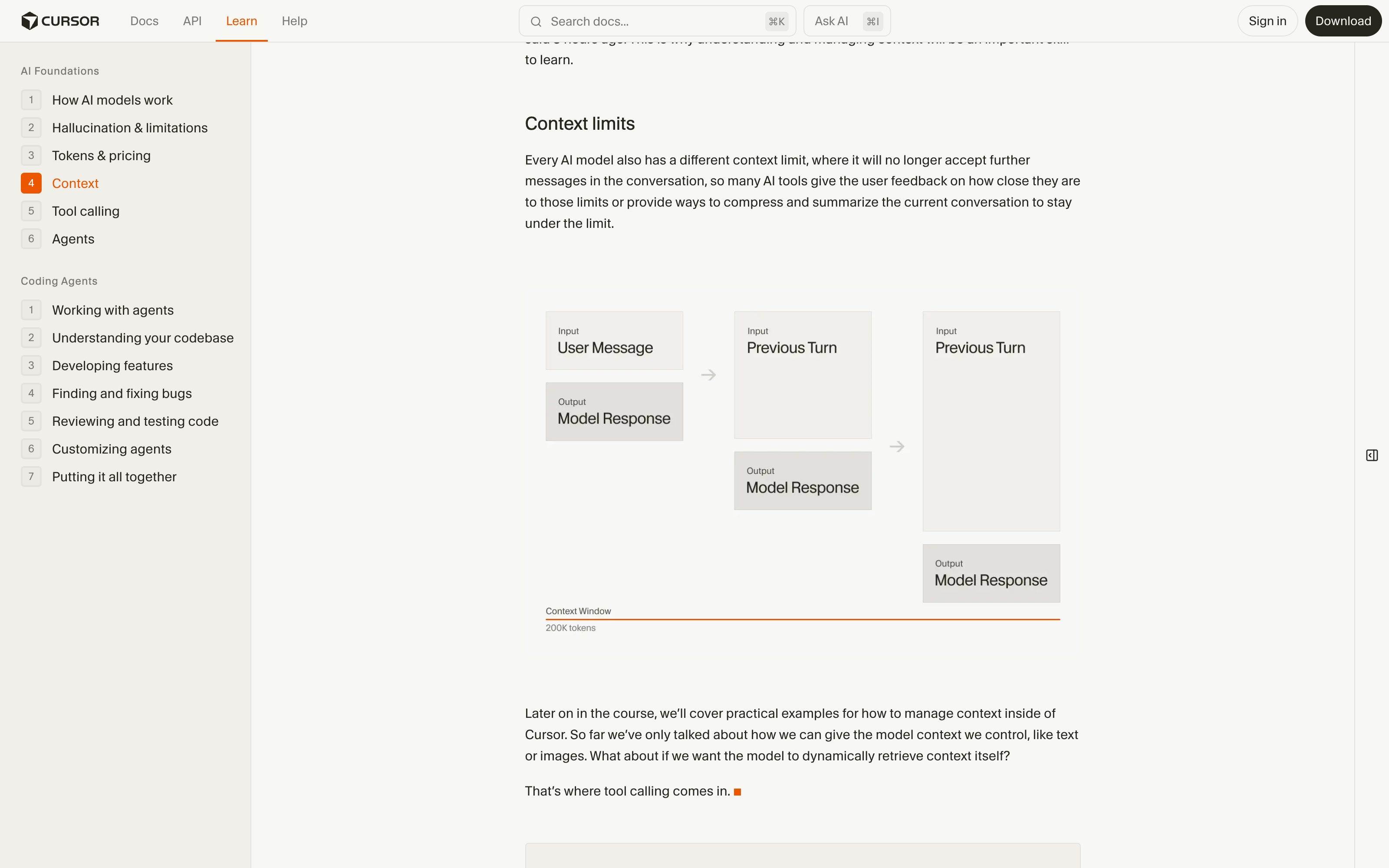
Cursor · Context window indicator
Cursor
Shows how much of the model window the current conversation and attached files consume, and which files are in context — per-source visibility of the window.
Visit Cursor ↗
Google AI Studio · Token count
A persistent token counter against the model maximum as you compose — the raw fill-level reading, without eviction markers or pins.
Visit Google ↗
Research Frame
Why this pattern exists, and where it breaks.
Render the context window as a live gauge: fill level, per-source segments, eviction markers, a compaction warning, and pins for what must stay.
Chat presents an infinite scrollback while the model sees a sliding window — the interface actively misrepresents what the AI is working from.
A raw token-accounting dashboard becomes noise — the gauge earns its place by showing consequences (what left, what stays), not numbers.
Common questions
What people ask about this pattern.
When should I use the Context Gauge pattern?
+
Sessions run long enough that context loss changes answers, and users need to see — and steer — what the model still holds.
When should I avoid the Context Gauge pattern?
+
Short, single-shot interactions that never approach the window limit.
What problem does Context Gauge solve?
+
The model silently forgets — old turns fall out of the window mid-session, and the user only notices when the assistant contradicts something it knew an hour ago.
Why is chat the wrong fit for this?
+
Chat presents an infinite scrollback while the model sees a sliding window — the interface actively misrepresents what the AI is working from.
Related Patterns
Curated connections, not just neighbors.
Hand-picked relationships — what this pattern pairs with in practice, what it replaces, what it builds on, and what builds on it.
Often paired with
AI Memory
AI Memory carries context across sessions; Context Gauge shows how much of the current window that memory fills.
Often paired with
Compute Budget
Compute Budget meters what a run spends; Context Gauge meters what the model can still hold before it forgets.
Often paired with
Knowledge Source Toggle
Knowledge Source Toggle picks which sources may enter; Context Gauge shows how much of the window they fill.