Writers lose flow when suggestions live outside the cursor context.
← Back to patterns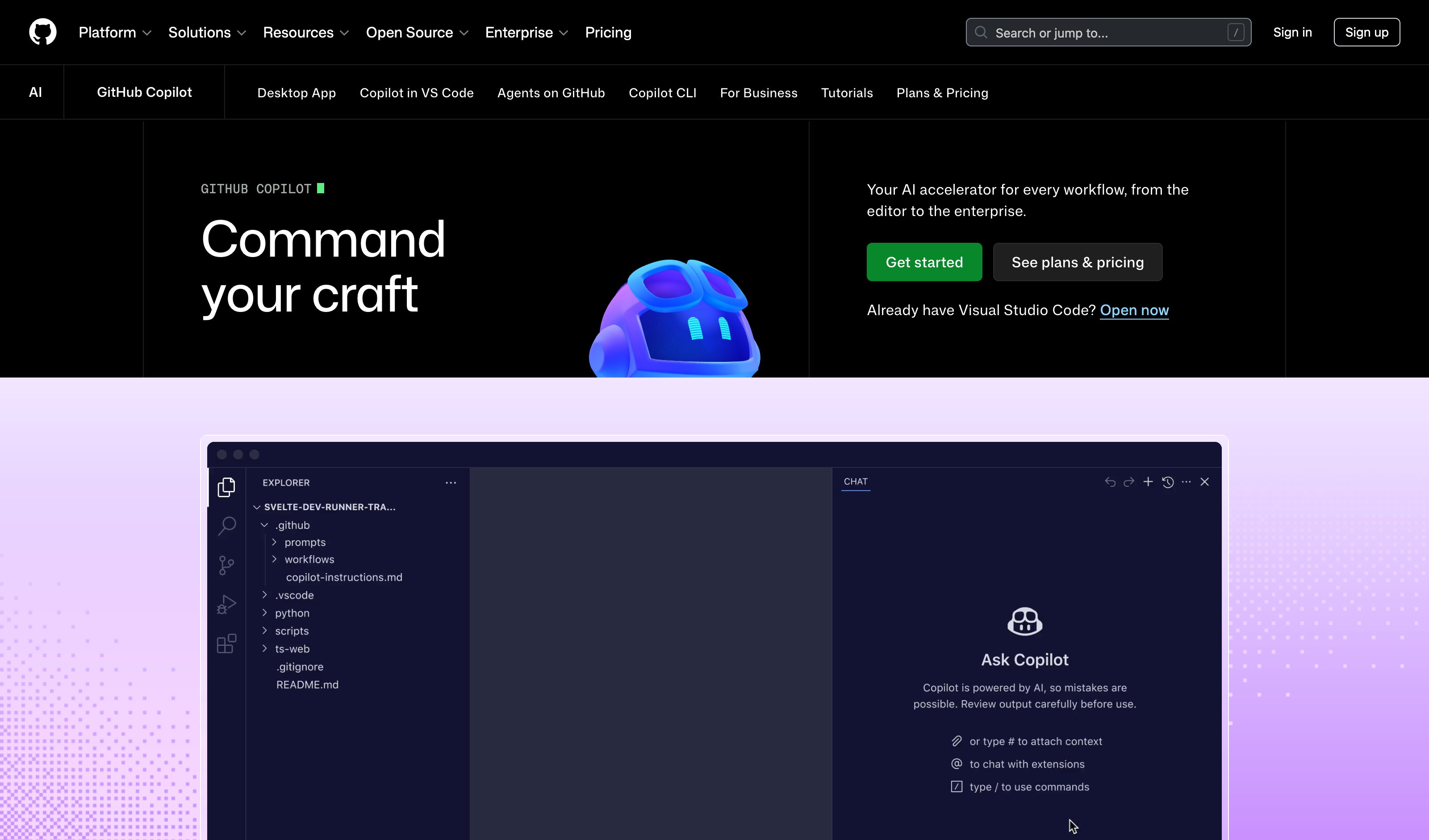

Google
How Users Perceive Mixed-Initiative AI: Attitudes Toward Assistance in Problem Solving
Inline & Contextual
Ghost Text Editor
Predictive Text & Inline Suggestions
Ghost text predicts your next sentence right at the cursor. Inline suggestions surface improvements on text you've already written. No context switching, no copy-paste — just press Tab.
Metaphor
Co-Pilot
Interaction
Inline, Predictive
Use case
Writing, Coding, Content Creation
Failure mode
Linear History
Control mechanisms
Ghost Text · Wavy Underlines · Tab-to-Accept
Reference examples
GitHub Copilot · Gmail Smart Compose · Cursor Tab
Interactive Example
The live side-by-side is the comparison.
This prototype already contains the contrast between chat and the pattern response. It stands as the primary comparison surface for this page.
The suggestion belongs where the cursor is.
Send a sentence to a separate chat window and you pay a context switch on every edit — leave the document, read the reply, copy, paste, return, lose your place. For sentence-level work, the round trip costs more attention than the writing it was meant to assist.
Ghost Text puts continuation and revision inside the writing flow itself: predictions appear at the cursor, suggestions underline text you've already written, and Tab accepts while typing dismisses. The suggestion stays visually distinct from authored content, so the writer keeps control with a single keystroke and never leaves the page.
Every context switch a tool forces is a tax on the flow it claims to protect.
DOPE Lens
How this pattern improves AI interaction quality.
Observability
Ghost text is visually distinct from authored content
Directability
Accept, ignore, or override — all with a single keystroke
Predictability
Tab always accepts, typing always dismisses
Explainability
Wavy underlines distinguish AI suggestions from authored text at a glance
Fit
Where it earns its place.
Use it
when
when
Writing rewards flow and inline suggestions remove the cost of context switching.
Avoid
when
when
The writing task is high-stakes and demands deliberate, manual composition.
In the wild
Where this pattern already ships.
Real implementations from products users already know. Each entry shows how the pattern got applied — what shipped, where it sits in the product, what it traded off.
GitHub Copilot
GitHub
Multi-line ghost completions render directly at the cursor in VS Code; Tab accepts, Esc dismisses. The prompt is the surrounding code itself.
Visit GitHub ↗
Gmail Smart Compose
Grayed-out predictive completions extend mid-sentence; one Tab keystroke completes the phrase, no separate panel involved.
Visit Google ↗
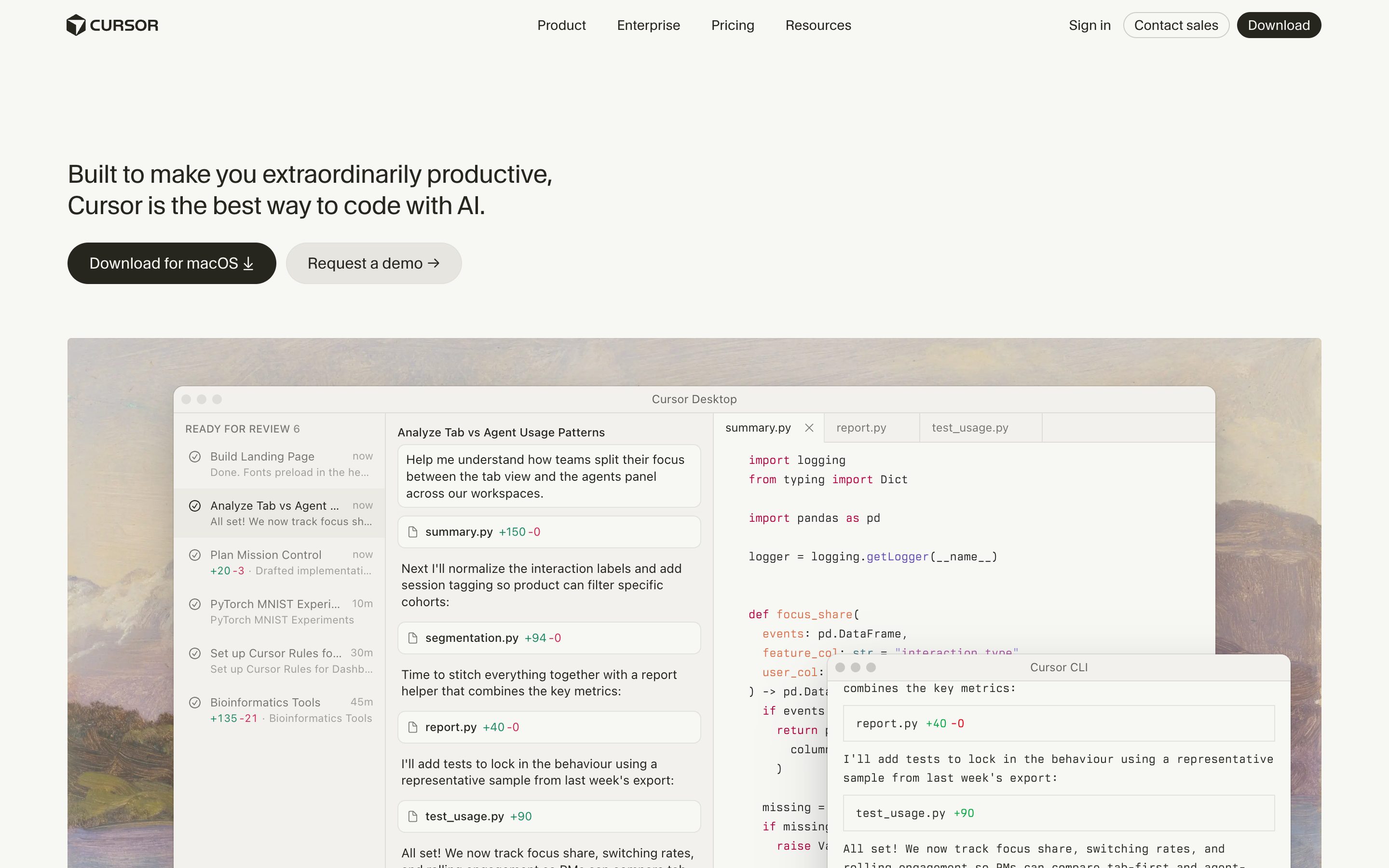
Cursor Tab
Cursor
Muted ghost text + multi-line + next-edit-prediction across files — the strongest current incarnation of the pattern.
Visit Cursor ↗
Research Frame
Why this pattern exists, and where it breaks.
Place continuation and revision suggestions directly inside the writing flow.
A separate chat window forces context switching for sentence-level work.
Over-eager suggestions can flatten voice or create dependency.
Common questions
What people ask about this pattern.
When should I use the Ghost Text Editor pattern?
+
Writing rewards flow and inline suggestions remove the cost of context switching.
When should I avoid the Ghost Text Editor pattern?
+
The writing task is high-stakes and demands deliberate, manual composition.
What problem does Ghost Text Editor solve?
+
Writers lose flow when suggestions live outside the cursor context.
Why is chat the wrong fit for this?
+
A separate chat window forces context switching for sentence-level work.
Grounded in Research
Not just opinion.
The papers, guidelines, and usability studies this pattern rests on.
Yunhao Luo, Arthur Caetano, Avinash Ajit Nargund, Tobias Höllerer, Misha Sra
UC Santa Barbara · 2026
Empirical study: users value agency preservation but accept assistance when it improves outcomes. Nuanced data on mixed-initiative perception — calibration evidence for any control-aware UX argument.
Related Patterns
Curated connections, not just neighbors.
Hand-picked relationships — what this pattern pairs with in practice, what it replaces, what it builds on, and what builds on it.
Often paired with
Select & Transform
Ghost Text Editor suggests where you type; Select & Transform rewrites any span you select, as a diff you accept or reject.
Often paired with
Smart Document
Ghost Text Editor speeds up writing the source text; Smart Document recomputes its summary and translation as you edit.
Alternative to
Contextual Overlay
Ghost Text Editor completes at the cursor as you type; Contextual Overlay acts on a selection and labels each rewrite.