Sidebar and modal assistants pull users off the page to re-describe work the model can already see.
← Back to patterns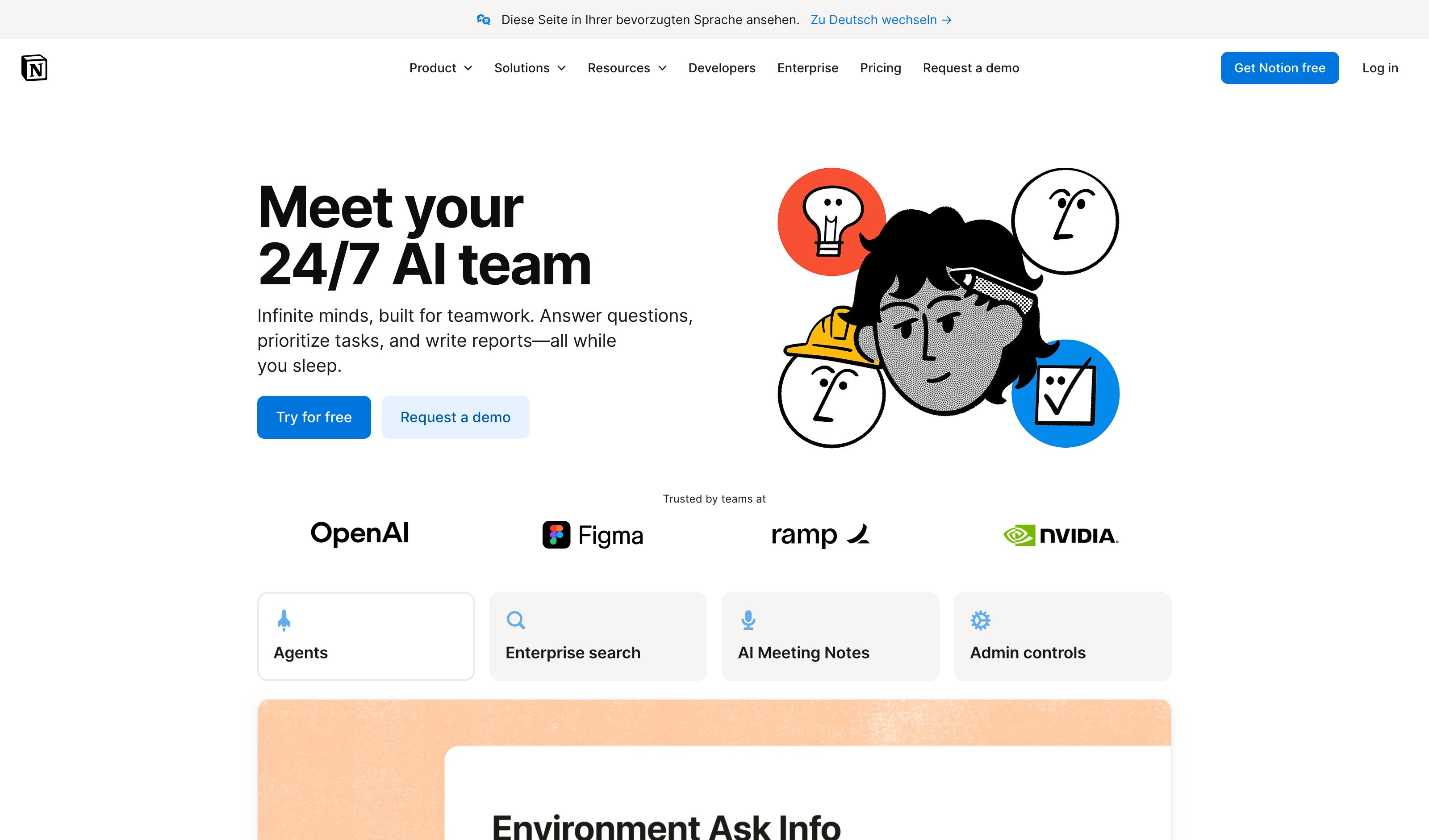
Inline & Contextual
Contextual Overlay
Summoned in place, dismissed when done
Sidebar chat and modal assistants pull you off the page to re-describe work the model can already see. A contextual overlay summons the assist in place, anchored to your selection, and vanishes when the edit lands. Unlike a ghost-text completion at the cursor, it acts on what you selected and labels each suggestion with the action that produced it, so you accept or reject with one click.
Metaphor
Assistant
Interaction
Contextual, Ephemeral
Use case
Text Editing, Refactoring, Coding Assistance
Failure mode
Hidden Structure
Control mechanisms
Selection-based · Autocomplete
Reference examples
Notion AI overlay · GitHub Copilot Inline Chat · Apple Intelligence Writing Tools
Interactive Example
The live side-by-side is the comparison.
This prototype already contains the contrast between chat and the pattern response. It stands as the primary comparison surface for this page.
The intelligence comes to the cursor, not the other way around.
A separate chat surface charges a mode-switch tax on every tiny intervention. To fix one phrase, you leave your selection, hunt for the sidebar, retype the context the model lost, and break the flow of work for a job that should have taken a keystroke. The smaller the assist, the more disproportionate the friction.
The overlay anchors itself to the current selection and vanishes the moment it's done — suggestions appear inline, scoped to what you've highlighted, accepted or rejected with one key. Because the surface is ephemeral and local, the cost of asking for help drops below the cost of doing it yourself, which is what makes assistance get used at all.
An assist that interrupts the work to deliver help isn't help — it's a second task.
DOPE Lens
How this pattern improves AI interaction quality.
Observability
The overlay appears anchored to the selection and the proposed rewrite renders in place, visually distinct from the authored text around it
Directability
Actions are named verbs on the selection ("Make it shorter", "More formal") — one click applies, one click dismisses, no prompt writing in between
Predictability
The surface is ephemeral by contract: summoned by a deliberate selection, gone when the edit lands — it never lingers as a second workspace
Explainability
Each proposed rewrite is labeled with the action that produced it, so what the AI did to your paragraph is stated, not guessed from the diff
Fit
Where it earns its place.
Use it
when
when
Unlike ghost text that just completes at the cursor, a contextual overlay acts on what you selected and shows what each suggestion did — so you stay in the document and decide with one click, not by reflex.
Avoid
when
when
The edit needs cross-document context or diff-level review — then a persistent workspace or Select & Transform's reviewable scope beats a surface that disappears.
In the wild
Where this pattern already ships.
Real implementations from products users already know. Each entry shows how the pattern got applied — what shipped, where it sits in the product, what it traded off.
Notion AI overlay
Notion
Press space on a new line for a prompt box; select text and choose Edit with AI for the in-place menu — built-in skills (Improve Writing, Proofread, Explain, Reformat) plus any skill your workspace adds. The rewrite lands in the document with accept, discard, or try again. Both surfaces vanish once the edit lands.
Visit Notion ↗
GitHub Copilot Inline Chat
GitHub
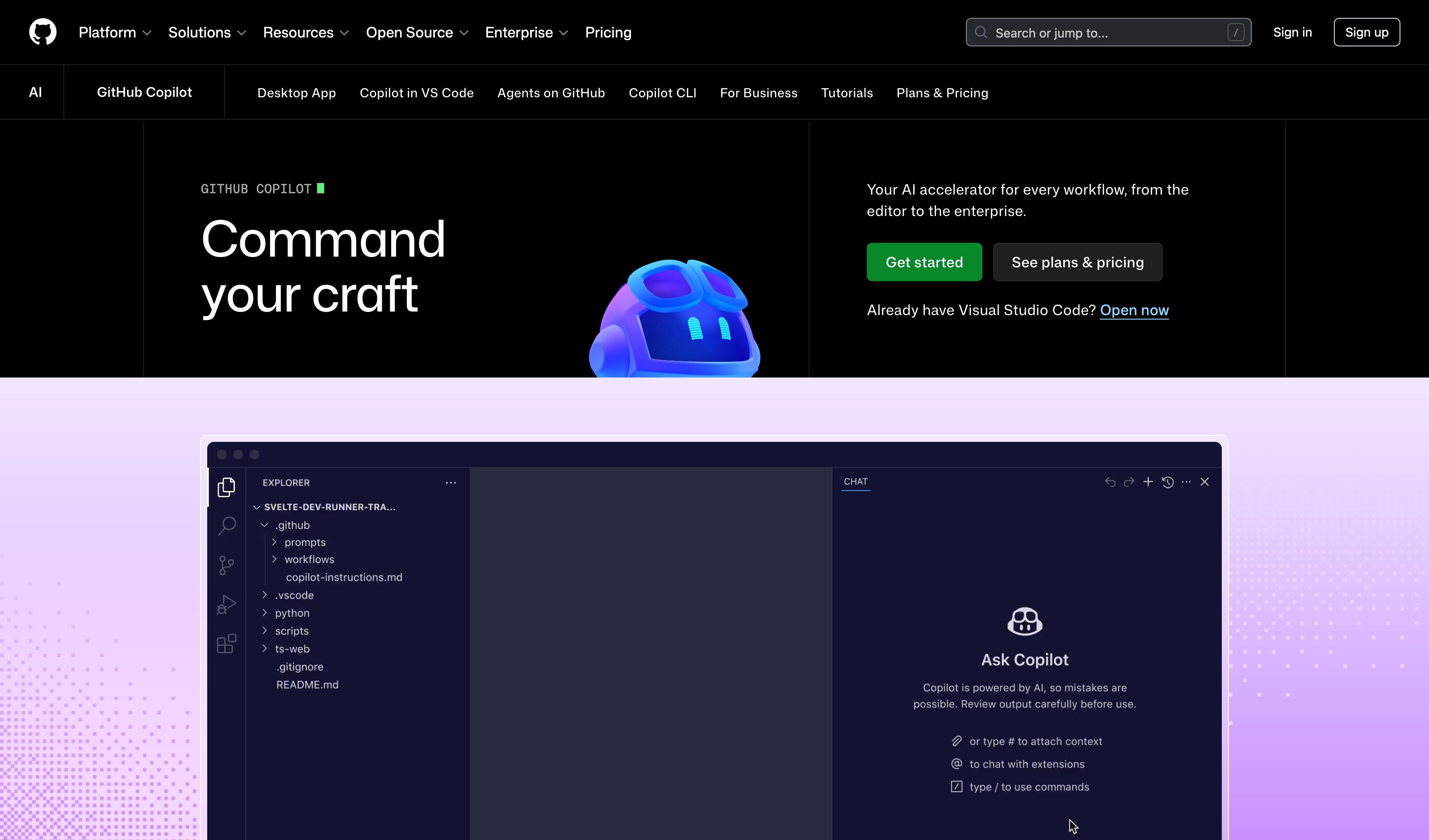
Two surfaces in one editor. Cmd+I / Ctrl+I is a free-text prompt box at the cursor — ephemeral, but with no named verbs. The labeled half is Smart Actions: right-click a selection for Explain, Fix, Generate Docs, Generate Tests, Review, no prompt written. Both return an inline diff with Keep or Undo.
Visit GitHub ↗
Apple Intelligence Writing Tools
Apple
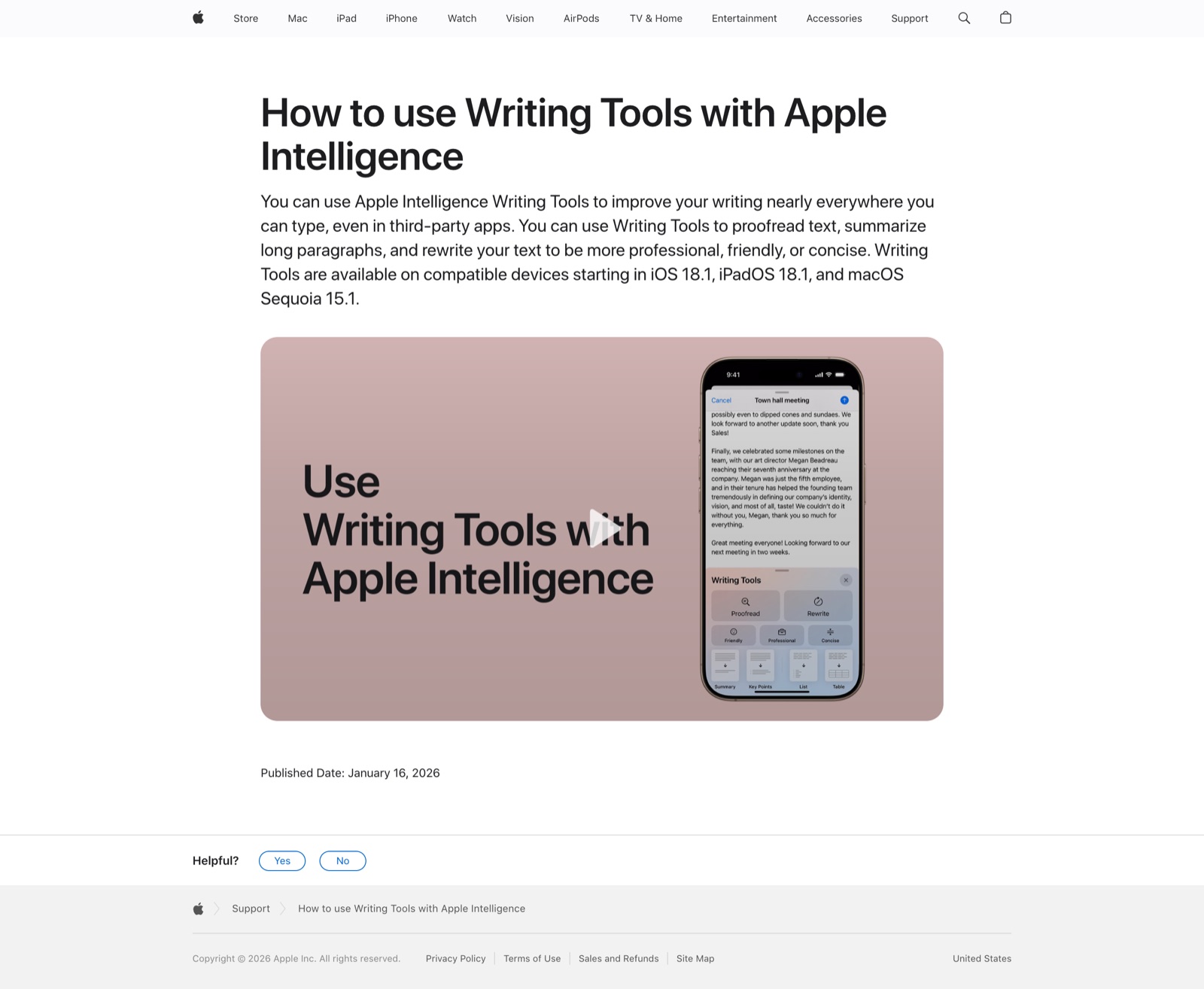
Select text, then Control-click and choose Show Writing Tools on macOS, or tap Writing Tools in the iOS selection bar. A floating panel offers Proofread, Rewrite, Friendly, Professional, Concise, Summary, Key Points, List and Table, then dismisses on Replace. Works in most third-party fields; read-only text gets the result without Replace.
Visit Apple ↗
Research Frame
Why this pattern exists, and where it breaks.
Summon an ephemeral surface anchored to the selection — not a completion at the cursor (Ghost Text), not a diff-reviewed transform (Select & Transform), but a labeled action menu that appears on demand and vanishes when the edit lands.
A separate chat surface has no anchor to the selection, so every tiny edit becomes a copy-in, copy-out round trip the user has to splice back by hand.
Overlays that trigger on idle hover instead of a deliberate gesture feel interruptive — and an overlay that grows tabs and history has become the sidebar it replaced.
Common questions
What people ask about this pattern.
When should I use the Contextual Overlay pattern?
+
Unlike ghost text that just completes at the cursor, a contextual overlay acts on what you selected and shows what each suggestion did — so you stay in the document and decide with one click, not by reflex.
When should I avoid the Contextual Overlay pattern?
+
The edit needs cross-document context or diff-level review — then a persistent workspace or Select & Transform's reviewable scope beats a surface that disappears.
What problem does Contextual Overlay solve?
+
Sidebar and modal assistants pull users off the page to re-describe work the model can already see.
Why is chat the wrong fit for this?
+
A separate chat surface has no anchor to the selection, so every tiny edit becomes a copy-in, copy-out round trip the user has to splice back by hand.
Related Patterns
Curated connections, not just neighbors.
Hand-picked relationships — what this pattern pairs with in practice, what it replaces, what it builds on, and what builds on it.
Alternative to
Ghost Text Editor
Contextual Overlay appears on a selection and vanishes once the edit lands; Ghost Text Editor completes as you type at the cursor.
Alternative to
Select & Transform
Both act on a selection; Contextual Overlay is a one-click action menu that vanishes, Select & Transform an inline diff to review.
Alternative to
Parallel Alternatives
Contextual Overlay offers one labeled rewrite in place; Parallel Alternatives sets three candidates side by side to compare.