Long agent runs go silent for minutes — users do not know whether the agent is stuck, working, or almost done.
← Back to patterns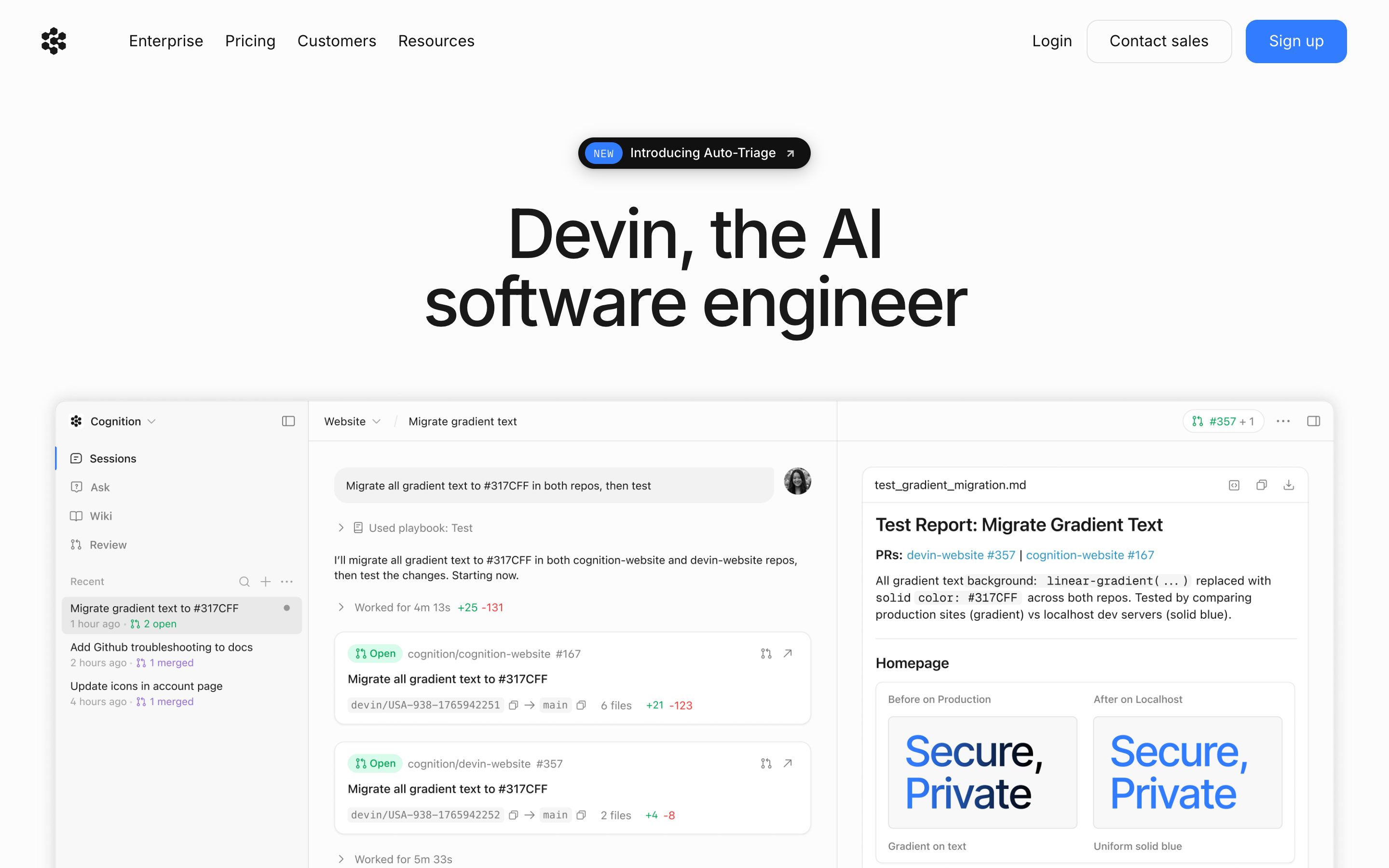
Agent Workflow
Stage Tracker
Where the agent is, not just what it is thinking
Long agent runs need structural progress, not just streaming reasoning text. Stage Tracker breaks the run into named phases — Researching → Drafting → Reviewing → Polishing — and shows which one is live, what is done, and what is still ahead. Each phase is inspectable so users can dip in without breaking flow.
Metaphor
Conveyor Belt
Interaction
Phase Timeline, Live Status
Use case
Long-Running Agents, Deep Research, Multi-Step Workflows
Failure mode
Spinner Theatre
Control mechanisms
Named Phases · Per-Phase Status · Time Estimates · Inspect-on-Click
Reference examples
Devin Plan View · Manus AI Phases · OpenAI Deep Research Progress
Concept Frame
Reasoning text is not progress.
Streaming reasoning is great for understanding how an agent thinks, but it tells you almost nothing about how far along it is. After three minutes of "I'm now considering...", users still cannot tell if there are two more steps or twenty. Stage Tracker treats progress as structure: phases named in advance, each with a label, an estimated duration, and an artefact it produces.
Interactive Example
The live side-by-side is the comparison.
This prototype already contains the contrast between chat and the pattern response. It stands as the primary comparison surface for this page.
A spinner is not progress. It's decoration.
Long agent runs go quiet for minutes, and a streaming "thinking…" indicator tells you nothing about whether the agent is stuck, working, or nearly done. Chat has no structural surface for a multi-stage run, so motion gets mistaken for progress and the user is left guessing at the boundary between alive and hung. Reasoning text scrolls; the actual state stays hidden.
Stage Tracker declares the named phases up front — Researching, Drafting, Reviewing, Polishing — and shows which one is live, what's done, and what's still queued. Completed phases are inspectable on demand, so a curious user can dip into an artefact without stopping the run. The run gains a spine the user can read at a glance.
"Visibility of system status is the oldest usability heuristic for a reason: a named phase informs, a spinner only reassures."
DOPE Lens
How this pattern improves AI interaction quality.
Observability
A timeline of named phases shows where the agent is right now and what is queued
Directability
Click any completed phase to inspect its output without stopping the run
Predictability
The phase list is declared up front; the user knows the shape before the run starts
Explainability
Each phase carries a one-line description of its job and the artefact it produces
Fit
Where it earns its place.
Use it
when
when
Agent runs have distinct phases and users need to know whether the system is stuck or progressing.
Avoid
when
when
The task is single-shot and short enough that any progress UI costs more than it informs — or the person came for an outcome rather than a process, where naming each phase of a slow run makes the wait feel longer and turns a delay into a spectacle they cannot leave.
In the wild
Where this pattern already ships.
Real implementations from products users already know. Each entry shows how the pattern got applied — what shipped, where it sits in the product, what it traded off.
Devin Plan View
Cognition
Devin 2.0/2.2 panel with Progress / Shell / Browser / Editor tabs; interactive timelapse with live progress bar and phase-decomposed DAG. The strongest example in the category.
Visit Cognition ↗
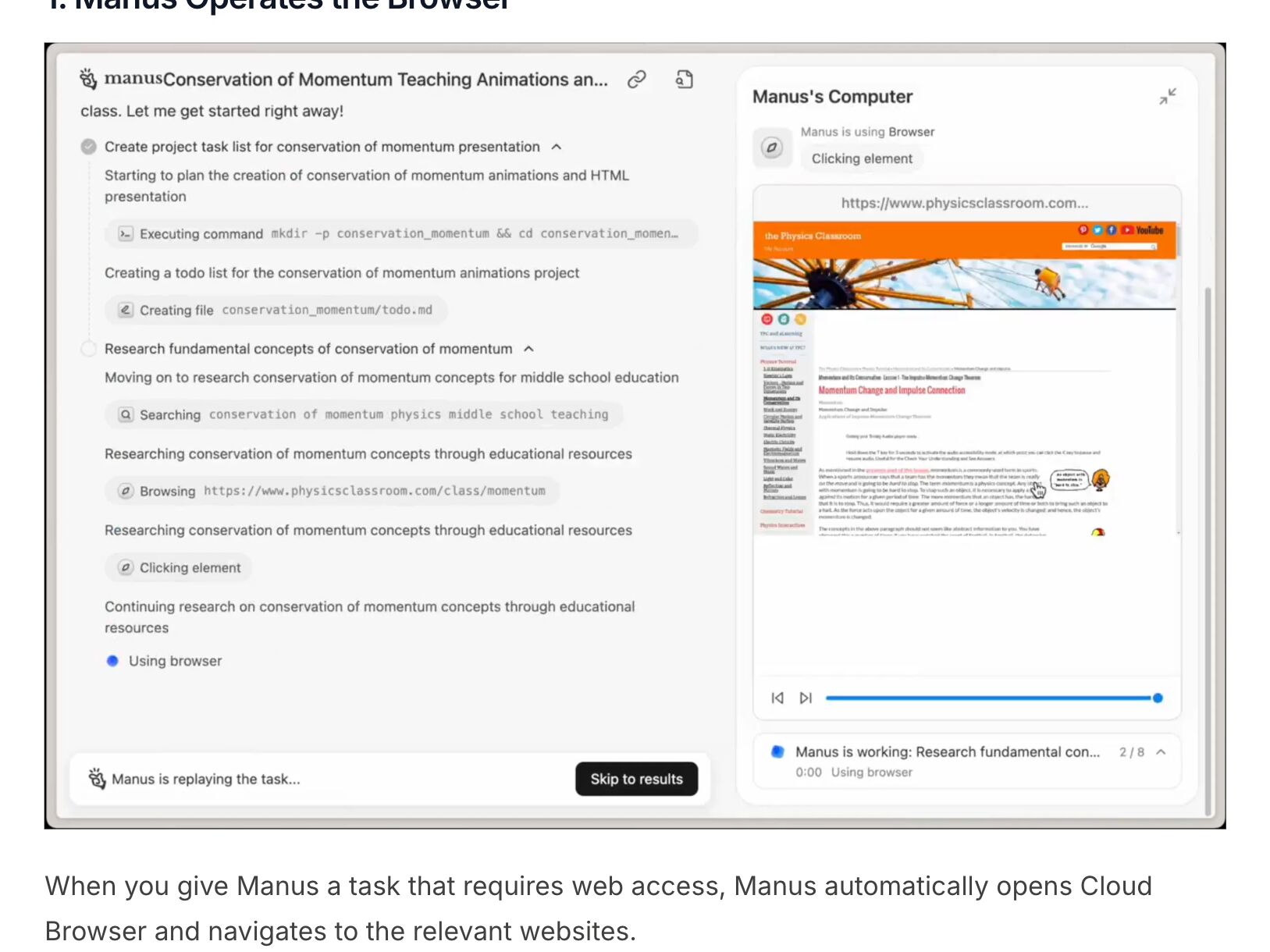
Manus AI Phases
Manus
The task list groups the run into phases, each unfolding into its steps — executing a command, creating a file, searching, browsing, clicking. Beside it, Manus’s Computer shows the step in progress with a step counter (2 / 8) and a scrubber, and a finished task replays the same way, with Skip to results.
Visit Manus ↗
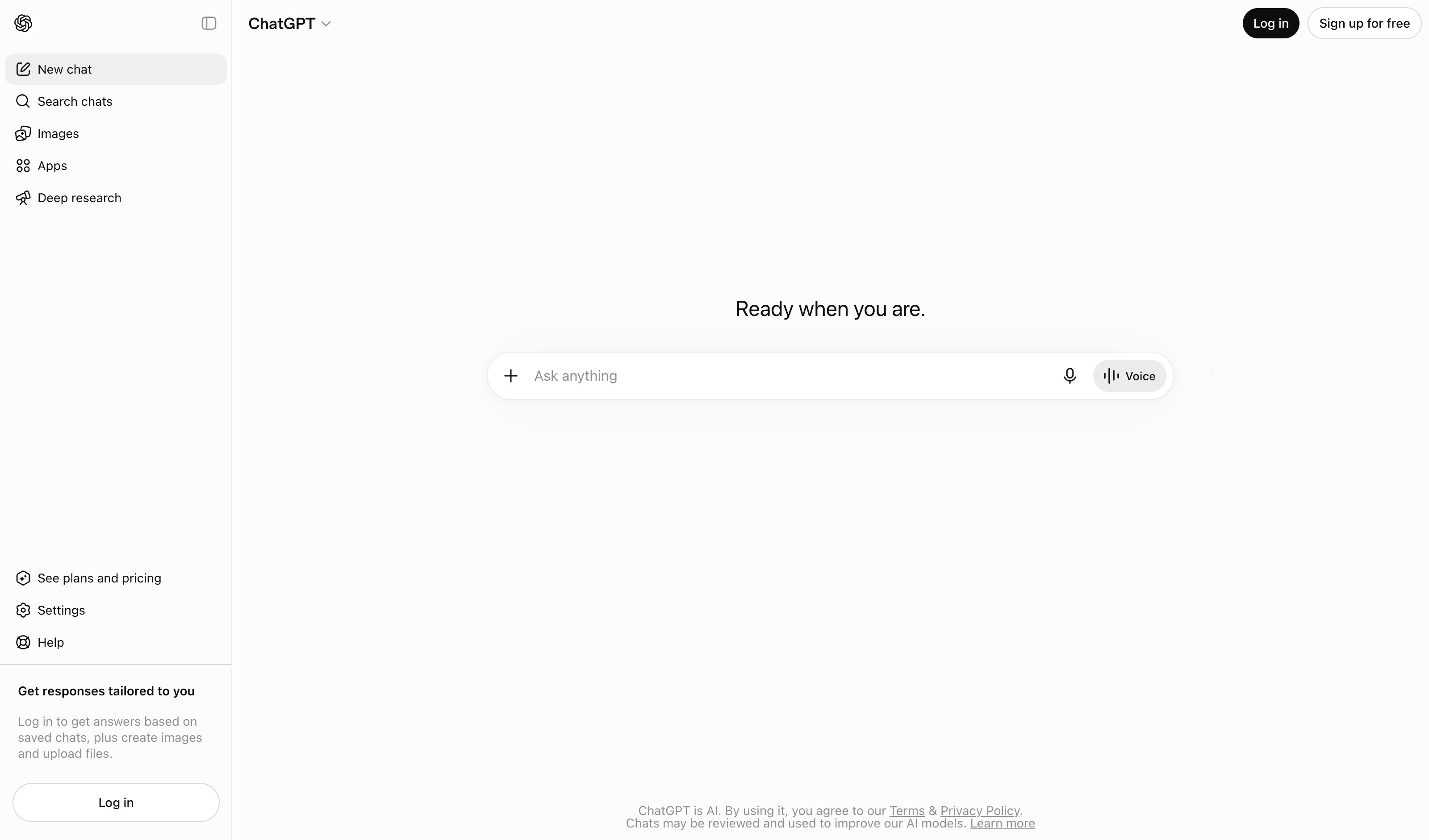
OpenAI Deep Research Progress
OpenAI
Real-time progress shown by phase; redesigned sidebar + fullscreen report explicitly added in 2026. Plan-first contract feeds directly into phase-tracked execution.
Visit OpenAI ↗
Research Frame
Why this pattern exists, and where it breaks.
Declare named phases up front and show live status per phase, with completed phases inspectable on demand.
A streaming "thinking…" indicator is not progress — it is decoration. Chat has no structural surface for multi-stage runs.
Phases that do not match the agent's real structure become theatre; over-detailed phases drown the signal.
Common questions
What people ask about this pattern.
When should I use the Stage Tracker pattern?
+
Agent runs have distinct phases and users need to know whether the system is stuck or progressing.
When should I avoid the Stage Tracker pattern?
+
The task is single-shot and short enough that any progress UI costs more than it informs — or the person came for an outcome rather than a process, where naming each phase of a slow run makes the wait feel longer and turns a delay into a spectacle they cannot leave.
What problem does Stage Tracker solve?
+
Long agent runs go silent for minutes — users do not know whether the agent is stuck, working, or almost done.
Why is chat the wrong fit for this?
+
A streaming "thinking…" indicator is not progress — it is decoration. Chat has no structural surface for multi-stage runs.
Related Patterns
Curated connections, not just neighbors.
Hand-picked relationships — what this pattern pairs with in practice, what it replaces, what it builds on, and what builds on it.
Often paired with
Reasoning Trace
Stage Tracker shows where a long run is; Reasoning Trace opens the claims and assumptions behind what it concludes.
Often paired with
Agentic Dashboard
Agentic Dashboard gives several agents a lane each, with status and pause; Stage Tracker shows the phases inside one run.
Often paired with
Editable Plan
Editable Plan lets you set the steps before the run starts; Stage Tracker then reports live as each phase plays out.