AI tools live in their own windows — the user has to drag context into the AI rather than the AI meeting context where it already is, and describing what is "this" in prose multiplies tokens without adding precision.
← Back to patterns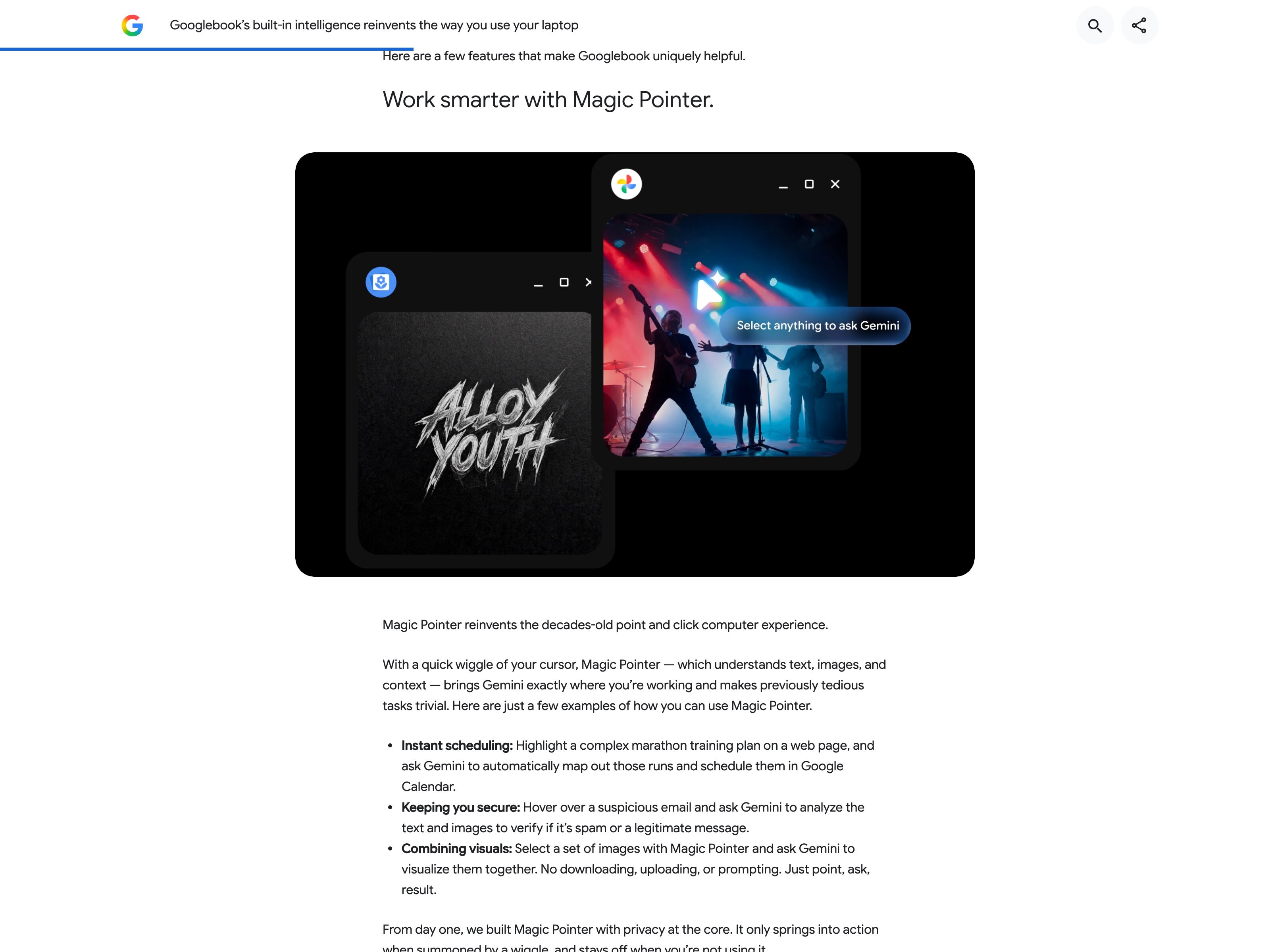
Google
Google
Shaping the future of AI interaction by reimagining the mouse pointer
Inline & Contextual
EmergingPointer as Prompt
The cursor becomes the deictic anchor, voice becomes the verb
The cursor stops being a passive pointer and becomes the deictic anchor of a prompt — "this thing, here, right now". Voice carries the verb. The AI captures the visual and semantic context the cursor is resting on, names what it resolved, and acts in place. Distinct from Annotated Capture (which requires drawn markup that persists) and Contextual Overlay (which surfaces a UI at the cursor): here the cursor itself is the input channel. Googlebook's Magic Pointer (on sale since October 2026) ships the pointing half across apps; no shipping product yet takes the verb by voice and names what it resolved.
Metaphor
Magic Wand
Interaction
Hover + Voice, Live Context Capture
Use case
In-Place Edits, Cross-App Workflows, Computer-Use Agents
Failure mode
AI Lives in a Window
Control mechanisms
Cursor Tracking · Voice Command · Resolved-Element Surface · Cross-App Reach
Reference examples
Google Magic Pointer (Googlebook) · Google Gemini in Chrome (Select from screen) · Apple Intelligence Image Wand · Anthropic Computer Use
Concept Frame
AI tools live in their own windows. The cursor doesn't.
Today, getting AI to help with what you're looking at means dragging context into the AI: copy text, switch windows, paste, describe what you mean. Pointer-as-Prompt inverts the geometry. The AI travels to the cursor — where you already are. Hover is the gesture, voice is the verb, capture is what makes the gesture legible. The cursor stops being a passive pointer and becomes the deictic anchor of the prompt.
Interactive Example
The live side-by-side is the comparison.
This prototype already contains the contrast between chat and the pattern response. It stands as the primary comparison surface for this page.
Stop describing 'this.' Point at it.
AI tools live in their own windows, so the user keeps dragging context into the assistant instead of the assistant meeting context where it already sits. Worse, describing 'this' in prose multiplies tokens without adding precision — a 404 link in paragraph three becomes a paragraph of explanation that the model may still resolve wrong.
Pointer as Prompt makes the cursor the deictic anchor and voice the verb: the AI captures the visual and semantic context under the pointer, names what it resolved before acting, and works in place across apps. The whole input loop folds into one gesture — no app switch, no copy-paste, no translation layer between intent and target.
The shortest prompt is the one you don't have to type: point, speak, and let a visible highlight prove the AI heard which 'this' you meant.
DOPE Lens
How this pattern improves AI interaction quality.
Observability
Visible highlight around the resolved region — the user sees what context the AI captured before acting
Directability
Pointing and speaking fold the entire input loop into one gesture — no app switch, no copy-paste, no descriptive prose
Predictability
The same gesture (cursor on X + "do Y") produces the same in-place action across apps
Explainability
The captured context is named back to the user ("captured: link, status 404, in paragraph 3") before the action runs
Fit
Where it earns its place.
Use it
when
when
AI lives in its own window today — the user has to translate context into prose to get the AI to see it. Pointer-as-Prompt inverts the geometry: AI meets the cursor where it already is.
Avoid
when
when
The action is sensitive enough that explicit selection + confirm is safer than gestural pointing, or the user's flow is keyboard-driven where reaching for cursor + voice is friction.
In the wild
Where this pattern already ships.
The pattern is shipping but still maturing across products. Entries below show how different teams have approached it; expect variation as the space settles.
Google · Magic Pointer (Googlebook)
On sale since October 2026, Googlebook only. Start it from the status bar, Action + G or an optional cursor wiggle. The rest of the screen dims and you pick text, images, files or a dragged box, up to 10 items; Google's demo pulls images from two app windows into one request. Each pick is highlighted or outlined and sits as a thumbnail in the prompt card until you send. Where it falls short of the move: the help page documents a typed or suggested prompt, not a voice mode of its own; no label names what was resolved; and in Google's demo the answer appears in a separate Gemini card, not inside the app you pointed at.
Visit Google ↗
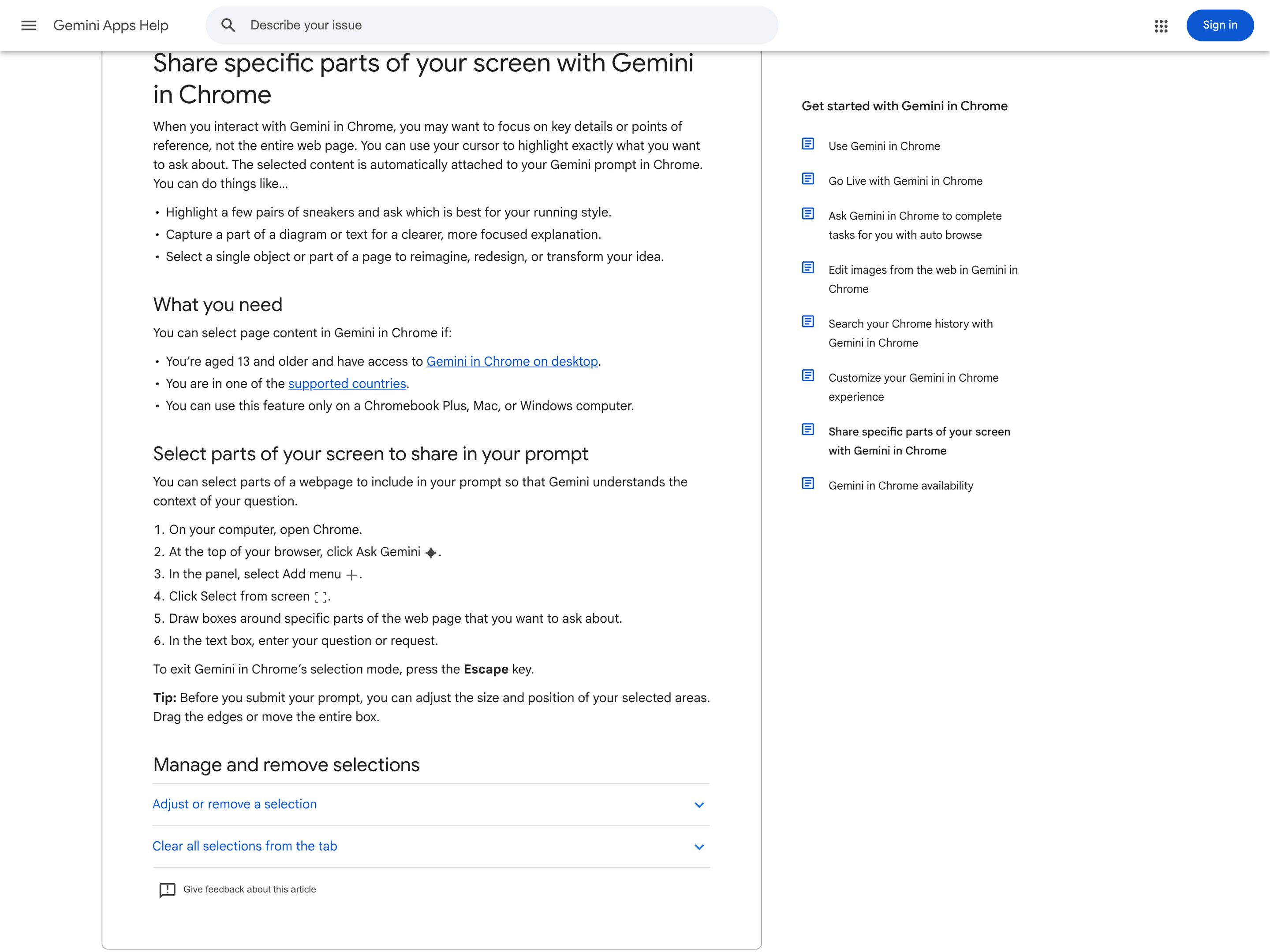
Google · Gemini in Chrome (Select from screen)
Shipping since May 2026 in desktop Chrome on Mac, Windows and Chromebook Plus. In the Gemini side panel you pick Select from screen and draw boxes around the products, text or image parts you mean. The crops show as thumbnails in the prompt box, next to a chip for the whole tab, which Gemini also gets by default. That covers the deictic anchor but not the whole move: you draw boxes instead of pointing, and you type the request (Gemini Live takes voice, but only for whole tabs). The answer lands in the side panel, not in place, and the feature stops at Chrome's edge. DeepMind's point-and-speak pointer is a research demo.
Visit Google ↗
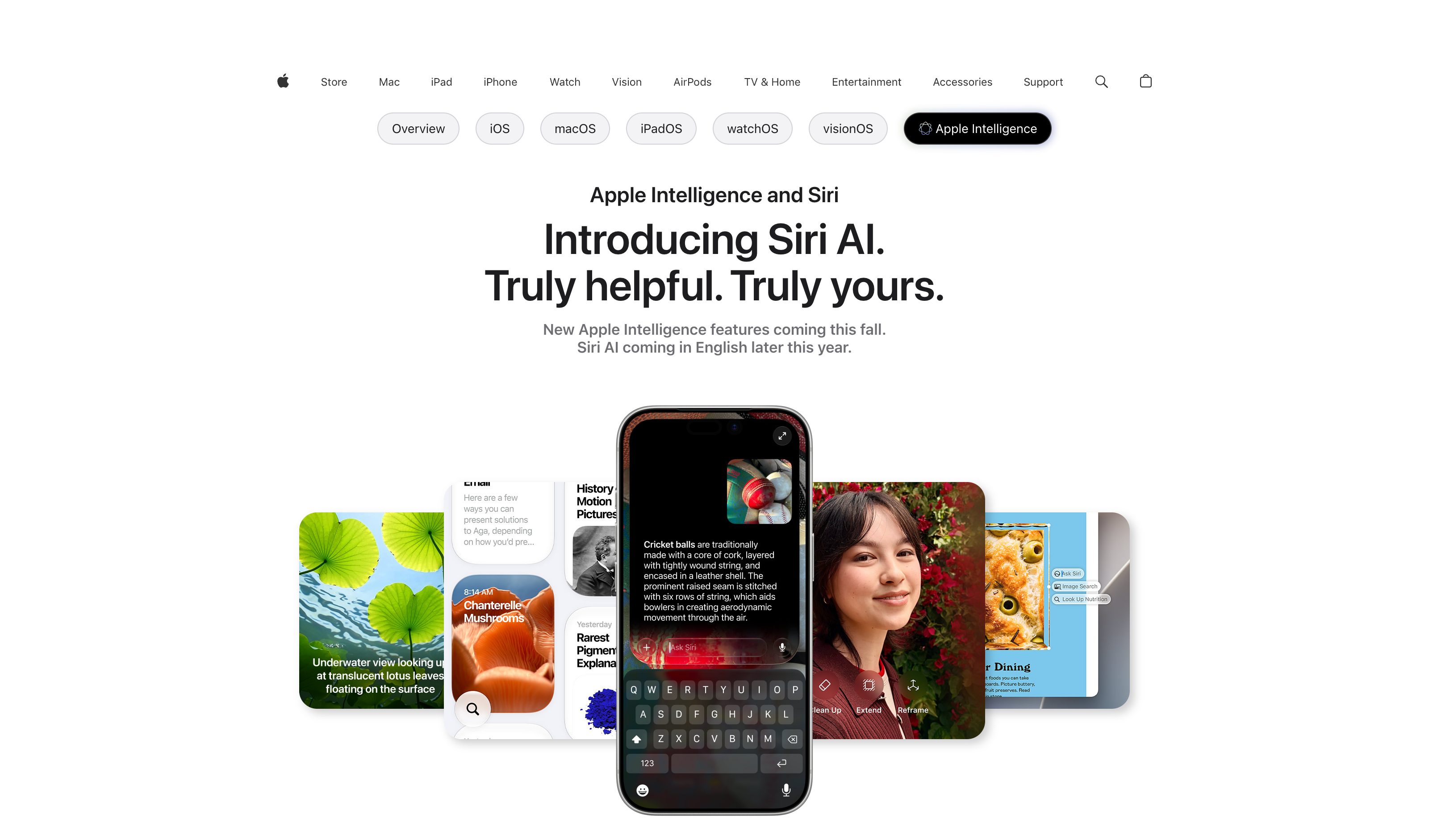
Apple Intelligence · Image Wand
Apple
Closest neighbour at the OS level — draw a rough shape around something on screen, the wand resolves the bounded region. Less continuous than a hover-tracking cursor, but the same "point and let the system resolve" geometry.
Visit Apple ↗
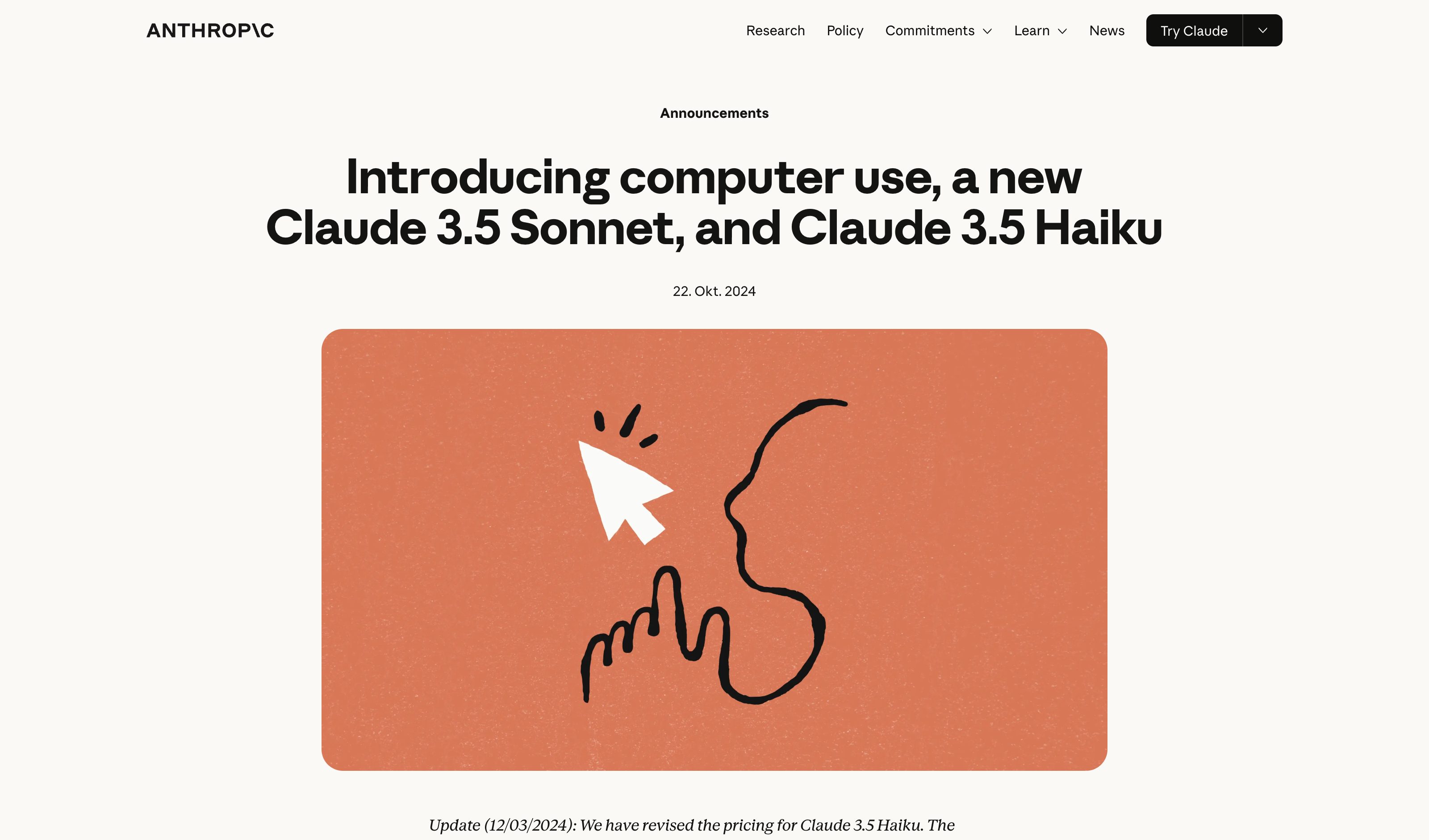
Anthropic · Computer Use
Anthropic
The agent-side analogue: the model resolves coordinates and clicks at them. Pointer-as-Prompt is the user-side counterpart — both treat the cursor as the resolution surface between intent and pixels.
Visit Anthropic ↗
Research Frame
Why this pattern exists, and where it breaks.
Make the cursor itself the deictic anchor of the prompt and voice the verb. The AI captures the visual + semantic context under the pointer, names what it resolved, and acts in place. Cross-app by default — the surface is the OS pointer, not the AI window.
Chat is a destination users have to travel to with hand-written descriptions of what they're looking at. Pointer-as-Prompt inverts the geometry: AI travels to the user's cursor, with no app-switch and no prose translation in between.
Voice + cursor is a high-bandwidth input and a high-stakes one — misresolution of "this" can act on the wrong target. Without a visible captured-element confirmation, the pattern degrades into "blind action at cursor". Persistent always-listening surfaces also raise privacy expectations the user must consent to.
Common questions
What people ask about this pattern.
When should I use the Pointer as Prompt pattern?
+
AI lives in its own window today — the user has to translate context into prose to get the AI to see it. Pointer-as-Prompt inverts the geometry: AI meets the cursor where it already is.
When should I avoid the Pointer as Prompt pattern?
+
The action is sensitive enough that explicit selection + confirm is safer than gestural pointing, or the user's flow is keyboard-driven where reaching for cursor + voice is friction.
What problem does Pointer as Prompt solve?
+
AI tools live in their own windows — the user has to drag context into the AI rather than the AI meeting context where it already is, and describing what is "this" in prose multiplies tokens without adding precision.
Why is chat the wrong fit for this?
+
Chat is a destination users have to travel to with hand-written descriptions of what they're looking at. Pointer-as-Prompt inverts the geometry: AI travels to the user's cursor, with no app-switch and no prose translation in between.
Grounded in Research
Not just opinion.
The papers, guidelines, and usability studies this pattern rests on.
Adrien Baranes, Rob Marchant
Google DeepMind · 2026
The cursor becomes the deictic anchor; voice becomes the verb. A research post with experimental demos in Google AI Studio; the shipped spin-off, Googlebook's Magic Pointer, takes typed prompts.
Related Patterns
Curated connections, not just neighbors.
Hand-picked relationships — what this pattern pairs with in practice, what it replaces, what it builds on, and what builds on it.
Alternative to
Annotated Capture
Annotated Capture leaves drawn markup on a screenshot; Pointer as Prompt points with the cursor and speaks the verb.
Alternative to
Contextual Overlay
Contextual Overlay offers a labeled action menu on your selection; Pointer as Prompt takes a spoken verb at the cursor.
Extends
Select & Transform
Select & Transform is text-only and menu-driven; Pointer as Prompt extends the move to any content with voice as the verb.