AI products shipped without Cmd+Z. Generated output can be regenerated, branched, or edited-to-fork — but none of those reverse the last action with one keystroke the way every text editor since 1987 has. Users have invented their own undo through Cmd+A → Cmd+C and screenshot-before-regenerate reflexes.
← Back to patterns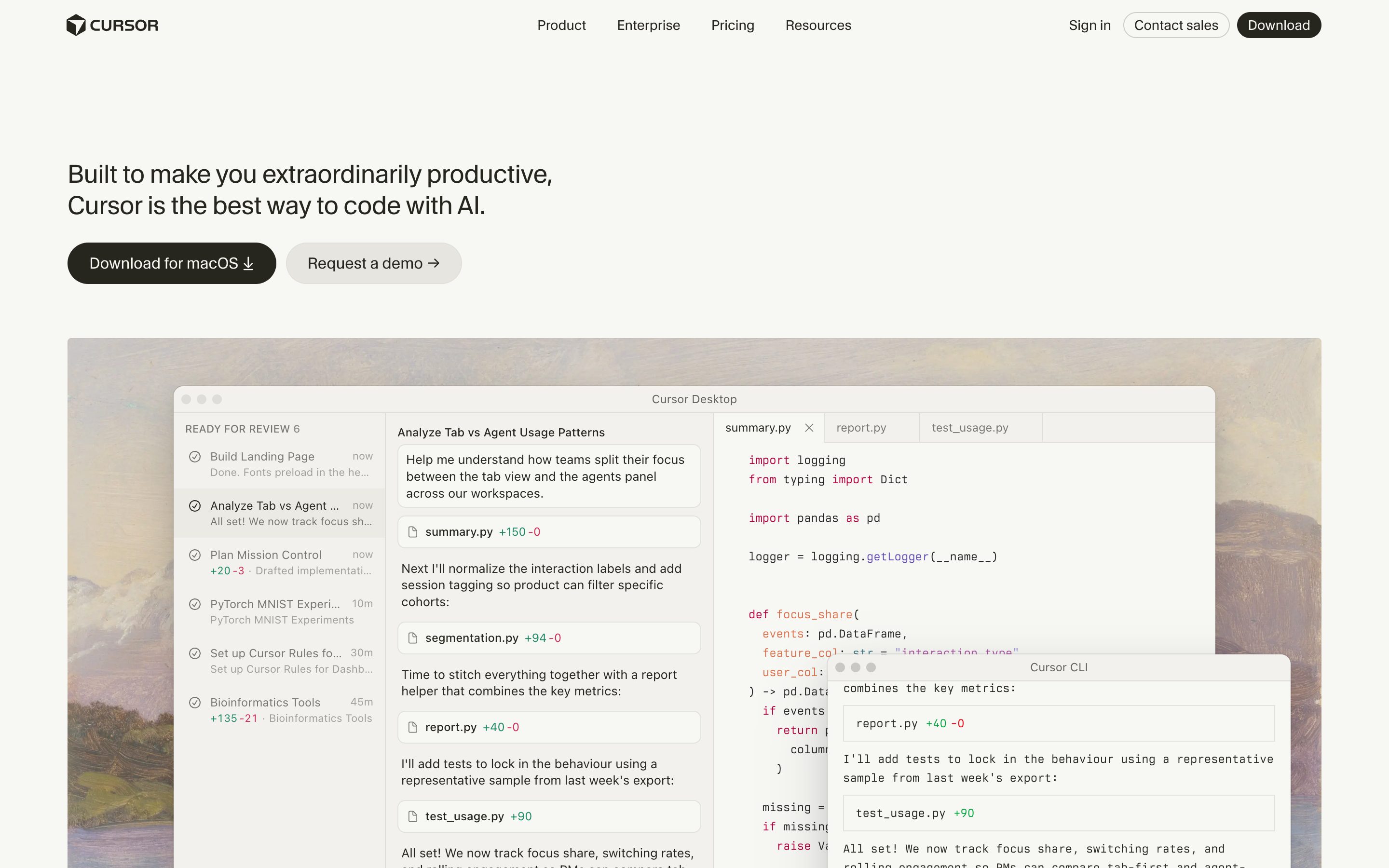

The Undo Problem in AI Products The Design of Everyday Things Guidelines for Human-AI Interaction (HAX Toolkit, G1-G18)
Inline & Contextual
Research PatternOutput-Level Undo
Cmd+Z for generated output
AI products shipped without Cmd+Z: you can regenerate, branch, or edit-to-fork, but none reverses the last output with one keystroke the way every text editor has since 1987 — so people screenshot before they regenerate. Output-Level Undo treats the output as the unit of work and gives it the real thing: one keystroke walks back through a linear history of states, with a small persistent cue that says you can come back. Branching is the heavyweight retrofit; undo is the lightweight primitive it skipped.
Metaphor
Time-Reverse Key
Interaction
One Keystroke, Stack Navigation, Ambient Affordance
Use case
Generative Writing, Output Iteration, Recovery After Regenerate
Failure mode
Branching as Undo Retrofit
Control mechanisms
Cmd+Z / Cmd+Shift+Z · Linear State Stack · Visible "↩" Affordance · Inline Restore-Preview
Reference examples
Cursor Checkpoints · Claude Code Esc-Esc Rewind · Adobe Photoshop History panel · Cmd+Z in any text editor (1987 baseline)
Concept Frame
Branching is the retrofit. Undo is the primitive.
AI products inherited 50 years of text editing without inheriting its most successful keystroke. Cmd+Z is one of the most academically defended single keystrokes in software design — codified by Apple's HIG in 1987, named by Norman in 1988, baked into Nielsen's heuristics in 1994, and shipped with every consumer app since. AI products in 2026 do not have it. The industry response was branching: hover a turn, find the "More actions" menu, fork the conversation into a new thread, then navigate. That's navigation, not reversal. Undo is one keystroke at the syntactic level of the output, with no navigation cost. Branching is the heavyweight retrofit; undo would have been the lightweight primitive.
Interactive Example
The live side-by-side is the comparison.
This prototype already contains the contrast between chat and the pattern response. It stands as the primary comparison surface for this page.
Branching is not undo. It is the retrofit that skipped it.
AI products shipped without Cmd+Z. Output can be regenerated, branched, or edited-to-fork, but none of those reverse the last action with one keystroke the way every text editor has since 1987. Users feel the gap so sharply they invent their own undo — Cmd+A → Cmd+C, screenshot-before-regenerate — because the surface inherited the messaging-app skeleton, where the unit of state is the thread, not the output.
Output-Level Undo treats the output as the unit of work and applies the canonical four properties to it: output-level reversibility, one-keystroke ambient access, linear stack semantics, and a small persistent affordance that says you can come back from this. The point is that Cmd+Z must mean Cmd+Z everywhere — same keystroke, same semantics, no menu, no branch tree to navigate. A visible recovery cue turns a frightening regenerate into a cheap experiment.
Norman's reversibility principle did not expire when the output became generative — the surface just forgot to honour it.
DOPE Lens
How this pattern improves AI interaction quality.
Observability
A small persistent affordance (↩) shows the user a prior state is recoverable — Norman's feedback principle applied to generative output
Directability
One keystroke restores the previous output state, no menu, no hover, no navigation — direct manipulation at the syntactic level of the answer
Predictability
Same keystroke, same semantics, every surface. Cmd+Z behaves like Cmd+Z behaves anywhere else
Explainability
Each entry in the stack names what is being reversed (e.g. "before regenerate · 14:22") so the user picks a target consciously
Fit
Where it earns its place.
Use it
when
when
AI inherited branching but skipped undo; one keystroke that walks back through output states replaces the screenshot-before-regenerate reflex.
Avoid
when
when
The output is ephemeral or read-only by design (a one-shot Q&A surface) and a stack would add cognitive load without earning it.
Closest neighbours
No product ships this exactly — these come closest.
This is a research pattern — we describe a UX move that no shipping product implements cleanly today. The entries below are adjacent: they share the spirit of the pattern even if they take a different shape.
Cursor · Checkpoints
Cursor
Closest neighbour to the pattern. Every agent step snapshots the workspace; "Restore" rolls back to any checkpoint with one click. Not Cmd+Z and not ambient, but the only shipping example that treats prior states as a recoverable stack rather than a branch tree.
Visit Cursor ↗
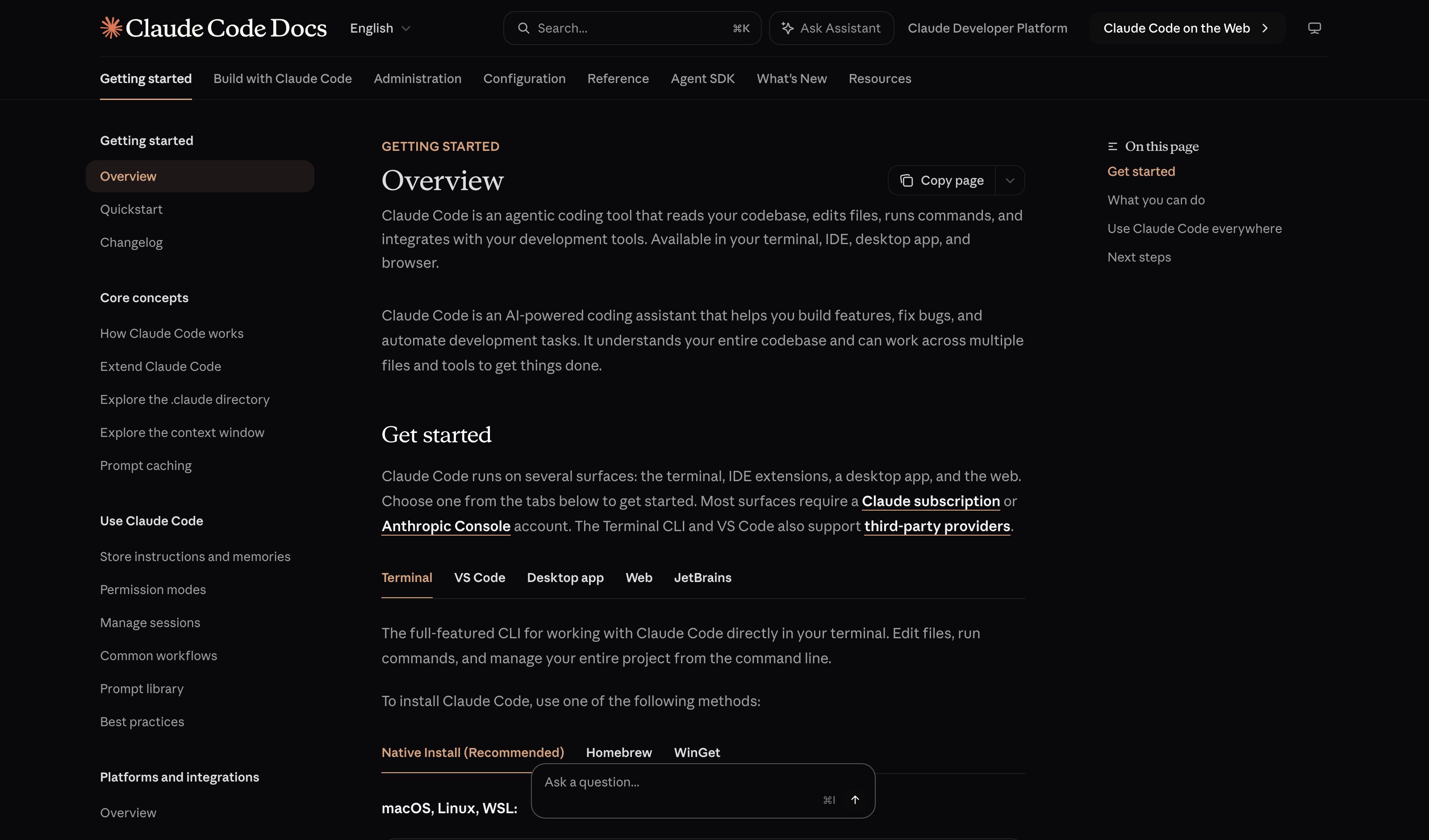
Claude Code · Esc-Esc Rewind
Anthropic
Double-Esc opens a history picker of prior agent states; user navigates and resumes from any earlier point. One-keystroke-adjacent, output-level, with a visible affordance — three of the four undo properties. Still pickerless ambient invocation is the missing piece.
Visit Anthropic ↗
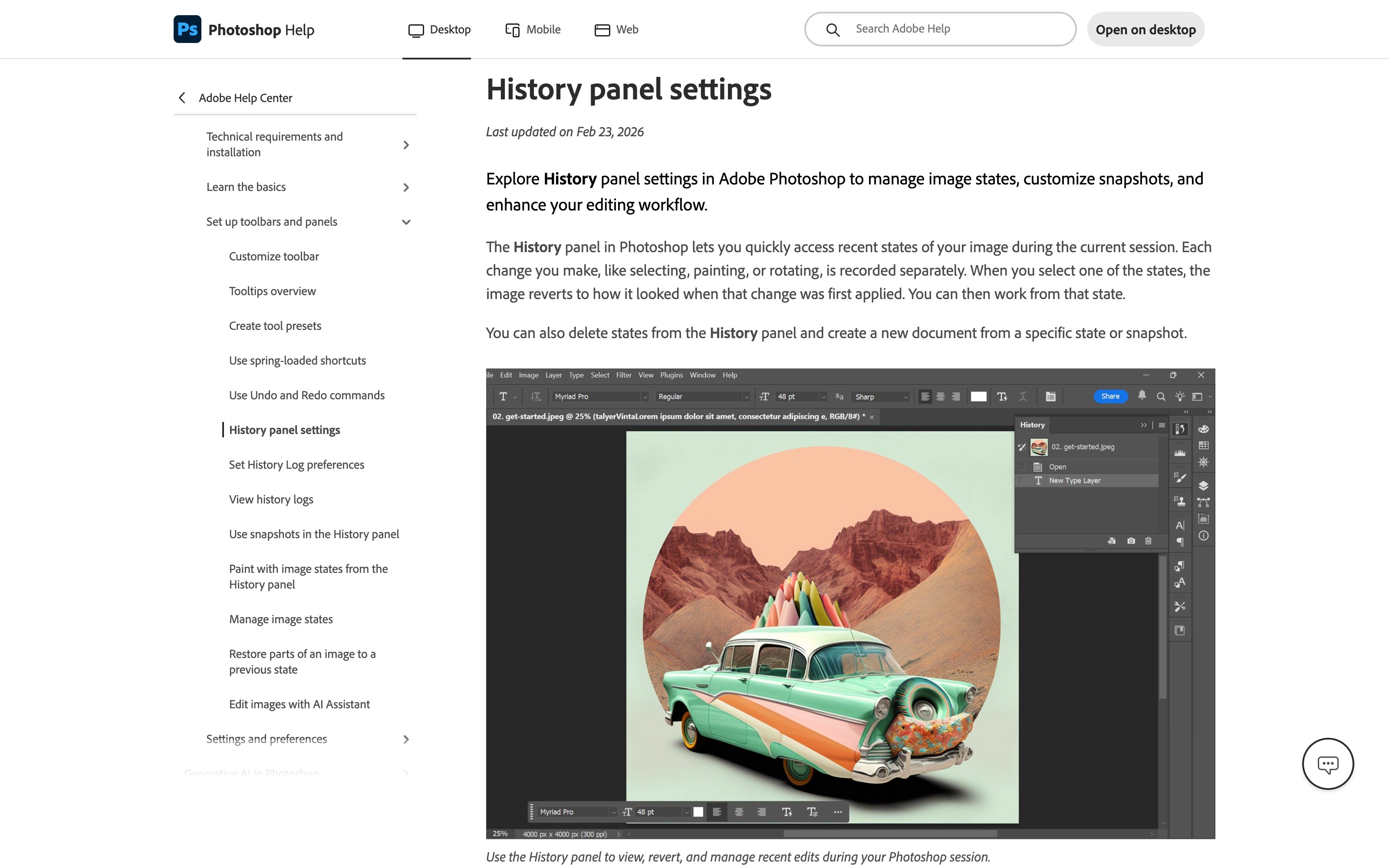
Adobe Photoshop · History panel
Adobe
Linear stack of prior document states in an always-visible panel — click any entry to walk back, with the undo keystroke stepping through the same stack. The non-AI reference for stack semantics on rich output; the keystroke, the stack, and the ambient affordance all in one surface.
Visit Adobe ↗
Cmd+Z in any text editor (1987 baseline)
Apple HIG · Tesler · Norman · Nielsen
The reference implementation. Cmd+Z works the same way in a 1987 Mac word processor and a 2026 Figma frame — without tutorials, settings, or menus. Adi Leviim's argument: AI products inherited 50 years of text editing without inheriting its most successful primitive.
Visit Apple HIG · Tesler · Norman · Nielsen ↗
Research Frame
Why this pattern exists, and where it breaks.
Treat output as the unit of work and apply the canonical four-property undo to it: output-level reversibility (restore the previous paragraph as recoverable state), one-keystroke ambient access (Cmd+Z and Cmd+Shift+Z, no menu), stack semantics (a linear history of states, not a branch tree), and visible affordance (a small persistent "you can come back from this" cue).
Chat inherited the messaging-app skeleton, in which the unit of state is the message thread. Generative output is the unit of work, but the surface treats it as a turn — and turns do not have undo, they have branching. The industry shipped branching as a retrofit; users read it as a betrayal.
Without clear scope (output-level vs paragraph-level vs token-level), undo can over- or under-shoot. Stack semantics on a generative system also have to handle non-deterministic state — restoring "the output before regenerate" is well-defined; restoring "the cursor position inside that output" is not. Persistent affordances can also clutter outputs that don't need them.
Common questions
What people ask about this pattern.
When should I use the Output-Level Undo pattern?
+
AI inherited branching but skipped undo; one keystroke that walks back through output states replaces the screenshot-before-regenerate reflex.
When should I avoid the Output-Level Undo pattern?
+
The output is ephemeral or read-only by design (a one-shot Q&A surface) and a stack would add cognitive load without earning it.
What problem does Output-Level Undo solve?
+
AI products shipped without Cmd+Z. Generated output can be regenerated, branched, or edited-to-fork — but none of those reverse the last action with one keystroke the way every text editor since 1987 has. Users have invented their own undo through Cmd+A → Cmd+C and screenshot-before-regenerate reflexes.
Why is chat the wrong fit for this?
+
Chat inherited the messaging-app skeleton, in which the unit of state is the message thread. Generative output is the unit of work, but the surface treats it as a turn — and turns do not have undo, they have branching. The industry shipped branching as a retrofit; users read it as a betrayal.
Grounded in Research
Not just opinion.
The papers, guidelines, and usability studies this pattern rests on.
Adi Leviim
UX Collective · 2026
AI products inherited the messaging-app skeleton — branching, but no Cmd+Z. Article argues the 1987 undo primitive is the missing affordance and shows what an output-level Cmd+Z would look like.
Don Norman
Basic Books · revised 2013 edition · 1988
The feedback and visibility principles every interface inherits. Output Undo, Action Audit, and most Observability patterns are direct applications of "the system must reflect its state back to the user."
Saleema Amershi et al.
Microsoft Research · 2019 · refreshed 2026-07
The canonical 18-guideline taxonomy for human-AI interaction. Strongest anchors: G9 efficient correction, G11 why-did-it-do-that, G17 global controls. Its three zero-coverage guidelines — G6 bias mitigation, G14 cautious updates, G18 change notification — became this library's Bias Flag and Model Changelog patterns in July 2026. Nearly the whole Agent Workflow category sits outside its 2019 single-assistant frame.
Related Patterns
Curated connections, not just neighbors.
Hand-picked relationships — what this pattern pairs with in practice, what it replaces, what it builds on, and what builds on it.
Often paired with
Action Audit & Undo
Action Audit & Undo reverses each action an agent took; Output-Level Undo reverses the generated output itself.
Often paired with
Region Lock
Region Lock keeps the good parts through a regenerate; Output-Level Undo brings back the previous version if it got worse.
Alternative to
Conversation Branches
Output-Level Undo steps back through outputs with Cmd+Z; Conversation Branches lets you fork a turn and keep both paths.