Multi-source AI silently aggregates from every connector — users cannot tell what the answer actually saw, or stop it from seeing something it should not.
← Back to patterns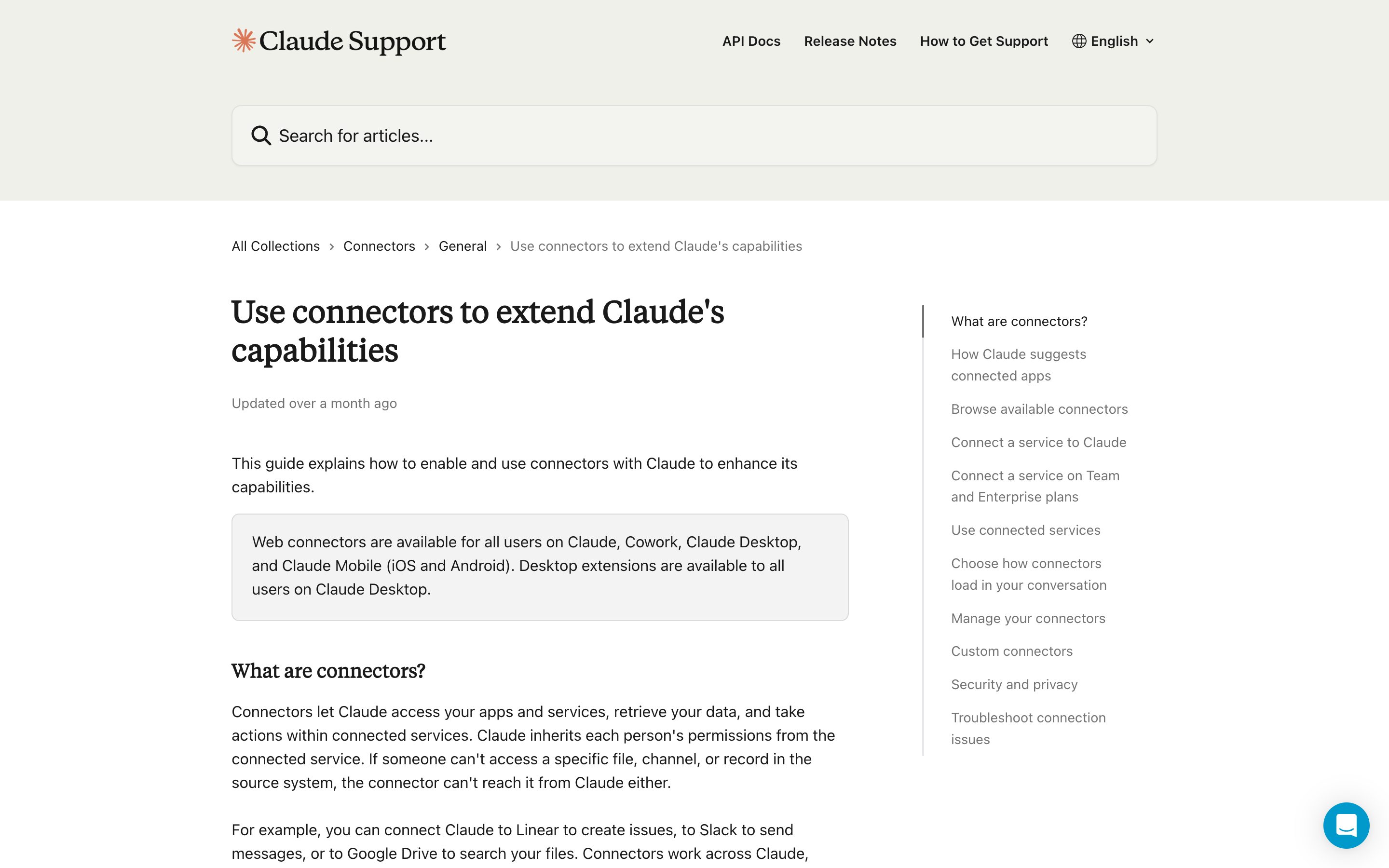
Google
Memory, Context & Boundary
Knowledge Source Toggle
Show what the AI is allowed to see
AI with access to multiple connectors — Drive, Slack, Notion, Email, Web — should make those sources visible and switchable. The user picks which sources are in scope before the run, sees how many hits each contributed, and can flip any source off when the answer should not see it. No silent aggregation.
Metaphor
Library Shelves
Interaction
Per-Source Toggle, Live Source Attribution
Use case
Multi-Source RAG, Agent Tool Access, Sensitive-Data Workflows
Failure mode
Silent Source Aggregation
Control mechanisms
Source List · On/Off Toggles · Hit Counts · Per-Claim Attribution
Reference examples
Claude Connectors · Gemini Notebook Source Toggles · Perplexity Projects Sources · ChatGPT Company Knowledge
Interactive Example
The live side-by-side is the comparison.
This prototype already contains the contrast between chat and the pattern response. It stands as the primary comparison surface for this page.
Connect five sources, and lose track of all five.
Multi-source AI silently aggregates from every connector it can reach — Drive, Slack, Notion, Email, Web — and hands back one merged answer. The user cannot tell what the answer actually saw, or stop it from reading a channel it has no business reading, because retrieval happens invisibly inside the system.
Knowledge Source Toggle turns the connectors into a visible, switchable scope. The user picks which sources are in play before the run, sees the hit count each one contributed afterwards, and can flip any source off when the answer should not see it — with every claim attributed back to where it came from. Scope becomes an input, not a black box.
You can only trust an answer as far as you can see what it was allowed to read.
DOPE Lens
How this pattern improves AI interaction quality.
Observability
Every active source is visible, with hit counts after each run
Directability
Toggle any source on or off per query, save scoped source-sets for repeat use
Predictability
Removing a source removes its contribution — the answer changes accordingly
Explainability
Every claim in the answer is attributed to a specific source
Fit
Where it earns its place.
Use it
when
when
Answers draw from multiple sources and users need to scope or audit which inputs were used.
Avoid
when
when
The system has a single, well-known source and explicit toggling adds friction without insight.
In the wild
Where this pattern already ships.
Real implementations from products users already know. Each entry shows how the pattern got applied — what shipped, where it sits in the product, what it traded off.
Claude Connectors
Anthropic
The composer's "+" menu — or typing "/" — opens Connectors; toggle Gmail, Drive, Slack, GitHub, Linear or Microsoft 365 on for that conversation. Each directory entry states the connector's read/write capabilities before you connect. The toggles live on the conversation, not on the Project.
Visit Anthropic ↗
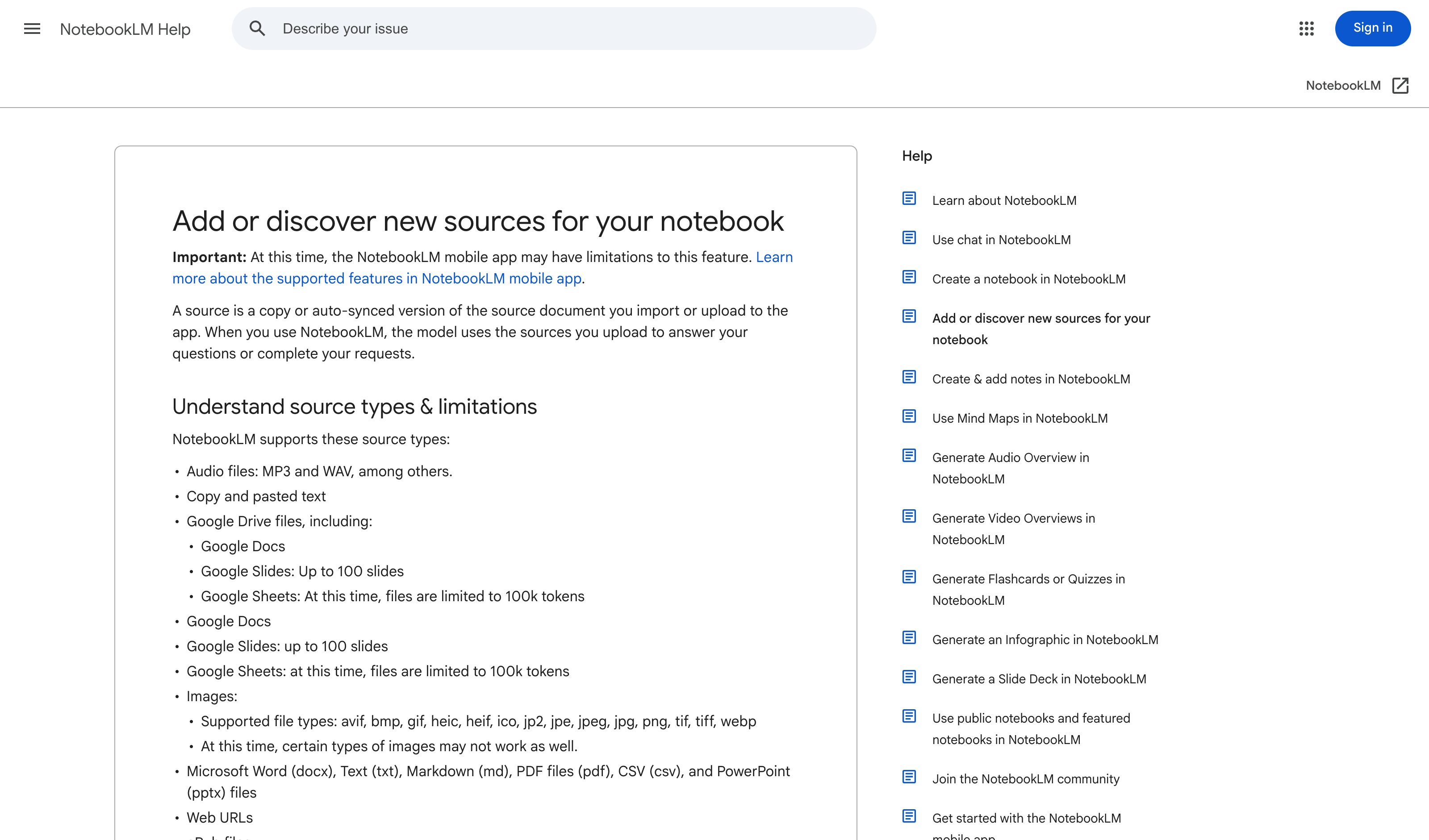
Gemini Notebook Source Toggles
Renamed from NotebookLM on 16 July 2026; the surface is unchanged. A checkbox on each source includes or excludes it from the answer, and citations quote the source directly — hover for the full quoted text, click to jump to its location in the document. Still the cleanest per-claim attribution in the set.
Visit Google ↗
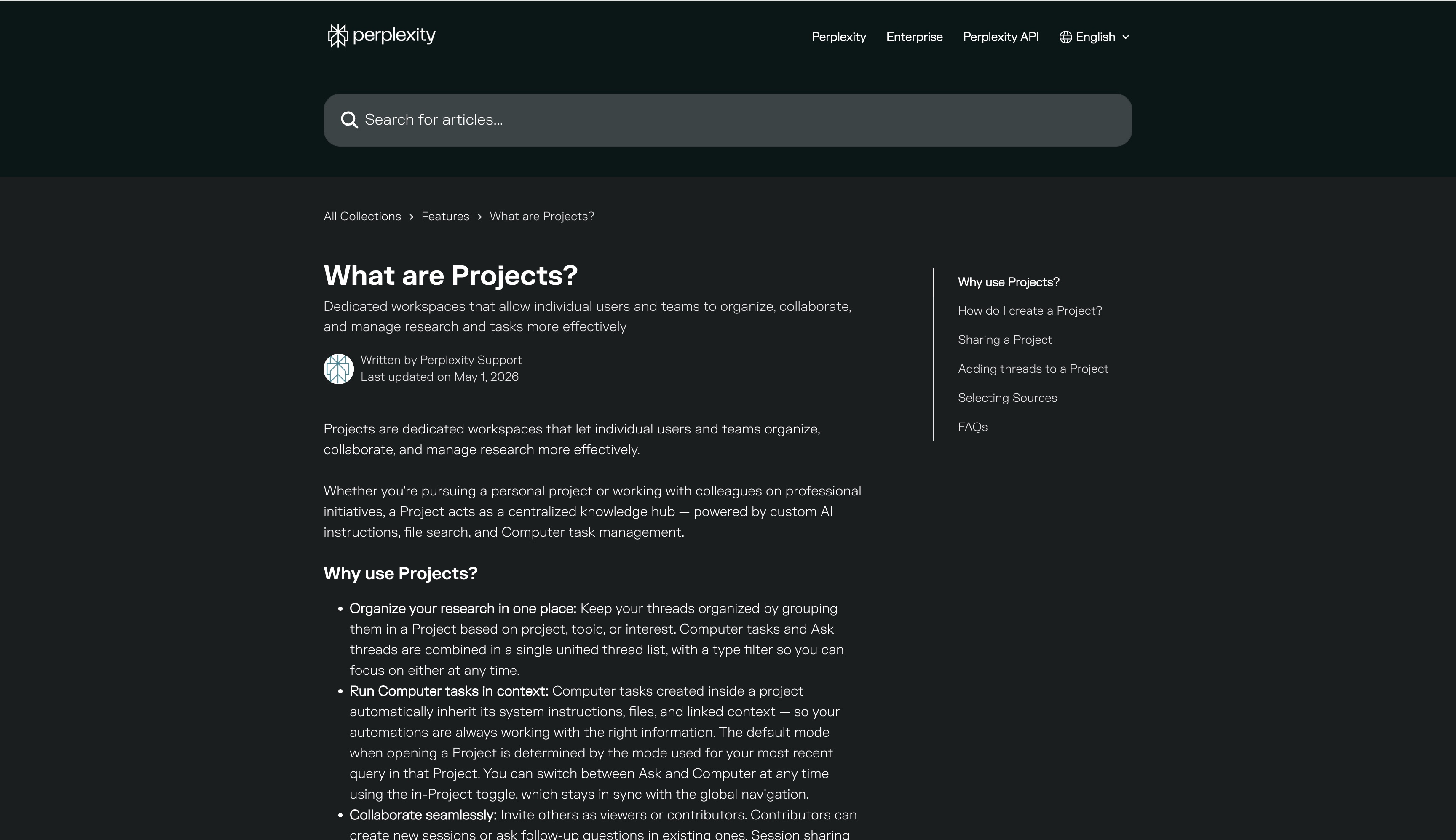
Perplexity Projects Sources
Perplexity
Spaces became Projects on 30 July 2026; existing Spaces migrated automatically. A Project's Settings tab picks which of 400+ connectors it uses, with per-connector instructions, alongside its own files and prioritised domains. Scoping is durable across every session in the Project rather than chosen per query.
Visit Perplexity ↗
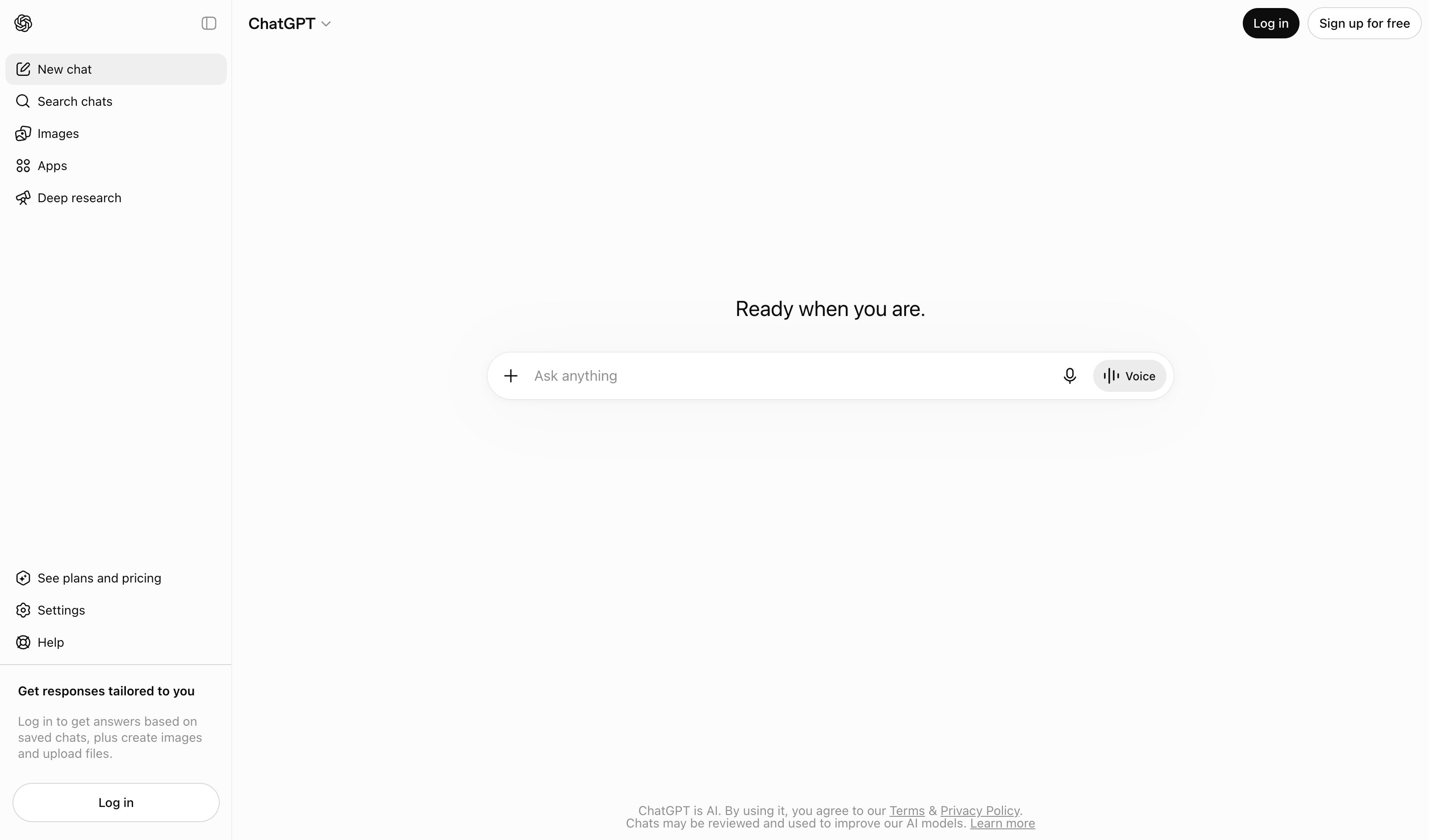
ChatGPT Company Knowledge
OpenAI
Connectors were renamed Apps in Dec 2025 and folded into the Plugin directory in July 2026. Picking "company knowledge" from the composer's + menu opens per-app toggles for that chat, and the answer cites back to sources. Business/Enterprise/Edu on web only — and left unselected, ChatGPT may still use apps automatically.
Visit OpenAI ↗
Research Frame
Why this pattern exists, and where it breaks.
Show every connector as a visible toggle, attribute every claim to a source, and let users scope sources per query.
Chat hides retrieval inside the system; the user gets one merged answer with no surface to scope or audit the inputs.
Too many sources at once create noise; weak attribution can imply sources were used when they were merely consulted.
Common questions
What people ask about this pattern.
When should I use the Knowledge Source Toggle pattern?
+
Answers draw from multiple sources and users need to scope or audit which inputs were used.
When should I avoid the Knowledge Source Toggle pattern?
+
The system has a single, well-known source and explicit toggling adds friction without insight.
What problem does Knowledge Source Toggle solve?
+
Multi-source AI silently aggregates from every connector — users cannot tell what the answer actually saw, or stop it from seeing something it should not.
Why is chat the wrong fit for this?
+
Chat hides retrieval inside the system; the user gets one merged answer with no surface to scope or audit the inputs.
Related Patterns
Curated connections, not just neighbors.
Hand-picked relationships — what this pattern pairs with in practice, what it replaces, what it builds on, and what builds on it.
Often paired with
Citation Trail
Pick which sources are in scope, then hover any sentence to see the exact source spans that grounded it.
Often paired with
Constraint Rules Engine
Knowledge Source Toggle scopes sources per query; Constraint Rules Engine keeps the off-limits ones out of every run.
Extended by
Consent
Consent is the durable layer above Knowledge Source Toggle: every app the agent can reach, with scope and expiry.