Users cannot safely delegate actions they cannot inspect before execution.
← Back to patterns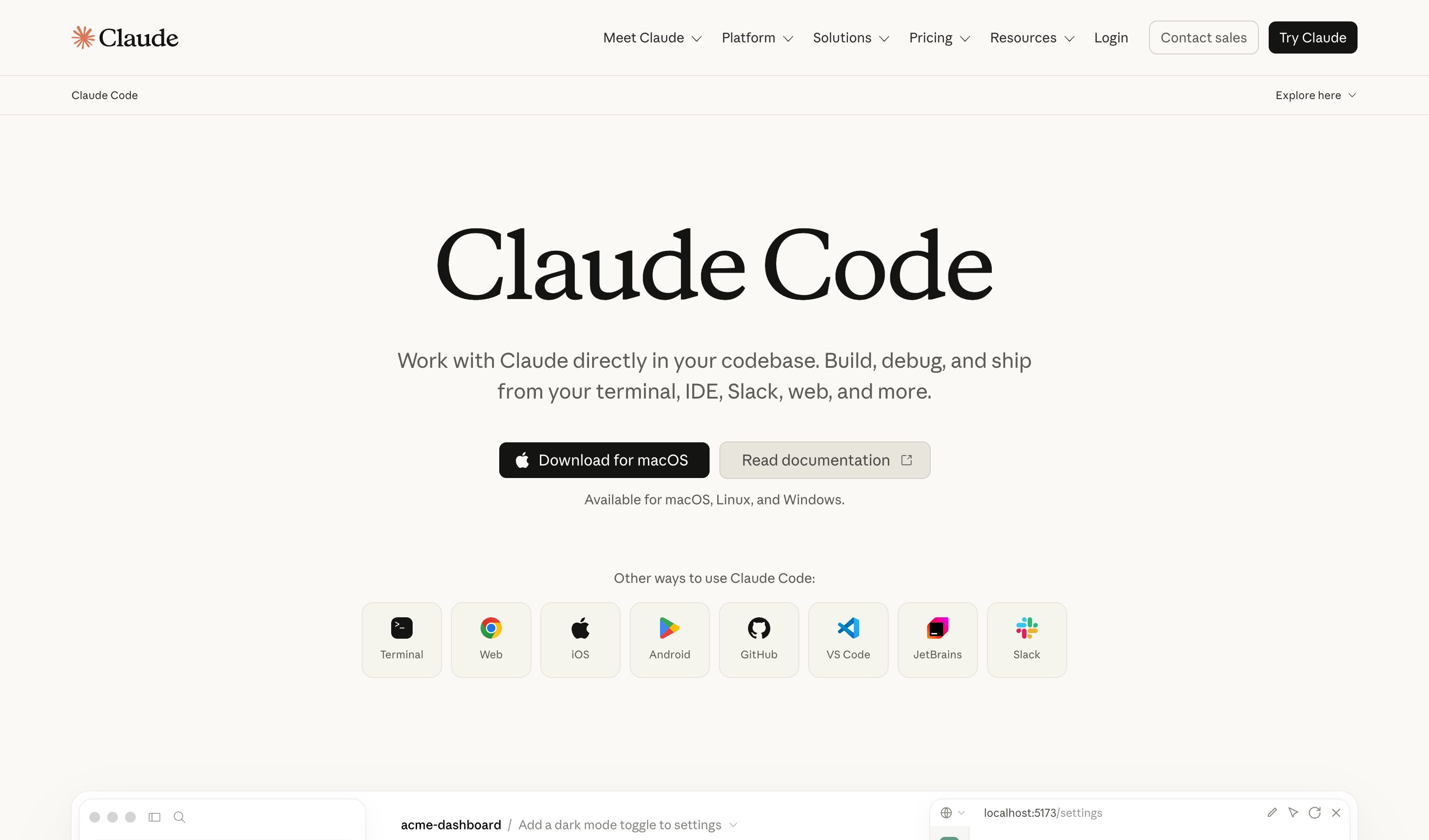
How Users Perceive Mixed-Initiative AI: Attitudes Toward Assistance in Problem Solving Computer Use · Claude 3.5 Sonnet
Agent Workflow
EmergingIntent Preview
Review the Plan Before It Executes
Before an AI agent modifies your code, it shows every planned step with risk levels, affected files, and scope estimates. You can reorder, skip, or approve before a single line changes.
Metaphor
Flight Plan
Interaction
Review, Approve
Use case
Code Refactoring, File Operations, Automated Workflows
Failure mode
Weak Intervention
Control mechanisms
Checkboxes · Reorder · Risk Badges · Execute Button
Reference examples
Claude Code Plan Mode · Cursor Plan Mode · Replit Agent Plan Mode · OpenAI Deep Research Plan
Interactive Example
The live side-by-side is the comparison.
This prototype already contains the contrast between chat and the pattern response. It stands as the primary comparison surface for this page.
Trust is built before the action, not after.
Letting an agent edit your code from a chat box is the worst design for irreversible work: reassuring assistant language tells you it's "making the changes," but you learn the actual steps and blast radius only once the files are already rewritten. You cannot safely delegate what you cannot inspect first.
Intent Preview inverts the order to show first, act second: every planned step arrives with a risk level, the files it touches, and a scope estimate, and you can reorder, skip, or approve before a single line changes. Risk badges carry plain-language rationale, so the review is comprehension, not color-guessing.
An agent that shows you its plan before acting earns more trust than one that acts perfectly but silently.
DOPE Lens
How this pattern improves AI interaction quality.
Observability
Every planned step is visible before execution
Directability
Reorder, skip, or modify steps before running
Predictability
Risk levels and file impacts shown upfront
Explainability
Risk levels include plain-language rationale, not just color codes
Fit
Where it earns its place.
Use it
when
when
Before any agent action that costs money, sends a message, or changes shared state.
Avoid
when
when
The action is cheap to reverse and pre-review costs more than correction.
In the wild
Where this pattern already ships.
The pattern is shipping but still maturing across products. Entries below show how different teams have approached it; expect variation as the space settles.
Claude Code Plan Mode
Anthropic
Plan mode (Shift+Tab, `/plan`, or `--permission-mode plan`) researches the repo and writes a plan while every edit stays blocked until you approve it; Ctrl+G opens that plan in your editor first. No risk levels — the approval dialog only asks how to proceed. The `/ultraplan` preview was removed in August 2026.
Visit Anthropic ↗
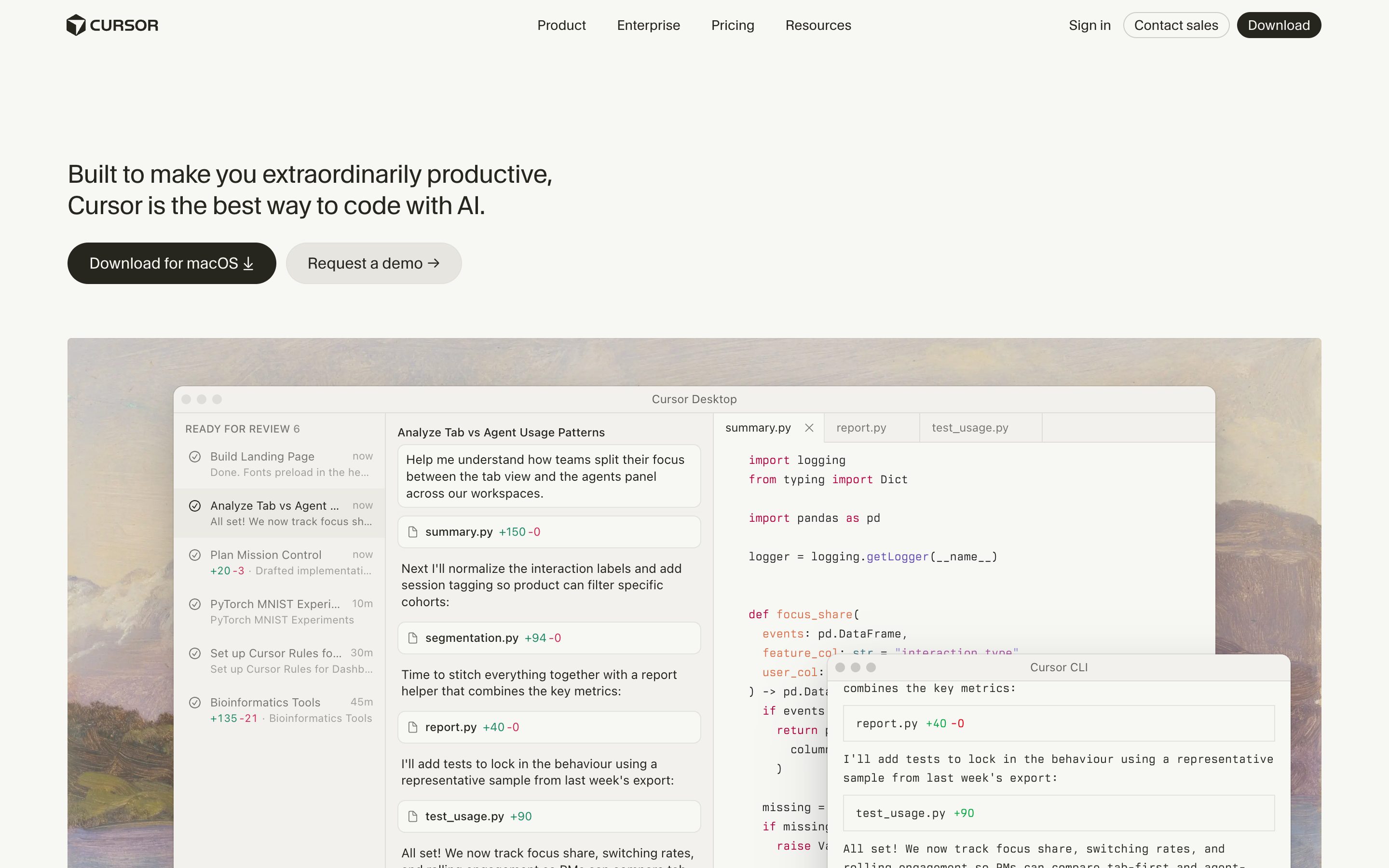
Cursor Plan Mode
Cursor
Plan Mode (Shift+Tab or the mode picker) asks clarifying questions, researches the codebase, then writes a Markdown plan with file paths and code references that you edit inline before building. Still no risk levels, and the run default is now the Auto-review classifier rather than ask-before-each-tool-call.
Visit Cursor ↗
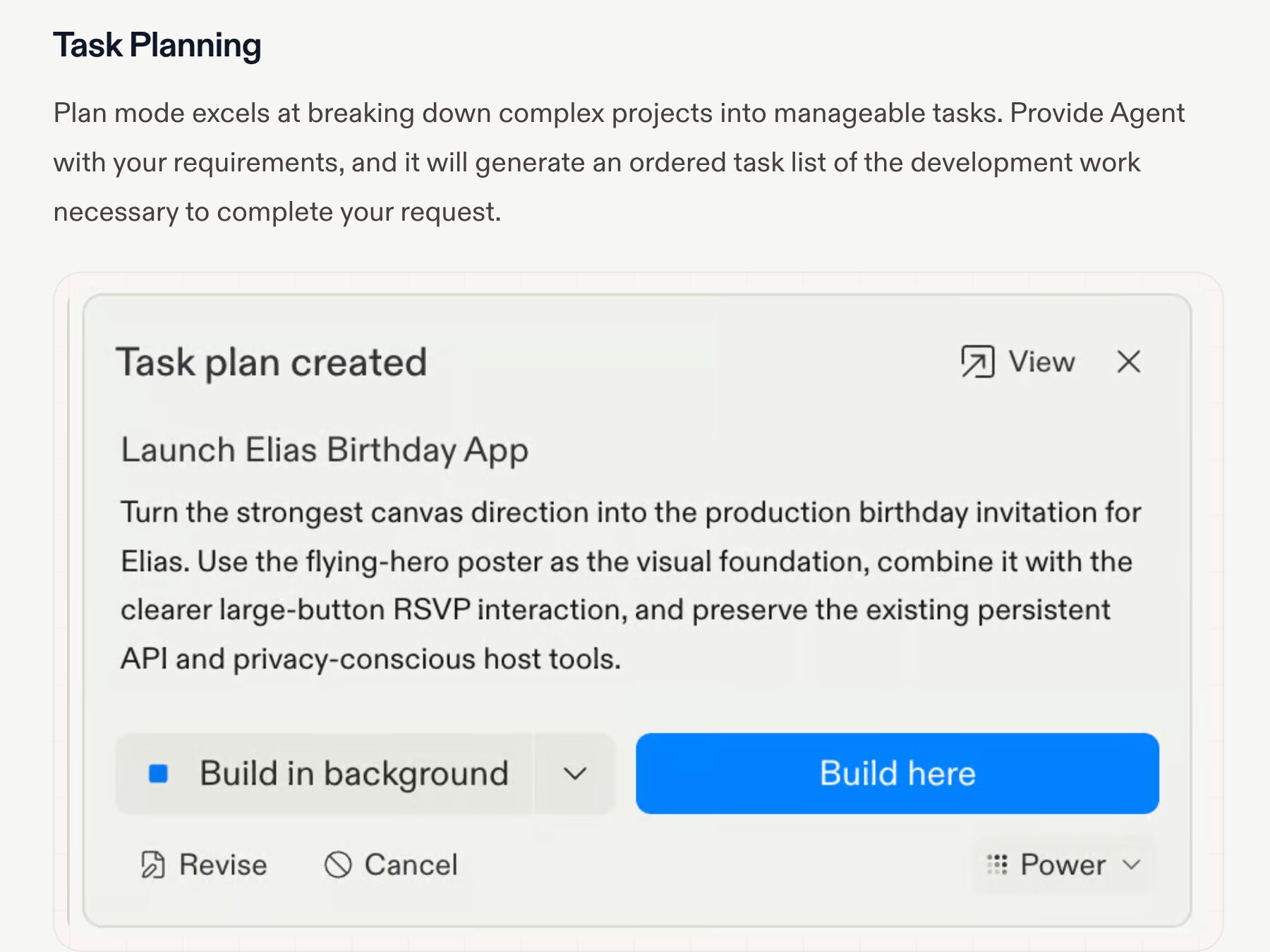
Replit Agent Plan Mode
Replit
Plan mode, switched on with the Plan toggle in the chat input, breaks the request into an ordered task list you review before anything runs: Revise, Cancel, Build here or Build in background (before the first checkpoint, a single Start building). The plan is a real artifact, not a paragraph — but you refine it by chatting, not by editing rows.
Visit Replit ↗
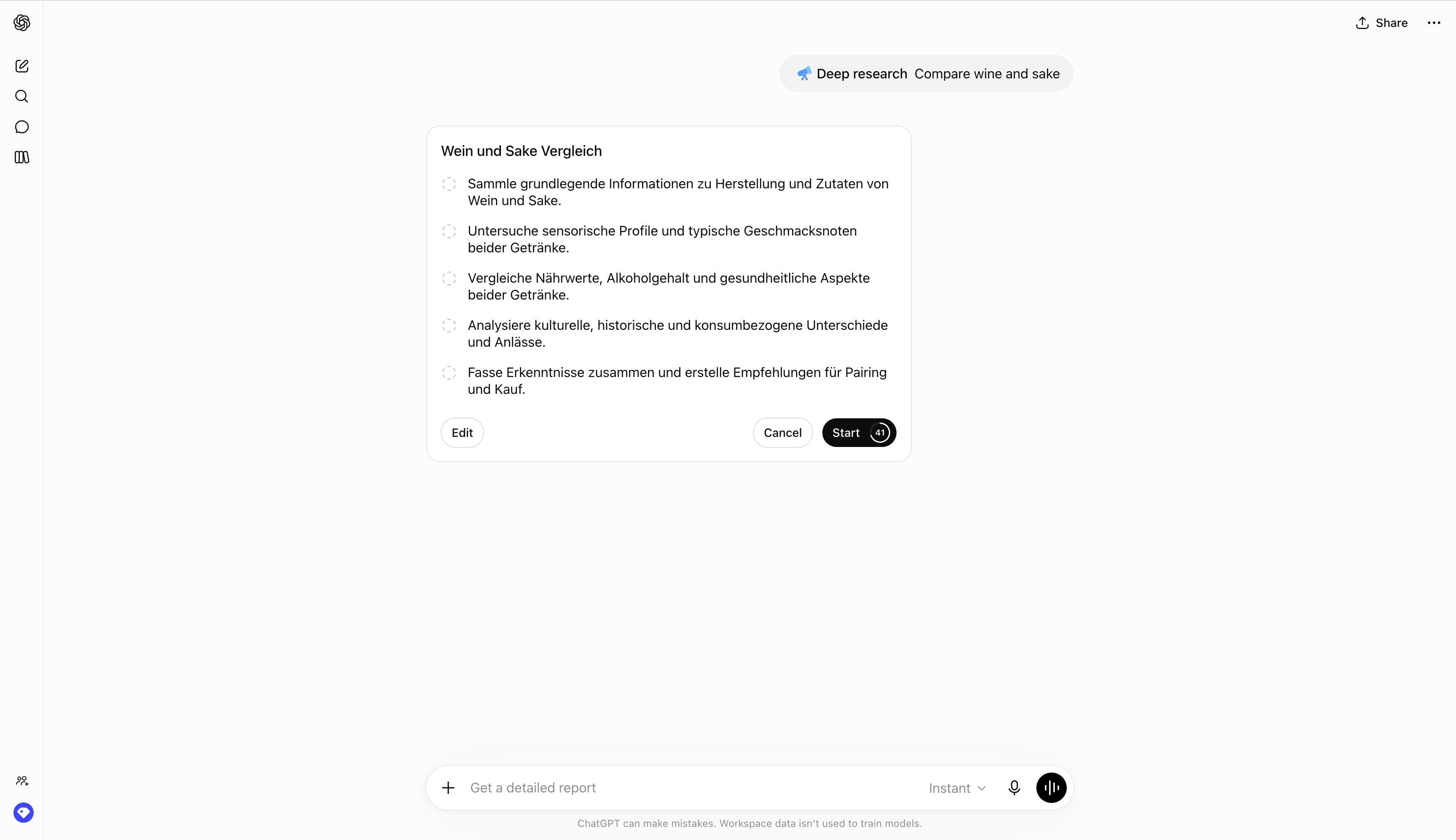
OpenAI Deep Research Plan
OpenAI
ChatGPT proposes a research plan you can review and modify before the run begins, after clarifying questions; you scope which sites and files it may use, and can interrupt mid-run to refocus. Started from /Deepresearch, the + tools menu, or the sidebar. The plan is the contract before tokens get spent.
Visit OpenAI ↗
Research Frame
Why this pattern exists, and where it breaks.
Show the plan, scope, and risk before the system takes action.
Reassuring assistant language does not expose concrete steps or blast radius.
Preview friction can become excessive for trivial or low-risk actions.
Common questions
What people ask about this pattern.
When should I use the Intent Preview pattern?
+
Before any agent action that costs money, sends a message, or changes shared state.
When should I avoid the Intent Preview pattern?
+
The action is cheap to reverse and pre-review costs more than correction.
What problem does Intent Preview solve?
+
Users cannot safely delegate actions they cannot inspect before execution.
Why is chat the wrong fit for this?
+
Reassuring assistant language does not expose concrete steps or blast radius.
Grounded in Research
Not just opinion.
The papers, guidelines, and usability studies this pattern rests on.
Yunhao Luo, Arthur Caetano, Avinash Ajit Nargund, Tobias Höllerer, Misha Sra
UC Santa Barbara · 2026
Empirical study: users value agency preservation but accept assistance when it improves outcomes. Nuanced data on mixed-initiative perception — calibration evidence for any control-aware UX argument.
Anthropic
Anthropic · product announcement + research note · 2024
First production model trained to operate a computer interface directly. Turns every UI question (preview, audit, gates, friction) into a concrete shipping setting and provides the destructive-action-confirmation primitive several patterns build on.
Related Patterns
Curated connections, not just neighbors.
Hand-picked relationships — what this pattern pairs with in practice, what it replaces, what it builds on, and what builds on it.
Often paired with
Editable Plan
Intent Preview flags each step's risk and affected files; Editable Plan lets you add, remove, and comment on steps.
Often paired with
Approval Gates
Intent Preview is checked once before the run; Approval Gates pause the run itself at the steps that need sign-off.
Often paired with
Reasoning Trace
Intent Preview shows what the agent will do; Reasoning Trace lays out the assumptions behind it, as claims to check.