Analytical tasks are often answered with prose instead of manipulable structure.
← Back to patterns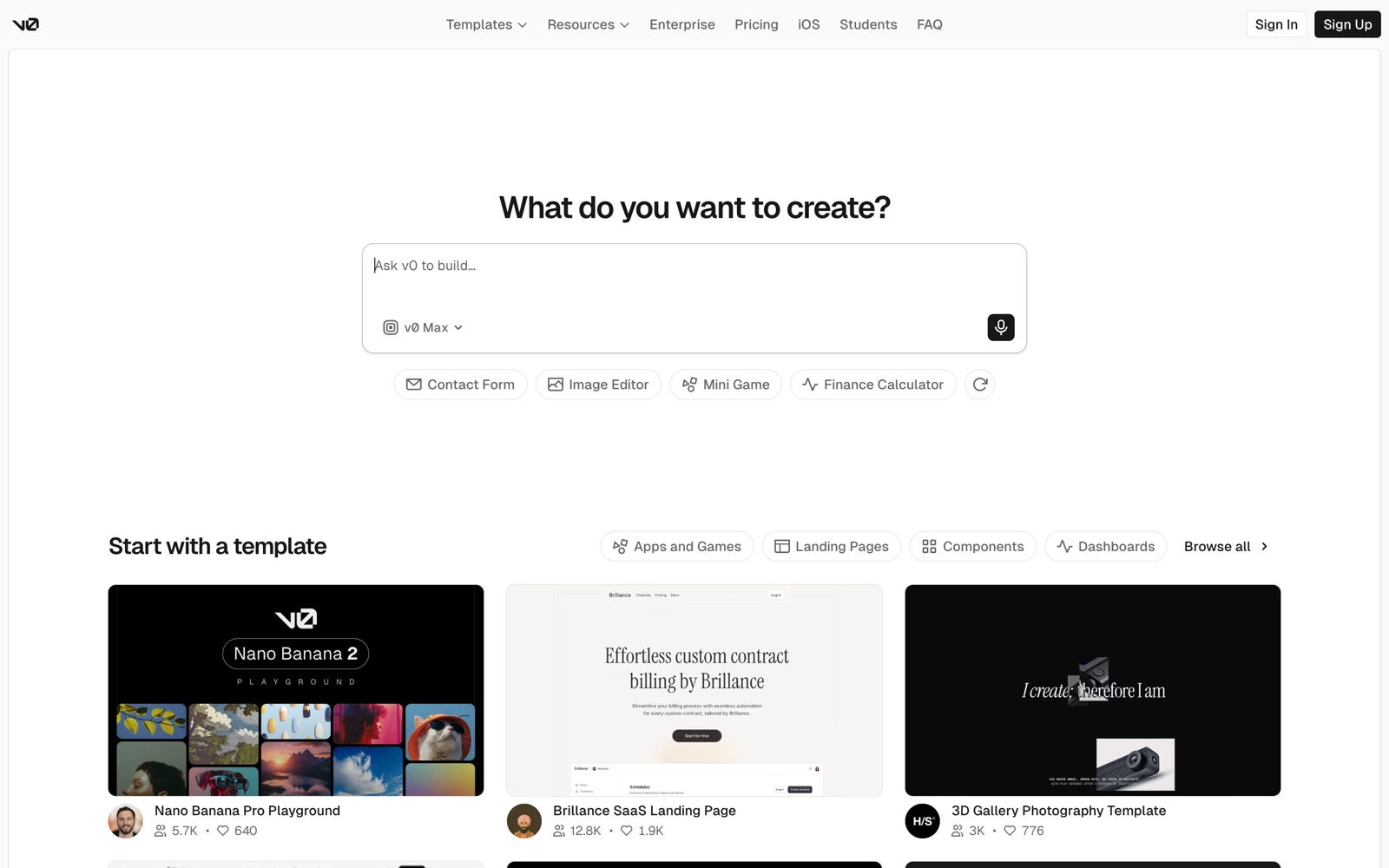
Google
Magic Ink: Information Software and the Graphical Interface Squish Meets Structure: Designing with Language Models Malleable Software: Restoring User Agency in a World of Locked-Down Apps
Visual & Generative
Generative UI
Interactive Components Instead of Text Walls
Ask a model to analyze data in chat and you get prose about the data — a paragraph asserting trends you cannot check, sort, or filter, where every follow-up costs another turn. Generative UI makes the response itself the interface: stat cards with deltas, a chart with switchable encodings, a sortable and filterable table — so follow-up questions become clicks on the answer instead of new prompts about it.
Metaphor
Dashboard
Interaction
Visual, Interactive
Use case
Data Analysis, Reporting, Research Results
Failure mode
Hidden State
Control mechanisms
Charts · Tables · Filters · Toggle Views
Reference examples
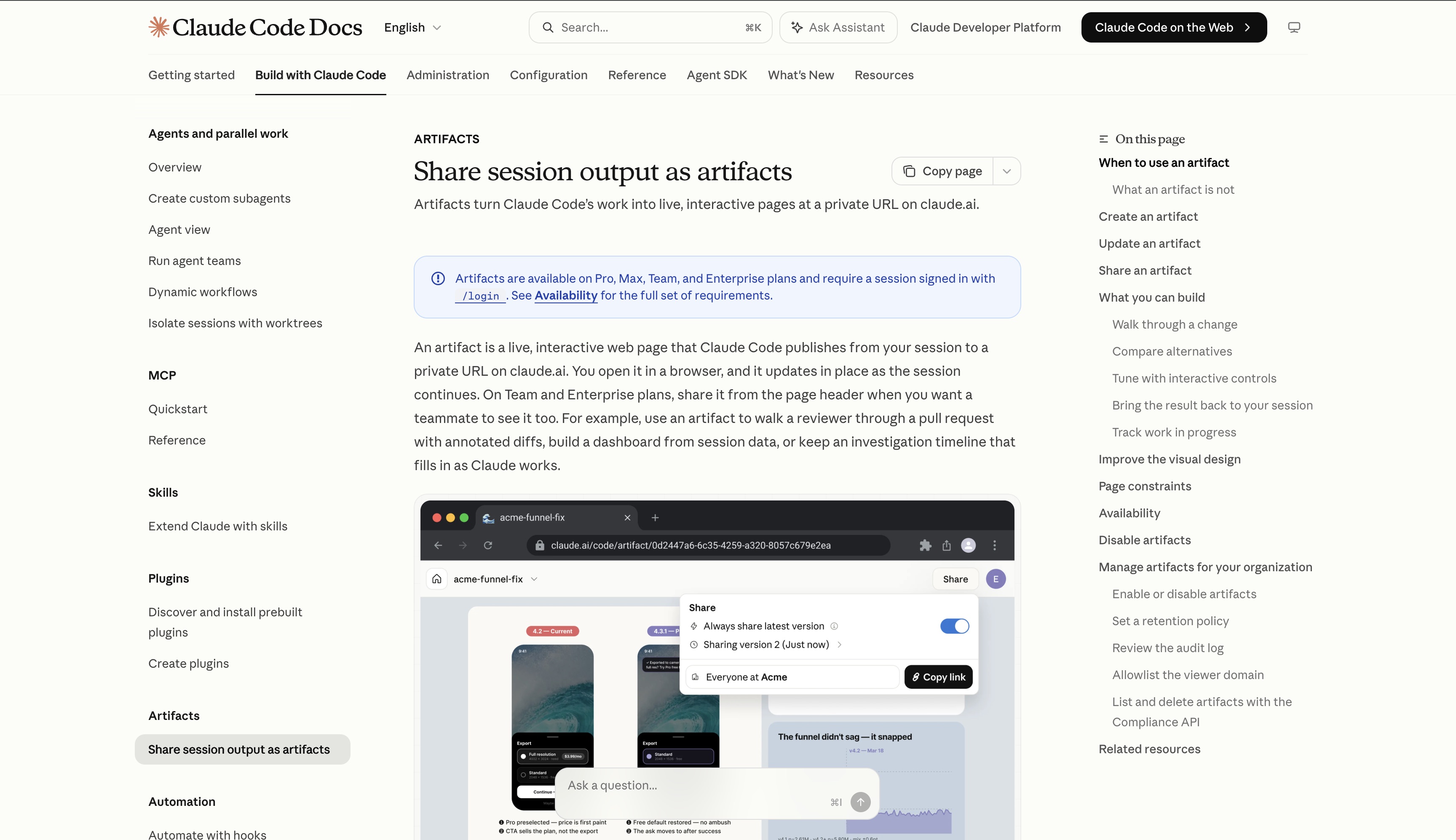
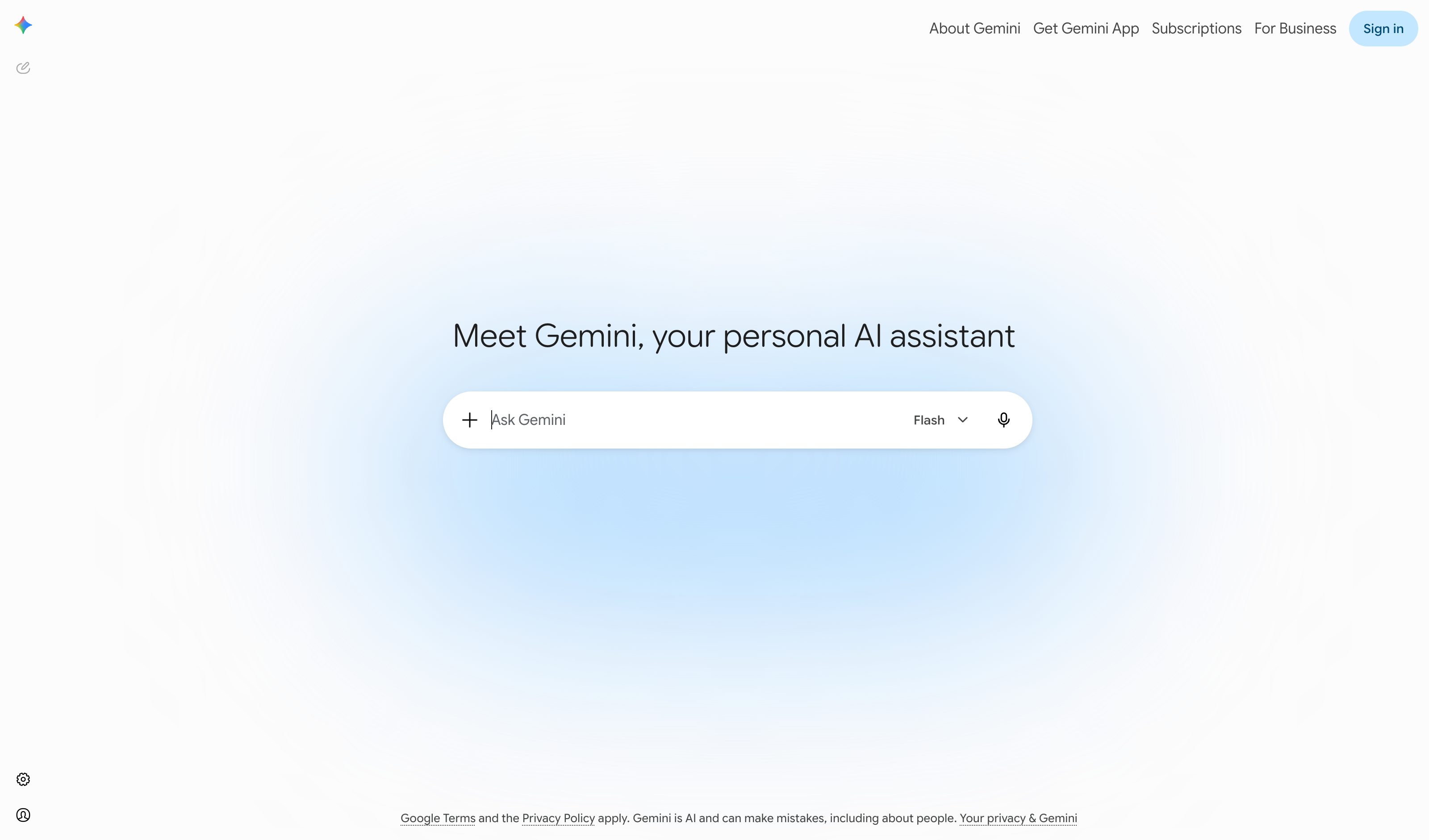
v0 by Vercel · Claude Artifacts · Gemini Deep Research
Interactive Example
The live side-by-side is the comparison.
This prototype already contains the contrast between chat and the pattern response. It stands as the primary comparison surface for this page.
Don't describe the chart. Be the chart.
Ask an AI to analyze data and chat hands back prose where a dashboard belongs — a paragraph narrating what a chart would look like, a summary that hides the data model. You can read it, but you can't sort it, filter it, or ask the next question without typing another prompt.
Generative UI makes the response itself an interface: clickable charts, sortable tables, filterable views, each labeled with the question it answers. The data stays manipulable instead of flattened into sentences, so exploration happens in the answer rather than across a dozen follow-up turns.
If the answer to a data question is a paragraph, the interface ended one step too early.
DOPE Lens
How this pattern improves AI interaction quality.
Observability
The data model sits on the surface — stat cards with deltas, hoverable charts, a sortable table — instead of trapped inside a paragraph of prose
Directability
Click a category to filter every view at once, sort any column, toggle chart types — follow-up questions become direct manipulation instead of new prompts
Predictability
Switching bar to line to pie re-encodes the same numbers; exploration changes the view, never the answer underneath it
Explainability
Every claim is checkable against the marks that render it — hover a bar for the exact figure, the legend names each category — no "trust my summary" step
Fit
Where it earns its place.
Use it
when
when
The answer is a working surface — a chart, a board, a config — rather than a paragraph.
Avoid
when
when
A short textual answer is clearer than an interface for the task at hand.
In the wild
Where this pattern already ships.
Real implementations from products users already know. Each entry shows how the pattern got applied — what shipped, where it sits in the product, what it traded off.
v0 by Vercel
Vercel
Prompt produces React/Tailwind components rendered live in a sandbox runtime — the answer IS the interface, not a description of one.
Visit Vercel ↗
Claude Artifacts
Anthropic
Fully interactive React/Recharts components render live in a side panel. The cleanest hero — Anthropic explicitly framed this as on-demand generative UI.
Visit Anthropic ↗
Gemini Deep Research
Reports natively render charts, infographics, and HTML visualizations inline instead of describing data in prose. The Apr 2026 launch on Gemini 3.1 Pro made this the hero UX.
Visit Google ↗
Research Frame
Why this pattern exists, and where it breaks.
Render the answer itself as an interactive interface with controls and views.
Text summaries hide the data model and block real exploration.
Generated visuals can overstate certainty or choose misleading encodings.
Common questions
What people ask about this pattern.
When should I use the Generative UI pattern?
+
The answer is a working surface — a chart, a board, a config — rather than a paragraph.
When should I avoid the Generative UI pattern?
+
A short textual answer is clearer than an interface for the task at hand.
What problem does Generative UI solve?
+
Analytical tasks are often answered with prose instead of manipulable structure.
Why is chat the wrong fit for this?
+
Text summaries hide the data model and block real exploration.
Grounded in Research
Not just opinion.
The papers, guidelines, and usability studies this pattern rests on.
Bret Victor
worrydream.com · long-form essay · 2006
Distinguishes information software (you read) from manipulation software (you operate) and argues most products misclassify themselves. The case for generated answers that are interfaces, not paragraphs.
Maggie Appleton
maggieappleton.com · talk + essay · 2024
Argues for structured surfaces that contain the "squish" of probabilistic generation. The practitioner-side companion to the academic patterns in this archive.
Geoffrey Litt, Paul Sonnentag, Peter van Hardenberg, Alexander Obenauer
Ink & Switch · 2024
Argues software should be end-user-modifiable as a default, with LLMs as the editing surface. The frame behind Generative UI, Smart Document, and the broader post-chat document model.
Related Patterns
Curated connections, not just neighbors.
Hand-picked relationships — what this pattern pairs with in practice, what it replaces, what it builds on, and what builds on it.
Often paired with
Spatial Canvas
Spatial Canvas arranges parallel AI contexts as nodes; Generative UI turns a node's data answer into charts and tables.
Often paired with
Progressive Disclosure
Progressive Disclosure keeps a Generative UI answer's extra filters and encodings folded until you need them.