AI products accumulate user data invisibly — uploads, scraped sources, retrieved messages, persisted preferences — with no surface for users to see or control it.
← Back to patterns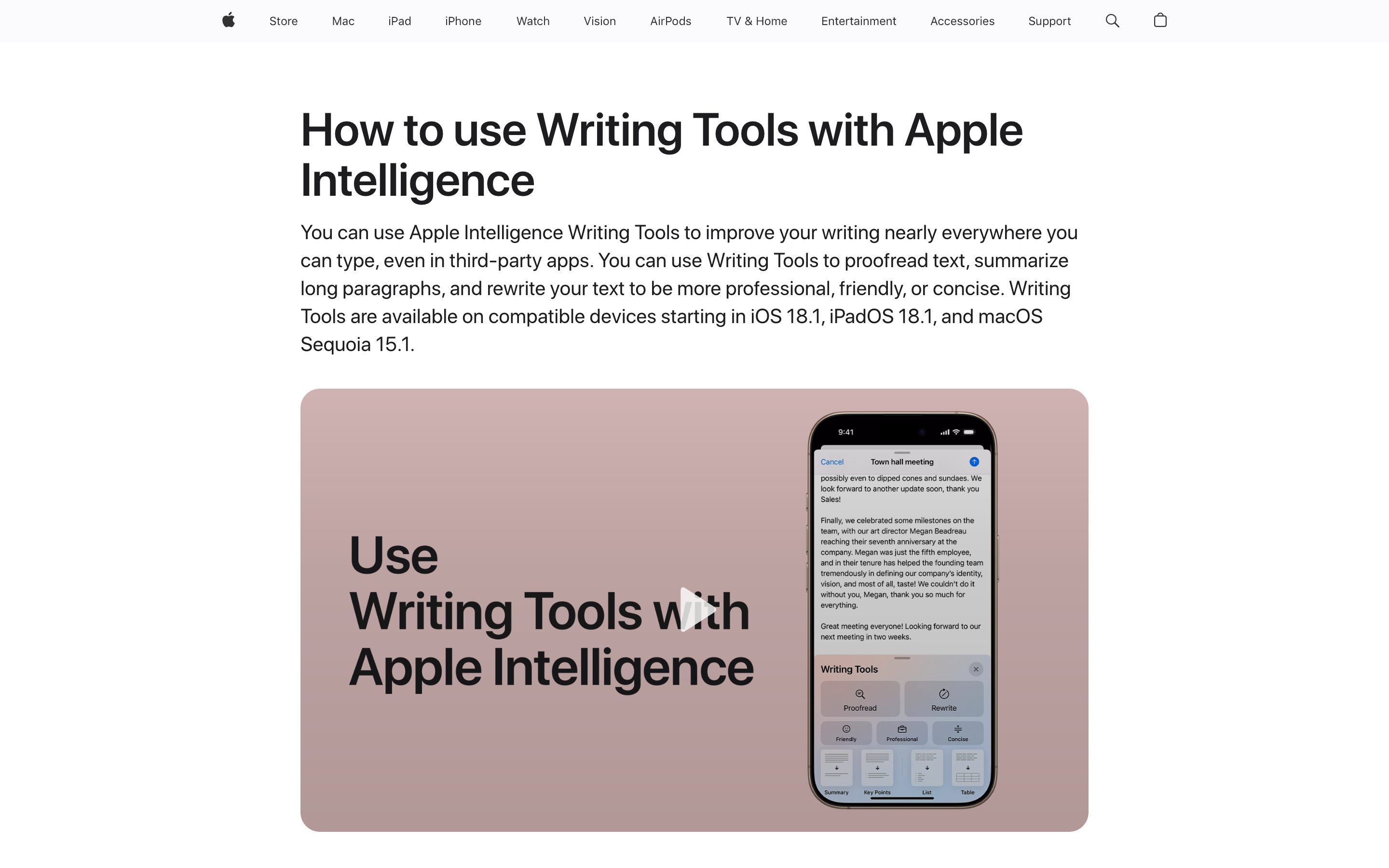
Memory, Context & Boundary
Research PatternData Ownership
What the AI Has on You — and How to Take It Back
Memory exposes what the AI remembers about you. Data Ownership broadens that to all the data the AI has touched on your behalf — uploaded files, scraped sources, retrieved emails, persisted preferences. Categorized by source, dated, exportable, deletable. The user-facing inventory of what the system holds.
Metaphor
Inventory Cabinet
Interaction
Inspect, Export, Delete
Use case
Memory-aware AI, Personalized Assistants, Privacy Compliance
Failure mode
Scattered Ownership
Control mechanisms
Data Cards · Source Tags · Bulk Actions · Export Buttons
Reference examples
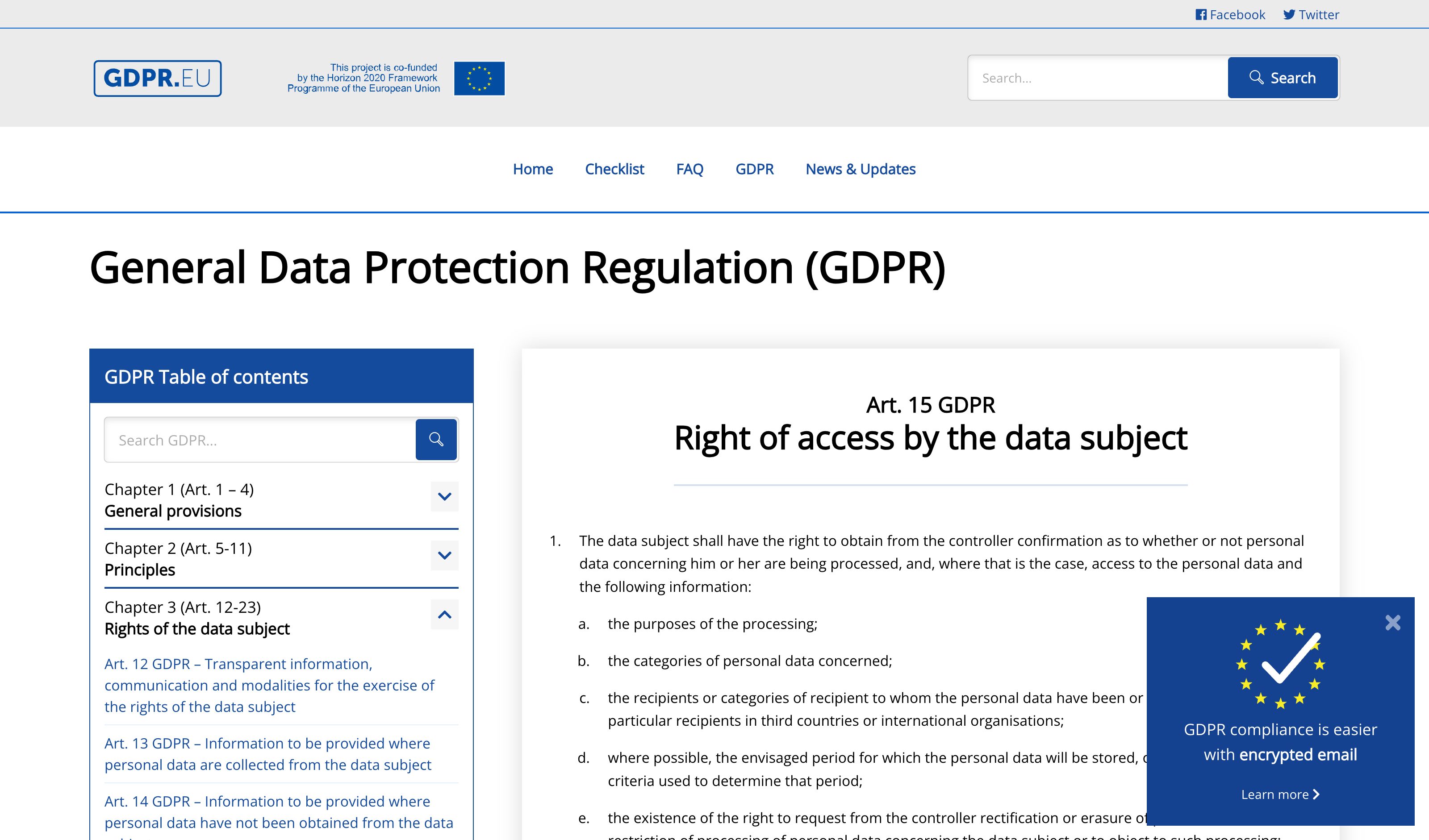
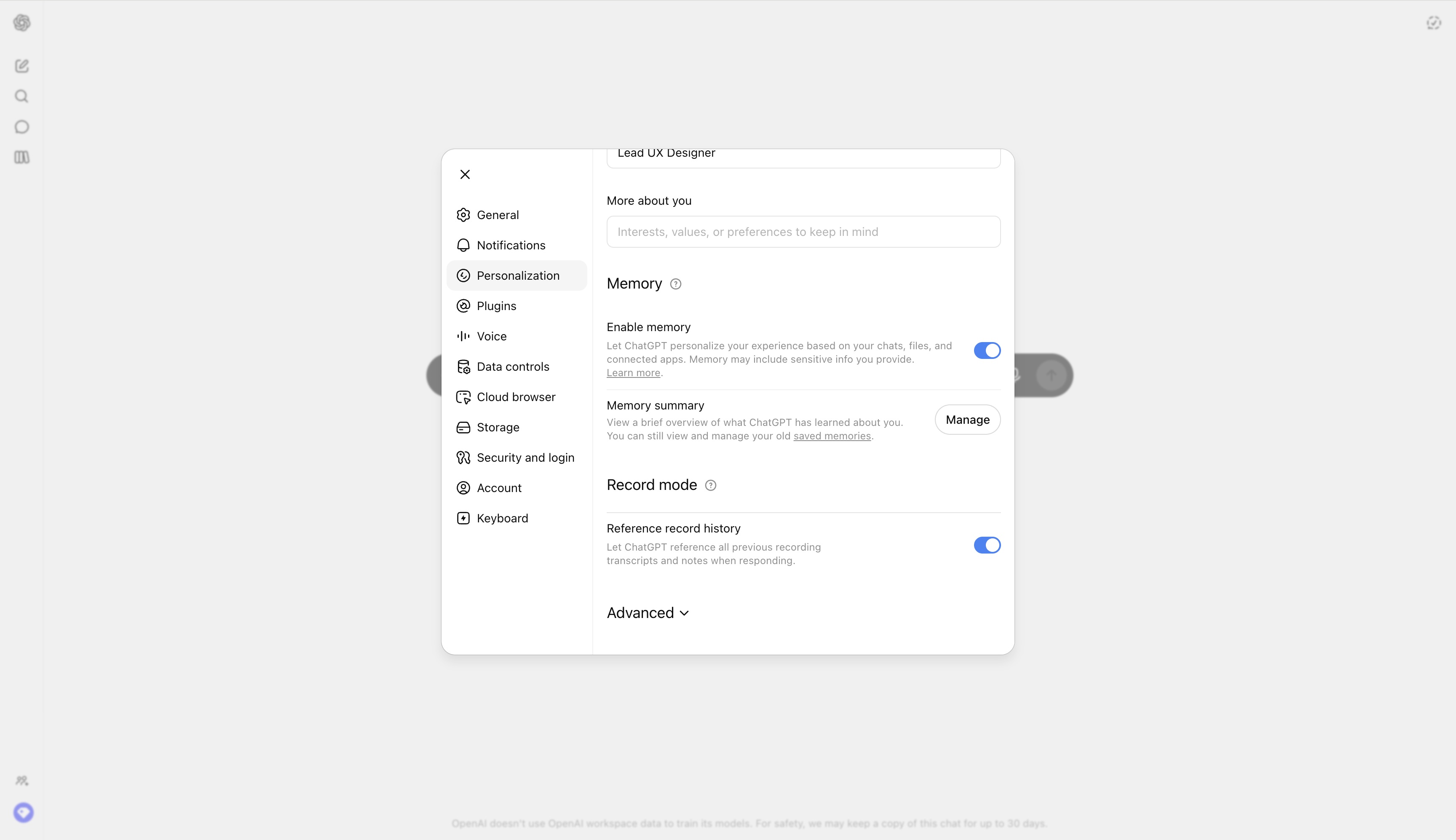
Apple App Privacy Report · GDPR Data Subject Access Request flows · ChatGPT Memory export + bulk delete · Claude Memory inspector
Interactive Example
The live side-by-side is the comparison.
This prototype already contains the contrast between chat and the pattern response. It stands as the primary comparison surface for this page.
"What do you have on me?" deserves an answer you can act on.
AI products accumulate your data invisibly — uploaded files, scraped sources, retrieved emails, persisted preferences — scattered across tools no one surface can see. Chat can recite what it remembers, but everything outside that thin memory stays dark, and asking for it back means filing a support ticket and hoping.
Data Ownership renders every fragment the system has touched as a categorised, dated inventory you control directly. Export, scope, or delete any item — bulk or individual — and the cabinet always reflects current truth, with each entry showing its source and what features depend on it. Control becomes a button, not a request.
"Data you can see, source, and delete yourself is owned; data you have to ask about is merely held."
DOPE Lens
How this pattern improves AI interaction quality.
Observability
Every fragment of user data the system touches is rendered, categorised, and dated
Directability
Export, delete, or scope any item — bulk or individual — without filing a support ticket
Predictability
Deletion is real and surfaces a confirmation; the inventory always reflects current truth
Explainability
Each entry shows where the data came from and what features rely on it
Fit
Where it earns its place.
Use it
when
when
The AI accumulates user data over time and users need a single surface to inspect, export, and reclaim it.
Avoid
when
when
The system stores only ephemeral session data with no cross-session persistence — a data inventory adds noise without information.
Closest neighbours
No product ships this exactly — these come closest.
This is a research pattern — we describe a UX move that no shipping product implements cleanly today. The entries below are adjacent: they share the spirit of the pattern even if they take a different shape.
Apple · App Privacy Report
Apple
Settings → Privacy → App Privacy Report renders every domain each app contacted, categorised, dated, exportable. Not AI-specific, but the canonical example of "user-facing inventory of what the system holds on you."
Visit Apple ↗
GDPR · Data Subject Access Request flows
EU regulatory pattern
Every major product now ships a "Download my data" workflow. Coverage varies (memories yes, retrieved sources sometimes, persisted preferences often missed). The legal baseline the pattern operationalises.
Visit EU regulatory pattern ↗
ChatGPT · Memory export + bulk delete
OpenAI
Settings → Personalization → Memory shows every saved memory with date and one-tap delete. Custom Instructions export as JSON. Closest consumer-facing implementation of the inventory-with-actions surface.
Visit OpenAI ↗
Claude · Memory inspector
Anthropic
Per-project memory page rendering what Claude has learned, with edit and delete per entry. Stops short of unifying uploaded files and retrieved sources into the same surface — the upgrade path the pattern points to.
Visit Anthropic ↗
Research Frame
Why this pattern exists, and where it breaks.
Render every fragment of user data the system has touched as a first-class user-facing inventory: categorized, dated, exportable, deletable.
Chat as a UX has no surface for "what do you have on me" beyond memory; data scattered across tools stays invisible to the human it belongs to.
Faithful inventory can reveal more than expected and break trust if the system has been silently over-collecting.
Common questions
What people ask about this pattern.
When should I use the Data Ownership pattern?
+
The AI accumulates user data over time and users need a single surface to inspect, export, and reclaim it.
When should I avoid the Data Ownership pattern?
+
The system stores only ephemeral session data with no cross-session persistence — a data inventory adds noise without information.
What problem does Data Ownership solve?
+
AI products accumulate user data invisibly — uploads, scraped sources, retrieved messages, persisted preferences — with no surface for users to see or control it.
Why is chat the wrong fit for this?
+
Chat as a UX has no surface for "what do you have on me" beyond memory; data scattered across tools stays invisible to the human it belongs to.
Related Patterns
Curated connections, not just neighbors.
Hand-picked relationships — what this pattern pairs with in practice, what it replaces, what it builds on, and what builds on it.
Often paired with
Incognito Mode
Incognito Mode keeps a session out of long-term memory; Data Ownership shows and deletes what was already stored.
Often paired with
Consent
Data Ownership shows what the AI already holds; Consent controls which apps it can still reach, with scope and expiry.
Extends
AI Memory
AI Memory exposes what the AI remembers; Data Ownership broadens that to everything it has touched on your behalf.