Once agents run for minutes instead of seconds, a transcript stops working as a supervision surface: four agents interleaved into one scroll means you find out about the blocked one when you happen to scroll past it. The Agentic Dashboard gives concurrent agents a control room — per-agent status and progress, pause/resume on each lane, an approval queue that states what the agent wants to do before it does it, and a timestamped log per agent — so intervention is a button you press, not a message you hope lands in time.
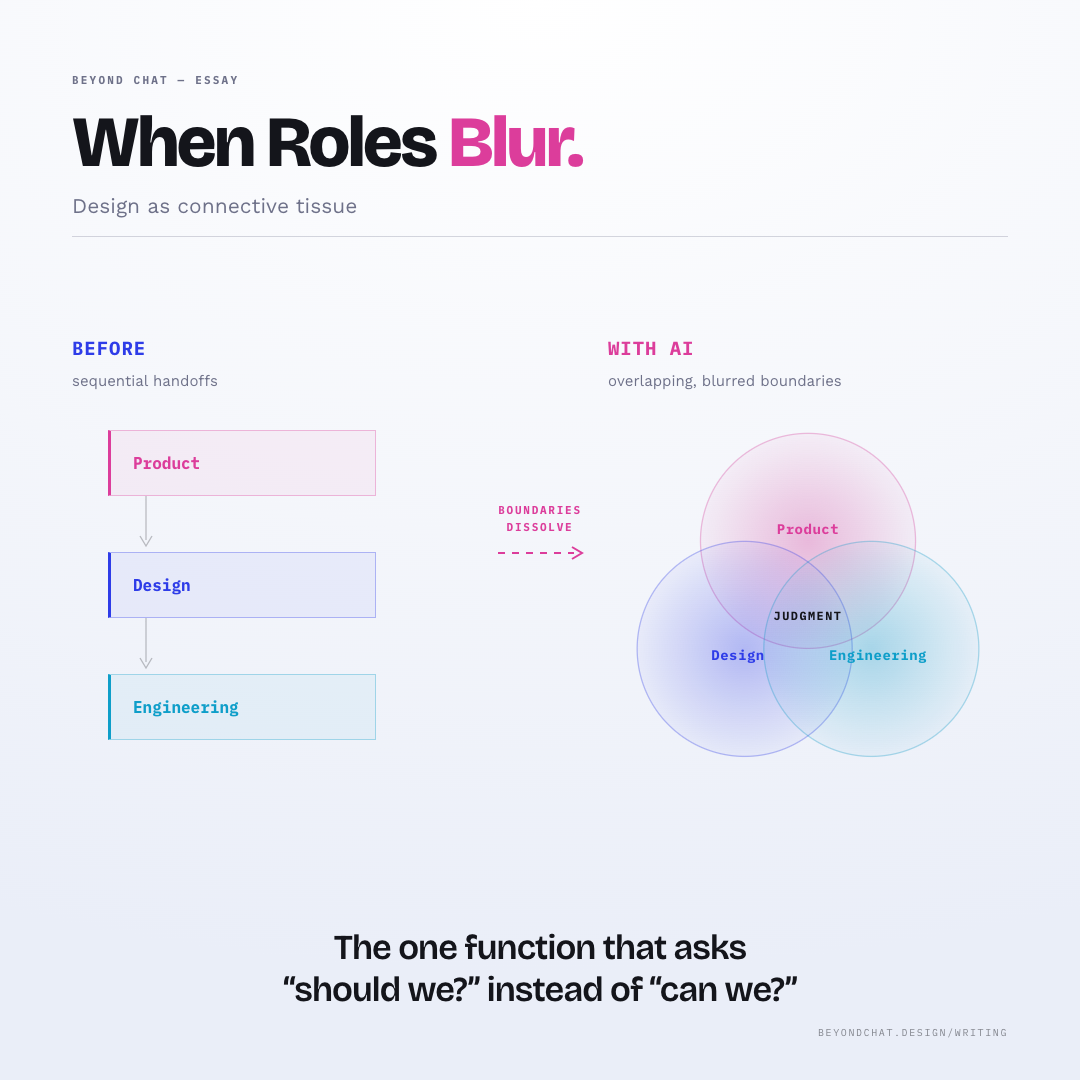
Multi-agent supervision is exactly where Product, Design, and Engineering judgment overlap — “should we?” lives next to “can we?”. The dashboard is the surface where that overlap is operable, not just observable.
From the Essay
The one function that asks “should we?” instead of “can we?”
This prototype already contains the contrast between chat and the pattern response. It stands as the primary comparison surface for this page.
Loading Demo
Preparing the interactive example for this pattern.
✦
A transcript is a log. A control room is a cockpit.
Autonomous agents are hardest to supervise while they're actually moving — and a chat thread can only narrate the past, one line at a time. When several agents run at once, the transcript cannot summarise live state: you scroll through history hoping to reconstruct what's happening now, with no lever to pull when something drifts.
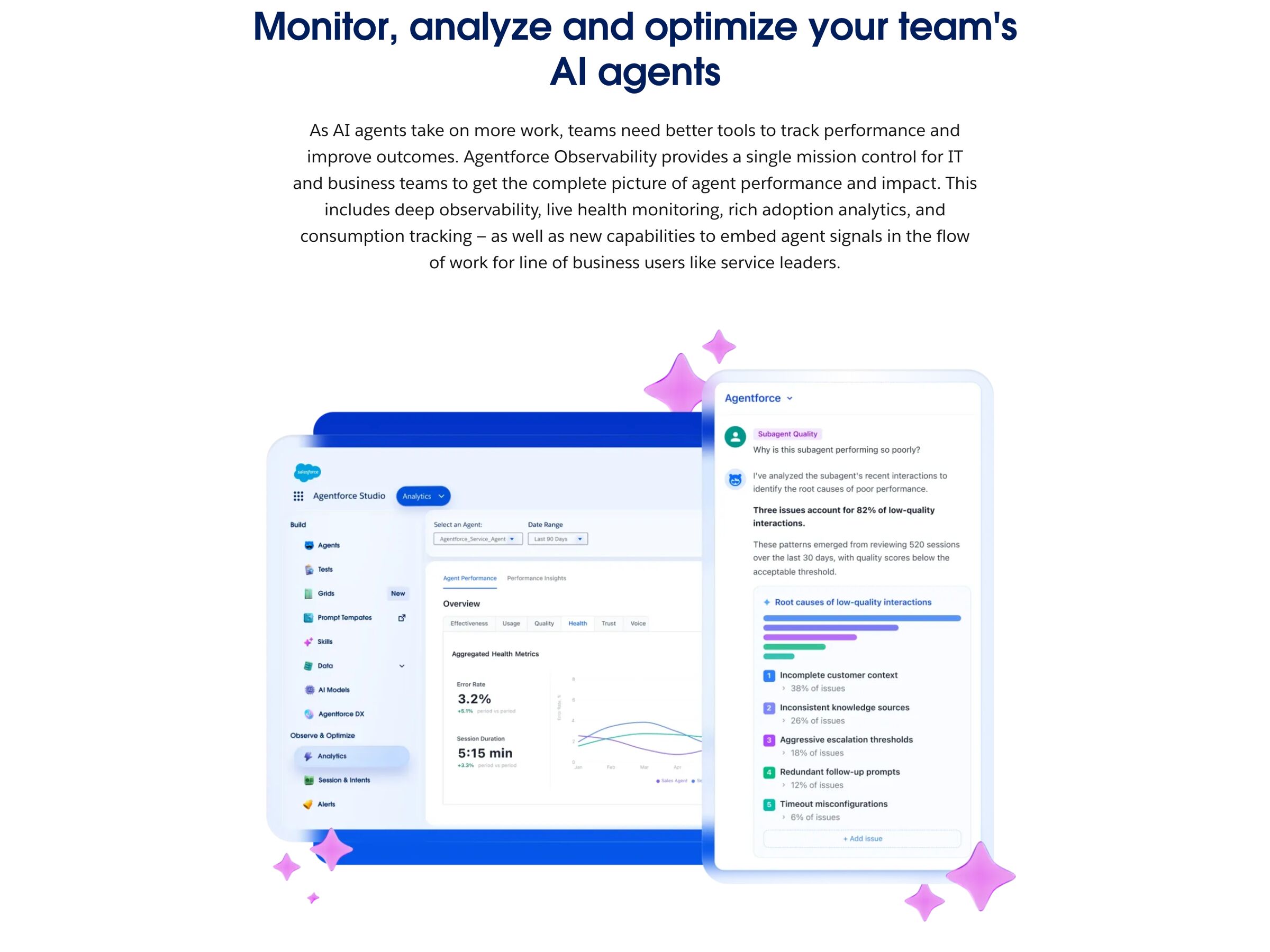
The dashboard centralises status, plans, logs, and interruptions so the invisible becomes legible — plans shown before execution, reasoning traces exposing which data points drove each decision, and Stop & Steer gates wired to real authority. The discipline is that the controls must do what they imply: a dashboard that displays state without the power to halt it is theatre, not supervision.
Visibility without intervention is a dashboard that lies; the buttons have to actually stop the machine.
DOPE Lens
How this pattern improves AI interaction quality.
Observability
Each agent gets its own lane — live status, progress bar, current step, timestamped log — so a stalled or waiting agent is visible without scrolling a merged transcript
Directability
Pause or resume any agent mid-run, approve or reject its queued request — intervention is a per-agent button, not a chat message racing the agent
Predictability
Agents that hit a scope decision halt and queue for approval instead of guessing — the dashboard states what will happen next before it happens
Explainability
Approval cards state the concrete action and its scope ("147 messages across 6 threads, posts to #standup"), so the decision is made on specifics, not on trust
Fit
Where it earns its place.
Use it when
Multiple agents run concurrently and users need a control room rather than a transcript.
Avoid when
One short-running assistant is doing one thing — a transcript is the right surface for that, and a control room is overhead.
In the wild
Where this pattern already ships.
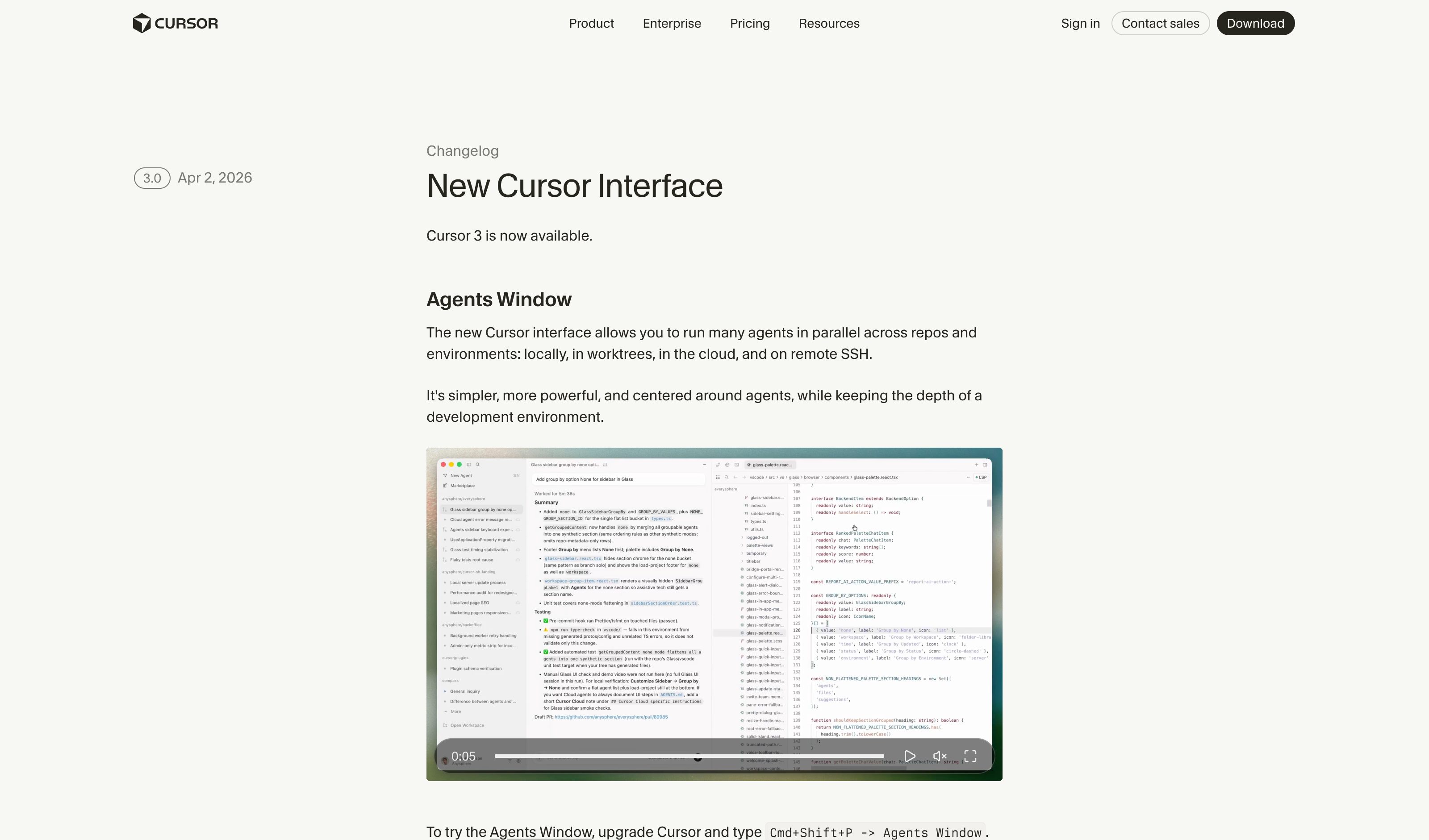
The pattern is shipping but still maturing across products. Entries below show how different teams have approached it; expect variation as the space settles.
Several agents running concurrently in one transcript means discovering the blocked one only when you happen to scroll past it.
Pattern
Give each agent its own lane — status, progress, log — plus per-agent pause/resume and an approval queue that states the action before it runs.
Why Chat Breaks
A transcript is a single timeline: it cannot show the live state of several agents at once, and a typed "stop" races the agent it is trying to halt.
Risks
A pause button that lags the agent, or approval cards too vague to decide on, simulate control without providing it — the surface must be wired to real interruption.
Common questions
What people ask about this pattern.
When should I use the Agentic Dashboard pattern?
+
Multiple agents run concurrently and users need a control room rather than a transcript.
When should I avoid the Agentic Dashboard pattern?
+
One short-running assistant is doing one thing — a transcript is the right surface for that, and a control room is overhead.
What problem does Agentic Dashboard solve?
+
Several agents running concurrently in one transcript means discovering the blocked one only when you happen to scroll past it.
Why is chat the wrong fit for this?
+
A transcript is a single timeline: it cannot show the live state of several agents at once, and a typed "stop" races the agent it is trying to halt.
Grounded in Research
Not just opinion.
The papers, guidelines, and usability studies this pattern rests on.
Argues for human oversight as a first-class design principle in generative AI interfaces — not an afterthought. Frames accessibility as part of the oversight surface, not a separate concern.
Related Patterns
Curated connections, not just neighbors.
Hand-picked relationships — what this pattern pairs with in practice, what it replaces, what it builds on, and what builds on it.