Agents drift when boundaries exist only inside one prompt.
← Back to patterns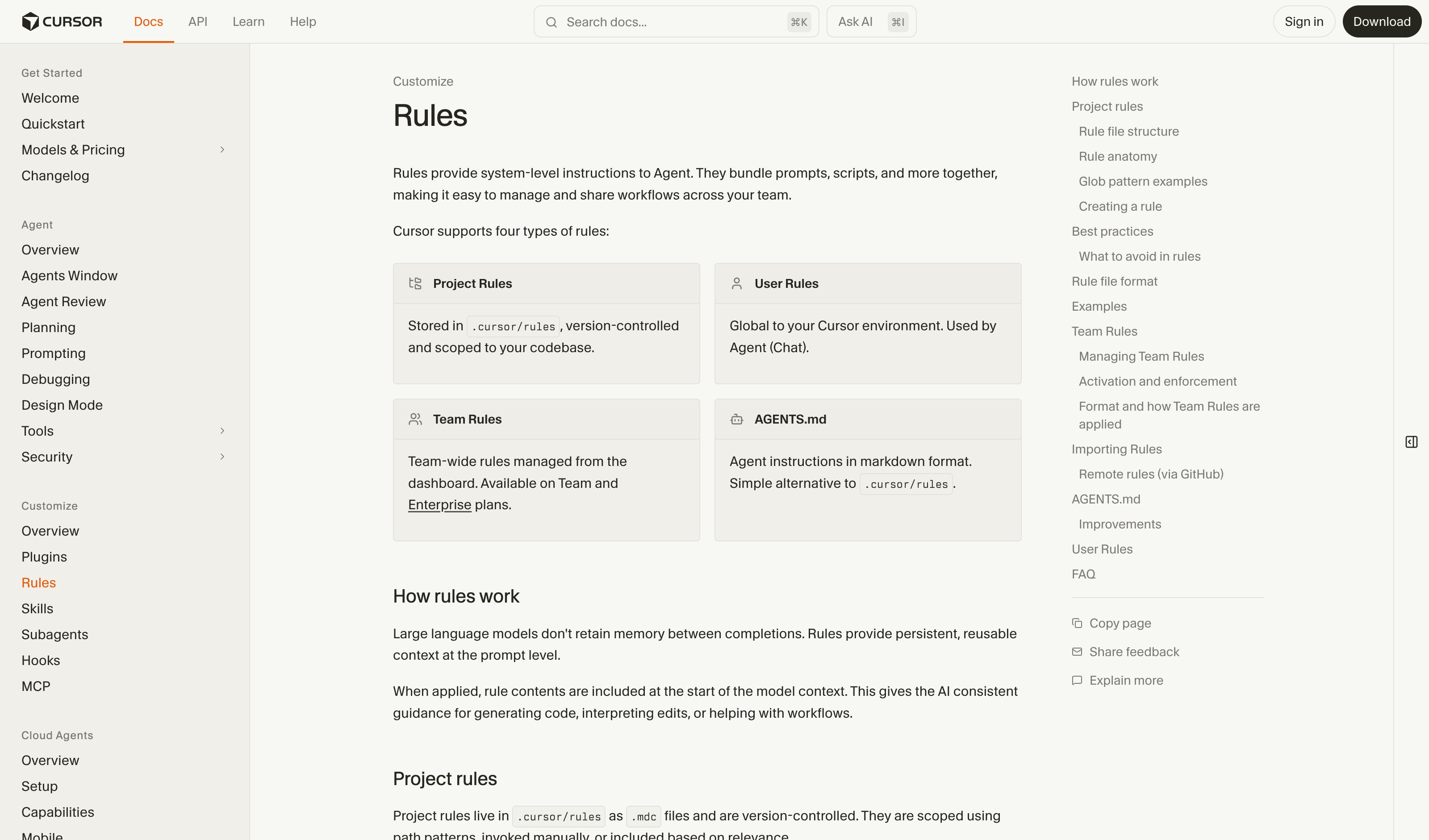
Guidelines for Human-AI Interaction (HAX Toolkit, G1-G18)
Memory, Context & Boundary
EmergingConstraint Rules Engine
Persistent Rules for Persistent Agents
Instead of re-stating boundaries every session, users define persistent rules an agent must always follow — organized by category, individually toggleable. When the agent runs, every action is checked against the rulebook in real-time.
Metaphor
Rulebook
Interaction
Toggle, Edit, Category
Use case
Agent Configuration, Workflow Automation, Governance
Failure mode
Weak Intervention
Control mechanisms
Rule Cards · Category Tabs · Toggle Switches · Live Enforcement
Reference examples
Cursor Rules · Claude Code CLAUDE.md · GitHub Copilot Instructions · AGENTS.md cross-tool standard
Interactive Example
The live side-by-side is the comparison.
This prototype already contains the contrast between chat and the pattern response. It stands as the primary comparison surface for this page.
A boundary you restate every session is a boundary you will eventually forget.
Agents drift when their guardrails live inside a single prompt. A reminder typed at the start of one session is fragile, forgettable, and impossible to audit later, so the same boundary has to be re-litigated every time. Worse, you only discover a rule was dropped after the agent has already crossed it.
The Constraint Rules Engine turns boundaries into durable, toggleable rules that every action is checked against at runtime. Enforcement shows live, with pass or fail reasons per action, so the rulebook is both the policy and the record of its application. Consistency stops depending on the user's memory and starts depending on the system.
A rule worth following twice is worth making the system remember, not the user.
DOPE Lens
How this pattern improves AI interaction quality.
Observability
All active rules visible in one place, enforcement shown live
Directability
Toggle, edit, or add rules anytime — agent adapts immediately
Predictability
Same rulebook produces consistent agent behavior across sessions
Explainability
Rule enforcement is shown live with pass/fail reasons for each action
Fit
Where it earns its place.
Use it
when
when
Agents must respect durable boundaries that prompt reminders cannot reliably enforce.
Avoid
when
when
The workflow changes so fast that lightweight guidance is enough.
In the wild
Where this pattern already ships.
The pattern is shipping but still maturing across products. Entries below show how different teams have approached it; expect variation as the space settles.
Cursor Rules
Cursor
Rules live in .cursor/rules as version-controlled .mdc files, with four application modes in the type dropdown: Always Apply, Apply Intelligently, Apply to Specific Files, Apply Manually. Every rule and its status shows in the Customize sidebar panel. Team Rules add an "Enforce this rule" flag members cannot switch off — enforced adoption, not enforced actions.
Visit Cursor ↗
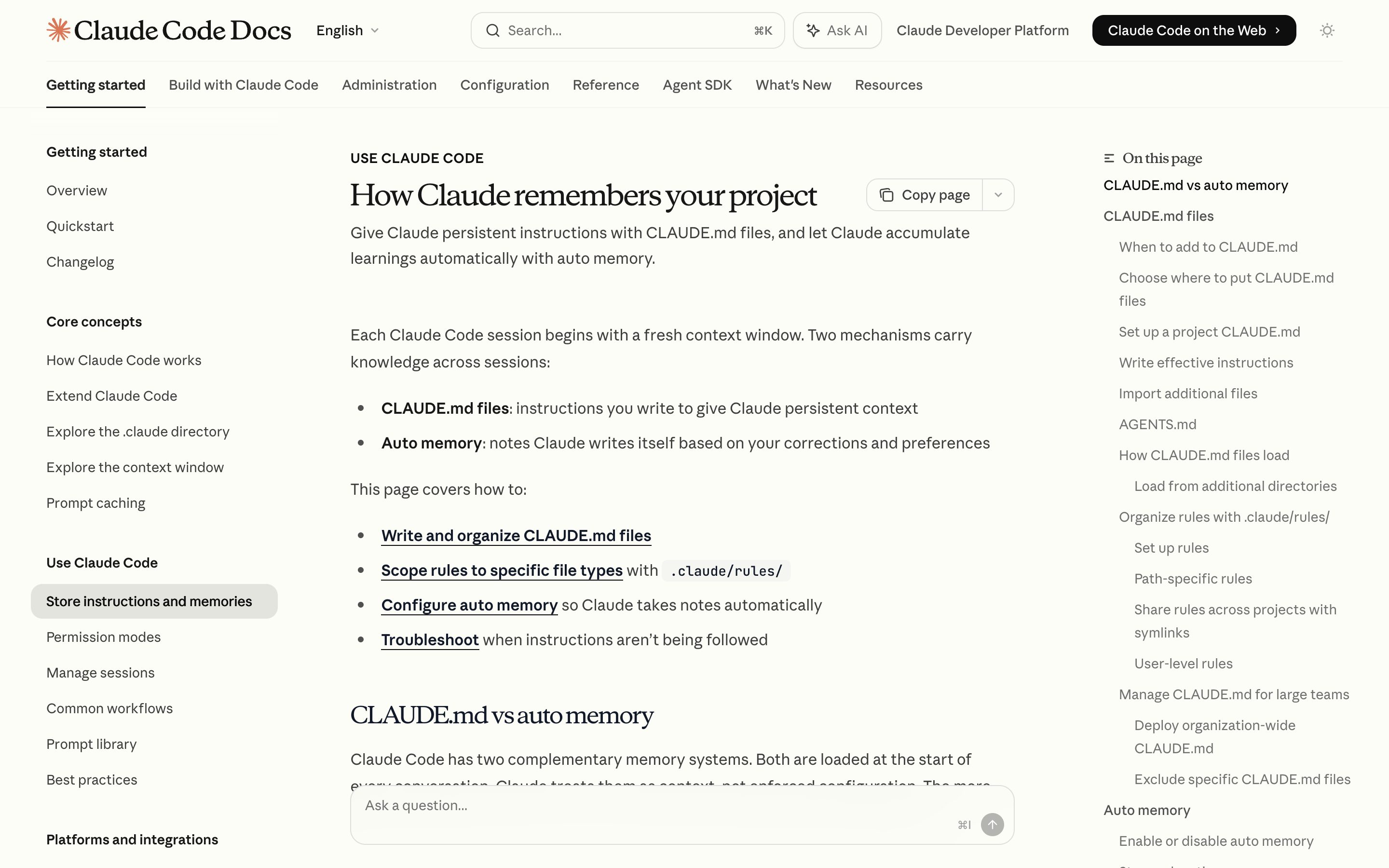
Claude Code CLAUDE.md
Anthropic
Four tiers — managed policy, ~/.claude, project, CLAUDE.local.md — plus .claude/rules/*.md scoped by a paths glob, all plain markdown listed by /memory. Auto memory writes to its own project directory, not back into CLAUDE.md. Anthropic names the ceiling itself: context, not enforced configuration — blocking an action takes a PreToolUse hook.
Visit Anthropic ↗
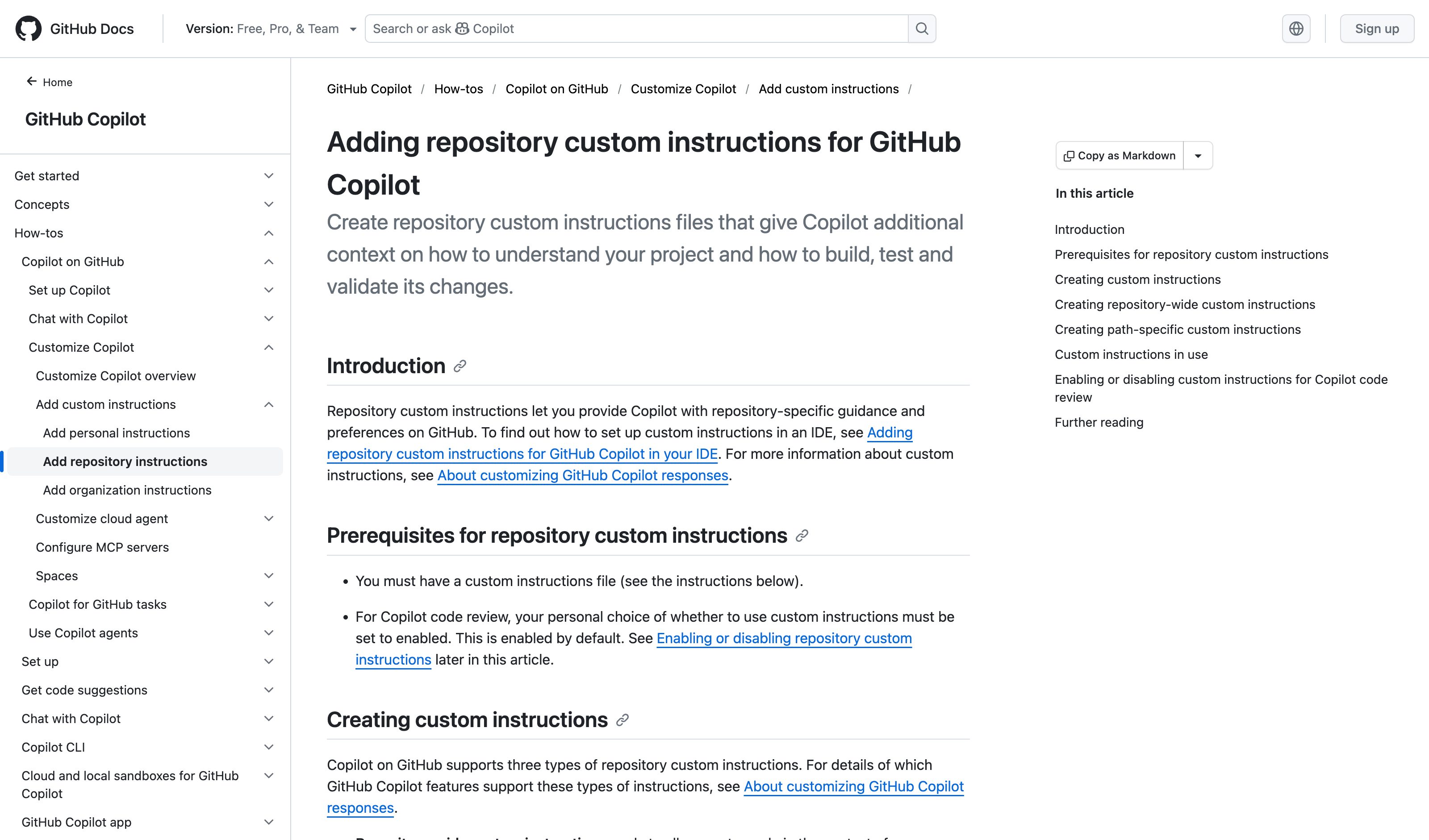
GitHub Copilot Instructions
GitHub
.github/copilot-instructions.md repo-wide, .github/instructions/*.instructions.md scoped by an applyTo glob, and since Aug 2025 AGENTS.md, CLAUDE.md or GEMINI.md read as-is. Personal instructions outrank repository, repository outranks organization. On github.com the path-scoped files reach only Copilot code review and the cloud agent.
Visit GitHub ↗
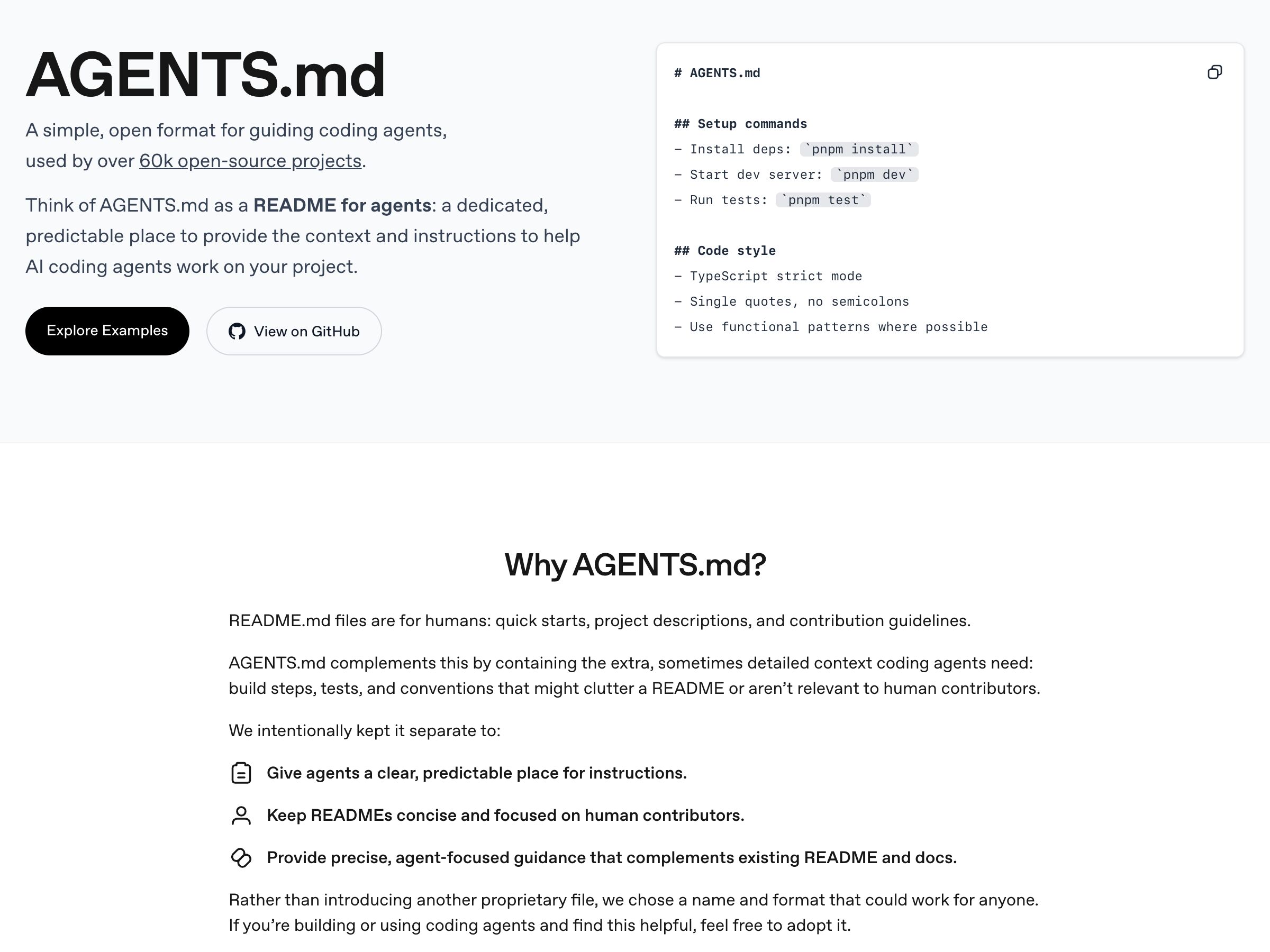
AGENTS.md cross-tool standard
Open standard
Open format, ~60k repos, honored by Codex, Cursor, VS Code, Copilot's cloud agent, Jules, Devin and Zed. Claude Code is the holdout — it reads CLAUDE.md only, and tells you to import or symlink AGENTS.md into it. A convention for where rules live, not a mechanism that enforces them.
Visit Open standard ↗
Research Frame
Why this pattern exists, and where it breaks.
Represent rules as durable, inspectable constraints enforced at runtime.
Prompt reminders are fragile, forgettable, and hard to audit.
Rigid rules can block sensible actions or become outdated.
Common questions
What people ask about this pattern.
When should I use the Constraint Rules Engine pattern?
+
Agents must respect durable boundaries that prompt reminders cannot reliably enforce.
When should I avoid the Constraint Rules Engine pattern?
+
The workflow changes so fast that lightweight guidance is enough.
What problem does Constraint Rules Engine solve?
+
Agents drift when boundaries exist only inside one prompt.
Why is chat the wrong fit for this?
+
Prompt reminders are fragile, forgettable, and hard to audit.
Grounded in Research
Not just opinion.
The papers, guidelines, and usability studies this pattern rests on.
Saleema Amershi et al.
Microsoft Research · 2019 · refreshed 2026-07
The canonical 18-guideline taxonomy for human-AI interaction. Strongest anchors: G9 efficient correction, G11 why-did-it-do-that, G17 global controls. Its three zero-coverage guidelines — G6 bias mitigation, G14 cautious updates, G18 change notification — became this library's Bias Flag and Model Changelog patterns in July 2026. Nearly the whole Agent Workflow category sits outside its 2019 single-assistant frame.
Related Patterns
Curated connections, not just neighbors.
Hand-picked relationships — what this pattern pairs with in practice, what it replaces, what it builds on, and what builds on it.
Often paired with
Autonomy Dial
Autonomy Dial sets which tools run freely, ask first, or stay off; Constraint Rules Engine checks each action that runs.
Often paired with
Approval Gates
Constraint Rules Engine checks every action automatically; Approval Gates add a human sign-off at predefined checkpoints.
Often paired with
AI Memory
AI Memory keeps preferences that shape answers; Constraint Rules Engine keeps rules the agent must follow on every action.